Week 6-Meshing of Hood Challenge
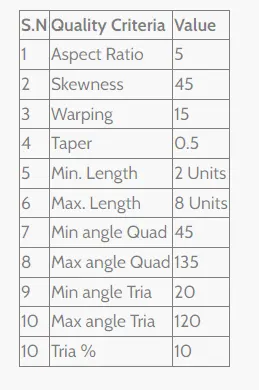
Aim - Cleanup of the given geometry of Hood and meshing the same with an element size of 5 as per the given quality criteria :
Procedure -
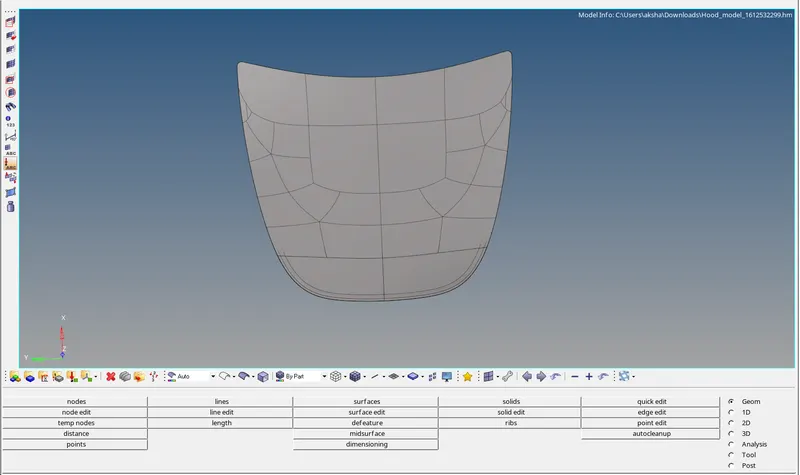
Import the hood model in hypermesh :
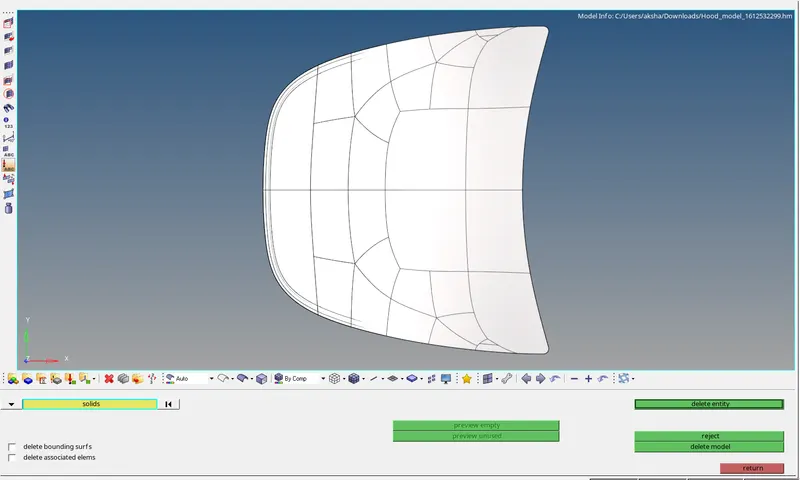
We delete all the solids in the model as shown :
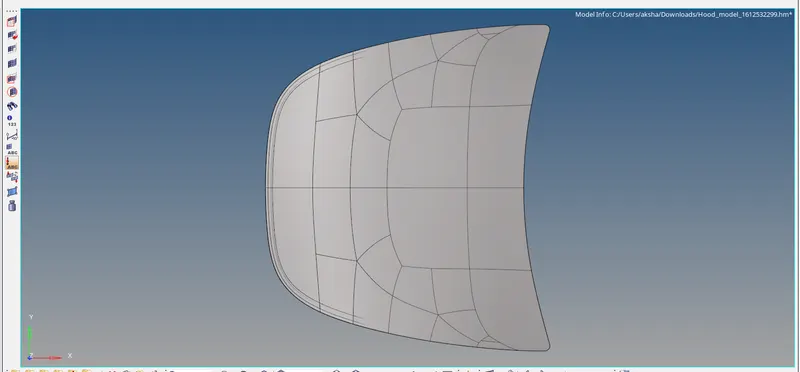
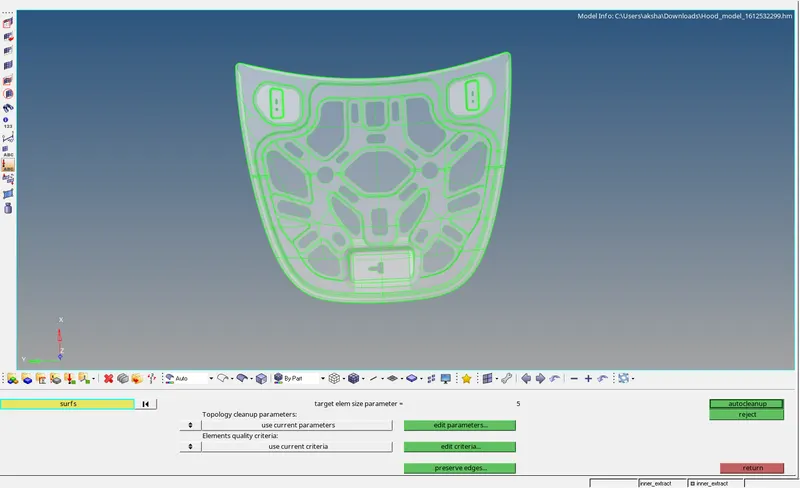
We perform an auto cleanup on the geometry as shown :
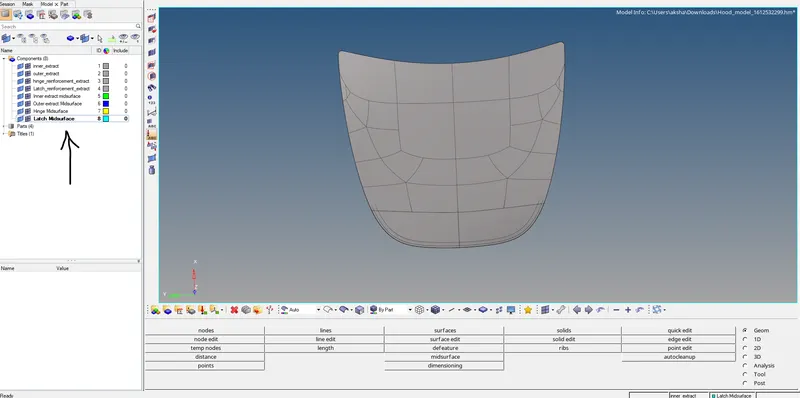
After auto clean up we generate mid surface for the 4 components separately using the organize command and creating 4 new entities as shown :
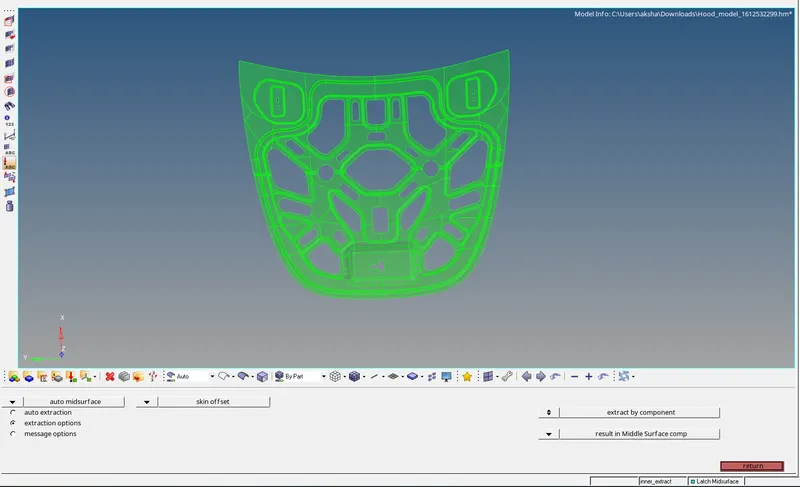
The skin offset command is used for mid surface generation:
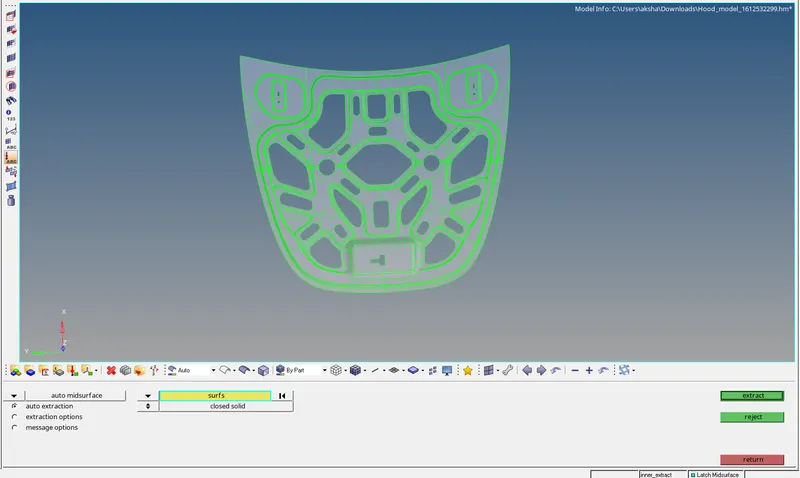
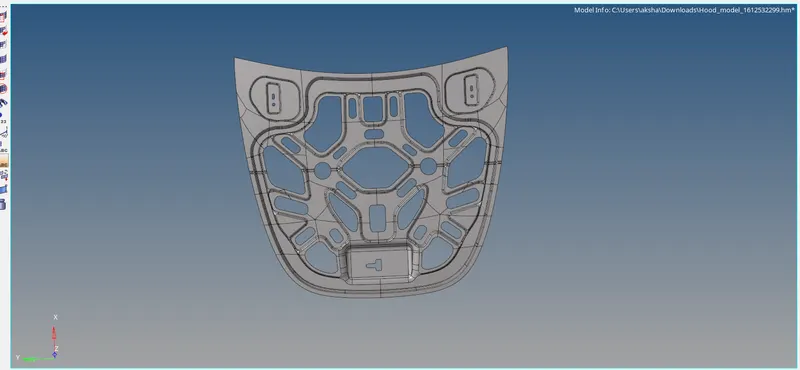
Now we move the mid surface to the respective component as shown :
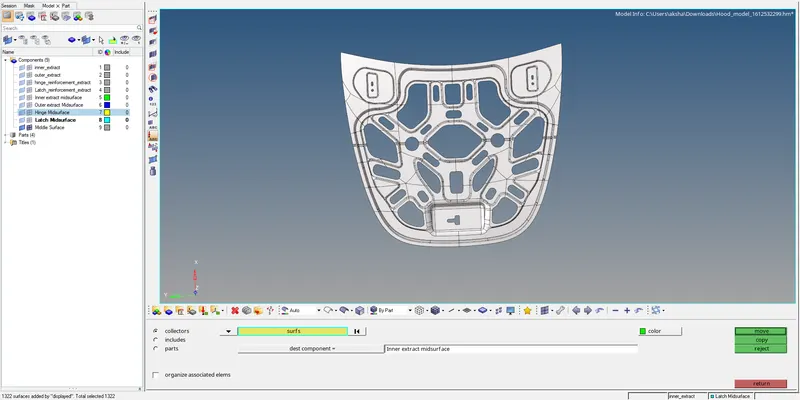
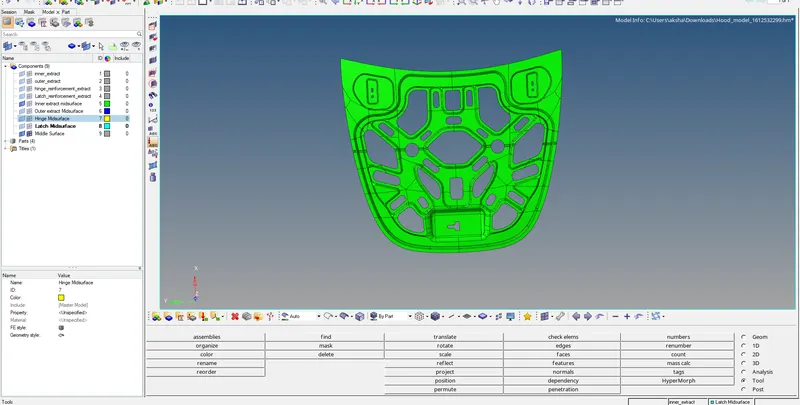
Similarly, the procedure is carried out for all mid surfaces, the mid surfaces are as shown below :
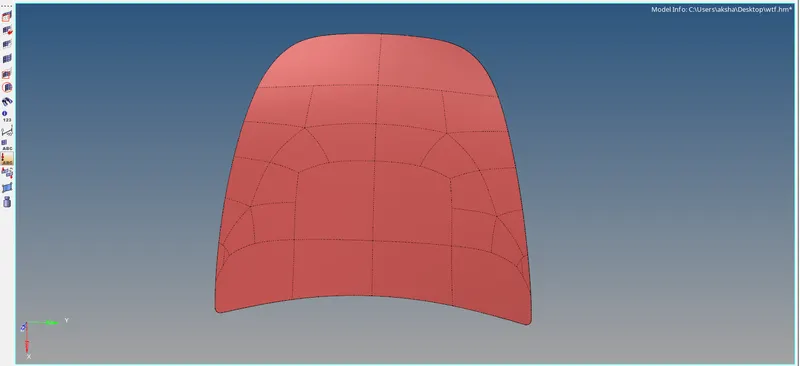
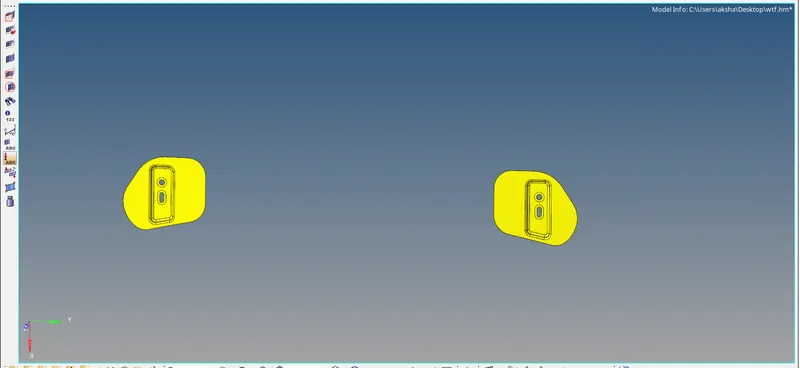
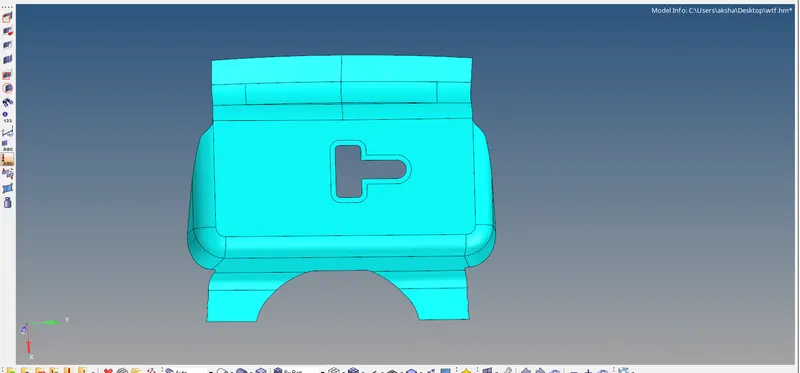
After generating the mid surface we perform an auto clean up on each of the mid surfaces:
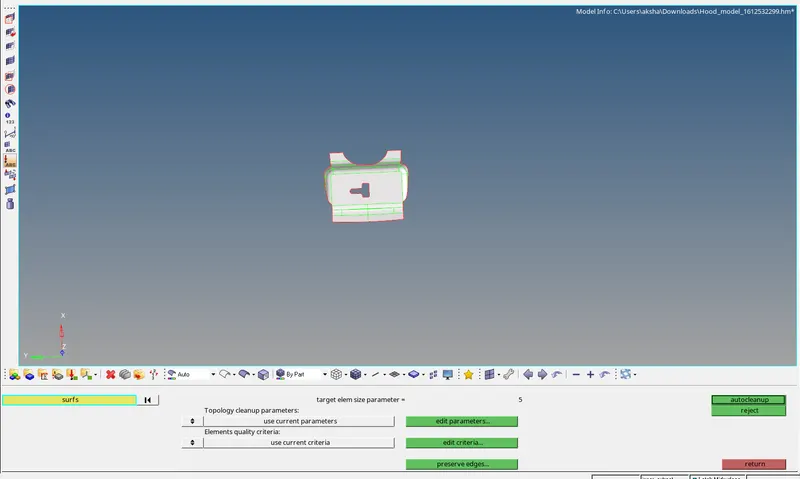
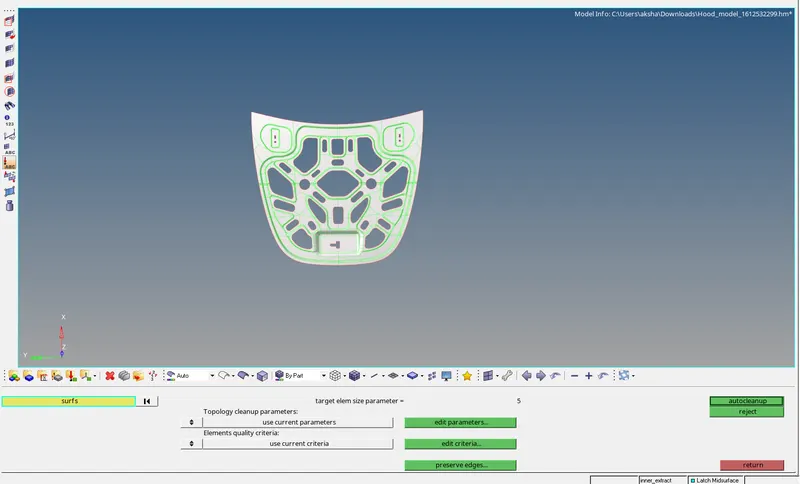
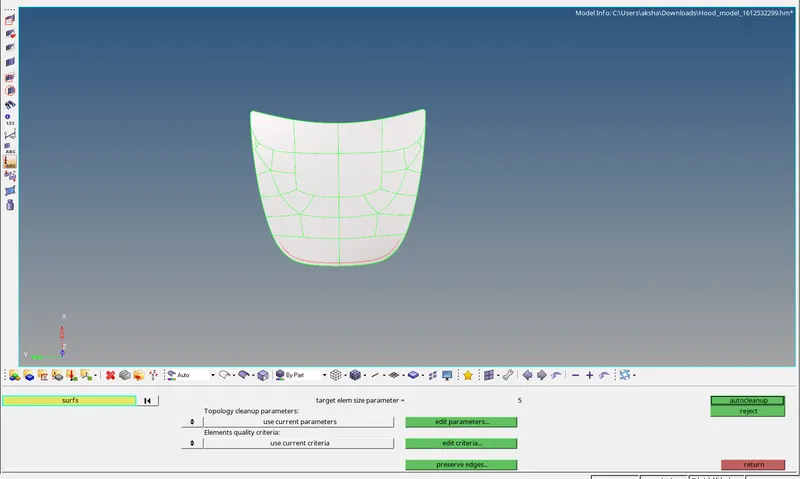
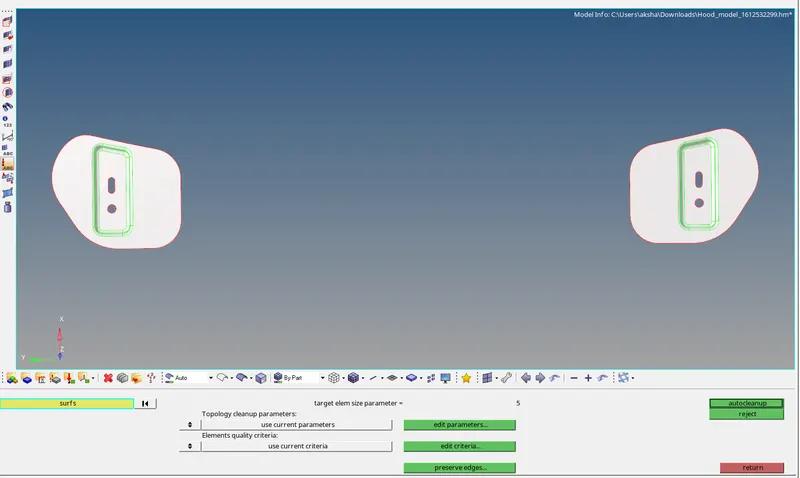
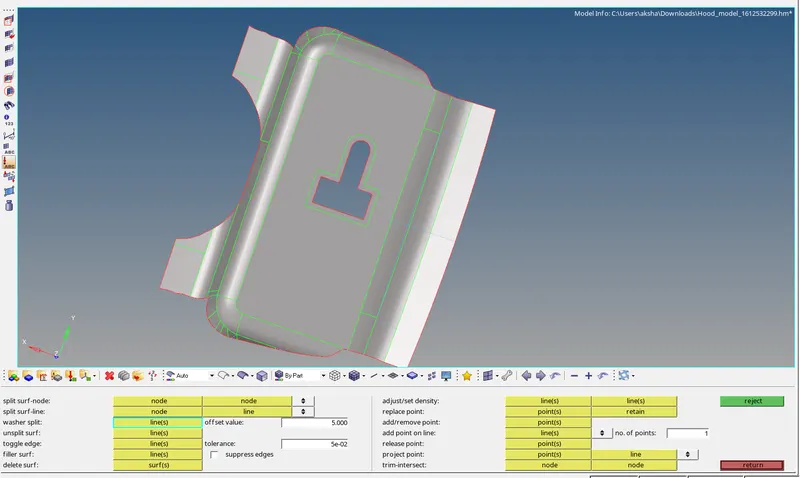
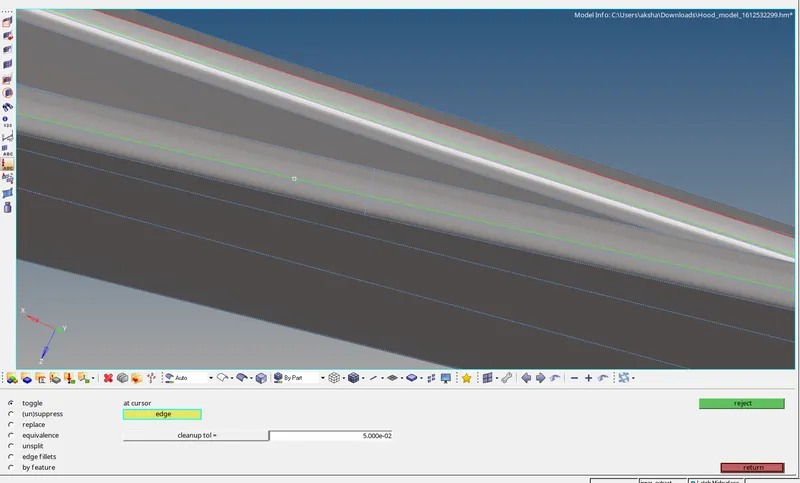
Washer splits are introduced and defeaturing is done near hemming regions to capture the mesh properly without minimum length errors :
2D meshing is performed after the cleanup and defeaturing with an element size of 5 and mixed elements :
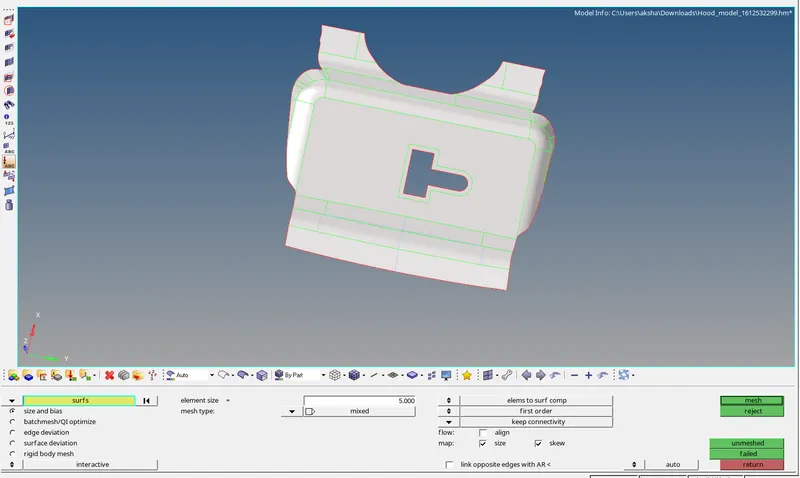
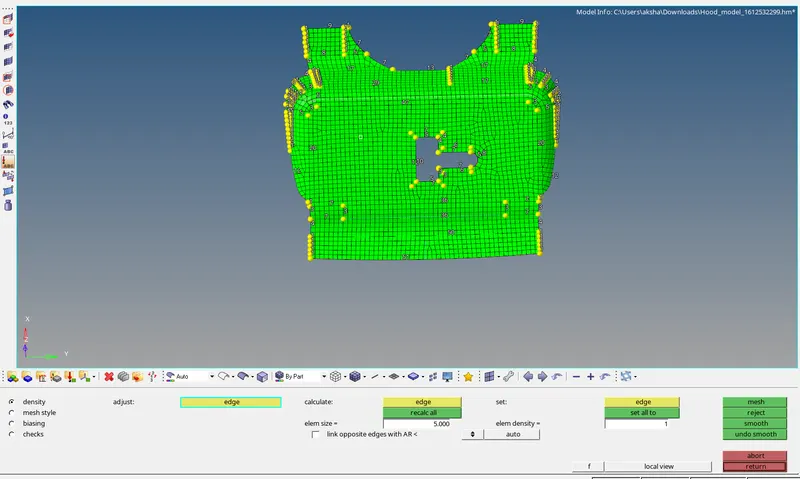
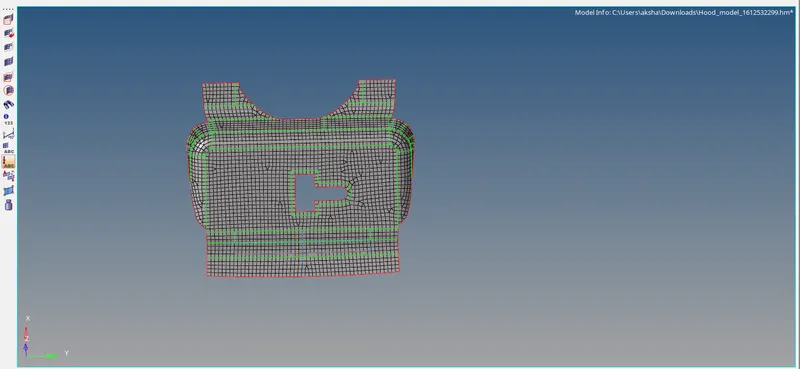
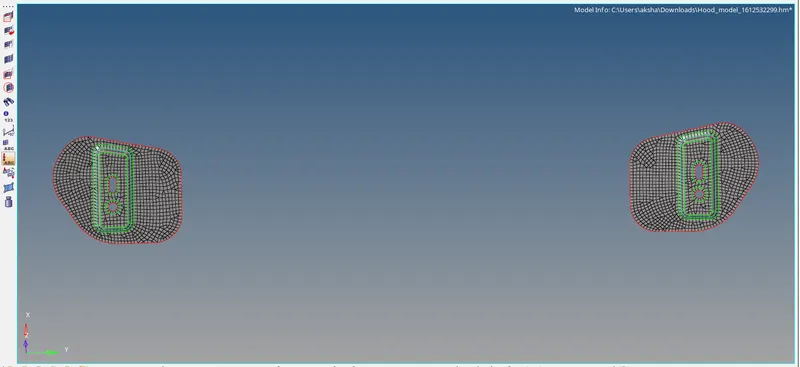
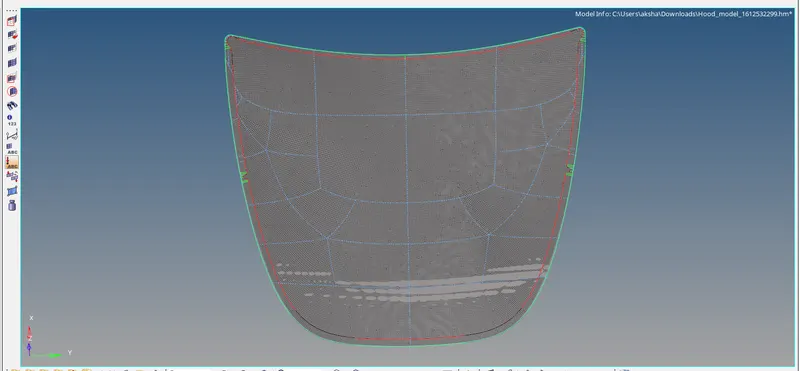
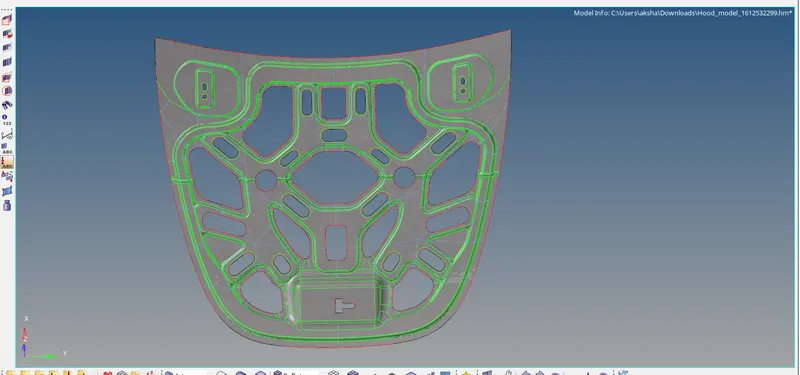
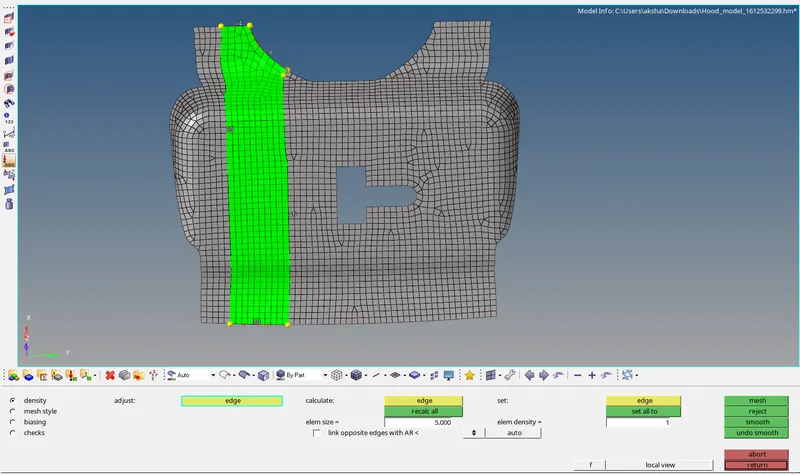
The mesh is refined using the rebuild and changing the number of nodes on boundaries as shown :
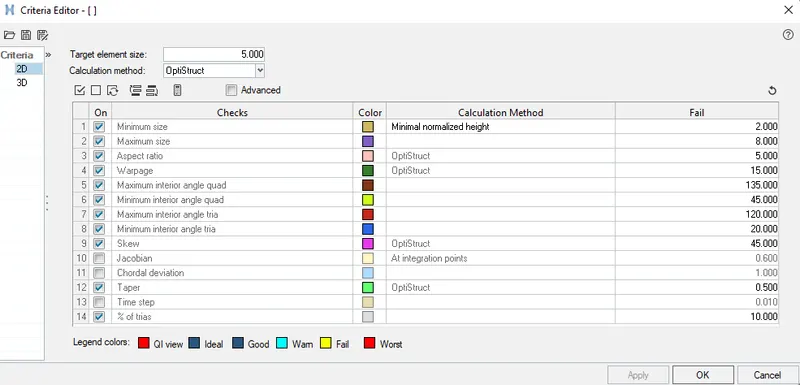
The quality criteria are entered into the criteria file as shown :
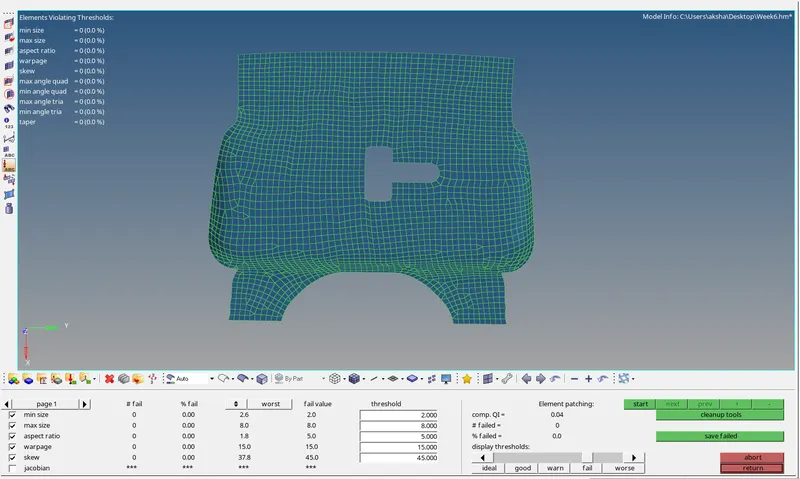
We check the failing elements as per the quality criteria :
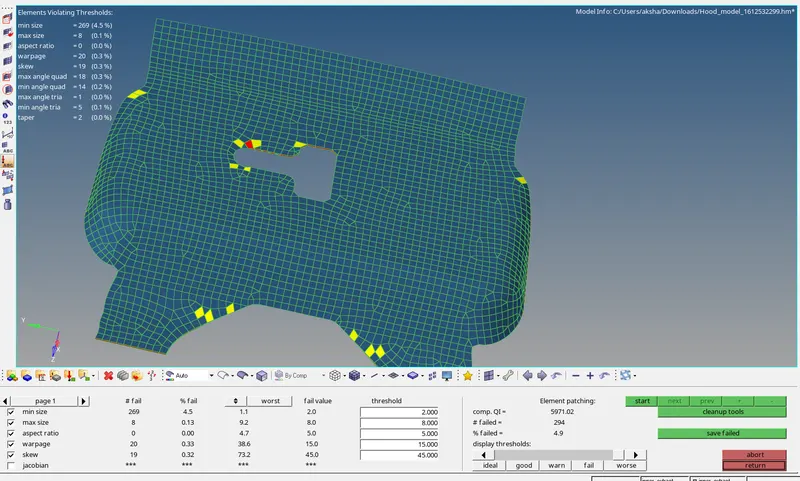
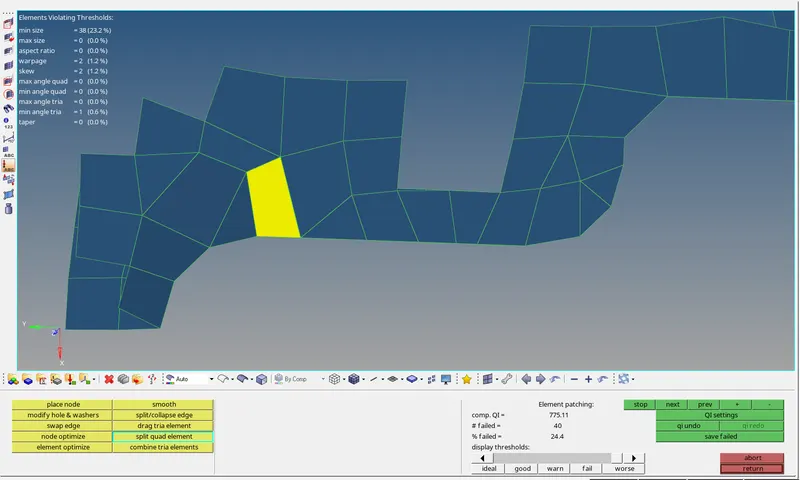
The quality criteria are cleared for quality by using the rebuild, combine, split, smooth tools as shown :
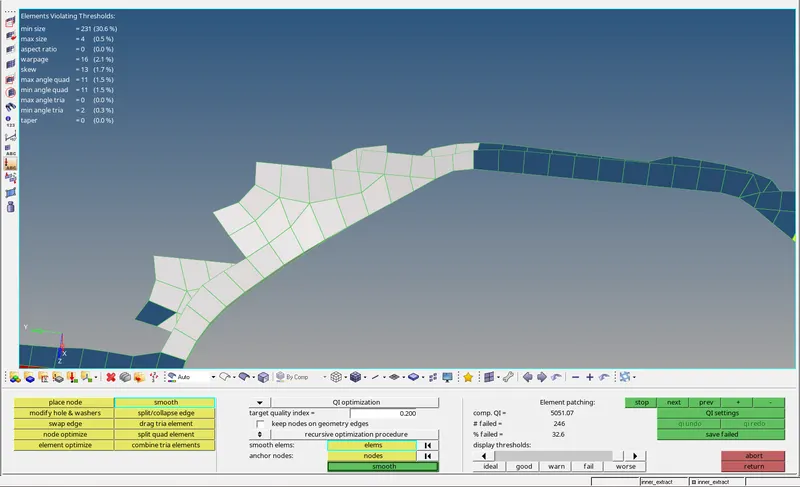
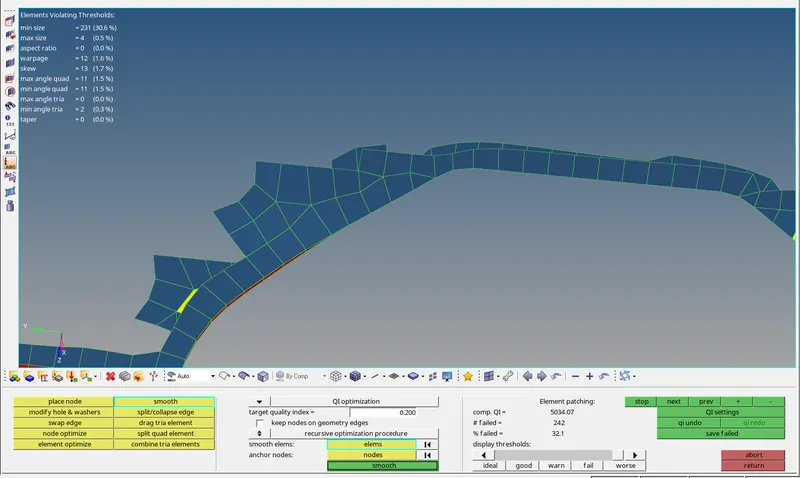
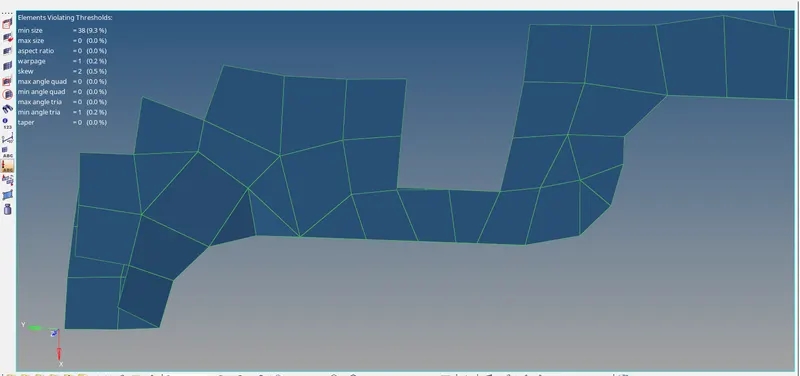
For minimum length error at the hemming region we use the toggle line option to capture the geometry properly as shown :
Each part has successfully meshed with no failing regions :
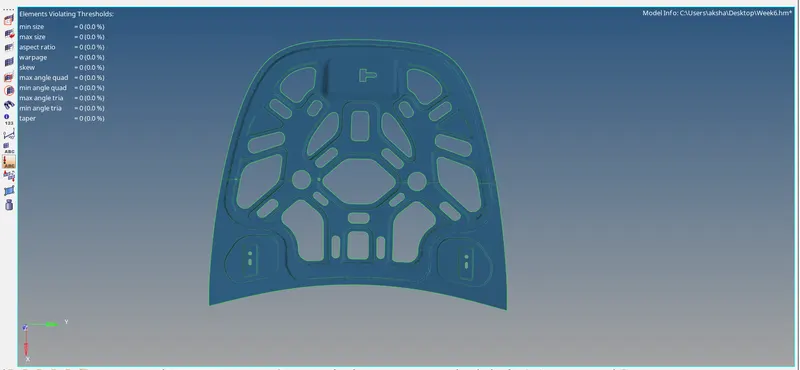
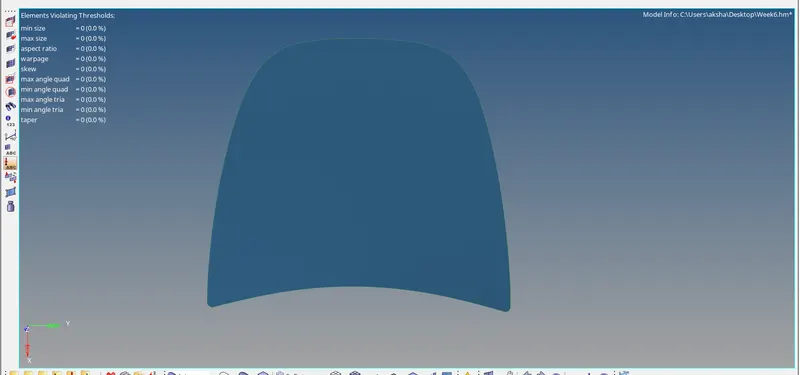
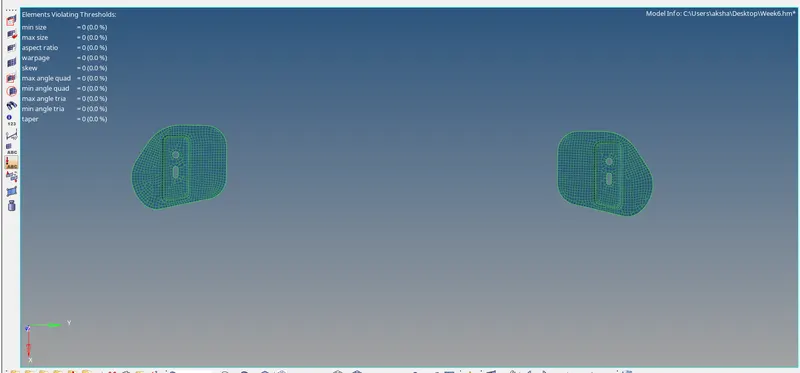
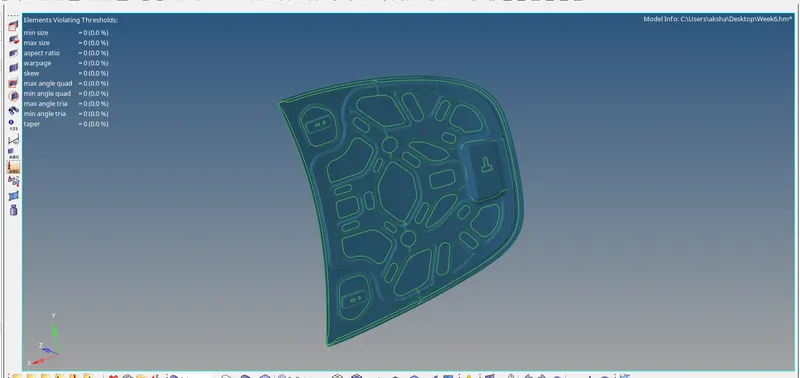
The final Model of Hood has been meshed as per the given quality criteria :
Learning Outcomes :
Learned to clean the geometry in hypermesh.
The mid surfacing of different parts.
The 2D meshing of parts and refining the mesh.
Getting the mesh inside quality parameters.
Result :
The model of the hood has been mid surfaced and 2d meshed with an element length of 5 and no elements failing for quality.