Week 6-Meshing of Hood Challenge
OBECJTIVE: To Generate the Mid surface and mesh given component with the given quality criteria and mesh parameter.
PROCEDURE:
Step1: To import the given model
File>Open>Model>Select the Hm file.
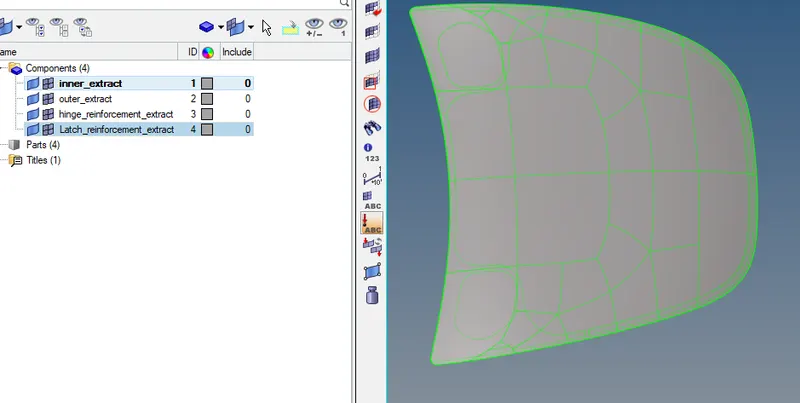
- Deleting the solids >universal delete > displayed solid is deleted.
Step2: To select the individual components from the Model browser.
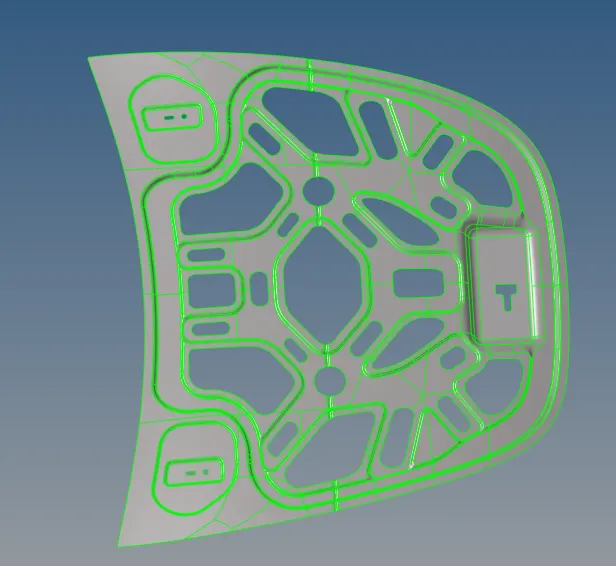
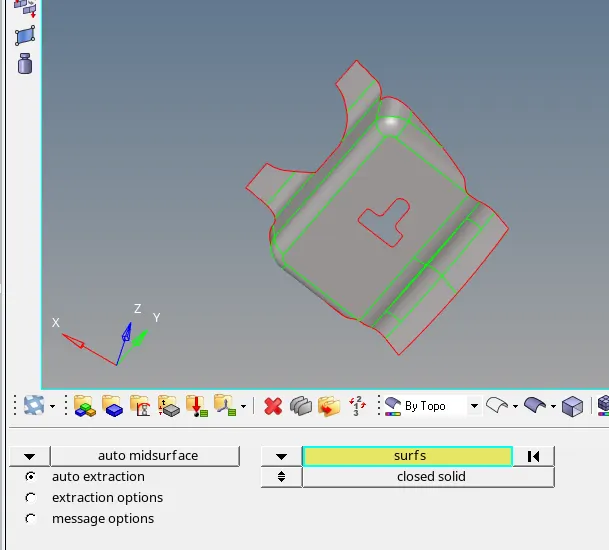
Step3: To extract the mid surface Of the current component.
Geom>AutoMid> selected the surface
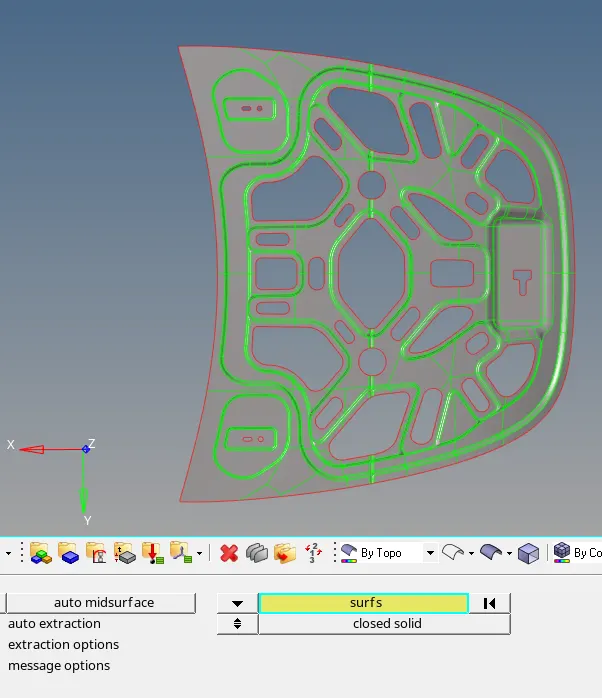
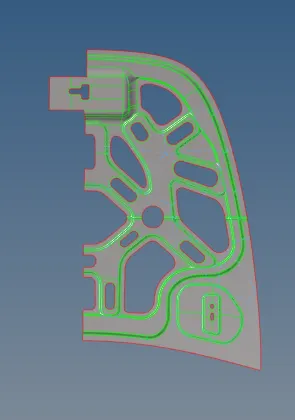
Step4: Since the component is symmetric on both the sides, inorder to save time we will devide the components into 2 parts and work on one of the side of the component.
By Selecting the surface which is symmetric on both the sides and using universal delete option to delete the surface.
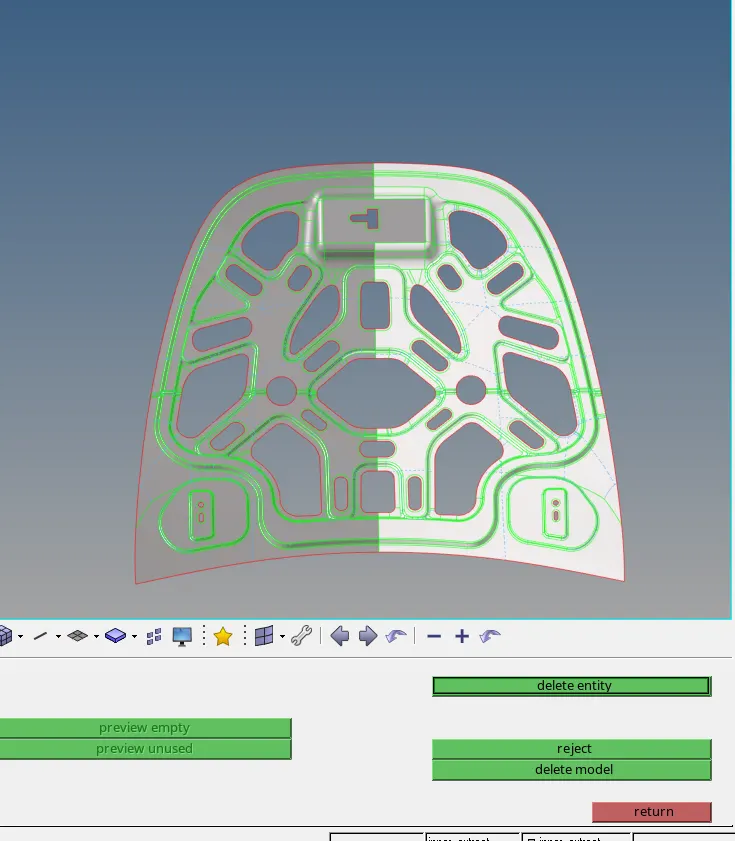
Step5: Preparing the compent for meshing by doing the geometry clean up and also defeaturing if necessary.
- Removing the construction lines where the element failure will occur , using toggle line option
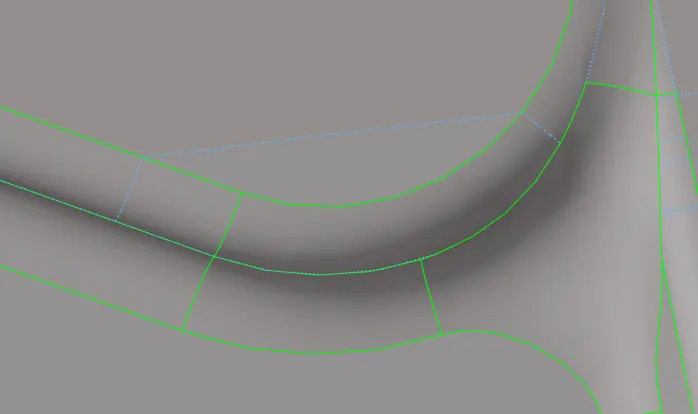
Geom>Quick edit>Toggle edge and left click to suppress the edge
- Defeaturing the surfaces where the element will fail for the minimum length critera.
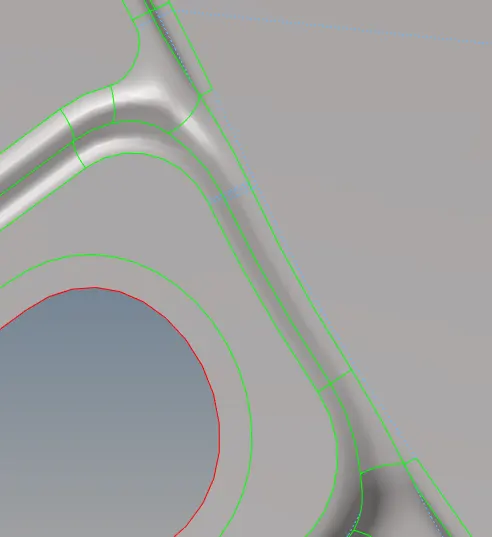
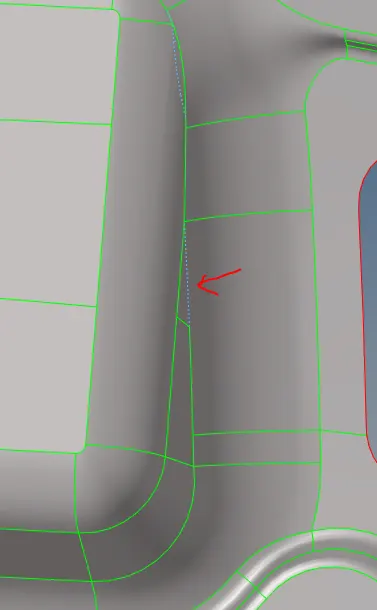
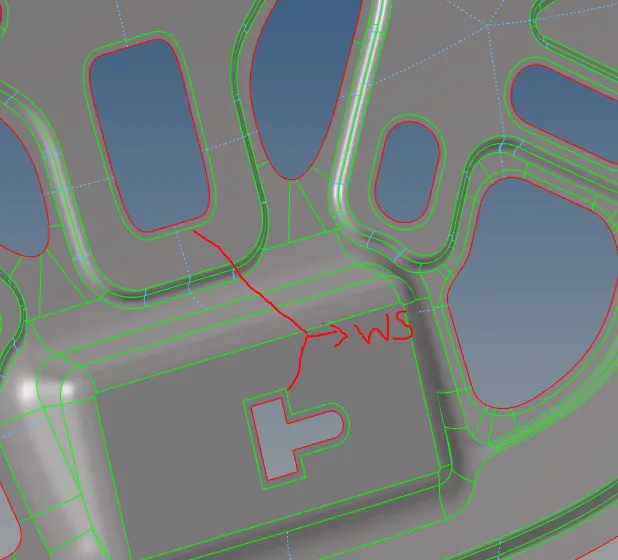
- Using washer split to capture the surface properly when meshed.
Step6: Following the same procedure for other components.
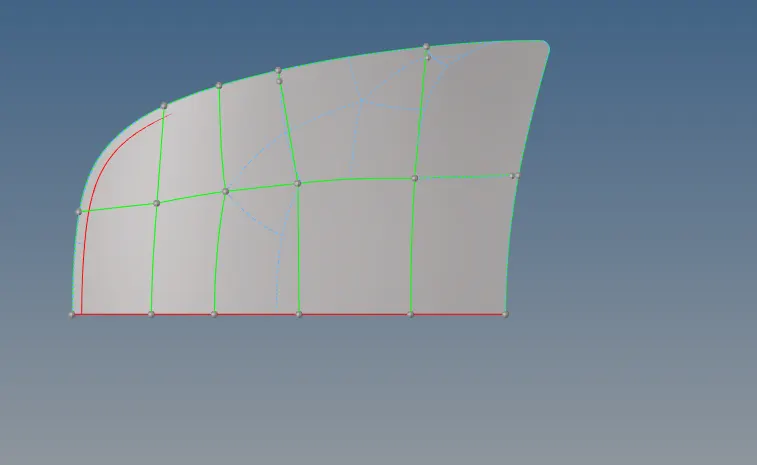
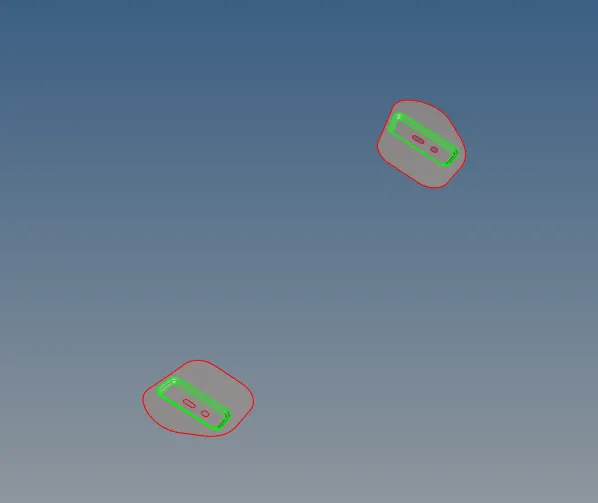
Step7: To mesh the components.
- 2D> automesh selecting the mesh element size as 5 units and element type as mixed.
- Selecting surface by surface inorder to get the better mesh.
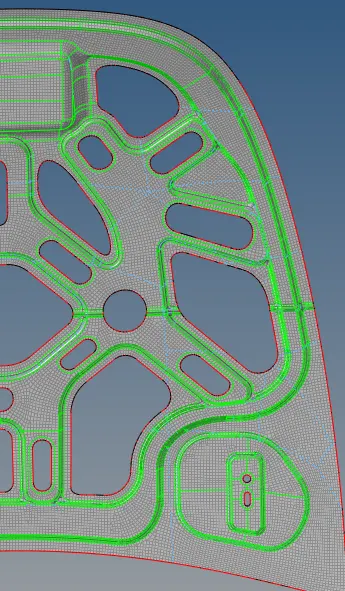
Step8: Clear the quailty critera as well or element failure.
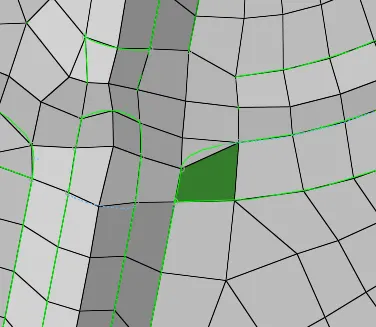
1) The above element has failed for Warpage, to fix this quality use translate option.
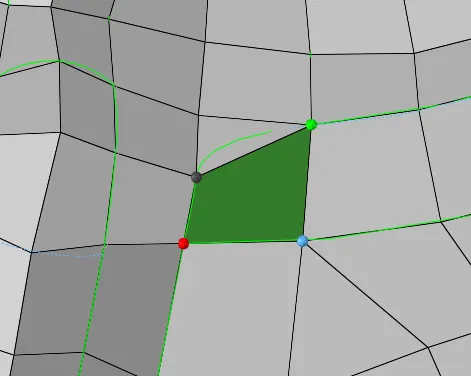
- Tools> Translate>selecting the nodes respectively>translate+ to remove the quality.
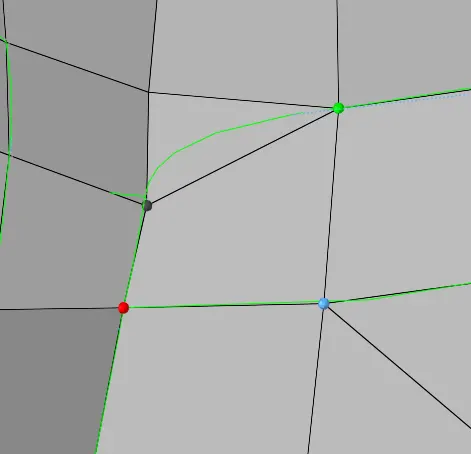
2) To remove the Min length quality.
- Go to check element>enter the min lenght>click on Min length>Save failed.

- Tools>Mask>elemt^ Retrieve>Mask>reverse> Unmask edjacent > delete the min elments and the quality is fixed.
3) To Make the elemts or nodes align or to connect to one another.
- Tools>Edge> keeping the tolerence as 0.1 > Preview equivalance> it will show the nodes that are miss alligned upto 0.1>selecting equivalence> will allign the nodes.

- Using Alternate option if the tolerance is greater, then we can use Automesh.
- Tools edge>Deleting the edge> using the replace option to connect the nodes manually at both the ends, to make it less complex to hypermesh.
- Geom>automesh>selecting the 1 row of elemets on each side>Mesh
- Again using Tools>Edge> keeping the tolerence as 0.1 > Preview equivalance> it will show the nodes that are miss alligned upto 0.1>selecting equivalence> to amhe sure the node are connected.
4) To check the free Edge
>>Tools>edge>find edge>Selecting By Topo>By Component.
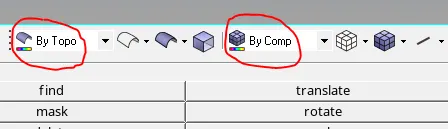
- If the edge is Highlighted in RED colour then that surface is not conneted to each other.
- Tools edge>Deleting the edge> using the replace option to connect the nodes manually at both the ends, to make it less complex to hypermesh.
- Geom>automesh>selecting the 1 row of elemets on each side>Mesh
- Again using Tools>Edge> keeping the tolerence as 0.1 > Preview equivalance> it will show the nodes that are miss alligned upto 0.1>selecting equivalence> to amhe sure the node are connected.
5) Using Rebuild option to Improve the mesh flow in the component.
Step9: To mirror the component or reflect.
>Tools>Reflect>Elements^Duplicate >Current>component>Selecting the nodes respectivley.
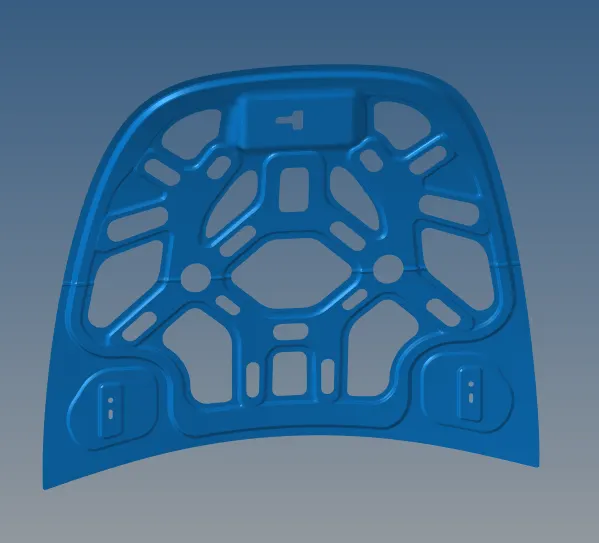
- Following the same procedure for the node allignment as mentioned above.
2) Same procedure is been followed for the Outer Hood cover.
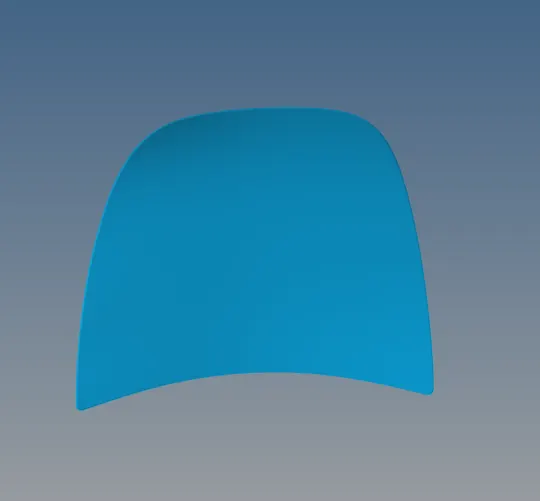
Final images of the Model:
i) Meshed Hinge: ii)Meshed Latch:
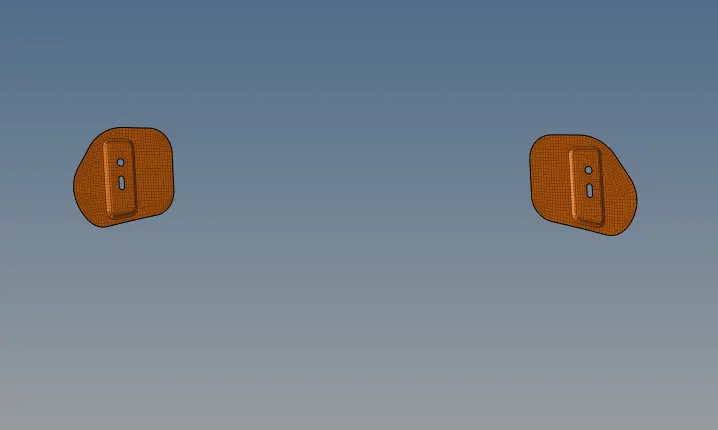
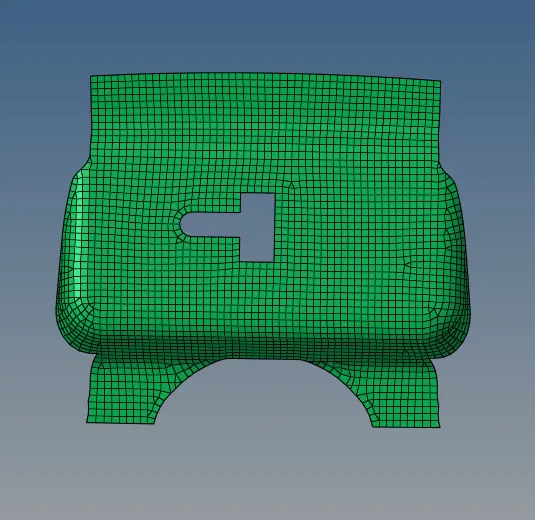
iii) Meshed Inner Component: iv) Meshed Outer Cover:
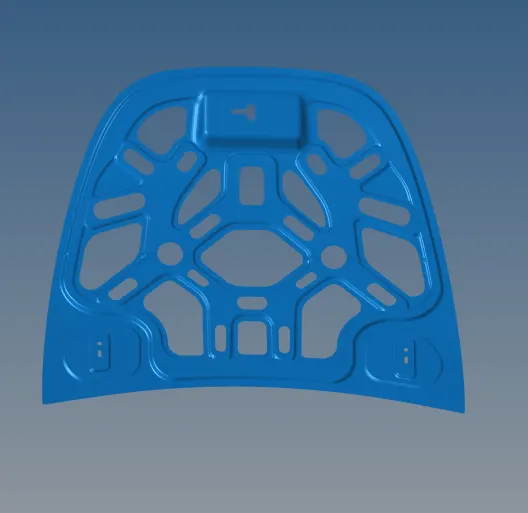
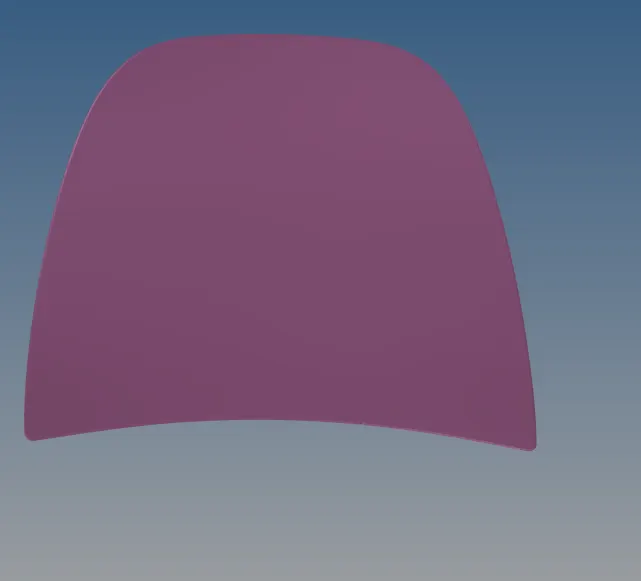
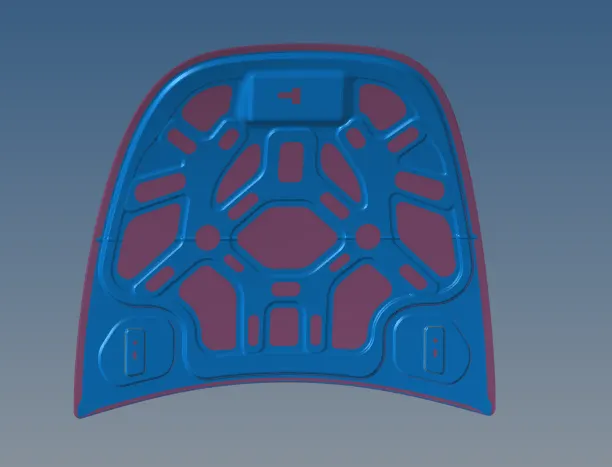
v) Meshed components1: vi)Meshed components2:
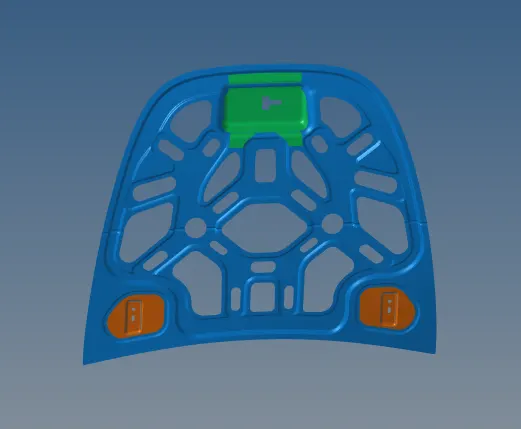
vii) Quality index of all the components combined:
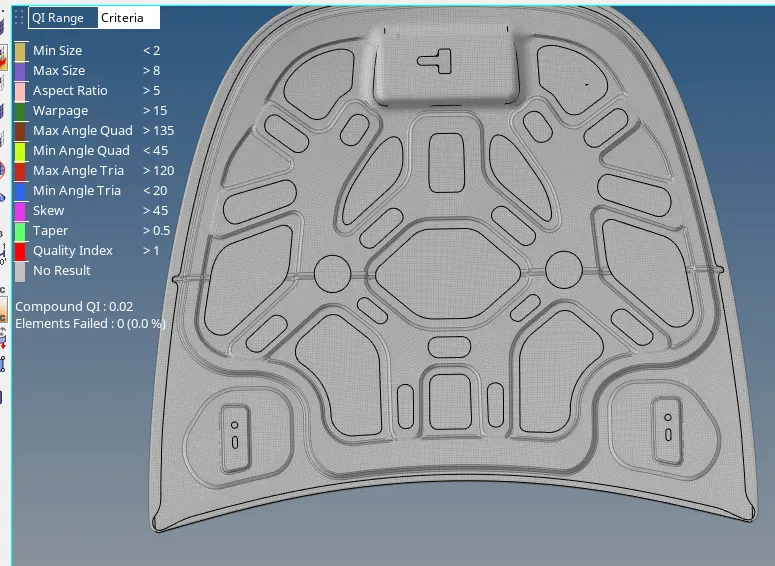
RESULT: Sucessfully extracted the midsurface and meshed the components with given quality critera and mesh parameter.