Week 6-Meshing of Hood Challenge
AIM: To mesh the given hood model for the given quality criteria.
Procedure:
- Import the model:
GUI contains 4 components
1. Outer hood
2. Inner hood
3. Latch
4. Hinges
- After importing the cad model, the geometrical errors in the cad model are to be spotted and fixed.
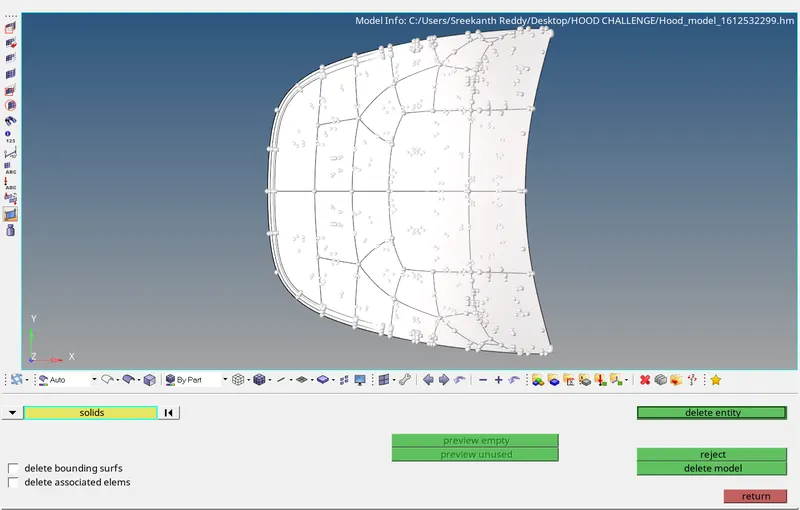
- The given components are having volume, so delete the solid components.
Go to delete >>> Solids >>> Delete
- Extract the mid surface of each component:
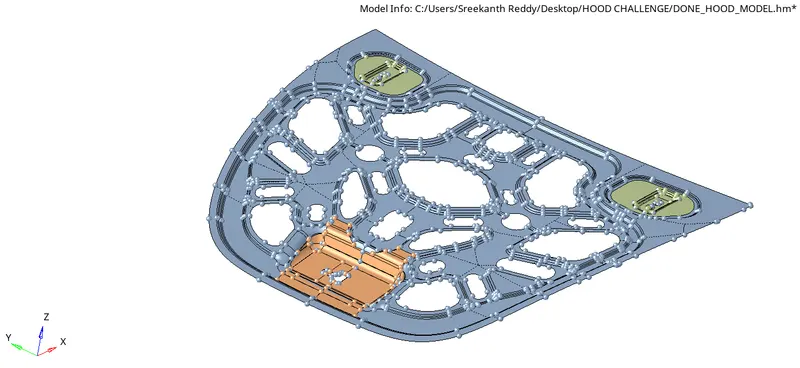
Use >>> Geometry >>> Mid-surface as component is of uniform thickness >>> Extract
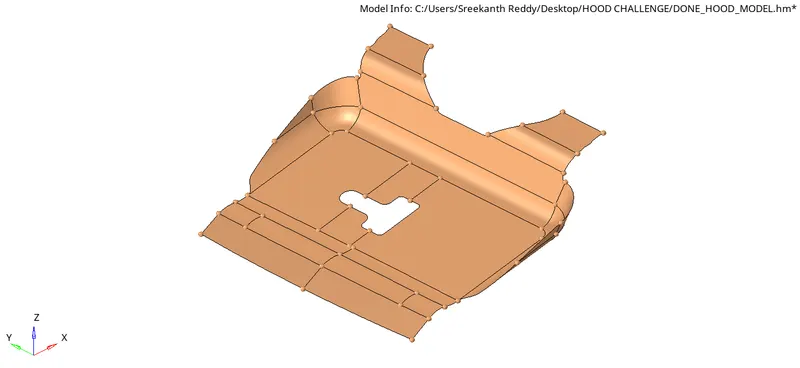
Mid-surface of latch, hinges, inner hood is shown below
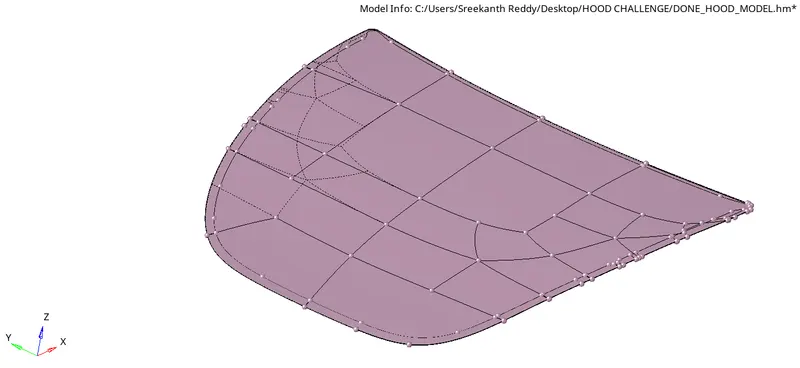
Mid-surface of the outer hood is shown below:
The thickness of the outer hood and inner hood is 0.75 mm and Latch, hinges are of 1.2 mm thick.
So create property card, material card and assign it to the components.
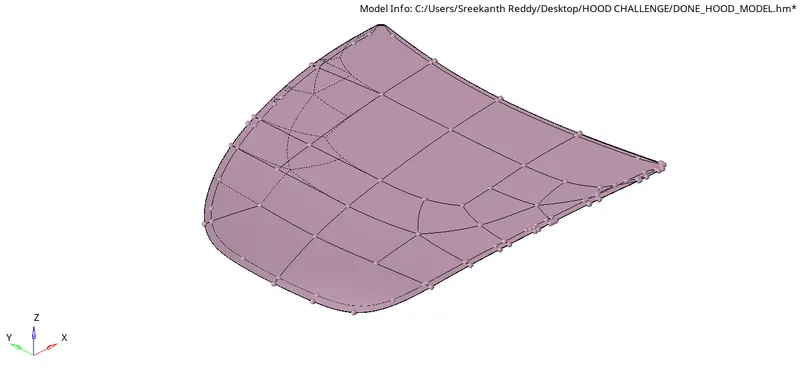
Mid surface is extracted using auto mid-surface:
Mid surface of Outer hood:
Mid-Surface of Inner hood:
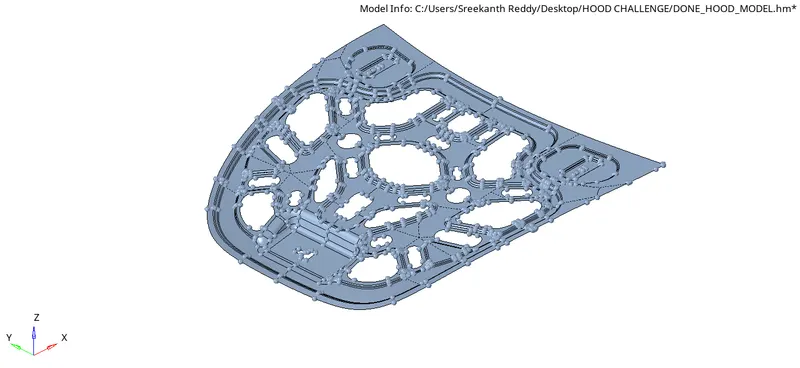
Mid-Surface of hinge:
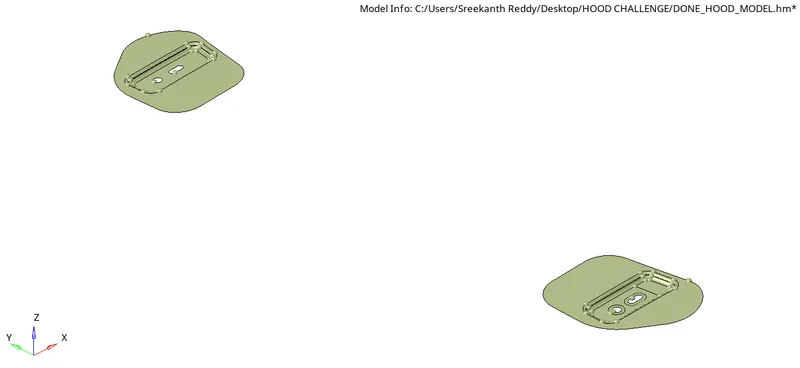
Mis-Surface of Latch:
Given quality criteria:
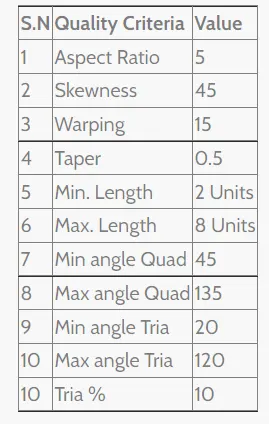
Target element length = 5 mm
'Mixed' option is used to generate the mesh for this challenge because we are preparing the model for crash & safety simulations. The quad-only mesh is preferred for durability and structural simulations.
Mesh of the outer hood:
The half part is meshed and is reflected to the other half:
Tools >>> Reflect >>> elements >>> Displayed >>> Reflect.

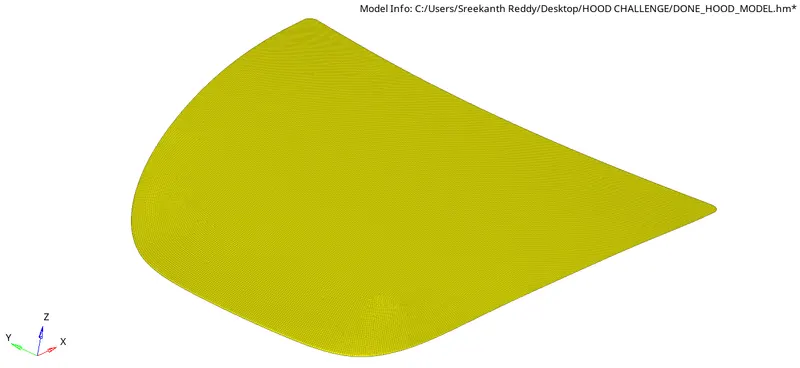
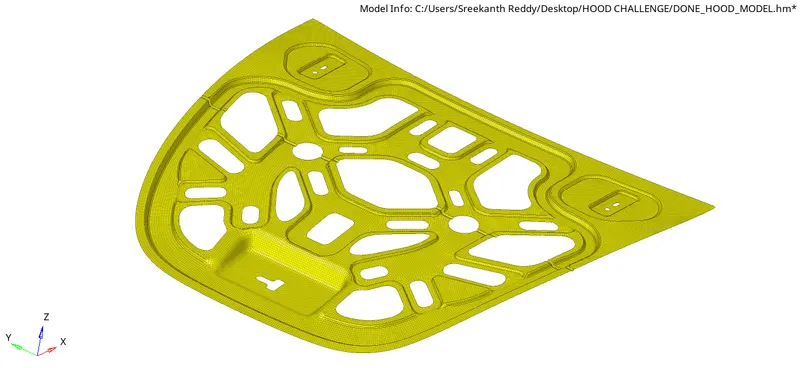
Mesh of the inner hood:
The half part is meshed and is reflected to the other half:
Tools >>> Reflect >>> elements >>> Displayed >>> Reflect.
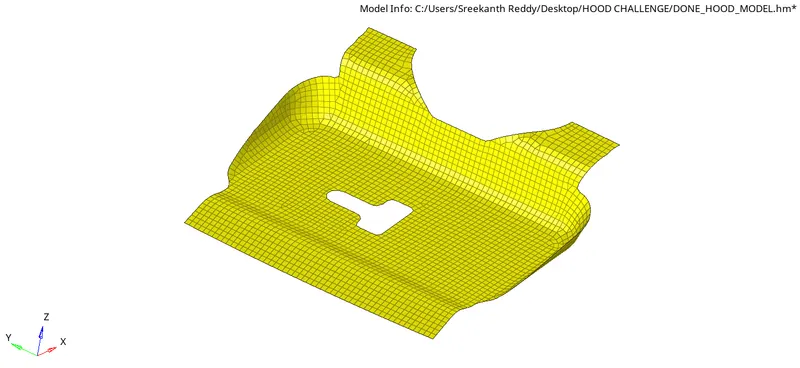
Mesh of the latch:
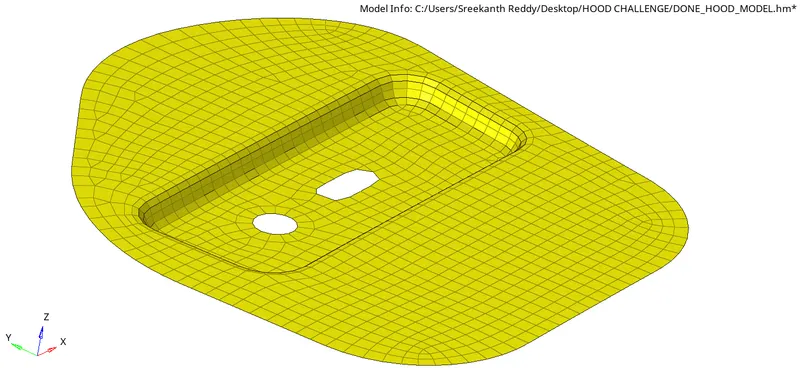
Mesh of the hinge:
To modify the mesh, Use re-build the mesh. Use smooth option to smoothen the mesh.
Use Split, Combine to modify the mesh generated.
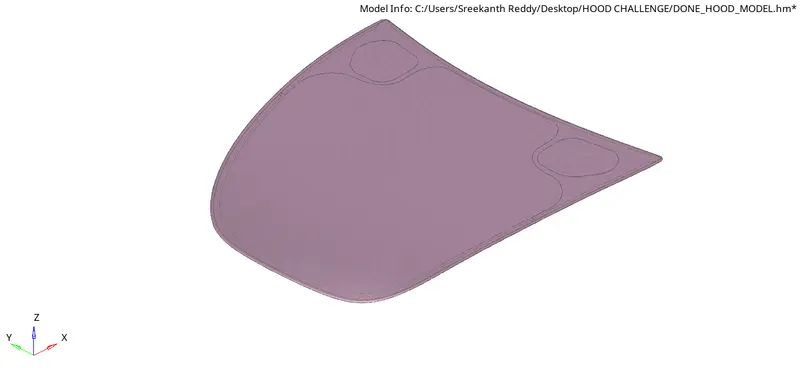
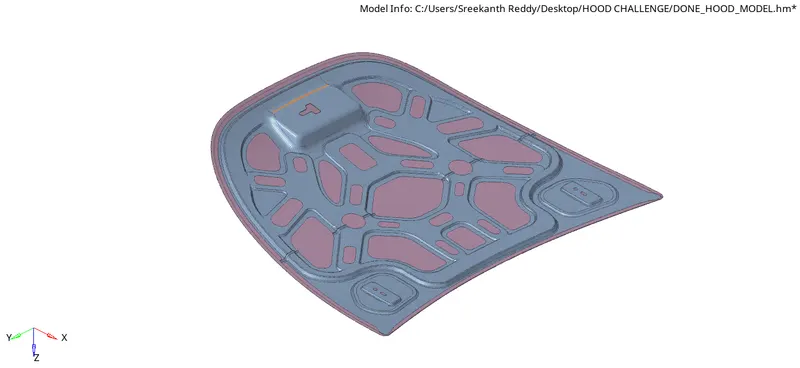
Assembly with no OFF elements:
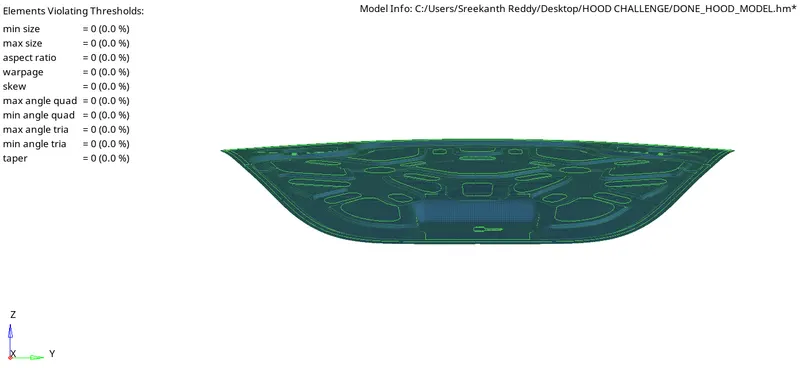
2D element representation is activated:
Learning Outcomes:
CAD setup; mouse functionalities; model dimension; component selection and visibility; complexity reduction; Default functions; Defeaturing; CAD Topology; Topological Entities; types of mesh; defining element size; choosing types of elements; Quality criteria check; Re-mesh Quality improvement using split, paste, join, swap.
Understanding topology clean-up and tools bar; Auto mid-surfacing; creating new property ID, Material card; Mesh tools and Mesh improvement tools.
CONCLUSION:
The basic knowledge on the tool required prior to solver can be gained by working on the model.