Week 6-Meshing of Hood Challenge
OBJECTIVE:
To mesh the given componenet under given criteria and assign thickness for it.
GIVEN:
Target Element Length = 5 Units
| S.N | Quality Criteria | Value |
| 1 | Aspect Ratio | 5 |
| 2 | Skewness | 45 |
| 3 | Warping | 15 |
| 4 | Taper | 0.5 |
| 5 | Min. Length | 2 Units |
| 6 | Max. Length | 8 Units |
| 7 | Min angle Quad | 45 |
| 8 | Max angle Quad | 135 |
| 9 | Min angle Tria | 20 |
| 10 | Max angle Tria | 120 |
| 10 | Tria % | 10 |
SOFTWARE USED:
Hyper Works 2021
GIVEN MODEL:
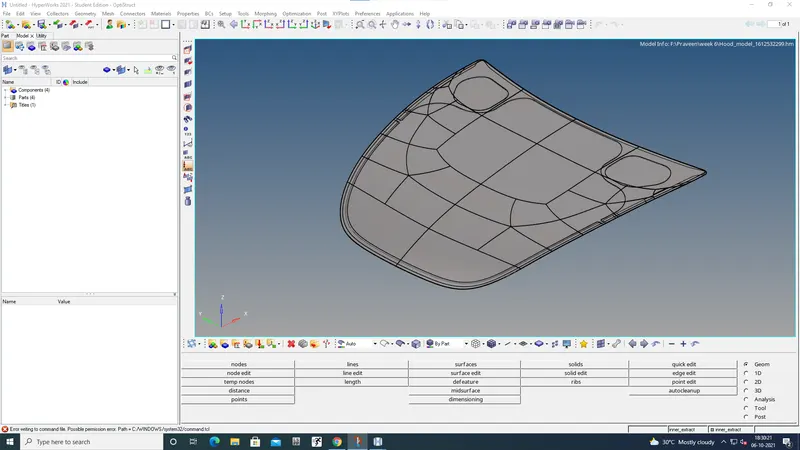
GIVEN MODEL
PROCEDURE:
- The given model consist four parts so we mesh each part seperately.
- It seperate as Inner,Outer,Hinge and Latch.
- First we need to take mid-surface for each part.
- Then mesh each part.
- After that check the quality of mesh.
- Last step is to assin thickness for the messed component.
- These steps done by using following steps.
EXTRACT MID-SURFACE:
- First extract mid-surface for each parts by following steps
Geom→mid surface
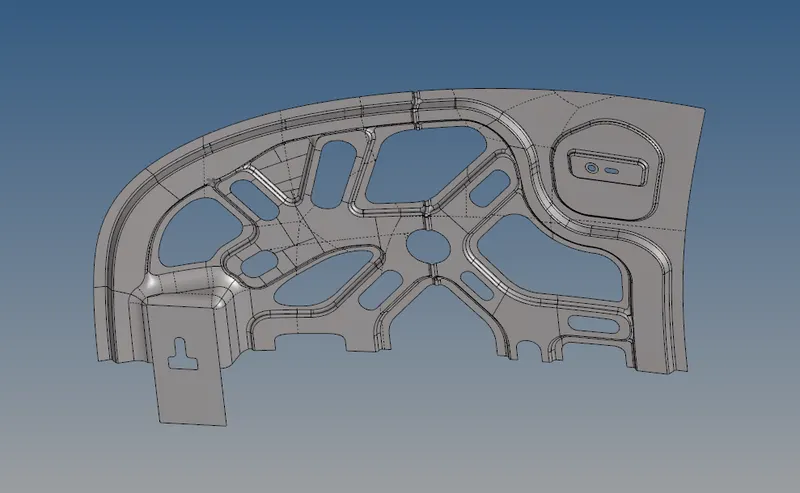
MID-SURFACE OF INNER
- The inner part is symentric so we cut the half surface for meshing because it consume less time for mesh this component.
- After that the mesh will mirror for other side.surface is splitted using the steps
Geom→quick edit
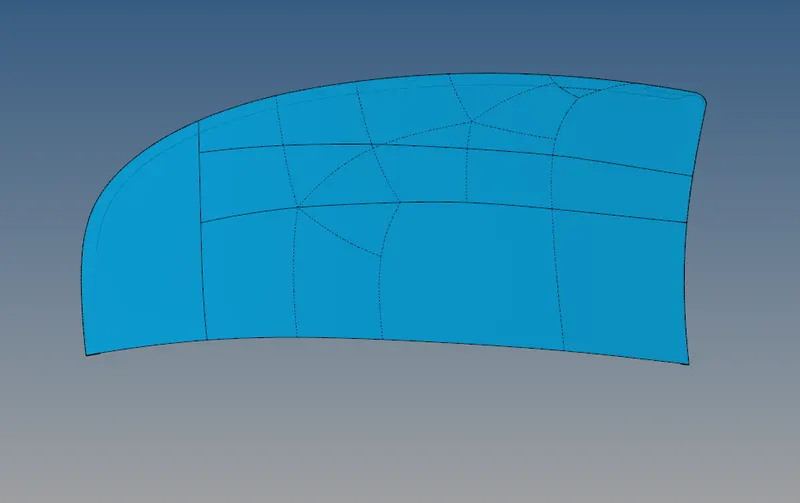
MID-SURFACE OF OUTER
- This part is symentric so we cut it as two.it helps to mesh quickly.
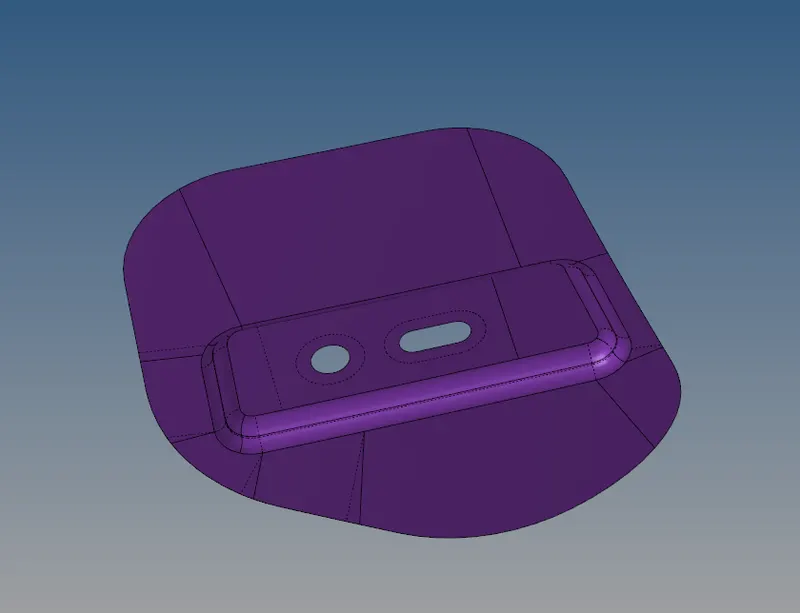
MID-SURFACE OF HINGE
- The hinge is having two same parts so we take one part for mesh because it will mirror after mesh.
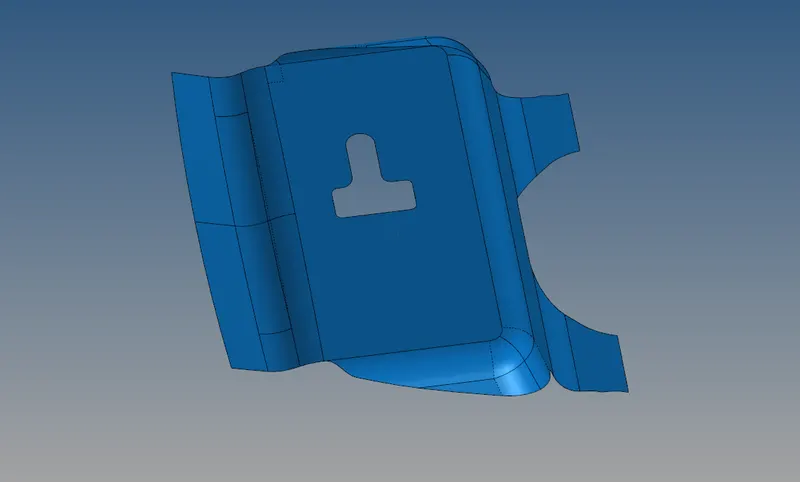
MID-SURFACE OF LATCH
MESHING:
- The mesh is done for each parts by using following steps
2D→automesh
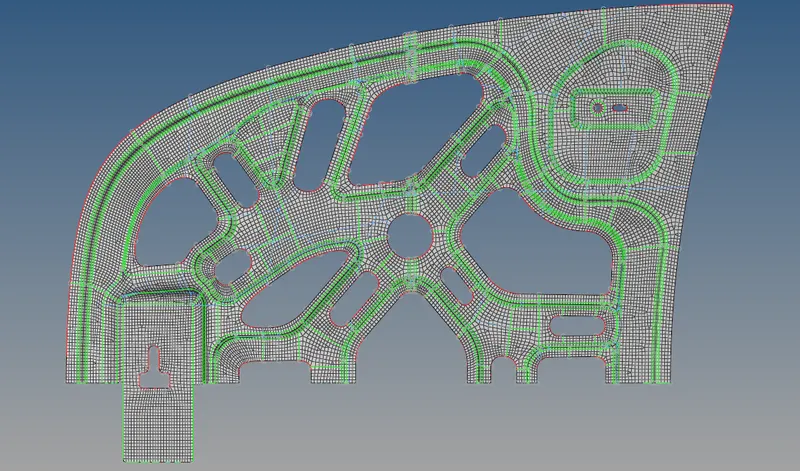
MESH OF INNER
- The inner part is symentric so we cut it into two.
- It helps for quick mesh.
- After the mesh it will mirror and get full part mesh.
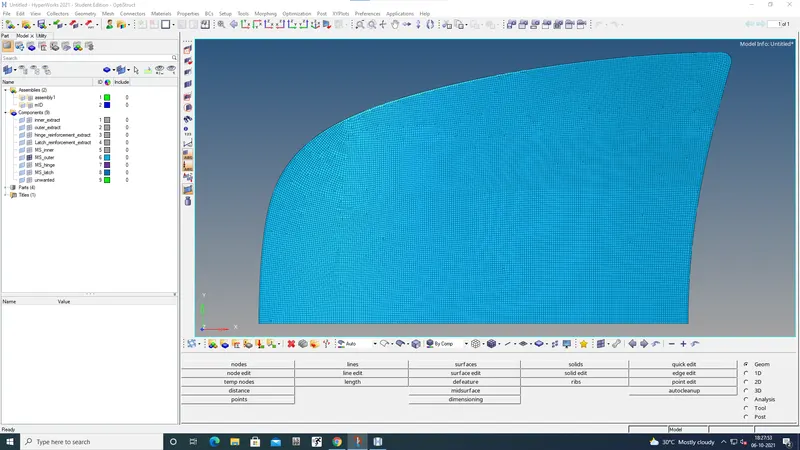
MESH OF OUTER
- The outer part is symentric so we cut it into two.
- It helps for quick mesh.
- After the mesh it will mirror and get full part mesh.
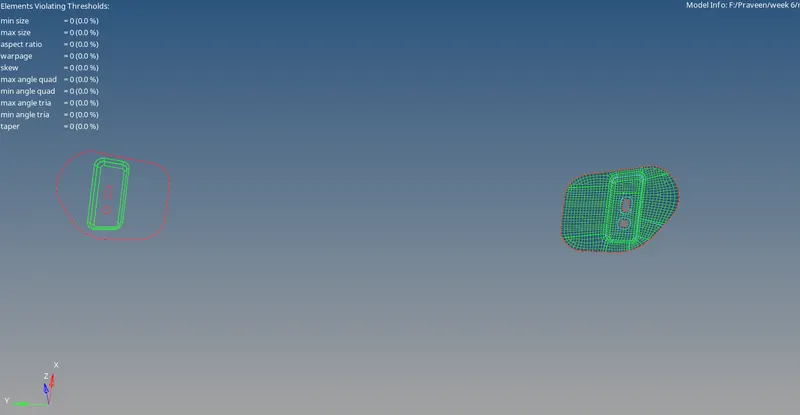
MESH OF HINGE
- The hinge has two parts.that is symentric so we mesh only one part then mirror.
- It helps for quick mesh.
- After the mesh it will mirror and get full part mesh.
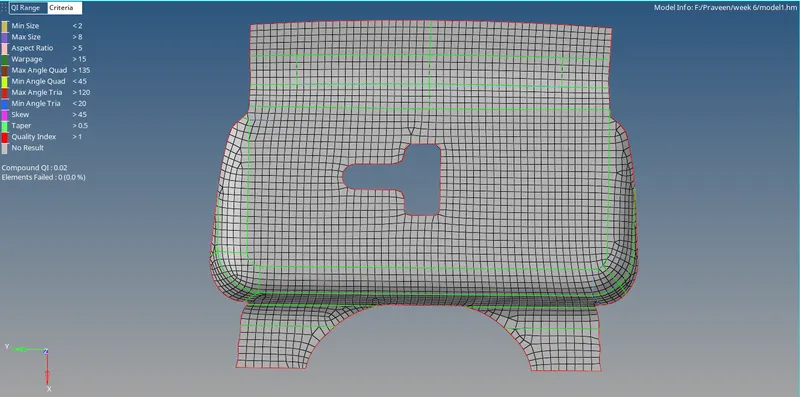
MESH OF LATCH
- Latch is meshed by using mesh option
2D→automesh
ELEMENT CLEAN:
- Trias,Skewness,Warpage,Minimum length,Maximum length,Taper,Minimum angle quad,Maximum angle quad,Minimum angle trais and Maximum angle trais are visible after mesh we need to remove and clear it then give good flow to mesh within the criteria that mesh only consider as good quality mesh.These all are done by using following steps;
2D→replace (used for connect the elements)
2D→smooth (used for getting element flow)
Geom→node edit (used for align and more)
Geom→quick edit (used for toggle and more)
Tool→mask (used for finding dupilicate elements and more)
Tool→organize (used for move components to new folder)
Tool→project (used for place the node on the line)
Tool→translate (used for move nodes respect vector)
2D→qualiyyindex→cleanup tools (drag trias and more)
2D→edit element (used for split,combine and create elements)
- There many options are available for clean the model use various options as our need.
- Now the mesh is having good quality and good flow,it is known as fine mesh.
MIRROR:
- Mirror is used on symentric components for getting full component.
- This is very useful option it save time and reduce meshing effort.
Tool→reflect
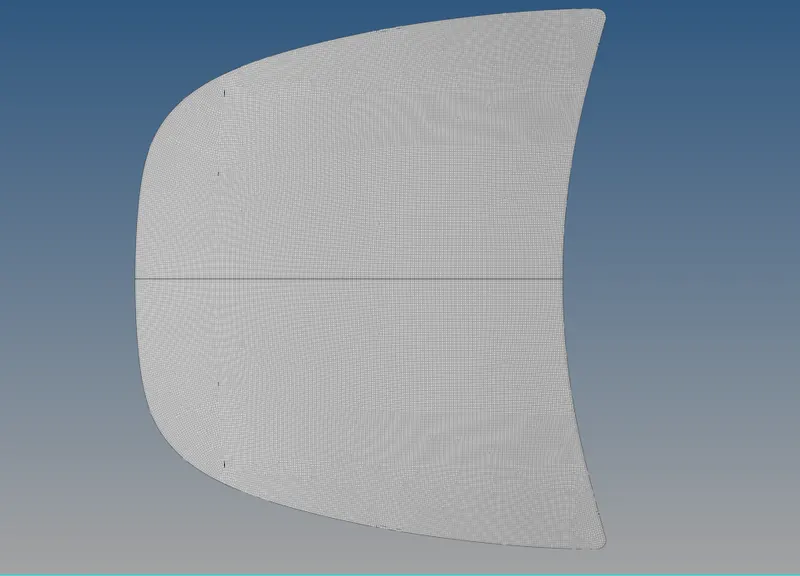
MESHED OUTER AFTER MIRROR
- Mirror is done using following steps; select elements which is need to mirror then dupilicate it then select vectors N1,N2,N3 and B.
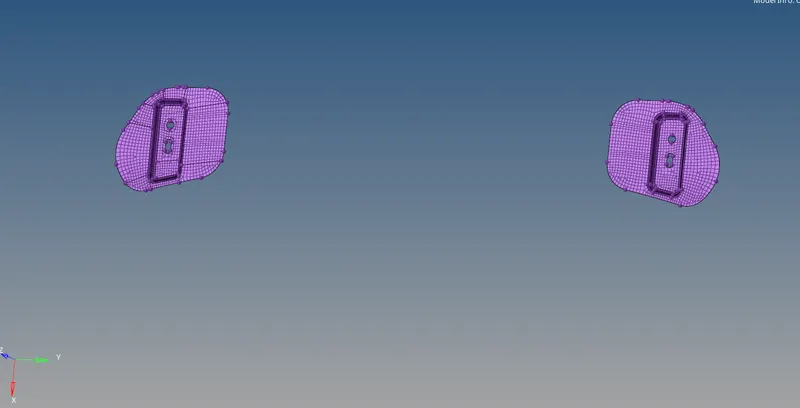
MESHED HINGE AFTER MIRROR
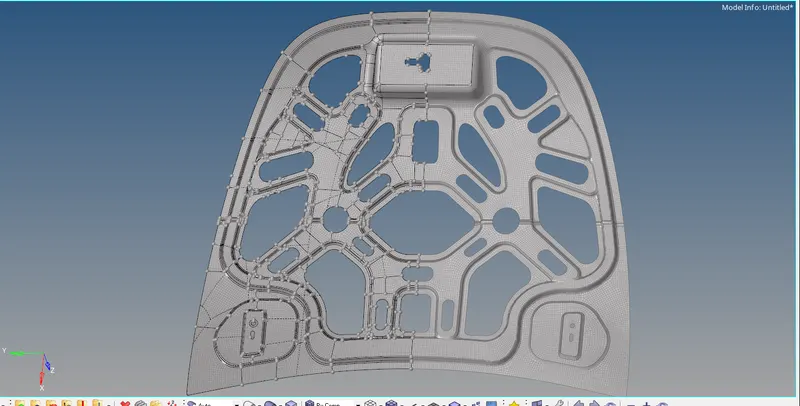
MESHED INNER AFTER MIRROR
RESULT:
Mesh is completed for given model under given criteria succesfully.