Week 6-Meshing of Hood Challenge
OBJECTIVE:
Geometry cleanup on given component
Extract the mid surface of each component
Mesh the component with given element quality criteria
PROCEDURE:
Import the given geometry from the import geometry option.
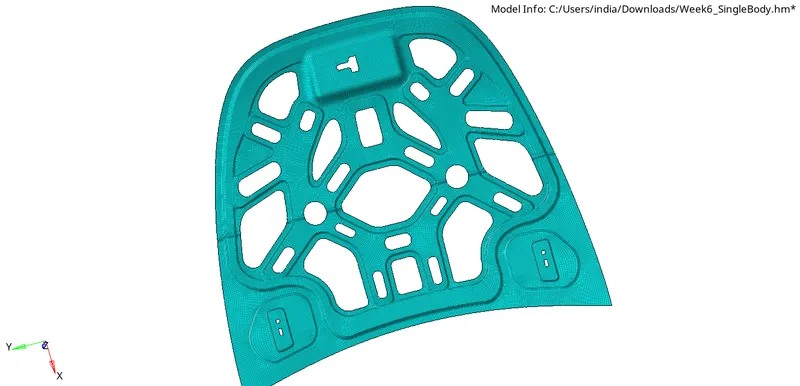
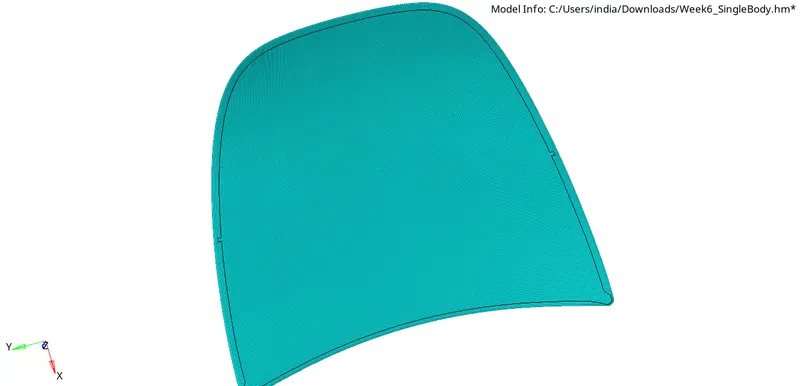
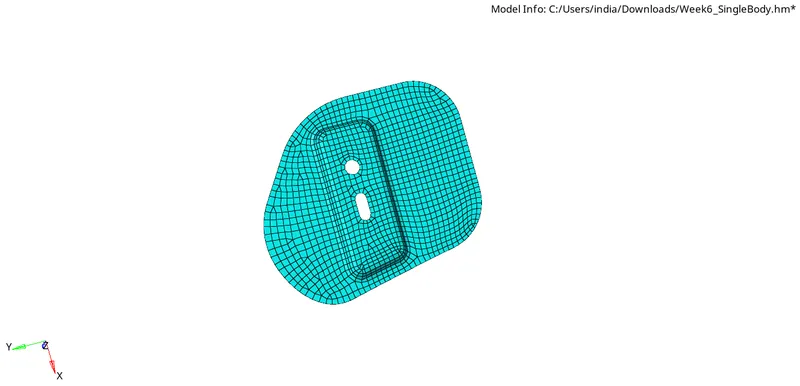
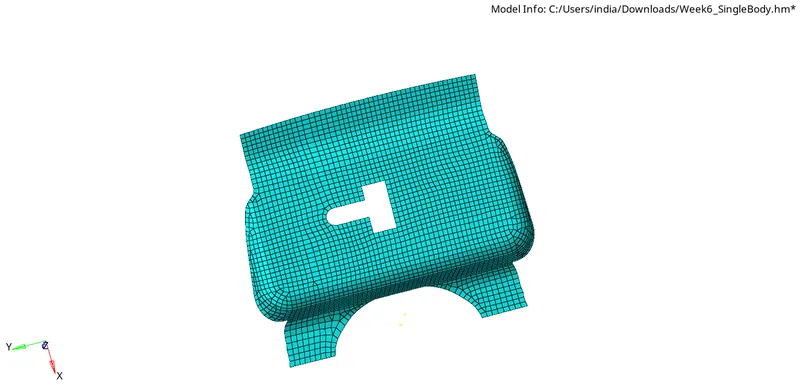
There four components involved in the given hood modal are inner extract, outer extract, two hinge reinforcement and latch inforcement.
First delete the solid body of the components. Go to detele option, select solids and click delete entity.
And do the geometry clean up to check any free edges are presented and check the free edges and fill the missing surface. For that go to geometry ans selcet quick edit and select filler surface. Slect the free edges to fill the surface.[geometry<
Another way to fill the surfaces is by using ruled option.[geometry<<surfaces<<ruled]
To extract mid surface, go to geometry slect the mid surface and select the extraction option(offset+planes+sweeps, offset+planes, offset, skin offset) and click extract to generate the mid surface.
MIDSURFACES:
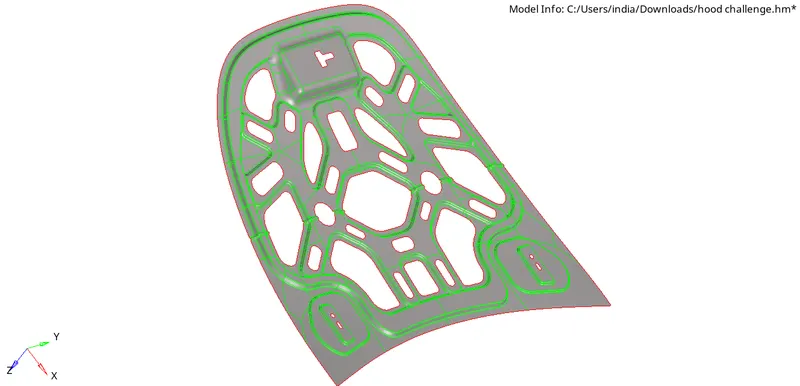
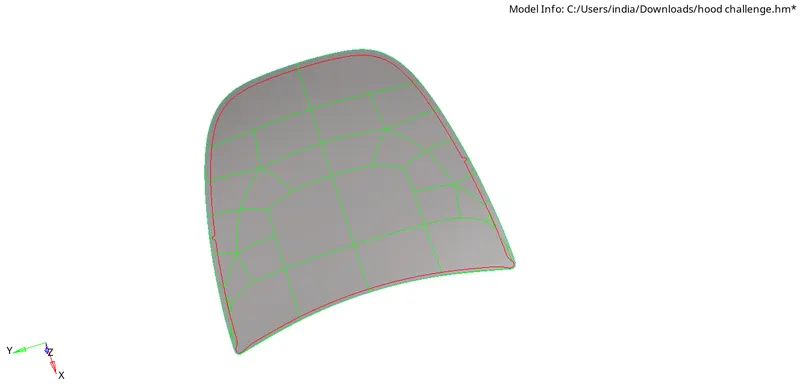
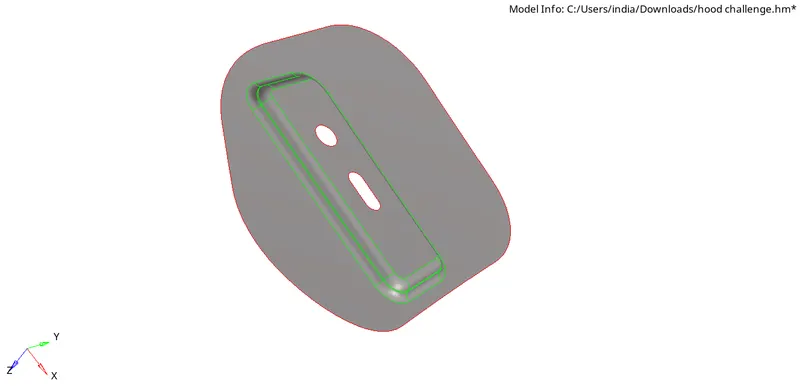
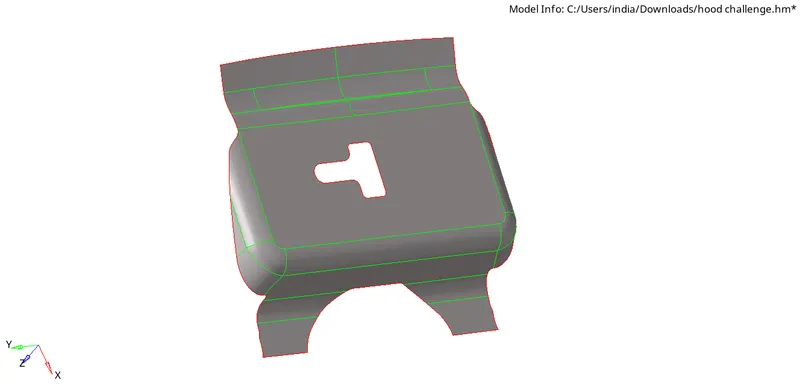
Supress the unwanted edges or lines which will fail for minimun length. For that go to geometry and select quick edit and select toggle edge and select the edges to supress. It can also be done by using un(suppress) option in edge edit.
After doing these processes, enter the element quality criteria. Go to preference in the tool bar and select criteria file setting and enter the values as per given data.
To get a good mesh flow, create cuts on the surfaces and mesh them one by one
To create cuts, go to geometry and slect split surface lines and select node and line.[geometry<
To craete mesh go to 2D and select automesh and select the surface and give element size and type of element as per given. We can change the element density by increasing or decreasing the number of nodes( left mouce click to incraese and right mouse click to decrease).
Mesh all the surfaces of every components and to check the quality go to 2D and select quality index, the worst elements will be highlighted.
To get rid out of this, go to cleanup tools and use drag tria elemnt, place nodes, element optimize and swap edge.
Mesh the one side of the inner extract and we can reflect the mesh on the other side, go to tool and select reflect and select the axis to reflect and slect all the elements and duplicate them and selct the base point and reflect.[tool<<reflect<
To give connectivity between reflected parts, go to tools and selct the edges and component and give tolerance value and selct preview equivalence.
To give thickness to the shell elements, create a property and give the thickness of the component and assign the property to the mis surface component and change visibility to 2D deatiled element rpresentation.
RESULT:
Perforemed geometry cleanup and extrcated mid surface of the given hood modelof car and meshed the componnents with given element quality criteria and assigned thickness to shell elements.