Week 6 - Creating connection for Rear door
AIM
To create connections for given Rear door FE model
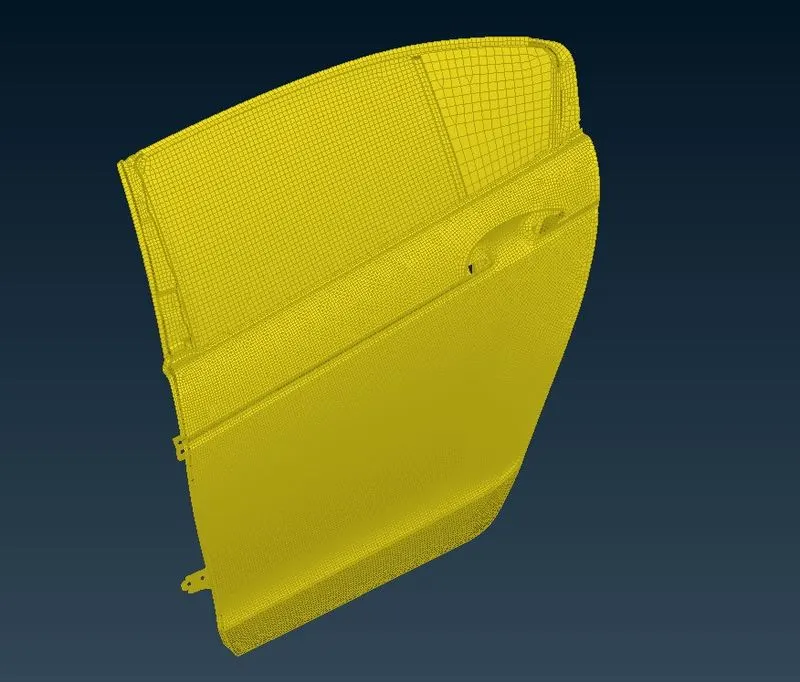
performed geometry checks found no geometrical errors
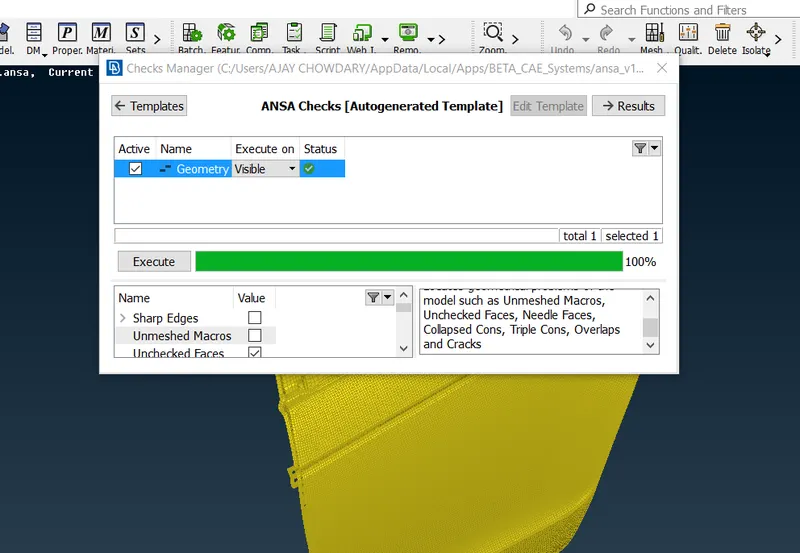
and created pid's for the rare door
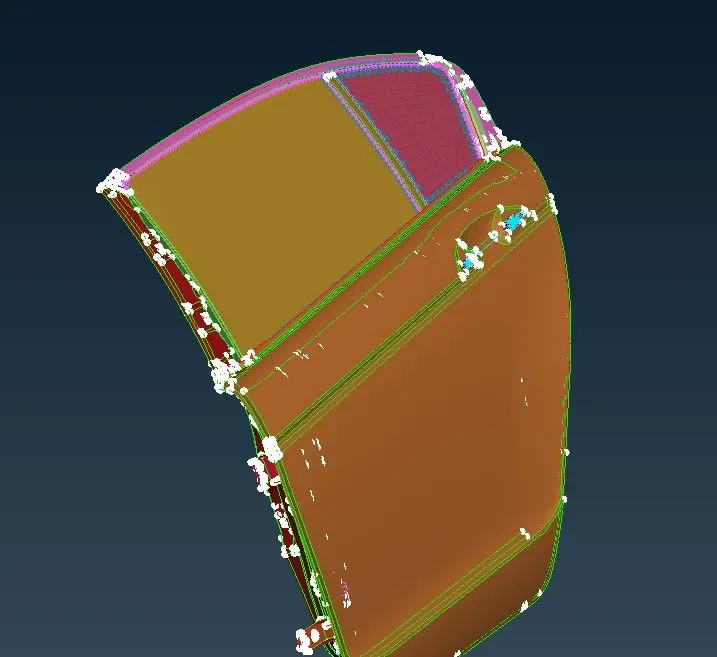
CONNECTIONS
Now i started deploying connections required
MANY NODE RBE2
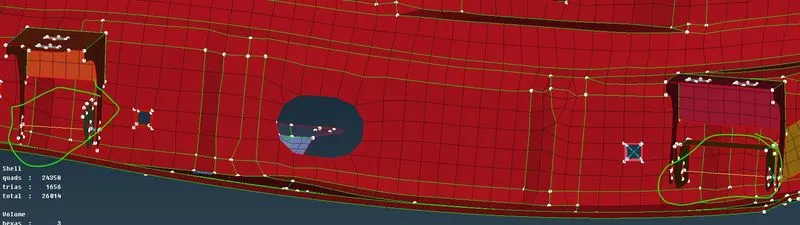
Created two node RBE2 at the door hinges and constrained the movement of door towards Z direction
Created many node RBE2 where required so as to connect two PID"s
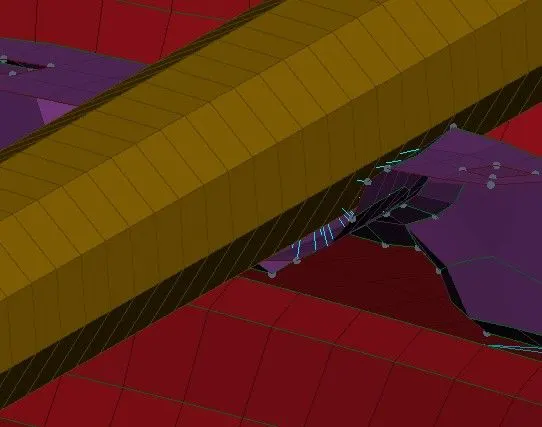
At door opening handel we can nat create body so we create mass by using many node RBE2
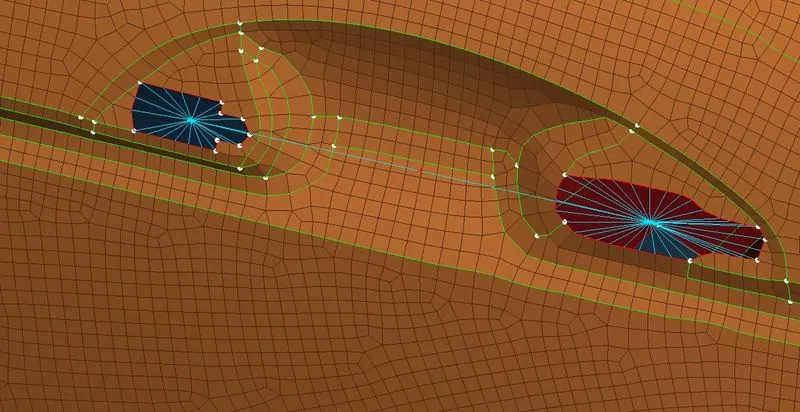
SPOT WELD
Create spot weld by creating 3D COG points at required places and converting them to spot weld points and realize connection between two bodies using connection manager
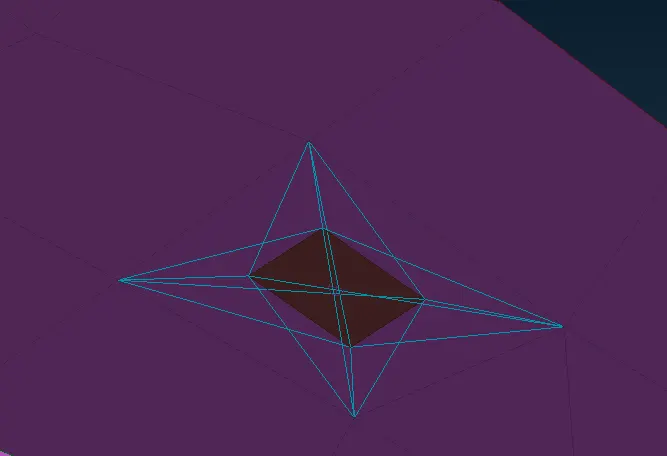
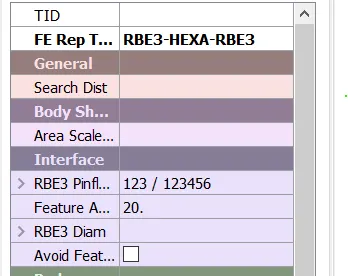
CBUSH
The connection at windows are realized as CBUSH connection and connections at windows are realized as
first we need to convert the FEA free edges to curves by using FE2CUR option
Convert those curves to spot lines by using convertion manager
And by using coonection manager i realized CBUSH connection
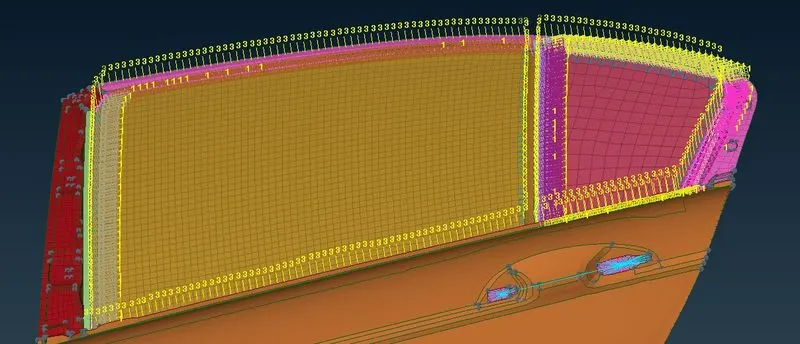
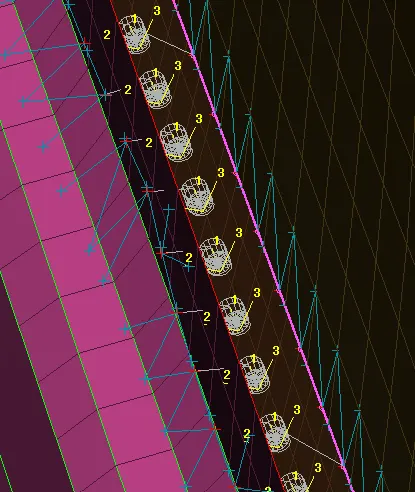
And oriented all the CBUSH elements with respect to coordinate system followed by ANSA
CONCLUSION
By this exercise i has learned how to diploy some major connections on side door