Week 3
OBJECTIV: To genarate mesh for car hood
The model geometry is a hood the procedure I followed is, first I hid all the unwanted layers by using nor and neighbour options then I get the extrusion component which I need to mesh
I have done geometry check to identify the errors in geometry and then I use auto-fix to get errors cleared
now I have done mid-surfacing using the mid-surface option in faces in topo deck to generate an auto mid surface as the geometry is a closed volume and there are many fillets it will be difficult to use manual mid-surfacing i.e, offsetting of each face consumes too much time
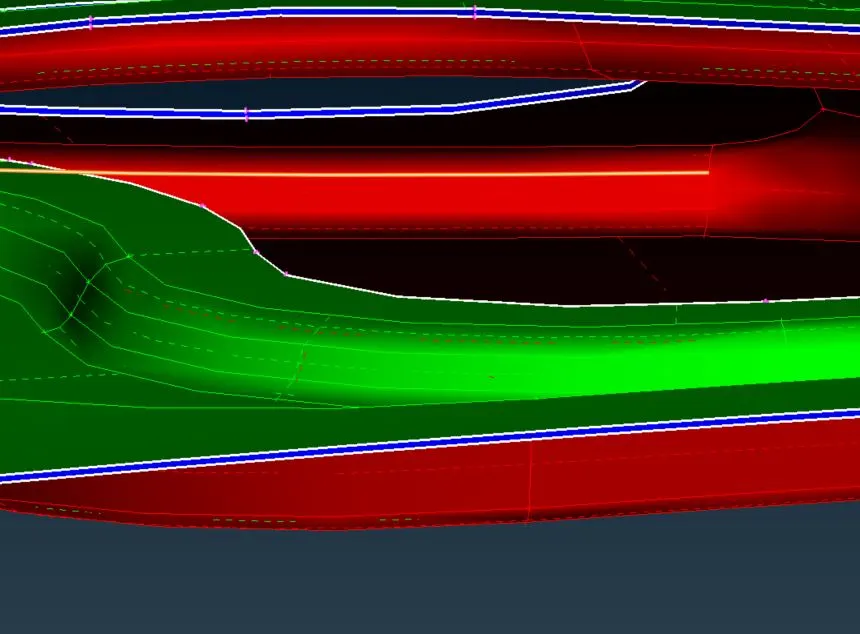
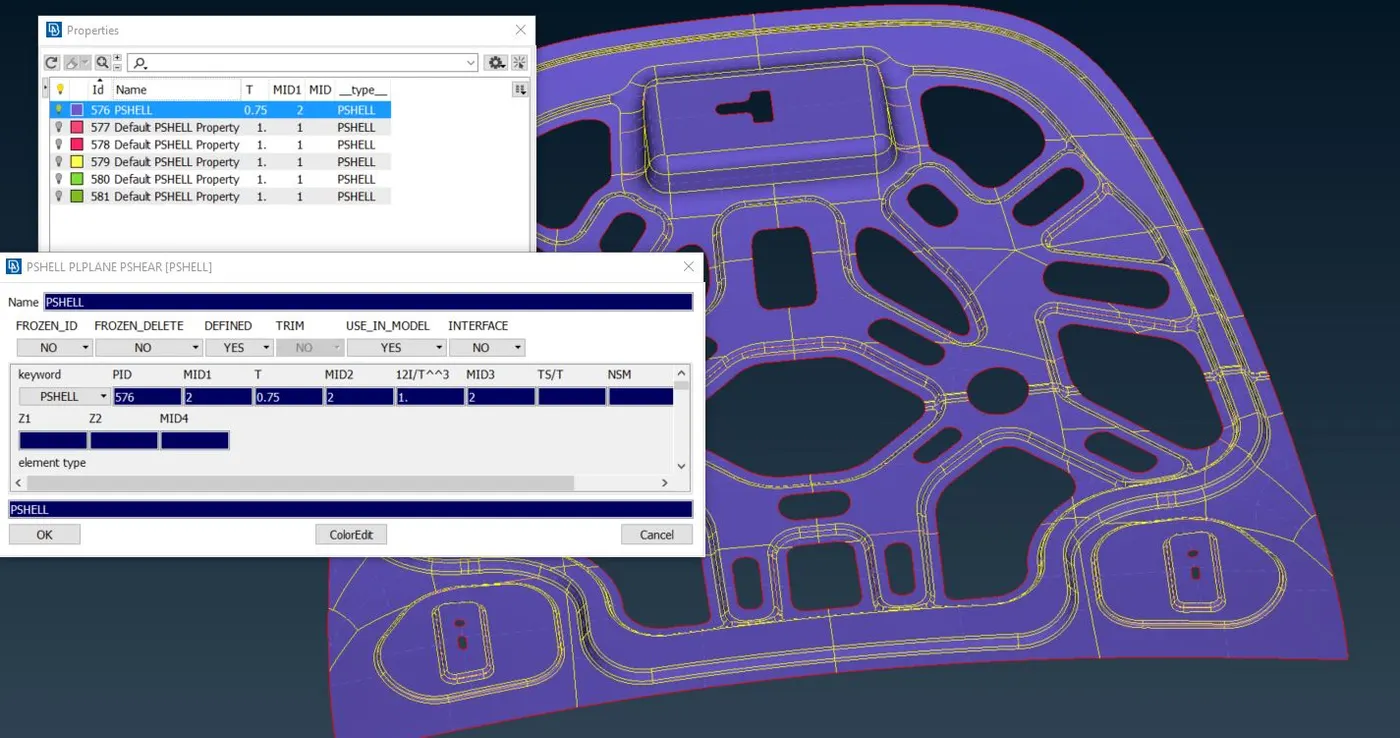
After mid-surface extraction, I run geometry check once again to check for any errors occurred
Now I have done the required corrections by removing unwanted lines and some small faces on my geometry so as my meshing quality will not get disturbed I have done checking the element length by shifting from topo deck to mesh deck
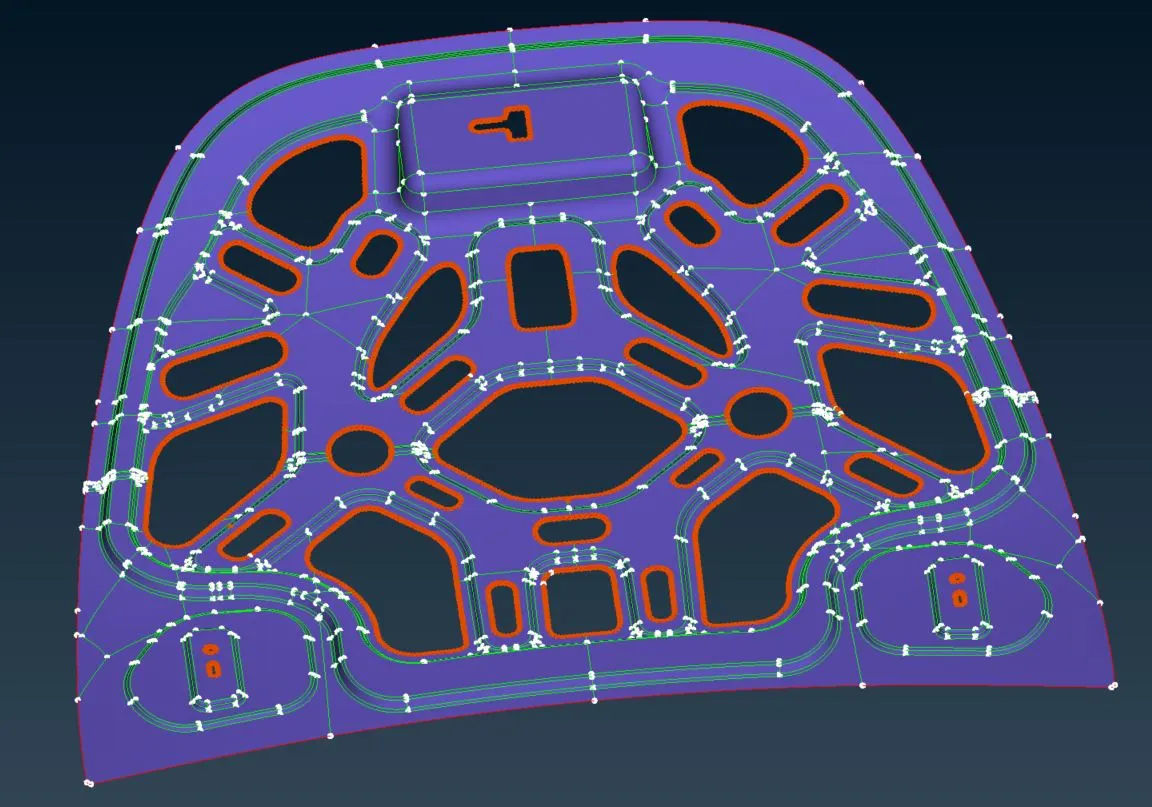
In the mesh deck, I have altered the element by using length tool in perimeters and assigned a length of 5 in the perimeter
Now I have given the mesh quality criteria in quality criteria presentation parameters in shells I had loaded the given parameters of criteria
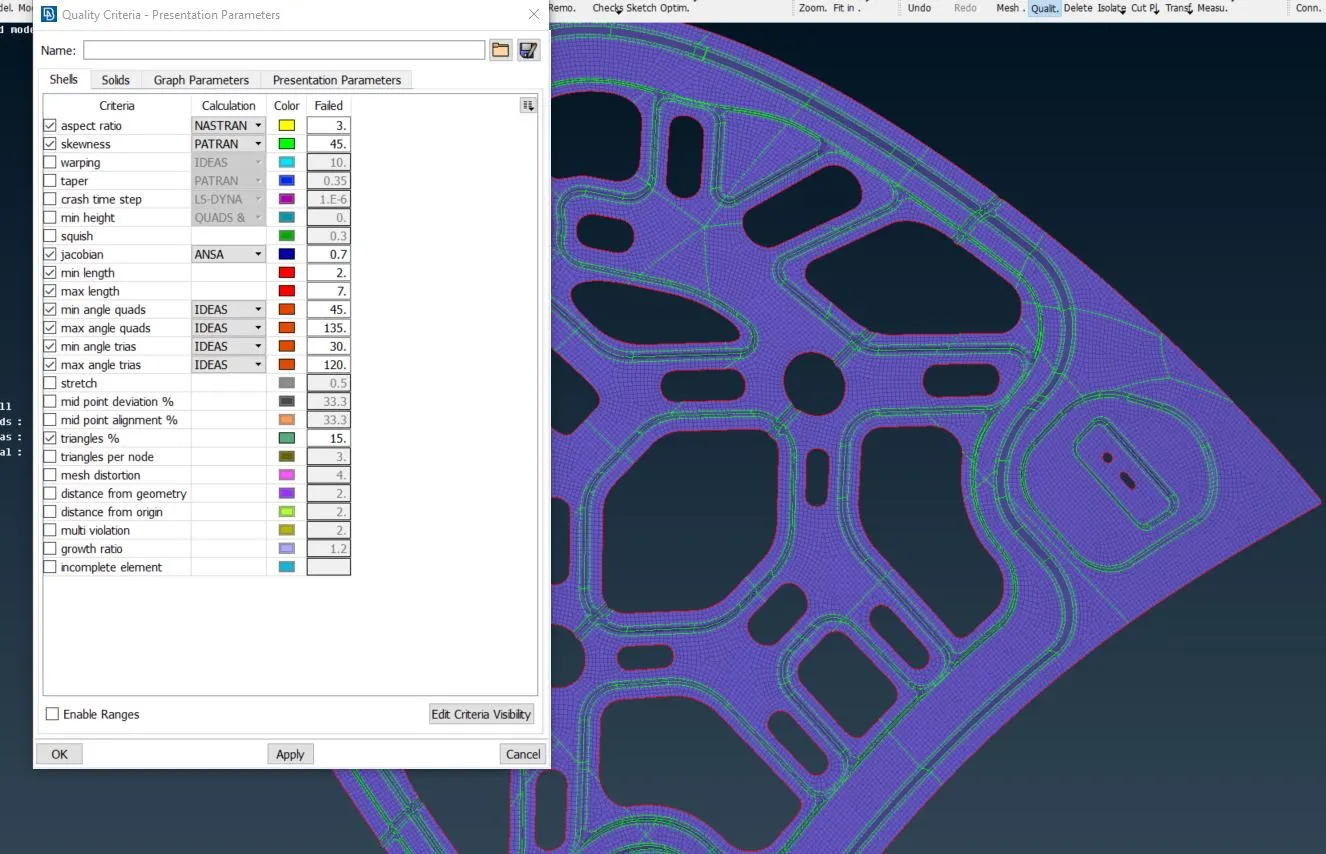
And now I created the mesh by using best mesh in mesh generation tool
I used 2-Dimensional meshing as the component is extrusion component we only use shell mesh
Now I checked mesh quality where a better mesh is required so that it has a better flow of mesh I had done correction in the mesh by using reconstruct option in shell mesh tool and by splitting and swapping the elements where it's required
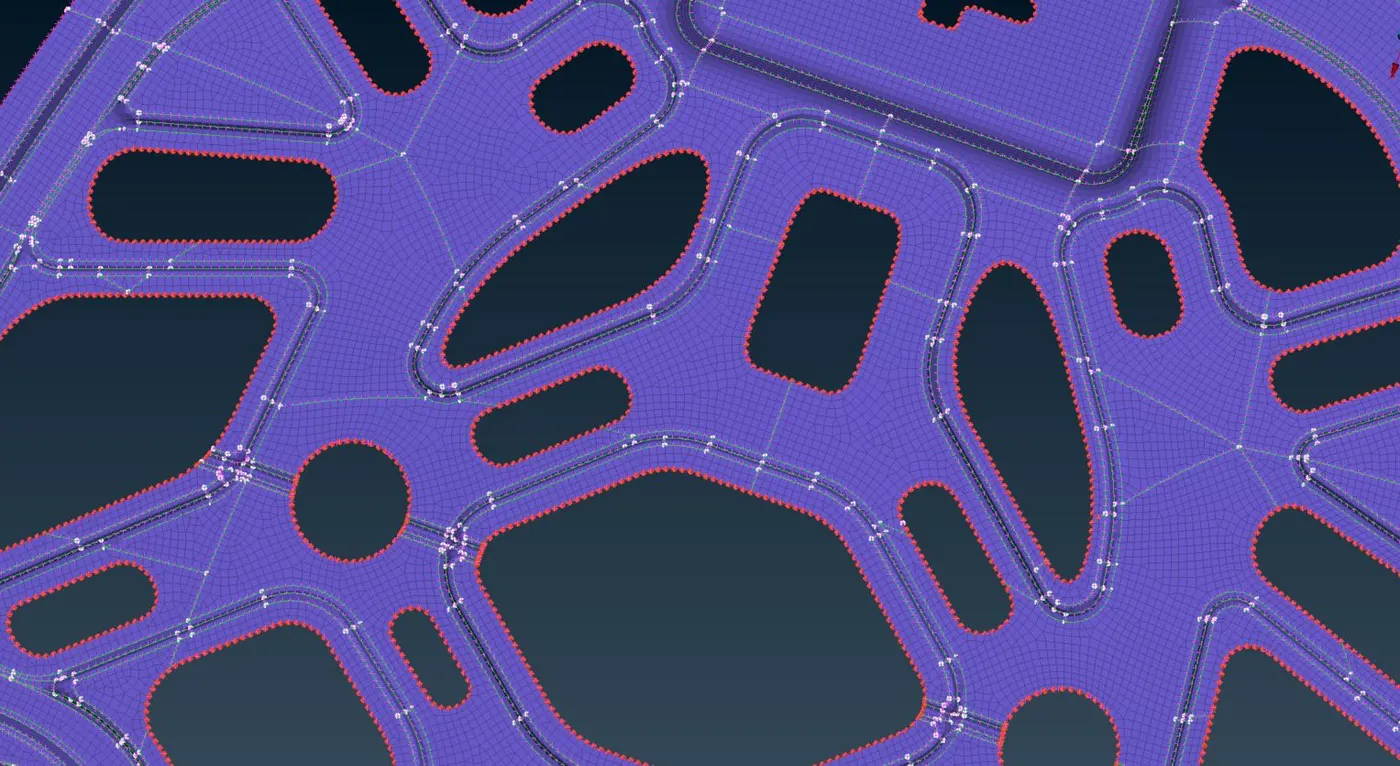
This is the procedure I followed in creating the mesh