Week 6 - Creating connection for Rear door
Aim:
Creating connections for the given rear door geometry.
Pre-requisites:
-Geometry
-ANSA Software
Overview:
-Importing geometry into ANSA.
-Create connections where ever it is necessary.
Procedure:
-Import the given geometry into the ANSA software.
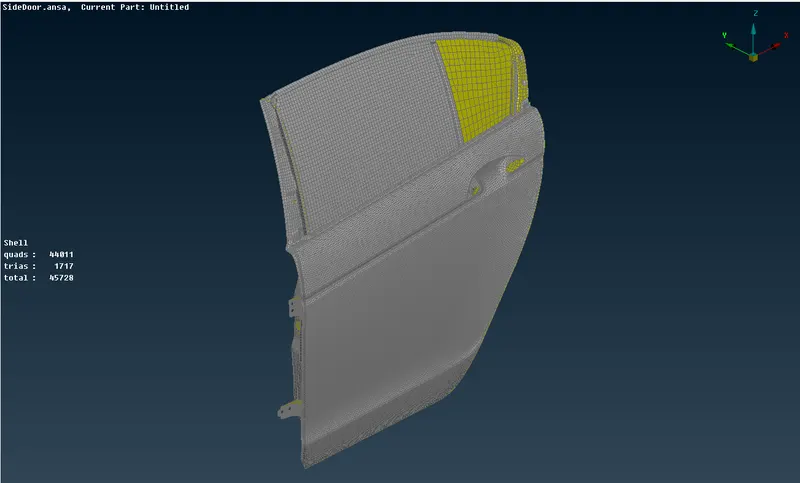
-The most important places to connect are those where the hinges are located and the hatch areas.
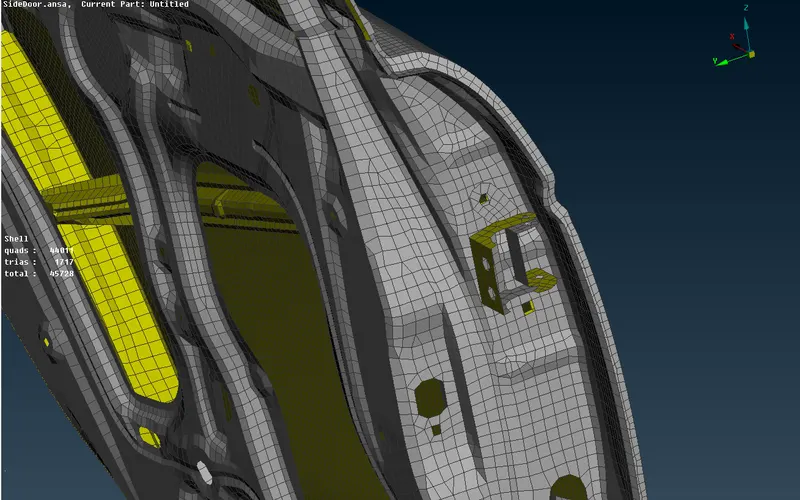
-After that where ever the welding is necessary make a connecting as spot weld.
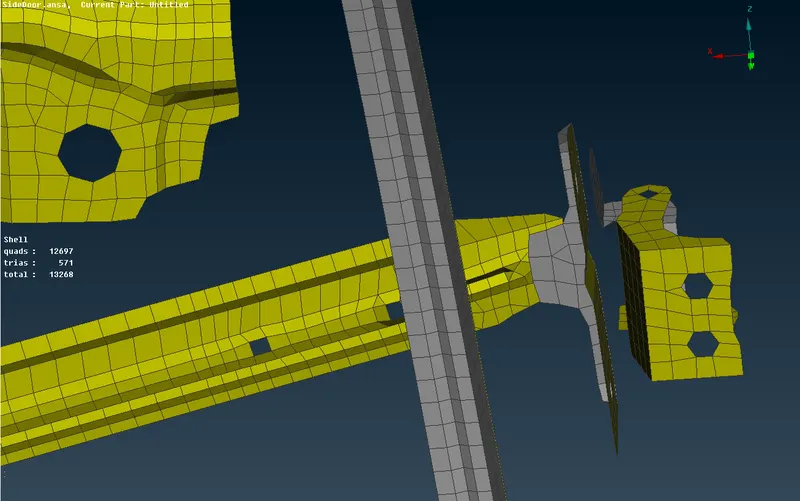
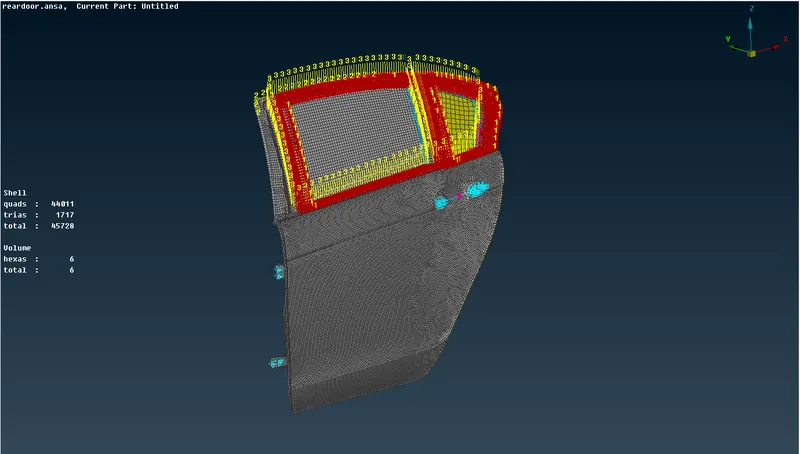
-After making the spot weld it'll be like shown below.
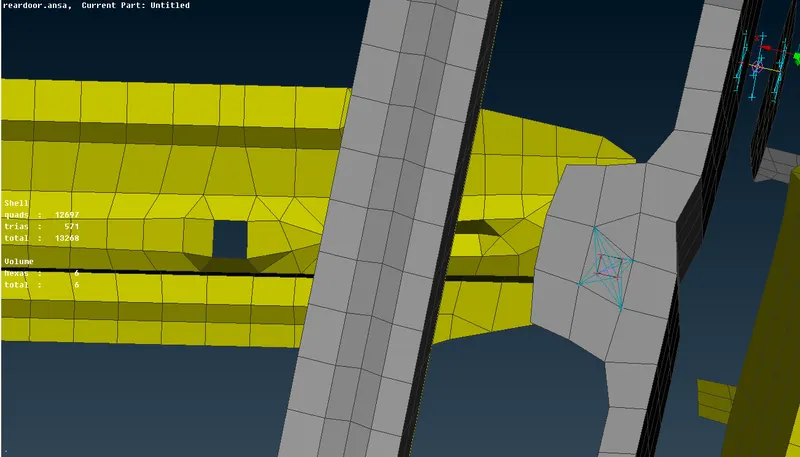
-As it is a door and for the window part there will be a wheather strip present and to make the connection for the window and the wheather strip we use the cbush connection.
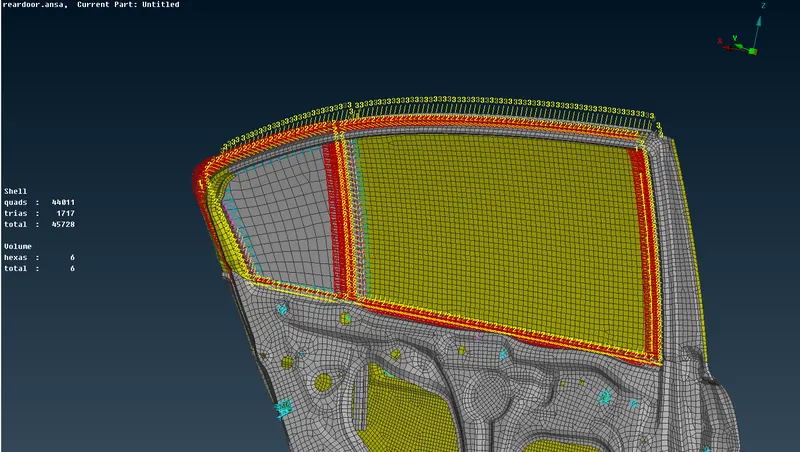
-And in the same way make connections where ever they are necessary.
-Change the corrdinate system of the cbush from local corrdinates to global coordinates.
-Add mass at the centre of gravity of the handle.
Learning Outcome:
-From this challange, I have learned how to create connections and where to give the connections for any geometry.
Conclusion:
-Connections for the rear door geometry are created.