Week 6 - Creating connection for Rear door
Aim: The connection for the front door by using different 1D elements.
Objective: Provide connection to all weld,bolt joint respectively.
Procedure:
1. Import the model.
2. Check all the geometric cleanup.
3. Assign different PID to all the component.
. Provide connection to all weld joints,bolt joint and all the other respective joints
Start the Process:
Step one import the model.
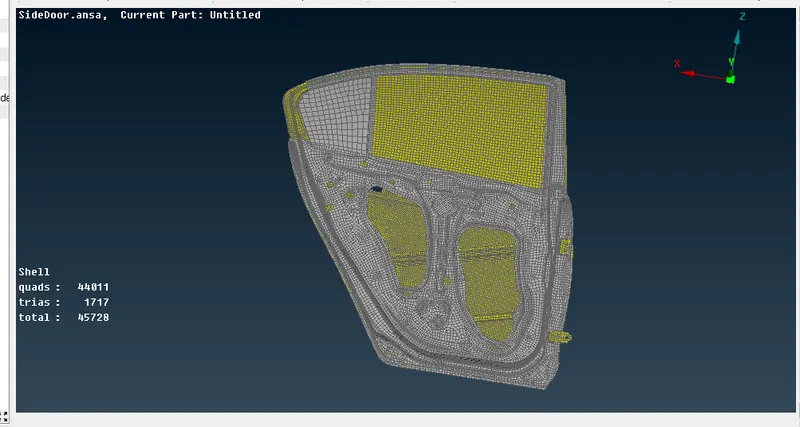
Step two assign different PID to all the component.
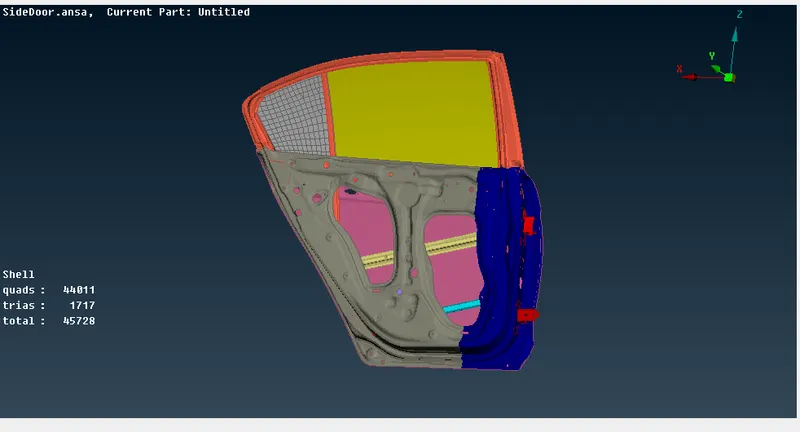
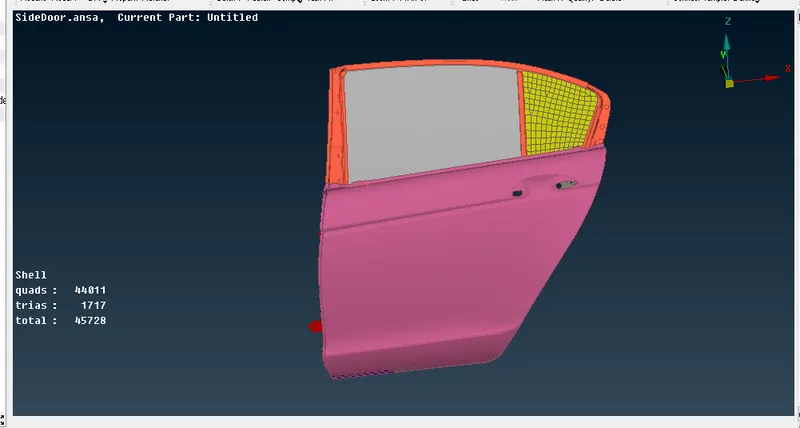
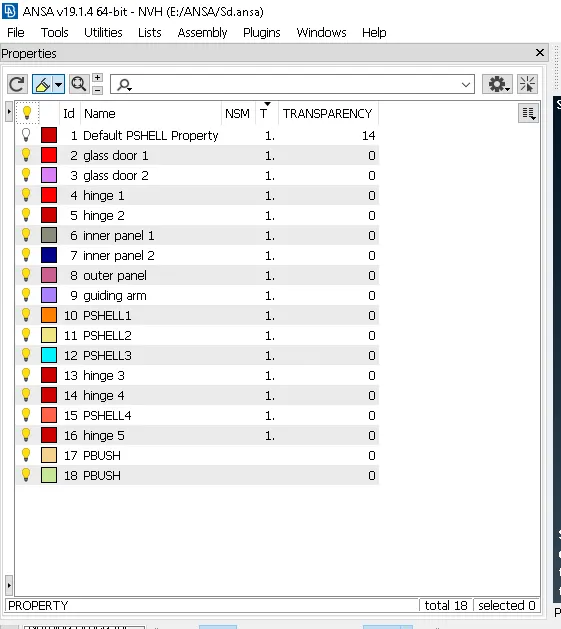
Procedure for Bolt connection
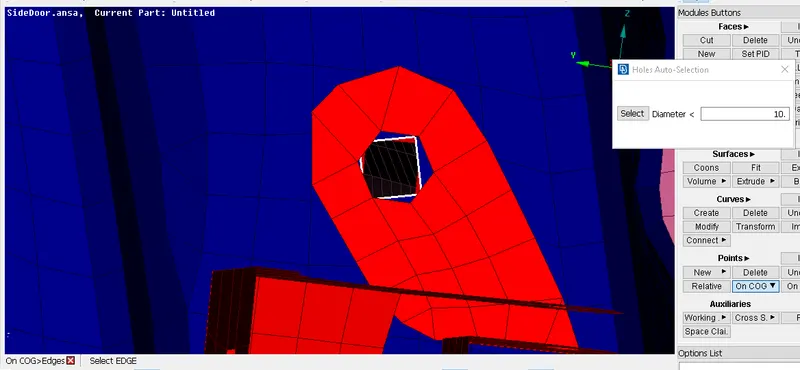
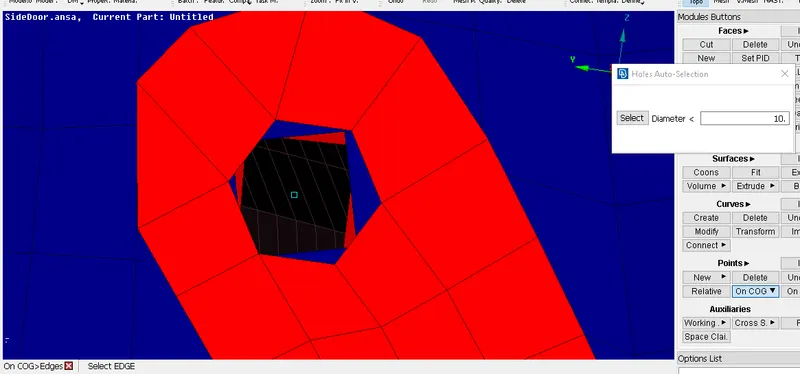
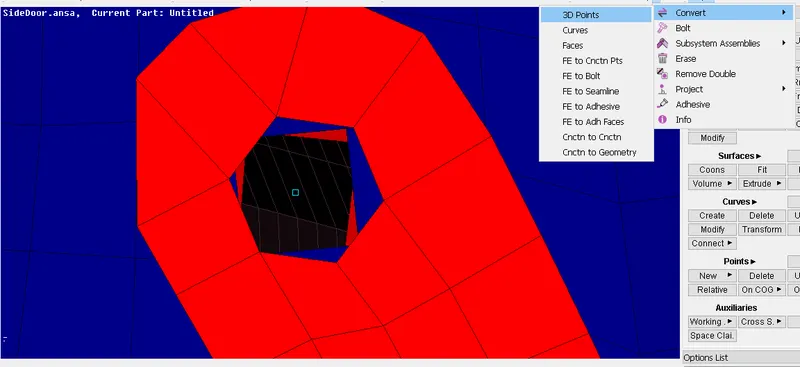
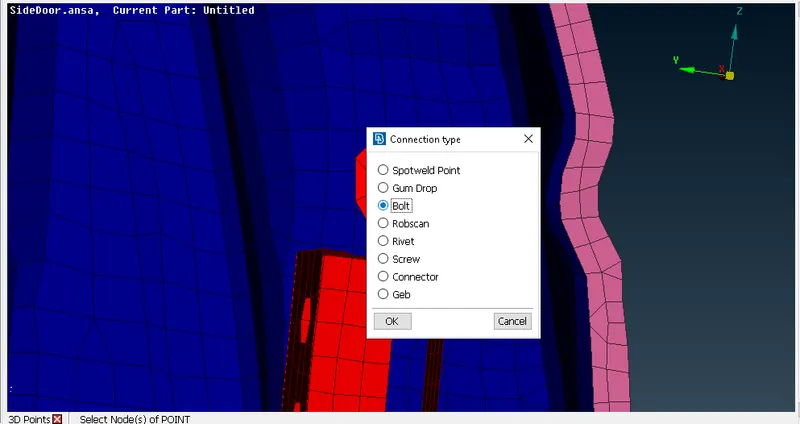
topo module>Points>COG>Convert>3d points>Bolt>Connection Manager>Assign P1 P2
For Bolt connection go to topo module then go to Points and select COG.After selecting the COG then go to convert select 3d points and give middle click of the mouse after that select Bolt option and click OK.After that go to connection Manager and Assign P1 P2 values and select BOLT connection.
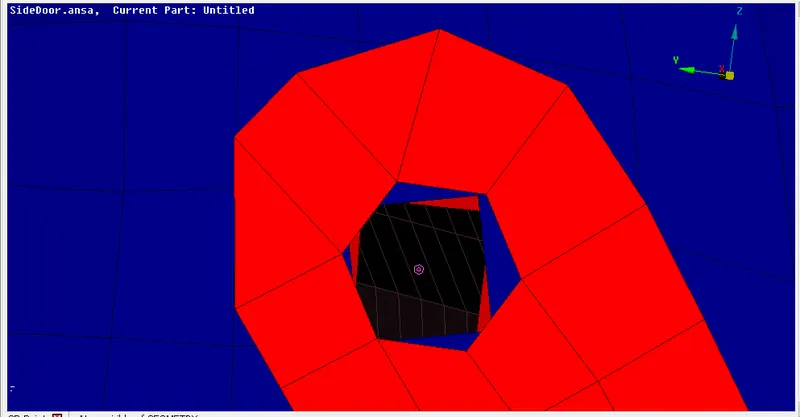
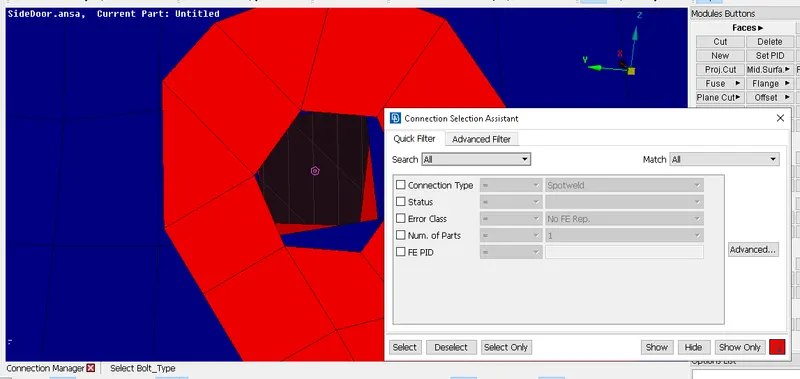
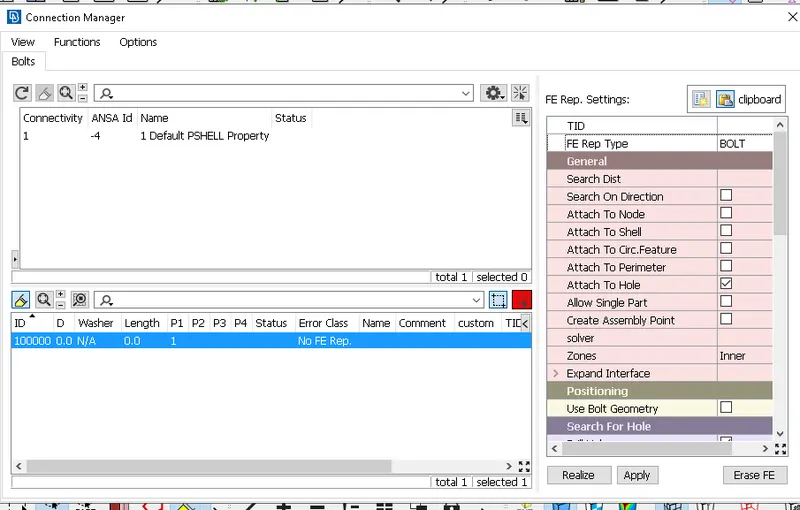
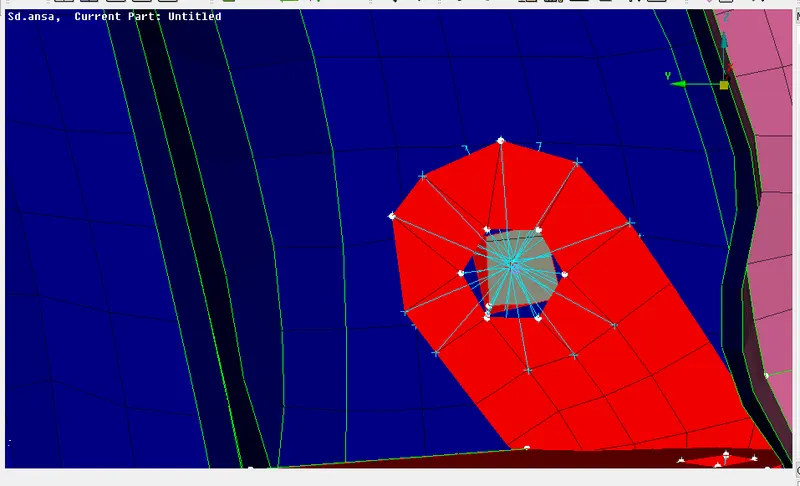
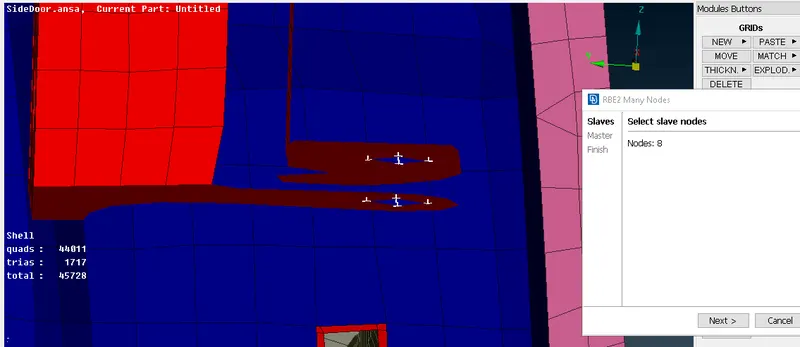
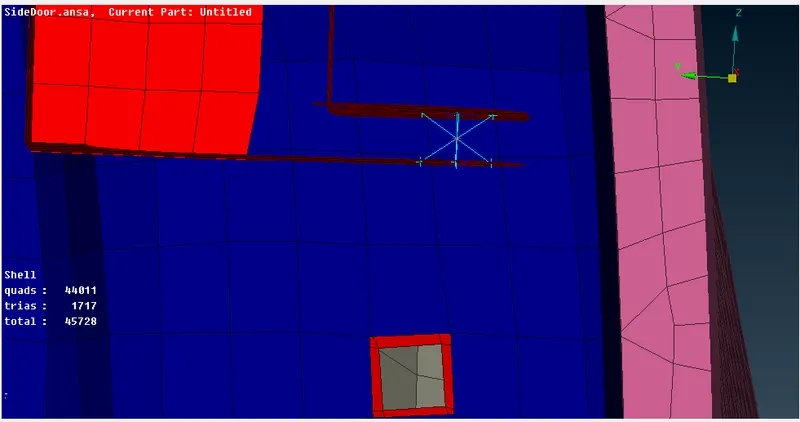
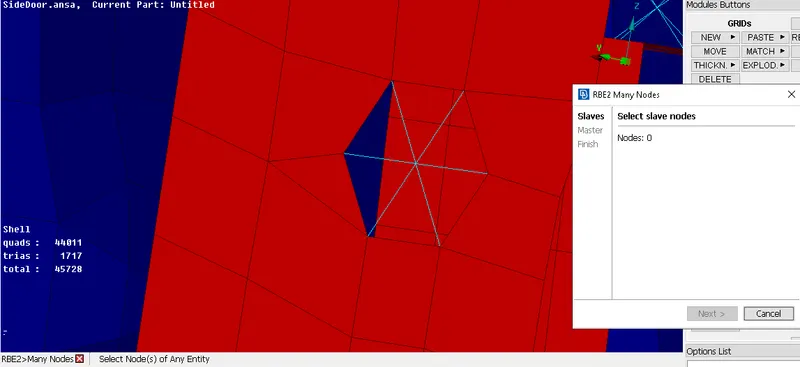
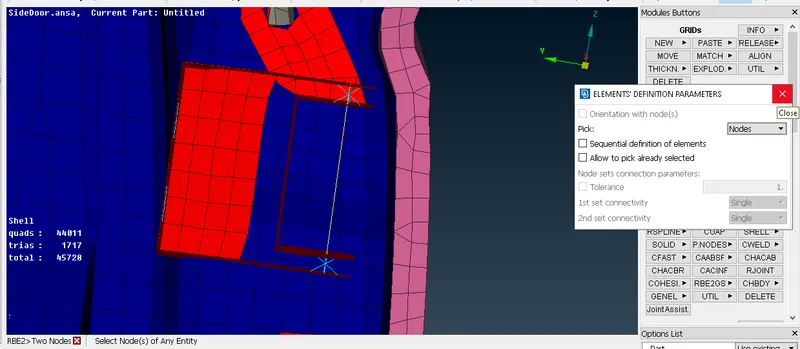
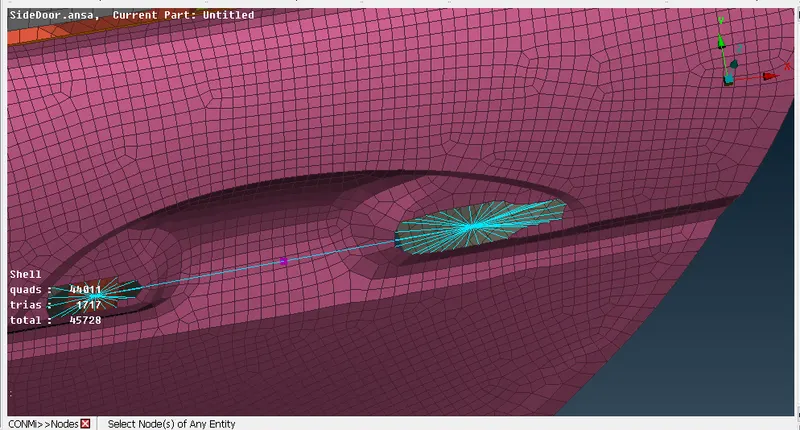
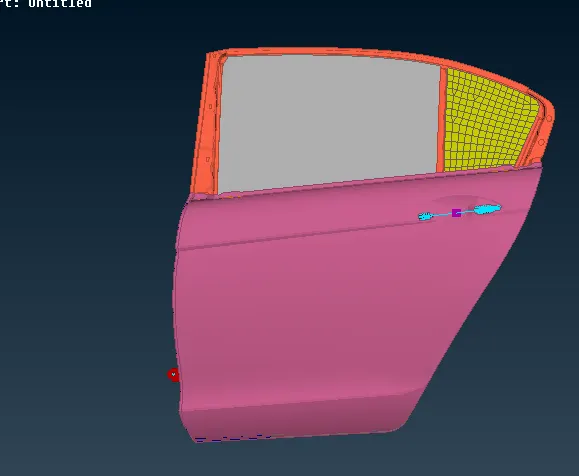
other common connection in door by using RBE2 option
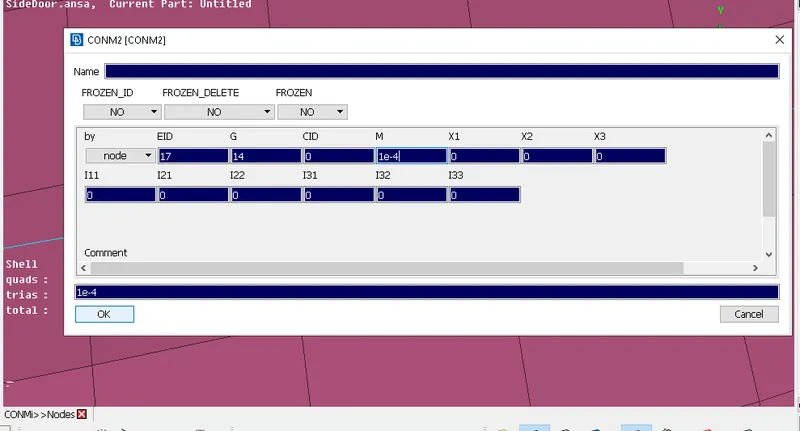
Provide connection to door handle and Mass
Nastran module>Elements>RBE2>Many nodes
for assigning mass Nastran module>Elements>CONMi>Nodes
Procedure for weld connection
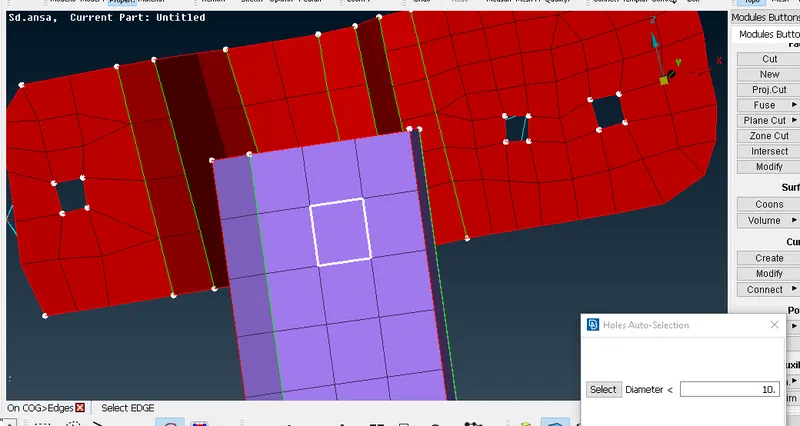
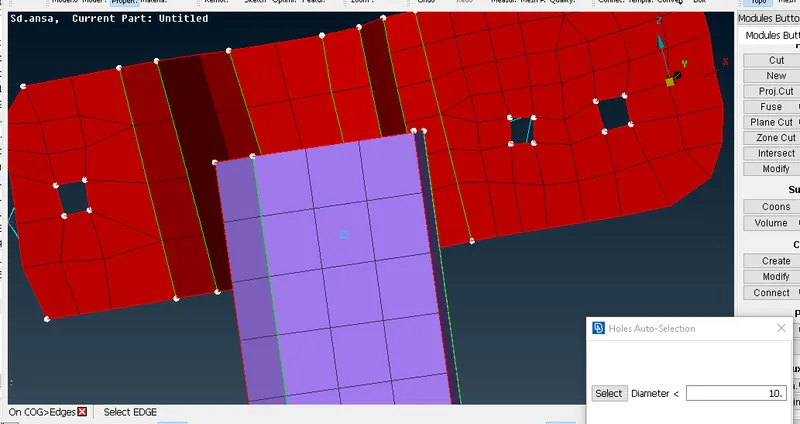
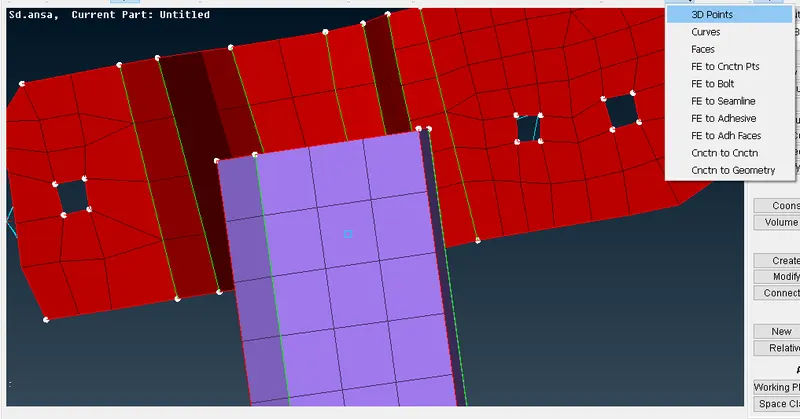
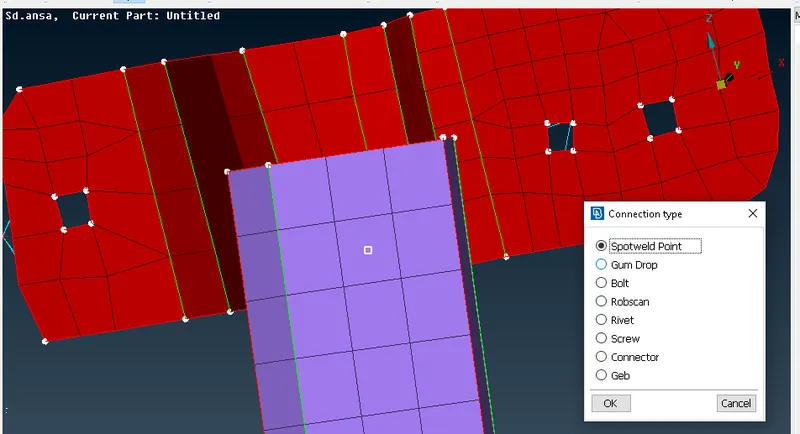
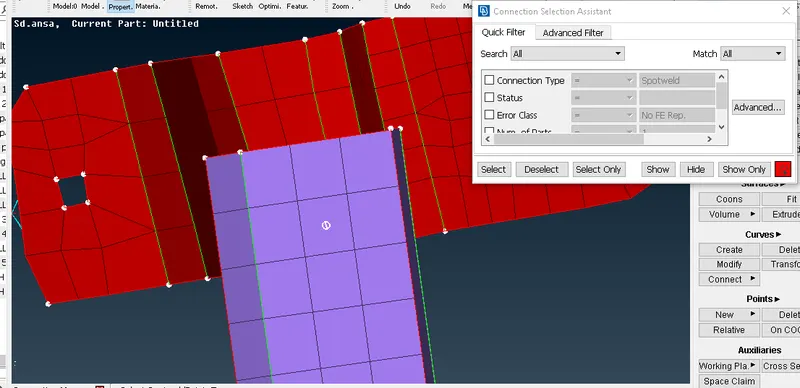
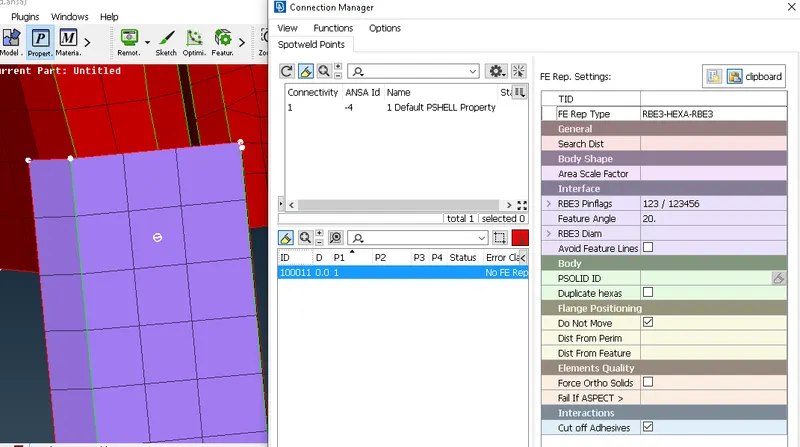
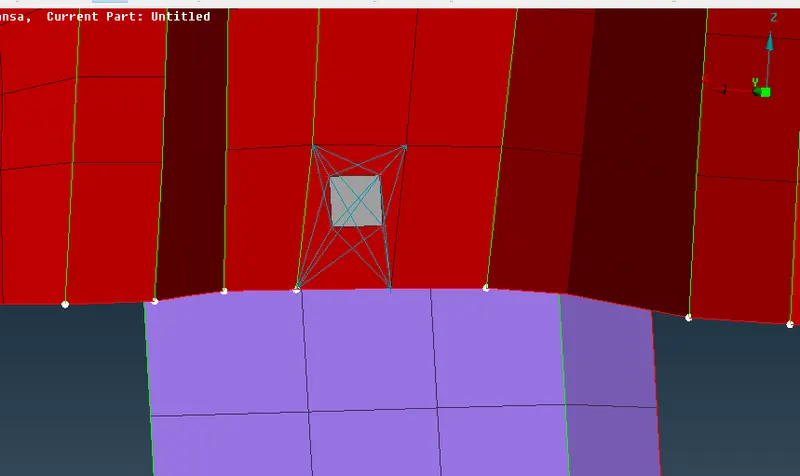
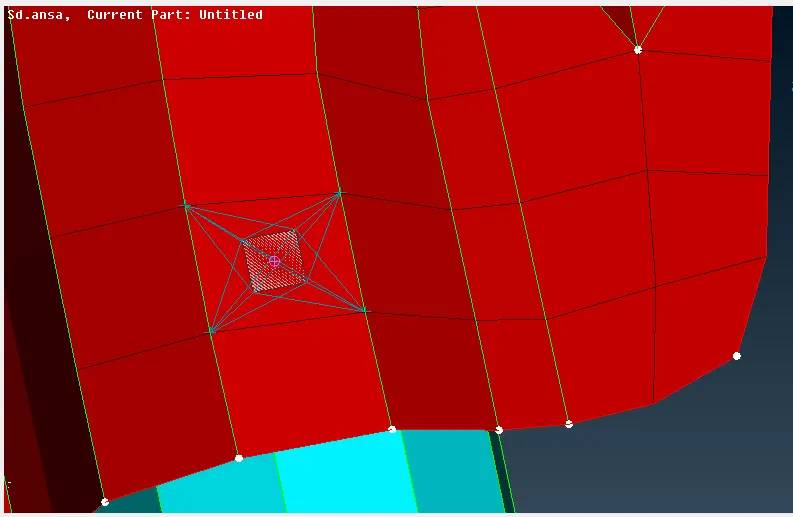
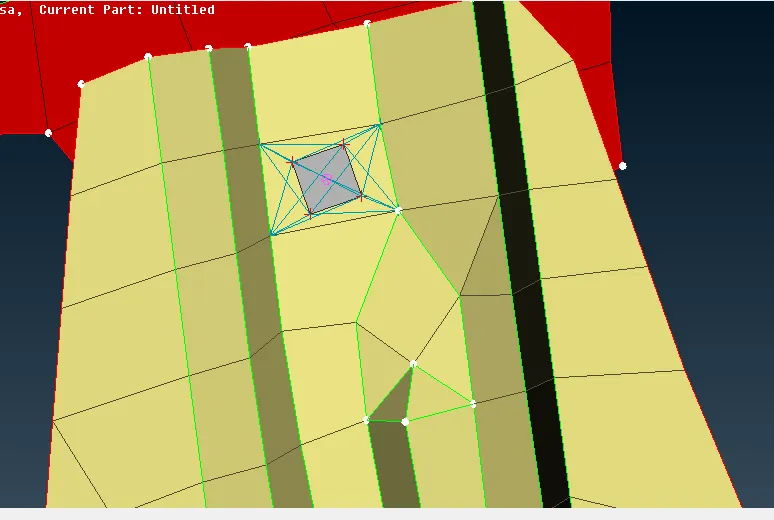
topo module>Points>COG>Convert>3d points>spotweld point>Connection Manager>Assign P1 and P1>select RBE3-HEXA-RBE3>create PID for weld>apply>realize
For weld connection first go to topo module go to points select COG option.After selecting the COG go to convert option after that 3d points and give middle mouse click and select spotweld points .
After that go to Connection Manager and assign P1 and P2 values and select RBE3-HEXA-RBE3 create PID for weld and click on apply and realize.
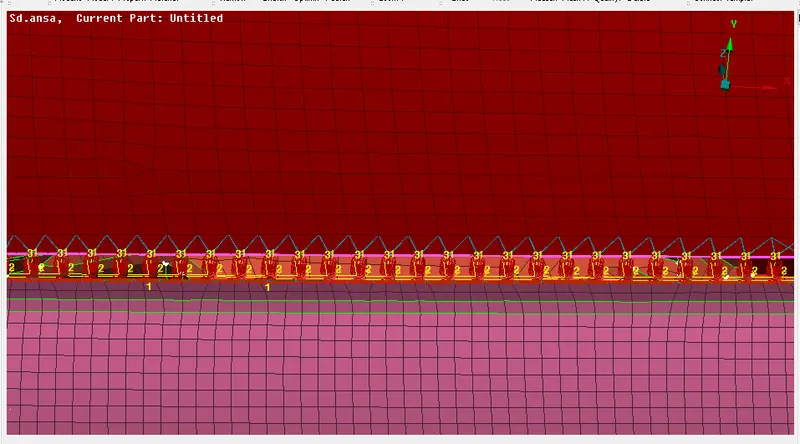
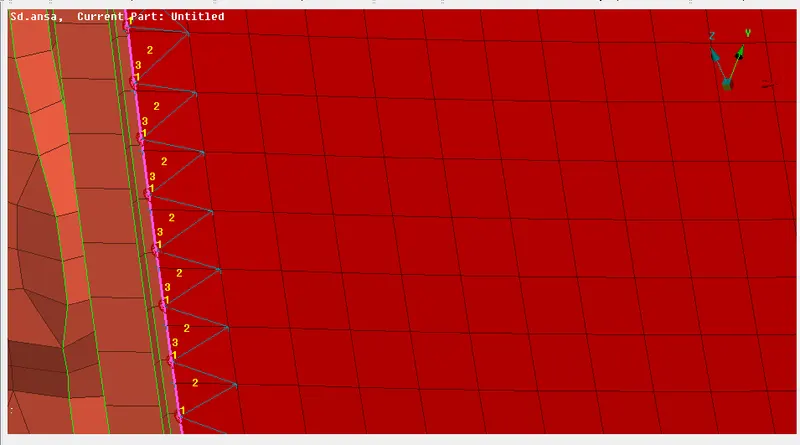
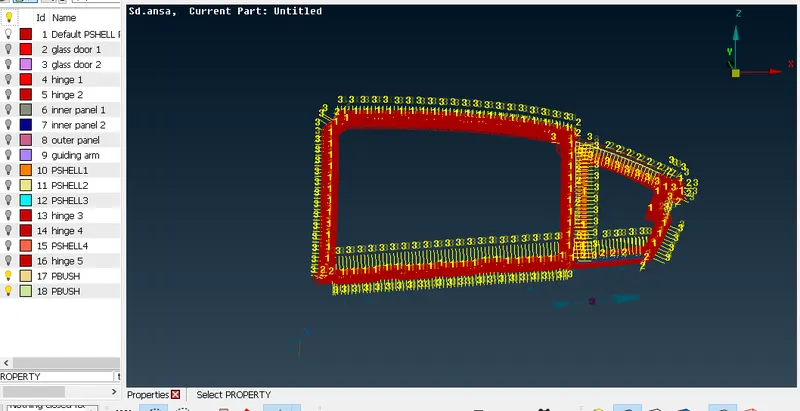
Procedure for glass door panel
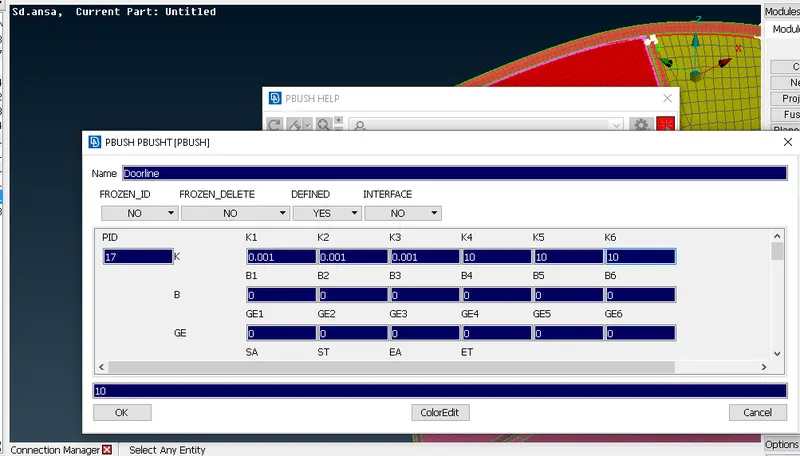
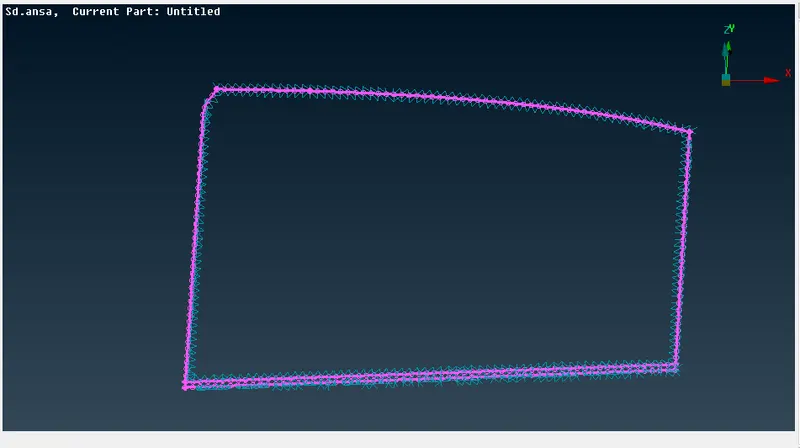
Mesh module>Perimeters>Feat2Curve>select the glass panel>Convert>Curve>Spotweld Point>Connection Manager>Assign P1 and P2 values>select RBE3-CBUSH-RBE3>Create PID>Apply>Realize
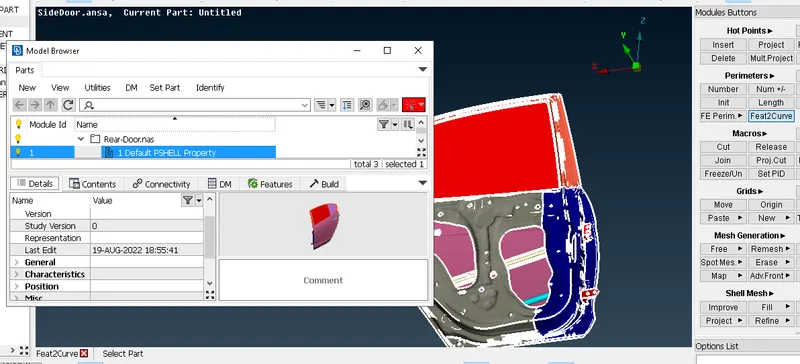
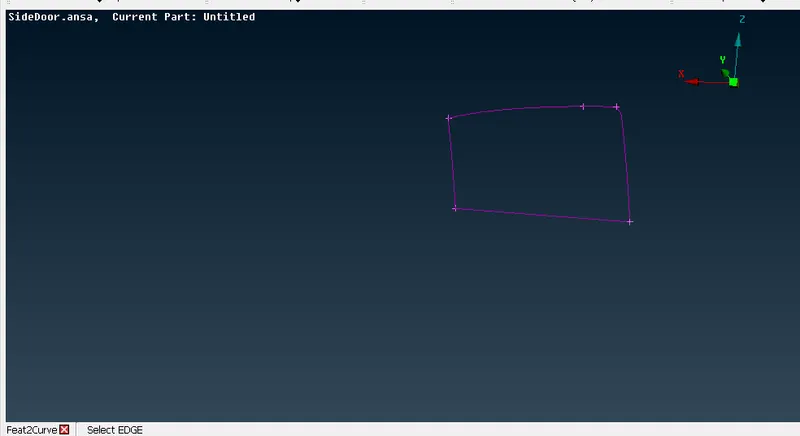
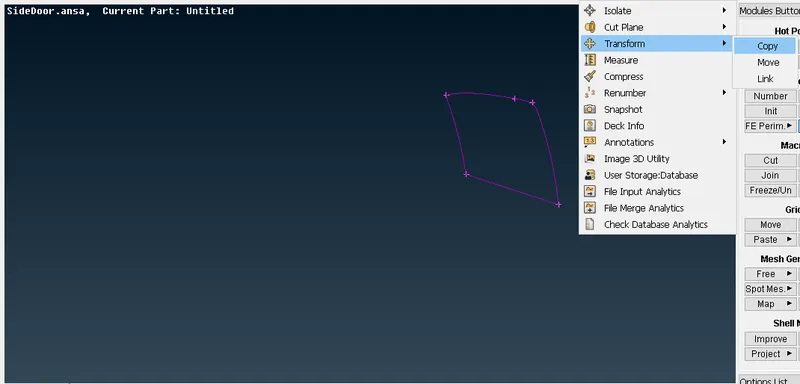
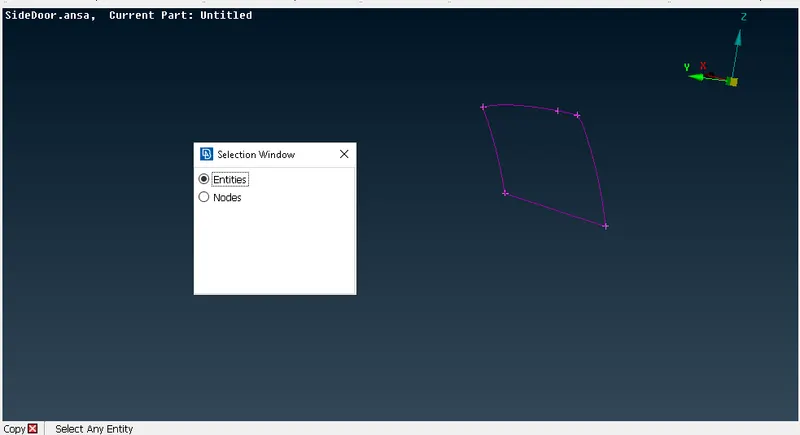
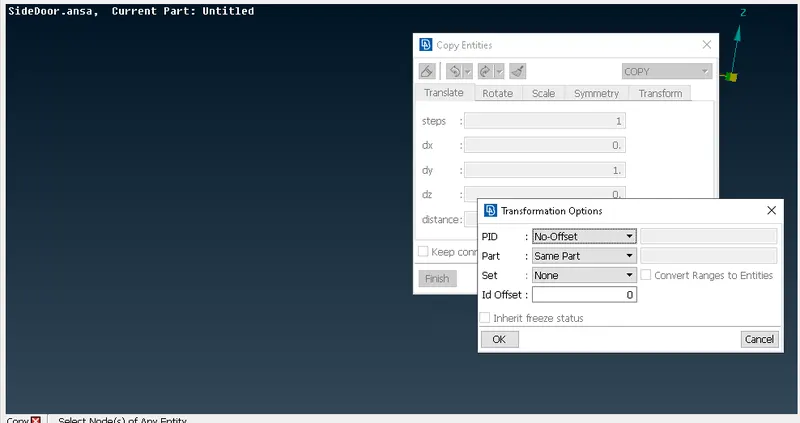
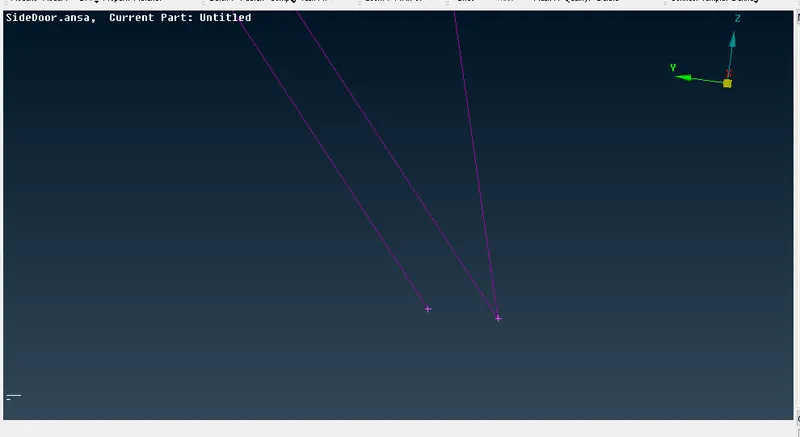
After that go to convert option select Curve option give middle mouse click and after that select Spotweld Point and to go Connection Manager and assign P1 and P2 values and select RBE3-CBUSH-RBE3 and create PID after click on Apply and Realize.
Conclusion:
1. We successfully created the BOLT connection.
2. We successfully created Weld connection.
3. We successfully created the glass door panel connection .