Week 6 - Creating connection for Rear door
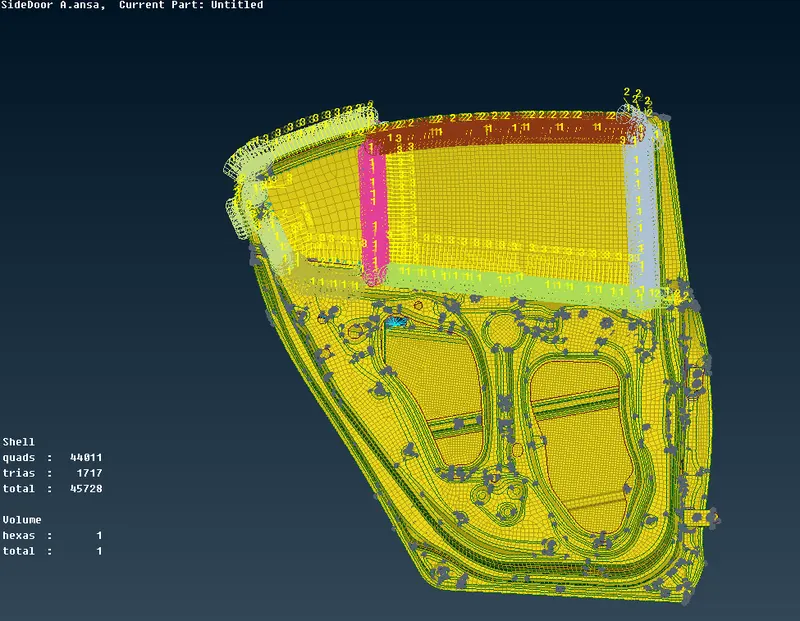
AIM:- To Create connections for the front door by using 1D elements.
PROCEDURES:-
1. Load the file in ANSA.
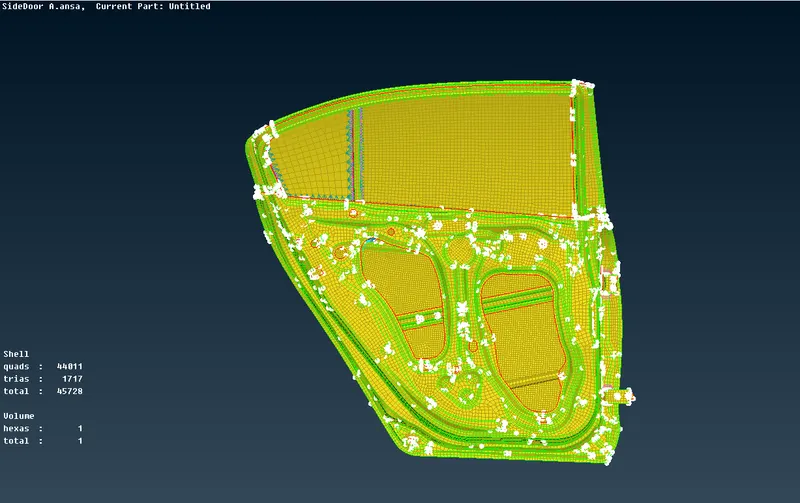
2. Geometry cleanup:-Check for geometry error like triple cons, needle faces etc.
3. Connections:- Now coonections are identified and made accordingly
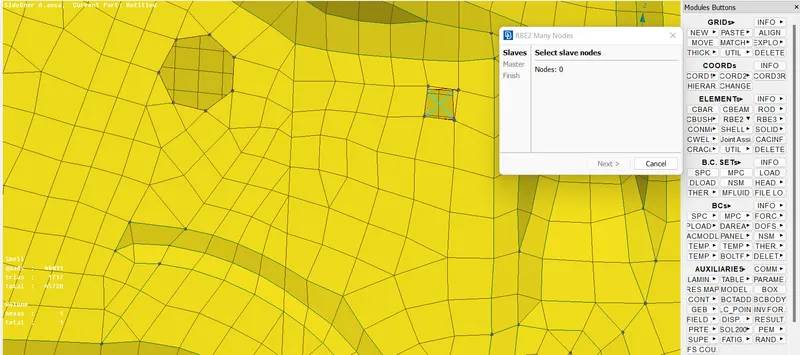
a) Bolt connection:-Bolt holes are identified as connections are made using NASTRAN MODULE-ELEMENT-RBE2-MANY NODES.
b) Connection for spot welding:-For spot welding connection, 3d point is created & converted into spot weld.
Then by using connection option,P1 , P2 are created with RBE3-HEXA-RBE3.
Search distance is given & connection are realised.
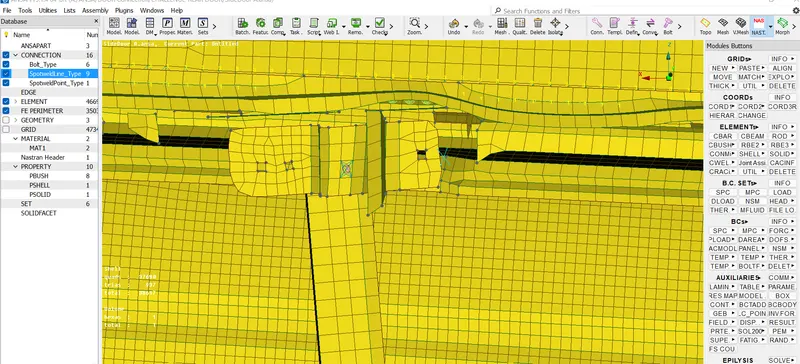
c) Connection for door hinge:-Use RBE2 coomand to create bolt connection & then two connection are join using RBE2- Two Nodes.
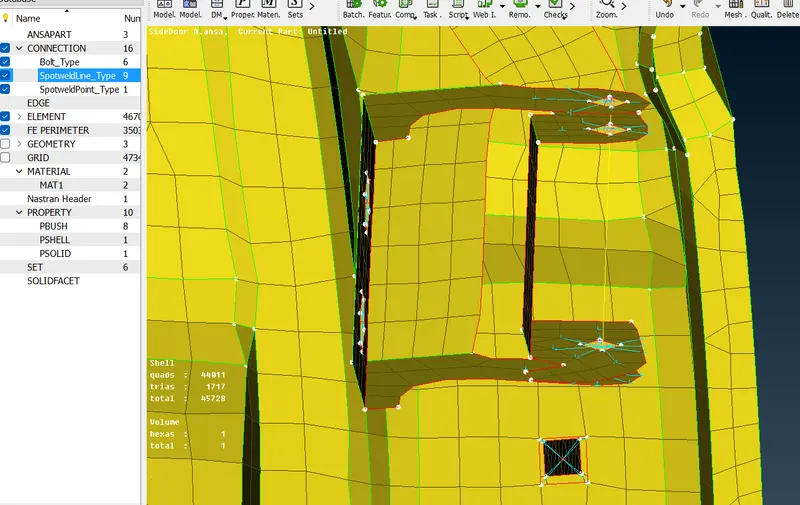
d) Connection for Glass- First curves are created from FEAT2CURVE command available in mesh deck.
MESH-PERIMETER-FEAT2CURVE.
After these curve lines are converted into spotlines.
Connections are made using RBE3-CBUSH-RBE3 option by assigning P1, P2 & serach distance.
LEARNING OUTCOMES-
1. In this challenge , i learned how to do bolt connection, weld connection & door glass connection having weather strip.
Commands like RBE2, RB3E -CBUSH-RBE3, RB3E-HEXA-RBE3 are used for coonections.
CONCLUSION:-
Various Connection are made for car side door FE in ANSA.