Week 6 - Creating connection for Rear door
AIM:-
To perform connections between various parts of the rear door FE model.
PROCEDURE:-
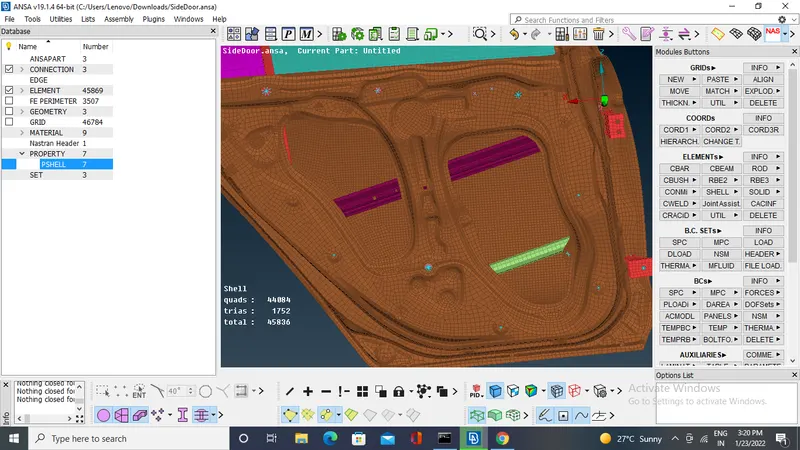
Open cad model
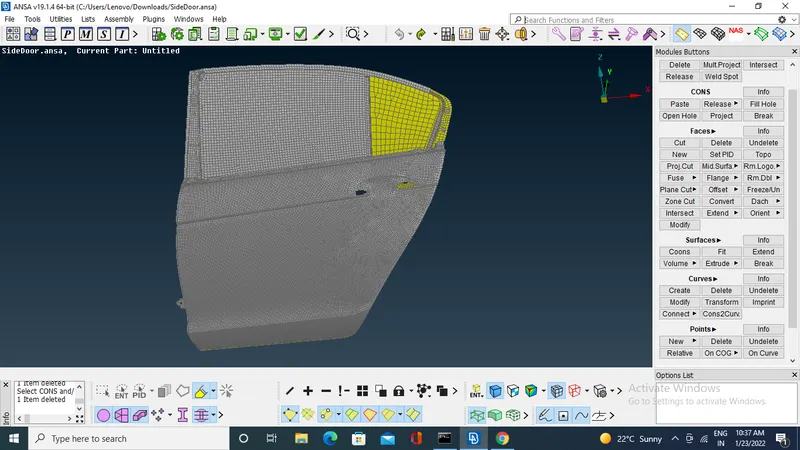
The model have to separate into different PID for that use Faces>set PID in topo module.
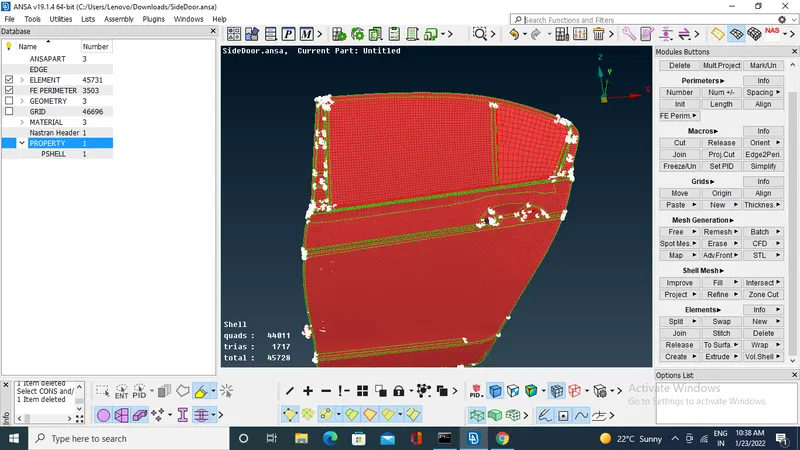
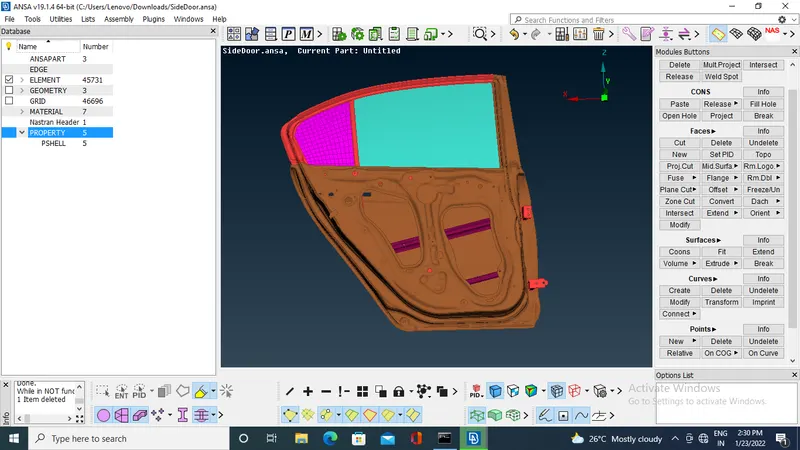
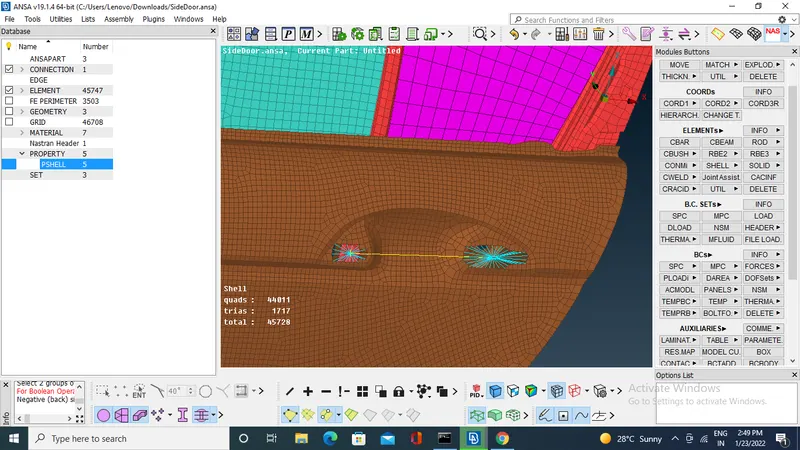
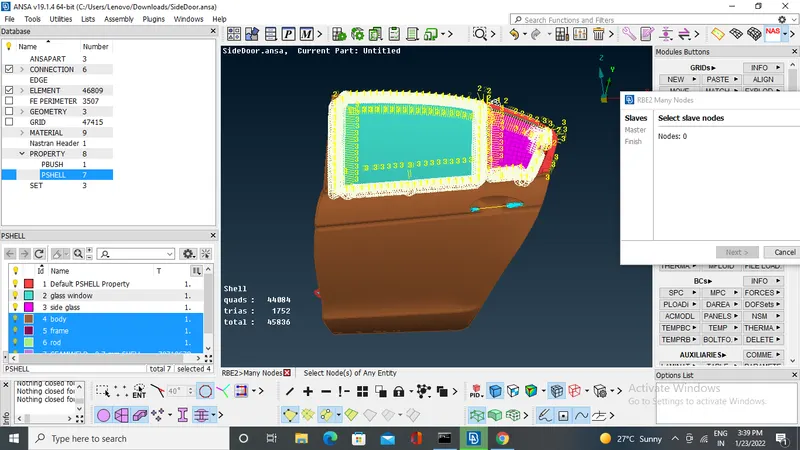
Start making connections in the NASTRAN deck by using Elements >RBE2 many nodes and two nodes .
To select all nodes in one short use loop.
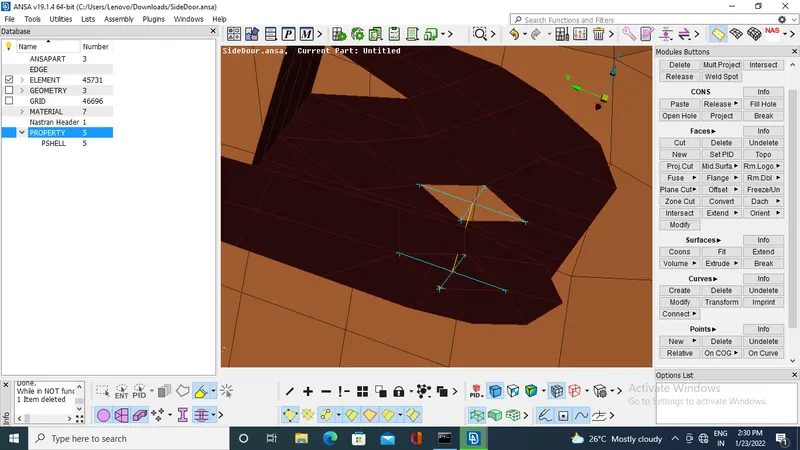
To assign the degree of freedom ,for the hinge 5 DGF is fixed 12345.
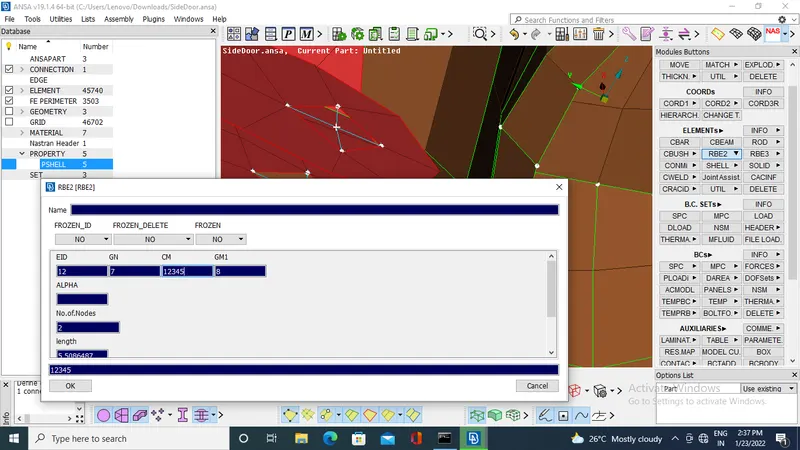
connection for door handle.
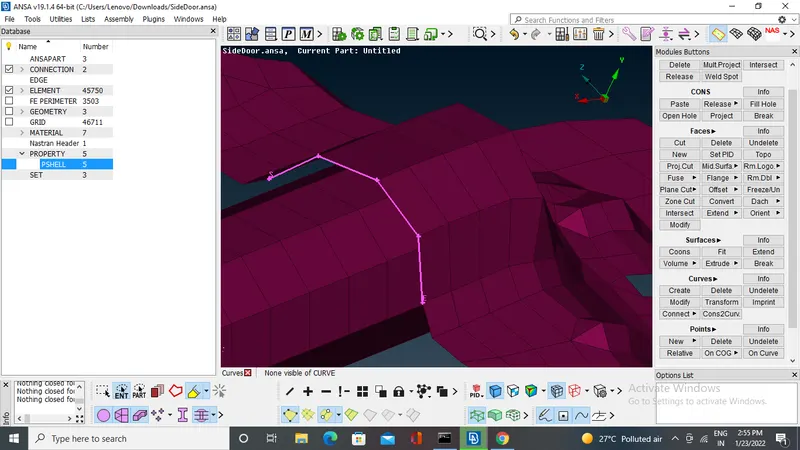
To made weld joints .
create the curve by using curves>cons2curve
convert curve to seam line by using convert (go to convert option select curves and select the curve>middle click >seam line >ok.
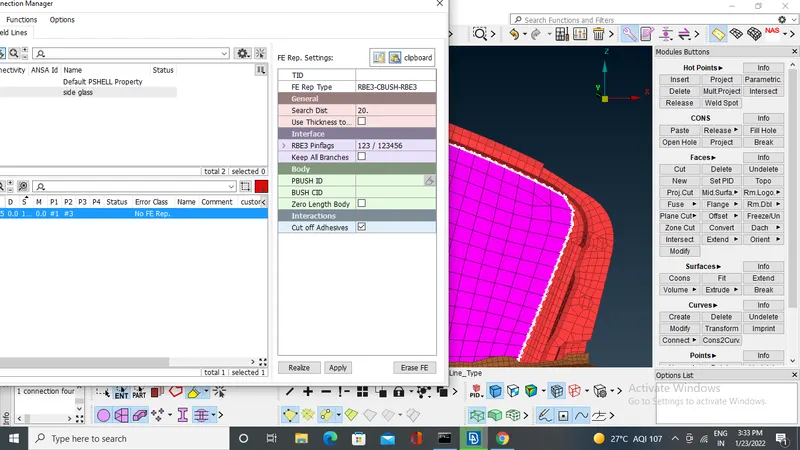
then go to connection manager select the seam line give type of joint ,search distance and select the p1 ,p2 of joint.
apply and realize.
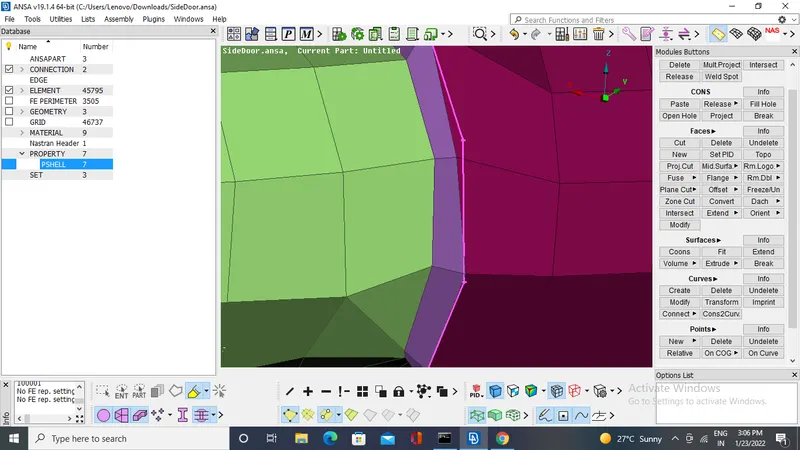
make RBE2 connection in where it is required.
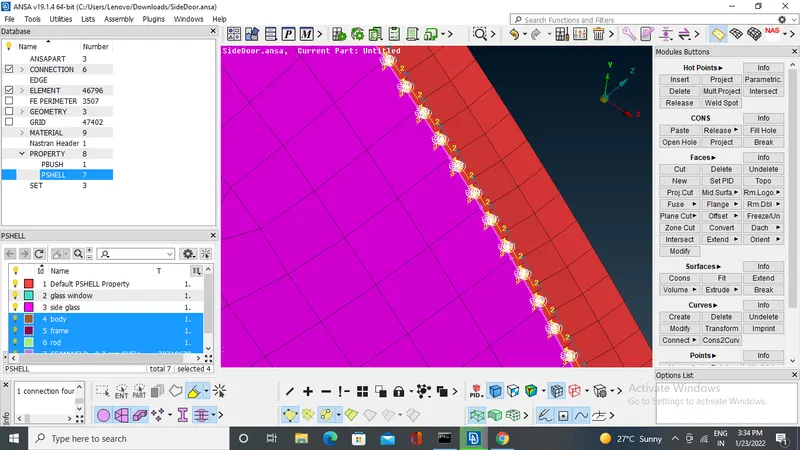
make the connections glass .
create the curve by using cons2curve.
convert the it into spot line.
Gp to connection manager select the spot line middle click give FE reo type ,search dist,space .
select p1 and p2.
apply and realize.
Learning out comes:-
- various connections in NASTRAN deck.
- converting of curves and points.
- learned about connection manager.
Conclusion :-
connections are deployed according to type of connection required in different PIDs.