Week 6 - Creating connection for Rear door
Creating Connections of a Rear Left Side Door in Nastran Deck by Using ANSA
OBJECTIVE = The main objective of this project is to connect the FE model of the Rear Left Side Door of a car in NASTRAN deck for NVH Analysis.
PROCEDURE =
- Import Cad Geometry = File - Open - Select Geometry.
- The given CAD Geometry imported in ANSA workbench and orientation checked.
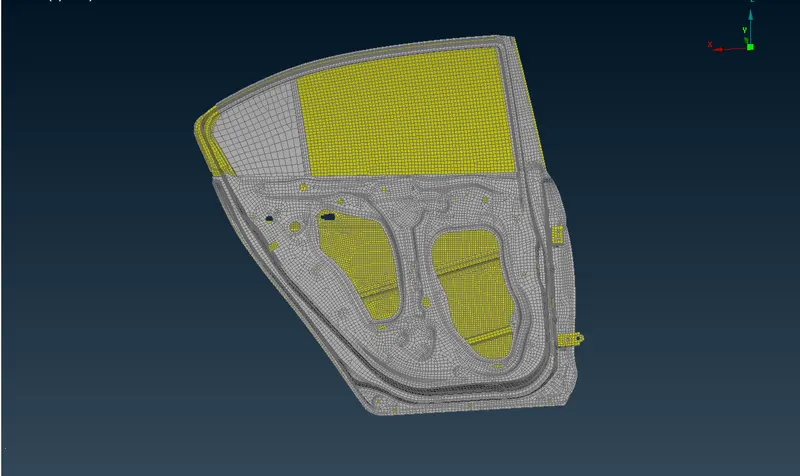
- Image 1. Imported CAD Model (Rear Side Door)
- PID Creation: Seperate Part IDs Created for all Individual parts.
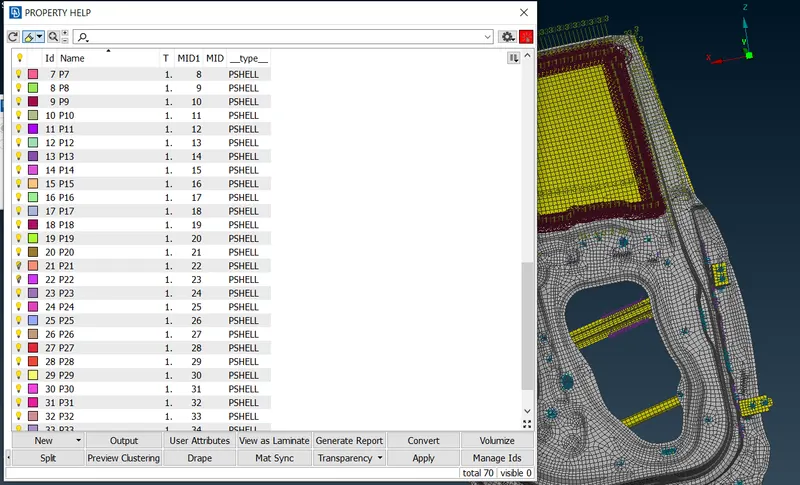
- Image 2: PID Creation
- Seperate PID Created for Each part.
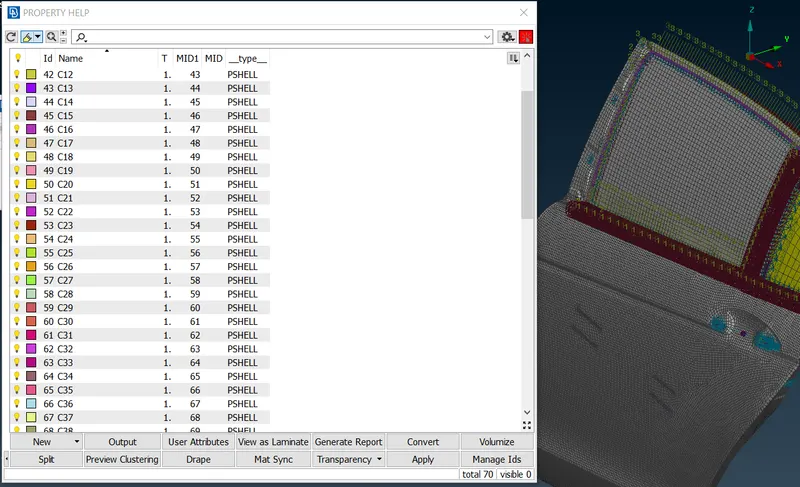
- Image 3: PID Creation 2
- Connections: To create Connections Topo - Curves - Cons2Curve is used to create the curves from Cons.
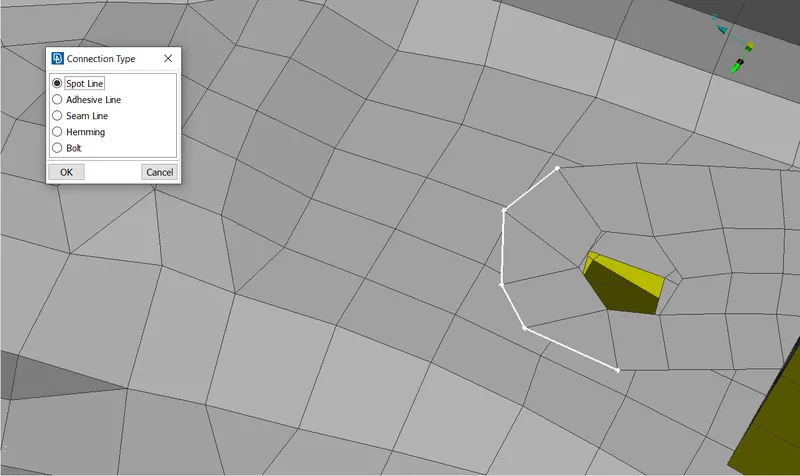
- Image 4: Creation of Curves
- Then, Assembly - Convert - Curves - Seam Line is used to convert curves to seam line connections.
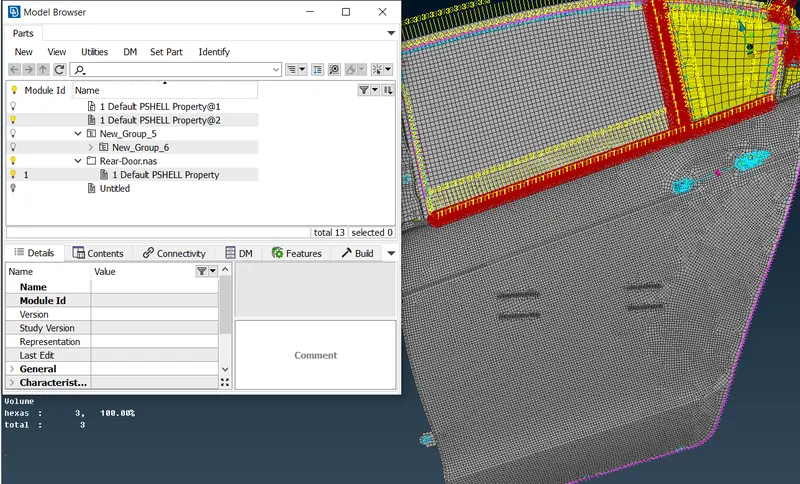
- Image 5: Modal Browser
- Then, Assembly - Connection's tab used to define the RBE2 - Many Nodes.
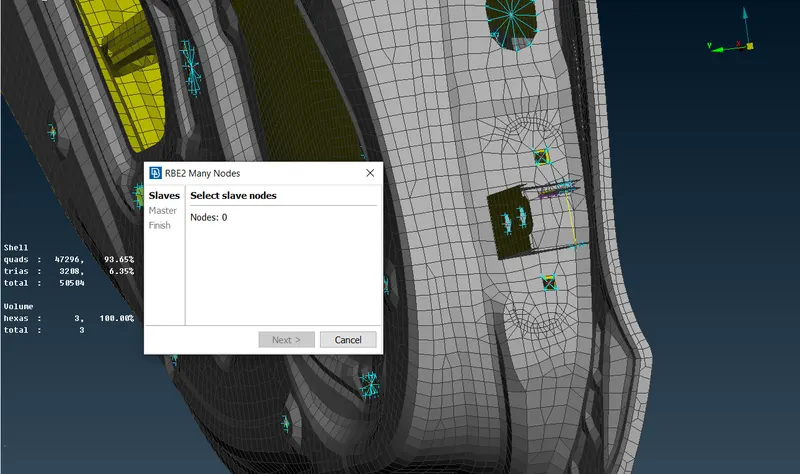
- Image 6: Two Nodes Connections
- RBE2 - Two Nodes used to create Bolt Connections from NASTRAN Deck Element - RBE2 nodes.
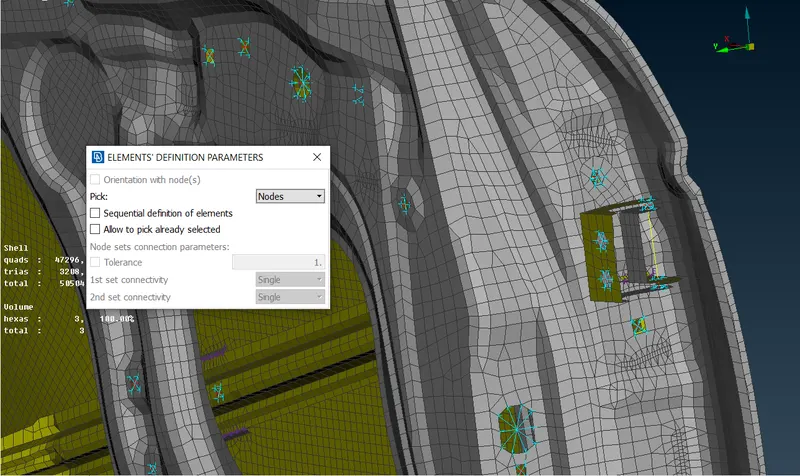
- Image 7: Rigid Connections
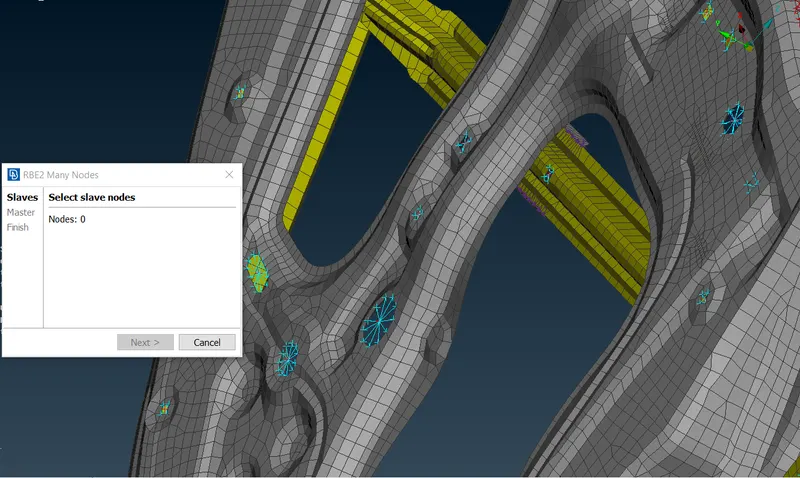
- Image 8: RBE2 Connections
- Overlap - Shell used as a FE representation type.
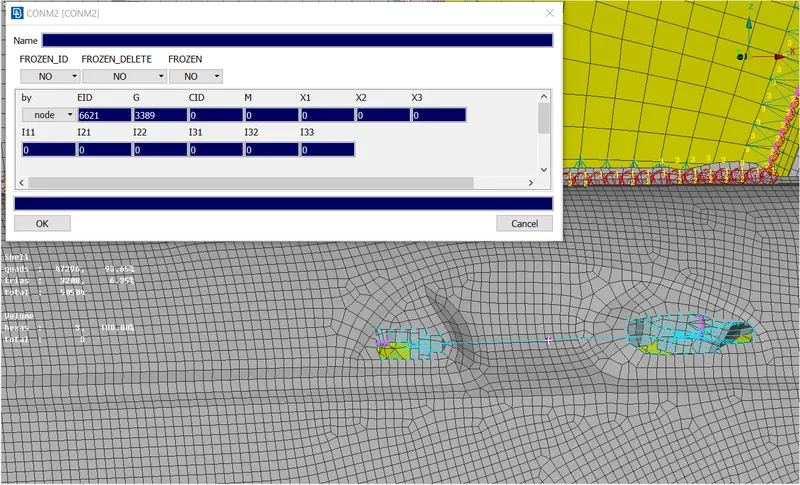
- Image 9: Door Handle Connection
- Spot Weld Connections = Topo - Points - On Cog - Select Quad Element.
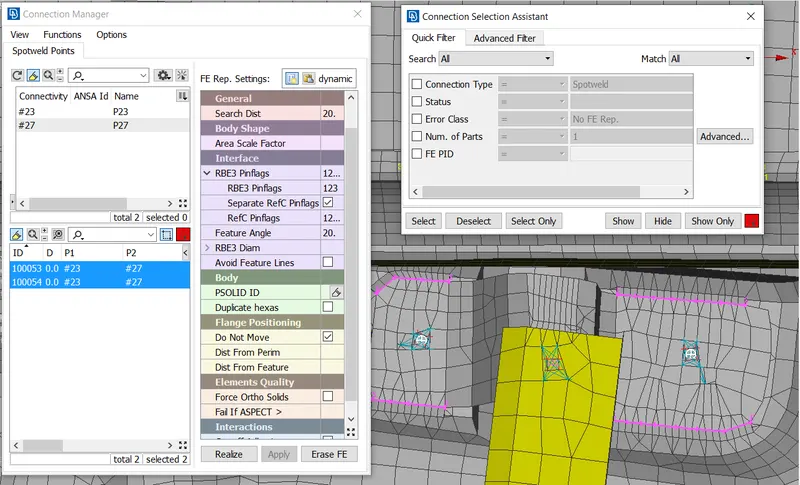
- Image 10: Spot Weld Connections
- RBE3 - Hexa - RBE3 connections defined by the connection manager followed by the creating new Psolid ID.
- Overlap Shell Connections = To create Connections Topo - Curves - Cons2Curve is used to create the curves from Cons.
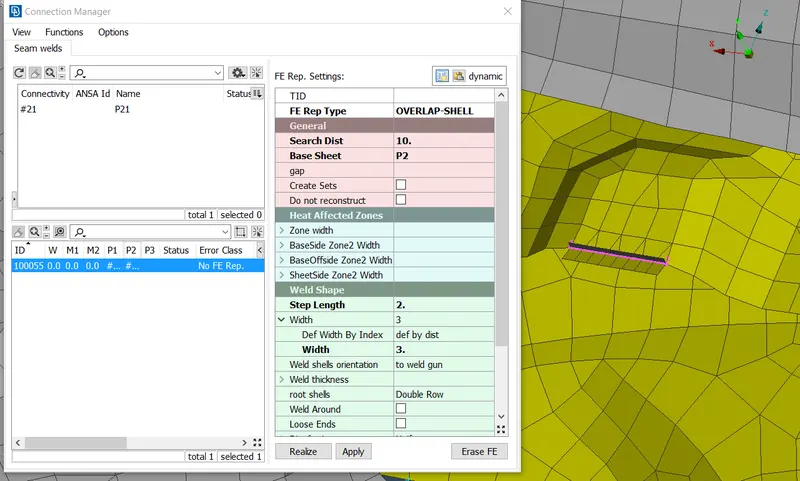
- Image 11: Overlap Shell Connections.
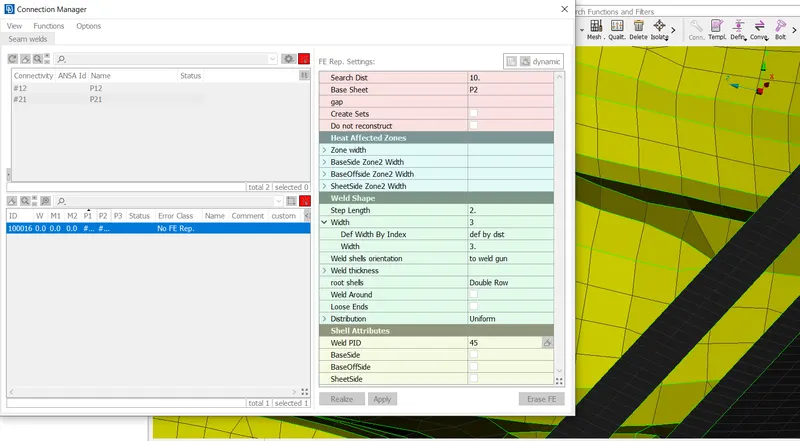
- Image 12: Seam Weld Connections
- Then, Assembly - Convert - Curves - Seam Line is used to convert curves to seam line connections.
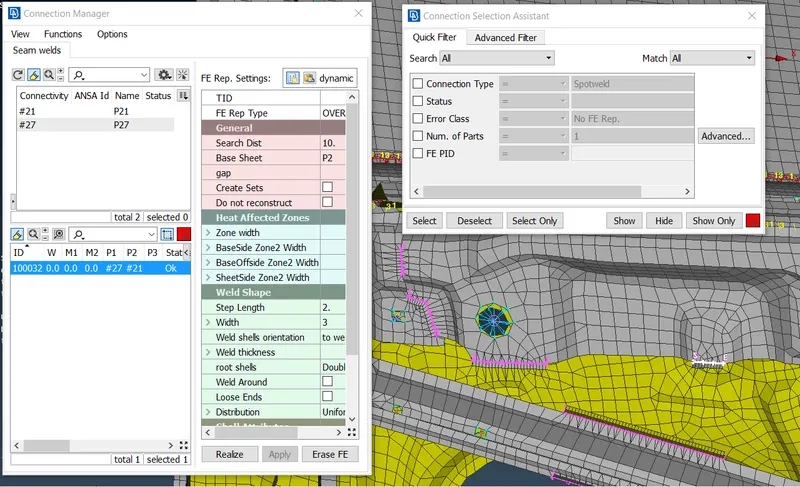
- Image 13: Seam Weld Connections 2
- CBUSH Connection: Mesh - Perimeters - Feat2Curve - To Convert Curves.
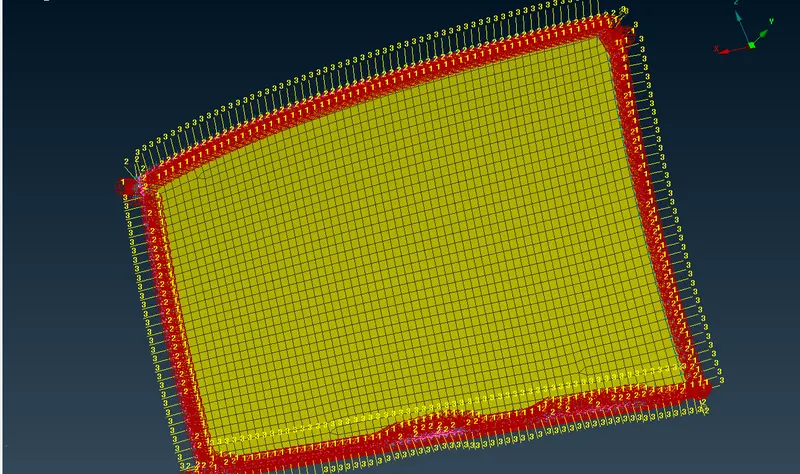
- Image 14: CBUSH Connections Glass 1
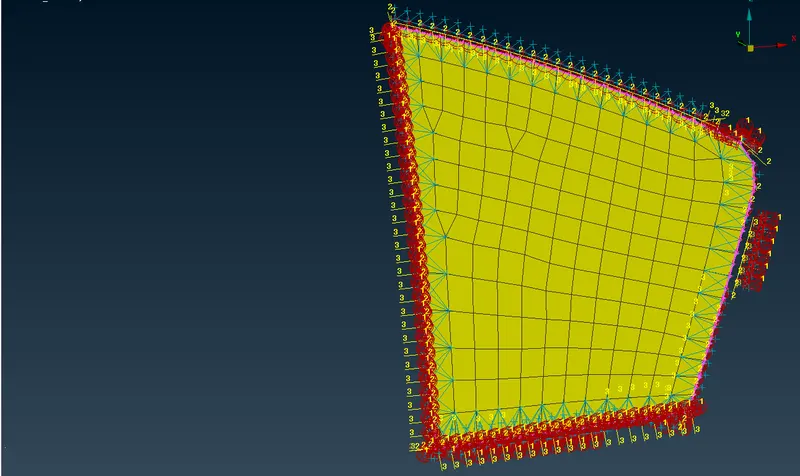
- Image 15: CBUSH Connections Glass 2
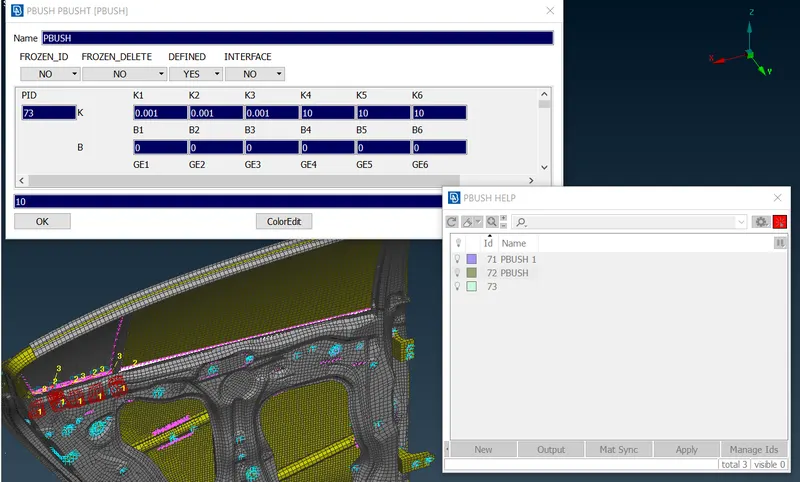
- Image 16: PBUSH ID Creation
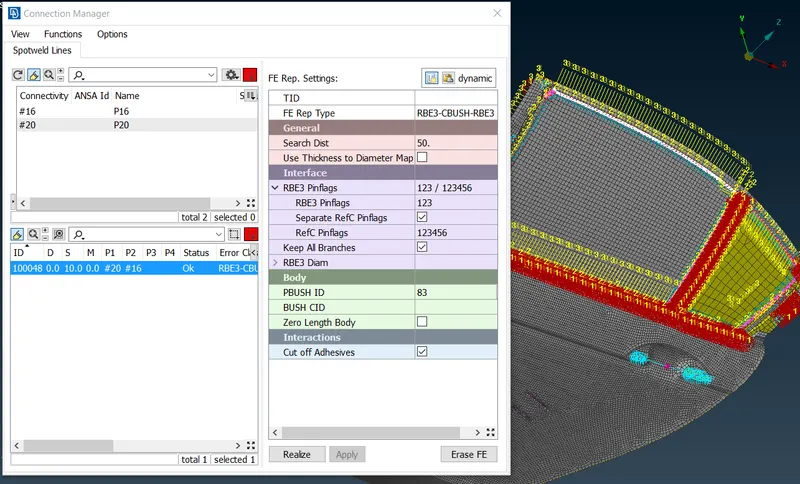
- Image 17: CBUSH Connections 2
- RESULTS = The appropriate connections are provided for Rear Left Side Door by using NASTRAN - NVH Analysis.
- CONCLUSION = From this challenge I learned about Rear Left Side Door CAD model import, New PID Creation for each Individual parts, Creating connections such as RBE3 - CBUSH - RBE3, OVERLAP SHELL, RBE3 - HEXA - RBE3, Rigid Connections, Bolt Connections, Seam line Connections, Spot Weld Connections etc.