Week 3 - 2D meshing for sheet metal
2D Meshing for Sheet Metal (Automotive Car Hood)
Objective : The objective of this project is to find the mid surface of given Hood Modal and its components after checking the geometrical errors and mesh the mid surface with the given element Quality criteria.
Quality Criteria : Quality Criteria Shown in table no. 1.
Table 1. Quality Criteria Table.
| Sr. No. | Quality Criteria | Value |
| 1. | Target/Average Length | 5 |
| 2. | Minimum Length | 2 |
| 3. | Maximum Length | 7 |
| 4. | Aspect | 3 |
| 5. | Warpage | 15 |
| 6. | Skewness | 45 |
| 7. | Jacobian | 0.7 |
| 8. | Minimum Quad Angle | 45 |
| 9. | Maximum Quad Angle | 135 |
| 10. | Minimum Tria Angle | 30 |
| 11. | Maximum Tria Angle | 120 |
| 12. | Tria Percentage | 15 |
Procedure :
- Import Cad Geometry = File -Open -Select Geometry.
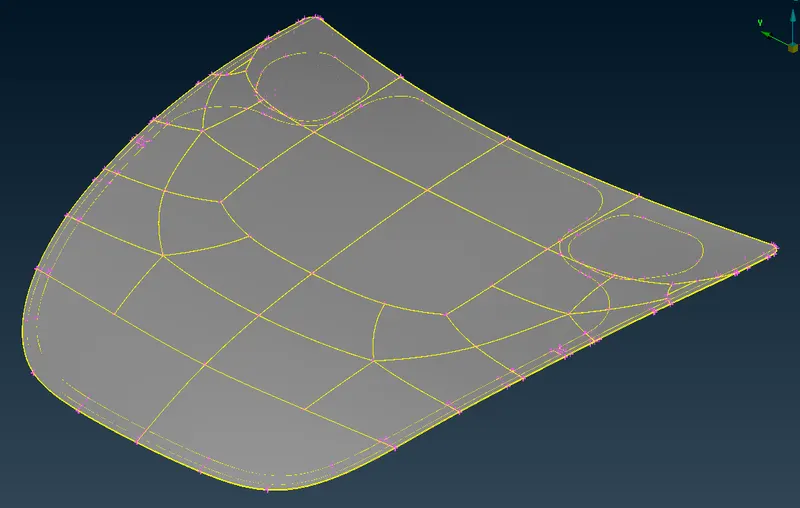 Image 1: Imported CAD Model (Automotive Car Hood)
 - Geometry Clean-UP = Tools -Checks -Geometry. Errors are resolved automatically by using fix command in geometry.
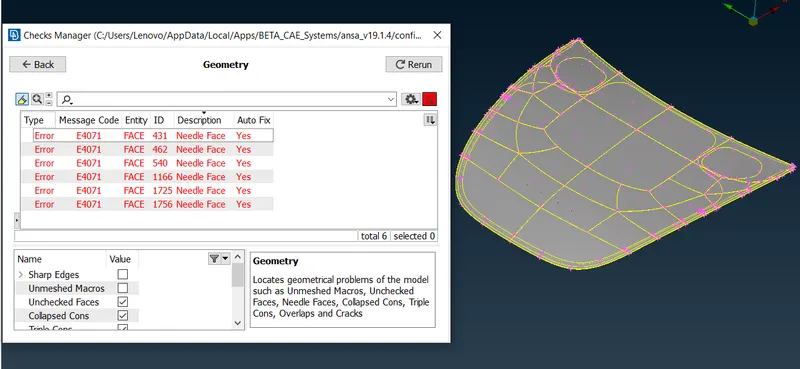 Image 2: Before Geometry Clean-up
 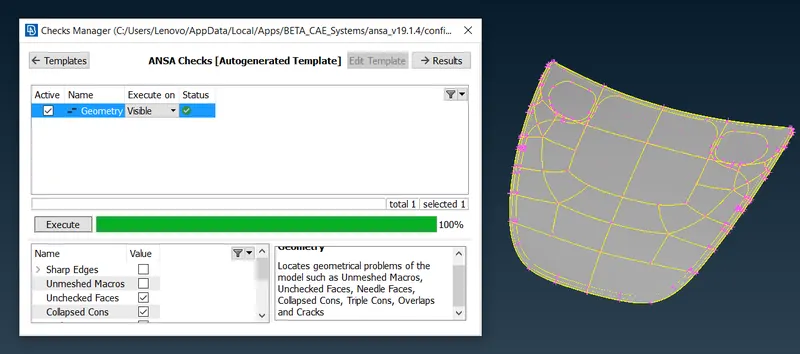 Image 3: After Geometry Clean-up
 - Thickness Measurement = Utilities -Measure. The following are the thickness of sub part: 1. Outer Panel = ~ 0.75 mm. 2. Inner Panel = ~ 0.75 mm. 3. Central Lock = ~ 1.20 mm. 4. Right Hinge = ~ 1.20 mm. 5. Left Hinge = ~ 1.20 mm.
- Mid Surface Extraction = Topo -Faces -Midsurface -Skin.
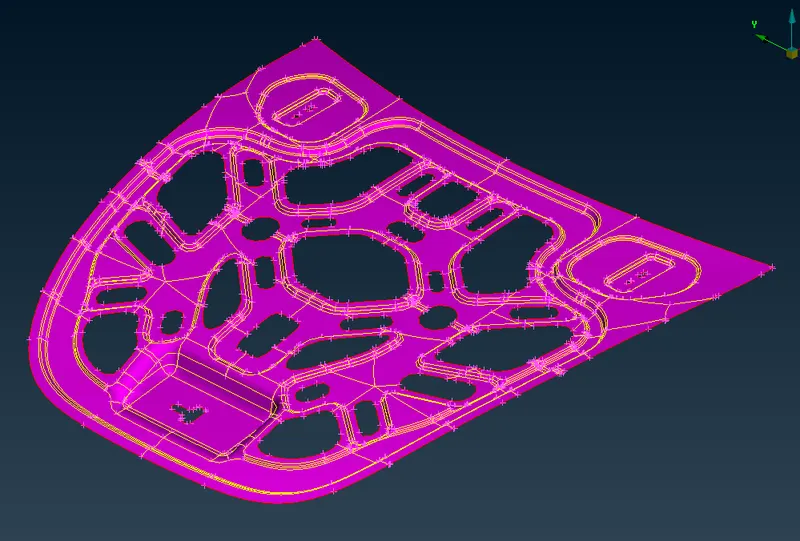 Image 4: Mid Surface
 - Assign Seperate PID for Mid Surface = Properties -New -Pshell
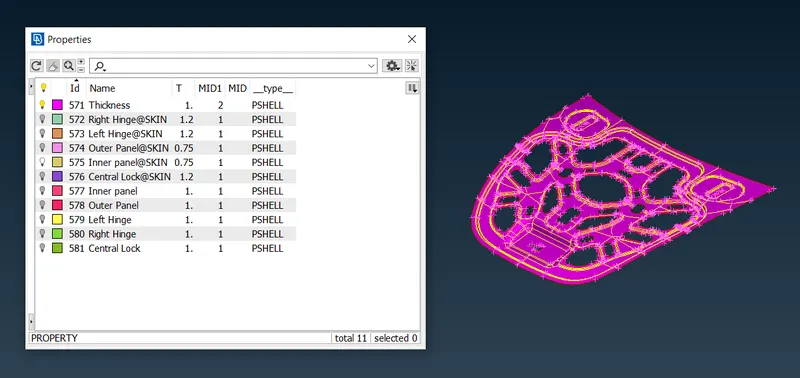 Image 5: New PID Assigned to Mid Surface
 - Mesh Generation = For mesh generation we need to set Mesh Parameters, Quality Criteria, Presentation Parameters. Quality Criteria has been set given in table no. 1. F11 function key is a shortcut for Quality Criteria- Presentation Parameters.
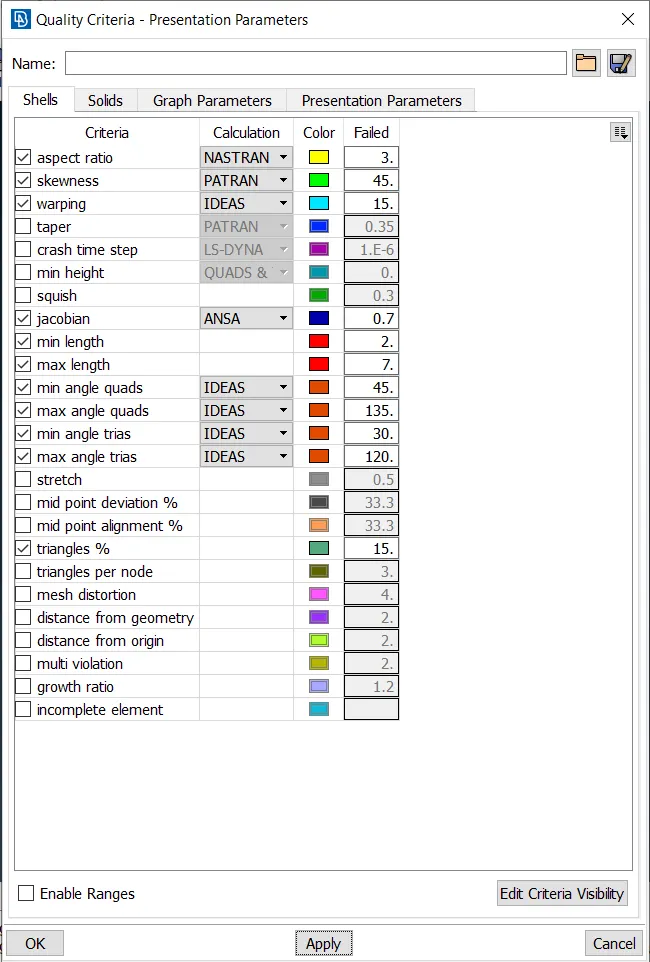 Image 6: Quality Criteria
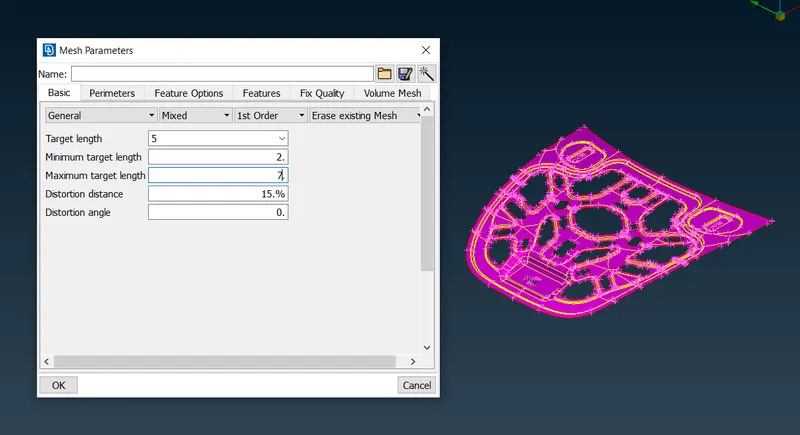 Image 7: Mesh Parameters
 - Before generation of mesh hole geometry were cheked for critical features like corners, fillet etc.
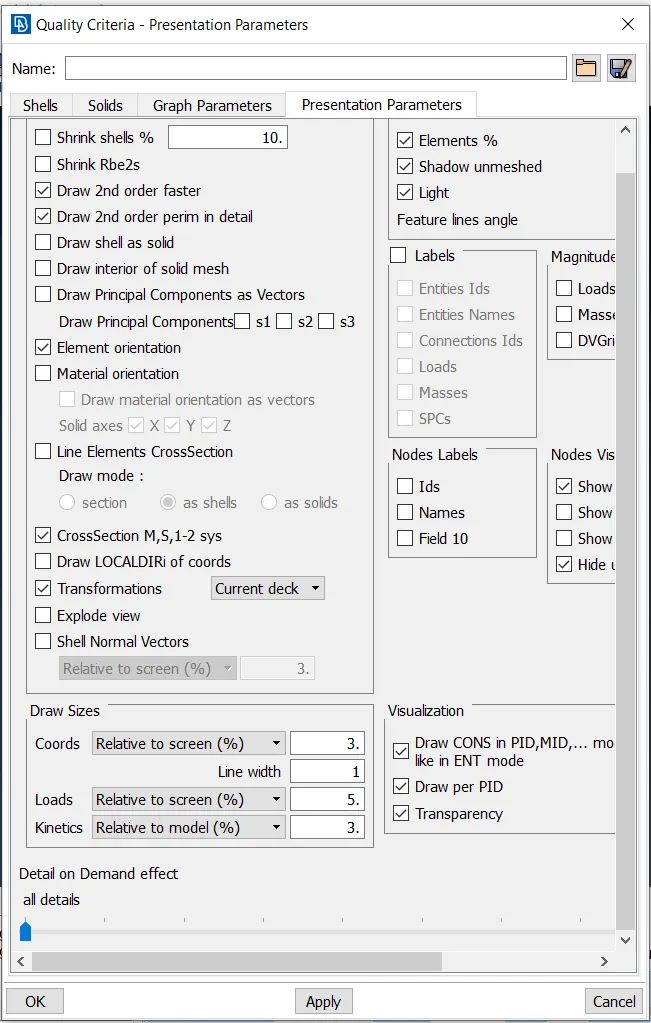 Image 8: Quality Criteria-Presentation Parameters
 - The perimeter elemental length is set using Mesh -Perimeter -Length option.
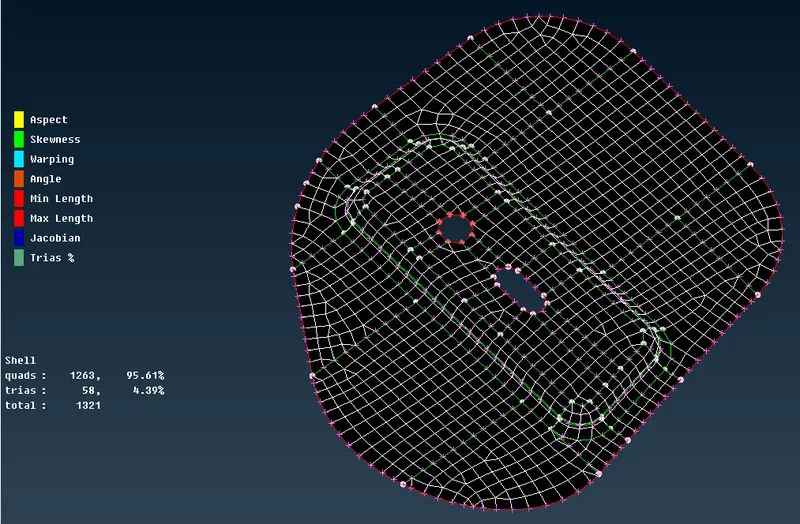 Image 9: Meshing of Right side Hinge
 - Mesh is done using Mesh -Mesh Generation -Best.
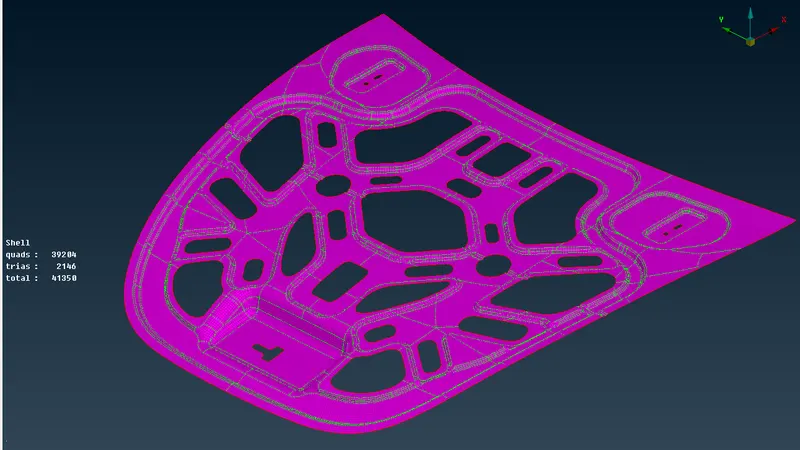 Image 10: Meshing of Inner Panel
 - For better results of mesh Mesh -Shell Mesh -Reconstruction used.
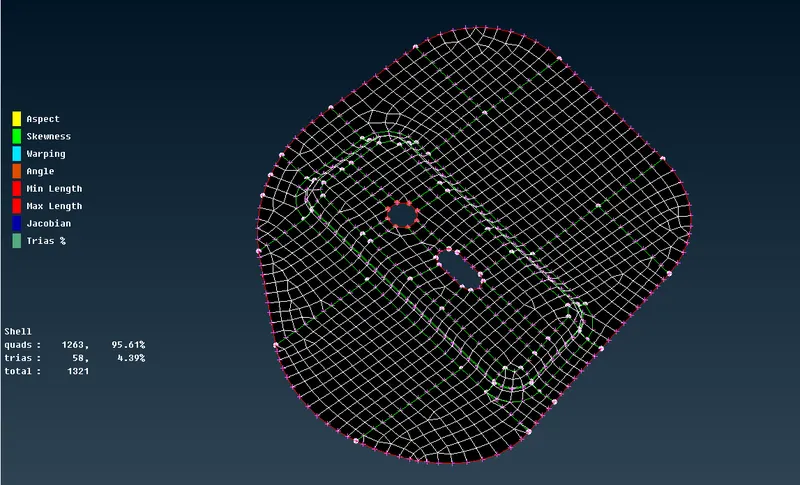 Image 11: Meshing of Left Side Hinge
 - Mesh Improvement is done using Reconstruct, Smooth, Split, Swap, Paste, Cut, Join etc under Mesh tab.
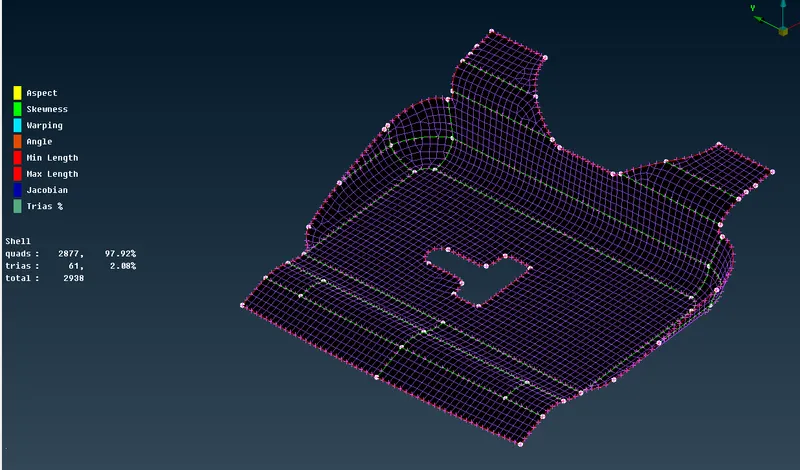 Image 12: Meshing of Central Lock
 - Thr surfaces are split to get better mesh flow using Mesh -Macros -Cut.
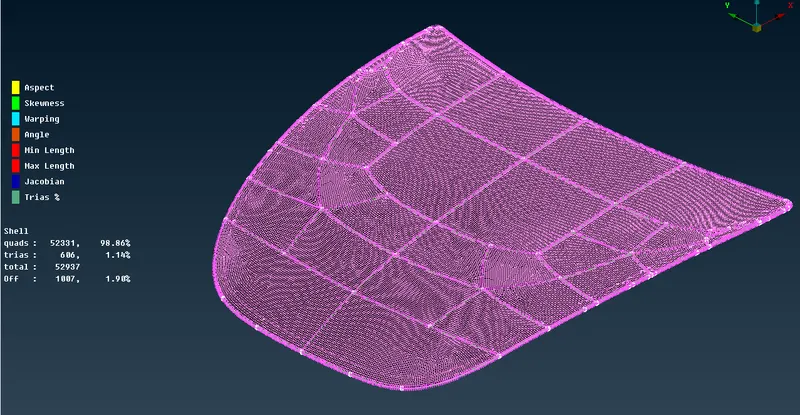 Image 13: Meshing of Outer Panel
 - To reduce the mesh errors Trias coming towards the edge and trias going away from the edge should be avoided.
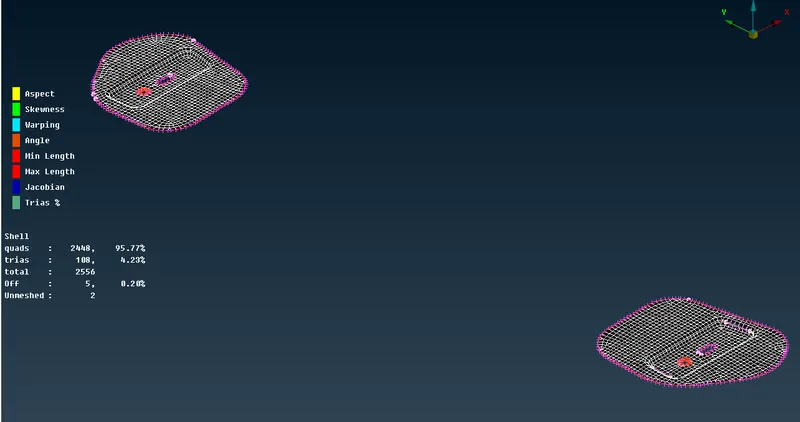 Image 14: Meshing of Both Hinges
Result : The hood of a automotive car is meshed as per the quality criteria.
Conclusion : From this challenge I learned about CAD model import, Geometry cleanup, New PID creation, Mid surface extraction, setting up Quality Criteria, Mesh generation, Reconstruction of mesh using quality criteria.