Creating connection for Rear door
OBJECTIVE:-
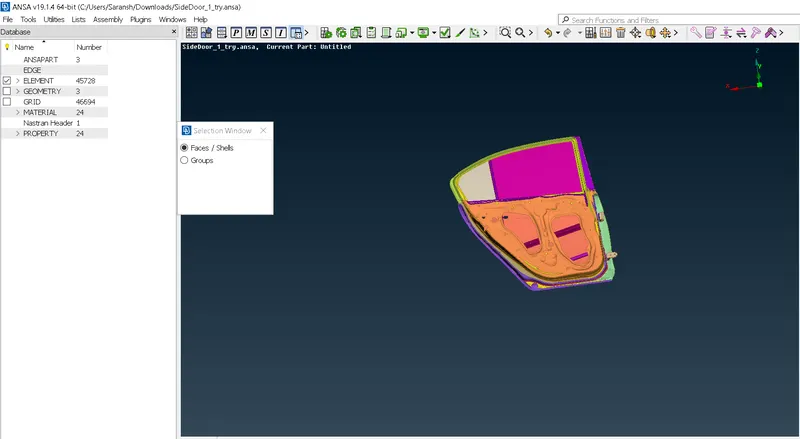
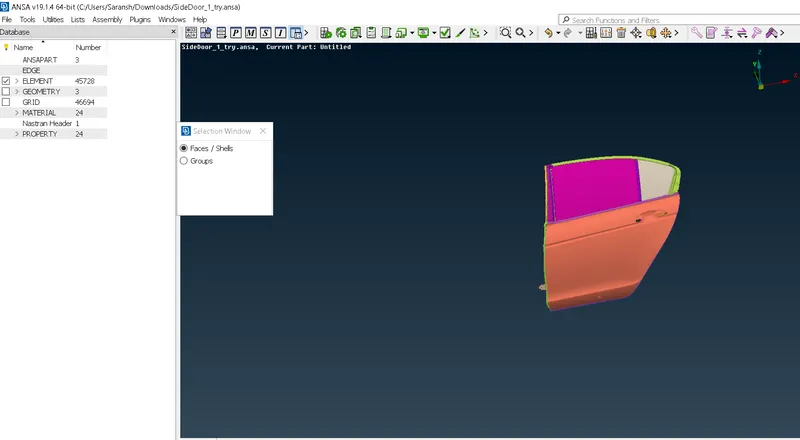
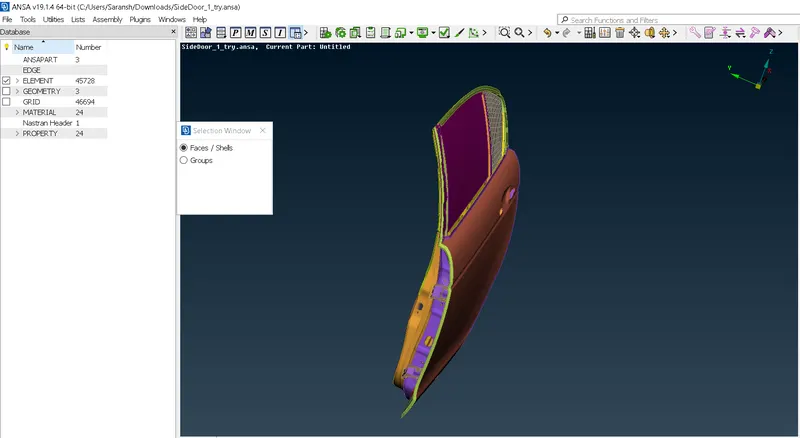
The connections for the front door by using different 1D elements. Now for the given Rear door FE model, Create and Apply different PIDs for different components.
The objective is to create connections for the rear door model and create different PIDs to store different parts in it.
Solution Procedure:-
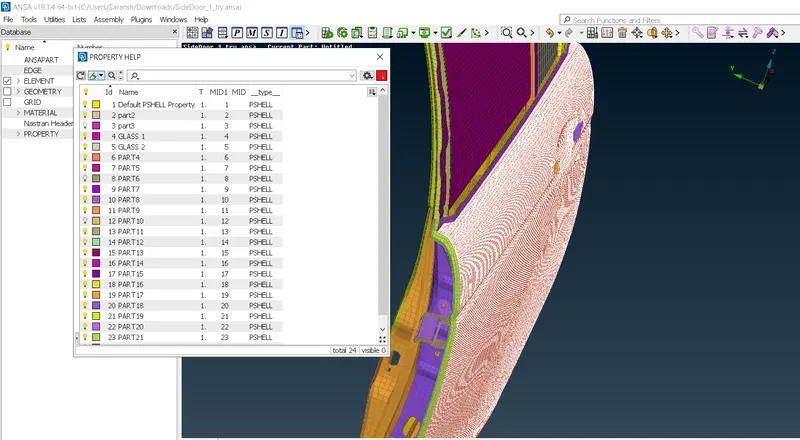
Step 1:- Create different PIDs for different components.
Step 2:- Deploy connections
Creating different PIDs:-
- Read the CAD file
- Select the Set PID tool to add PIDs to different components
- The purpose for creating PID as it states the starting and ending points for the connections while deploying it.
Connections:-
Step 1:- Select the point for the connections
Step 2:- Select Rbe2, Rbe3, Spotweld, Bolt or etc whichever connections are required
Step 3:- Deploy the connections according to the requirements.
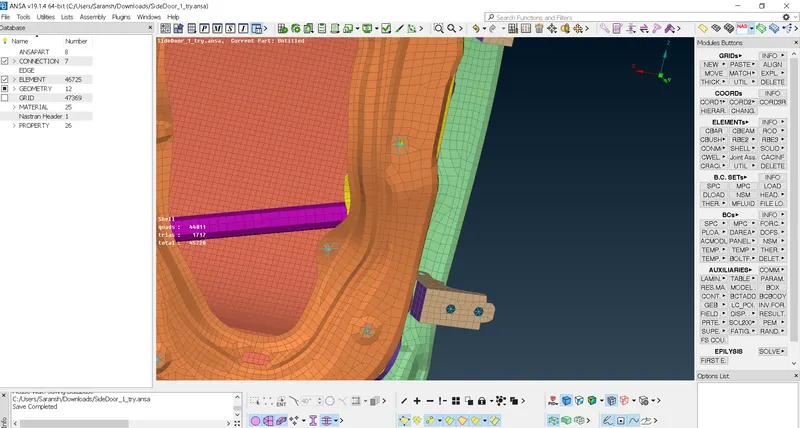
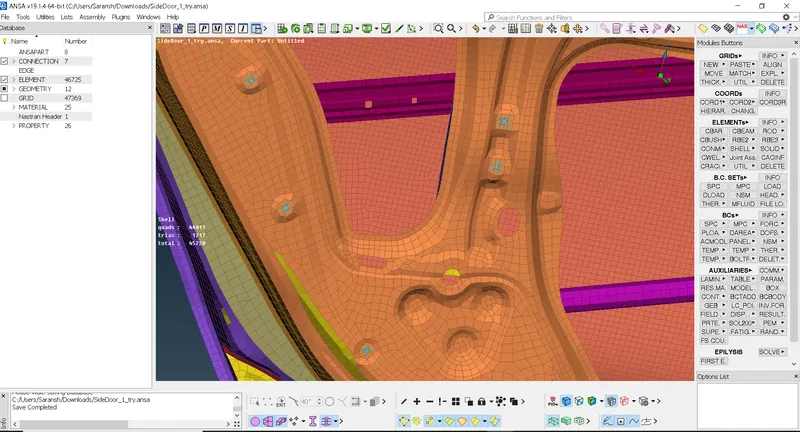
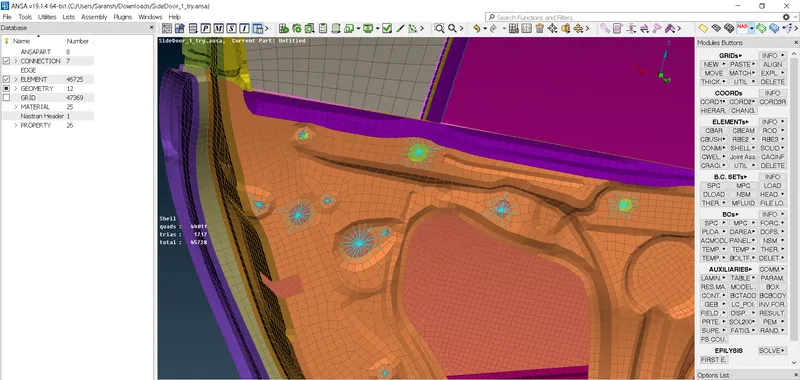
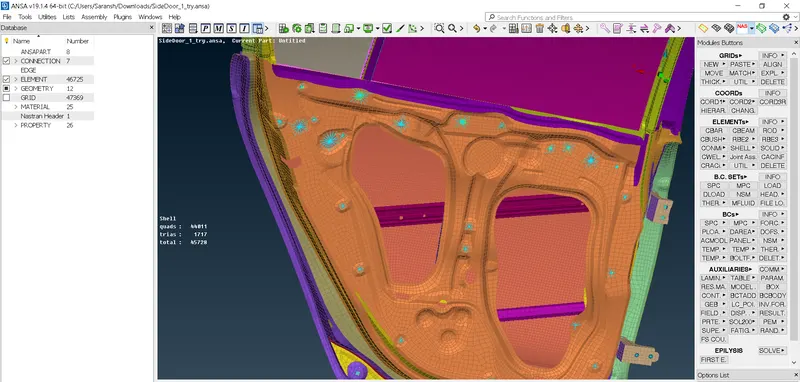
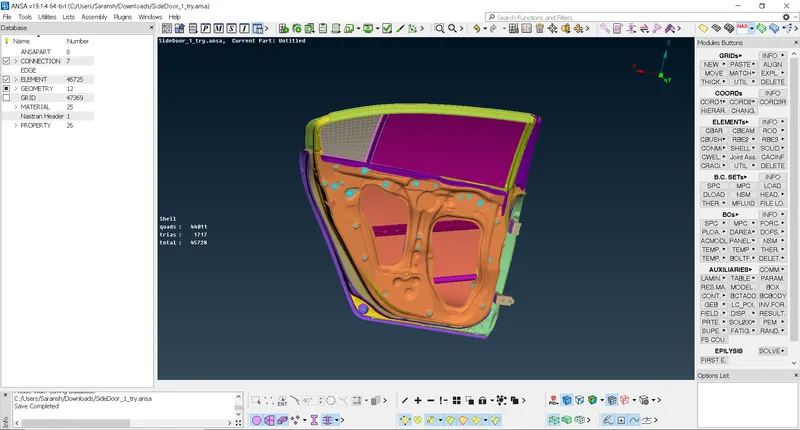
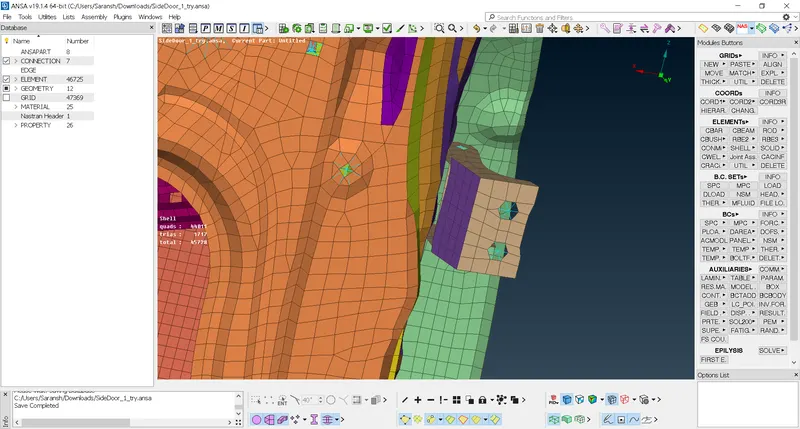
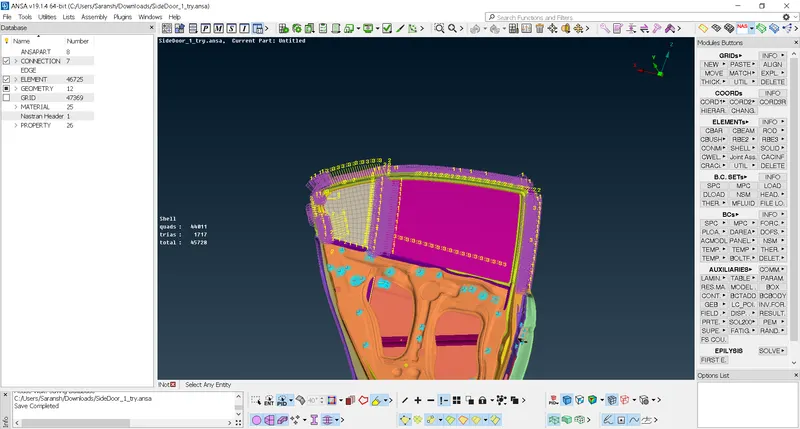
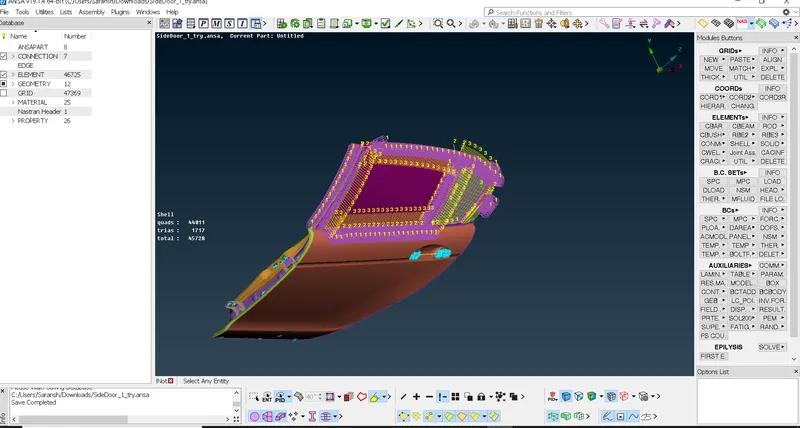
Connections for CBUSH
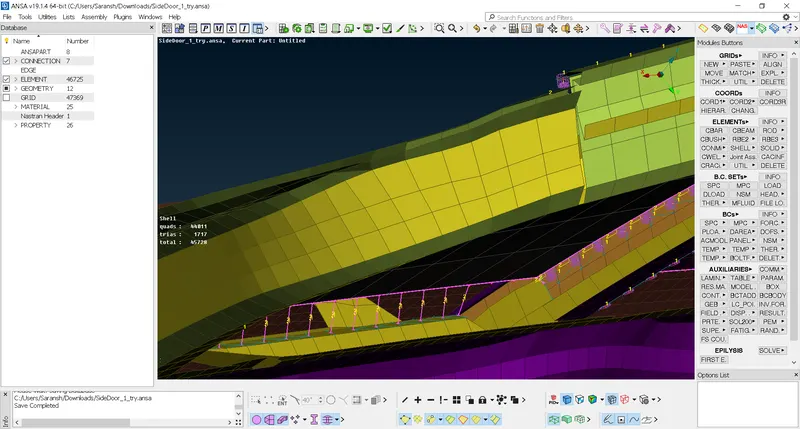
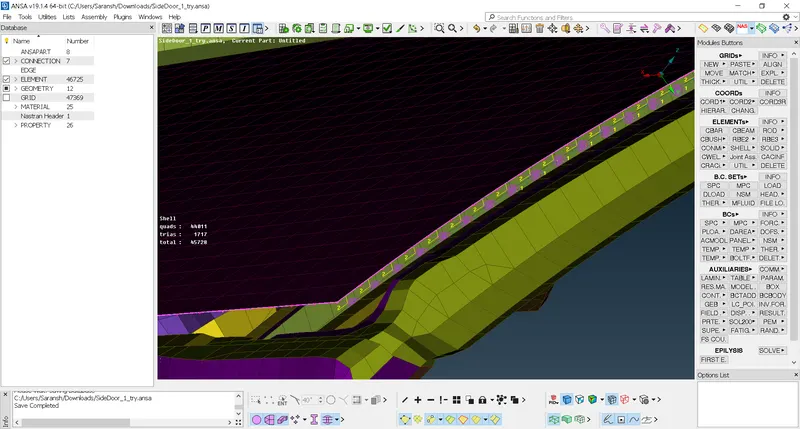
Conclusion and learning outcome:-
- Learned how to deploy connections
- How to apply connections for door handles and bolts connections
- Learned how to apply connections for the glass, spot weld connections as in Cbush.
- Learned to change the orientation of connections to have accuracy during simulations.