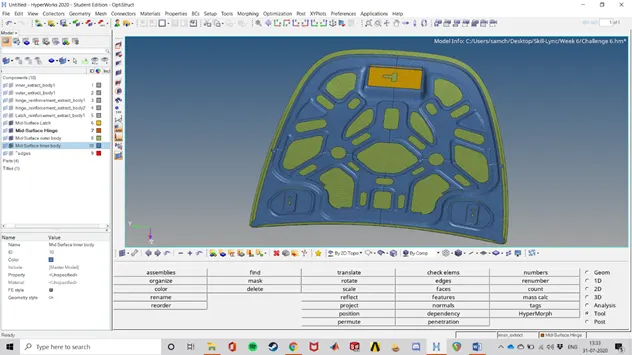
Meshing the Hood of a Car for Crash Applications using Hypermesh
Objective:
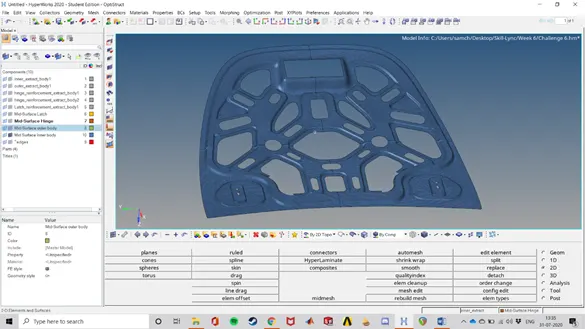
To follow the below-mentioned quality criteria, mesh the component given below and assign thickness:
Target Element Length = 5mm
|
S.N |
Quality Criteria |
Value |
|
1 |
Aspect Ratio |
5 |
|
2 |
Skewness |
45 |
|
3 |
Warping |
15 |
|
4 |
Taper |
0.5 |
|
5 |
Min. Length |
2mm |
|
6 |
Max. Length |
8mm |
|
7 |
Min angle Quad |
45 |
|
8 |
Max angle Quad |
135 |
|
9 |
Min angle Tria |
20 |
|
10 |
Max angle Tria |
120 |
|
10 |
Tria % |
10 |
Procedure:
- The first step is inspection of the geometry and identifying the errors in the geometry like small fillets and small edges which are lesser than 2mm which is the minimum length specified.
- The next step is to check for free edges. (shift + f3 --> edges --> Find edges)
- Then a geometry clean-up needs to be performed on the geometry by removing the fillets and portions which fail for minimum quality. This can be done using the defeature option. (Defeature --> edge fillets --> Find and remove.)
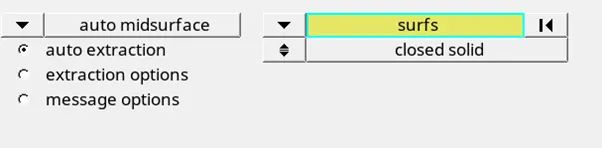
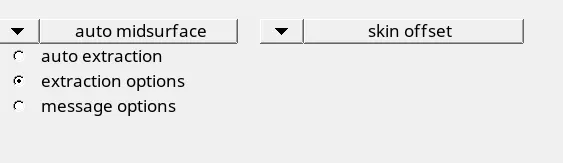
- Then the Mid- Surface needs to be extracted. Set the extraction options to Skin offset
- The Midsurface needs to be inspected.
- Free Edges need to be fixed again using the command that was used above. If that does not fix it, use manual clean-up to fix them.
- Do a quality check to see if there are any lines which are close to each other at a distance < 2mm. If so, we know that the mesh elements will fail at that region. Therefore we need to either toggle those edges or replace points such that this failure of minimum elements do not occur. These commands can be found using the quick edit command (F11)

- Divide the geometry into parts such that they can be meshed easily. Rectangles are preferred. If there are geometries which are very complex, they can be divided into simpler geometries. This division can be done using the Split surface- line or node commands which can be found in the quick edit panel (F11)
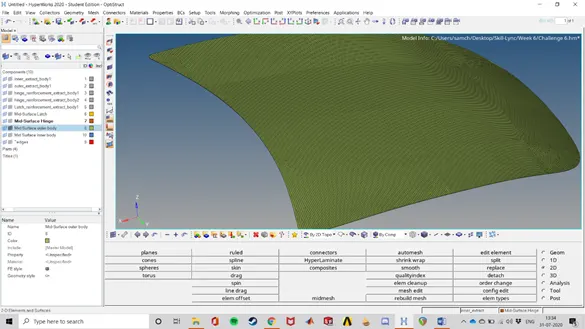
- Mesh the component using the automesh command (F12). Set the element size to 5mm and start meshing. Make sure that the surfaces are being meshed in a continuous way and not in any random order.

- Check the quality of the mesh and fix it using the element quality adjustments available (element optimize, drag tria , align node, remap etc)


- Things to keep in mind while meshing:
a) While meshing a big part, start with the most complex surface.
b) Make sure that there is a good flow of elements.
c) No opposite trias should be present.
d) No trias should be touching each other.
e) Rotational quads should be eliminated.
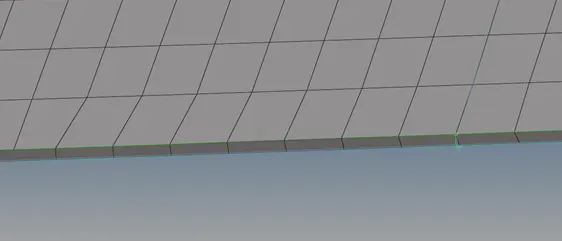
f) No trias in the Hem region.
- Follow the same procedure with the other components as well.
- For bigger components which have symmetry, half of the component can be meshed and the mesh can be reflected to obtain the complete mesh on the geometry.
Results:
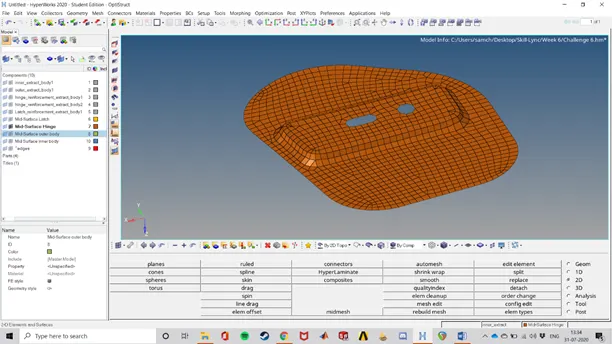
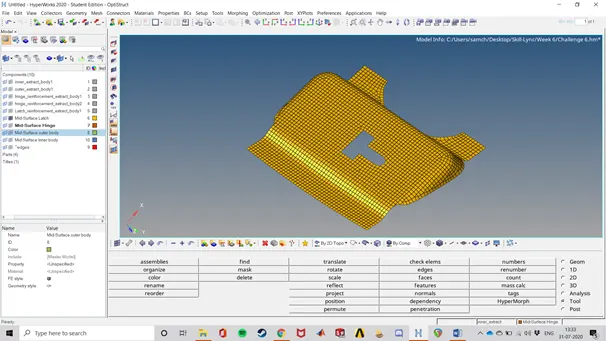
The given component was Meshed according to the requirements. The mesh can be seen below: