Week 6- Challenge
Objective, Cad model image, Procedure with required images, Results and Final model image
Objective:-To create a component with the assigned quality criteria and giving specific thickness
Quality Criteria Value
1.Aspect Ratio= 5
2.Skewness=45
3.Warping=15
4.Taper=0.5
5.Min. Length=2mm
6.Max. Length=8mm
7.Min angle Quad=45
8.Max angle Quad=135
9.Min angle Tria=20
10.Max angle Tria=120
11.Tria % =10
Cad Model image:-
The outer extract of Hood.
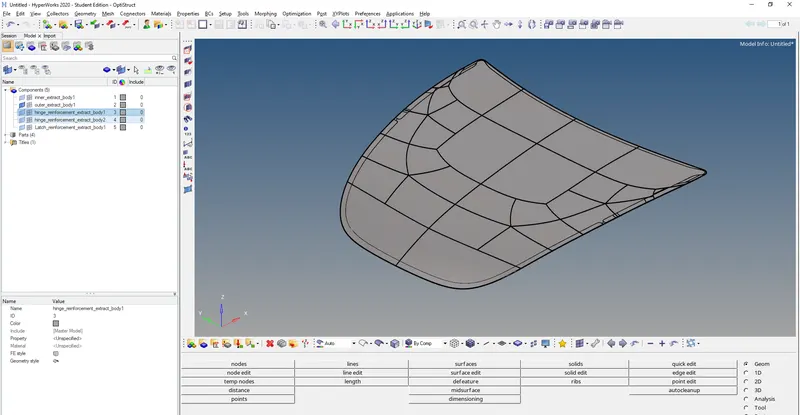
2.The inner extract of the Hood component.
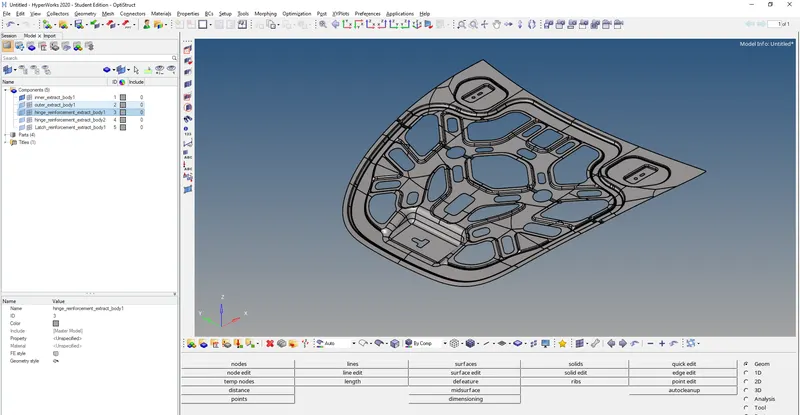
3.The hinge extract of the Hood component.
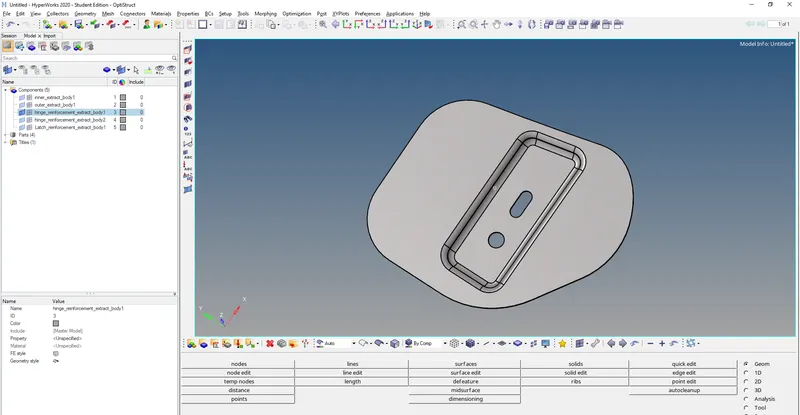
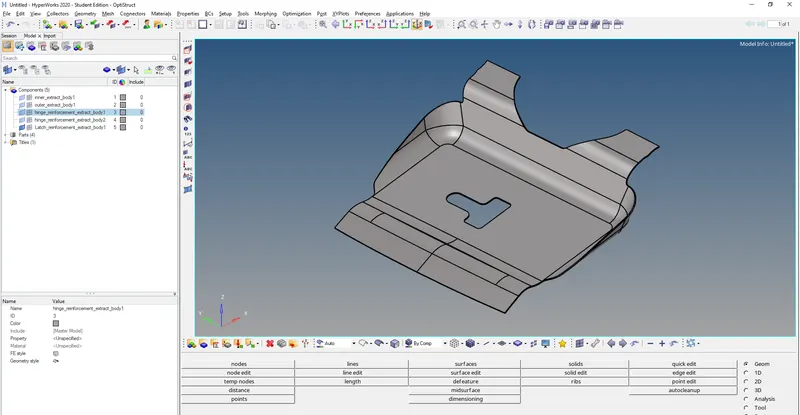
4. Latcg extract of the Hood component.
Procedure:-
1. Importing the cad model into HyperWorks
2. Selecting the viewing option as "by topo".
3. Select the Hood model and do autocleanup.
4. create a midsurface for all the components such inner surface,outer surface,latch and hinge,then delete the solid surface to observe the midsurface clearly.
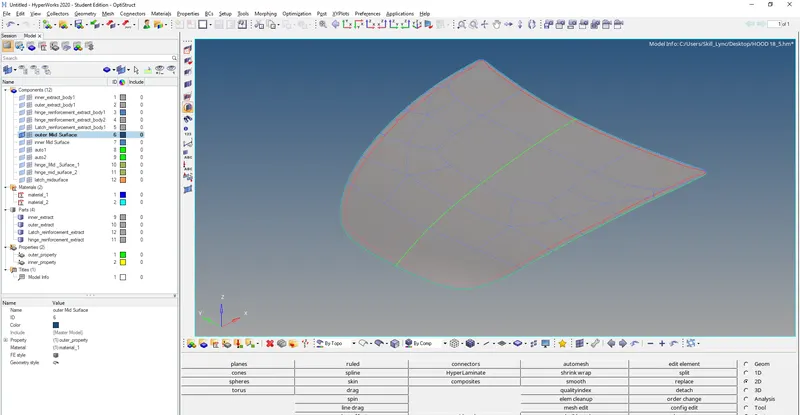
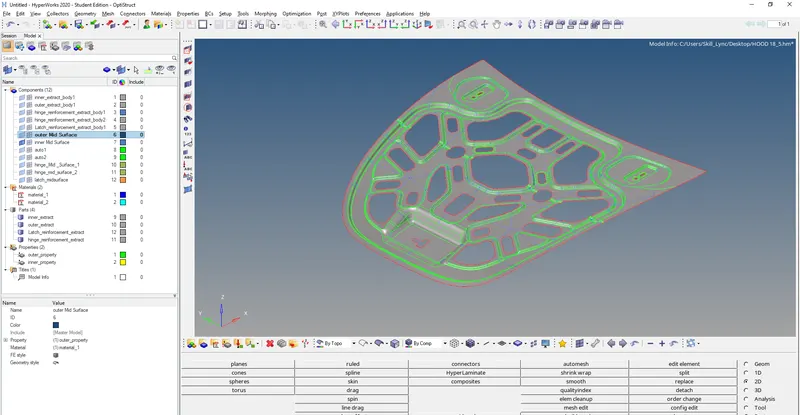
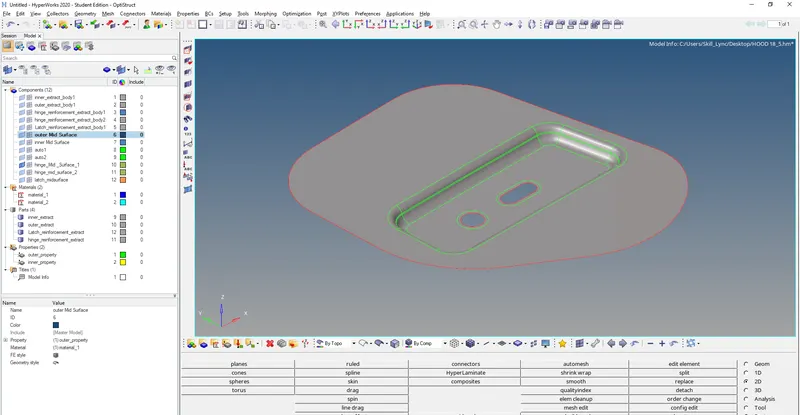
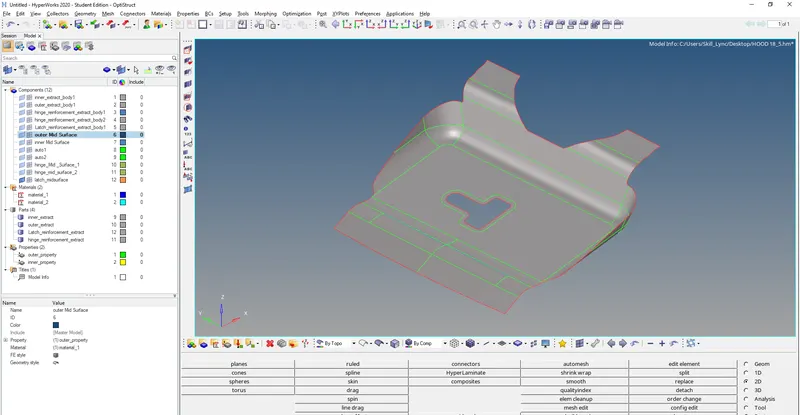
5. Where ever there is a hole or closed surface within the component we have to use washer split to create a even mesh surrounding the closed surface.(geom>quick edit>washer split>create).
6. firstly taking the outer surface into account,we have to mesh the component with element size as 5 unit and the element type as "mixed",which contain both quads and tria elements.
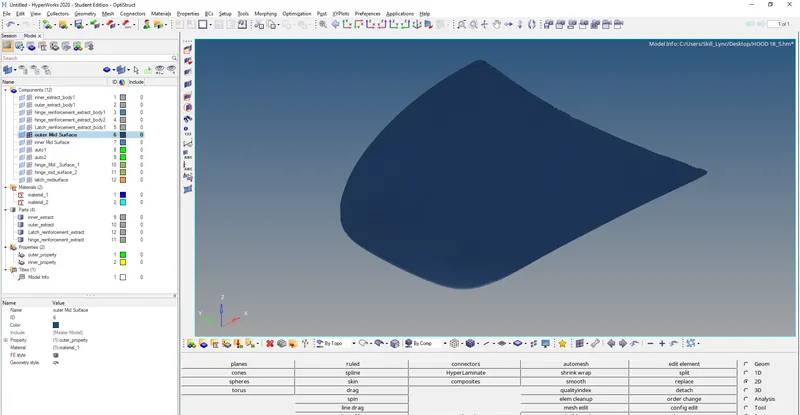
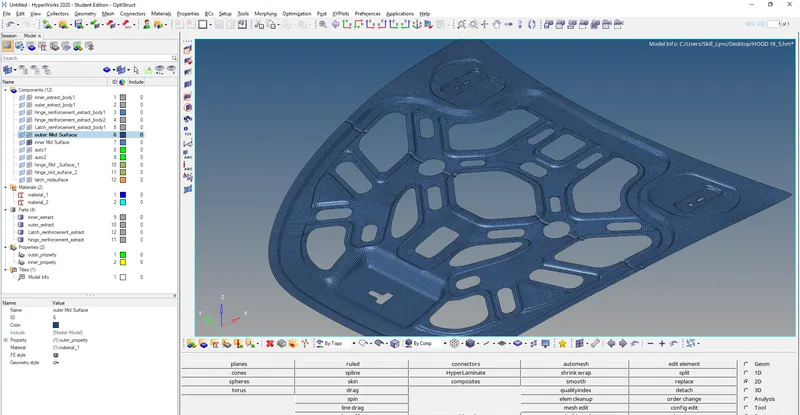
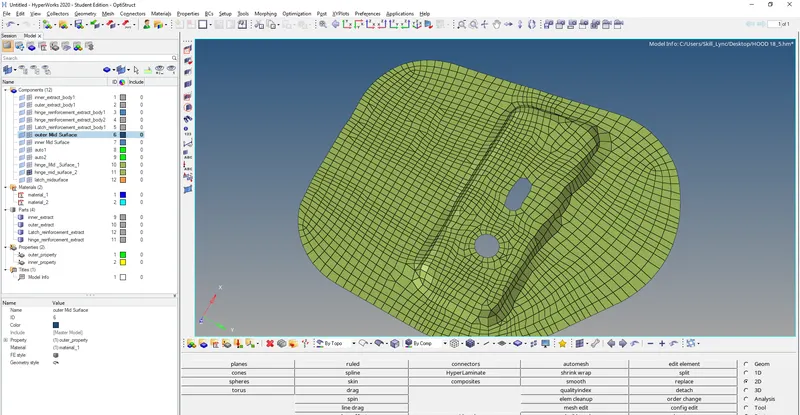
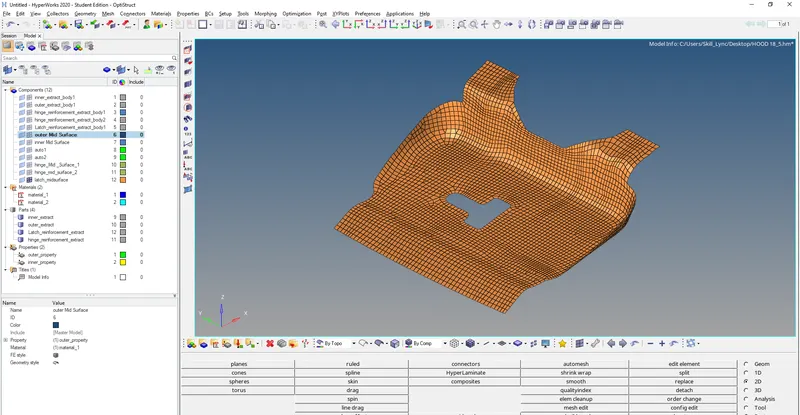
7. analyse the component to identify irregularities in the mesh such as rotating quads,opposite trias,unwanted trias and trias on the edge fillet.
8.to get rid of rotating quads,we have to remesh the selected quads and the elements attached to it,using remesh toolbar in in 2d section.
9. for opposite trias we have to use "drag tria element",it can be used bt following the flow line, (2d>qualityindex>cleanuptool>drag tria elems)
10. then we will smooth the element lines using smooth option within the cleanup tool bar,smoothing index should always be less then 1.
11. we will use the quality criteria as provided and give the input in the tool bar(tool>checkelems).
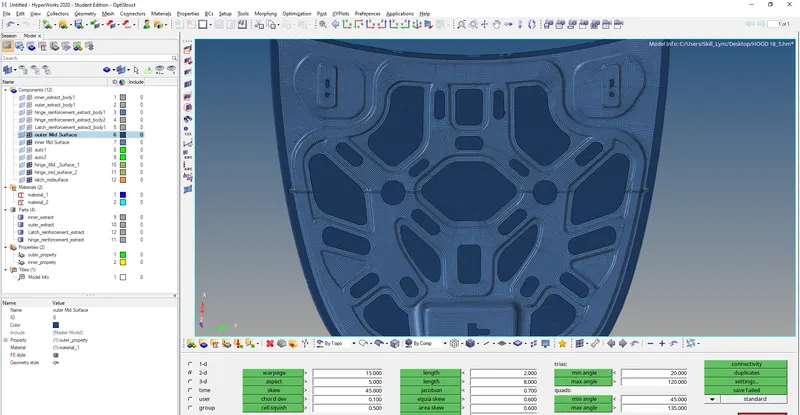
11. if there are any failed elements we will rectify it by using element cleanup tool and remesh option in 2d toolbar.
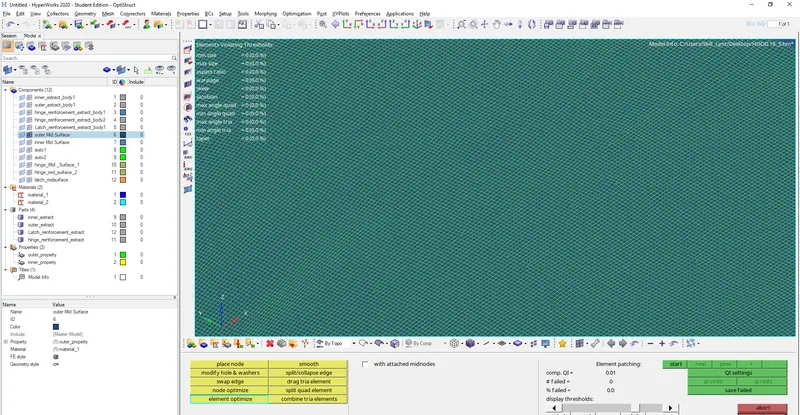
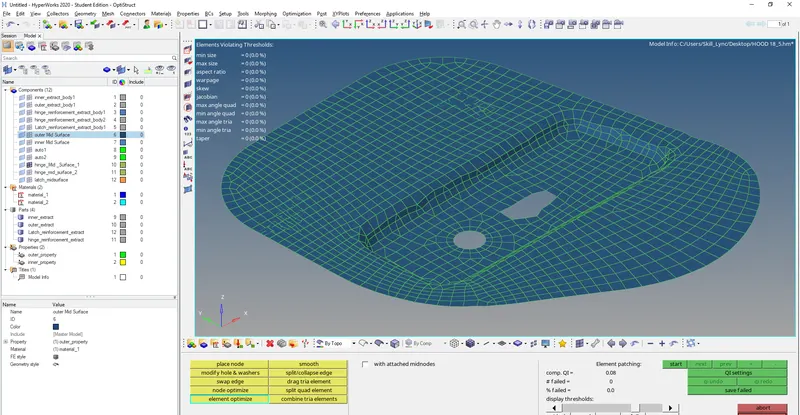
12. at last we will assign thickness to the component as 2 units.
Result:-
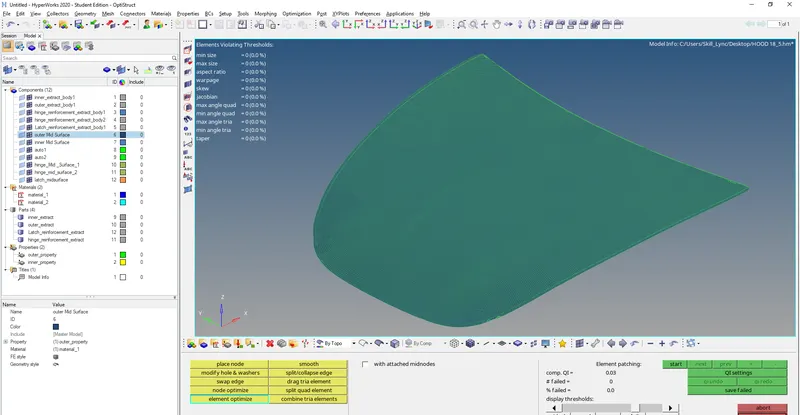
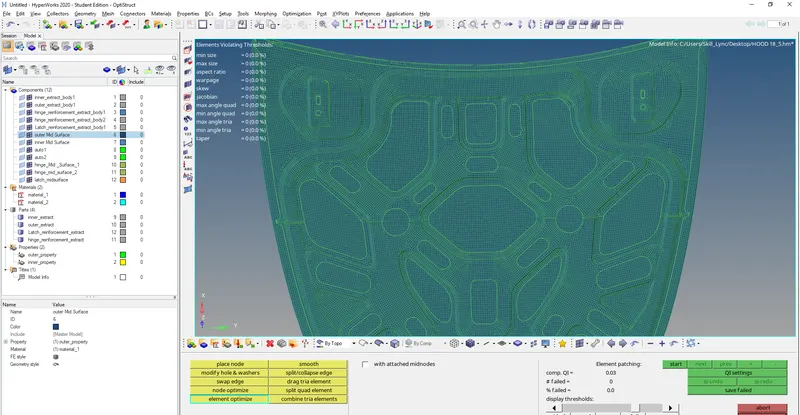
The following component is meshed according to the following data provided with no error failed elements.