Week 6- Challenge
OBJECTIVE:
The objective of this challenge is to mesh the bonnet hood part of the car and assign thickness with the given quality criteria.
| S.N. | Quality Criteria | Value |
| 1 | Aspect Ratio | 5 |
| 2 | Skewness | 45 |
| 3 | Warping | 15 |
| 4 | Taper | 0.5 |
| 5 | Min. Length | 2mm |
| 6 | Max. Length | 8mm |
| 7 | Min angle Quad | 45 |
| 8 | Max angle Quad | 135 |
| 9 | Min angle Tria | 20 |
| 10 | Max angle Tria | 120 |
| 11 | Tria % | 10 |
CAD MODEL IMAGE:
1. LATCH
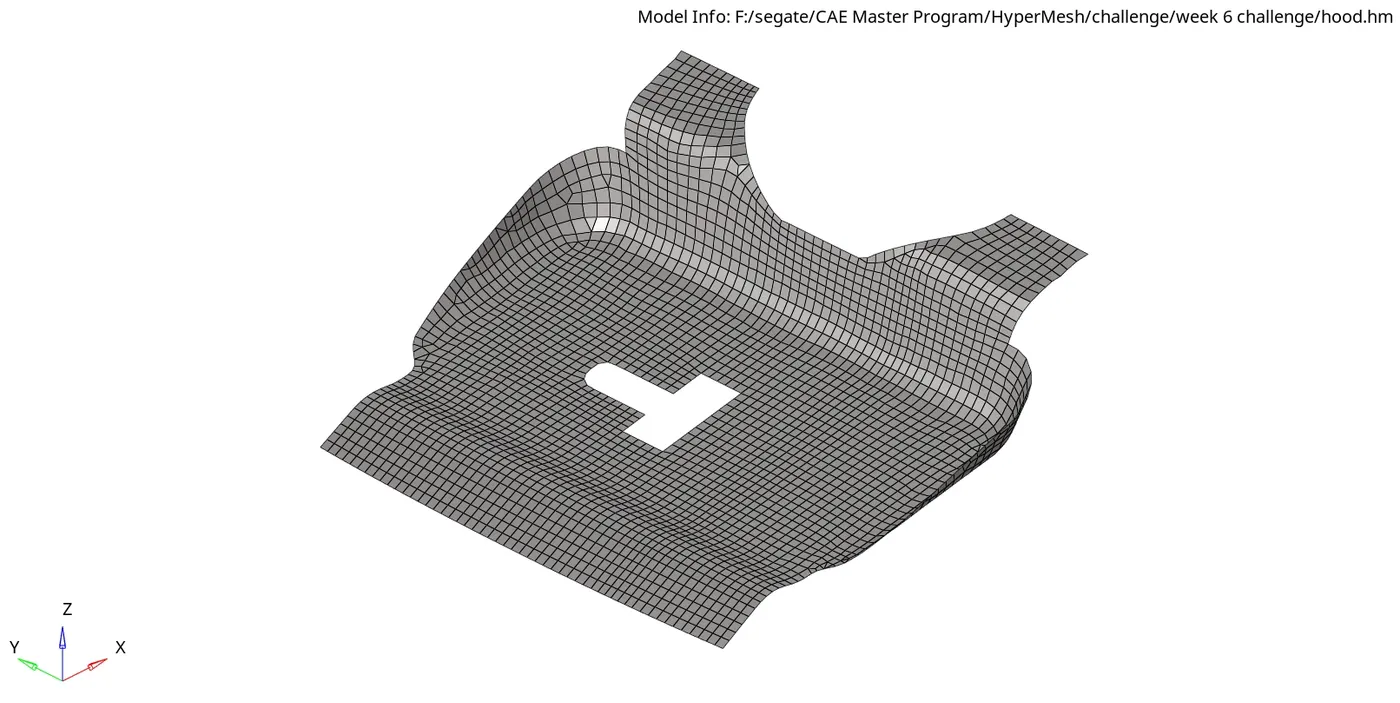
2. HINGE
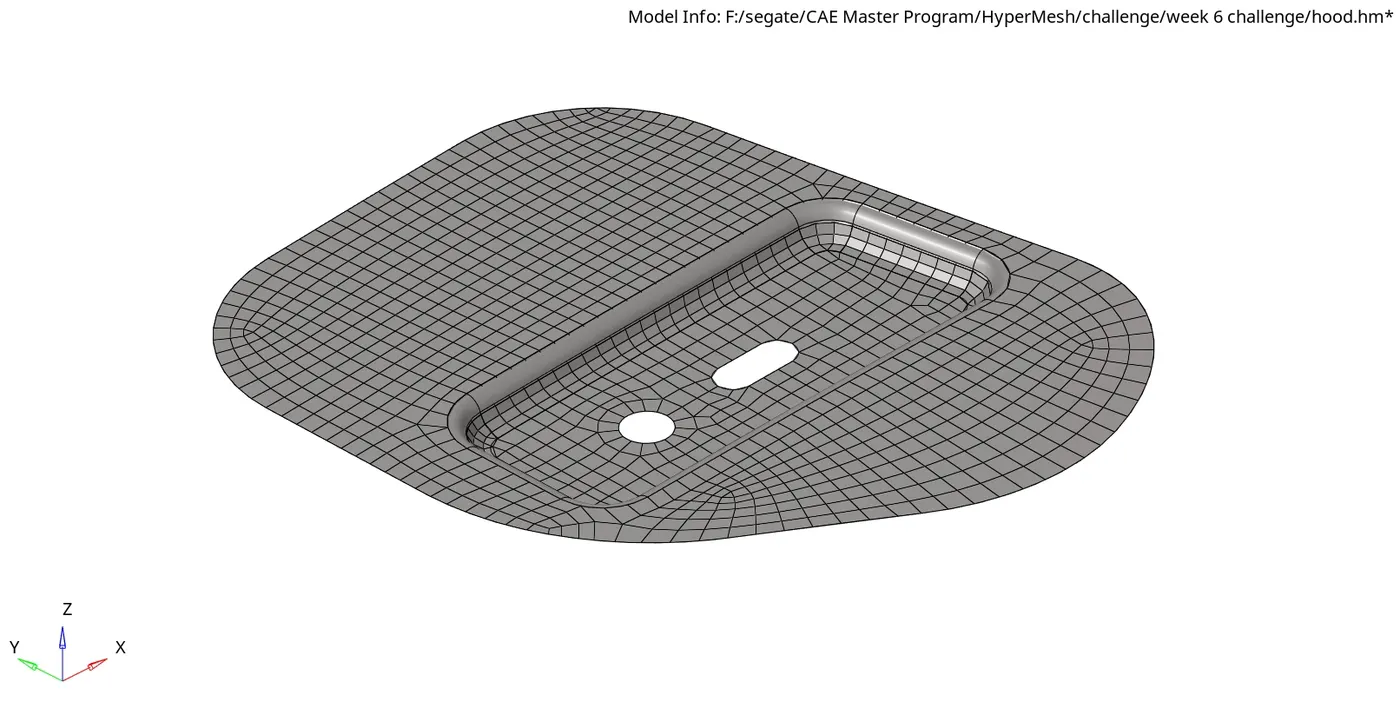
3. INNER EXTRACT
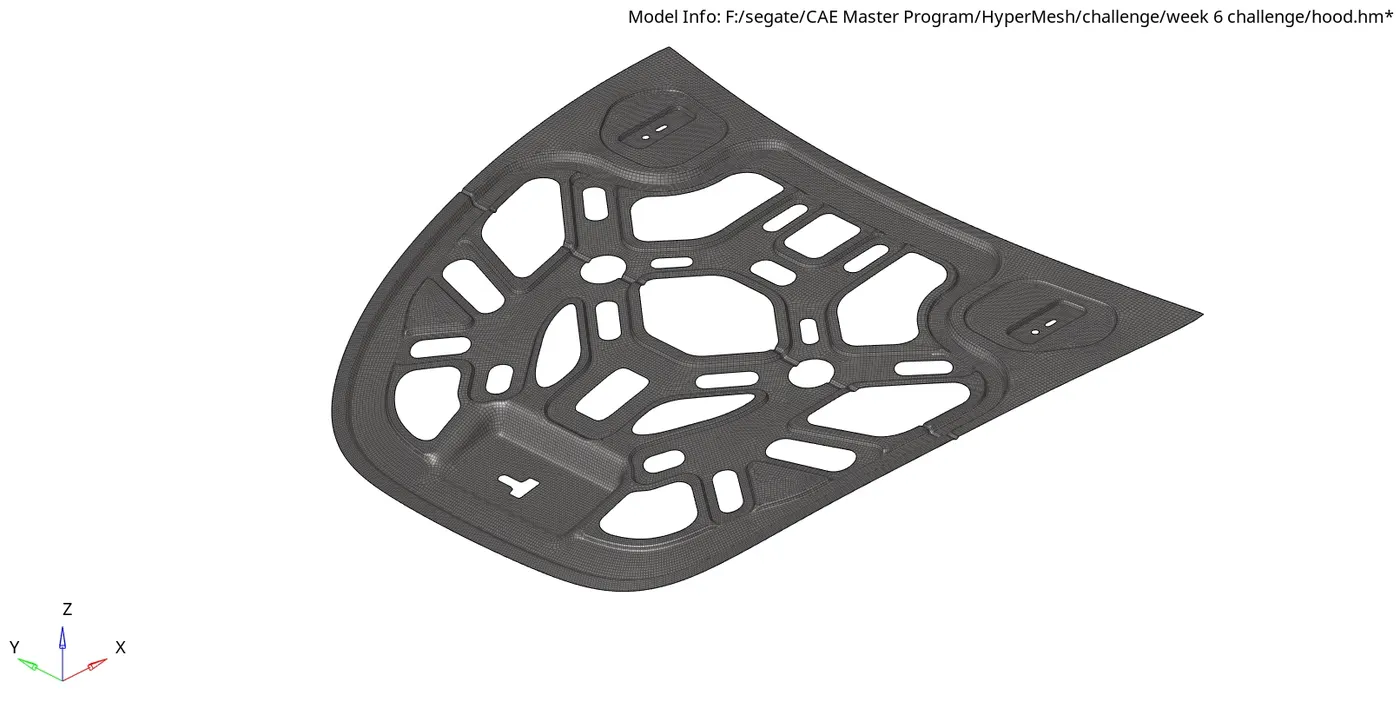
4. OUTER EXTRACT
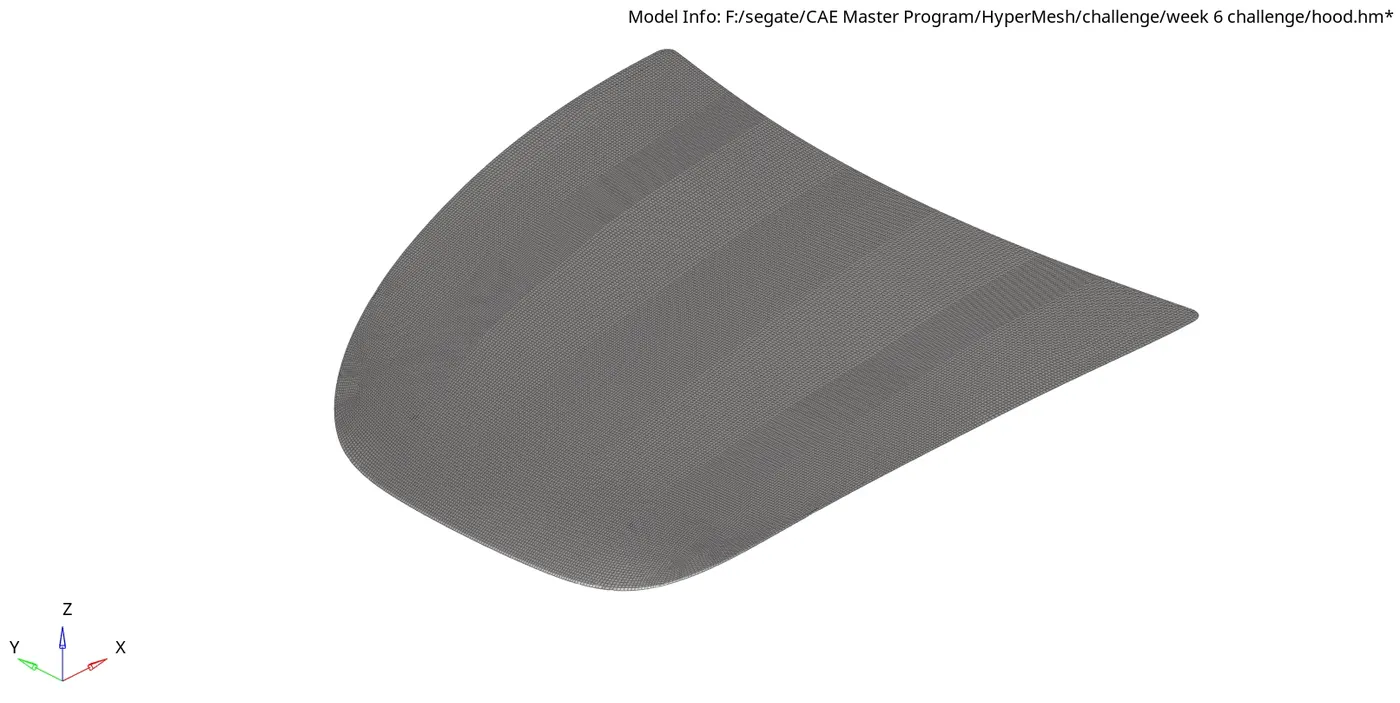
PROCEDURE:
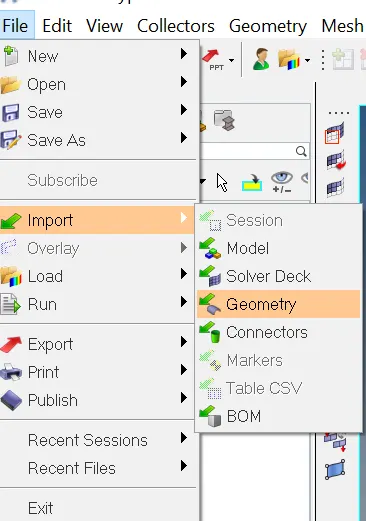
Step-1: Importing the Geomentry
File->Import->Geomentry.
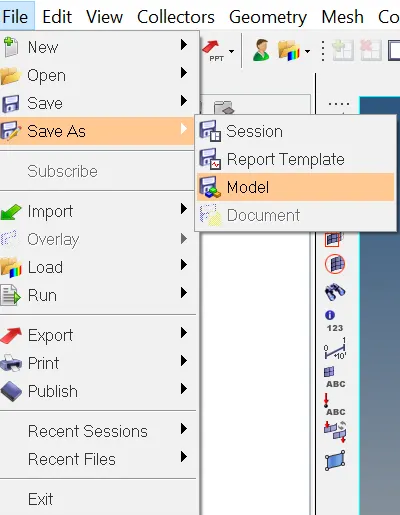
Step-2: Save the File.
File->SaveAs->Model.
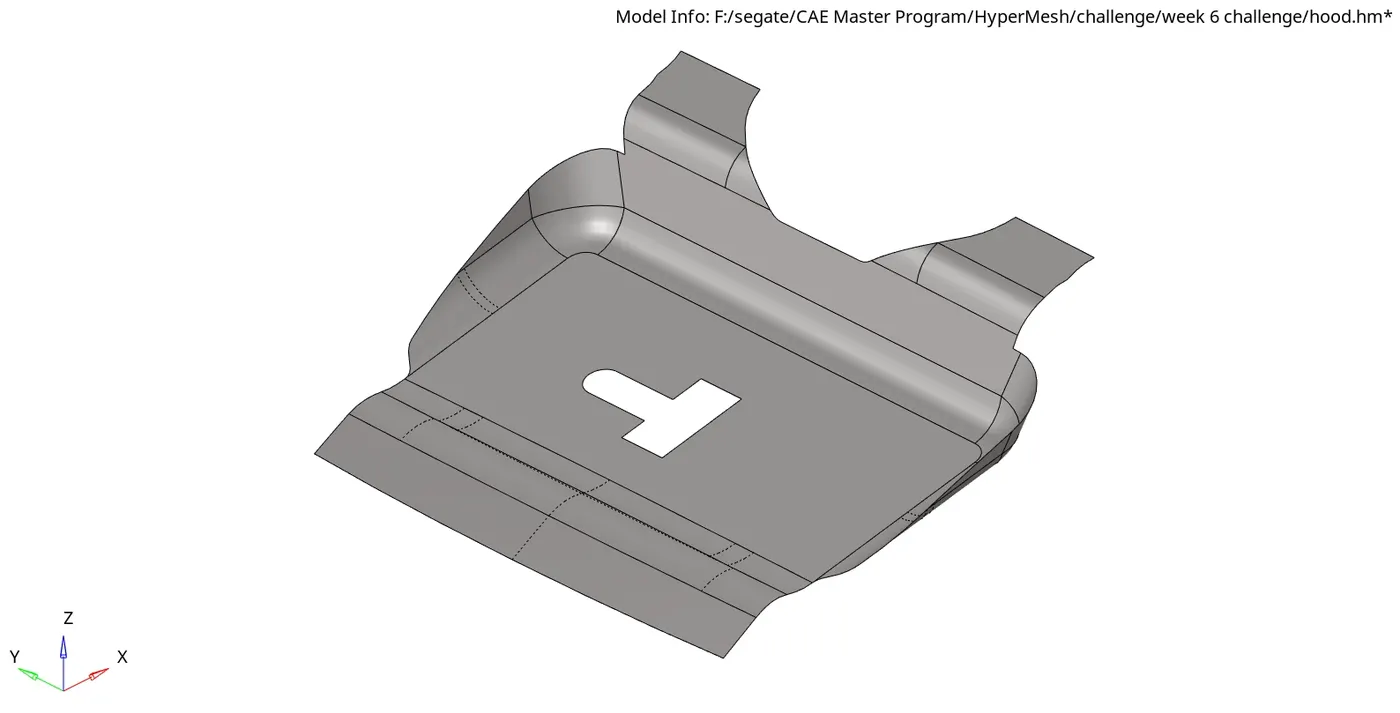
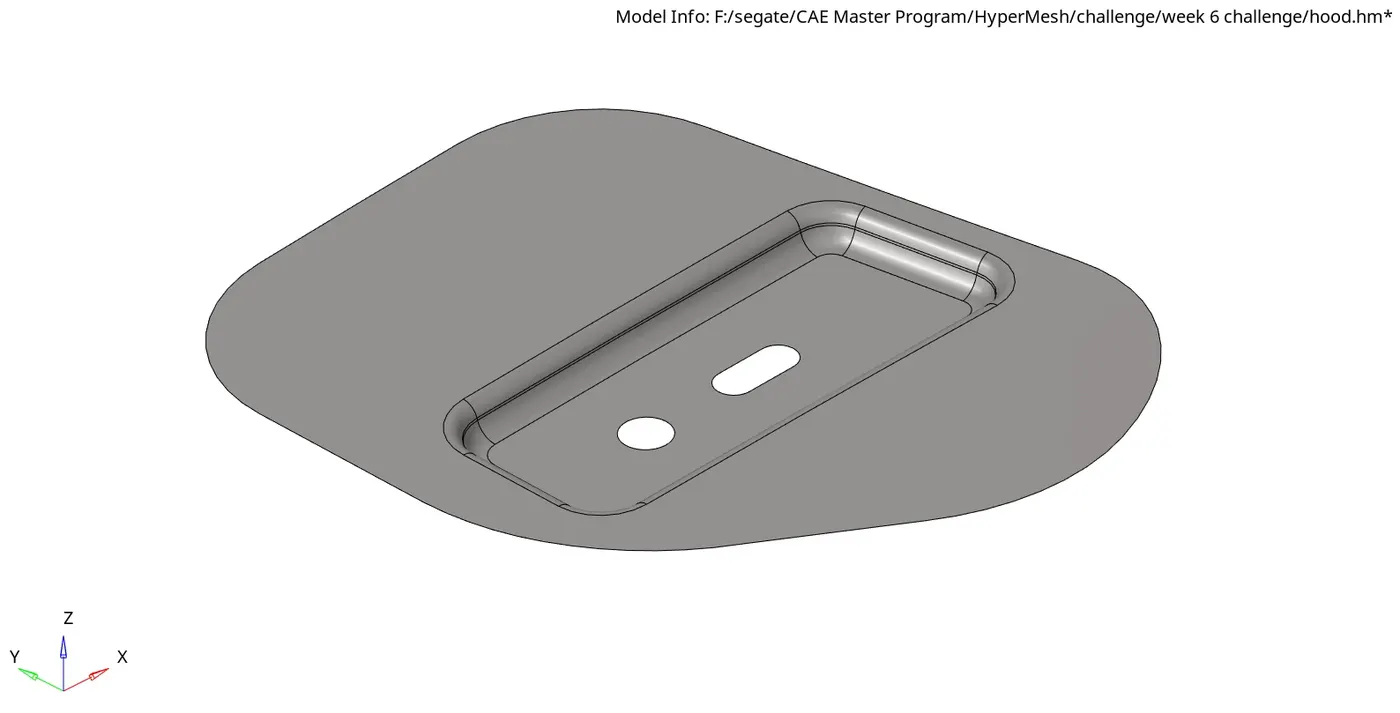
Step-3: Creating the midsurface
Geomentry->Midsurface->surf->displayed.
create individual midsurface for each component seprately.
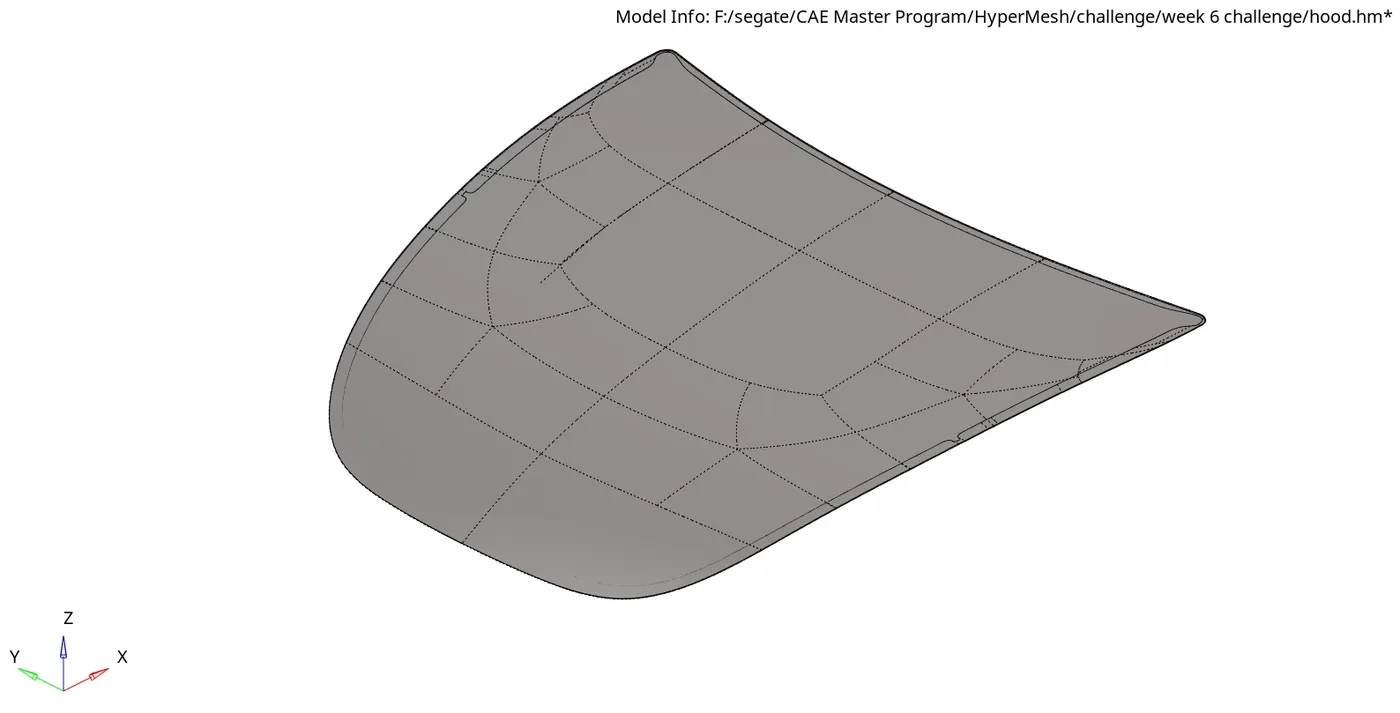
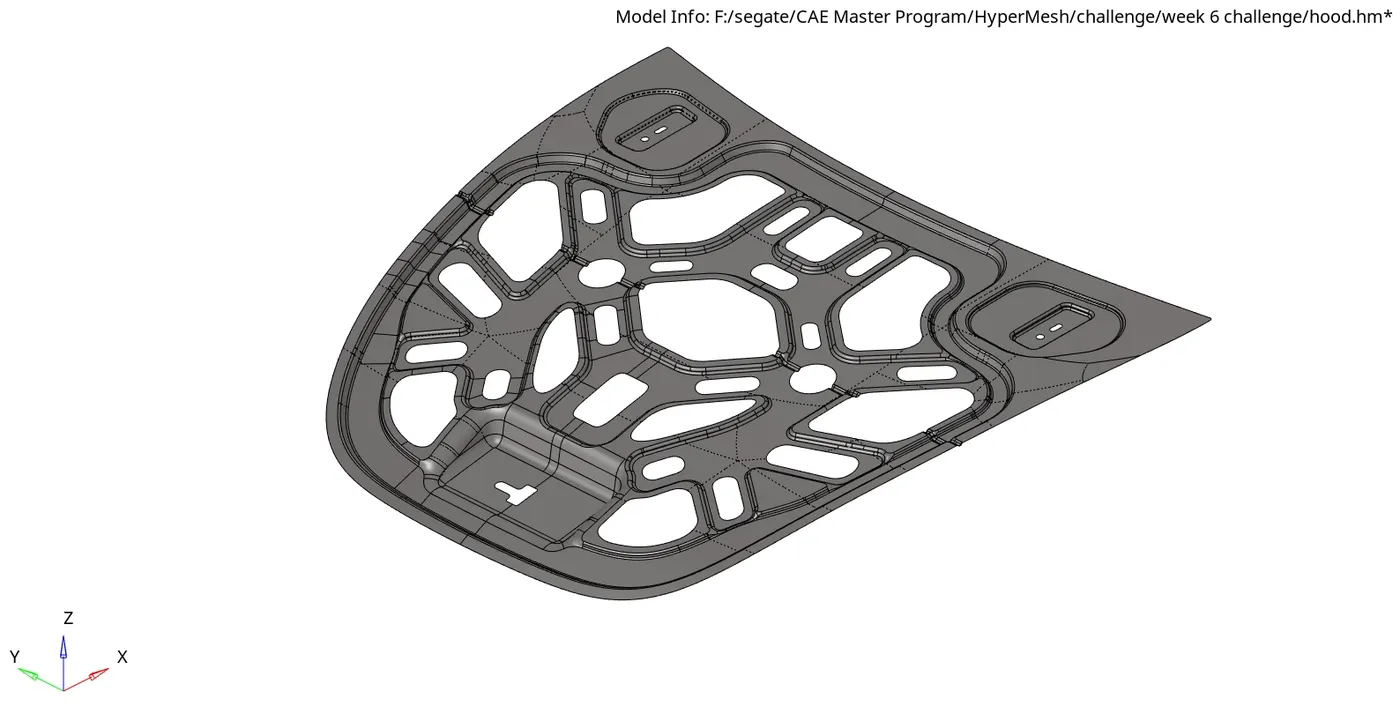
Step-4: set up file criteria.
Preferences->File criteria Settings.
set the target element to 5, minimum as 2 and maximum as 8.
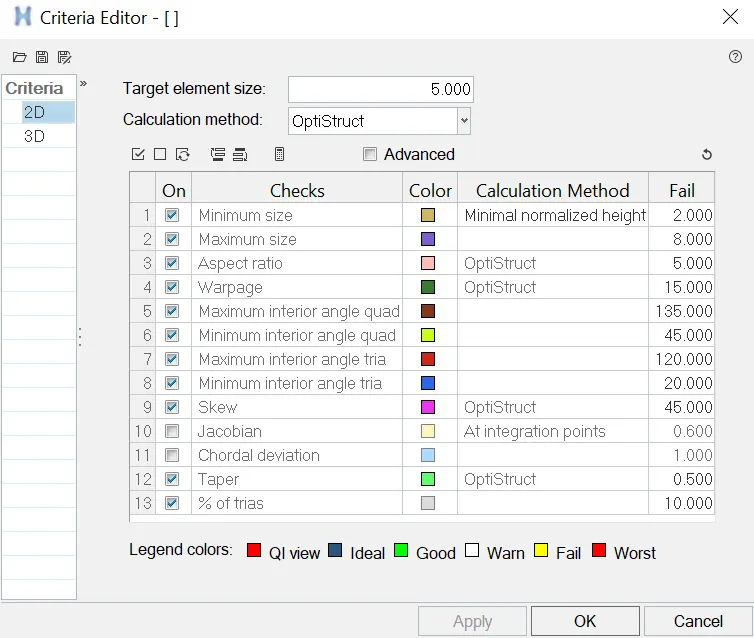
Step-5: midsurface cleanup
Geomentry->Autocleanup->Surf->Displayed.
we can cleanup the surface either manually or auto cleanup.
Step-6: Creating Automesh.
2D->Automesh->Surf->Displayed.
set the element size as 5 and element type as Quard.
Step-7: Quality checks
the following Quality checks and Quality criteria are checked
- Warpage
- Aspects
- Skewness
- Min. & Max. Length
- Cell Squish
- Jacobian
- Equia Skew
- Area Skew
- Taper
- Min. & Max. Tria Angle
- Min. & Max. Quard Angle
- Edges
- Normal
- Dependency
- Quality Index
Step-8: Creating Properties for the geomentry
Step-9: Creating Material for the geomentry
step-10: assigning the properties and material to the respective components.
Step-11: Save
RESULT:
The given component is meshed with respect to the given quality criteria. the Quality checks and Quality criteria are checked in the meshed component.