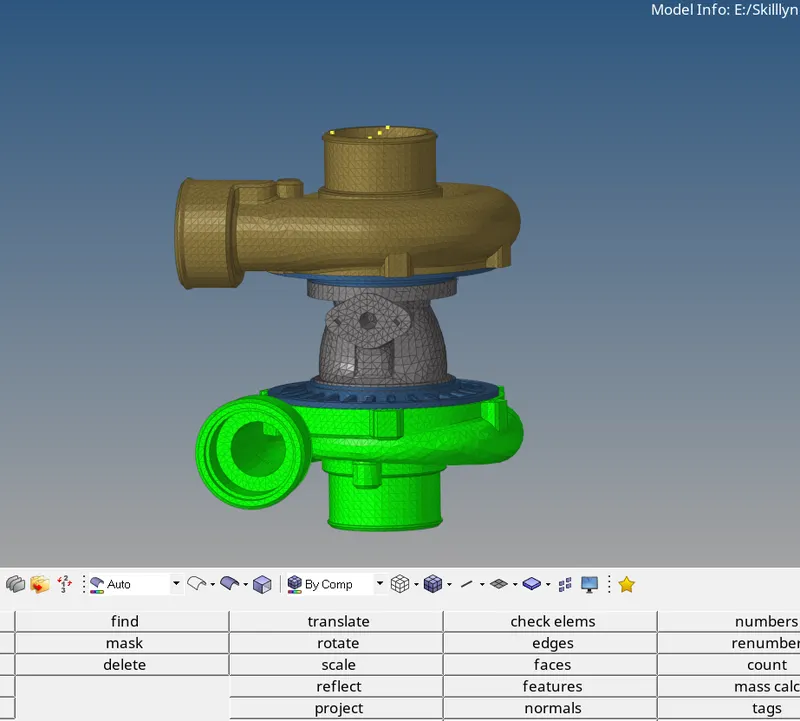
Week 6-3D Tetra Meshing Challenge
Aim:
Tesh meshes the above three components according to the given quality parameters.
Procedure:
- Model 1:
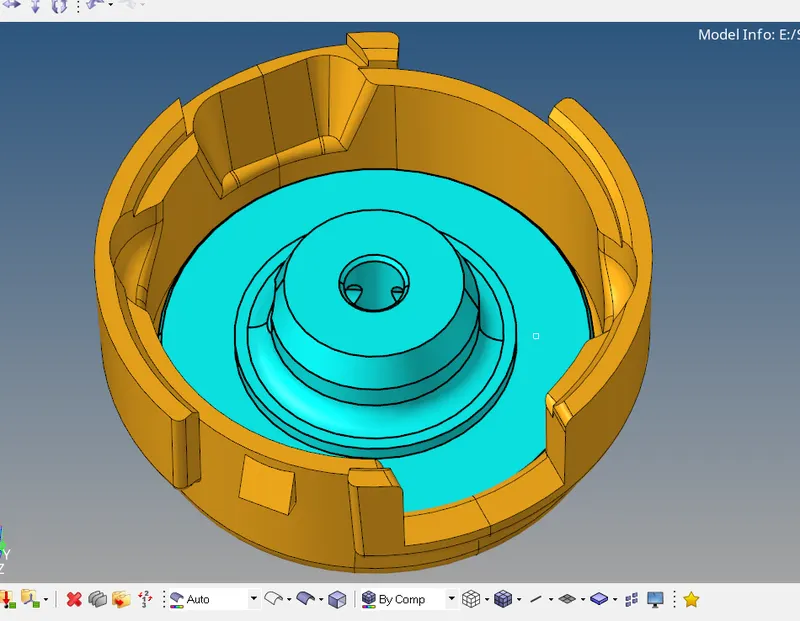
For model 1, quality criteria are Elements sizes: Min- 2 Units, Target- 5 Units, Max- 7 Units Tet collapse: 0.15- Imported the geometry.
- There are two geometries, meshed one by one.
- surface cleared, lines separation of less than 2 units is removed.
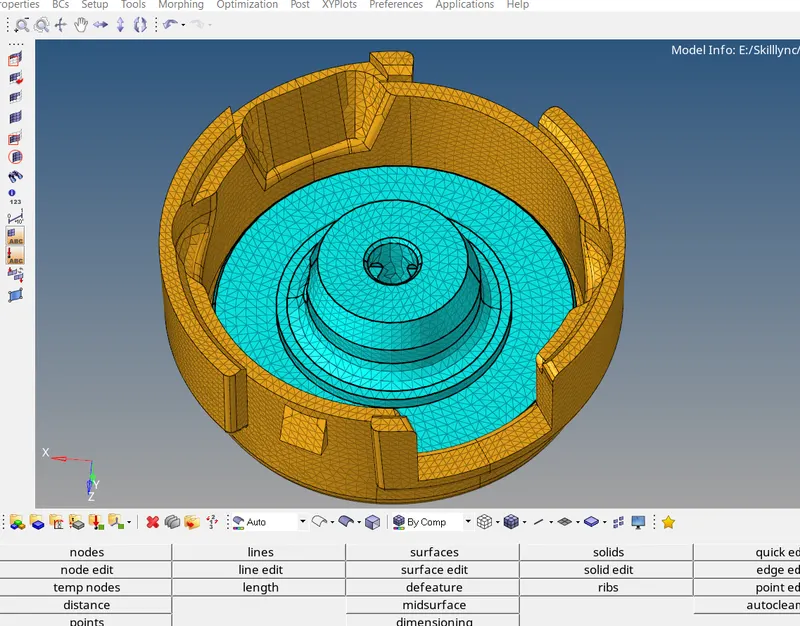
- 2d Auto meshed the surfaces with the target length of 5 units.
- While checking the min and maximum are failing, so re-meshed the quality by using the tetra re-mesh option. After so many min length is cleared. But the maximum length is not clearing I created nodes and deleted the elements and also created mid node between the larger length nodes. and created tetra manually.
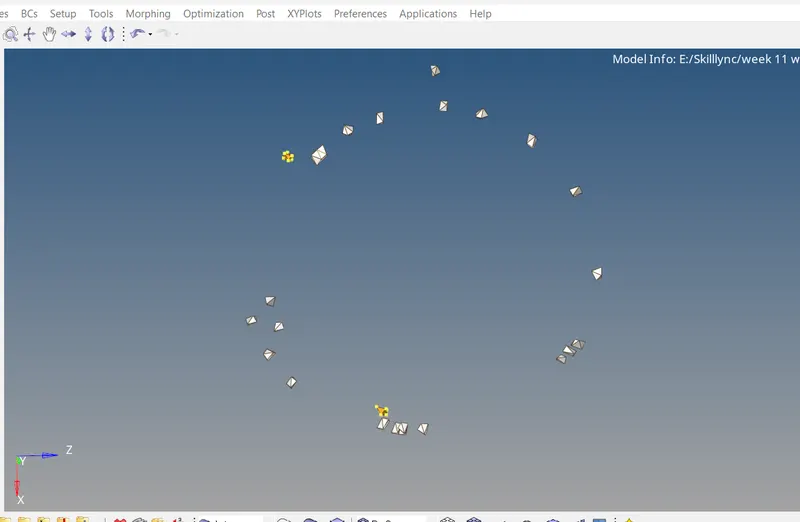
- Finally saved the file as Model-01.hm
- Model 2:
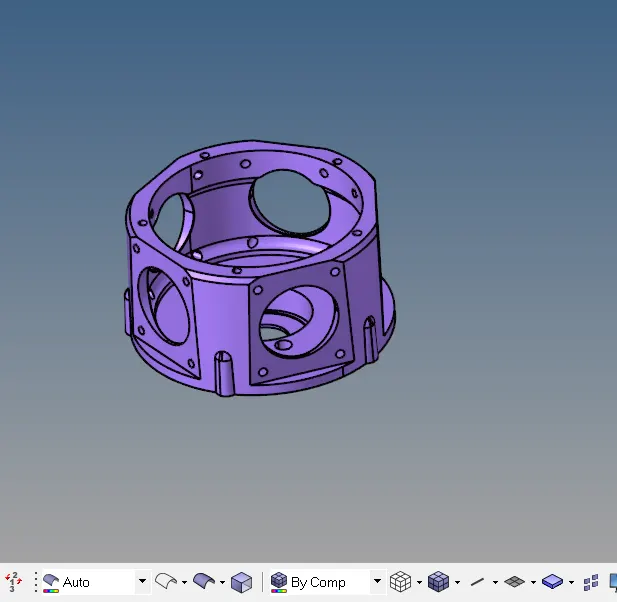
- For the given MODEL 2, Create a 3D Tetramesh with the following quality criteria. TetraMesh Generation Method: Quick Tetra Mesh/ Volume Tetra Mesh
Target Element size: 3 Units.
Tet Collapse: 0.15
- Surface cleared the 2d auto-meshed with a target length
- Cleared the 2d min length below 0.5. In order to get good quality mesh while building the tetra.
- Created the tetra and cleared the quality by using the tetra re-mesh option. Only tet collapse quality is needed to maintaine here.
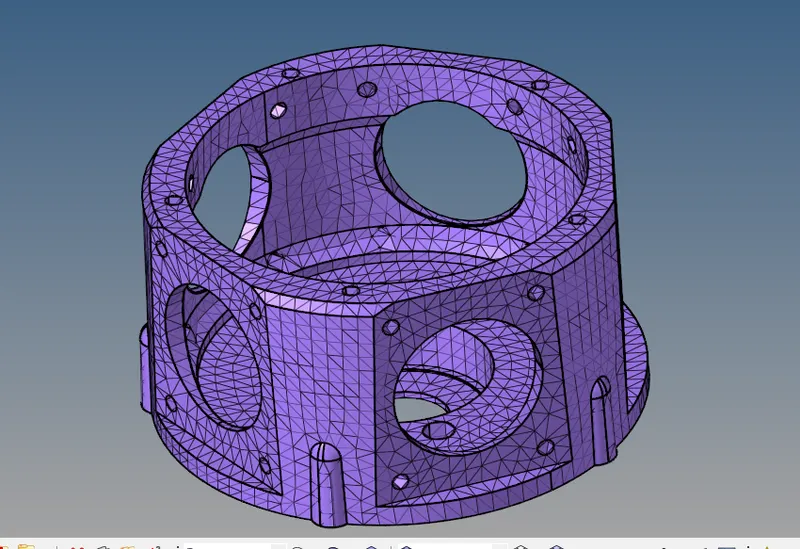
- Finally I saved the file as Model-02.hm
- Model 3
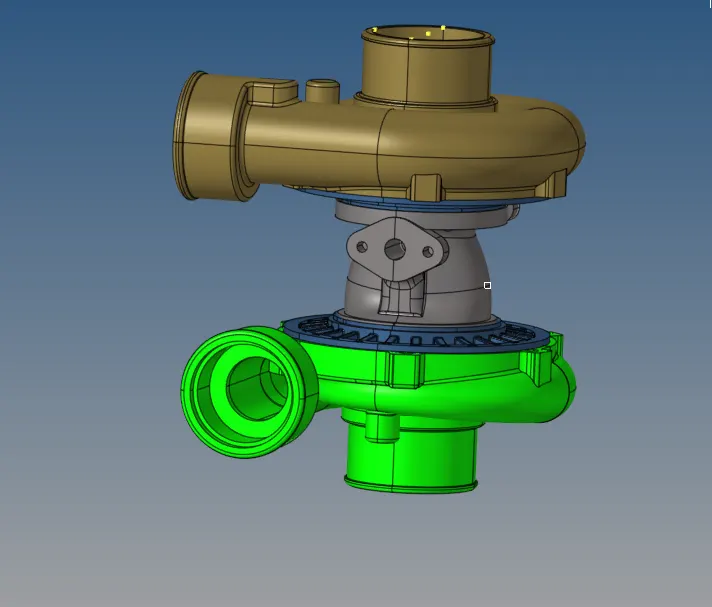
-
Quick Tetra Mesh/ Volume Tetra Mesh
Target Element size: 4 Units.
Tet Collapse: 0.15
- Meshed individually 4 geometries.
- Surfave cleared.
- First created 2d and converted to tetra.
- While checking geometry similarity, I found that the below two geometries are the same except one model has no holes in it. So I completed one geometry and reflected to the opposite geometry and filled the hole with tetra elements.
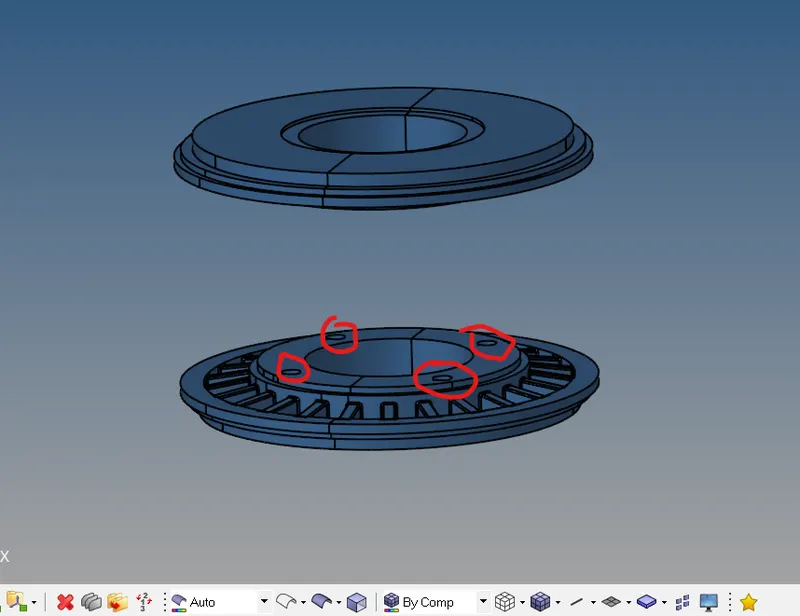
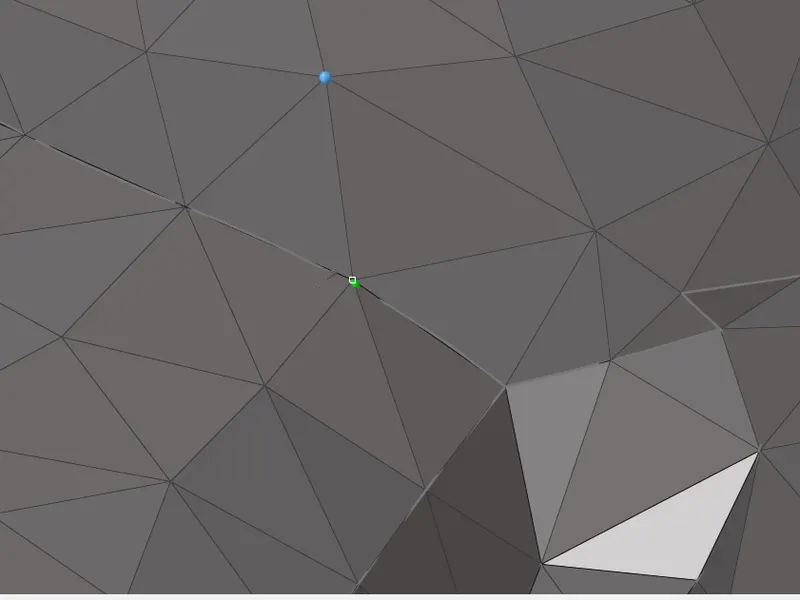
- While meshing below geometry, surface is intersecting each other so after building I moved 2d elemts little above to create tetra.
-
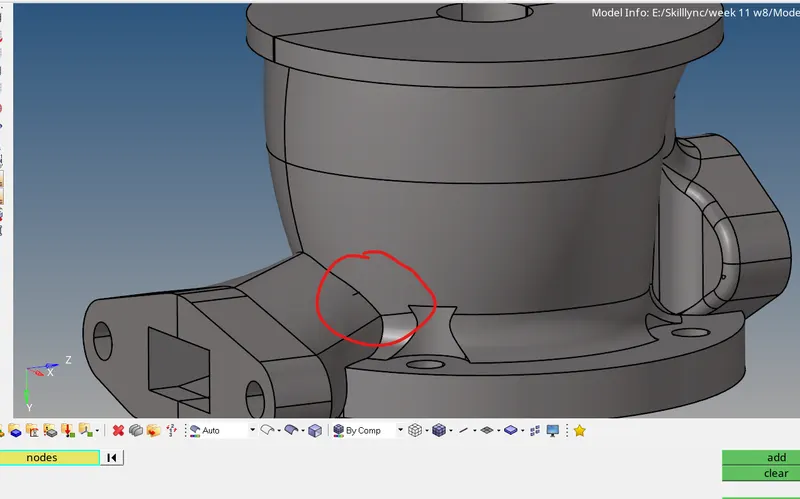
- So that region protection is neglected.
- The below geometries are matching but both are not in the same orientation.
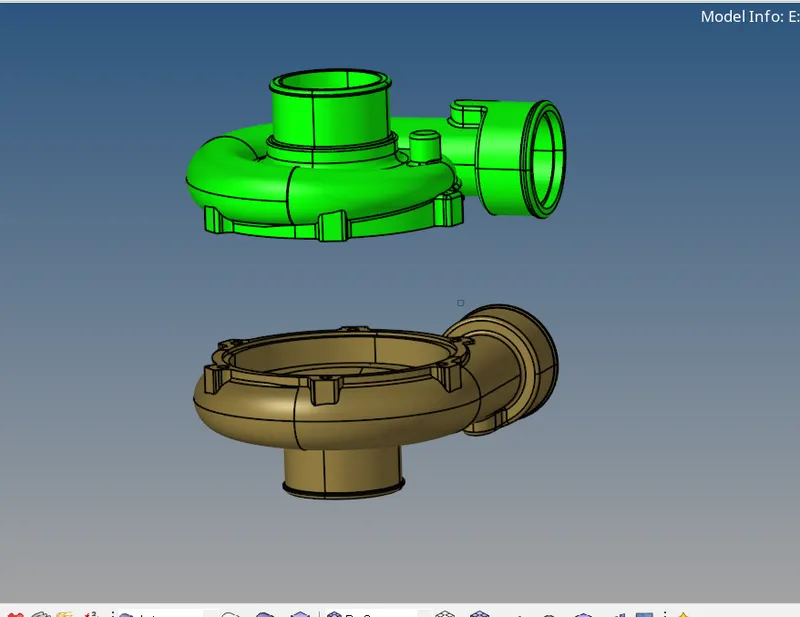
- I completed the mesh and reflected it and rotated it to get in the same orientation as the second geomtry.
- Finally, I saved the file as Model-03.hm