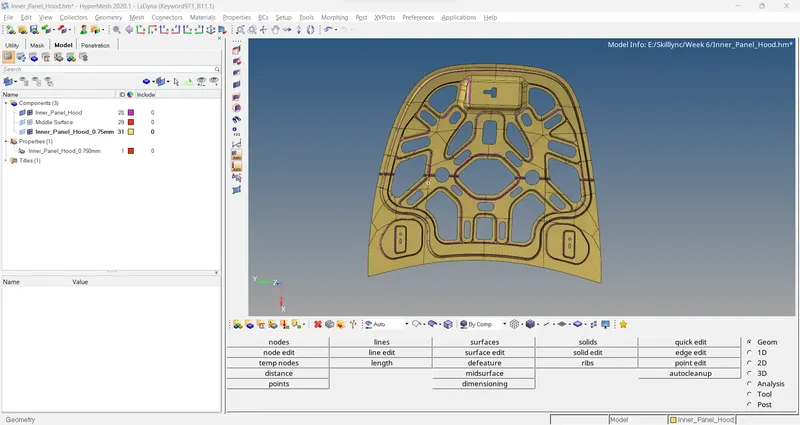
Week 3-Meshing of Hood Challenge
- Checked the symmetry. 90% is matching, only the below region is mismatching.
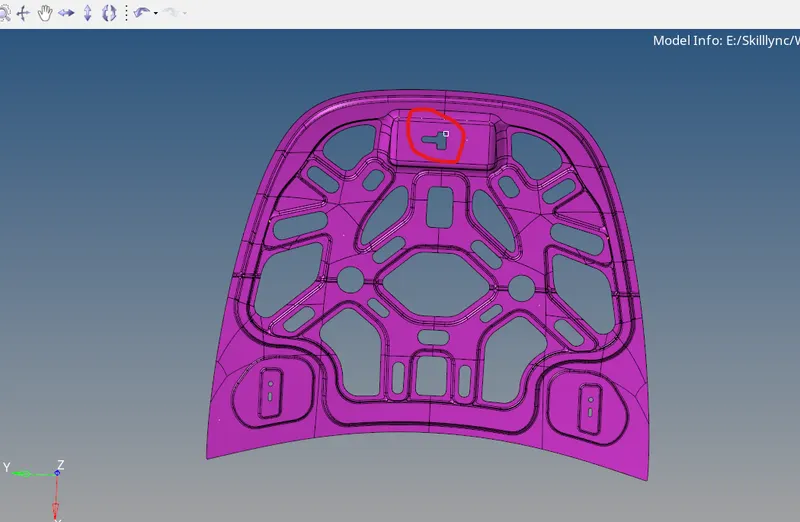
- Removed the unwanted lines, that is geometry clearance.
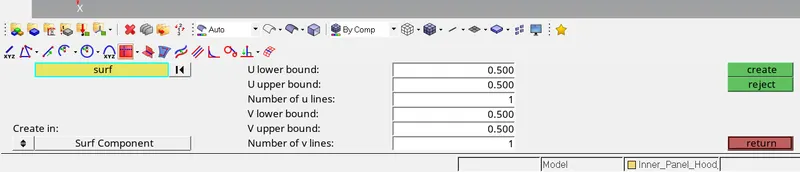
- I trimmed the surface in half. Created midline using Geometry->line-> Extract parametric and given below values. Selected the fillet region where we need the midlines.
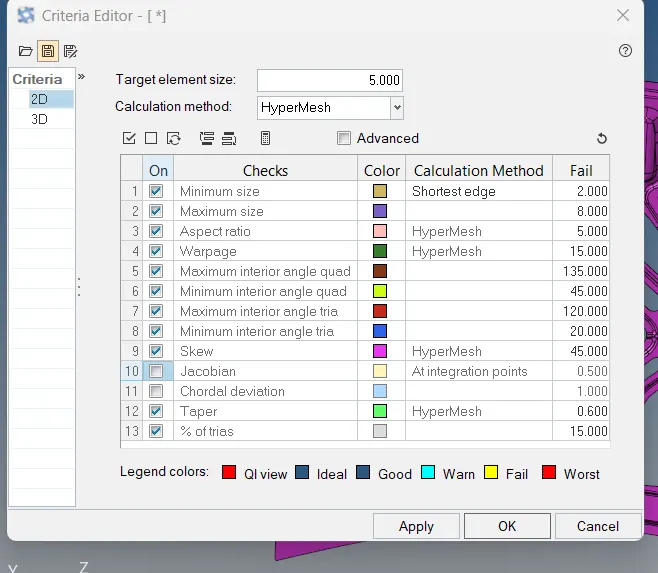
- Auto meshed half surface with global 5. Changed the settings of 2d quality as per the quality parameters.
- Changed the mesh view into "by element quality". So we can the failed elements and clear them quickly.
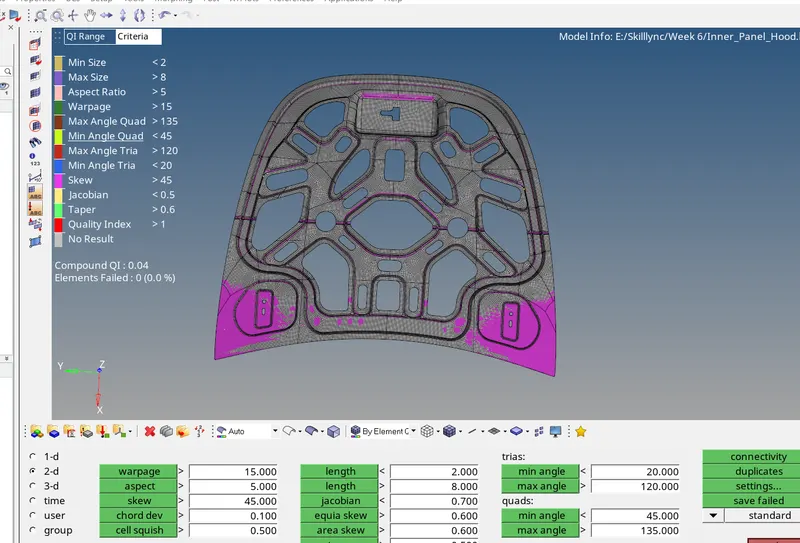
- Projected the fillet region nodes to fillet midlines.
- Reflected the elements into the other half.
- Checked the thickness, and its coming 0.75 and assigned the thickness.