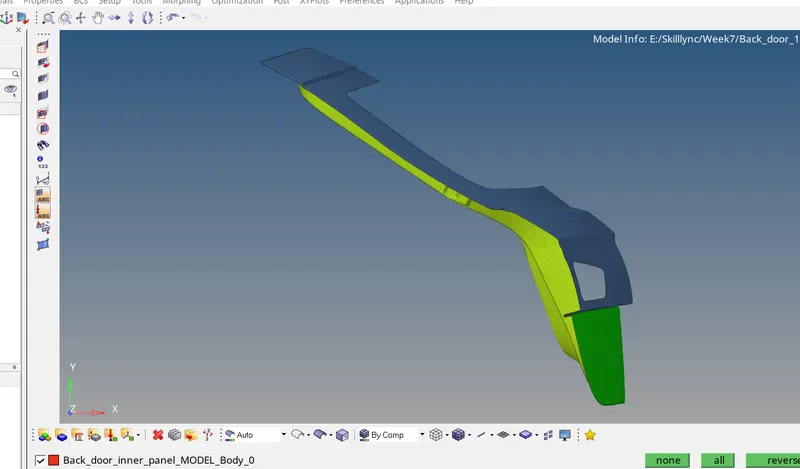
Week 4- Meshing of Backdoor Challenge
Aim:
To mid-shell the backdoor with global 5.
Procedure:
- Imported the file into HM. Firstly, trimmed the mid by using 3 points and checked the symmetry.
- Moved half geometry to a different collector and gave colour.
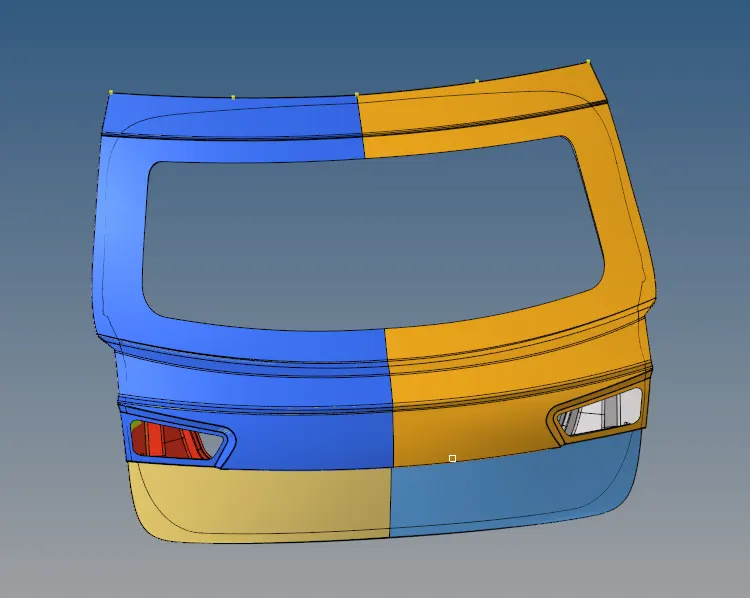
- Reflected all geometry. Most of the region are matching.
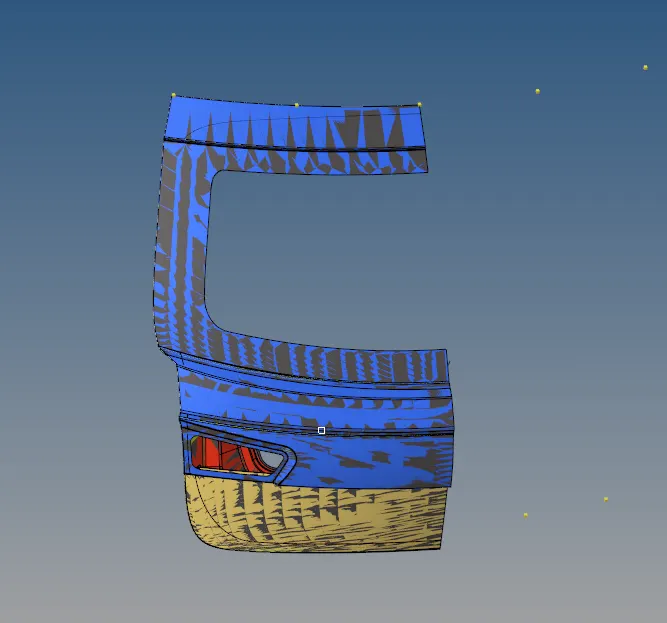
- Cleared the surface error and toggled unwanted lines. Midshell half geometries where the larger feature is there.
- Created the midshell for 3 components.
- Checked the Quality of the elements, and cleared the quality manually.
- While creating checked the intersection between Back_Door_Upper_body_MODEL_Body_Mesh and Back_door_Lower_body_MODEL_Body_Mesh. There was an intersection, so I moved both meshes moved either direction. So that direction its a little deviate from the geometry.
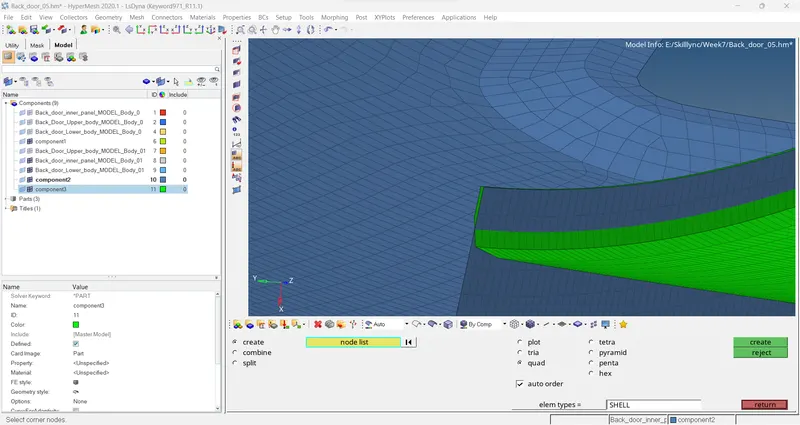
- I have created properties and all the geometry have the same thickness of 0.75mm.
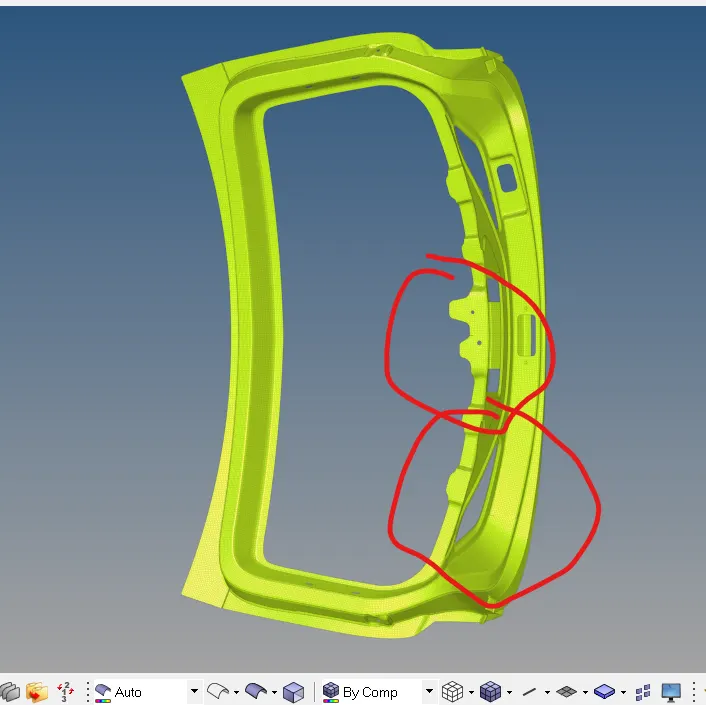
- Reflected everything. After reflection, this below region has modifications. I completed that region.
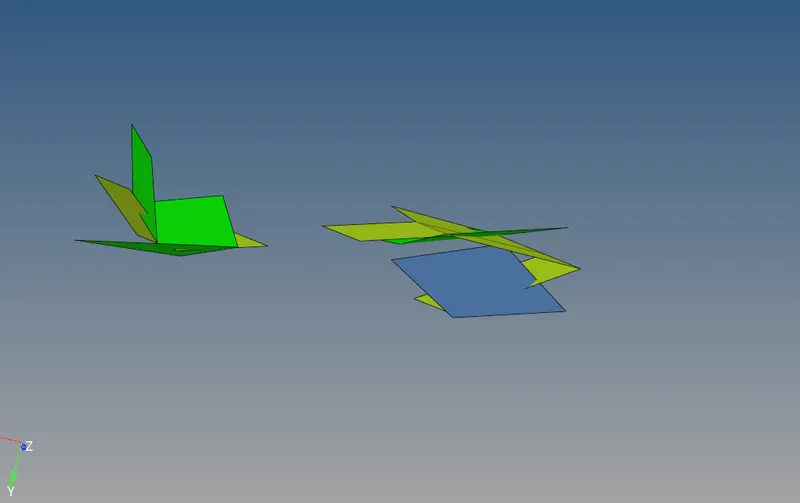
- After reflection, I checked the again intersection. Below elements are intersecting with each other. I did do anything over there there because all geometries junctions.
- Finally, I saved the file.