Week 6-3D Tetra Meshing Challenge
AIM:-
Creating Tetramesh for the given components with given quality criteria.
CASE-1:
For the given MODEL 1, We have to Create a Teramesh for the Housing component with the following quality criteria.
TetraMesh Generation Method: 2D to 3D Conversion
Elements sizes: Min- 2 Units, Target- 5 Units, Max- 7 Units
Tet collapse: 0.15
Procedure:-
Step-1:-
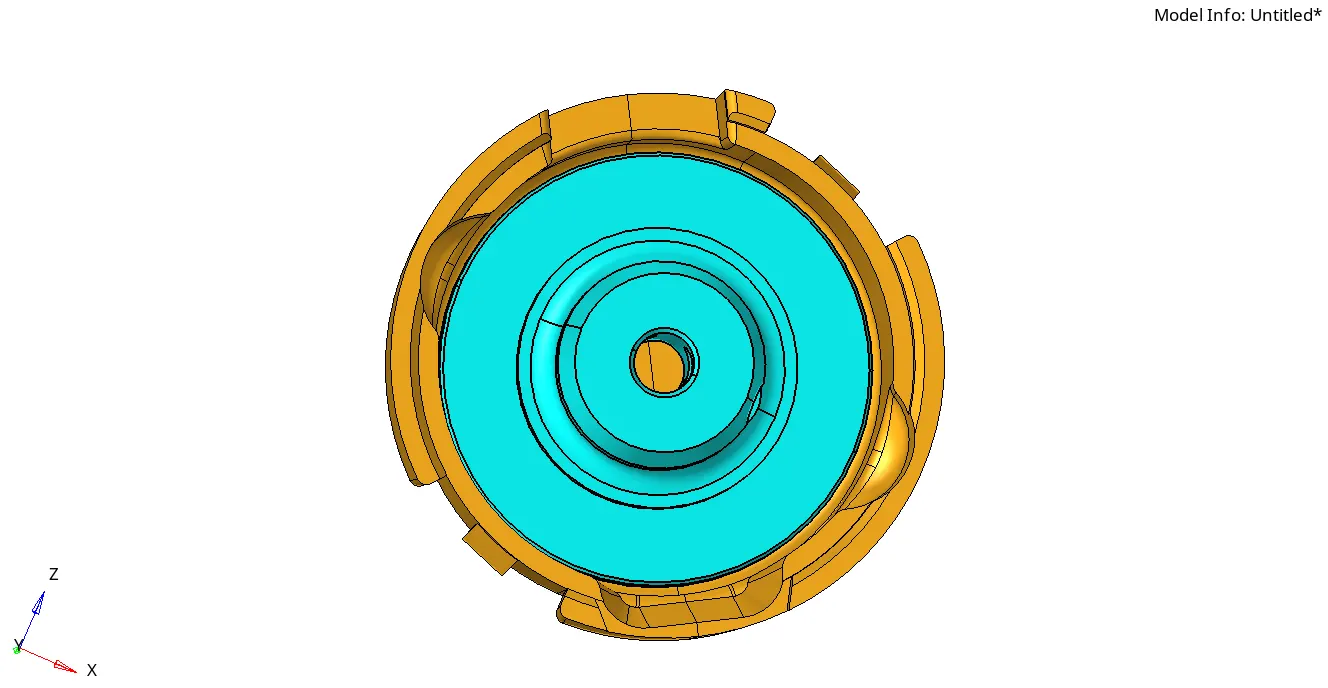
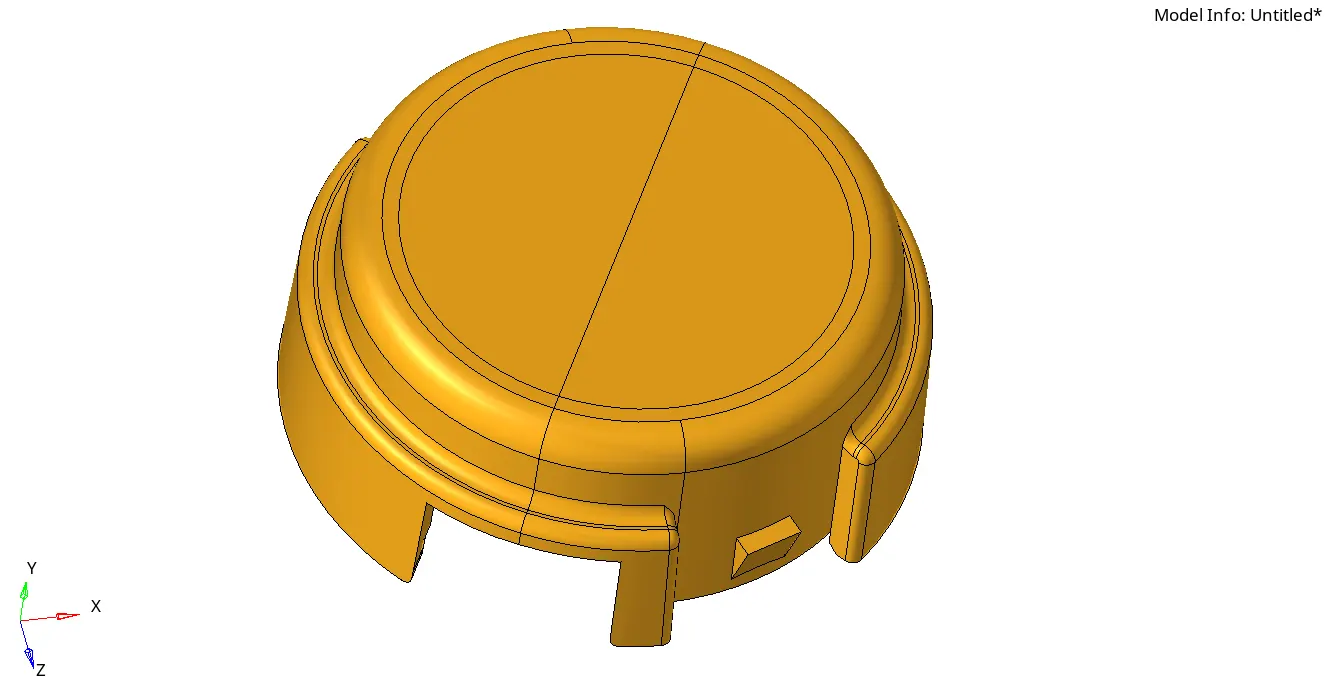
We need to import the model.
Step-2:-
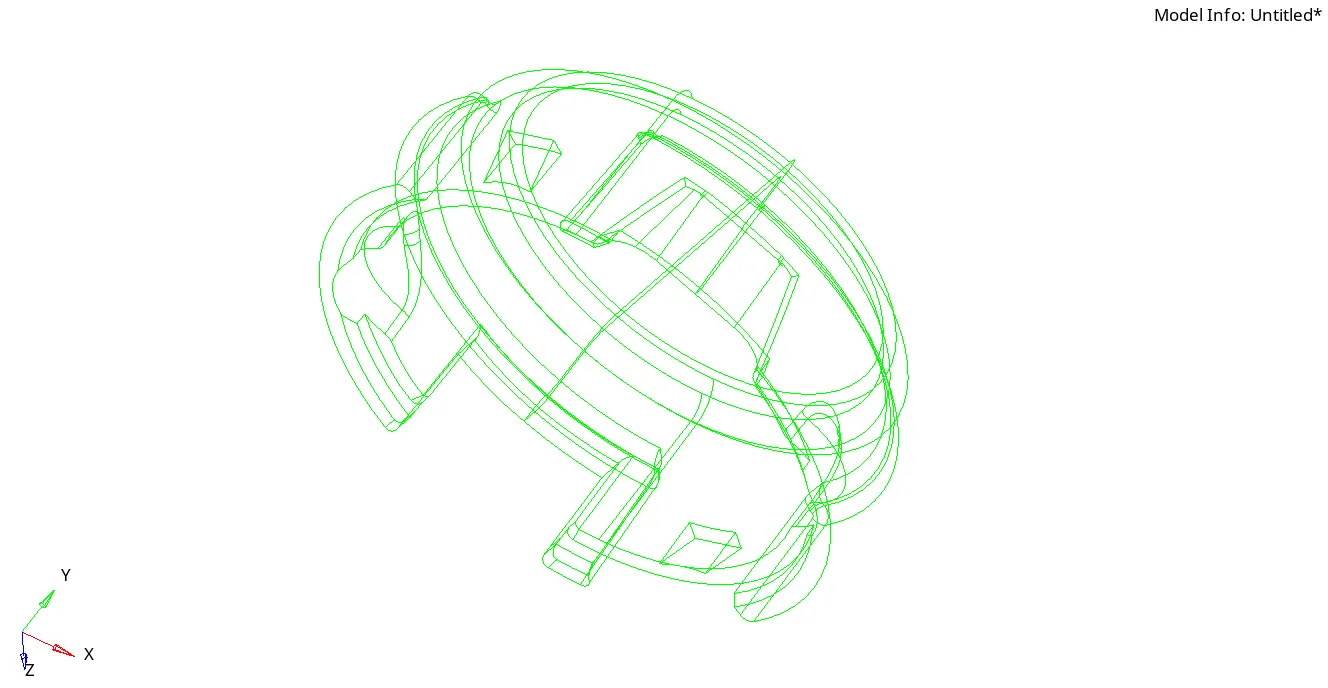
Confirming in topo is it surface or solid.
Step-3:-
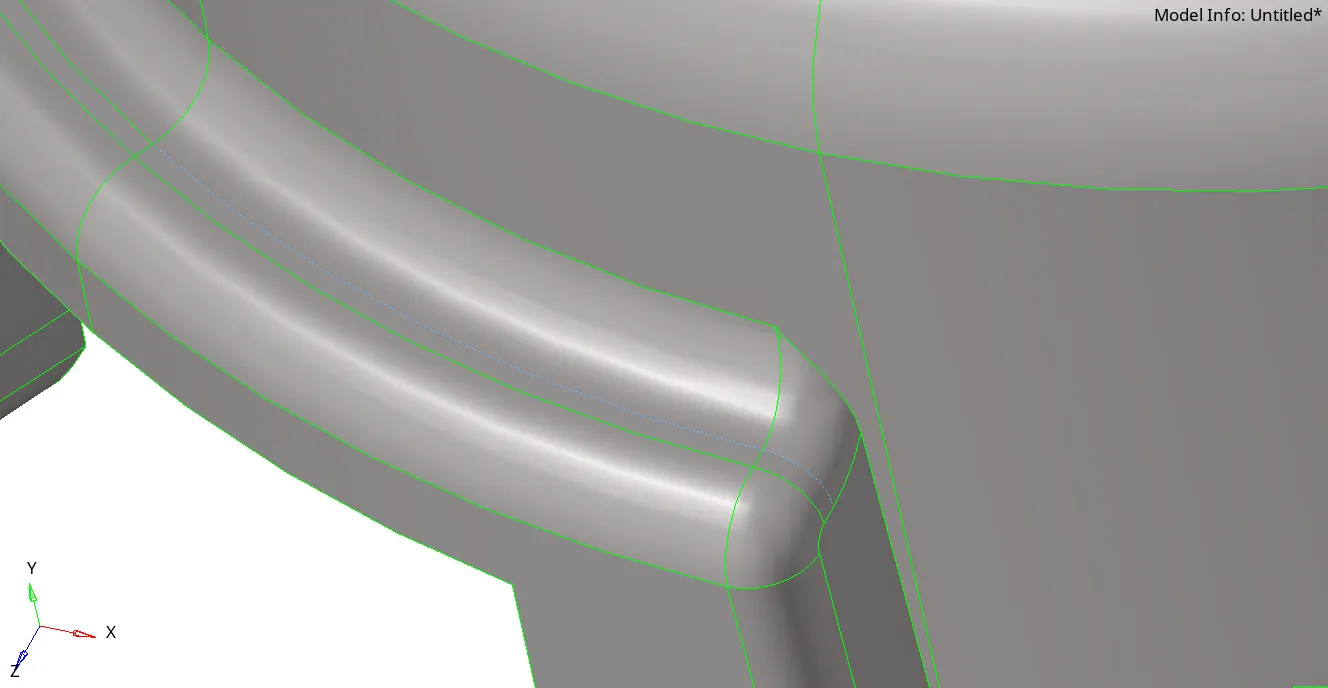
Toggling the unwanted lines to get proper mesh without any elemental failure.
Step-4:-
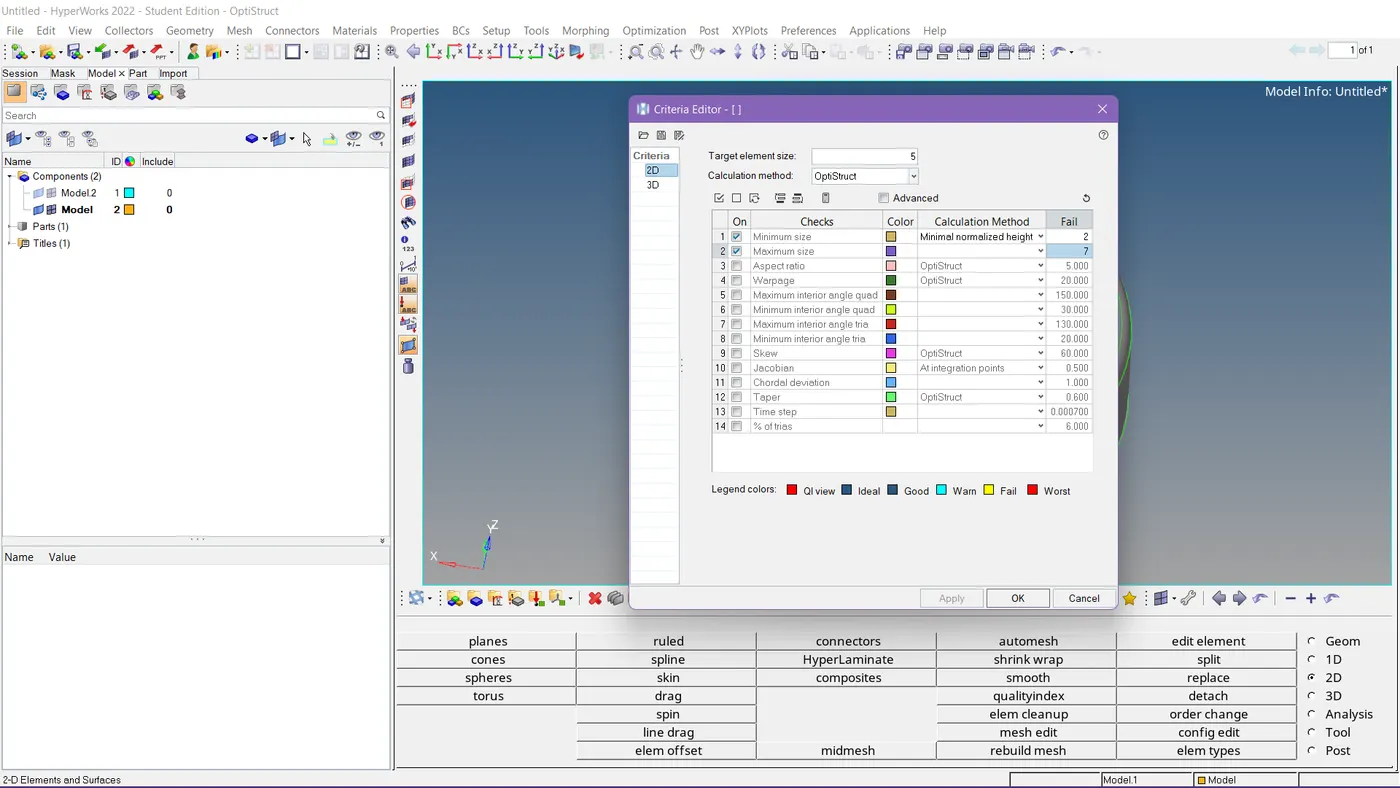
Given Critea has been set down.
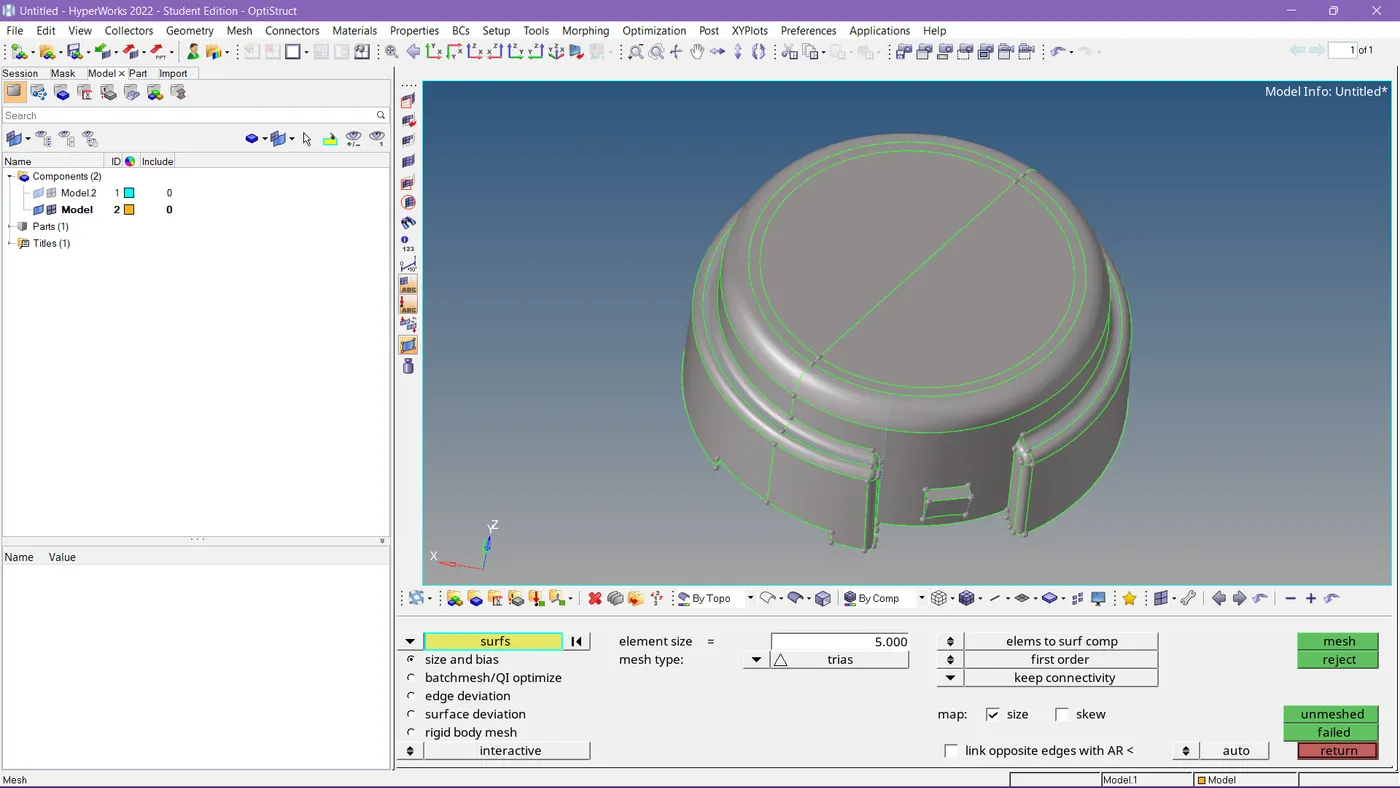
Values are been set down in auto mesh.
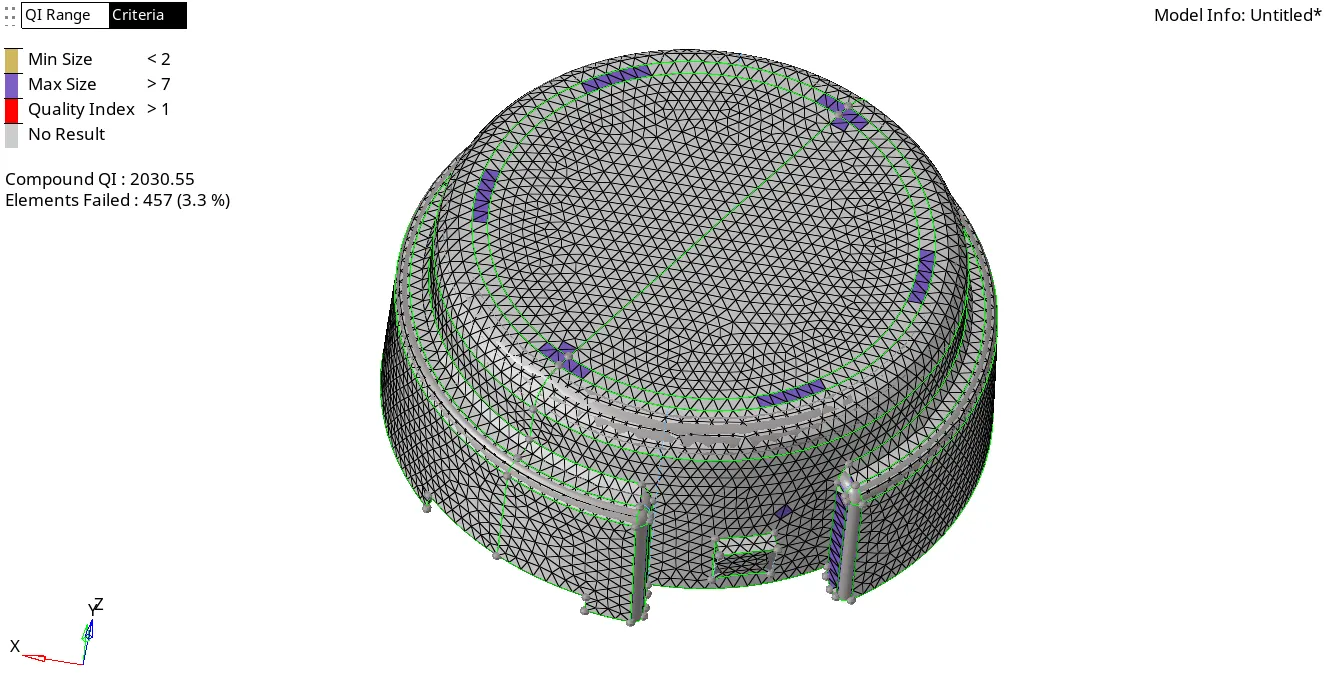
This is how we got after meshing, we have some failed elements that need to be worked on.
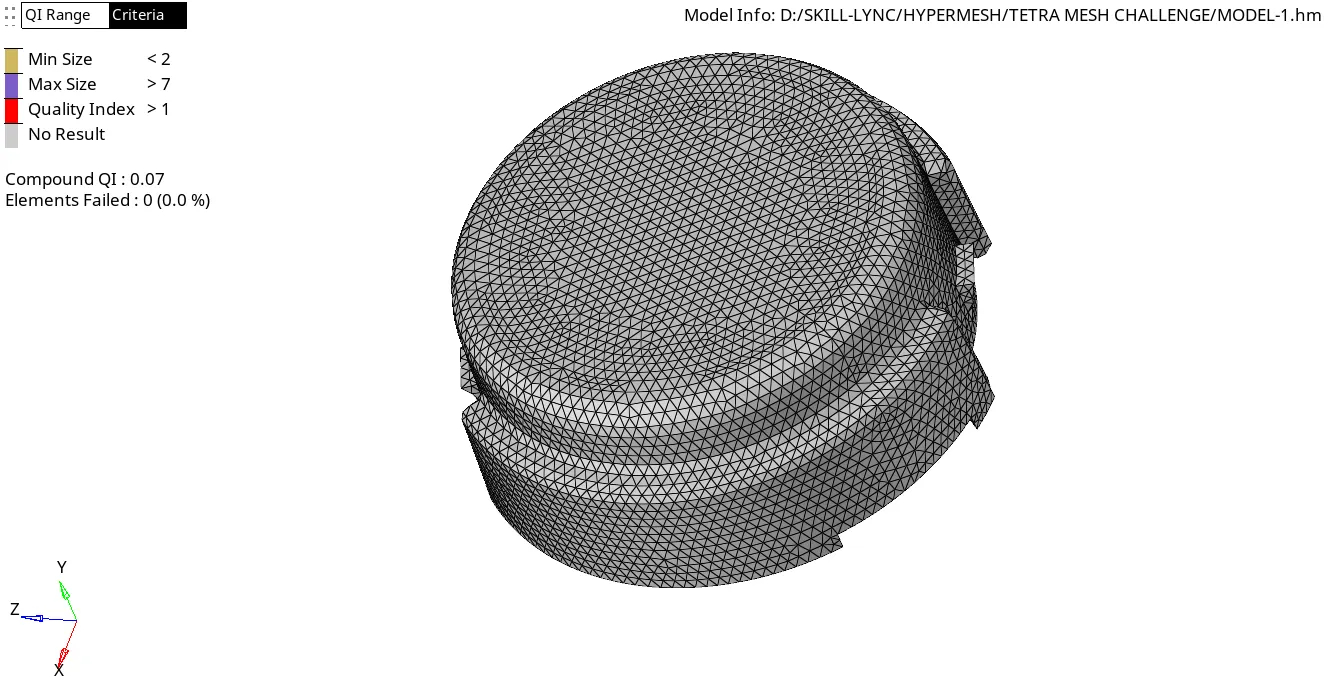
This is how we need to maintain the elemental quality.
Step-5:-
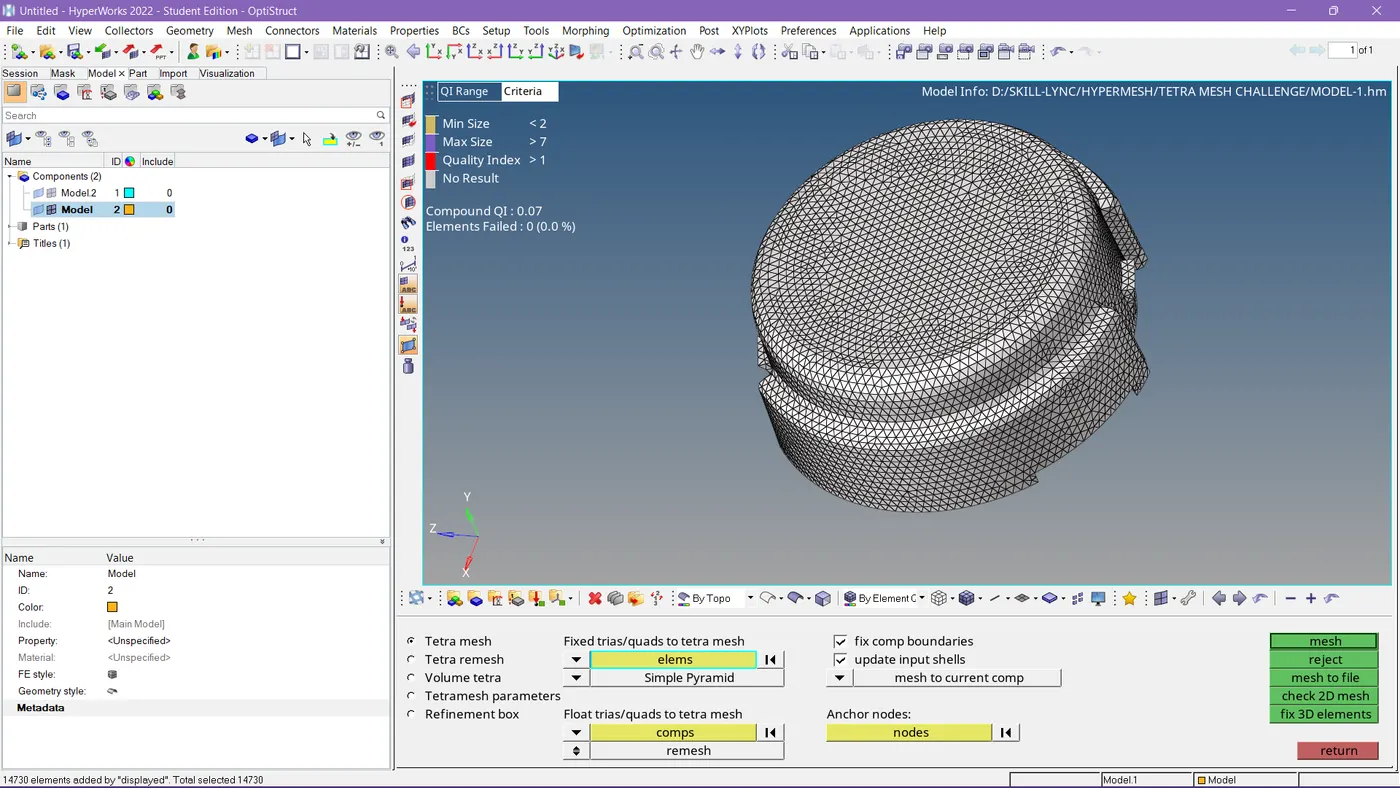
Tetra mesh settings have been done to make volume mesh.
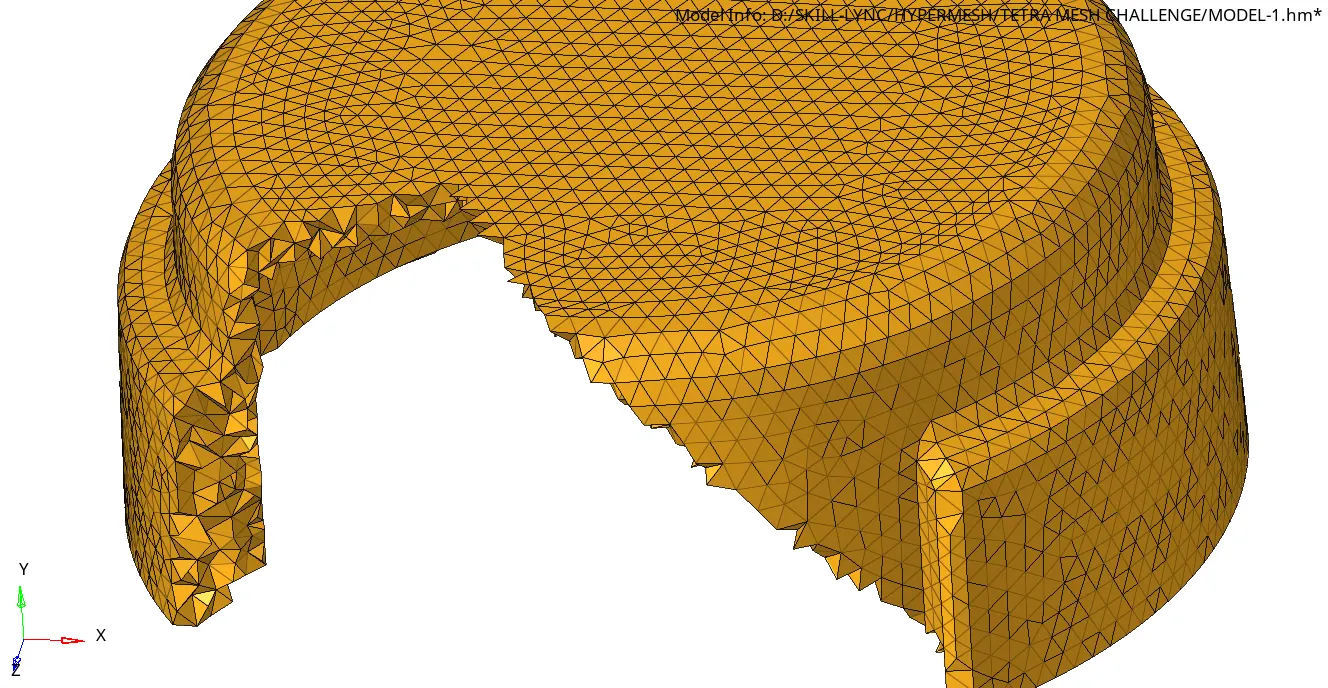
See in this picture the solid-like mesh filled the regions.
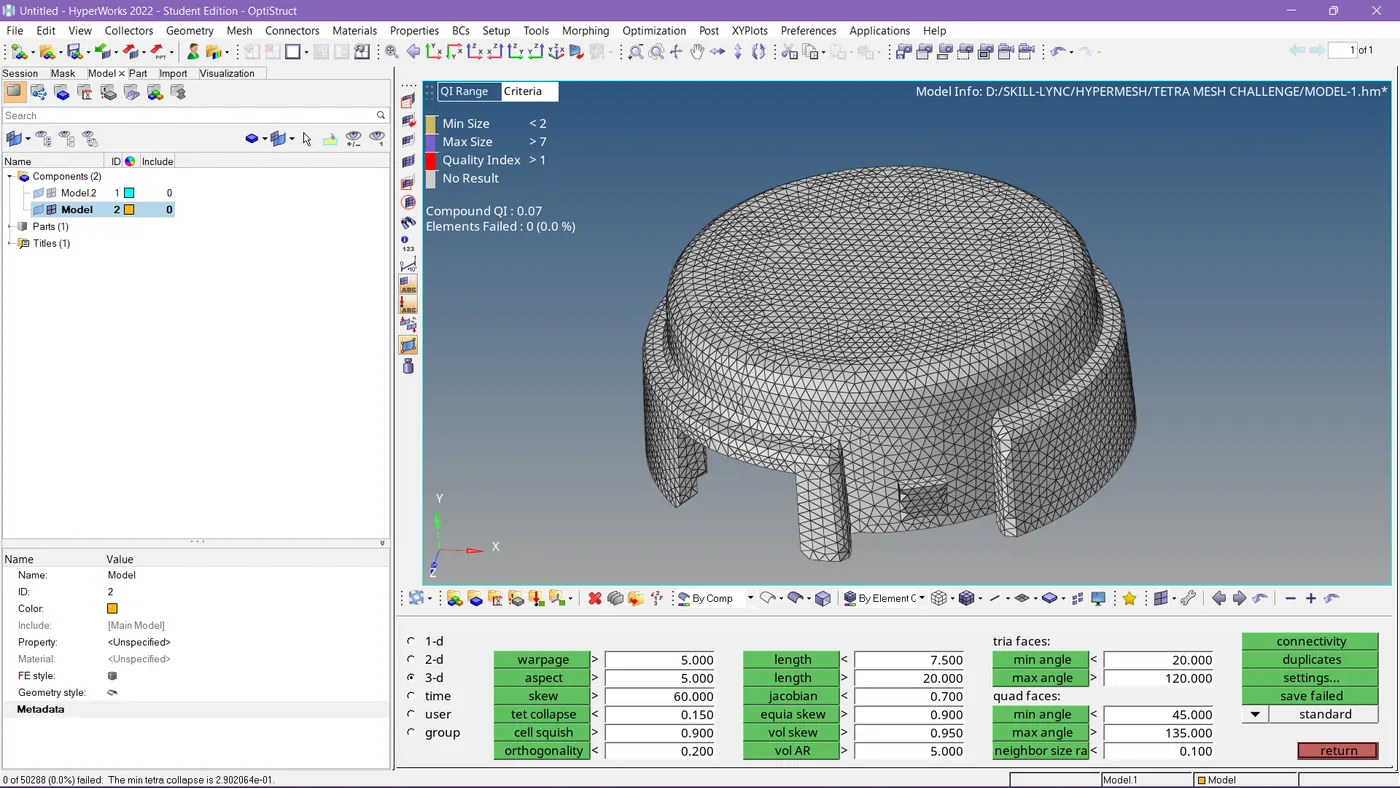
Tet collapse also cleared.
Step-6:-
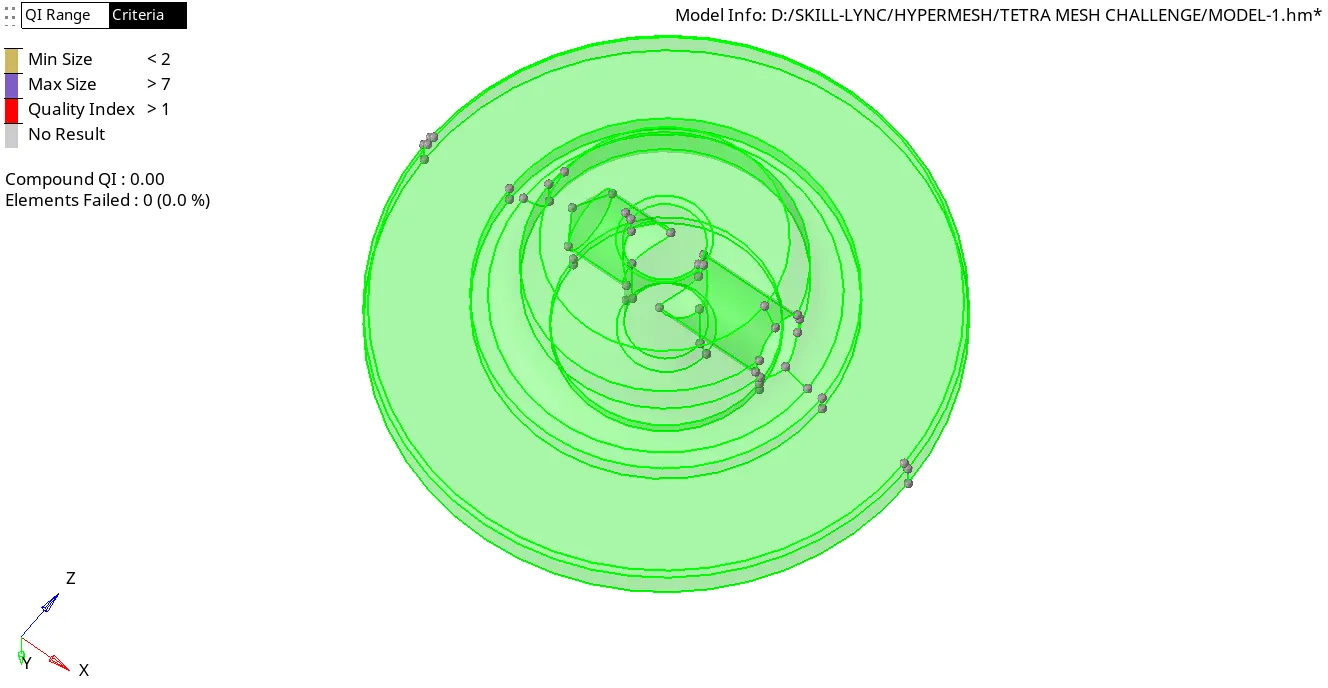
So in the same geometry, we had 2nd component which is solid.
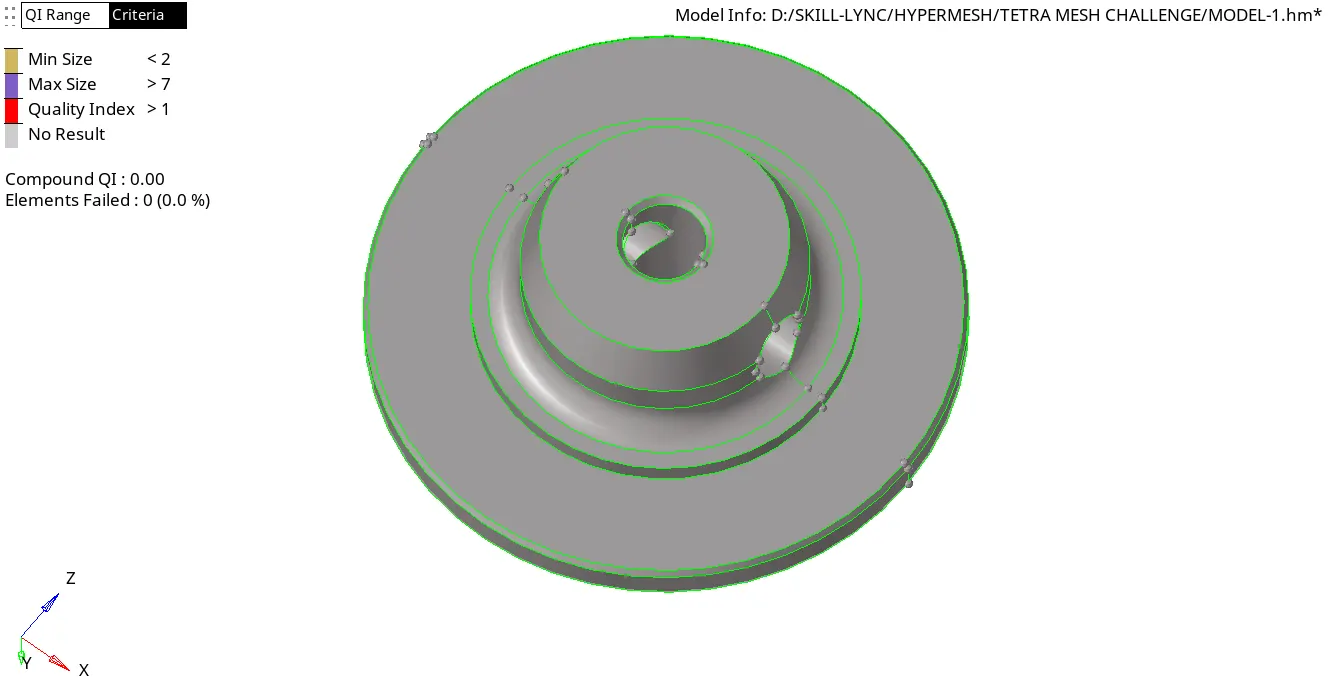
So you can see in the picture the solid is been deleted and now it is a surface.
Step-7:-
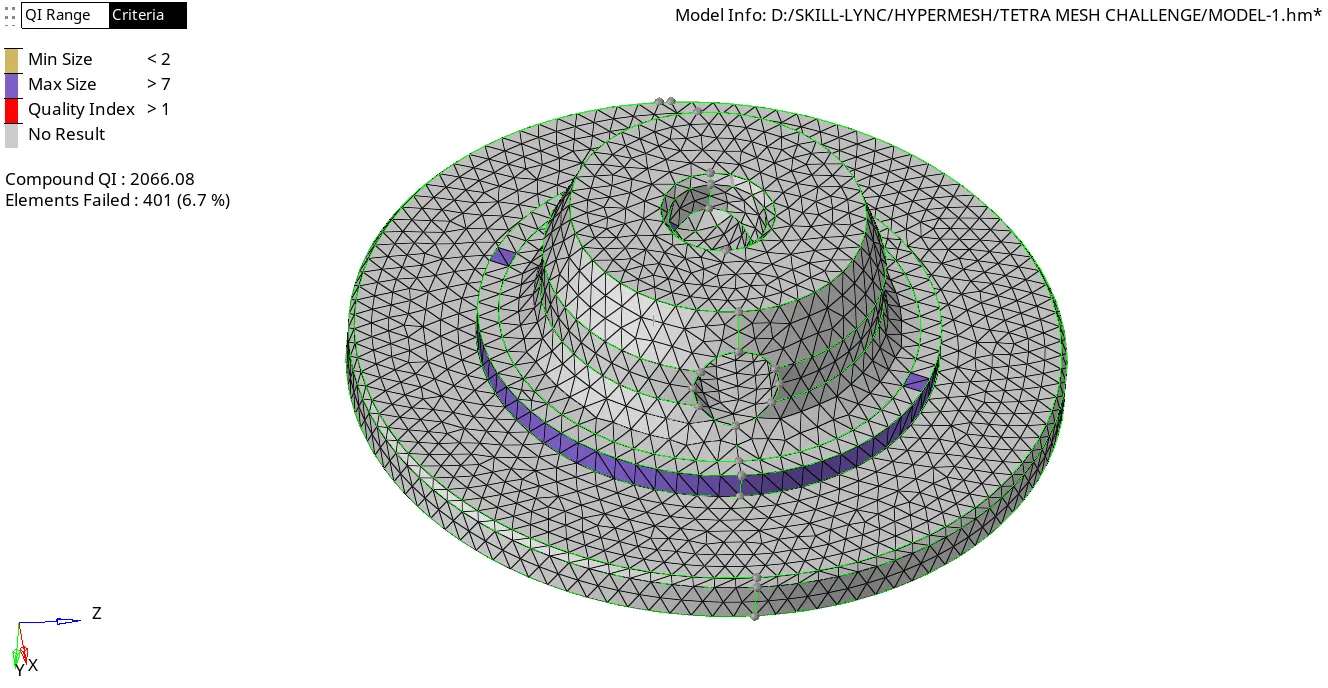
This is how we got after doing mesh, so we need to work on it to clear the failed elements.
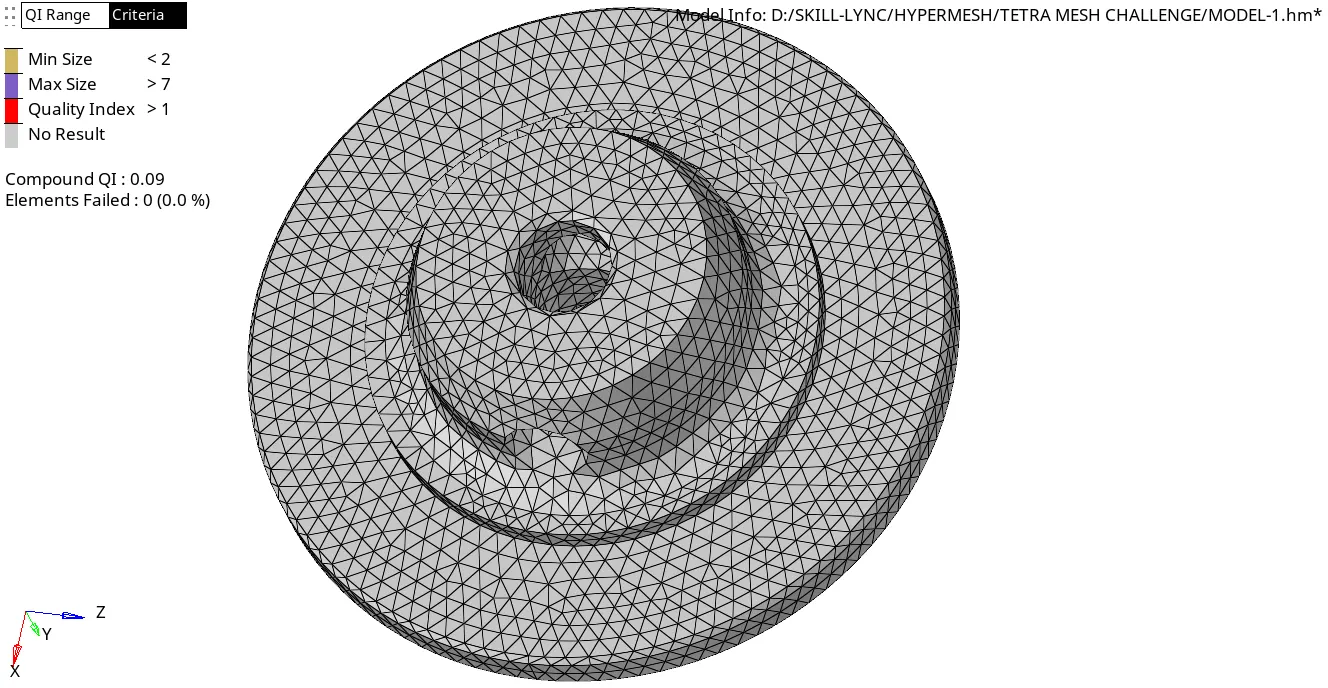
So all elements are passing the quality criteria.
Step-8:-
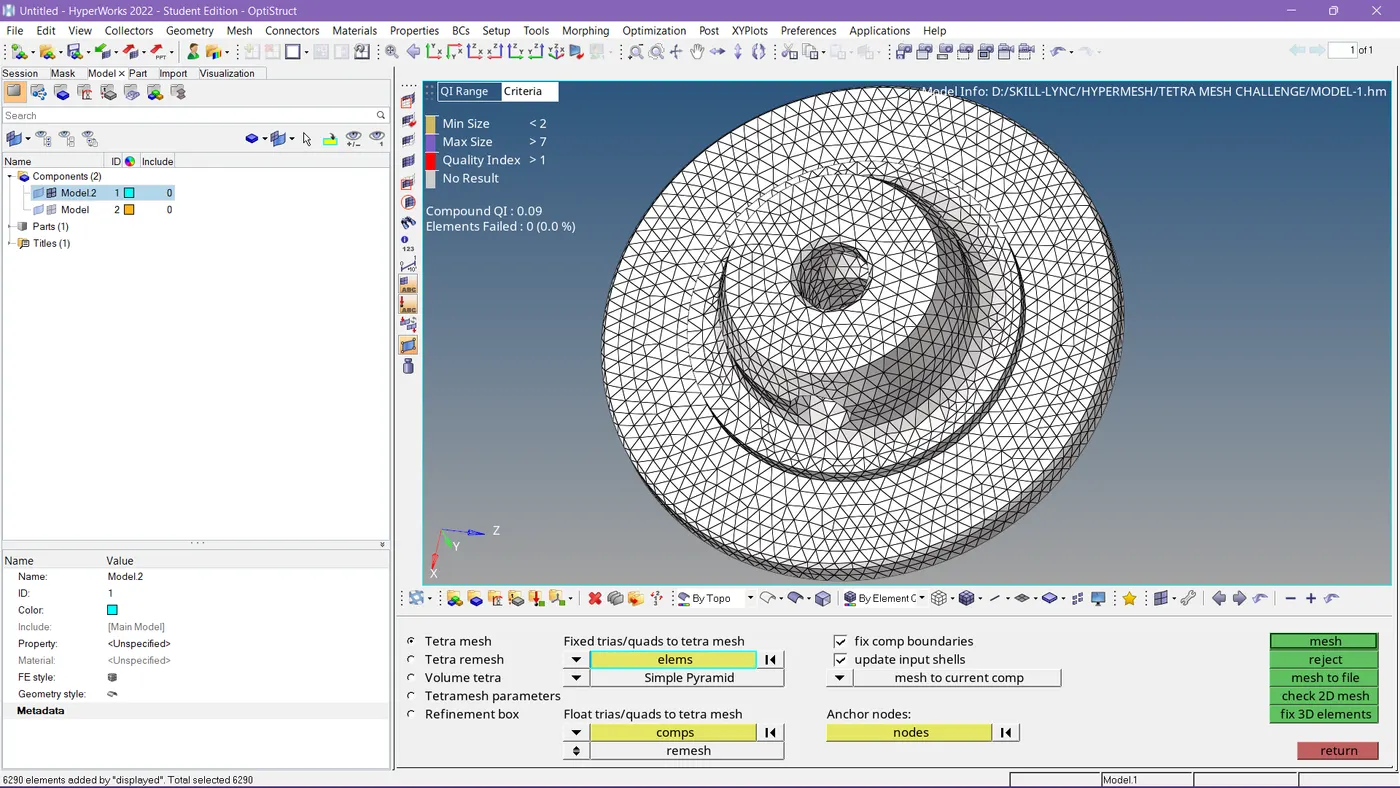
Tetra mesh has been applied.
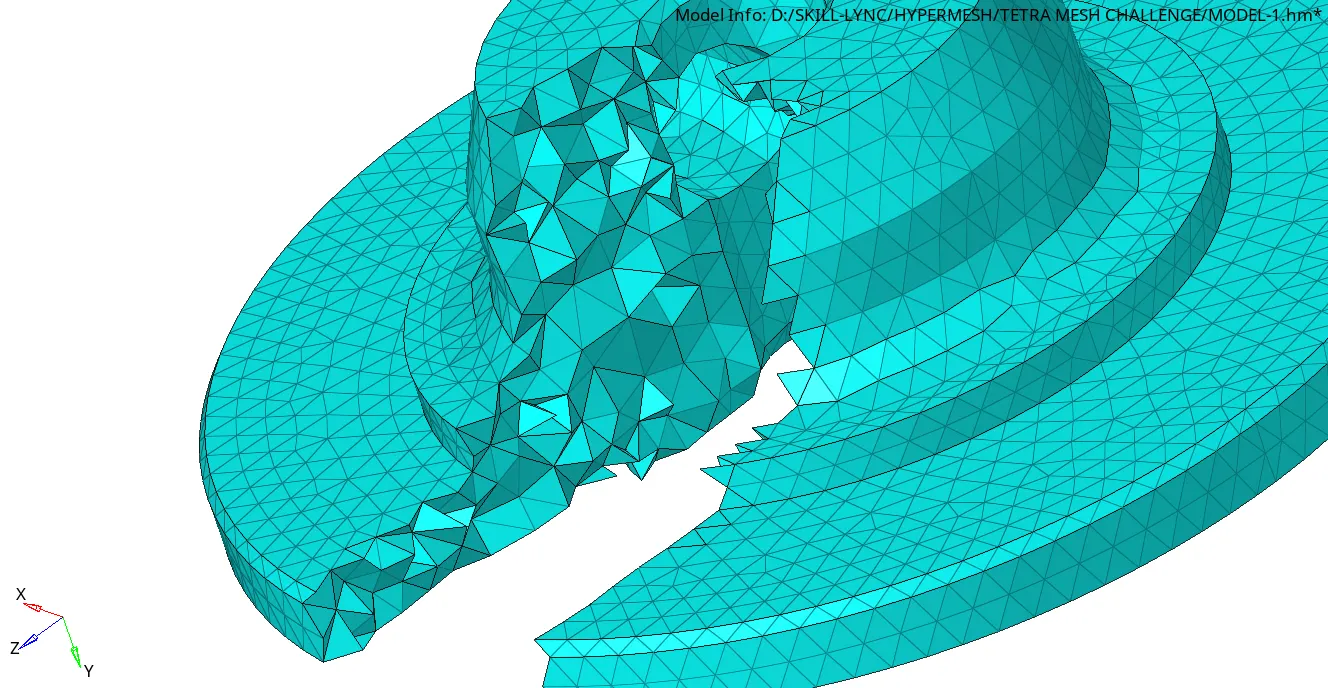
Tetra mesh has been formed.
Result-1:
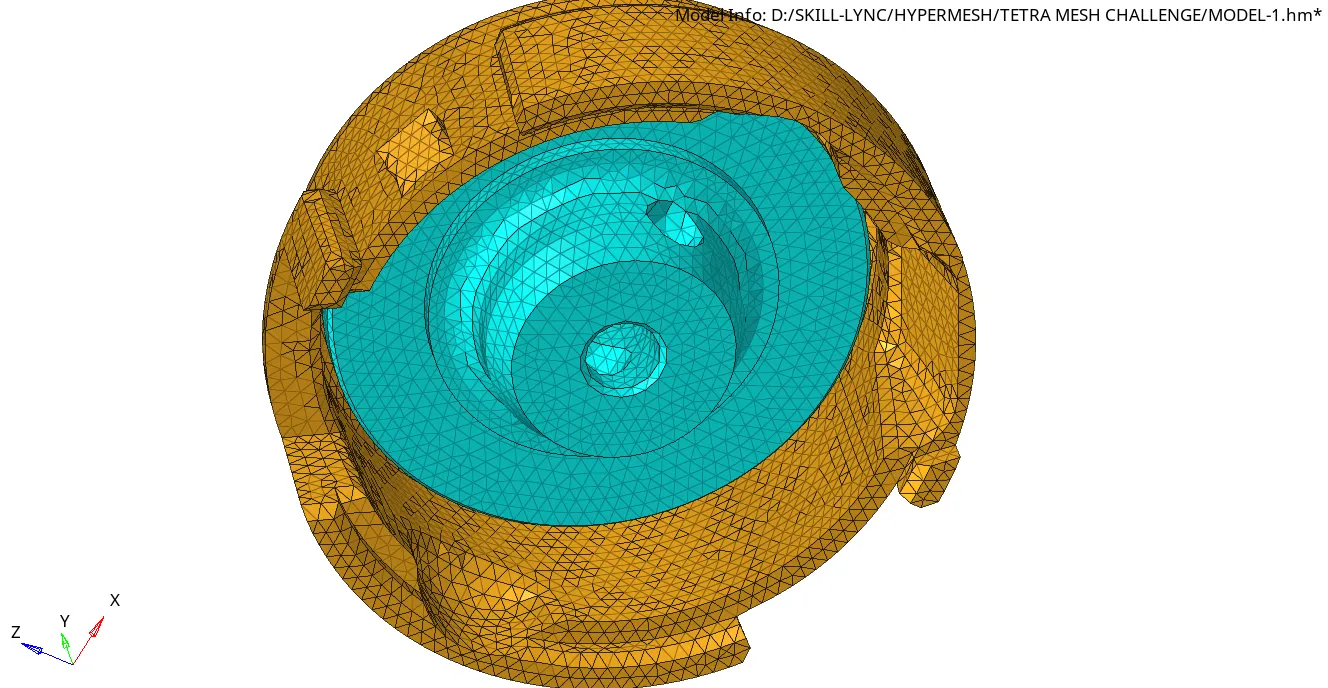
Formed tetra mesh for the given housing components.
-----------------------------------------------------------
CASE-2:
For the given MODEL 2, We need to Create a 3D Tetramesh with the following quality criteria.
TetraMesh Generation Method: Quick Tetra Mesh/ Volume Tetra Mesh
Target Element size: 3 Units.
Tet Collapse: 0.15
Procedure:-
Step-1:-
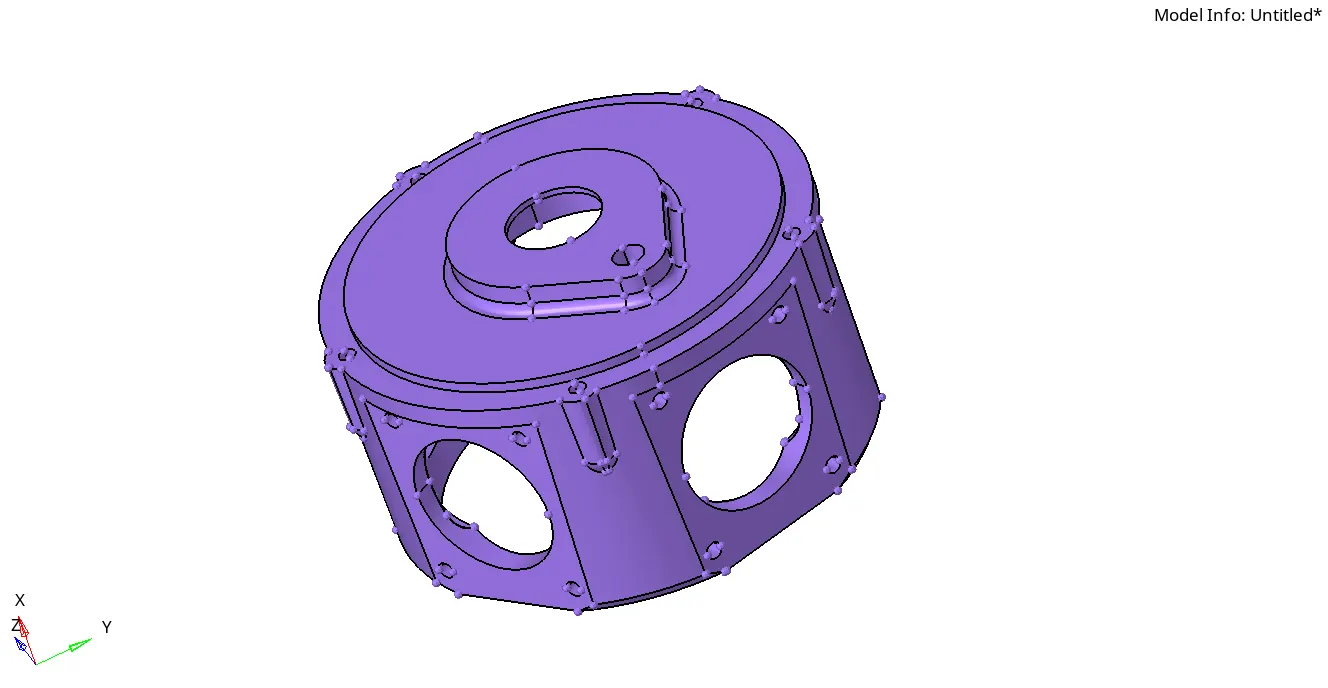
Firstly the model has to import.
Step-2:-
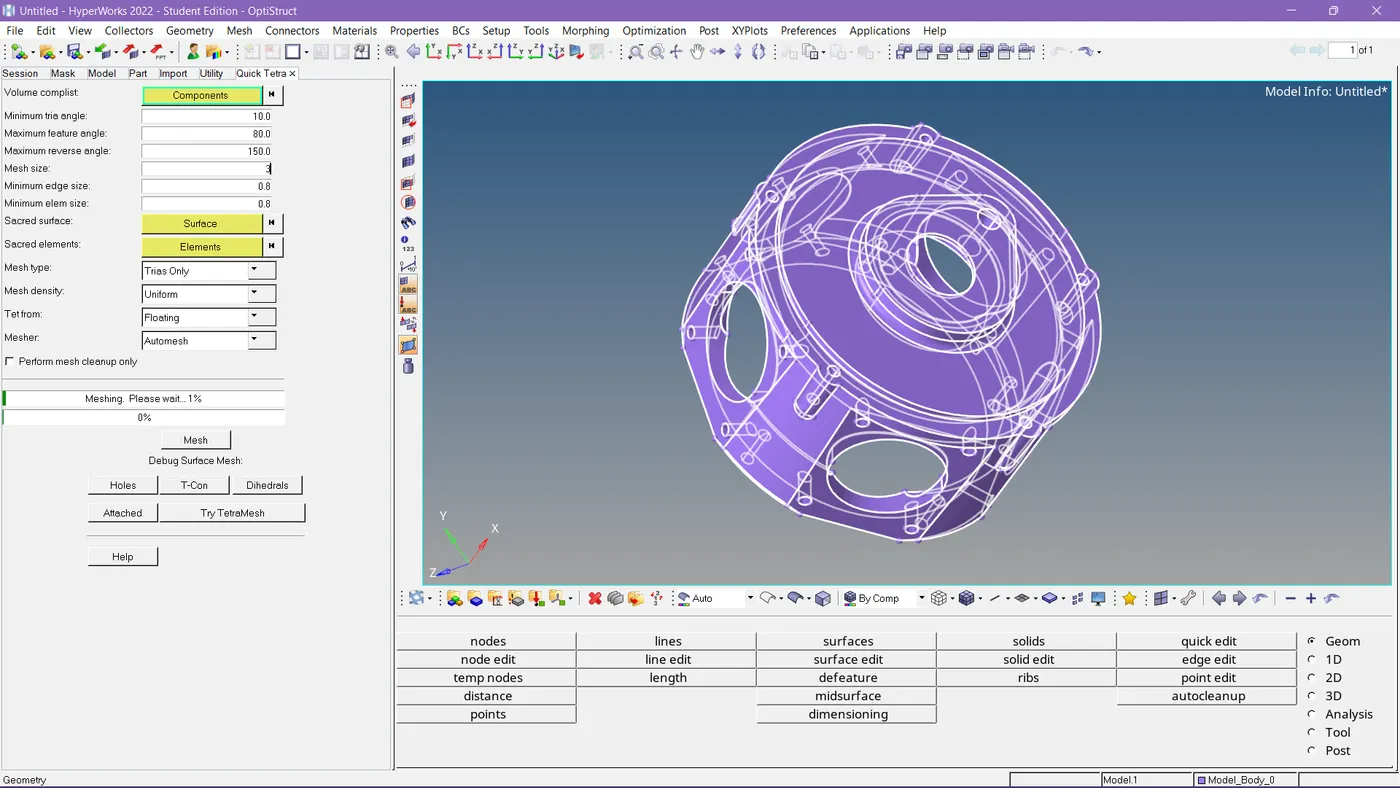
We need to set the criteria for quick tetra mesh.
Step-3:-
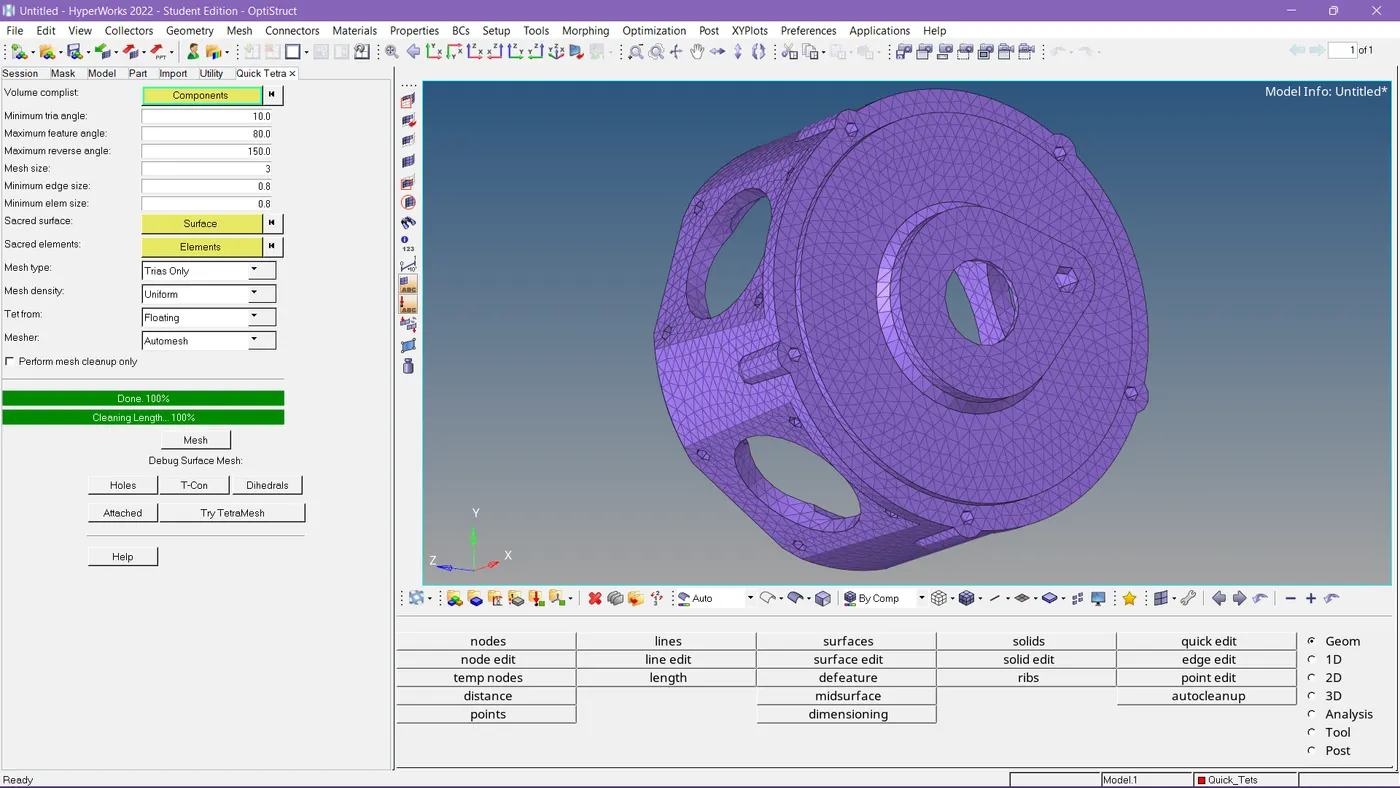
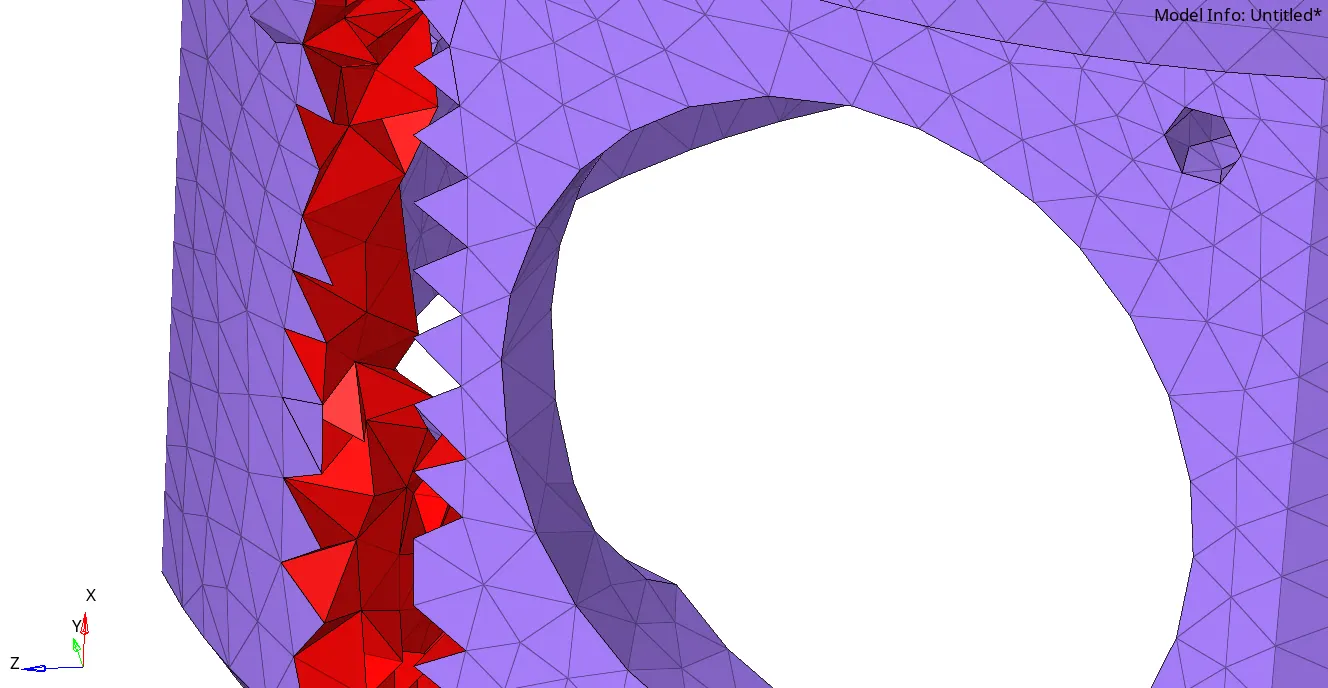
Here in the image, we can visualize the mesh generated inside too.
Step-4:-
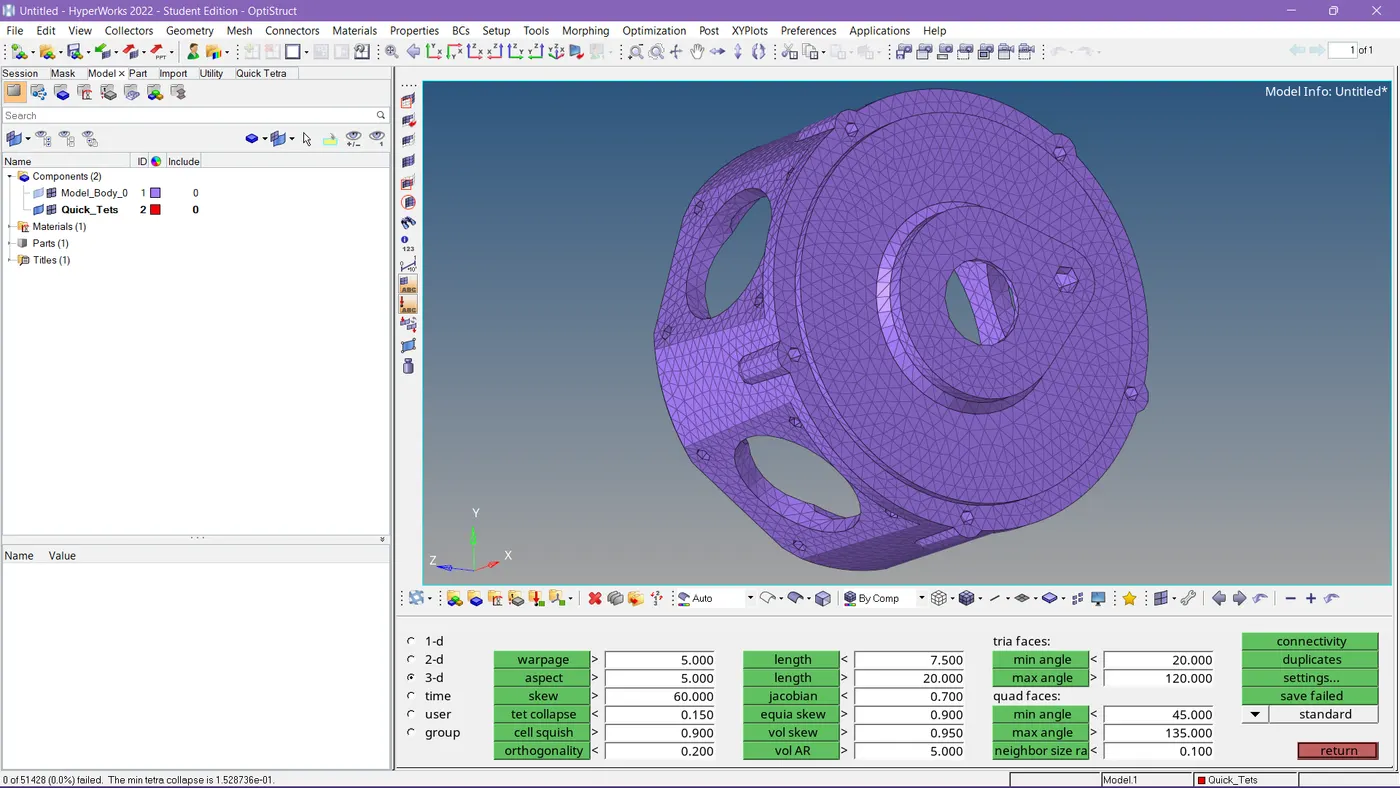
Tet collapse also passed.
RESULT-2:
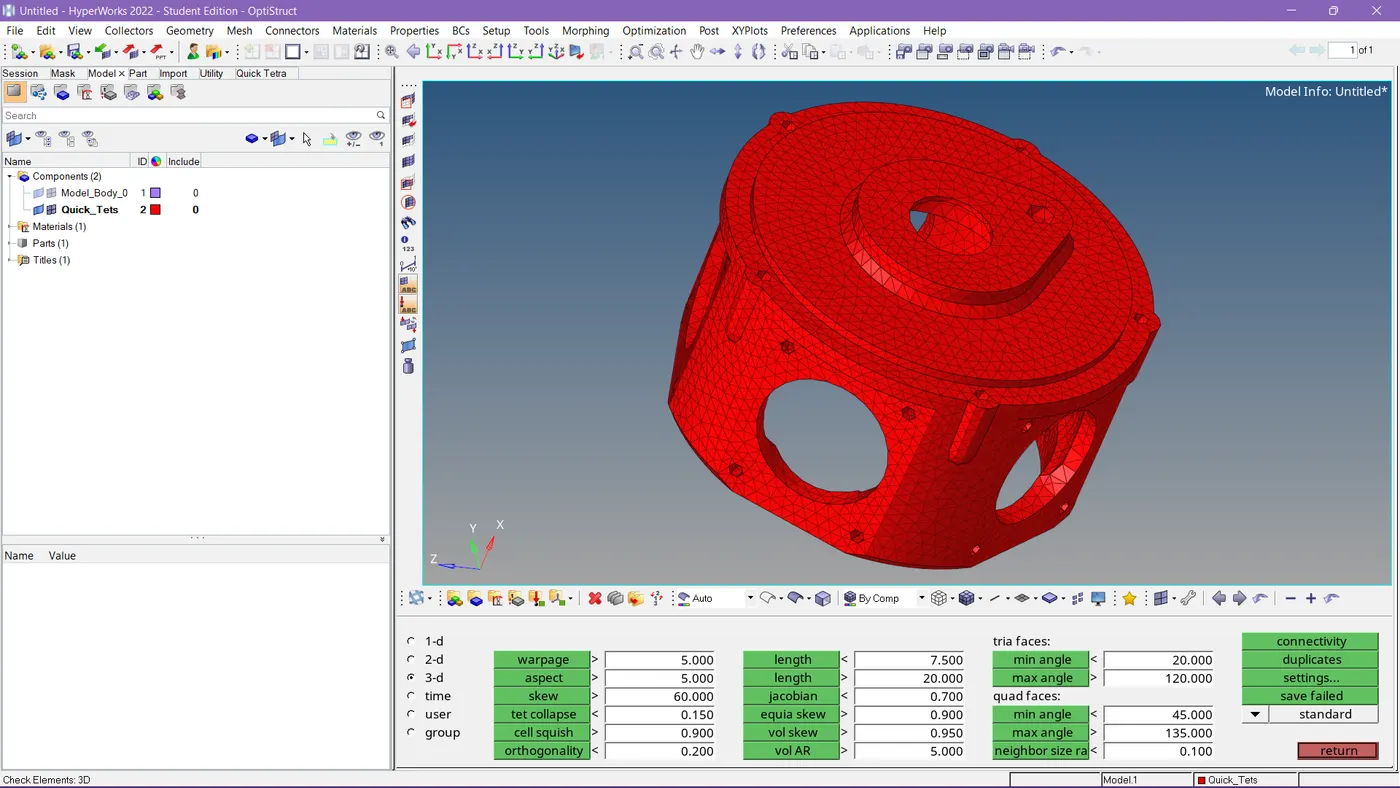
Formed tetra mesh as per given criteria.
------------------------------------------------------------
CASE-3:-
For the given assembly MODEL 3, We need to Create a 3D Tetramesh with the following quality criteria.
TetraMesh Generation Method: Quick Tetra Mesh/ Volume Tetra Mesh
Target Element size: 4 Units.
Tet Collapse: 0.15
Procedure:-
Step-1:-
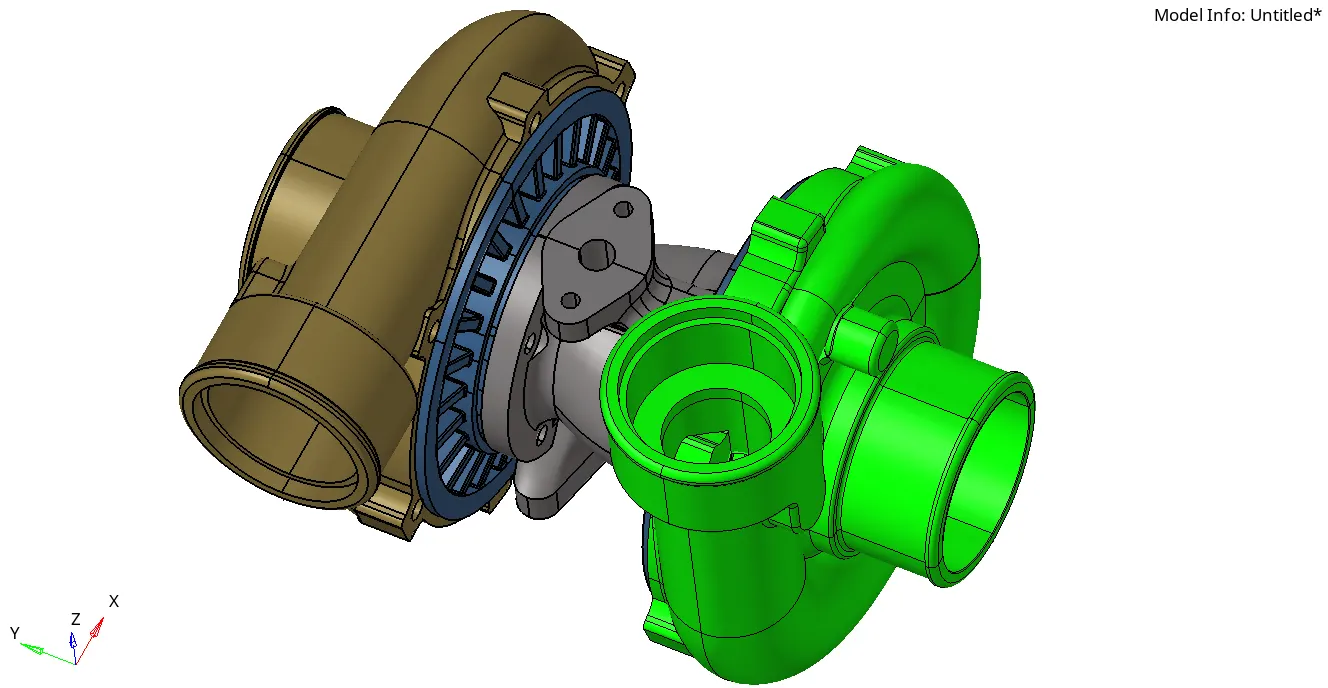
First, we imported the component.
Step-2:-
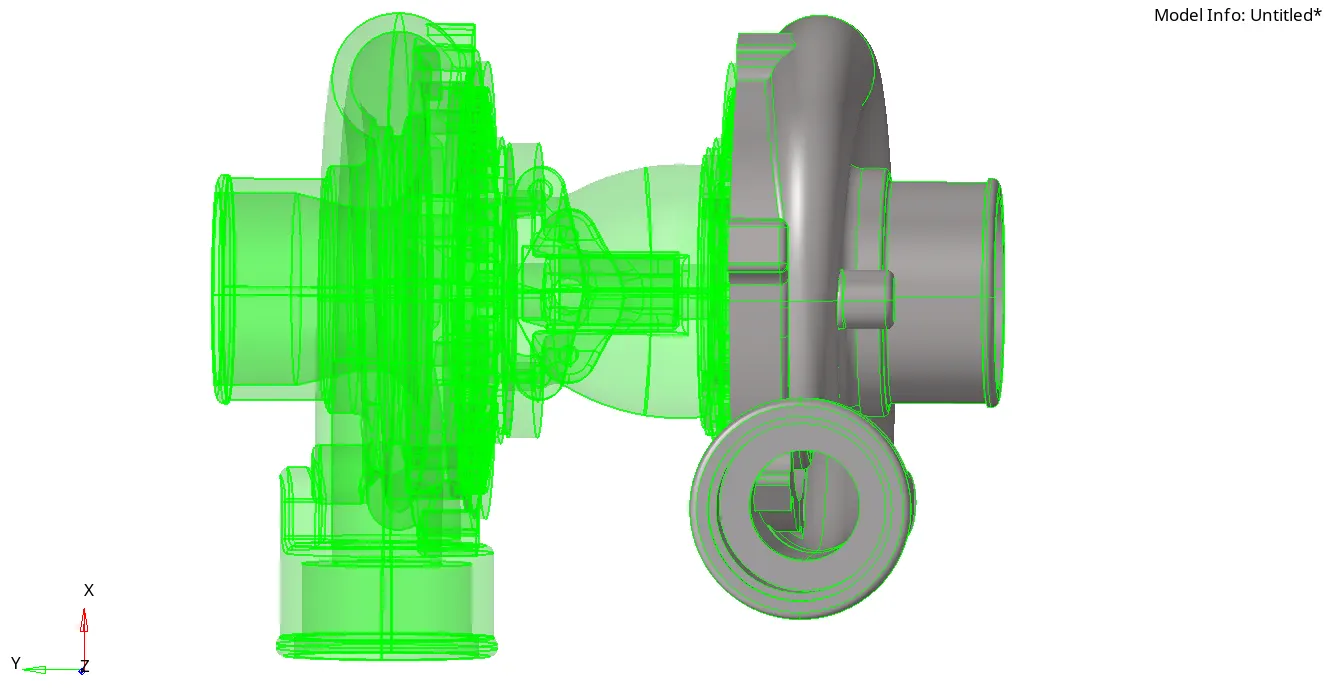
You can see in the picture when I selected TOPO mode to visualize this as having both solid and surface.
Step-3:-
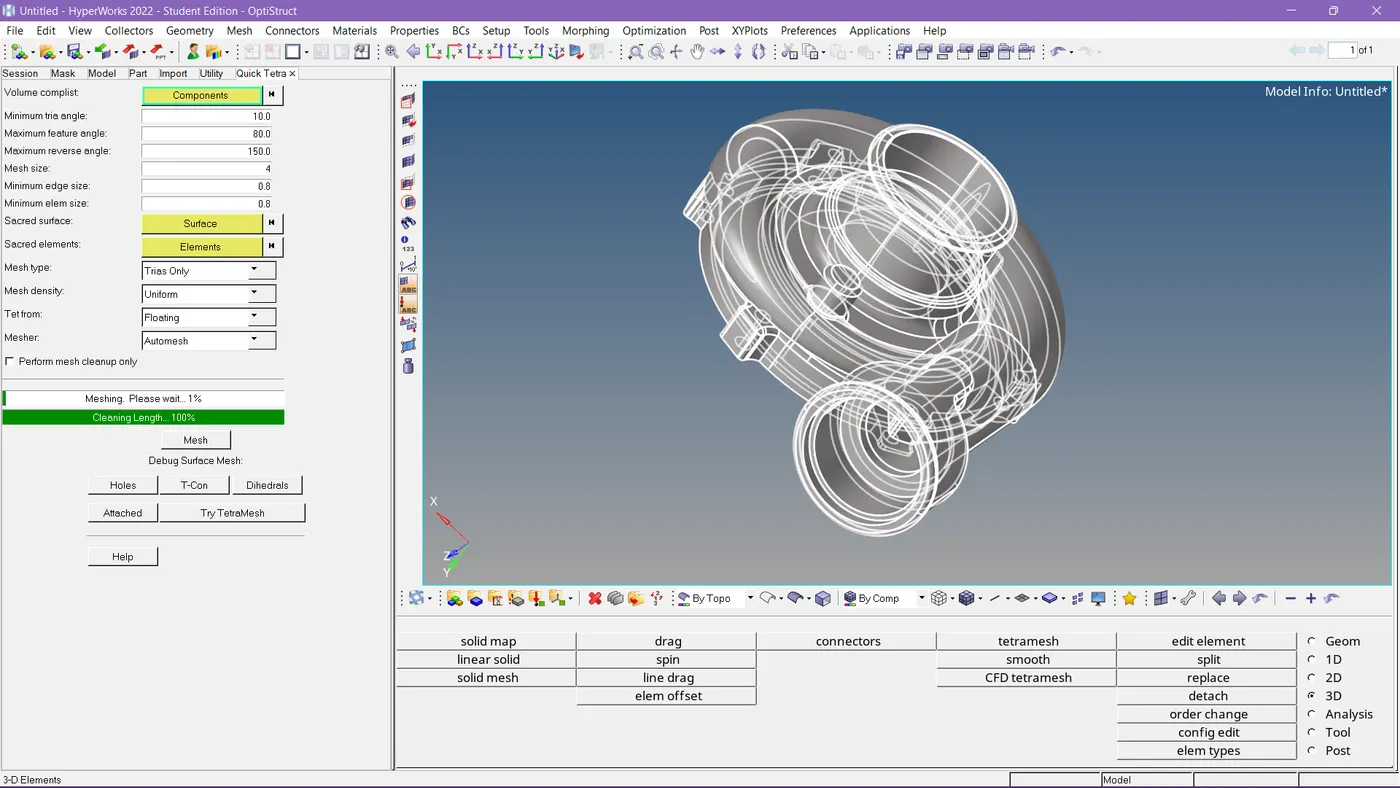
For the surface component, I applied quick tetra mesh.
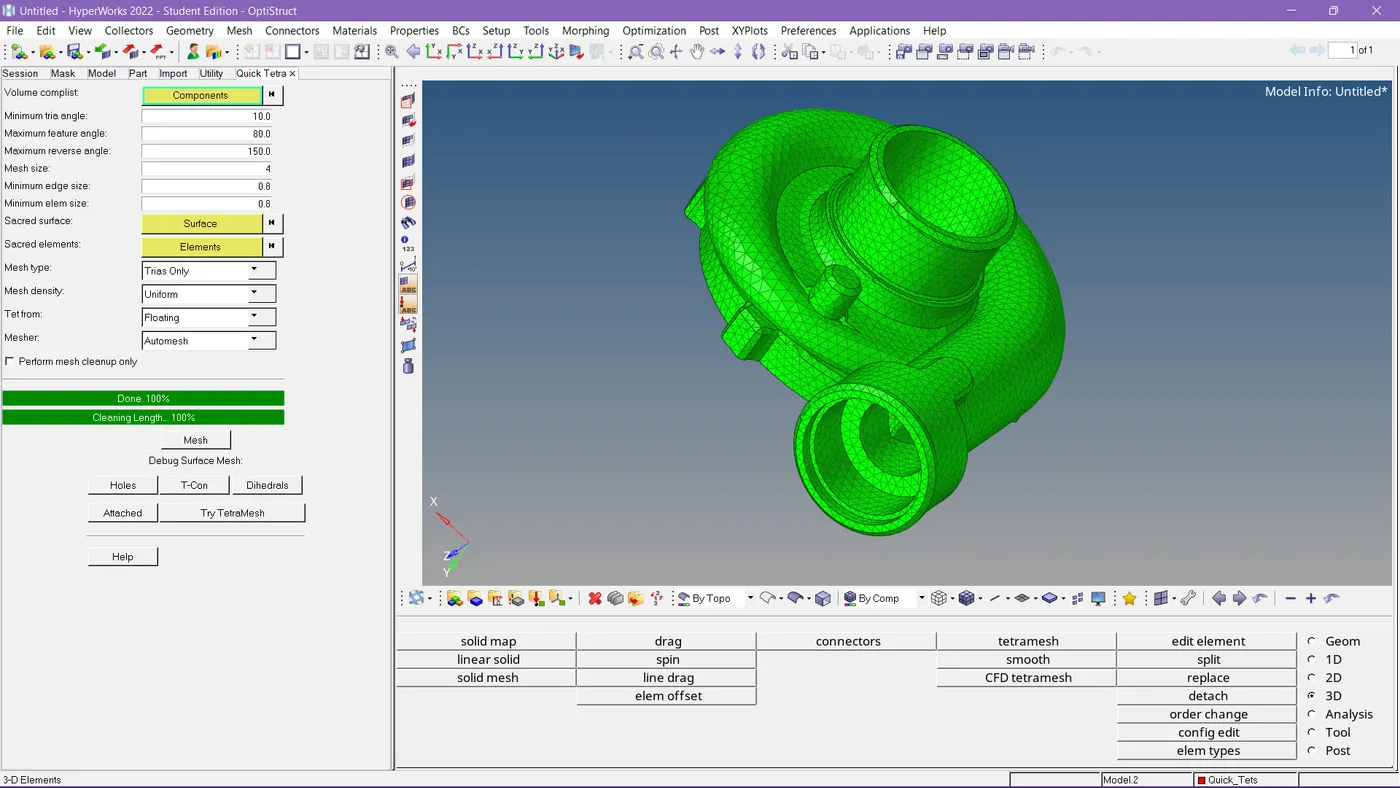
So the mesh has been done.
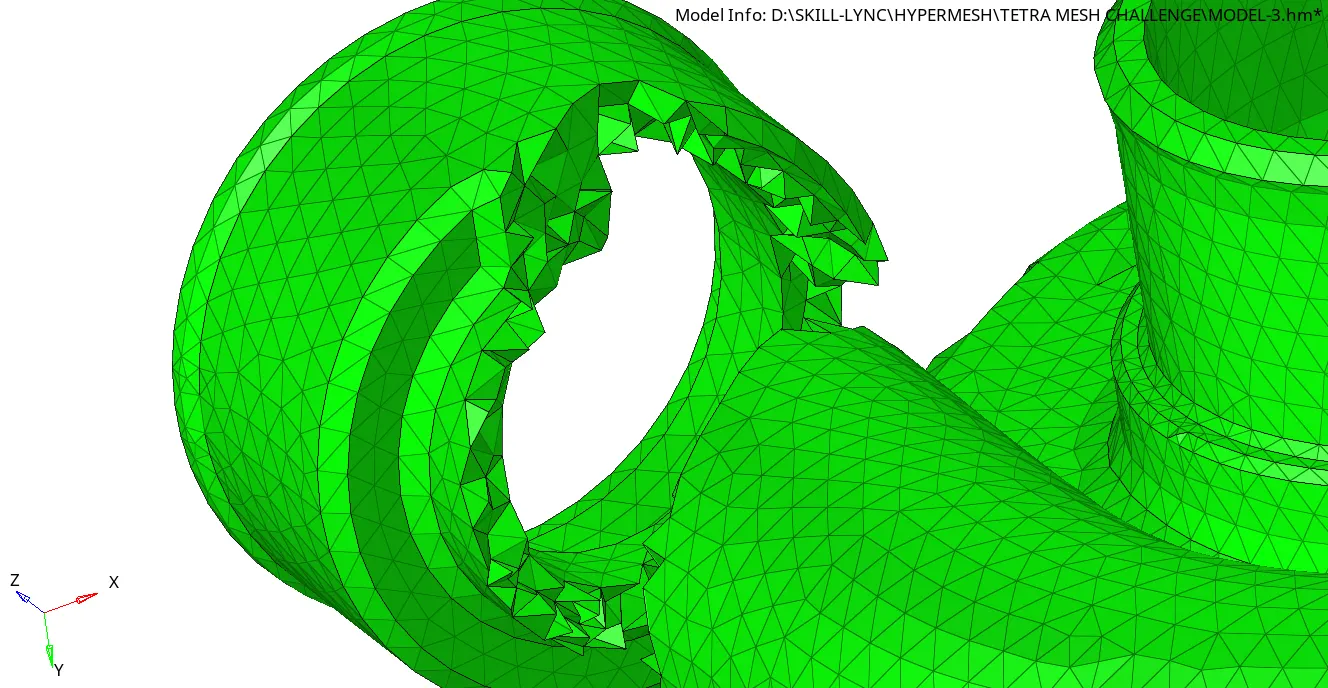
See the mesh generated properly.
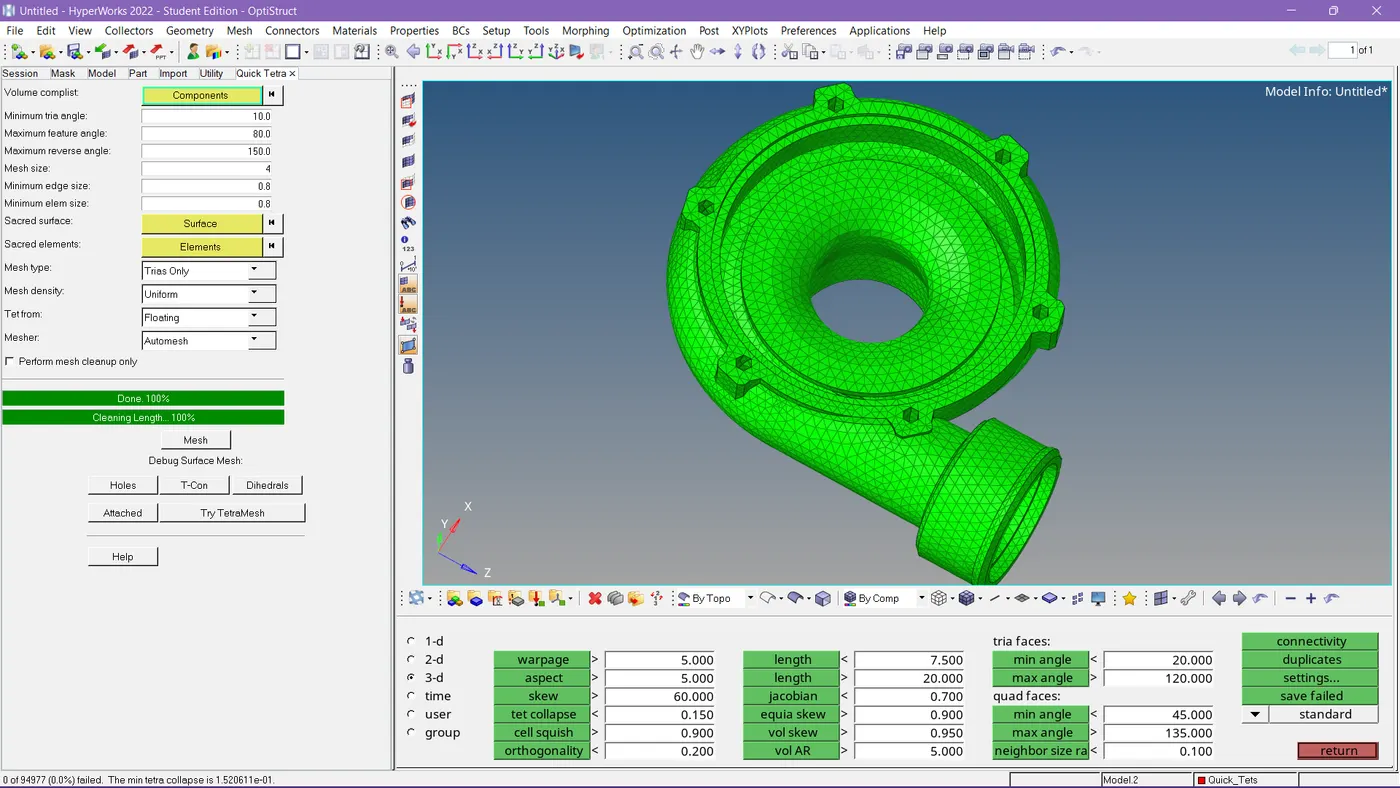
Tet collapse is also satisfied.
Step-4:-
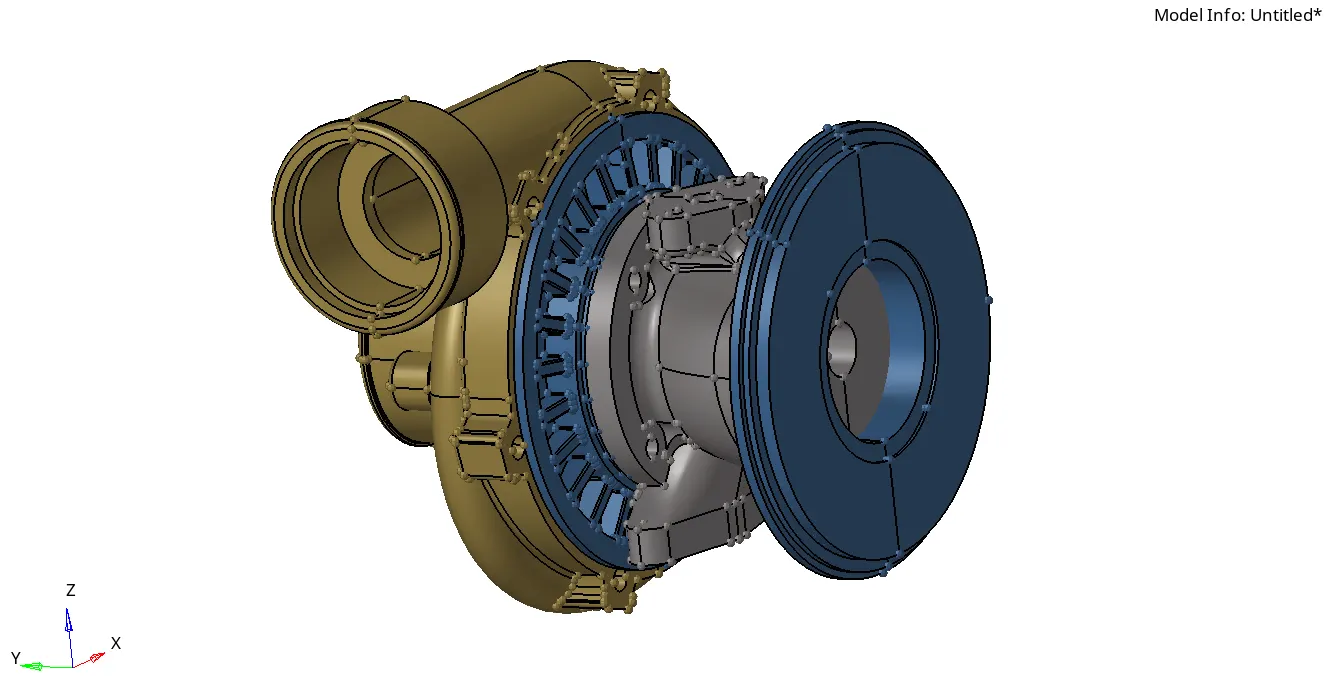
It is the remaining part which is a solid one.
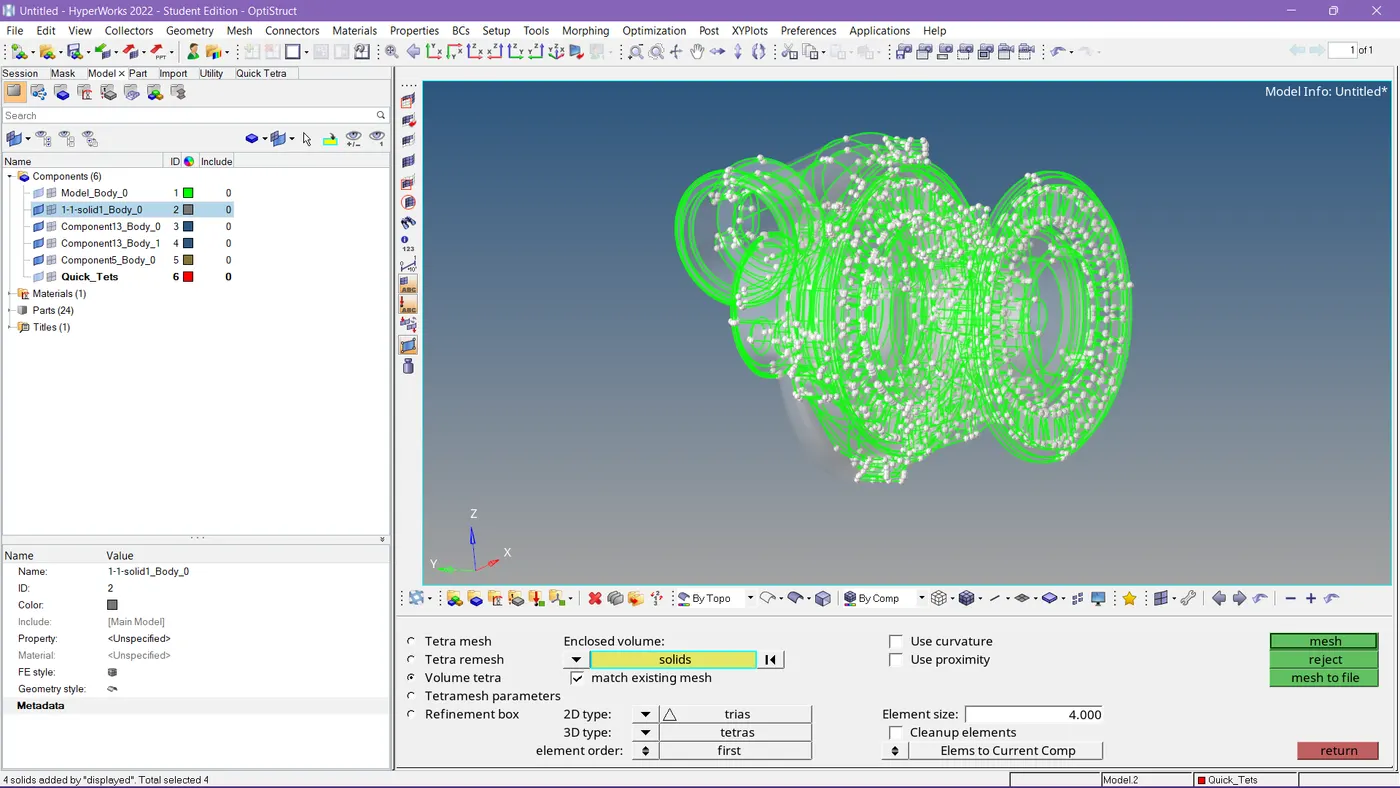
So I meshed these components with the volume tetra option.
Step-5:-
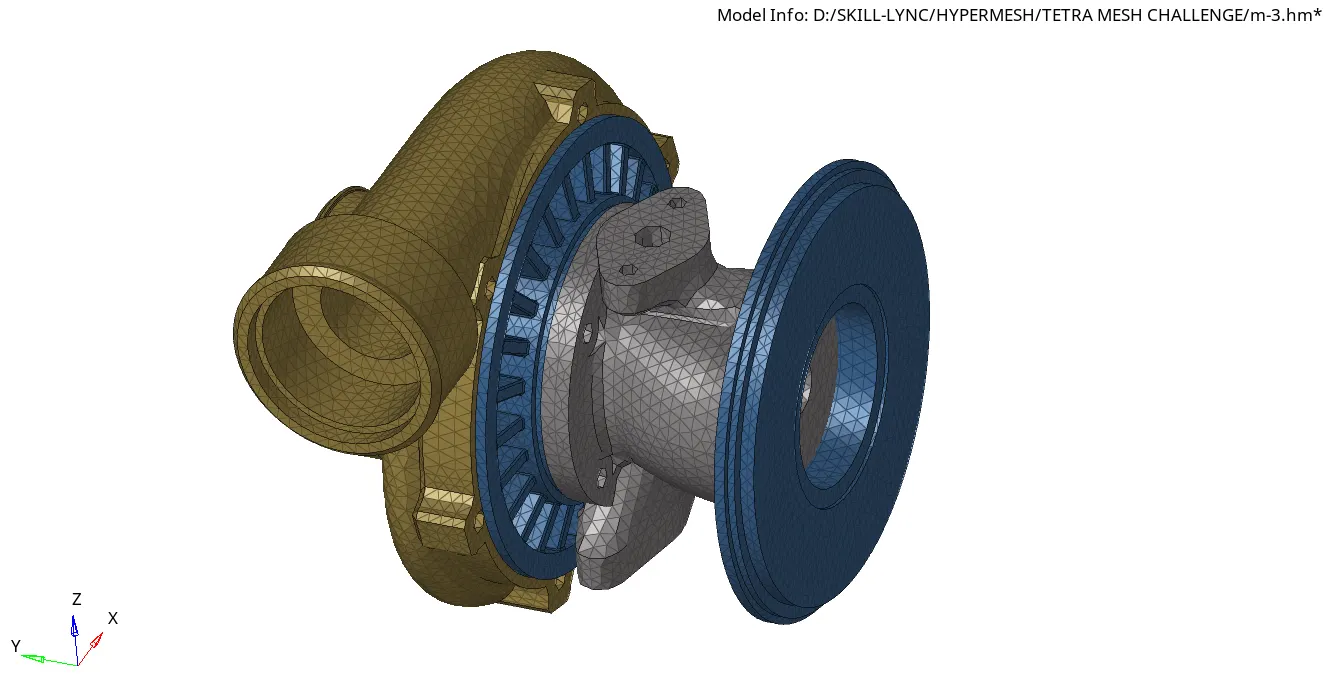
So the mesh has been completed.
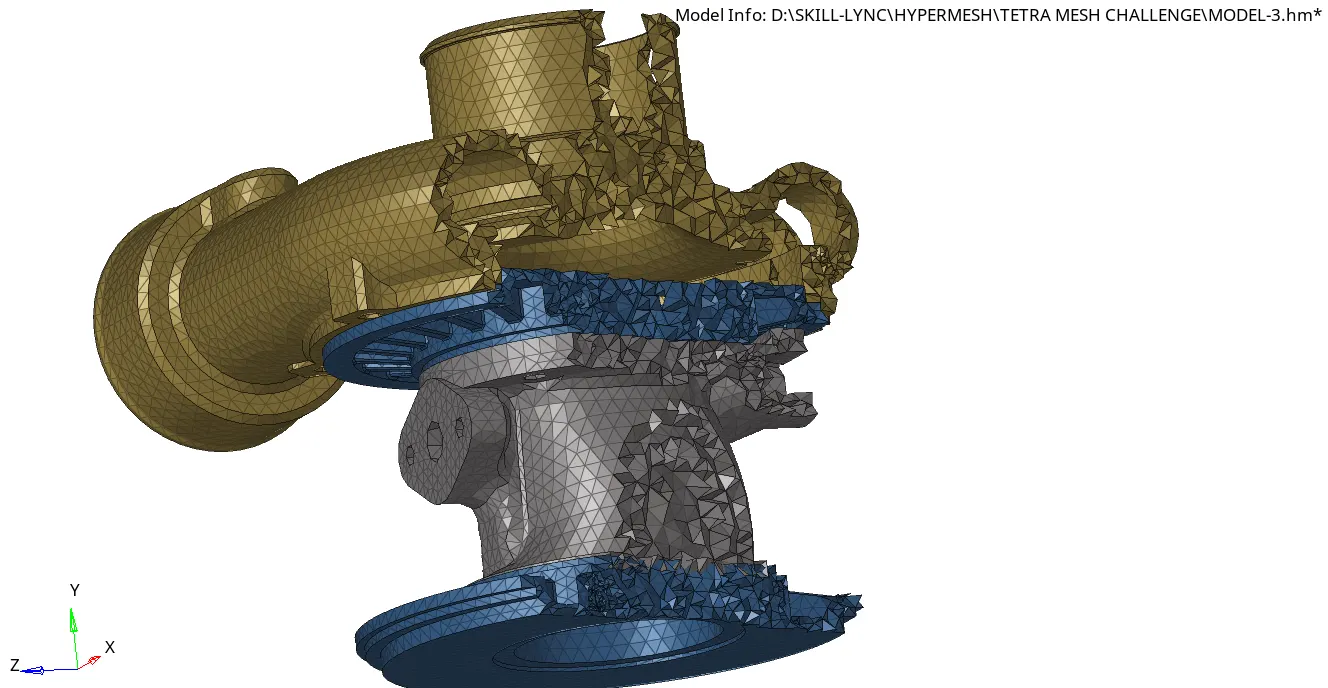
See the mesh has been generated properly inside too.
RESULT:
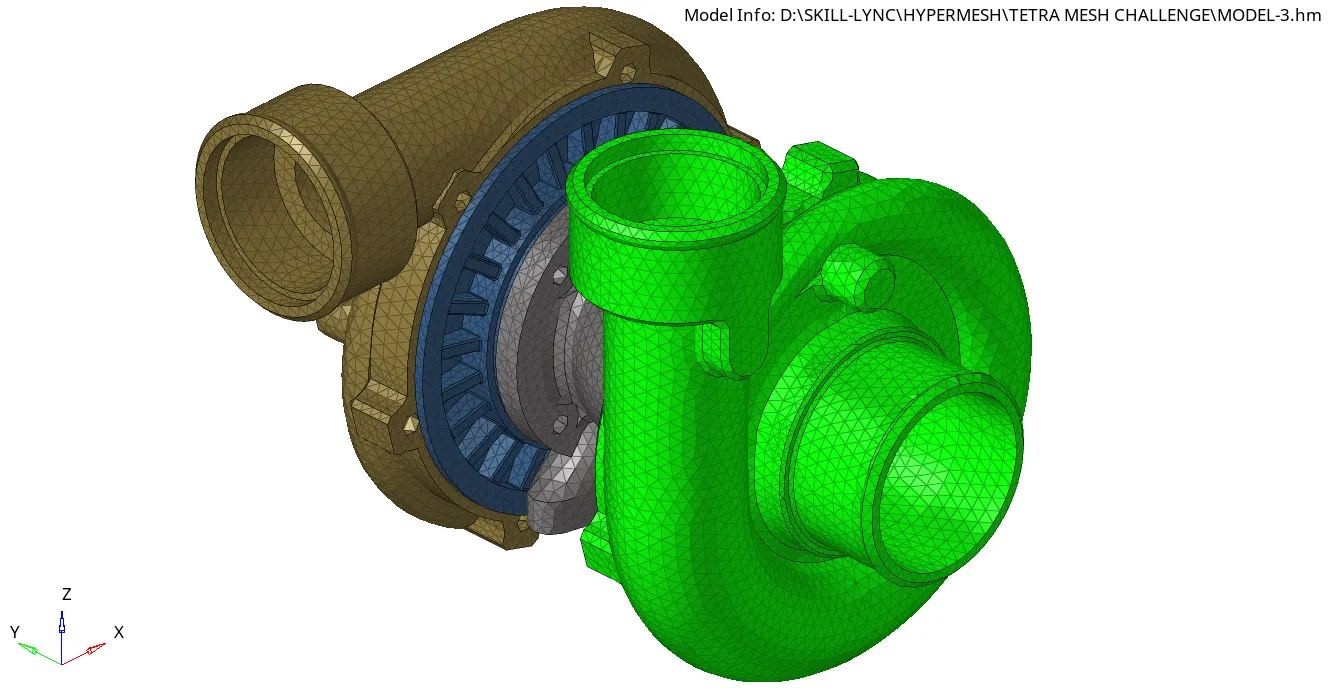
The component is meshed with the given quality criteria.
-------------------------------------
The Models are uploaded here: https://drive.google.com/drive/folders/1L2fK0JdRmltVAzvoeB5t-vLXv6V-icA8?usp=sharing