Week 6-3D Tetra Meshing Challenge
MODEL 1
AIM: To create a tetra mesh for housing component, and should follow given quality criteria.
PROCEDURE:
STEP 1: IMPORT THE MODEL.
Actually we have two model.
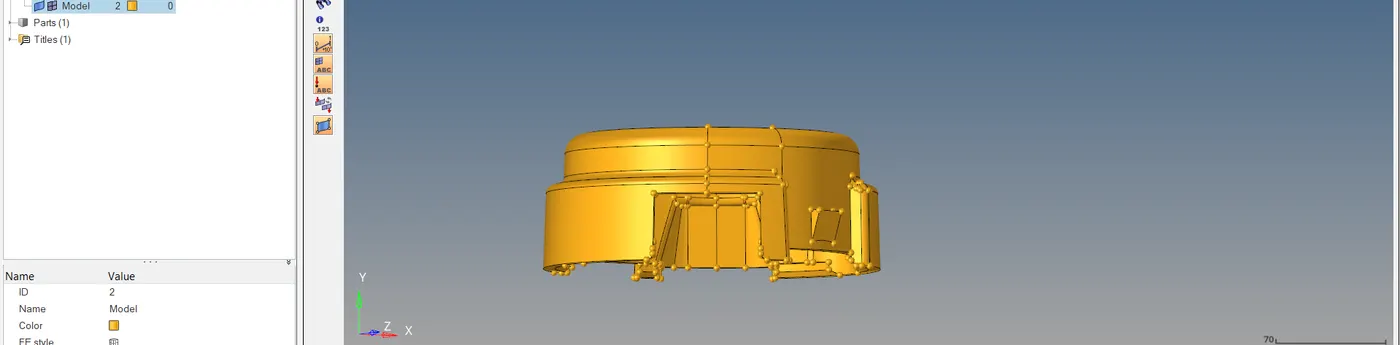
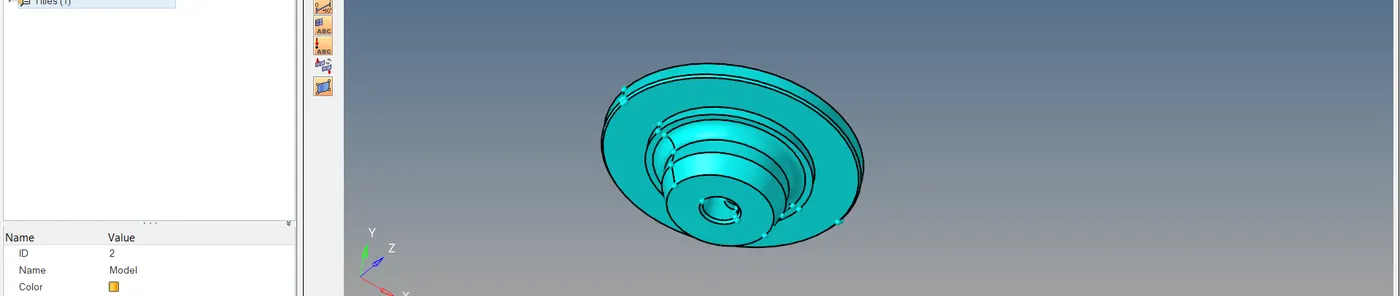
STEP 2: DELETE THE 3D MODEL.
We can see that one component is 3D model. Here I have to do first 2D mesh over the surface then it convert into 3D. So, I don't need 3D.
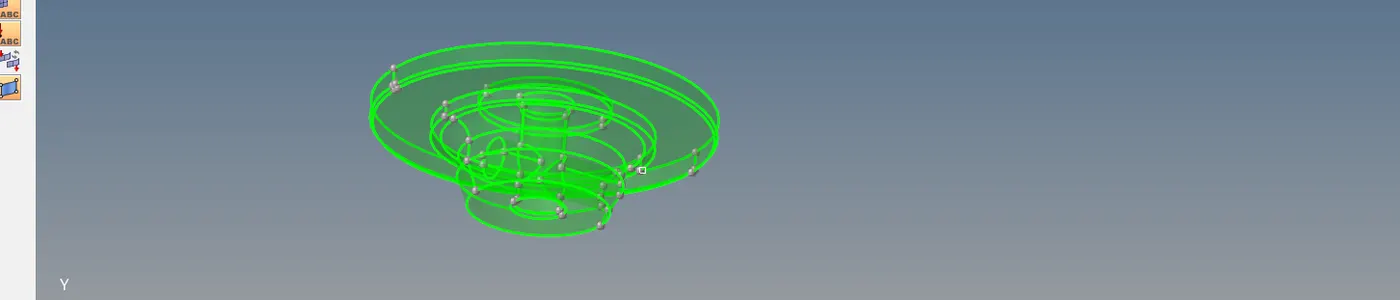
STEP 3: ADD QUALITY CRITERIA
2D > element clean up > edit criteria
For 2D, min and max size
For 3D, tetra collapse.
STEP 4: MESHING.
Here we are doing tetra mesh, So for 2D mesh we have to select element type as tria only.
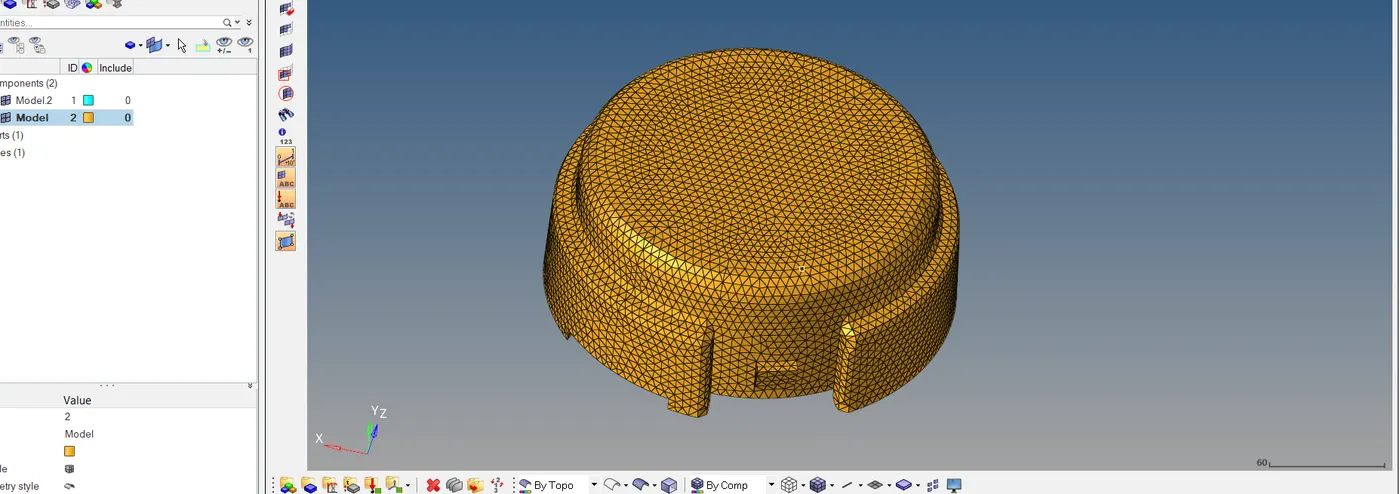
Here 2D meshing is completed, then it convert into 3D.
For that, Go to 3D > tetra mesh
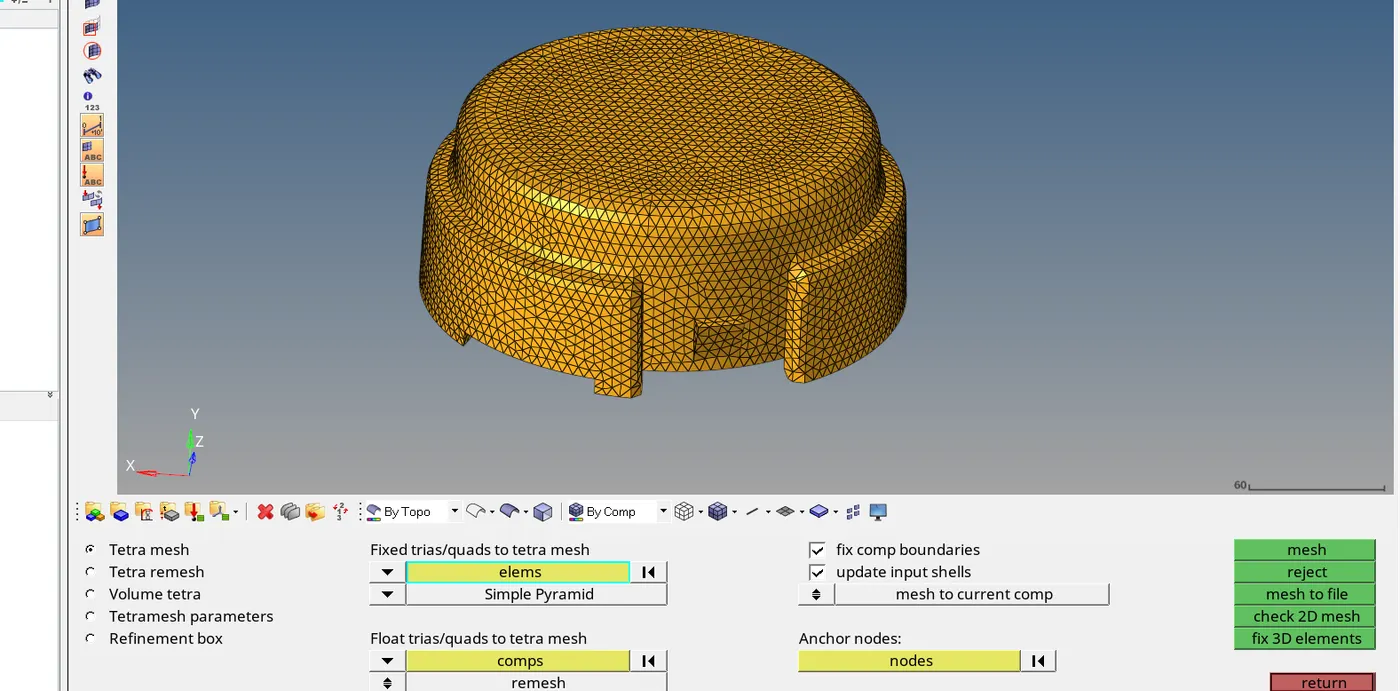
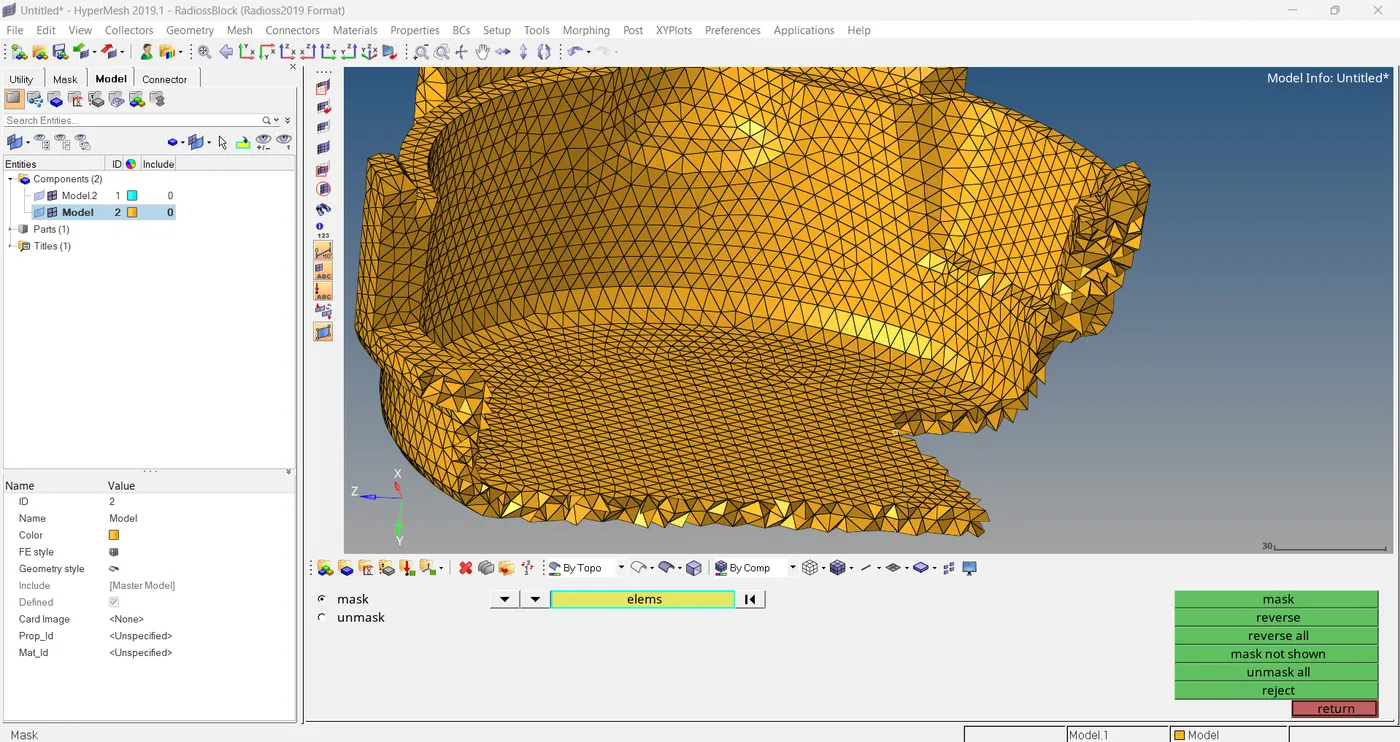
The same way did earlier we can do tetra meshing to other model.
2D mesh
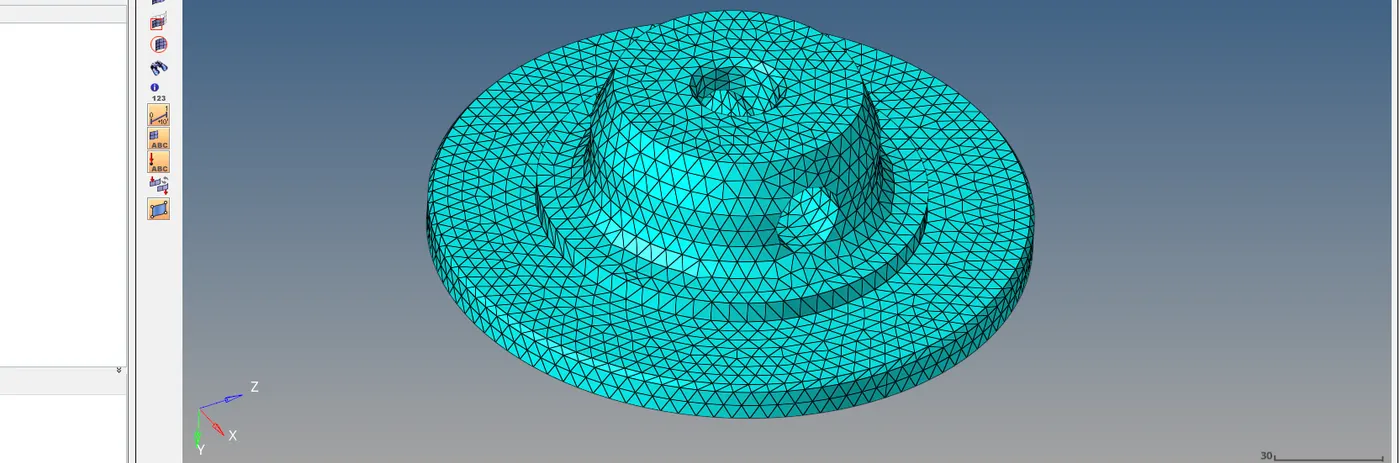
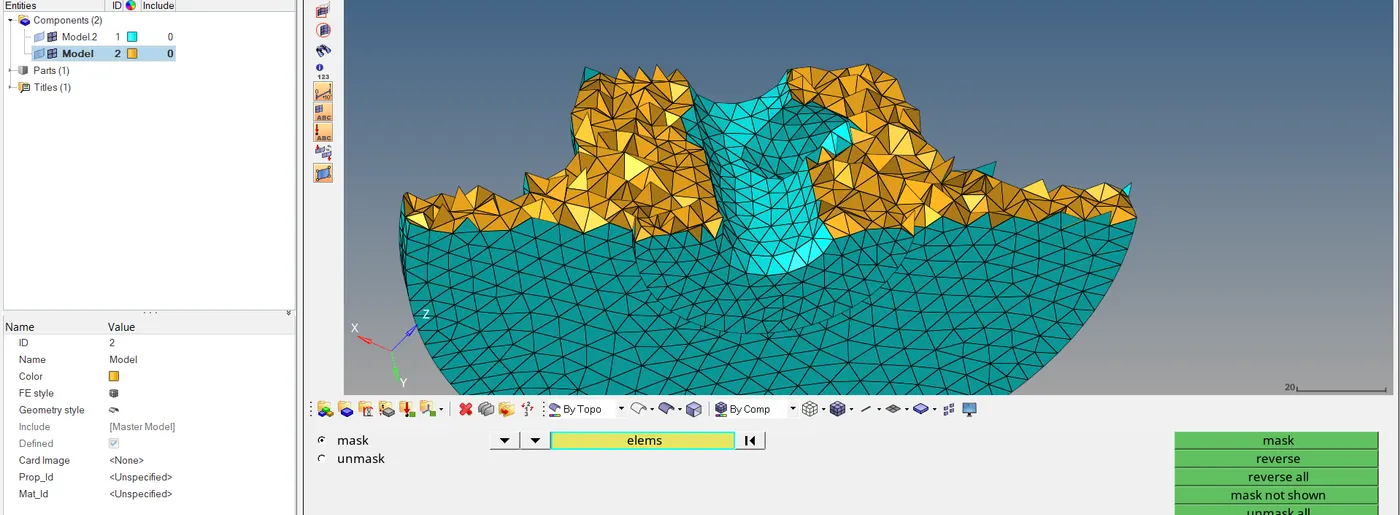
We can convert it into 3D mesh.
-----------------------------------------------------------------------------------
MODEL 2
AIM : To create 3D tetra mesh for given component.
PROCEDURE :
STEP 1: IMPORT THE MODEL.
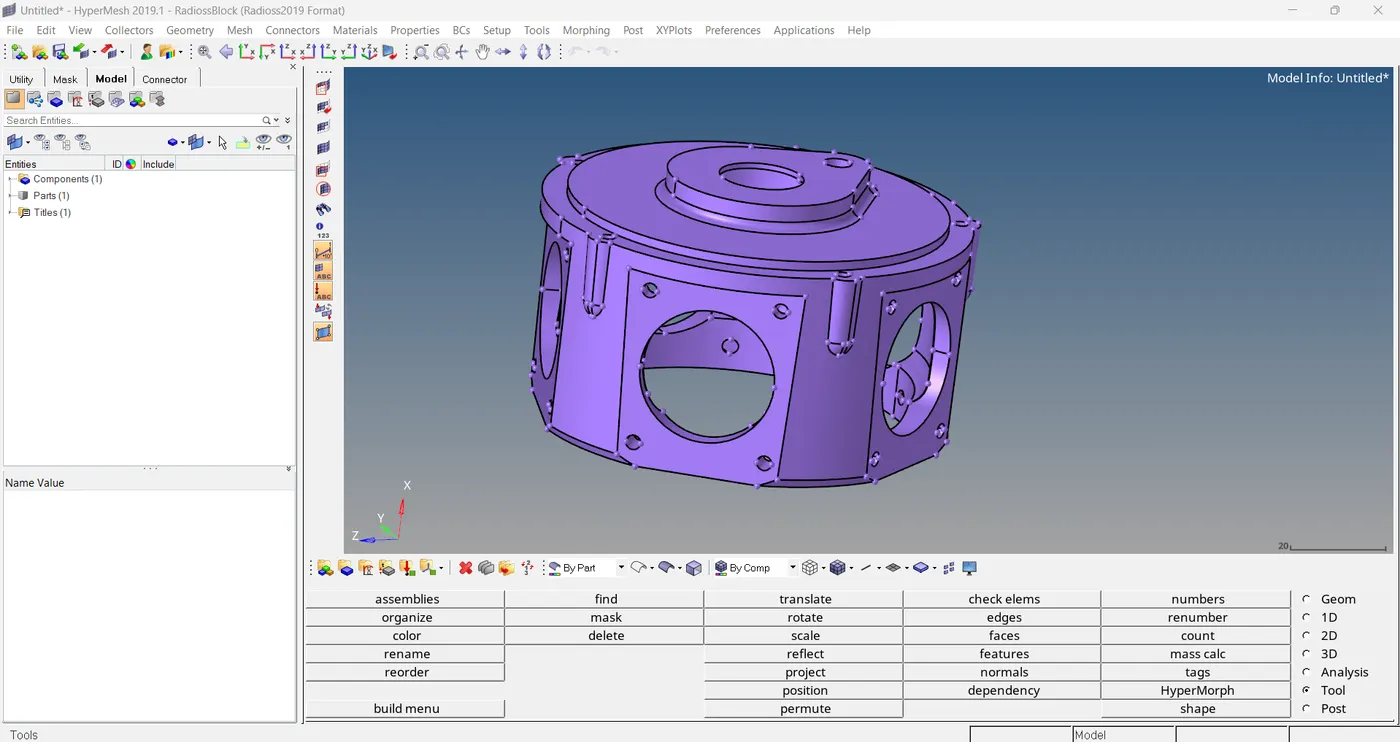
STEP 2 : PARAMETER SETTING.
Here we have one option to set parameters before doing mesh.
3D > tetra mesh > tetra mesh parameter

Here we can add min/max tetra size as well as tet collapse.
STEP 3: VOLUME TETRA MESHING.
3D > tetra mesh > volume tetra
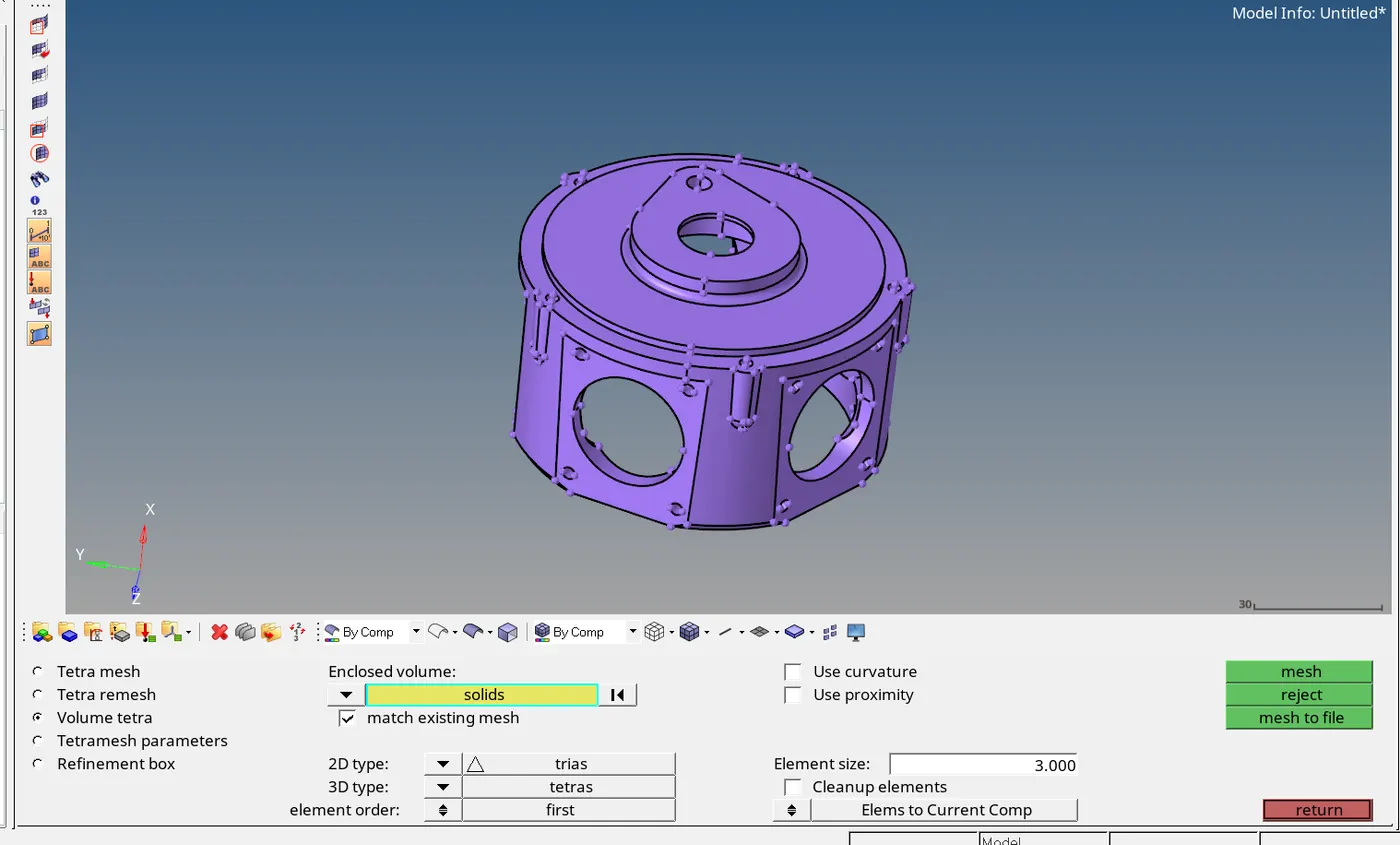
Here we can select the solid part, Actually what happening here is, we are meshing the solid part, at the same time it will create surface mesh as well as 3D mesh. There is option , we can select which type of elements we want.
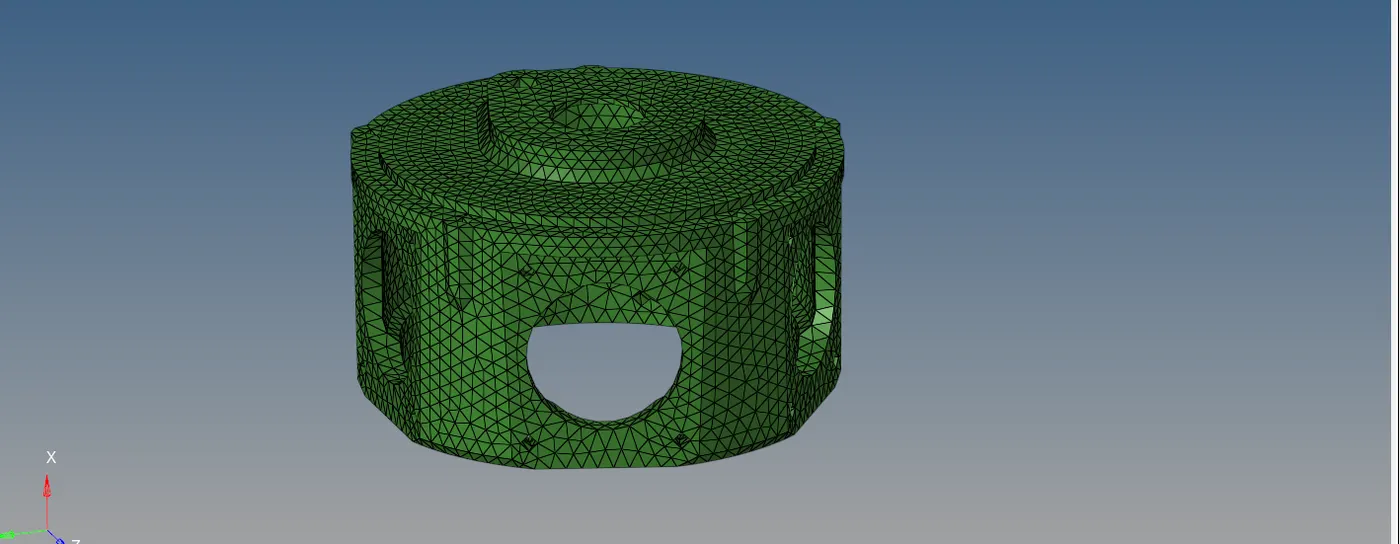
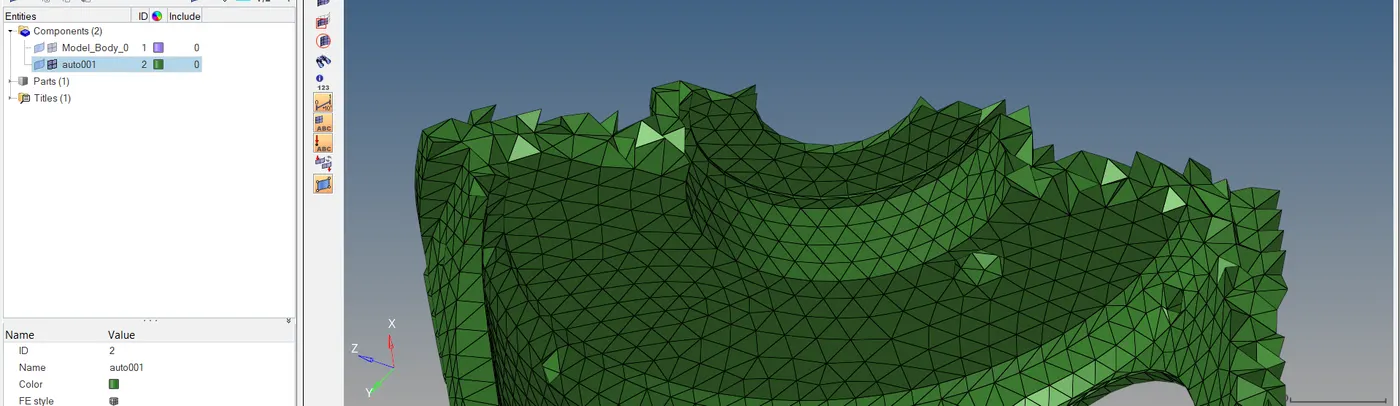
STEP 4: ORGANIZE
tool > organize
STEP 5: SAVE THE MODEL
file > save as
-----------------------------------------------------------------------------------
MODEL 3
AIM : To create tetra mesh for given assembly, then should follow the mentioned quality.
PROCEDURE:
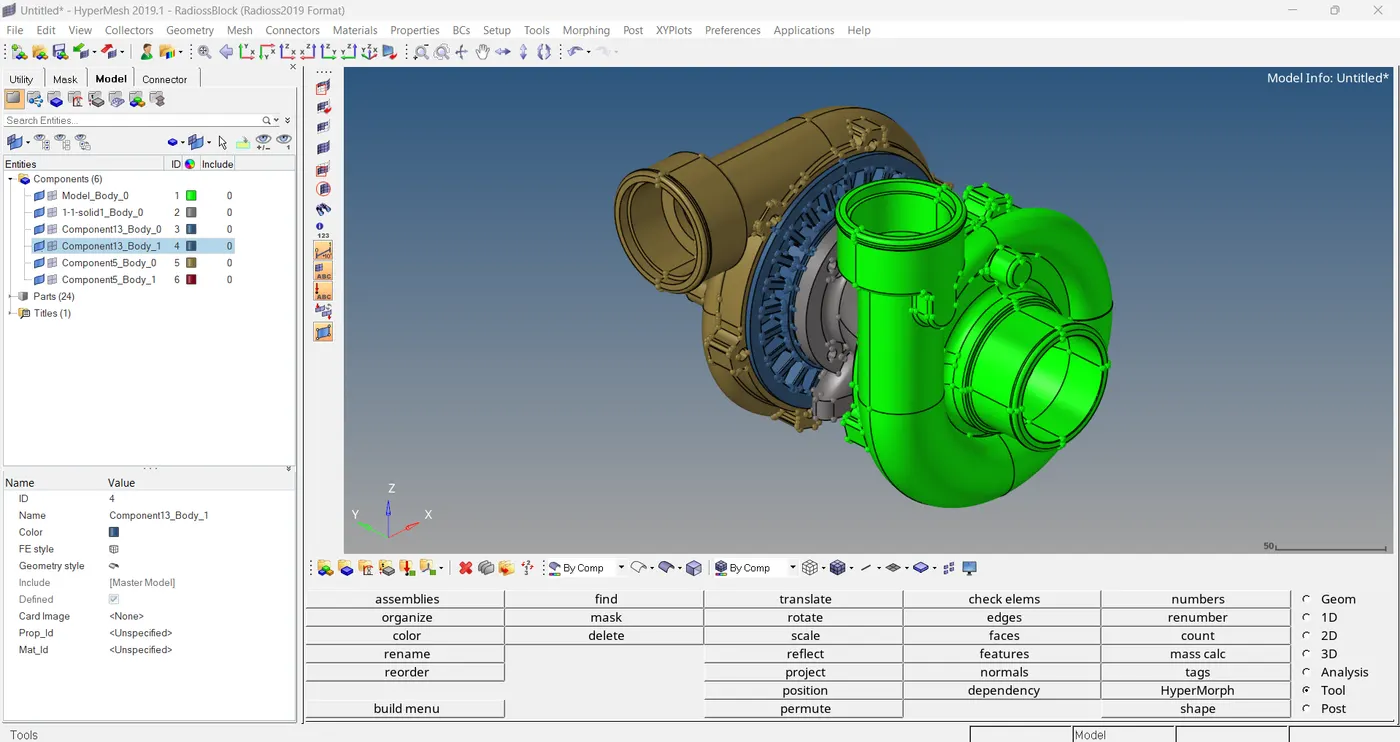
STEP 1: IMPORT THE MODEL.
file > import > geometry
STEP 2: PATAMETERS SETTING.
Here we have one option to set parameters before doing mesh.
3D > tetra mesh > tetra mesh parameter

Here we can add min/max tetra size as well as tet collapse.
STEP 3: VOLUME TETRA MESHING.
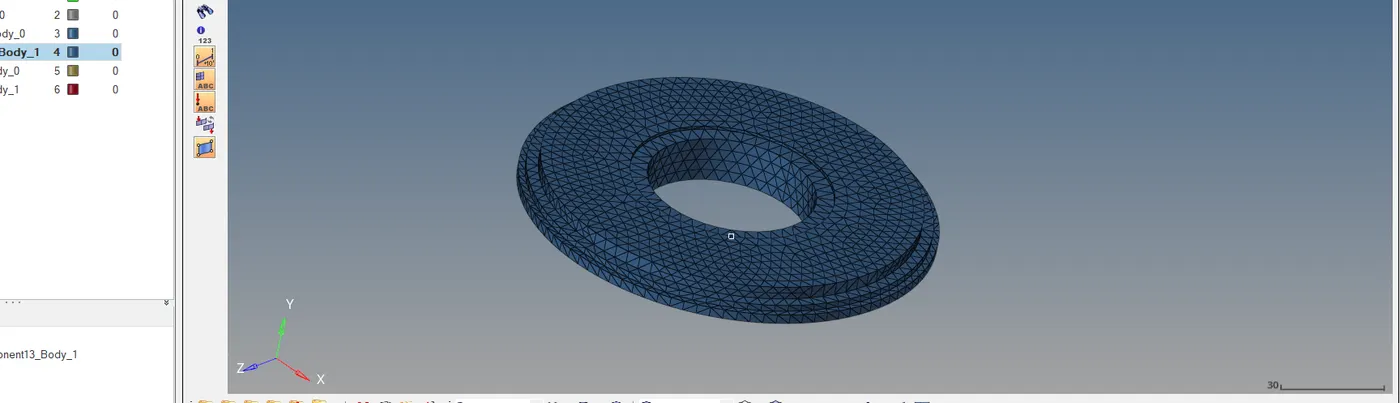
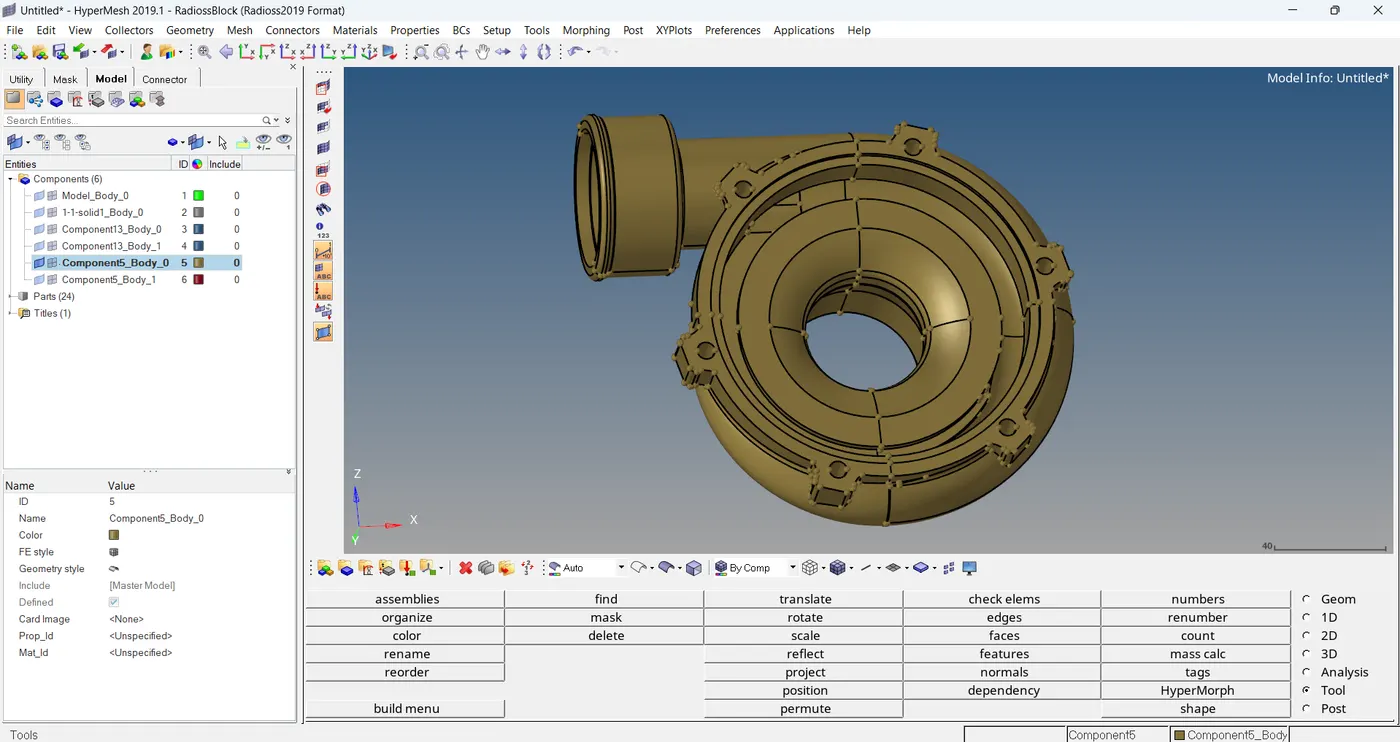
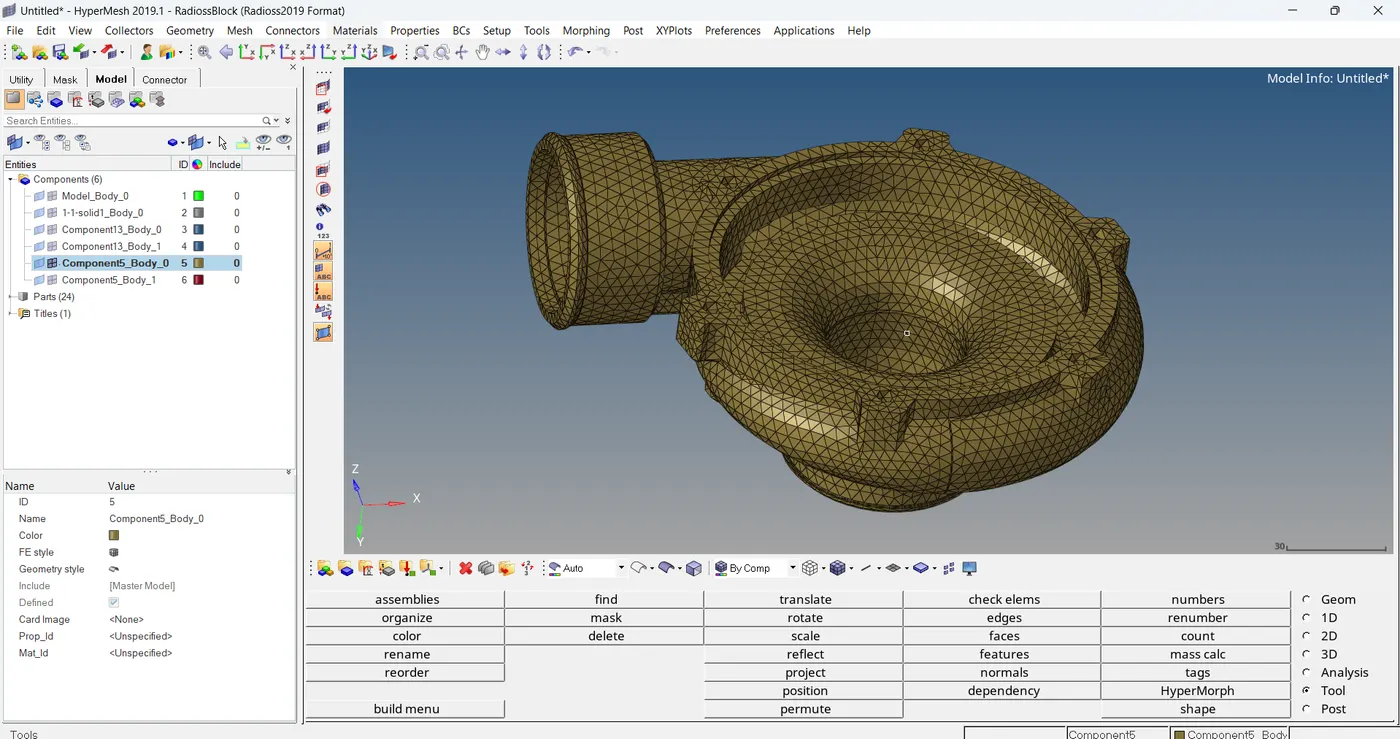
Here we have 5 solid parts to create tetra mesh, We can do meshing one by one.
3D > tetra mesh > volume tetra
part 1
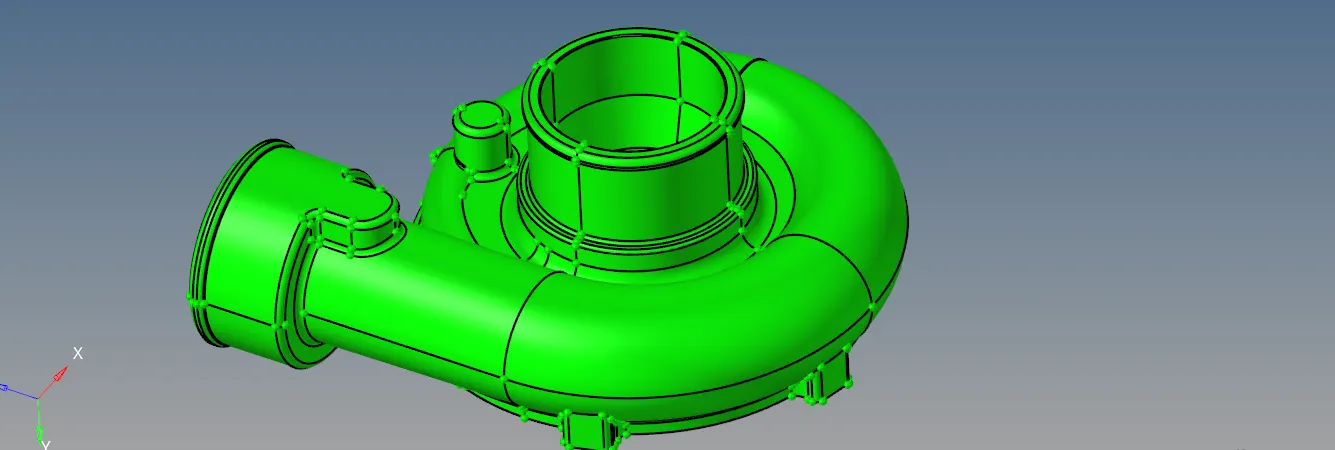
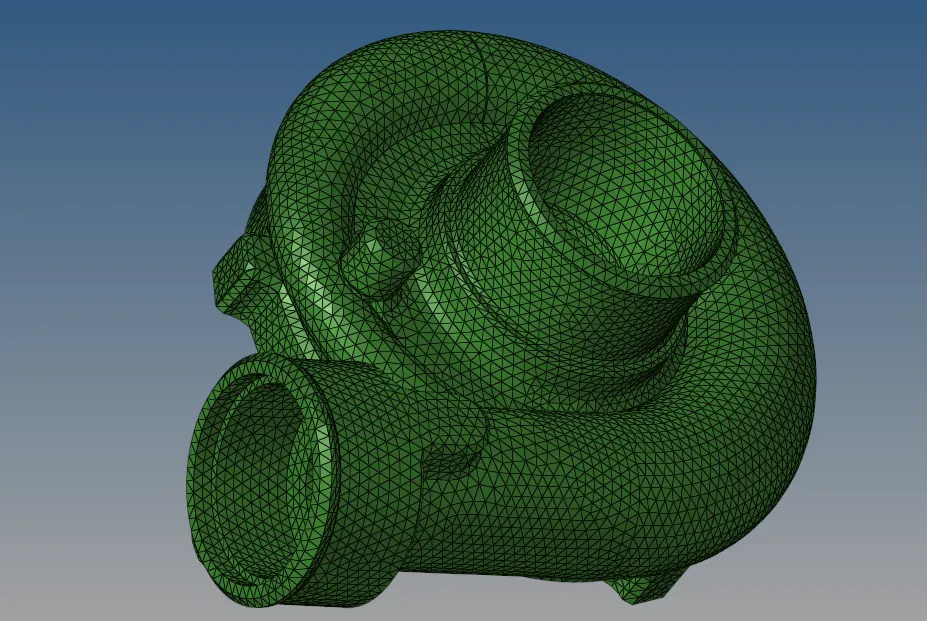
We can organize this tetra mesh into the parent model.
part 2
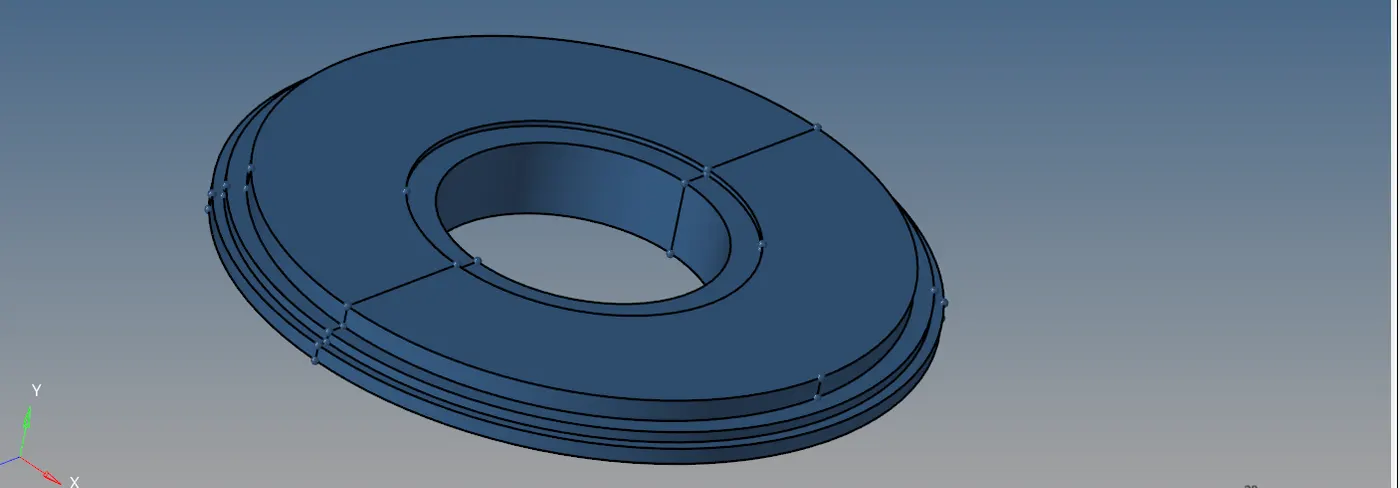
part 3
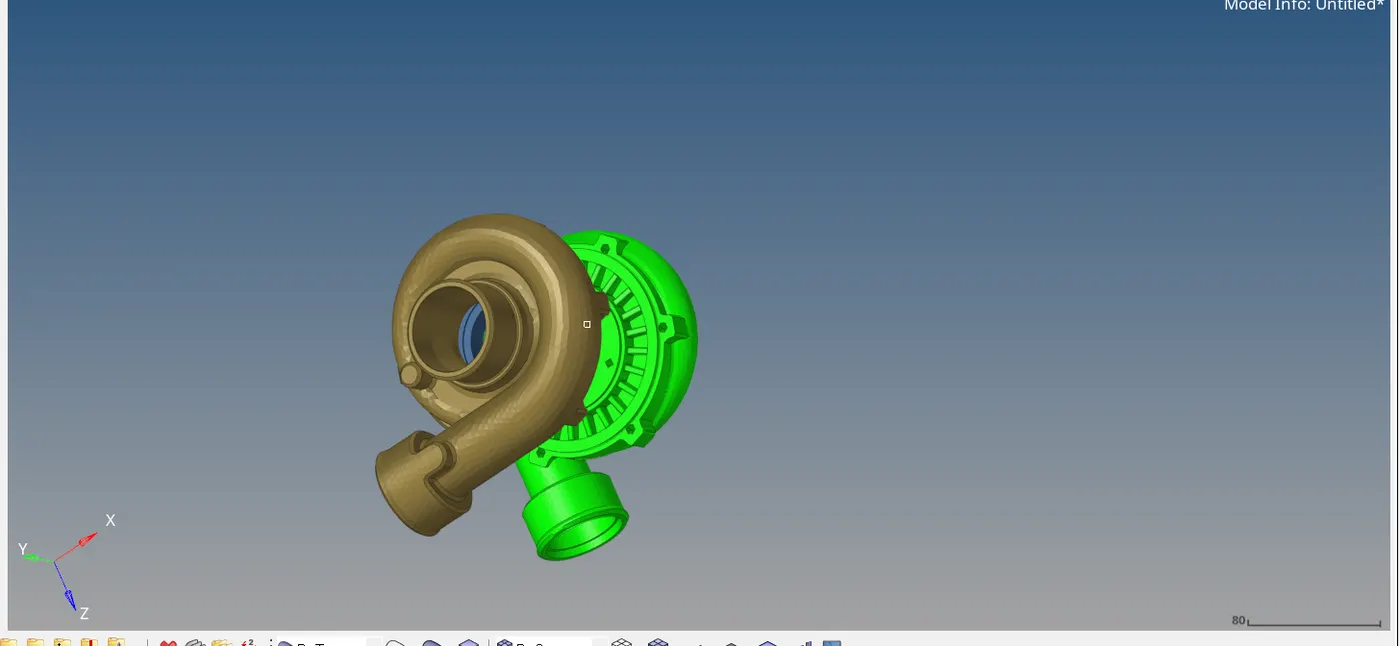
STEP 4: SAVE THE FILE.
file > save as
full tetra mesh
--------------------------------Thank You------------------------------------------
Note :- Because the size issue of the model 3 I have attached google drive link below in note pad.