Week 5 Sphere pressing on a plate
Aim:
Perform the analysis to simulate a sphere pressing on a plate in ANSYS. Use Structural steel for both sphere and plate but the material of the plate must be Non Linear. Press the sphere onto plate 4mm downwards and retract it.
Procedure:
Assign material as Structural Steel (Non Linear) & Structural Steel from General and General non-linear material list of materials. Now add a static structural simulation and change material of plate as Structural Steel (Non Linear).
Open the model in space claim module to check for any abnormalities in the model.
Go to Model setup screen and rename the bodies as Sphere and Plate and assign the materials, for sphere structural steel and for Plate Structural Steel (Non-Linear).
Go to connections and delete all old connections. Now add a connection as manually select the connection as frictional contact between sphere(Contact Body) and plate(Target Body). For Frictional coefficient value use Roymech useful tribology table for same materials (Mild Steel) which is 0.74.
Use general Mesh settings for this simultion and generate the mesh.
In analysis settings use 4 steps for simulation. Use solver type direct type and switch on Large defelections also switch on all output controls settings.
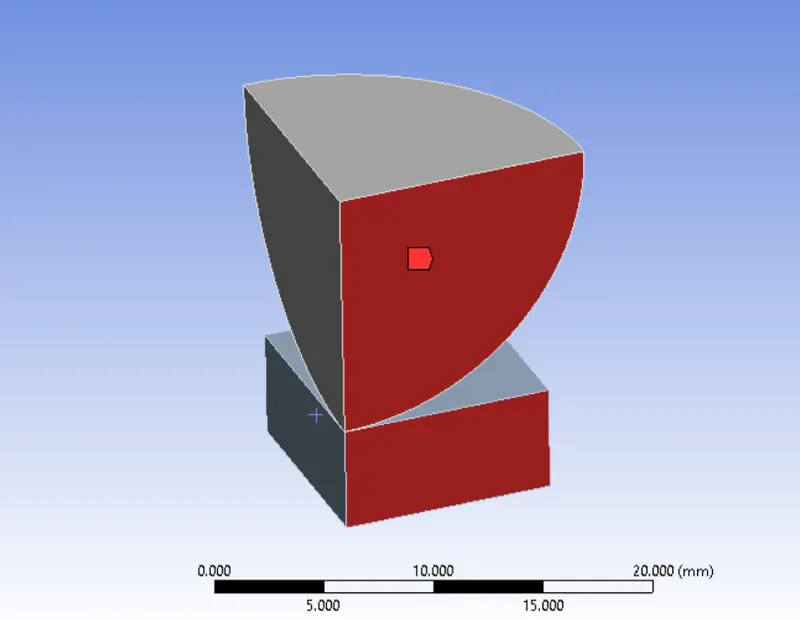
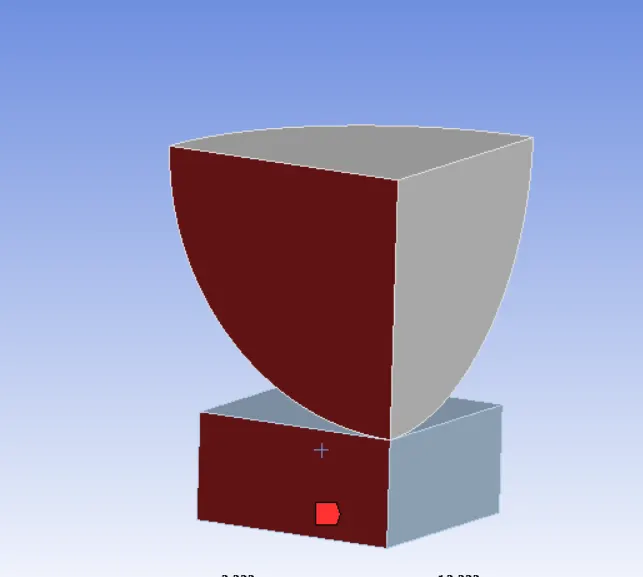
Introduce the fixed support at the base of the plate and displacement at the top of sphere face in negative y-axis direction. In displacement values use tabular and enter value as 0, -3 -4, -2, 0 so that after pressing the plate the sphere comes back to same position.
At last select the model and from tool bar use symmetry region and select the both other faces of the sphere & plate.
Results :
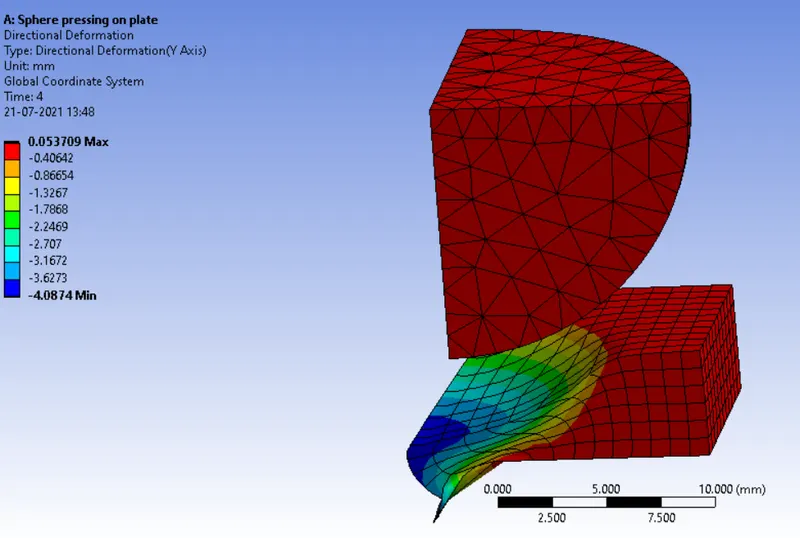
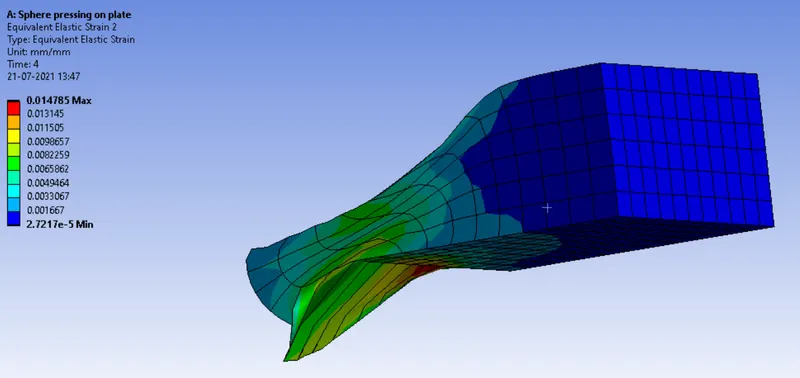
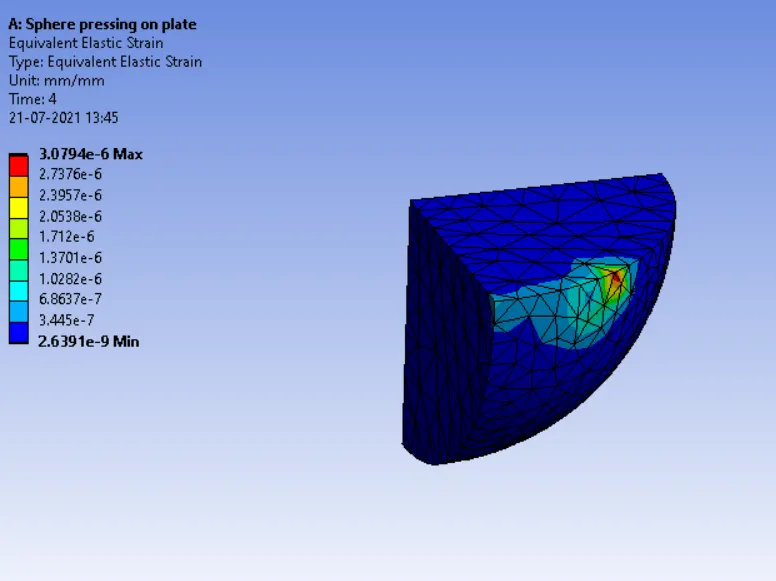
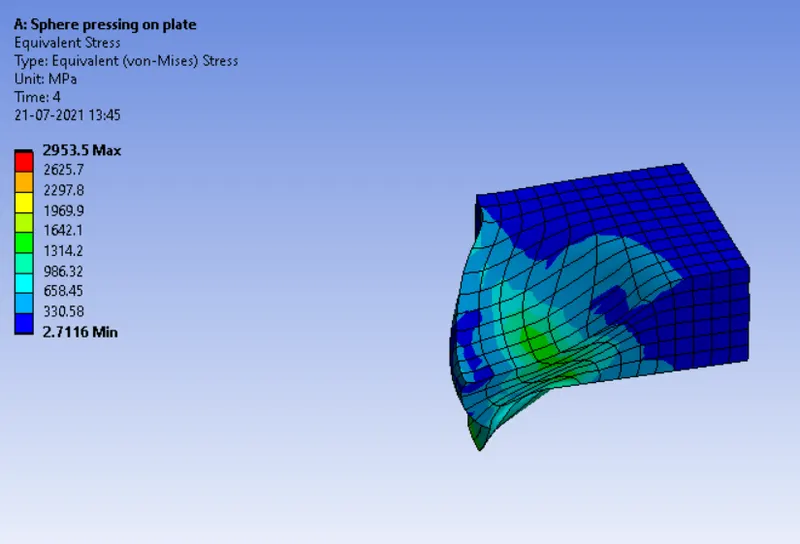
Insert results as Total Deformation in Y-Axis, Equivalent Stress on Plate, Equivalent Strain on Sphere, Equivalent Strain on Plate.
Conclusion :