Week 5 Sphere pressing on a plate
AIM:
perform the analysis to simulate a sphere pressing on a plate.
Procedure:
- Download the model from the challenge.
- Open the ANSYS workbench and drag the static structure analysis.
- Double click on the engineering materials and add the structural teel Non-Linear from the engineering data.
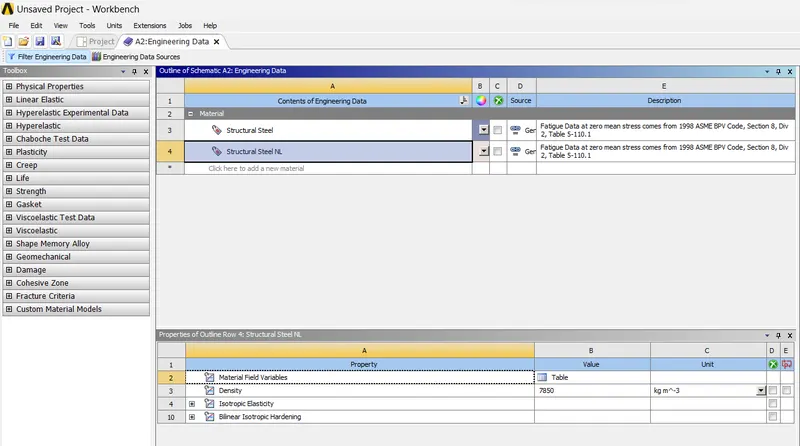
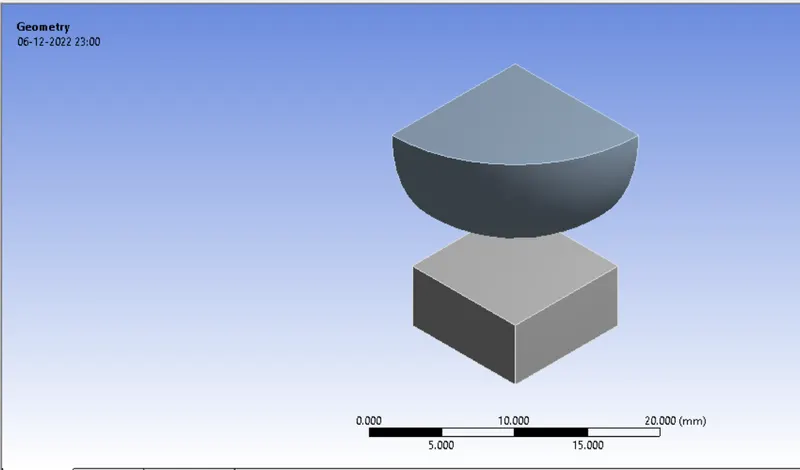
- now right click on the geometry, import the model downloaded.
- Now double click on the model. And check the model loaded properly or not.
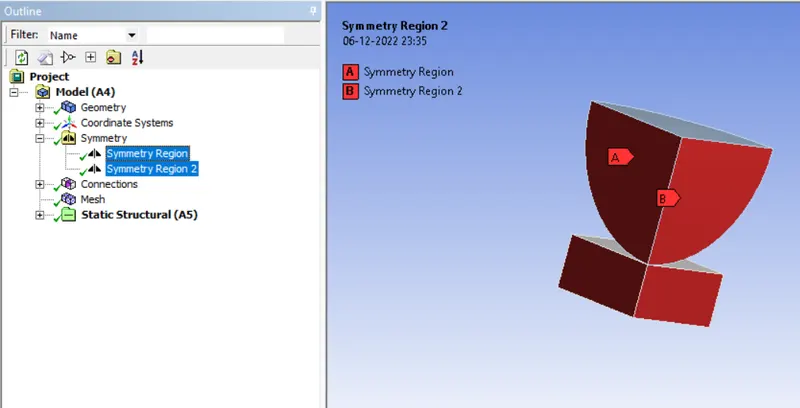
- Now click on the model then click on the symmetry. Insert the two symmetries.
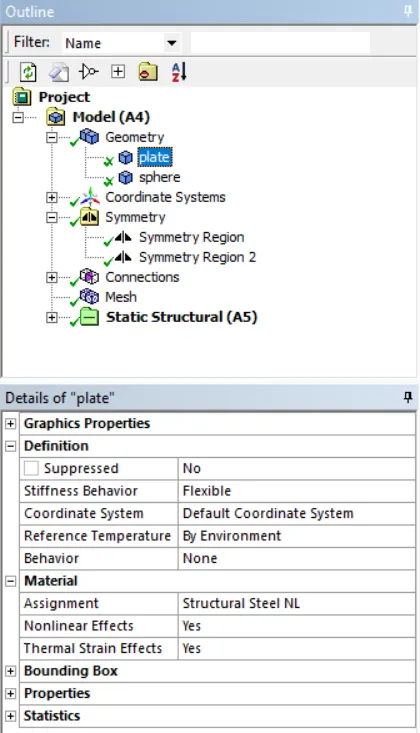
- Now click on the geometry in the outline tree. And assign the structural steel NL to the plate.
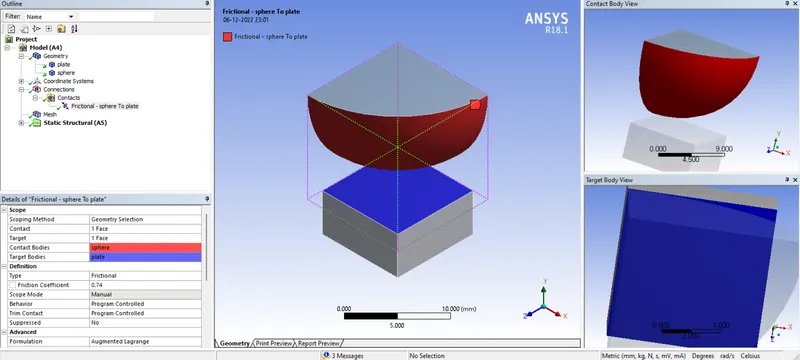
- Now click on the contacts. It shows some default contacts, delete these contacts. And provide the contacts as below.
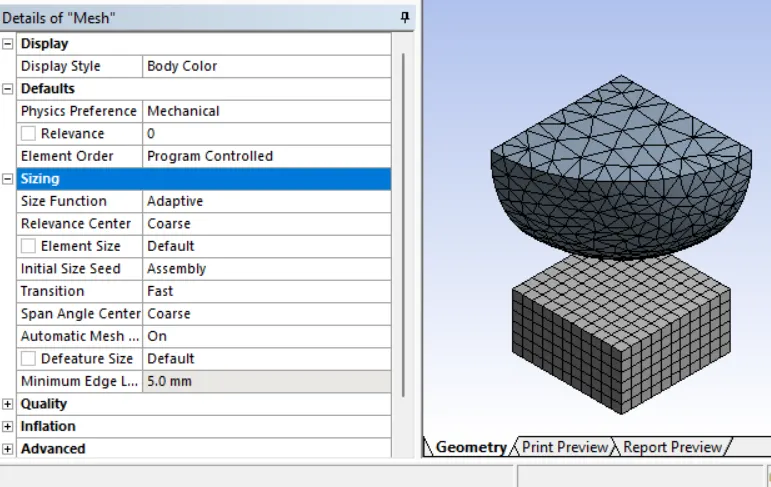
- Click in mesh pride the default mesh. I have found it given coarse mesh so, I given mesh size of 0.5 mm
- Now generate the mesh.
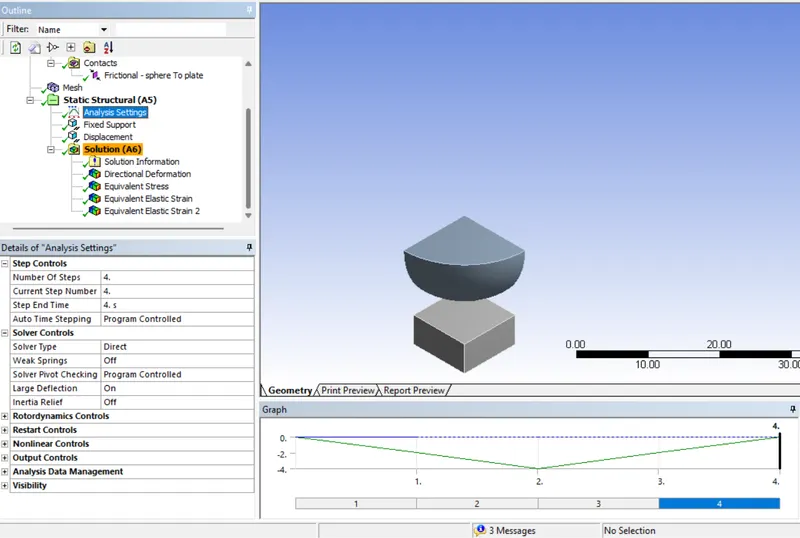
- Now go to analysis setting and provide the 4 steps. And change the setting as mentioned below. Large deformation makes it ‘ON’
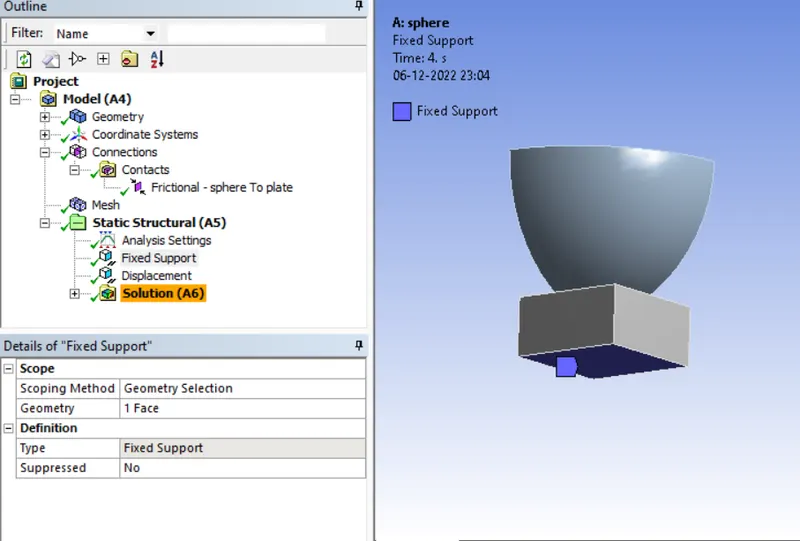
- Insert the fixed support at the bottom.
- And also insert the displacement to the sphere as shown below.
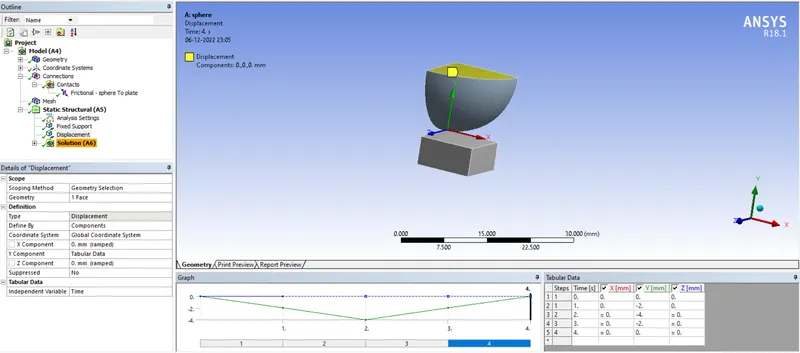
- Now insert the solution tabs which we want check like stress, deformation in Y direction and strain only in sheet.
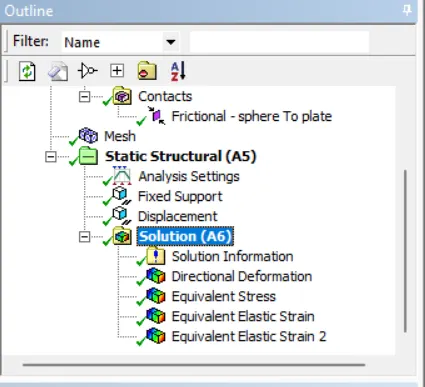
- Now run the solution.
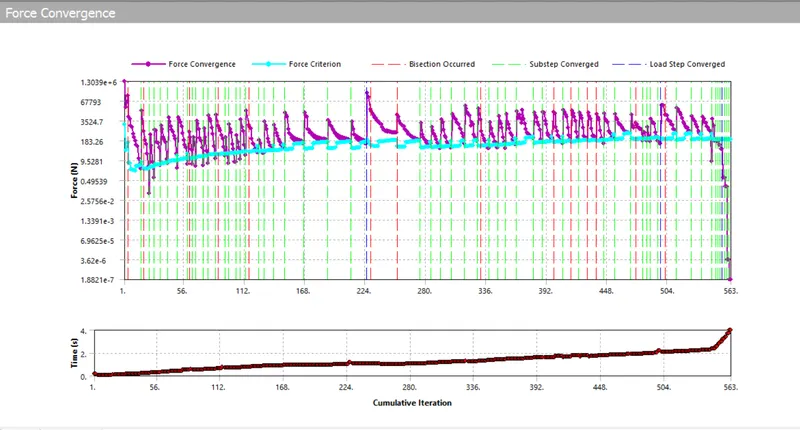
- we can see the force convergence during the solving process.
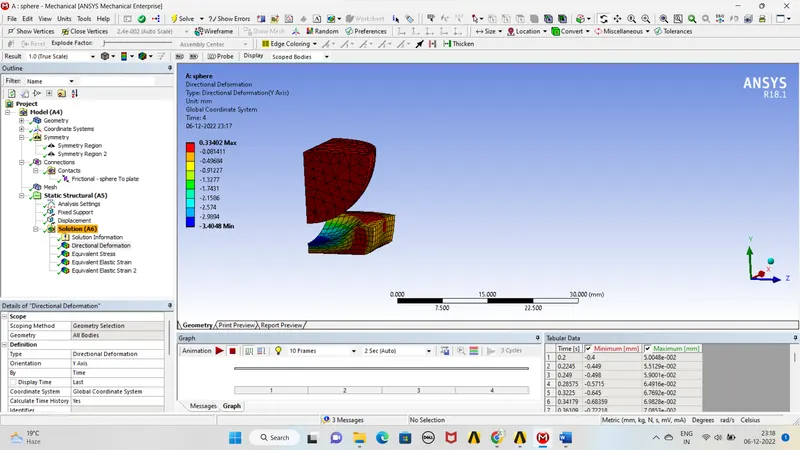
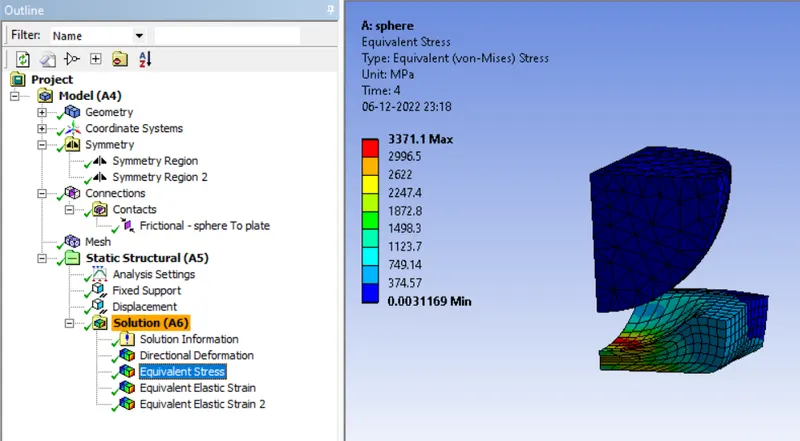
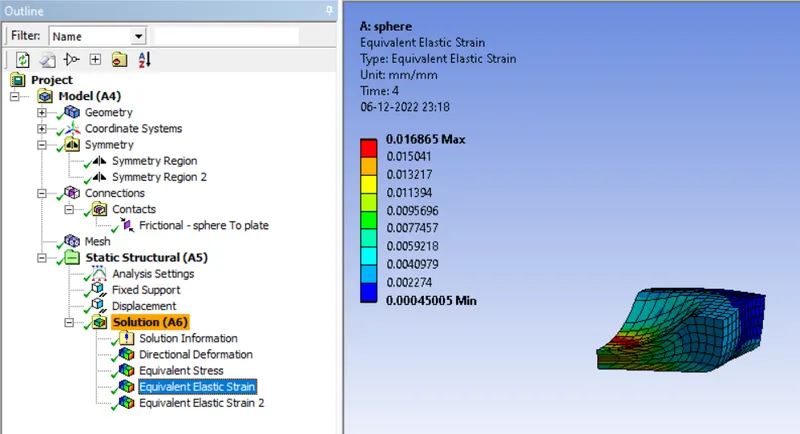
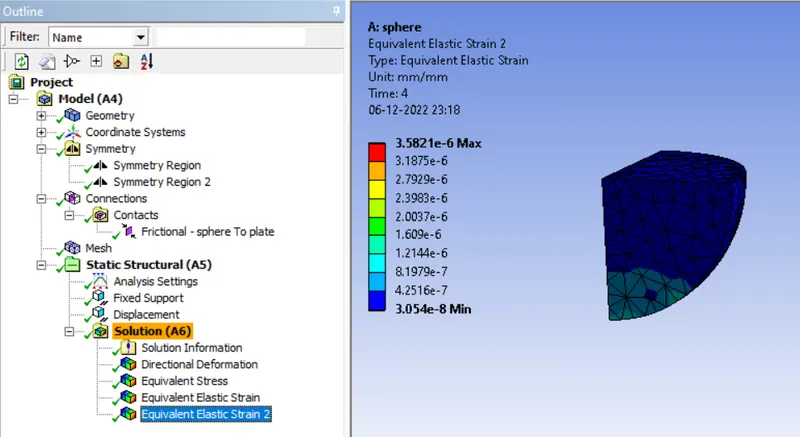
- Now check the all solution like stress, deformation and contact tools.
CONCLUSION:
From th above analysis we can observe that it is plastic deformation. The strain developed in plate alone is 0.0168.
the stress developed in the 3371 MPa and the defoemation in the press direction means in y direction is 0.3340 mm.