ANSA_P6 - COMPLETE TETRA MESHING OF CAR MIRROR
AIM :
To perform the tetra volume mesh for the given mirror component under the mentioned quality cretiria.
QUALITY CRETIRIA :
|
S.No |
Quality Criteria |
Value |
|
1 |
Target/Average length |
1 |
|
2 |
Minimum Length |
0.5 |
|
3 |
Maximum Length |
2 |
|
4. |
Tet collapse |
0.2 |
PROCEDURE :
Step 1 : Importing the component
- click file > open > Rearview Mirror
- change the DRAW MODE to ENT.
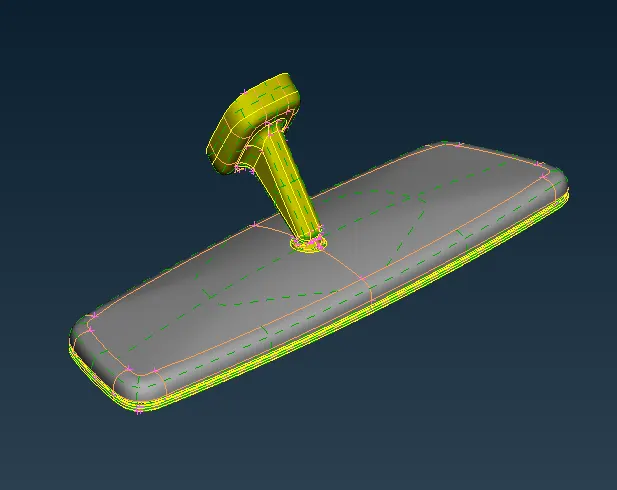
Step 2 : Seperation process
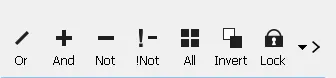
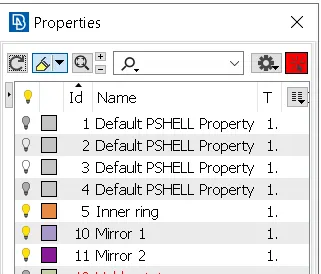
- Click the set pid icon, and select the seperate entities
- By using the boolean operations like OR,AND,NOT present in the focus menu
- After speration, store the each component in seperate name for easier usage
Step 3 : Geomentry Cleanup
- By using the manage lock option, show the particular working component in workspace
- By using the ORIENT option, modify the faces of the component
- By using the FINE option, change the resolution of the curves and cons
- Cleanup the geomentry, by using the various commands shown below
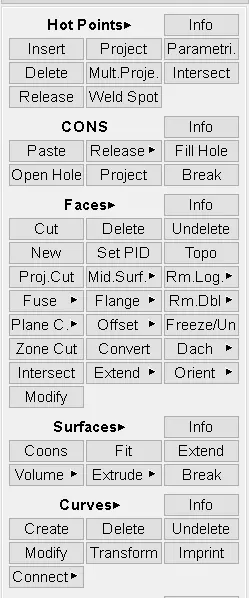
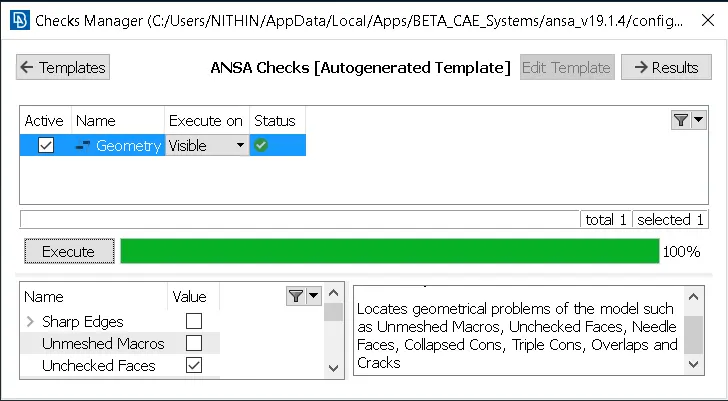
- After the geomentry cleanup, go to checks > geomentry for fine cleanup, that we missed
- And click the execute, and execution process must shown as 100% and status as green mark as shown below
- If there is any errors shown, Try the FIX option by right click the error or fix it manually
Step 4 : Preparing for mesh
- Again by using the FINE command, we improve the resolution of the 3D curves
- Then change TOPO to MESH mode
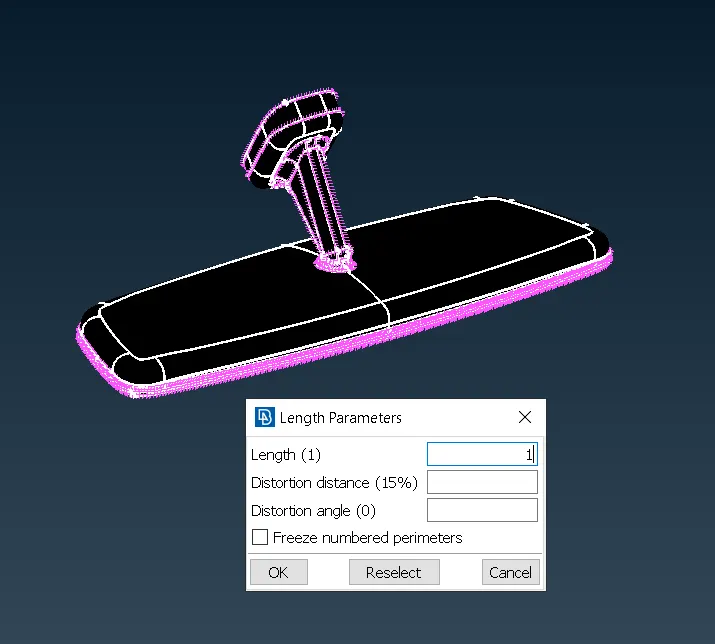
- Then select the LENGHT option in the PERIMETER command
- Select the perimeter and the select the whole component and give lenght as 5 because of our target lenght is 1
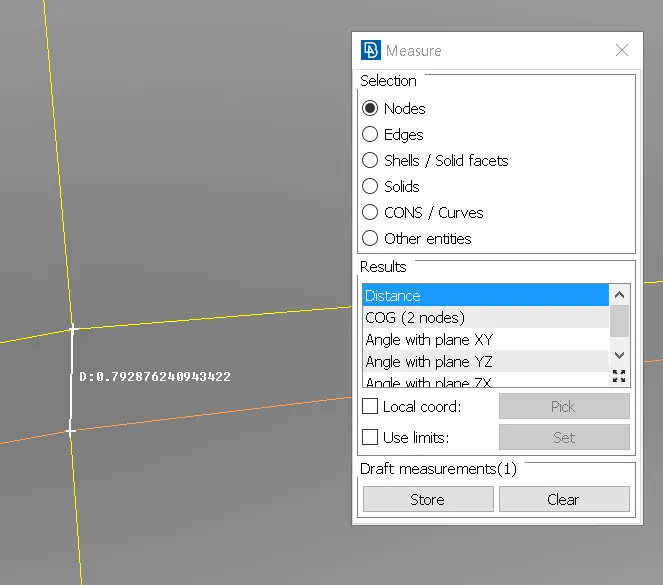
- Identify the place where lenght between the two nodes is less then 0.4.
- By using the CUT and JOIN command alter the surface cons with minimal defeature
- Once again check the geomentry for our mid surface by using the checks > geomentry option.
Step 5 : Assign Quality cretiria
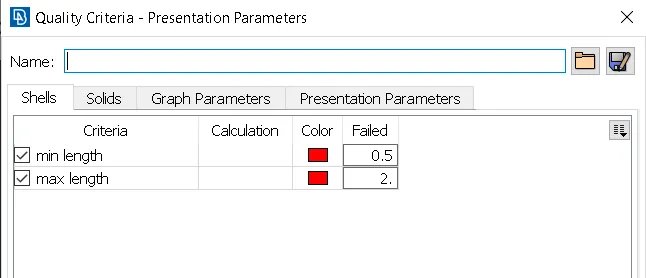
- After doing this process, we have to assign the quality cretiria for our mesh
- To do this, press F11 key from our keyboard
- Then assign the Maxium and minimum Lenght for the mesh elements
- Then, click the MESH PARAMETER command in the UTILITIES
- In that mention the target element size, minimum and maximum element size and the click OK
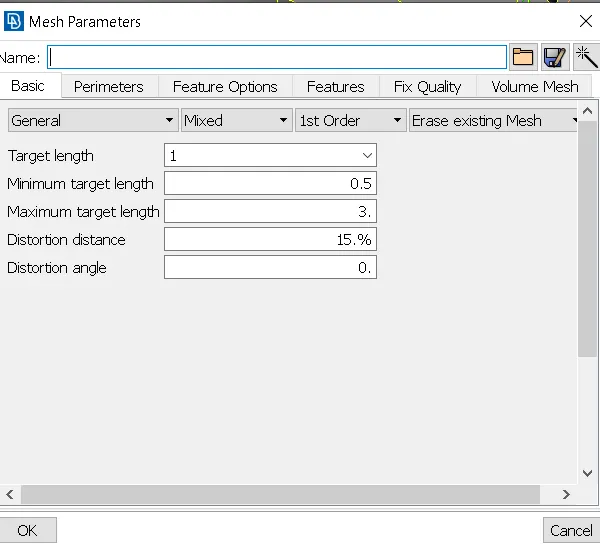
Step 6 : Meshing
- Now we have to generate the Tria mesh for our component
- For thet Select the BEST in the MESH GENERATION option
- BEST command gives the better mesh quality by using its best algorithm
- Then change to HIDDEN mode from shadow mode for identifing element fails
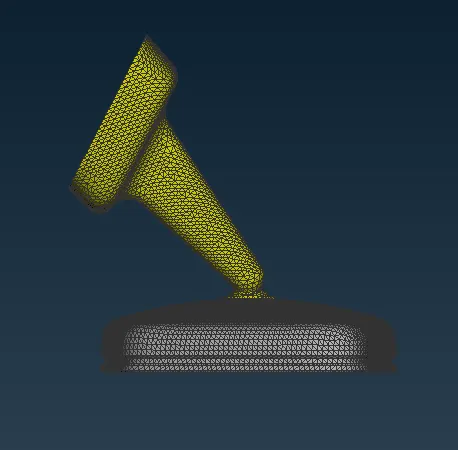
- By using the RECONSTRUCTION and SPLIT commands give the better mesh flow for that surface
- Avoid Quad elements at fillets. Eliminate them by using Swap, Split and Join commands
- No mesh Transition on constant radius fillets/curvatures.
- It is always preferable to have two or more rows of elements at fillets so that the FE model will capture the curvature.In one fillet there should not be variation in number of rows throughout.
- To create two rows of elements, Split by Edges can be usedCircular holes aInstead of zig zag mesh pattern, a structured or smooth mesh is recommended.
- i.e. Nodes should be aligned in the same linere much important in Durability, Fatigue and NVH analysis.
- So it should be modeled carefully with at least one layer of quad elements around the periphery of a circular hole.
- Tria elements will add stiffness so it is not desired to have tria elements .
- These above steps has to be followed for aother componwnts also
Step 7 : Define the Component
- After doing the 2D mesh on surface of the mirror, Now we move to the Volume mesh panel
- Before doing the tetramesh to the mirror, we have to define the Each component, so that ANSA will recogonise and give the tetramesh properly
- For that click the DEFINE command in the VOLUME tab
- After that select the each component and Assign the seperate PSOLID profile
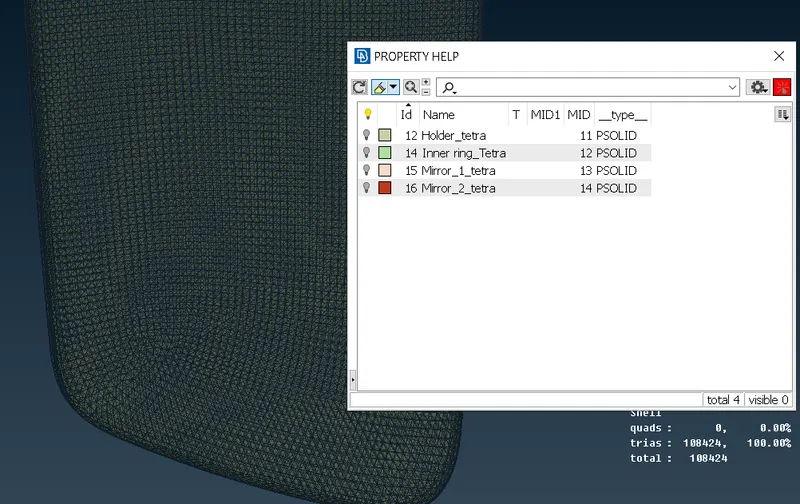
Step 8 : Volume Meshing
- Select the Tetra rapid or Tetra Fem command under the Unstructured mesh
- Now select the Each component and Press ok
- Then ANSA gives the best possible volume mesh to our component
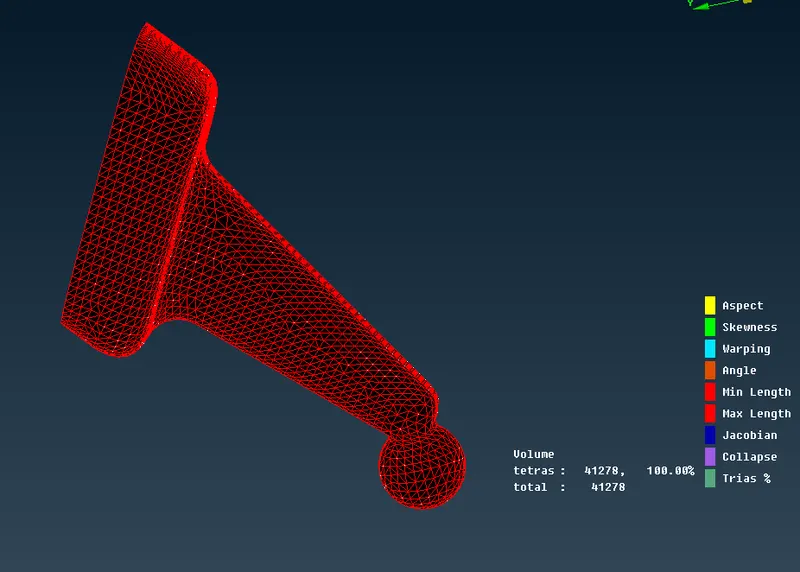
- Now clear the failed elements by using any following commands below
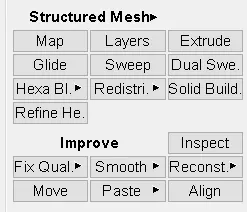
FINAL COMPONENT
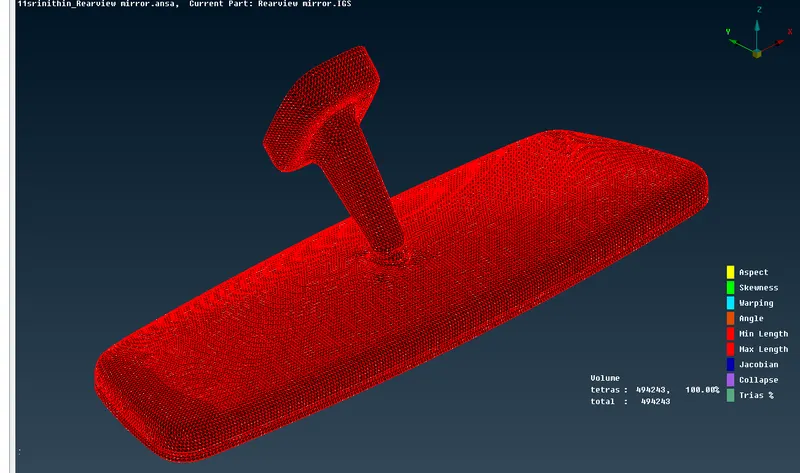
REUSLT
Hence Volume mesh for the given rear mirror is done successfully under given quality cretiria.