RVM
AIM:
To remove the geometrical errors and use tetra(fem/rapid) to mesh the surfaces with given quality criterias.
PROCEDURE:
- Open the given file in ANSA.
geometry clean up-
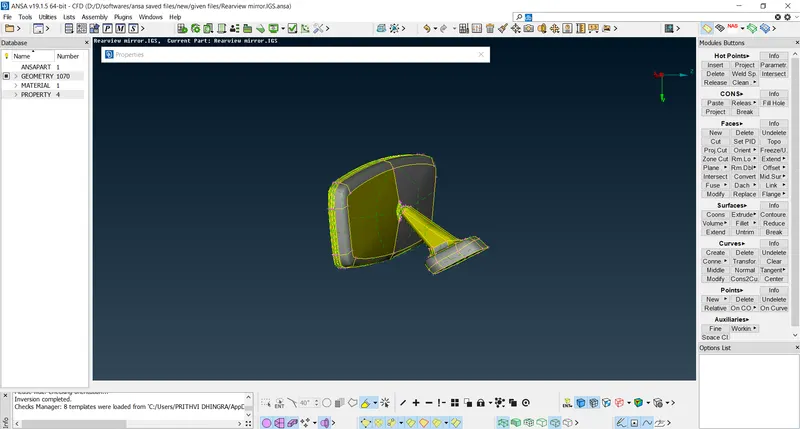
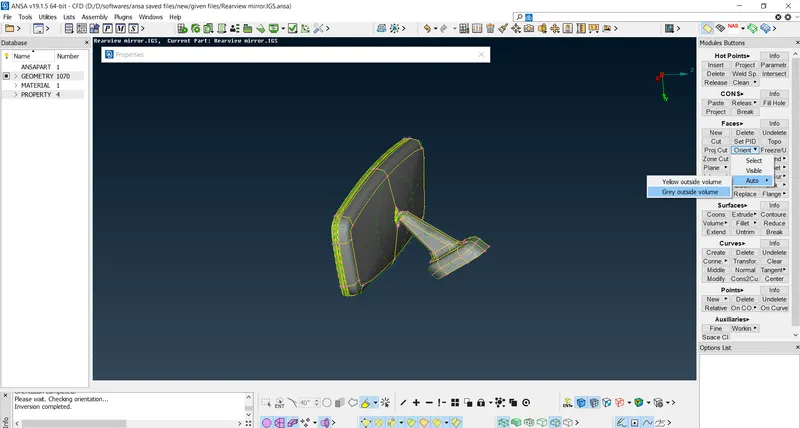
- Using orient option under faces in modues buttons orient the given model as shown below-
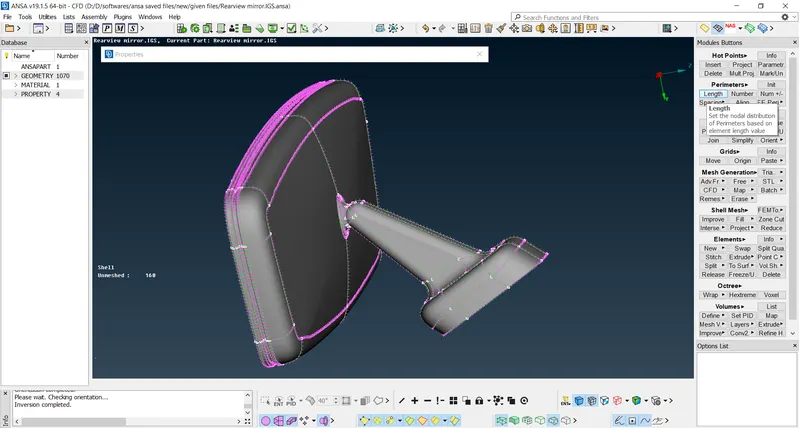
- Set the length under perimeters option as 1.
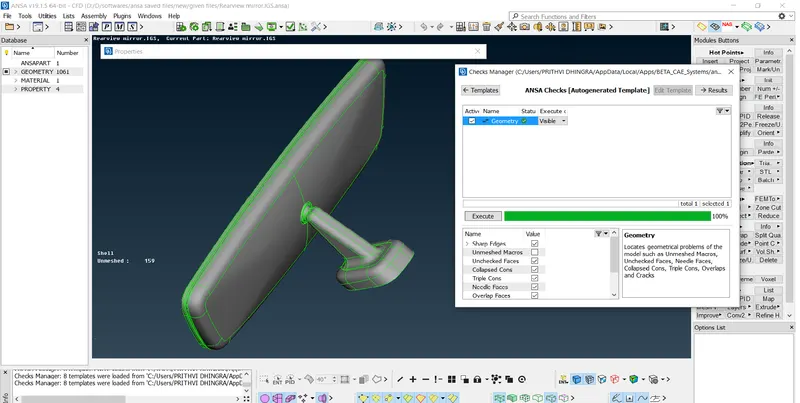
- Using the checks manager, check the geometry of the given model.
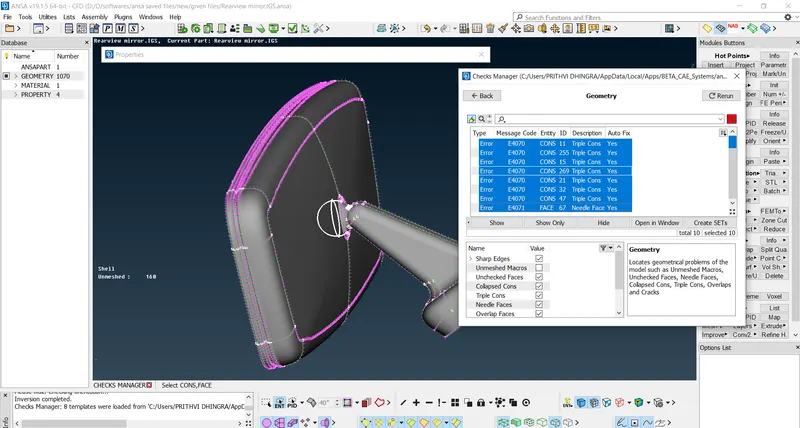
- Using Auto-fix option fix all the errors.
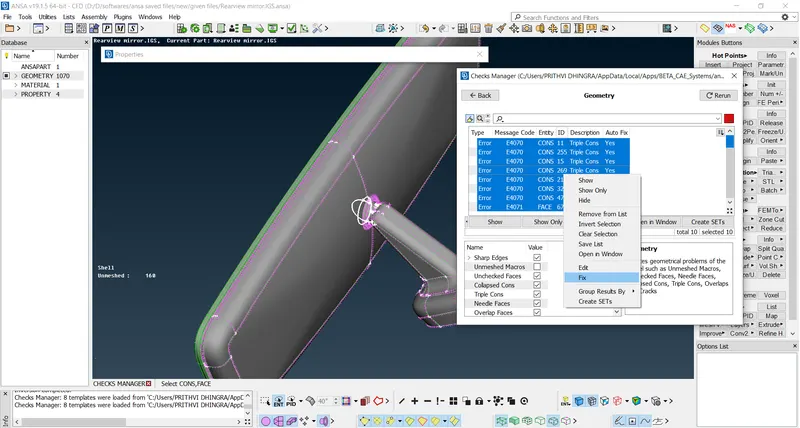
- All errors are fixed including the needle faces and the triple cons as shown-
meshing-
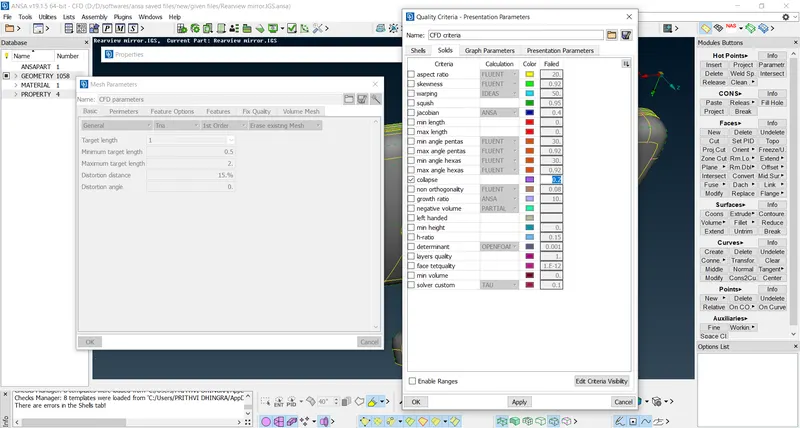
- Before we start meshing we need to give the mesh parameters and the qualtiy criteria (give tet collapse as 0.2)-
- Start with each PID and mesh the model using spot mesh(ortho-tria/tira as the element type-whichever is most suitable in the geometry and gives a better mesh) and fix all the off elements(shown in shadow mode)
- Check for raised edges or kinks/dips in the surface and remove them as shown below.
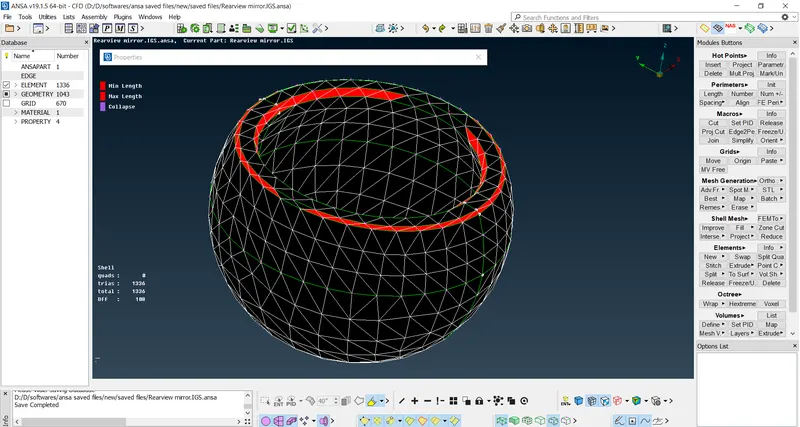
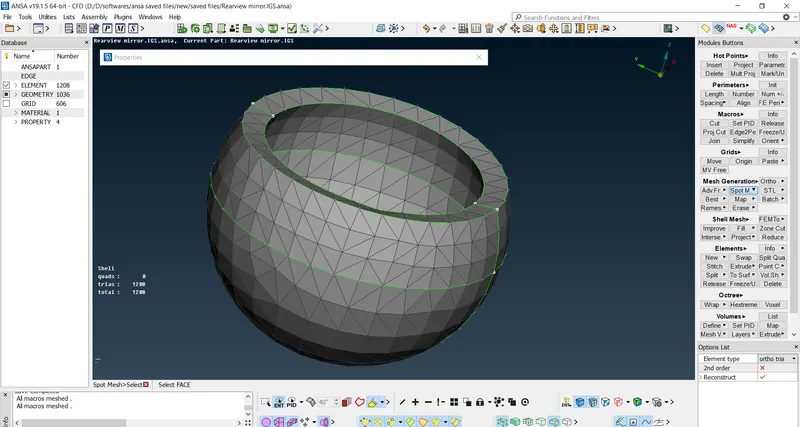
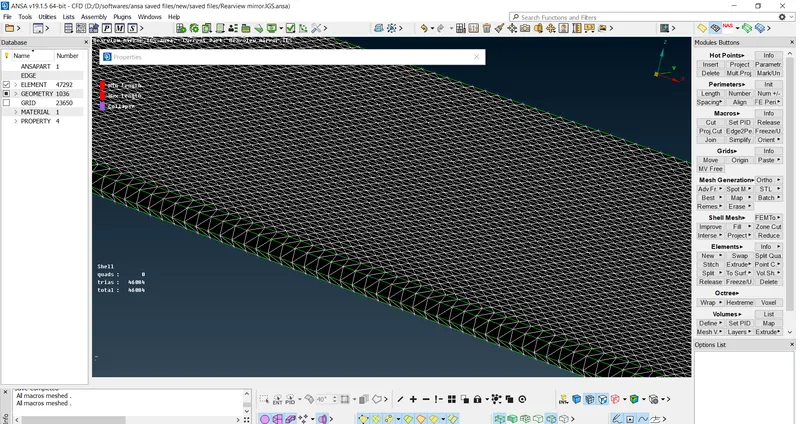
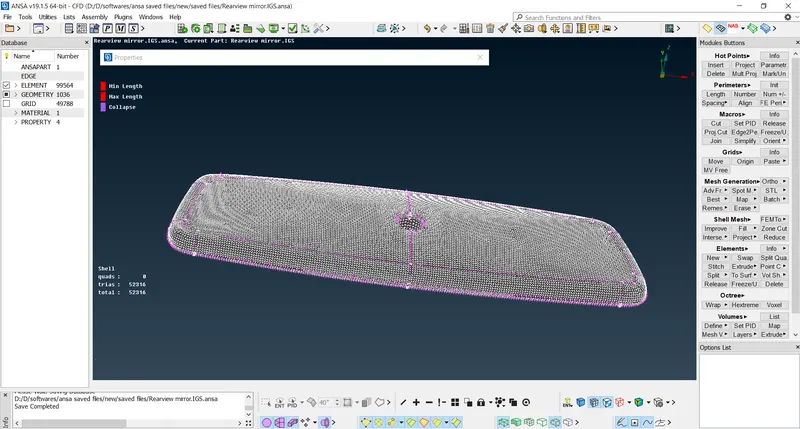
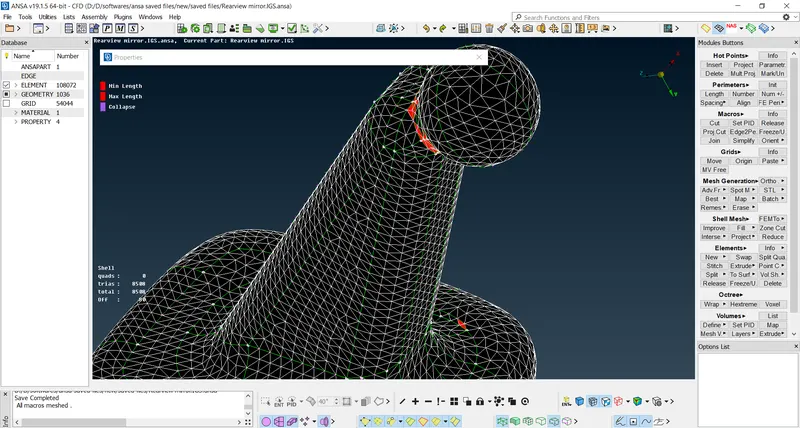
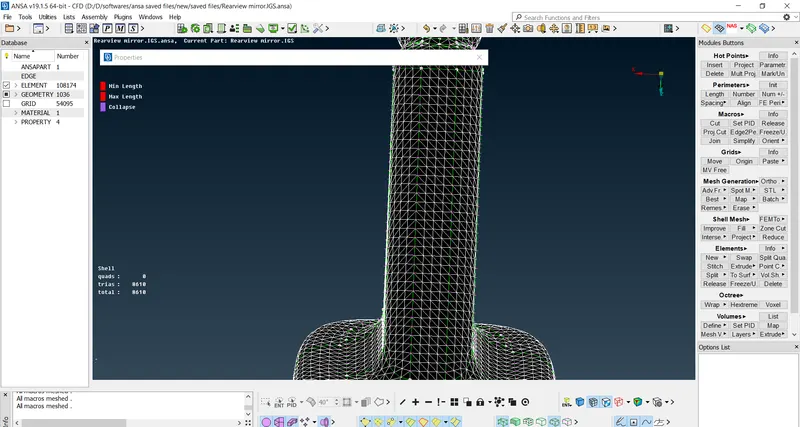
- Above errors were fixed using the improve-reconstruct option under shell mesh and using the MV free option under grids.
- After completion of 2d meshing we move on to volumetric meshing.
v.mesh-
- Select the v. mesh from top right corner buttons and define the entire model's volume and check in the lists option under volume in module buttons option.
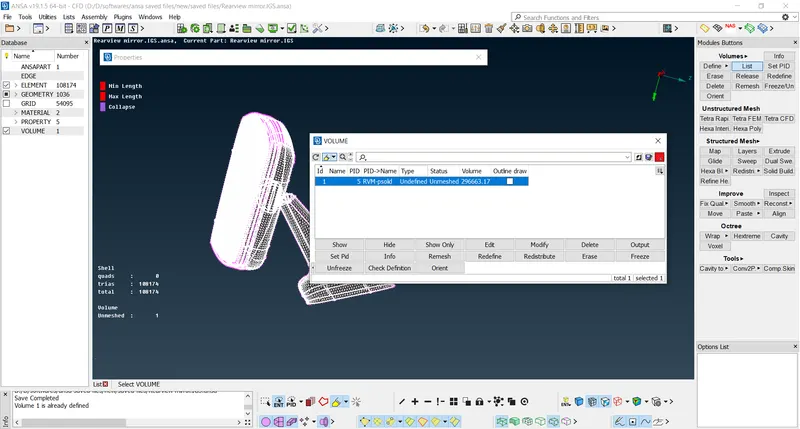
- Define volumes of each PID individually and name them and set the element type as solid.
- After defining, under the lists option select each volume set as pid and right click to remesh them in order to give the volumetric mesh.
- Choose either tetra rapid or tetra fem to get a full volumetric mesh of the entire model.
- After finishing check for quality of components in shadow mode and remove all errors if any.
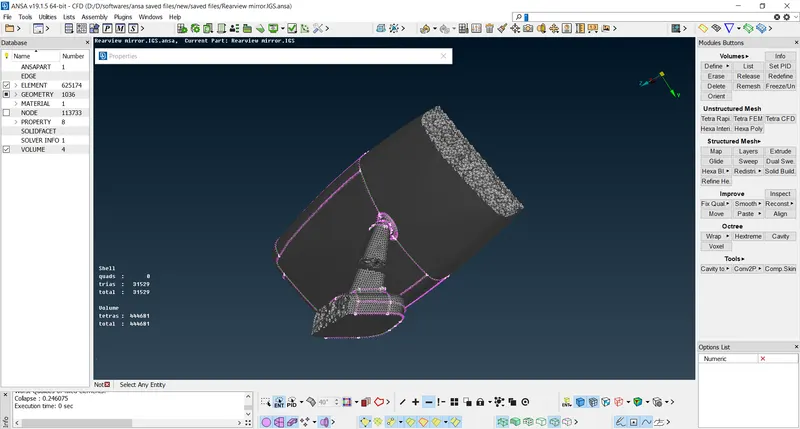
FIG: V.MESH- INSIDE VIEW OF FINAL MODEL.
LEARNING OUTCOMES:
- Learned that fillets require ortho-tria mesh as they give a better surface finish than tria mesh type.
- Learned how to define the volumes in lists option and set their PID's.
- Learned how to perform a volumetric mesh using tetra fem and tetra rapid methods for unstructured mesh.
- Learned how to remove all types of off elements namely- min length, max length and tet collapse by using improve and MV FREE under grids in modules buttons.
CONCLUSION:
- Finished the model using v.mesh commands(unstructured mesh) for volumetric meshing.
- Checked and removed all OFF elements using MV free and improve command.