Week- 5 - Solid meshing
SOLID MESHING (VOLUME MESH) ON REAR VIEW MIRROR USING ANSA
Aim : To create a solid mesh on a rear view mirror using ANSA (Volume meshing) by following given Quality criteria .
|
Quality Criteria |
Shell Mesh |
Volume mesh |
|
Min. Length |
0.5 |
_ |
|
Max. Length |
2 |
_ |
|
Avg. Length |
1 |
_ |
|
Tet. Collapse |
_ |
0.2 |
Procedure :
- Import the CAD geometry .
- Check for any geometrical errors or topological errors.
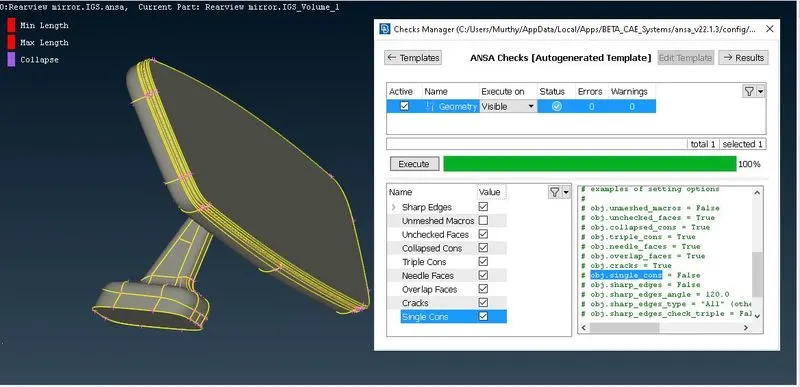
- Defeaturing any construction lines required where the element gets failed.
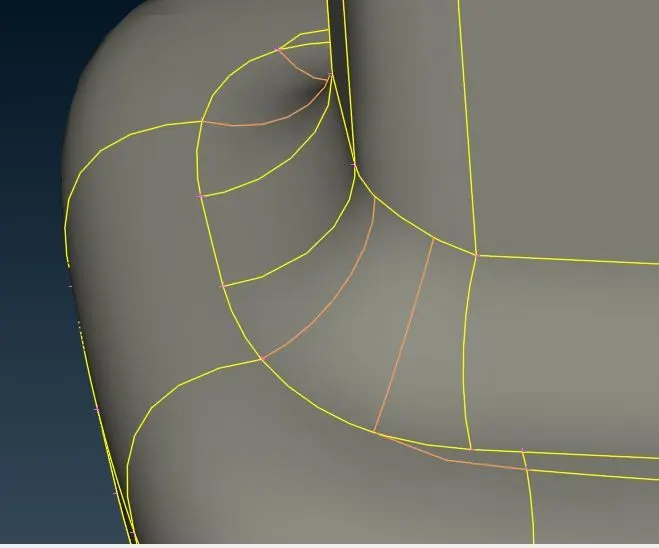
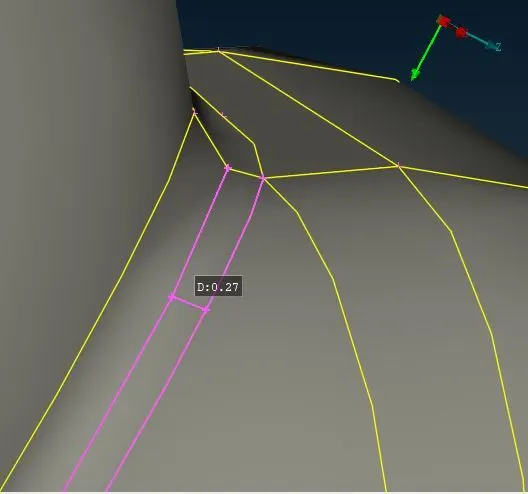
- Give perimeter elemental length as 1 for checking any CAD issues / errors.
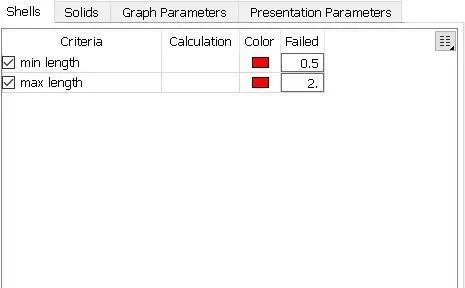
- Give the quality parameters.
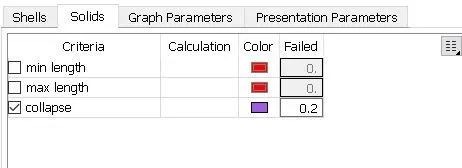
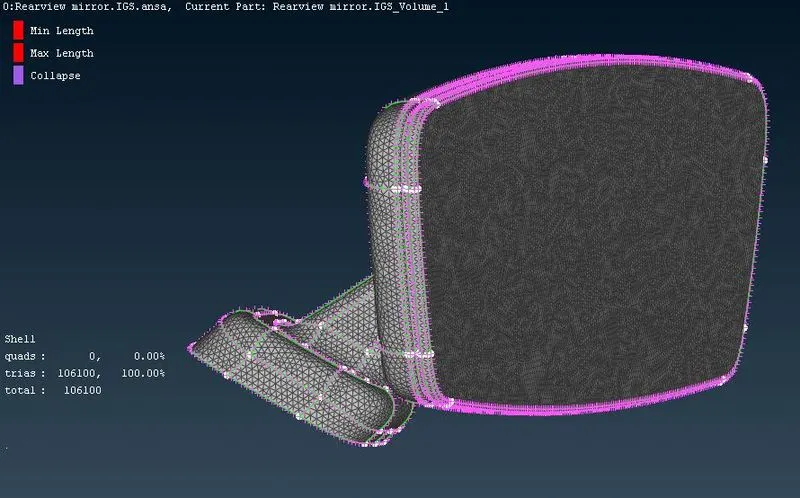
- Using spot mesh in the Shell Mesh window apply mesh on the surfaces.
- Apply Tria mesh on the plane surfaces and Ortho tria on curved , fillet as the time taking for generating volume mesh using Ortho tria is much higher than normal tria .
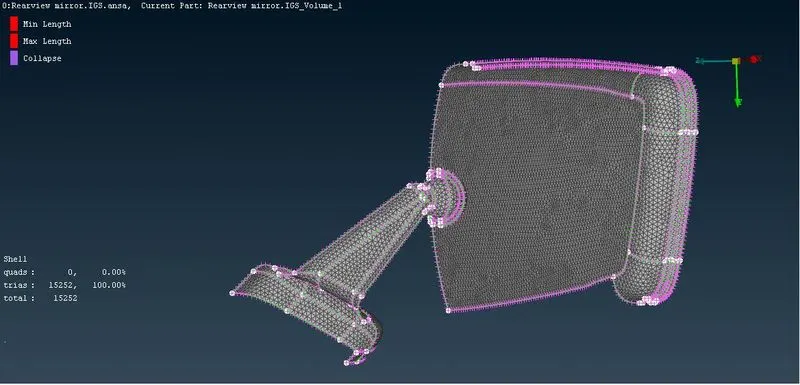
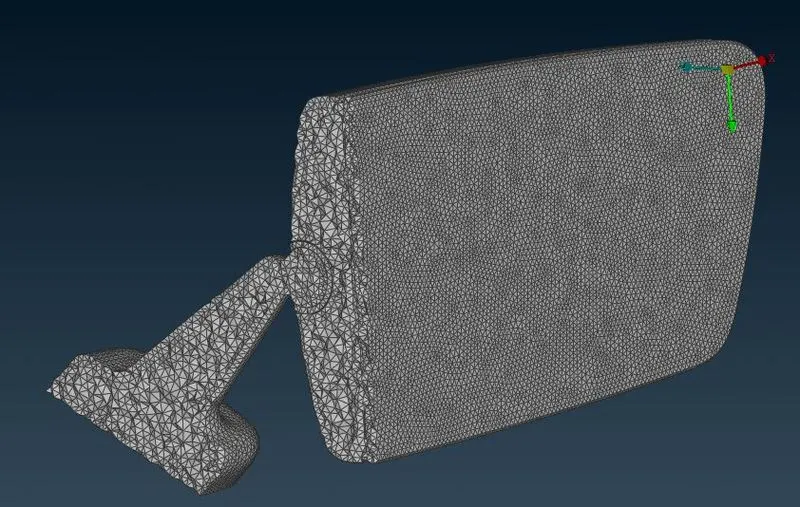
- Check for any elemental failures for minimum or maximum lengths.
- Avoid any kinks on the surfaces.
- In the Solid mesh window > Define > define the cad after shell mesh for creating volume mesh.
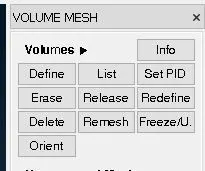
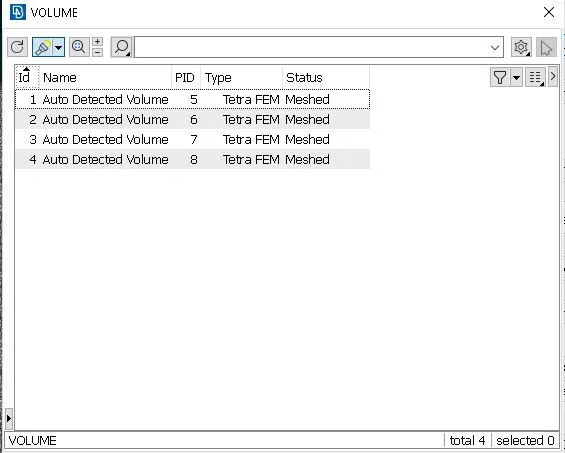
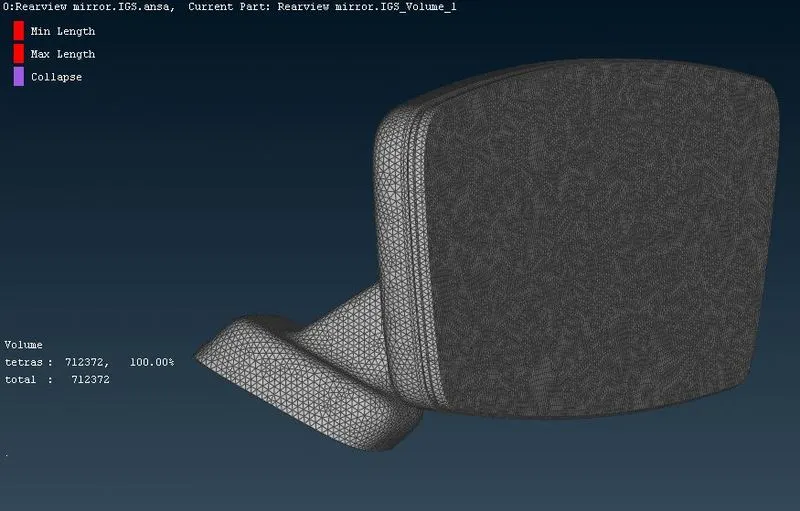
- Using Tetra Rapid or Tetra FEM generated volume mesh on the surface.
- Check for any Elemental failures.
Learning outcomes :
- Where to apply normal tia mesh and ortho tria mesh
- MV free command
- To create volume mesh using Unstructured mesh (Tetra Rapid / Tetra FEM)
Conclusion :
For given rear view mirror cleared geometrical error , and created Volume mesh using ANSA following the given quality criteria.
https://drive.google.com/file/d/1DBx_SisGnVa-Ip4CpOABLGpy790_3fc2/view?usp=sharing