Week - 4 - 2D meshing for Plastic components
2D-MESHING ON A BOTTLE CAP (PLASTIC COMPONENT) USING ANSA
Aim :
To create a 2D mesh on a Bottle cap(Plastic component) using ANSA with given quality criteria.
Objective:
1) To perform meshing on the given plastic component using ANSA tool based on given quality criteria
2) Topology cleanup for the component
3) Assigning thickness and extracting Mid surface of sub-components of the component
4) Generate mesh on the component and optimize the mesh wherever required for obtaining better mesh flow.
The following are the given quality criteria of the mesh that is to be generated.
|
S.N0 |
Quality criteria |
value |
|
1 |
Target / average length |
1 |
|
2 |
Minimum length |
0.5 |
|
3 |
Maximum length |
3 |
|
4 |
Aspect ratio |
3 |
|
5 |
Warpage |
15 |
|
6 |
Skewness |
45 |
|
7 |
Jacobian |
0.7 |
|
8 |
Minimum quad angle |
45 |
|
9 |
Maximum quad angle |
135 |
|
10 |
Minimum tria angle |
30 |
|
11 |
Maximum tria angle |
120 |
|
12 |
Tria percentage |
15 |
Procedure:
- Import the cad model which is in the stp. extension.
- Define the material.
- Using 'CHECK GEOMETRY' in the checks menu , execute a run which checks for any geometry error or topological error.
- If found these geometrical error , it can be auto fixed by the tool by the fix option , if not these errors can be corrected manually.
- After clearing all the topological and geometrical errors , once again run the check geometry until all the errors are addressed.
- The above check runs need to run for all the sub-components of plastic component.
- Assign the thickness of the component using 'MEASURE' option available on top tool bar at various locations of component and store the thickness value for every sub-component. This is useful for extracting mid surface of the component.
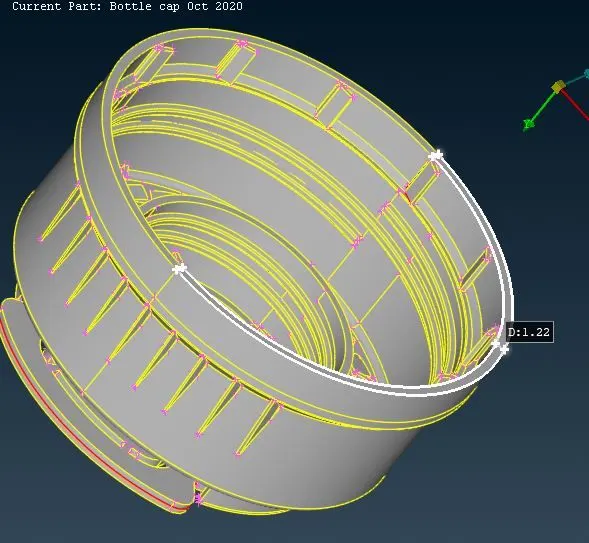
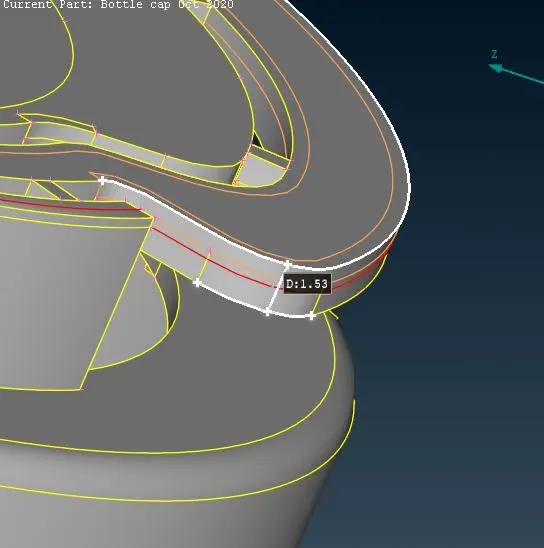
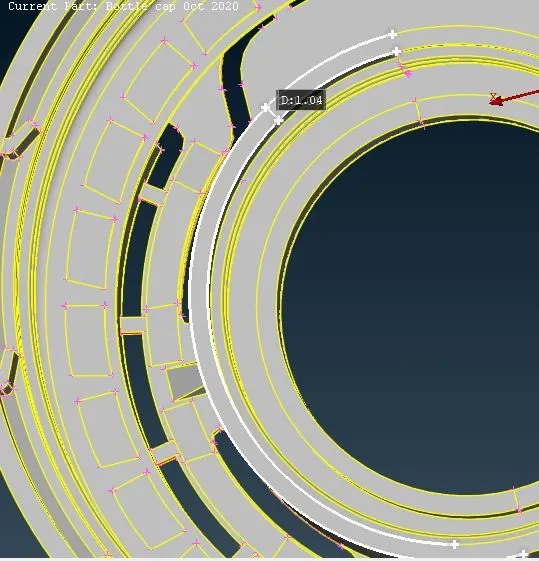
- Mid surface of the component can be extracted by using two methods., using 'OFFSET' or 'MIDDLE -SINGLE / MULTI ' option from FACES bar on the side tool bar.
- The mid surface extracted by the offset option a new 'PID' has to be set using 'SET PID' option in the 'FACES' bar, but the mid surface extracted by the MIDDLE option a new PID will be automatically created by the ANSA Tool.
- Middle option is to be used in the places where the thickness of the component varies.
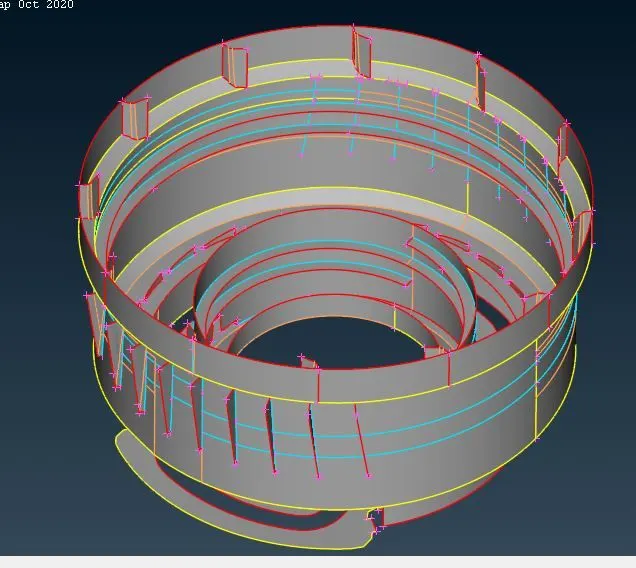
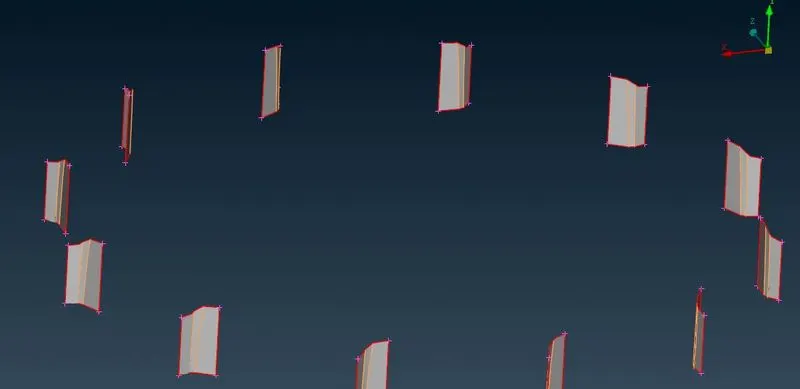
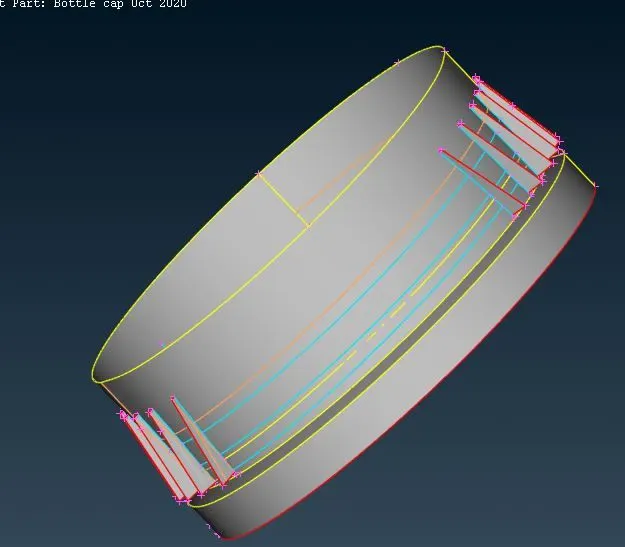
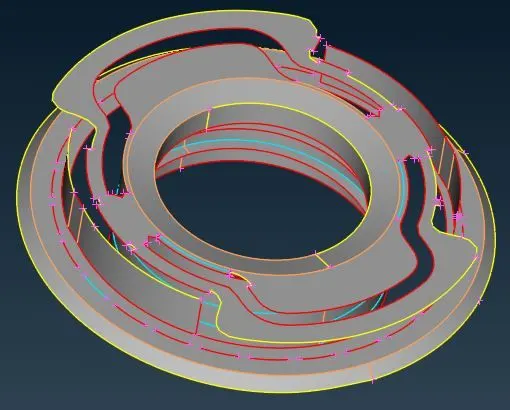
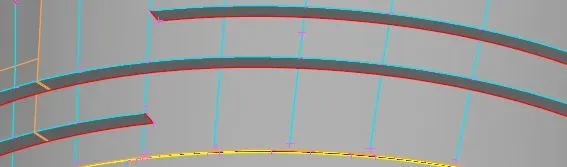
- By using MEASURE option , measure perimeter elemental length.
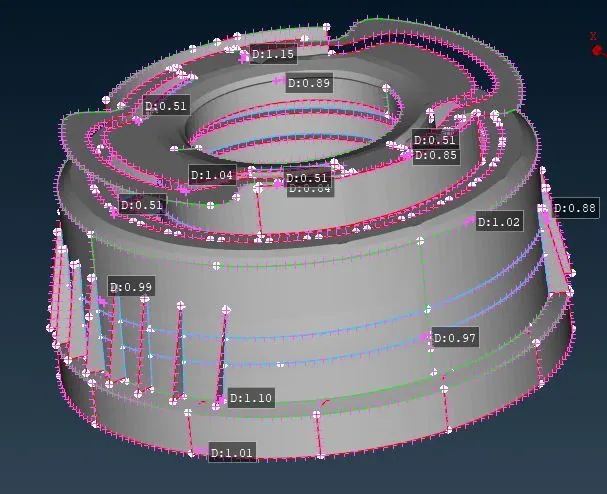
- If there are any holes present on the surface of the component , always the even number of elements on the perimeter of the holes gives better results.
- This can be checked by using 'NUMBERS' option in the PERIMETER bar. Select the cons of the holes and press middle mouse click button to check the number of elements present on the perimeter and alter if any required.
- Arrange the features (holes) of the component parallel to the nearby perimeter for better results
- In the 'MESH PARAMETERS' give the specified requirements for the element and the type of mesh.
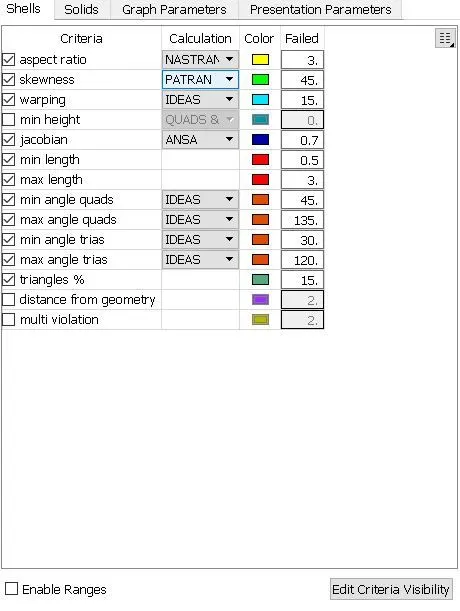
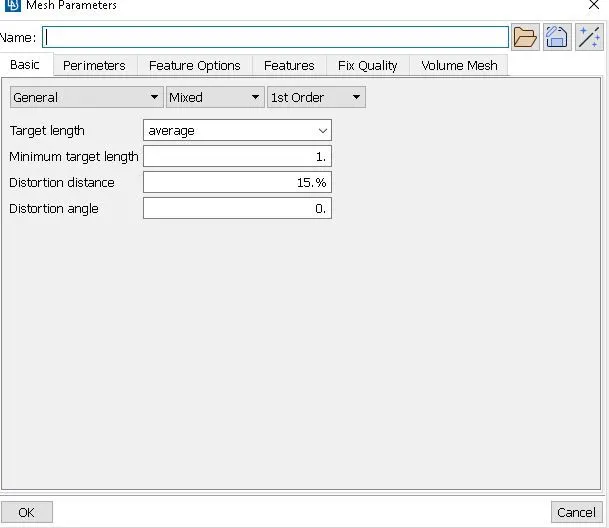
- Give the specified values for the quality checks in the 'QUALITY CRITERIA (F11)' tab. Select all the required quality checks and assign the given values.
- Before generating the mesh , check all the features (holes, fillets, sharp edges etc.,) of the component are captured properly.
- Using 'BEST' mesh in MESH GENERATION tab , generate the mesh on the mid surface.
- Optimising the mesh that is generated by using 'MOVE' , 'SPLIT' , 'PASTE' , 'SWAP' commands
- Using the 'IMPROVE' option , the mesh can be regenerated, reconstructed , smoothen wherever required on the component.
- Avoid trias on the edges , back to back trais , opposite trias , trias facing towards each other , distorted quads
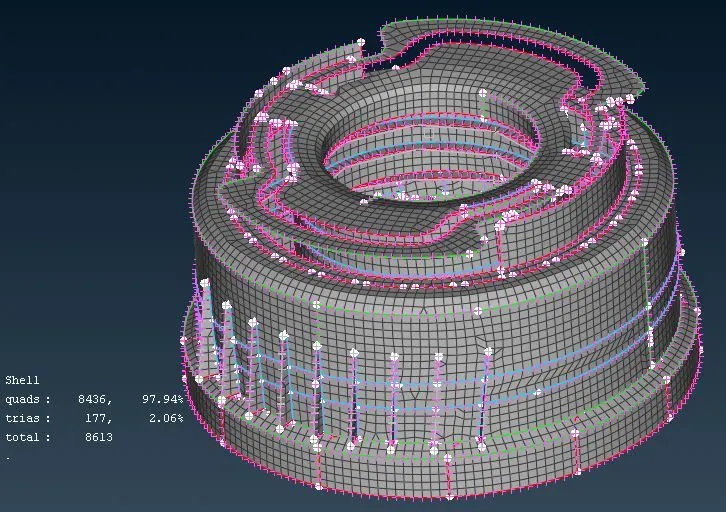
Learning outcomes:
- Generate mid surface on threading region
- Meshing the plastic components including geometrical cleanups / topological cleanups.
Conclusion:
A 2D-Mesh has been generated successfully on a Plastic component following the given quality criteria.
Please find the below drive link for the ANSA model:
https://drive.google.com/file/d/1oQgeohYzJoOR9DWTF7LJTIyaIjsriuFN/view?usp=sharing