Week- 5 - Solid meshing
Week 5 Challenge - Solid Meshing on Rear View Mirror
Aim:
To perform volume mesh using tetra elements with the given quality criteria using ANSA Preprocessor.
Procedure:
Geomentry Clean up
Step 1 :
Cons resolution by Length option in Mesh module.
Target/Average length = 1
Step 2 :
To get the connectivity between the surfaces we have to use the Topo option.(TOPO - Module> Faces > Topo) & Orient.
Step 3 :
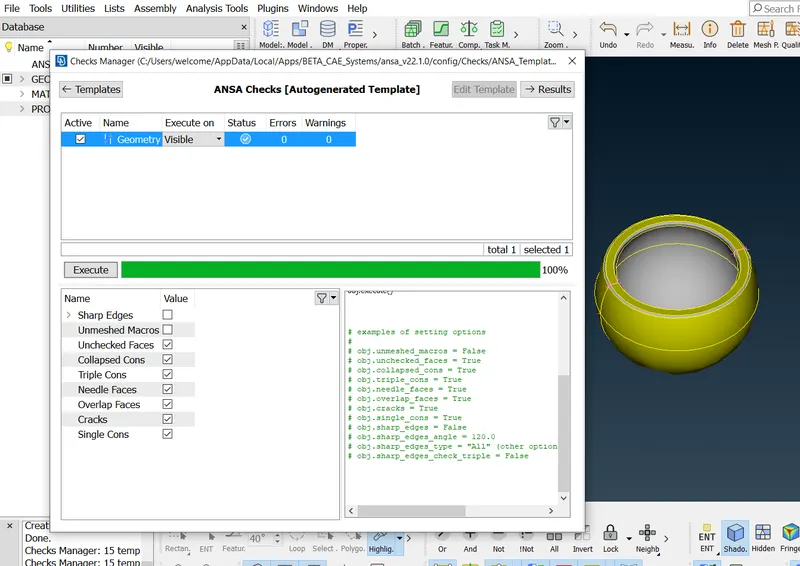
Checking & Clearing the geometrical errors.
Generating 2D Mesh
Step 1 :
Prefix the Target element length by using the length option in the mesh module. Providing
the Mesh Parameters and Quality criteria to the models.
Minimum Length : 0.5
Max. Length : 2
Step 2 :
Total 4 components - need to isolate 1 by 1 individualy to perform mesh activity. (Using properties)
Clean the Parent Geometry.
- Select all the flat surfaces and mesh by using tria as the element type.
- Select the remaining curved surfaces and mesh by using the otho trias as the element type.
Pre Volume Check
- Done check that every surface is meshed.
- Model is intersection & penetration free.
Volume defination
For 3d meshing, need to define a volume for the solid surface and after then we will have to mesh with tetra rapid mesh.
3D Tetrahedral meshing (Mostly Used rather than Hexa)
Go to the Volume deck and define the volume for the closed mesh.
After defining the volume go to the lists and edit the volume by changing the type to tetra
rapid.
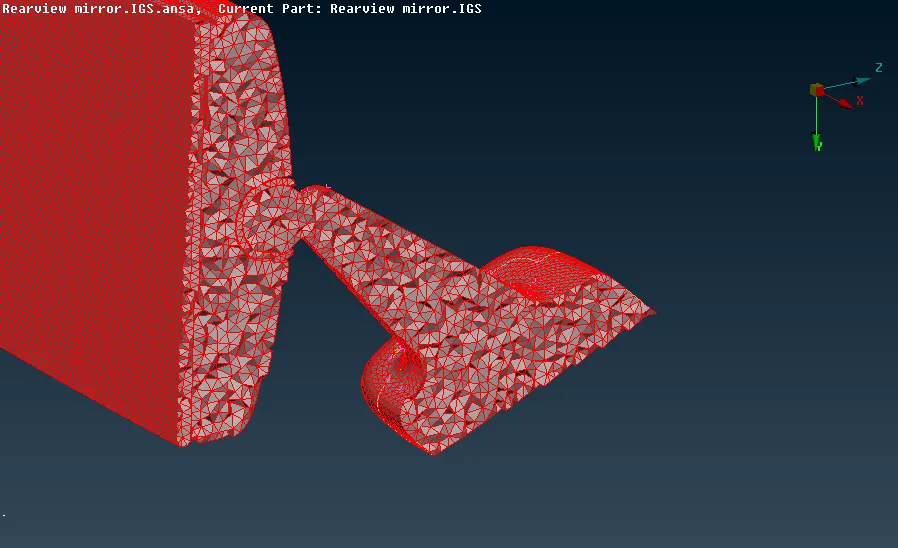
Tet collapse : 0.2
After 3d Mesh Tet collapse quality need to be maintained. if any issue in this try to solve all off elements to fix Tet collapse Issue.
CONCLUSION:
I done the model & Acheived required 3D tetrahedral mesh & Tet collapse Quality for rearview mirror.