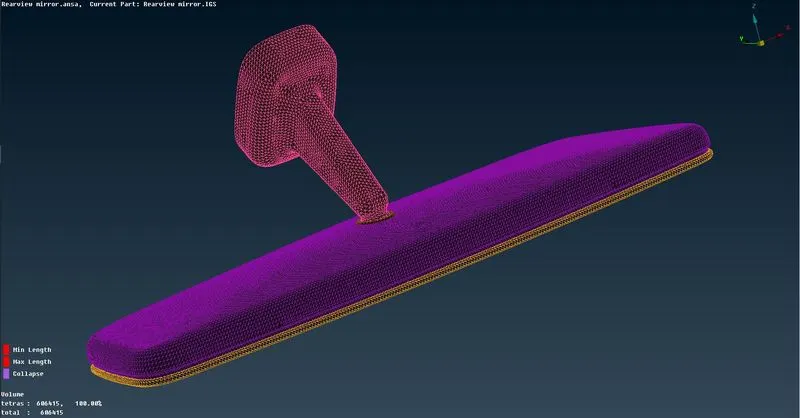
Week- 5 - Solid meshing
Aim:
To check for the geometrical errors and mesh the Surfaces and to mesh the volumes with tetra elements satisfying the given Quality criteria for the given Rear view mirror component.
Procedure:
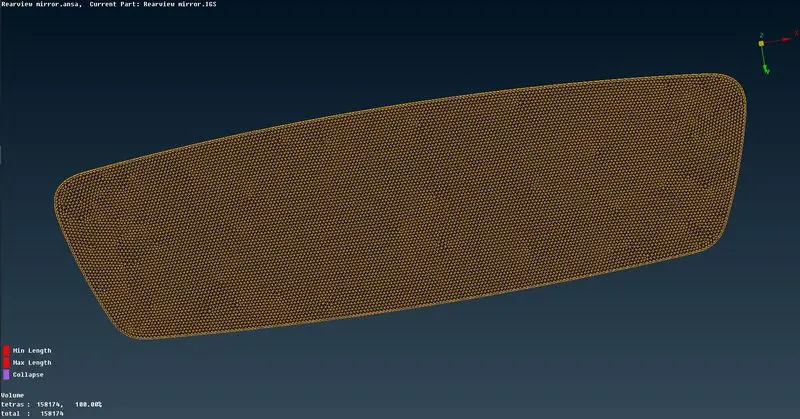
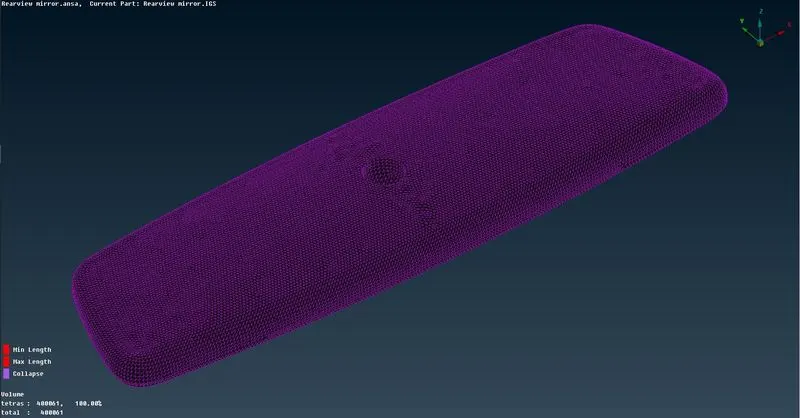
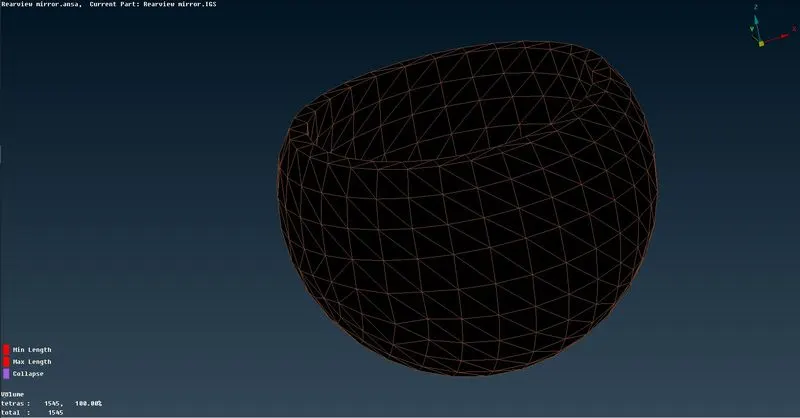
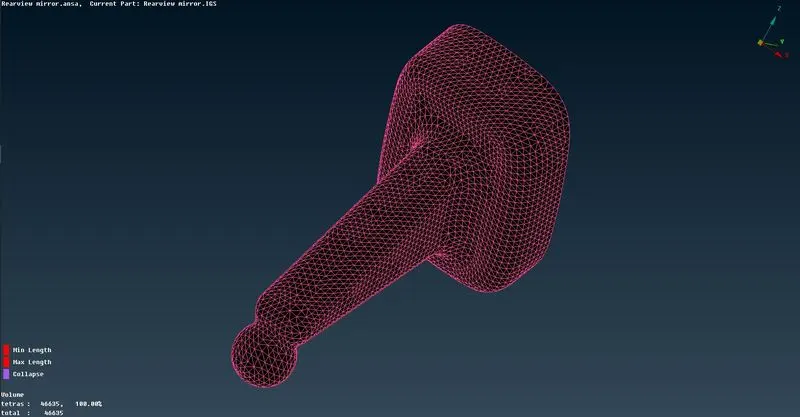
The Model has 4 different components such as Mirror, Mirror casing, Ball joint and Mirror Mount.
The process of 3D tetra meshing the components from scratch is as below:
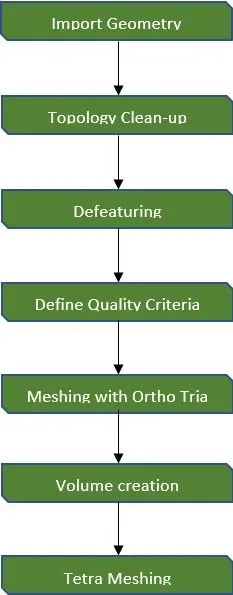
Import Geometry:
Go to File > Open > Select file to import
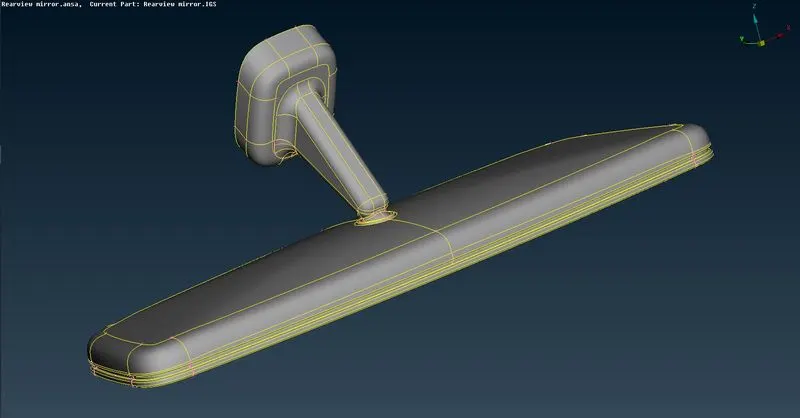
Topology clean-up:
- Initially when the model is opened, perform Checks > Geometry on each and every component that are present in the model to make sure there are no irregularities present. If any errors occur, we can use Auto fix to solve them or do it manually by using various commands in the Topo deck.
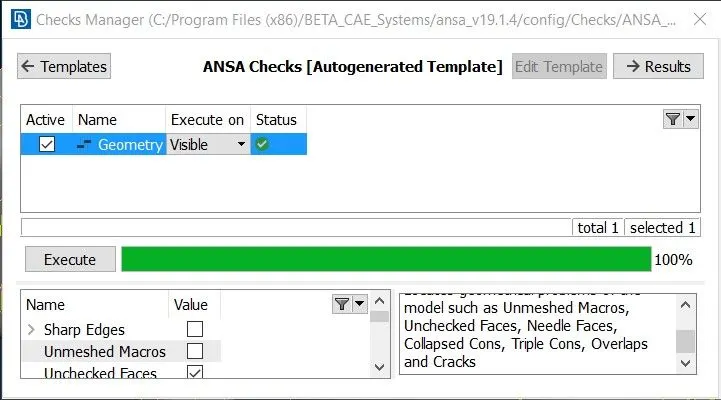
- At times when some of the features are not appearing in their original form, the Auxiliaries > Fine command can be used to increase the resolution at that particular area and check the original shape of the feature.
- Then, the Faces > Orientation command is performed to make sure that all the faces are in same orientation (i.e., positive or negative).
- We can also create individual Locks for different PIDs for better accessing of the components.
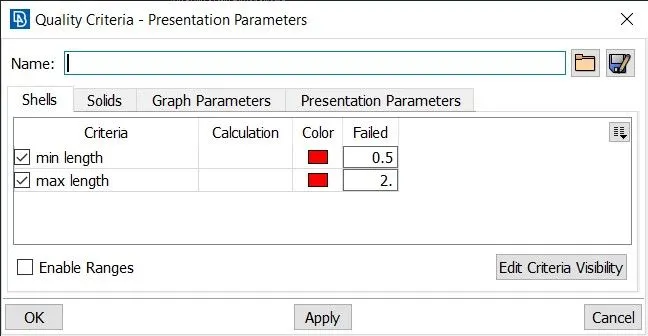
Define Quality Criteria - Shell:
Press F11 to open Quality criteria window. Then, Select and define the required criteria.
Meshing:
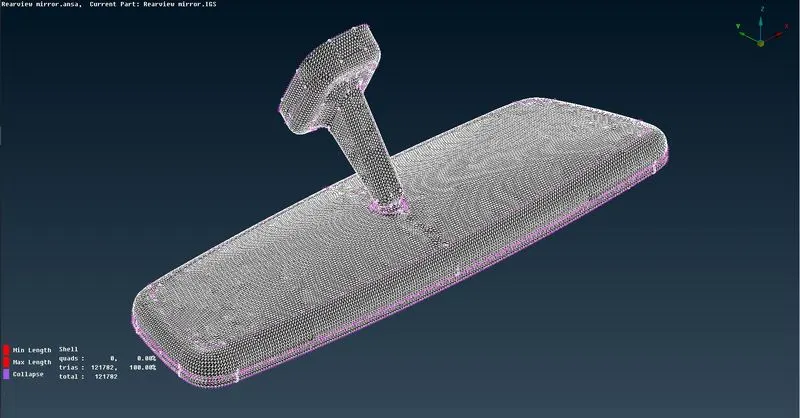
- Open Mesh parameters and enter appropriate values.
- For meshing the surfaces, Use Spot Mesh algorithm from the Mesh generation panel.
- Always start meshing from the curved features.
- Ortho tria elements are used to capture curved surface and tria elements are used to mesh the flat or nearly flat surfaces in order to save run time.
- To view the mesh quality, Toggle Hidden mode.
- Use Shell mesh > Reconstruct to reform the mesh elements.
Volume Creation:
- After completing the 2d meshing of the outer surfaces of the components, goto Volume Mesh deck.
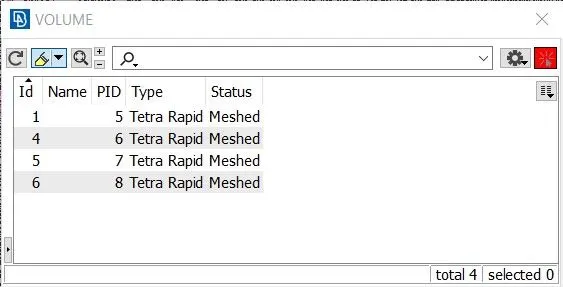
- Goto Define > Manual and select each of the different components to create a volume out of it which is needed to create 3d mesh elements.
Tetra Meshing:
After creating the volumes for different components, we can use either Tetra Rapid or Tetra FEM algorithms in order to generate unstructured Tetra elements.
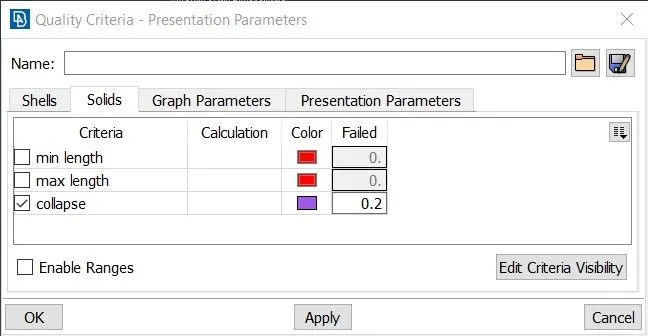
Define Quality Criteria - Solid:
Press F11 to open Quality criteria window. Then, Select and define the required criteria.
Learning Outcomes:
- Got introduced to Volumetric meshing.
- Learned to create new volumes and PSOLID properties.
- Got to know how to perform Tetra Rapid and Tetra FEM meshing.
- Gained fluuency in fixing tet collapse off elements.
Conclusion:
To check for the geometrical errors and mesh the Surfaces and to mesh the volumes with tetra elements satisfying the given Quality criteria for the given Rear view mirror component.