Week- 5 - Solid meshing
As per Question given along with conditions provided we have to do tetra meshing of rear mirror
First of all I downloaded the model from above link it was in " .igs " format , which inherits that all the sides are released by default then I did process given below
- TOPO to join the cons
- LENGTH option by providing values as 1
- ORIENT option
- GEOMETRICAL CHECKS for checking the errors in goemetry
After that the model look like as shown below
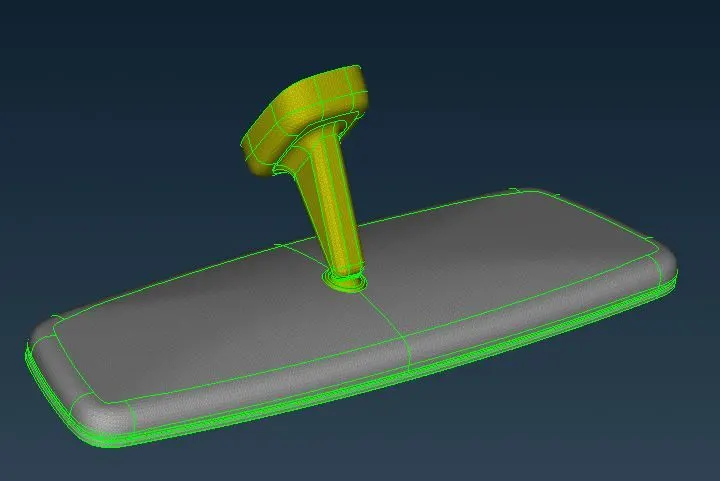
then I used iNot option to hide mirror & work on tough curves
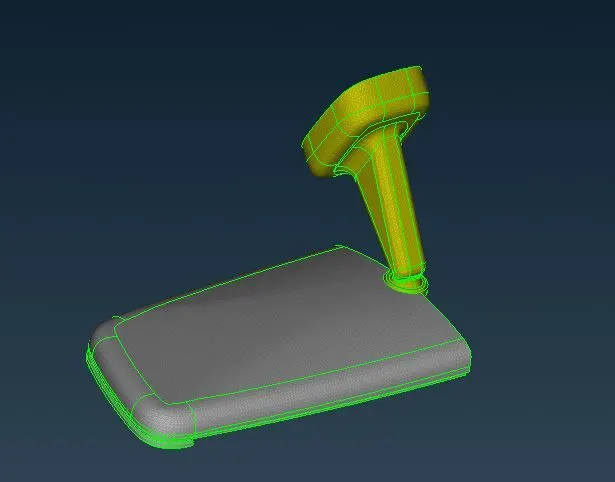
after that I started working on the cantilever hanging part tough curves portions using spot mesh and element type ortho tria
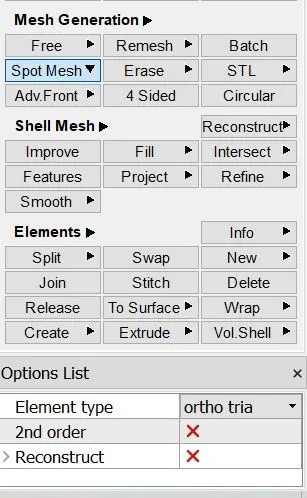
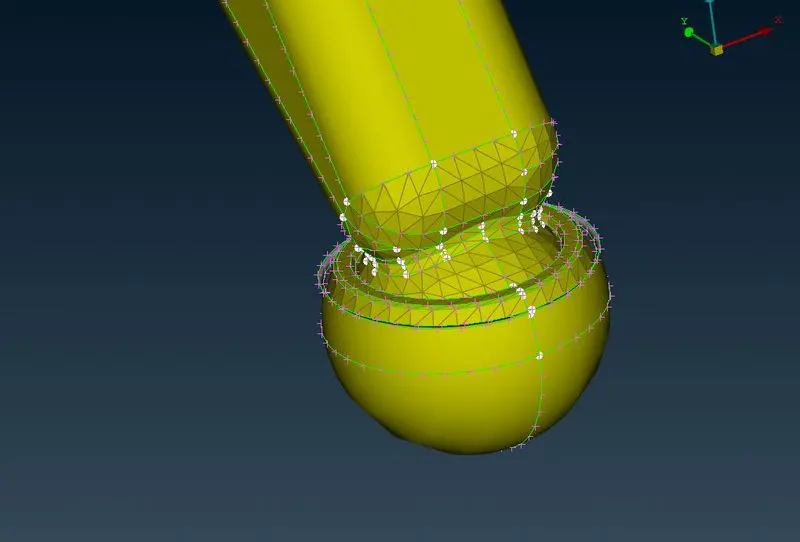
after completing above shown curve part I started working on the base part of cantilever as shown below
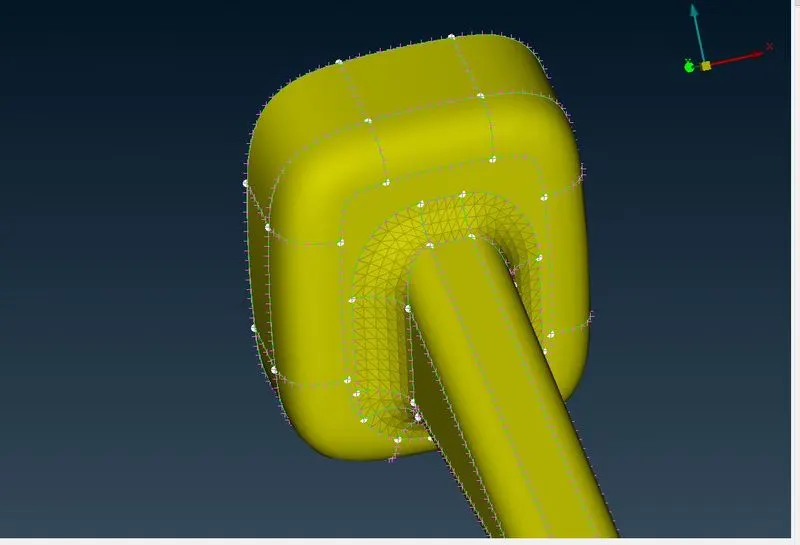
then worked on remaining curve parts on it as shown below
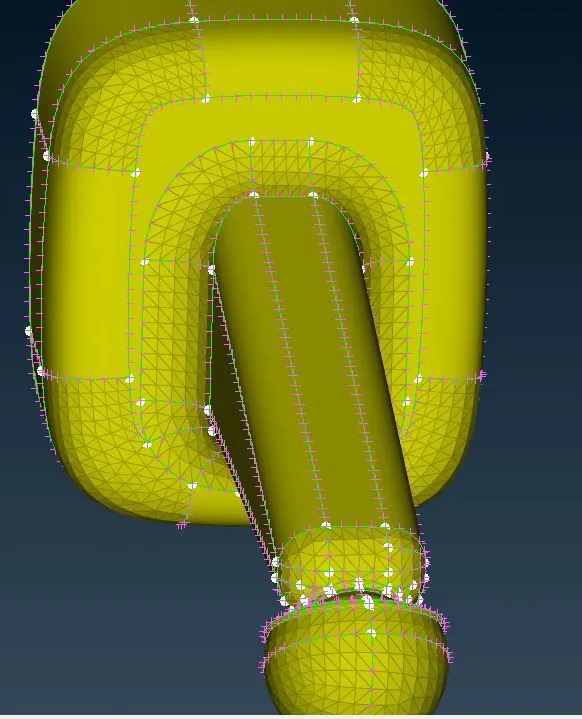
after that I hide all meshed part the remaining parts were flat portions so I selected spot mesh then in element type I used tria only to do meshing of remaining parts in one shot , as we know that tria or ortho tria gives same results on flat plane, the difference is that ortho tria consumes more time as compare to tria. This is due to lots of calculations involved in ortho tria as compare to tria.
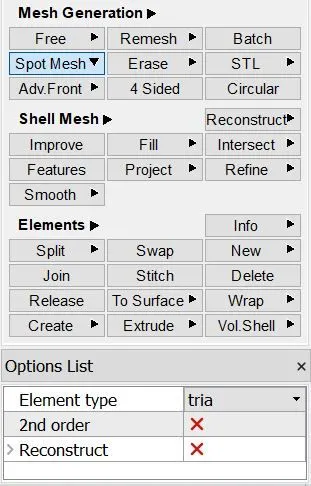
lets see the pic after I completed meshing of all the remaining surfaces
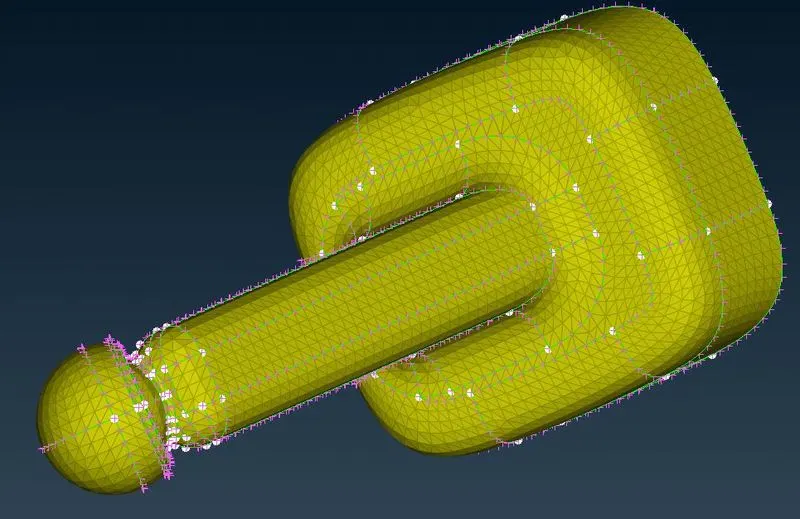
after-wards I cleared the errors in elements which was caused by min length criteria that was shown in red color using MV Free option
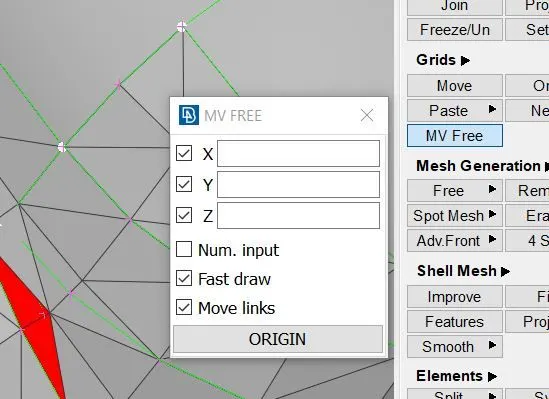
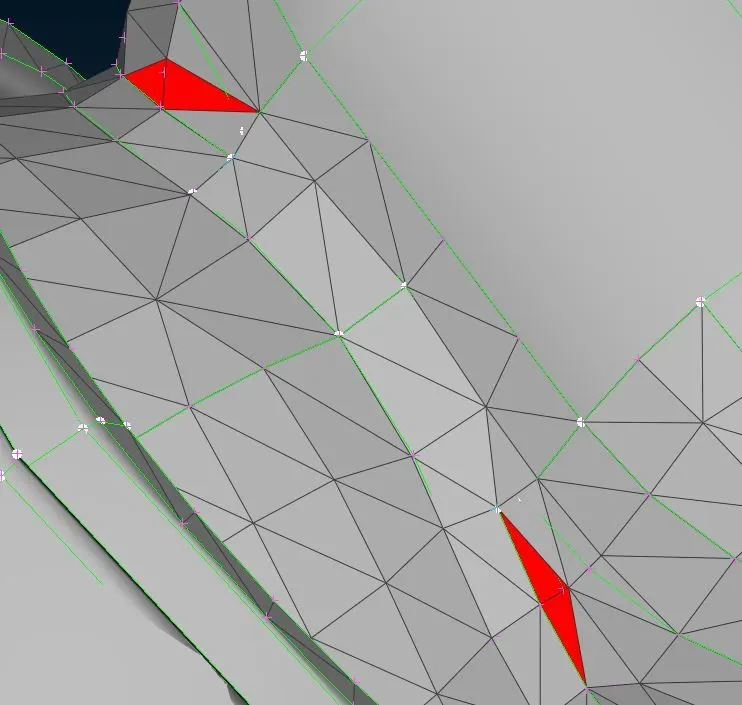
after clearing all the errors I started working on Mirror part that is the portion which is connected to cantilever end.
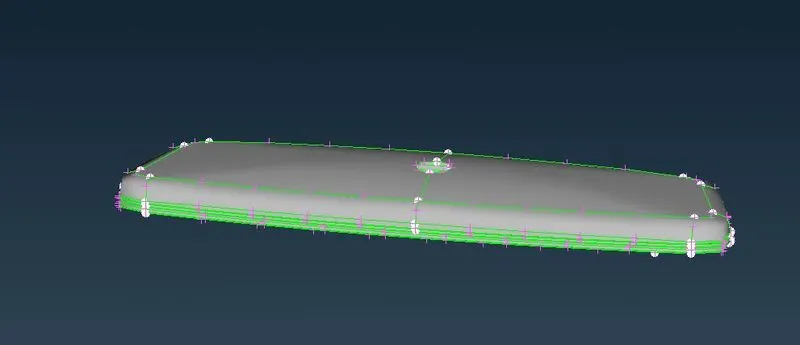
For meshing mirror parts I follow same procedure as explained above that is first work on curve parts then on flat planes after that removing the errors, lets see the pic after completing full components
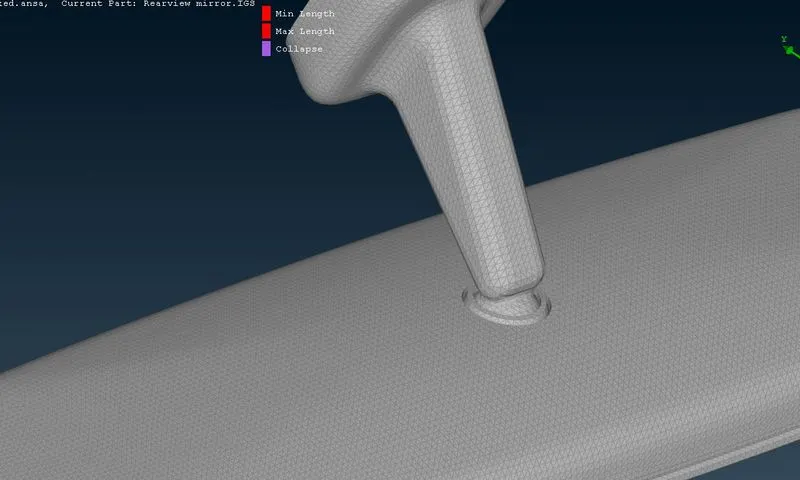
Now lets see Volumetric mesh
For doing that First of all I defined the PID for volume enclosed so basically I used define parameter in volume mesh tab
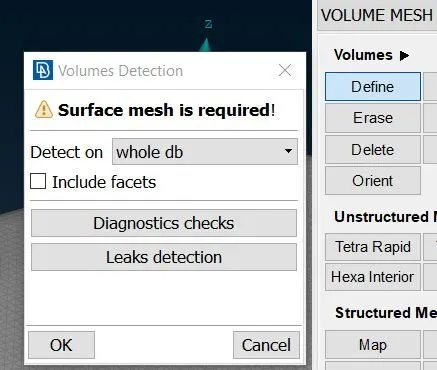
then the volume was defined as shown below
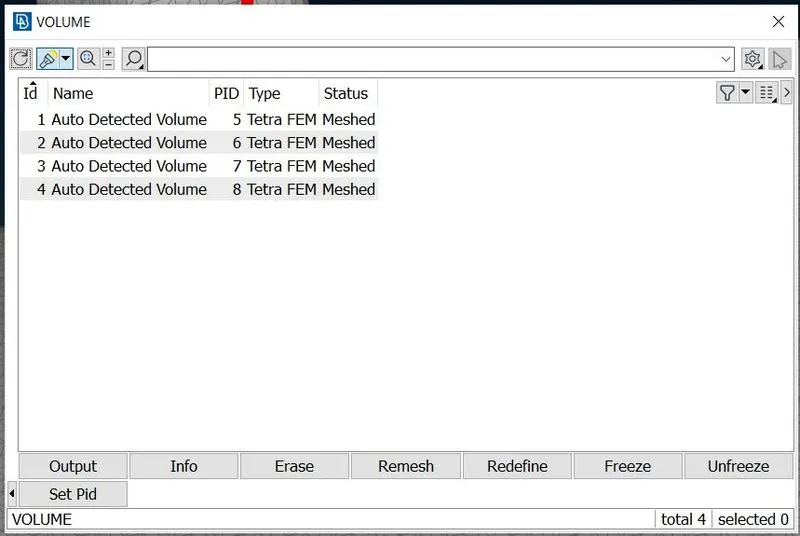
finally I used Tetra Fem to mesh the empty volume Inside
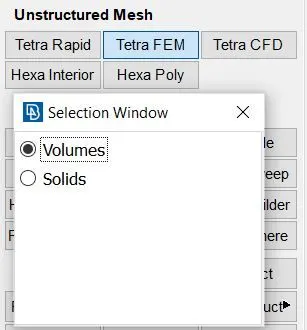
After wards Finally I selected all complete component & then given middle mouse click , therefore after taking some time all the volume are completely meshed
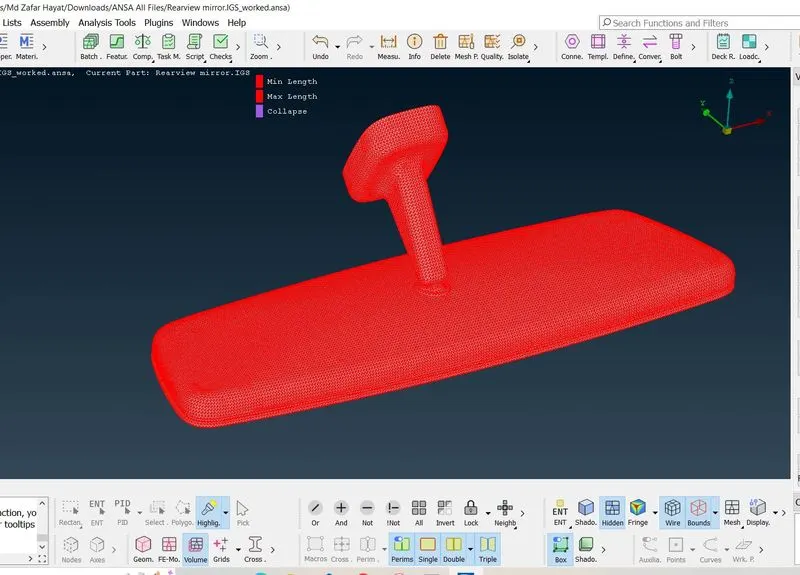
then I released the tet collapse error by using MV Free option as well as reconstruct option.
Observe above all are shown in red color the reason is I have turned ON only volume in visibility tab & switched ON bound grid
which proves that above picture shown is volume of component. I will also show you by cutting half of component.
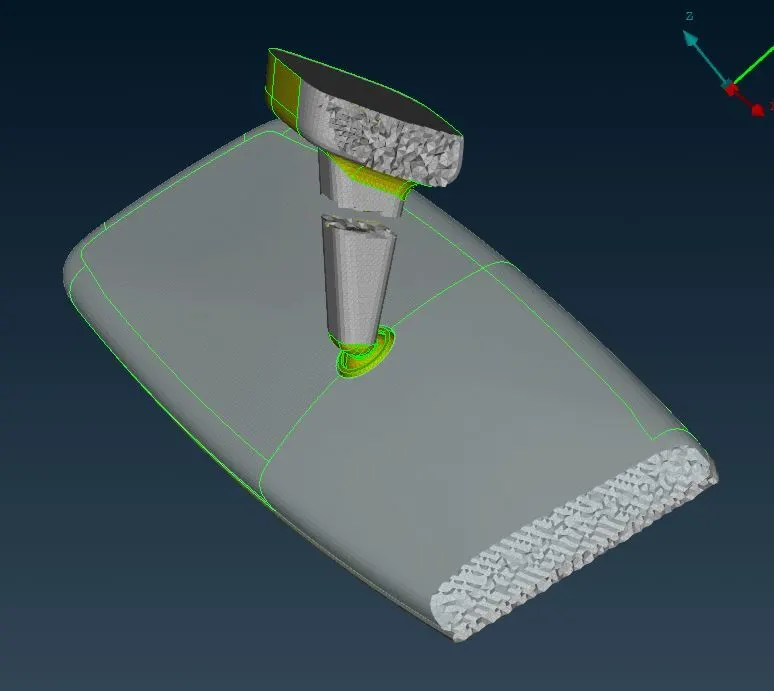
I have cutted at various locations by using iNot option as shown above , just to display inner volumetric meshed .
IMPORTANT NOTE:-
MODEL IS ATTACHED IN COMPRESSED ZIP FORMAT & THE PASSWORD IS rearview123