Week- 5 - Solid meshing
Aim: For the given Rear view mirror component,check for the geometrical errors and mesh the Surface with the given 2D elements Quality criteria given below.
Objective: All the 2D elements in your model should clear the above mention Quality criteria.
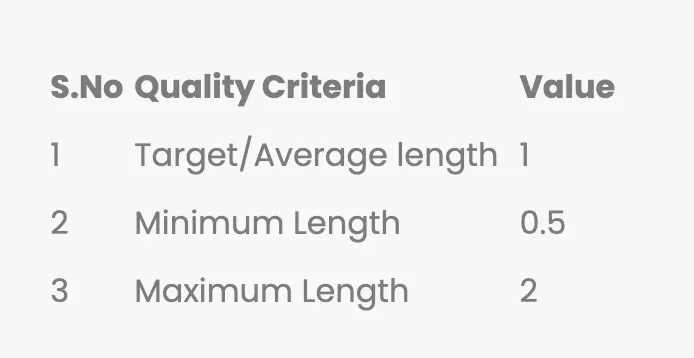
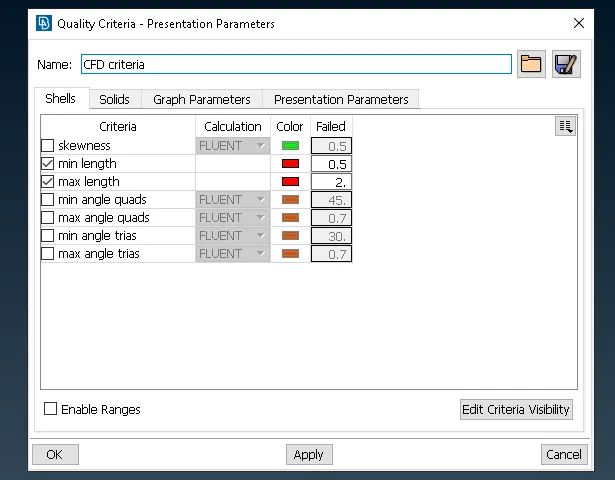
Quality Criteria:

Procedure:
1. First step import the model.
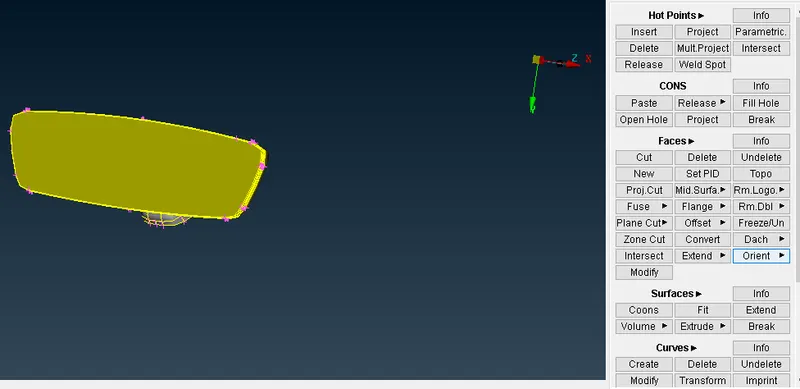
2. Then use orient command.
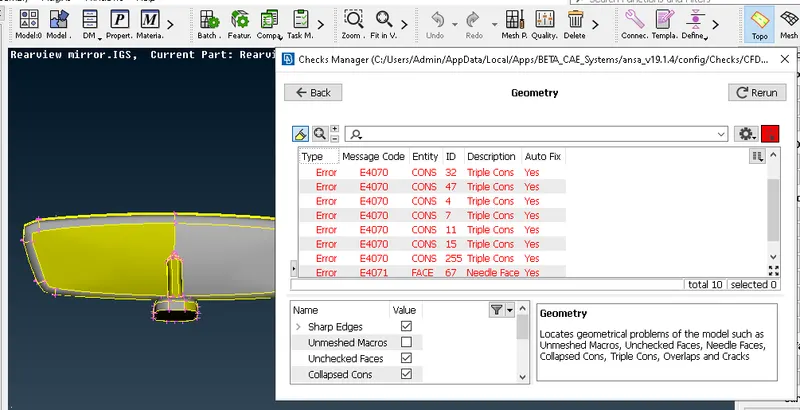
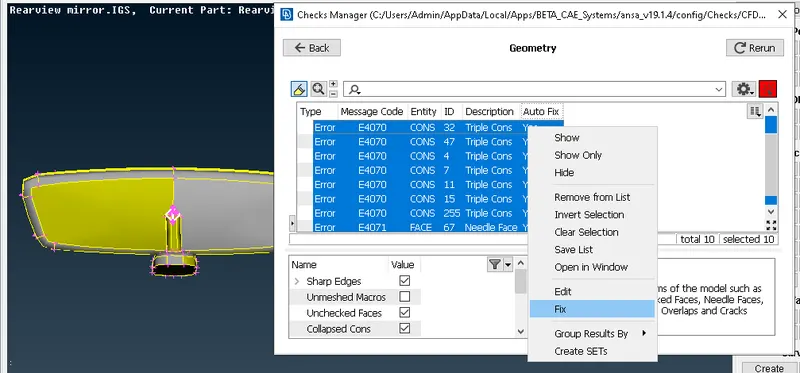
3. After that geometric cleanup of the Model and fix the error occurs during geometric cleanup.
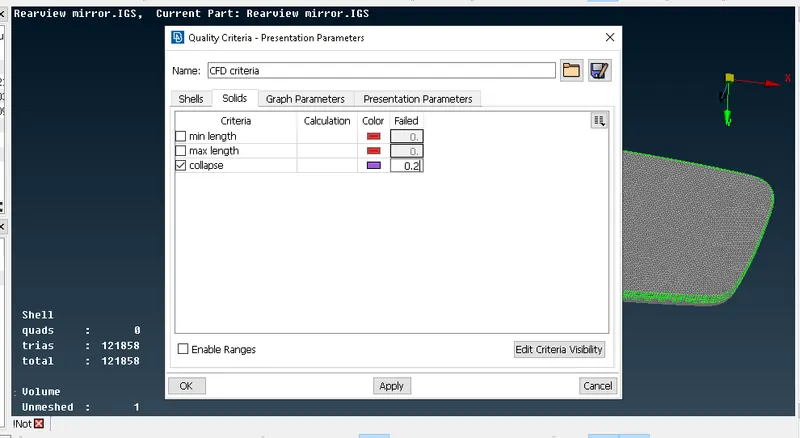
4. After that set the Quality criteria.
5. Also mention the mesh perimeter values and set ortho tria.
6. Generate mesh for particular model using Spot mesh option for curves and complited parts and rest of the model is meshed through tria.
7. To avoids trias in meshing use command like Split,Swap,Num+/-,Reconstruction and Smooth option respectively.
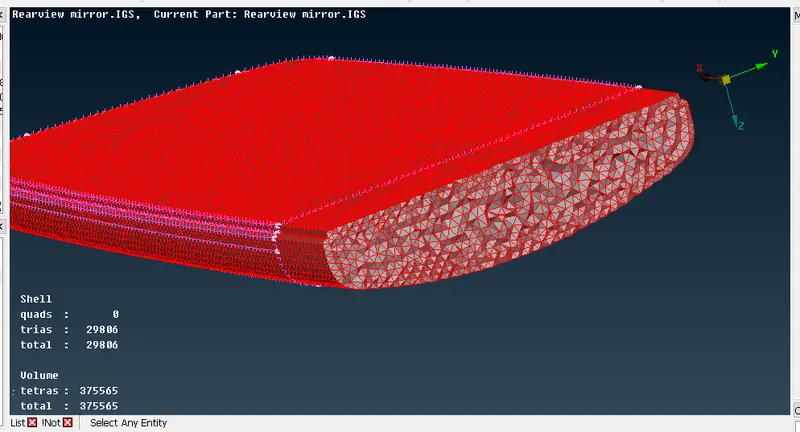
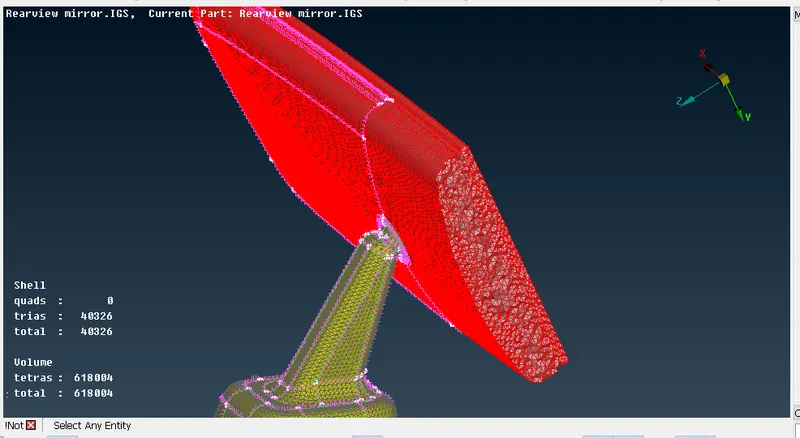
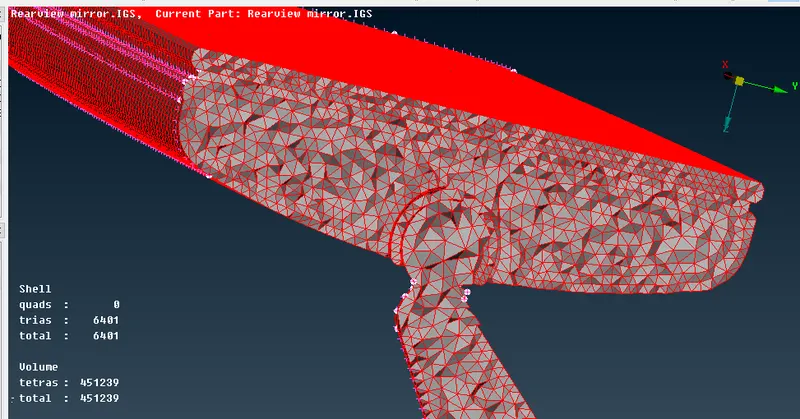
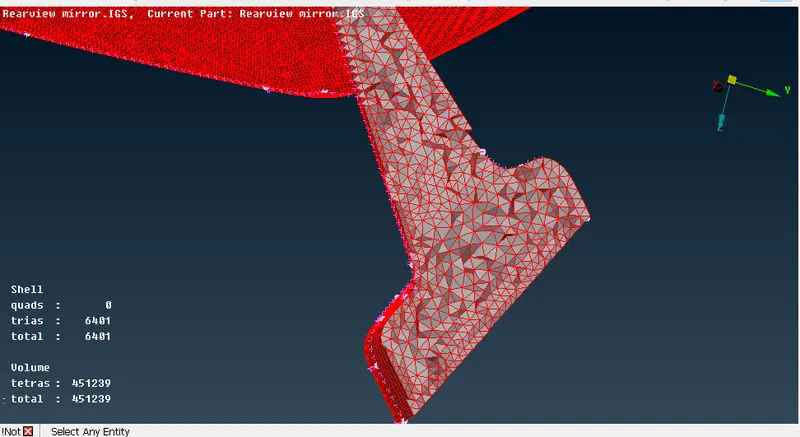
8. Once the 2D mesh is completed then go for Volume mesh.
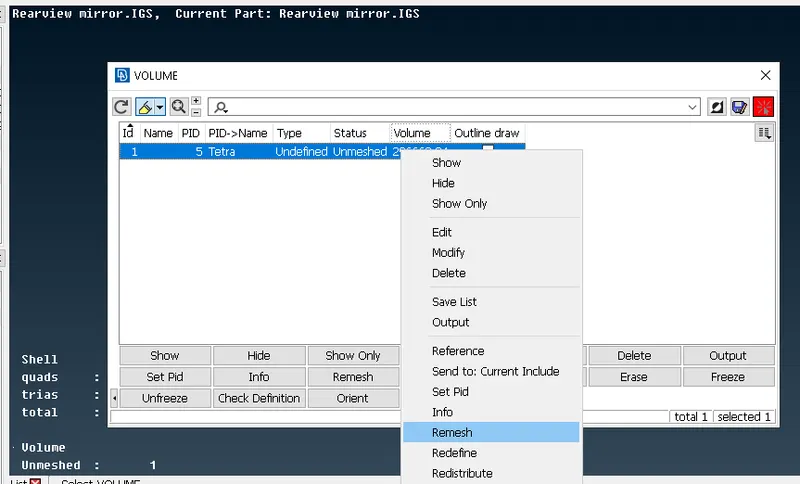
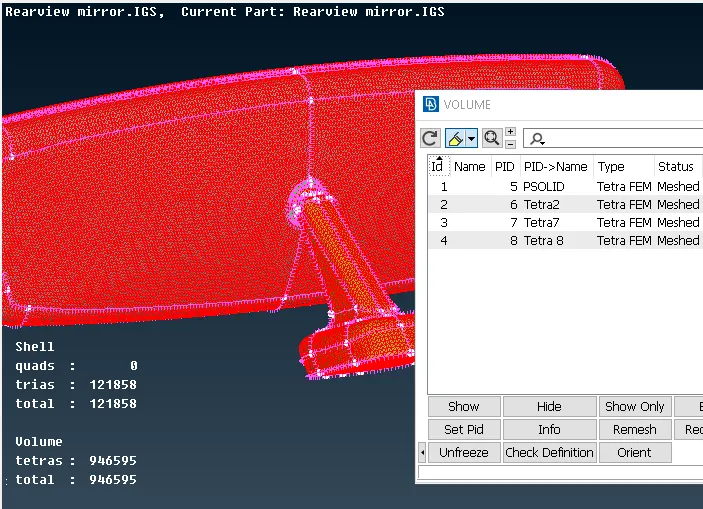
9. In Volume mesh first define the PID after that in list option select Remesh.
Start the process:
1. Step one import the model.
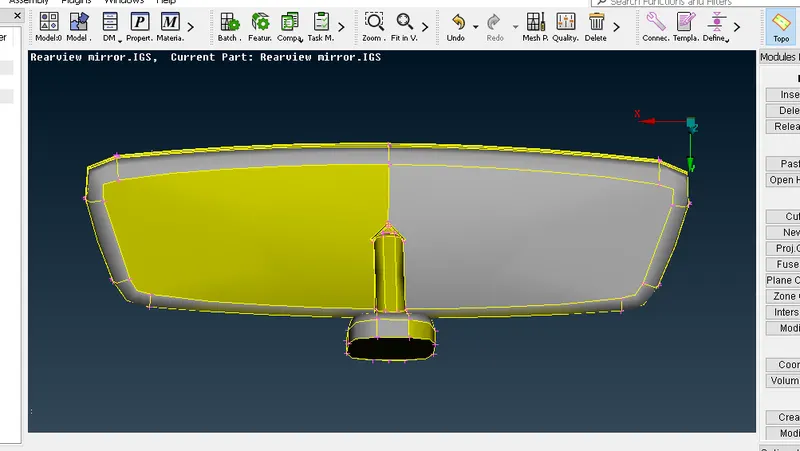
After that select the topo option.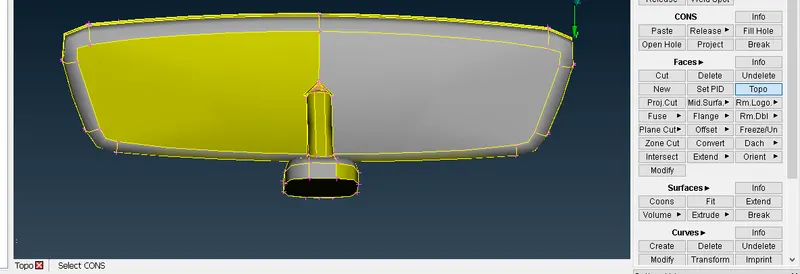
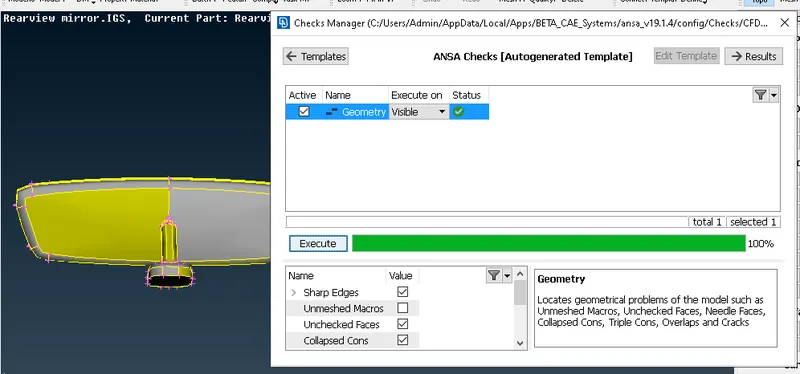
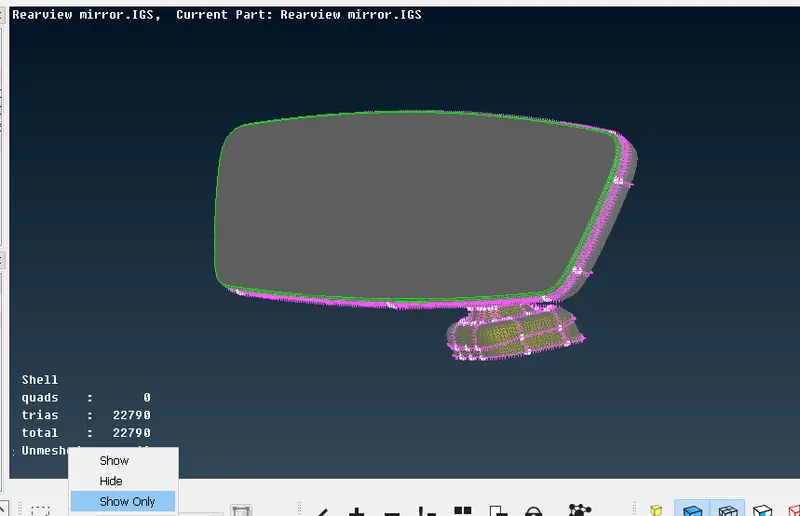
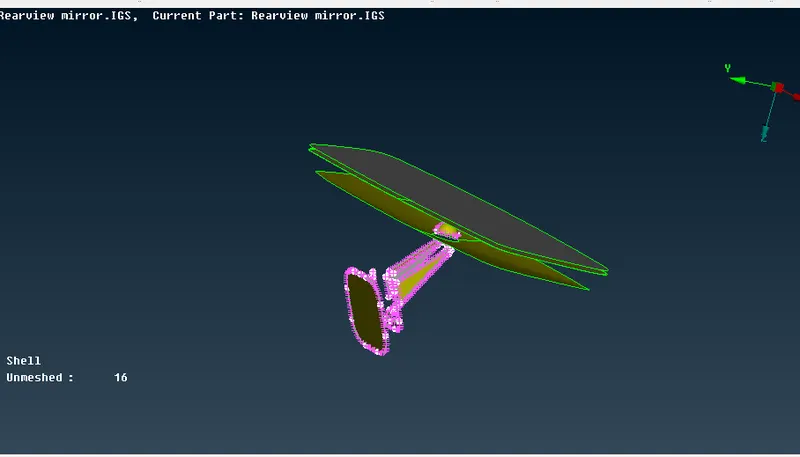
2. Geometric cleanup checks>geometry>execute
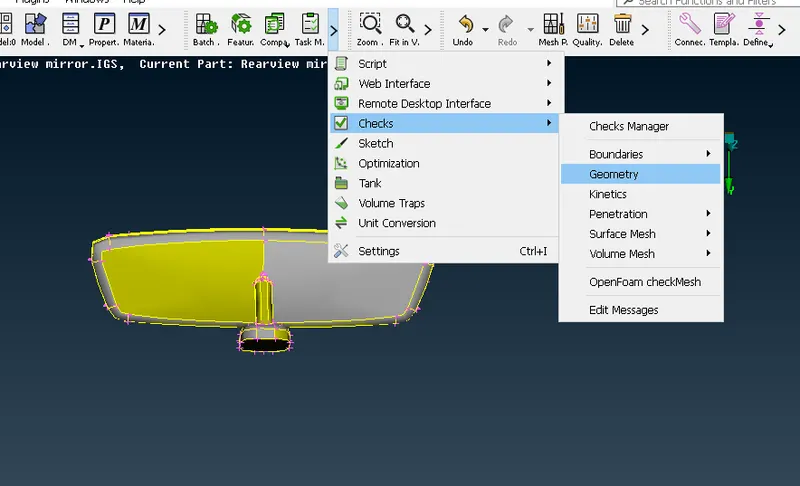
3. Select the Orient.
4. Set the length mesh module>length>perimeter
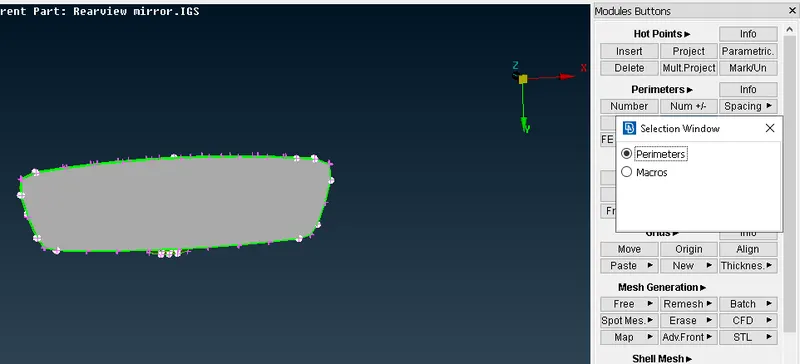
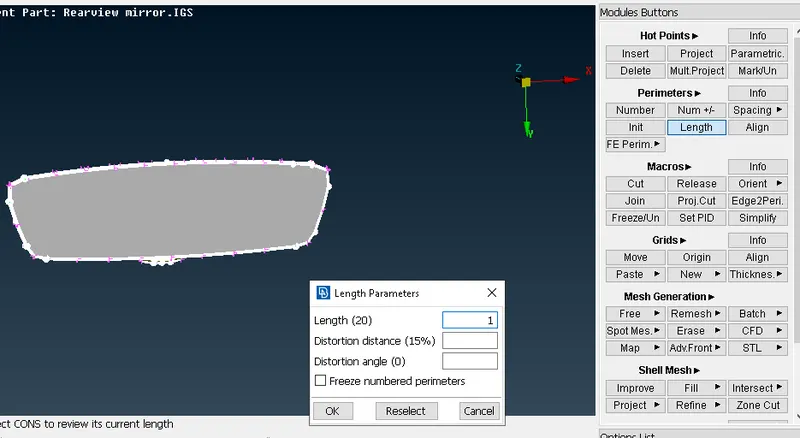
5. Set the Quality Criteria
6. Mesh Parameter.
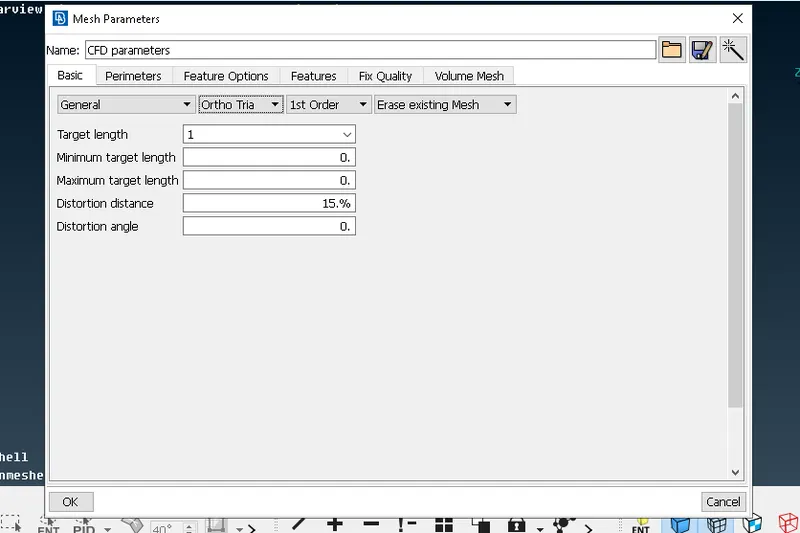
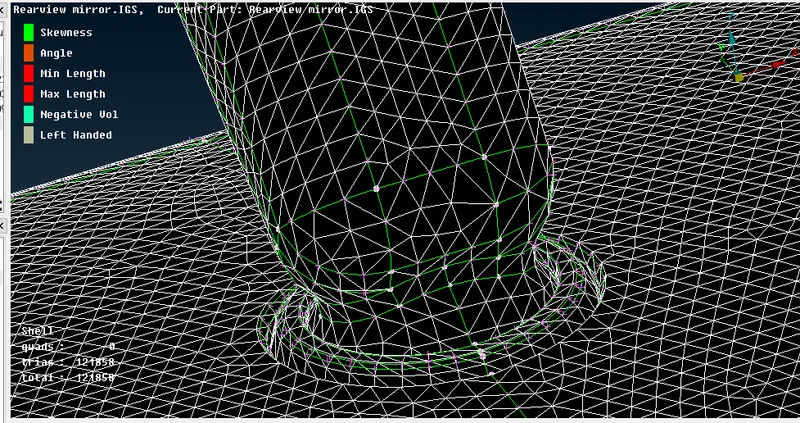
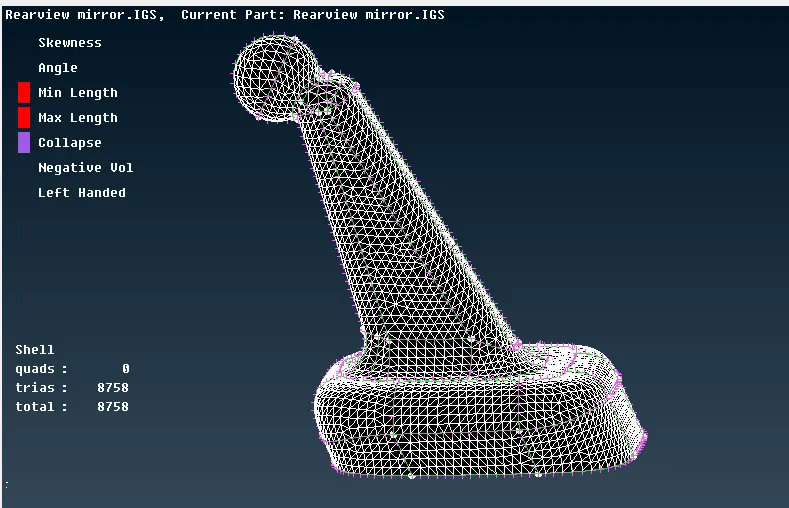
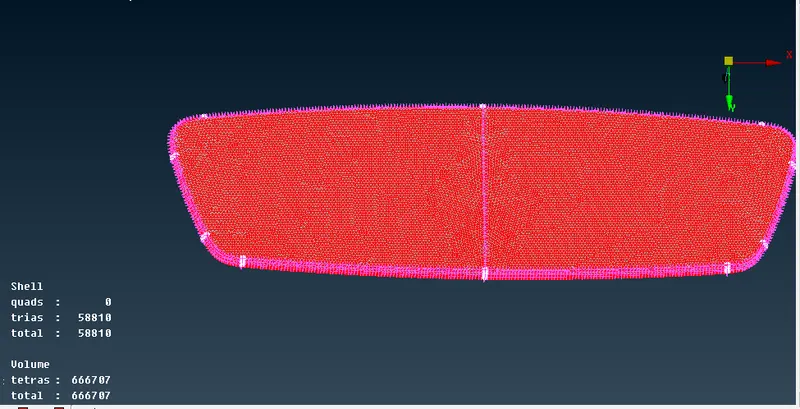
7. Generate Mesh.
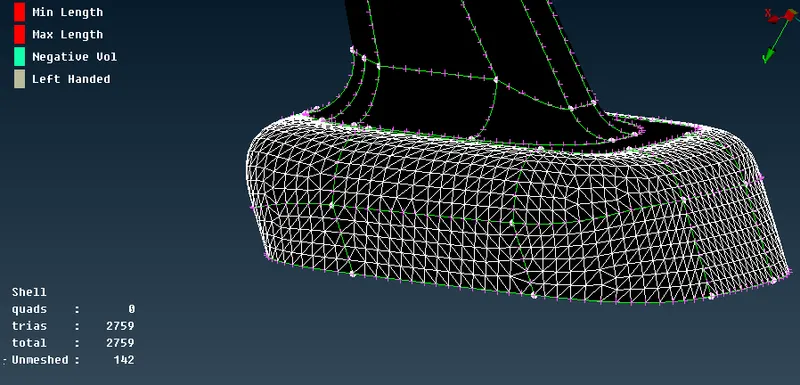
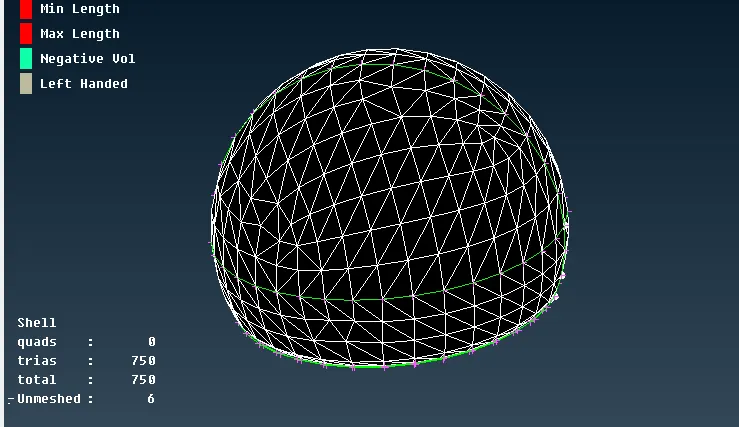
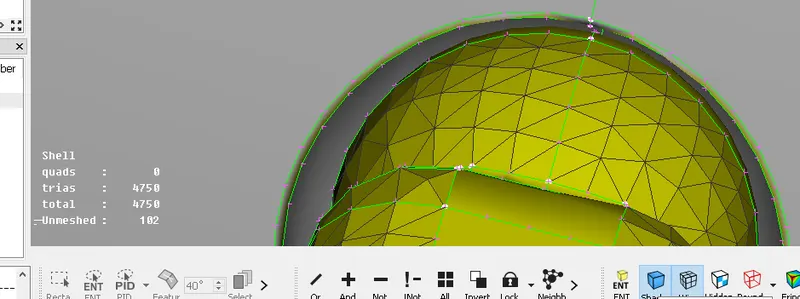
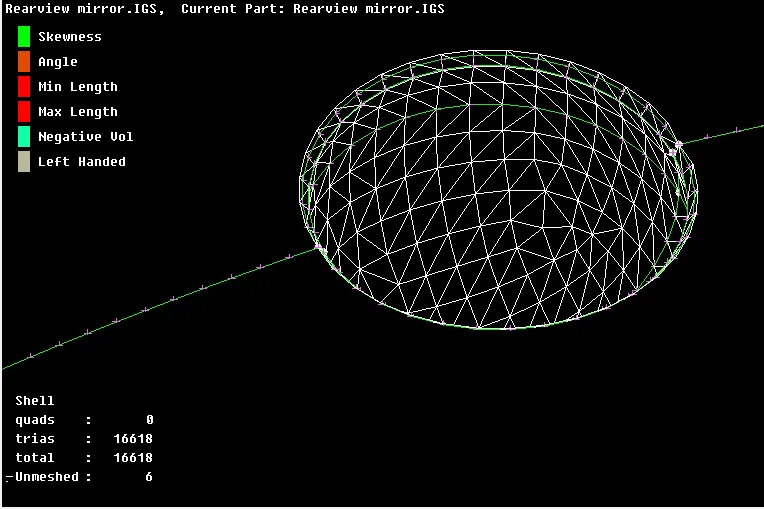
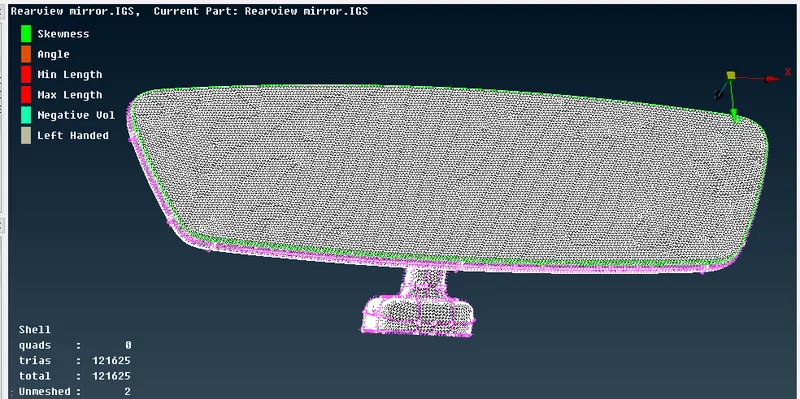
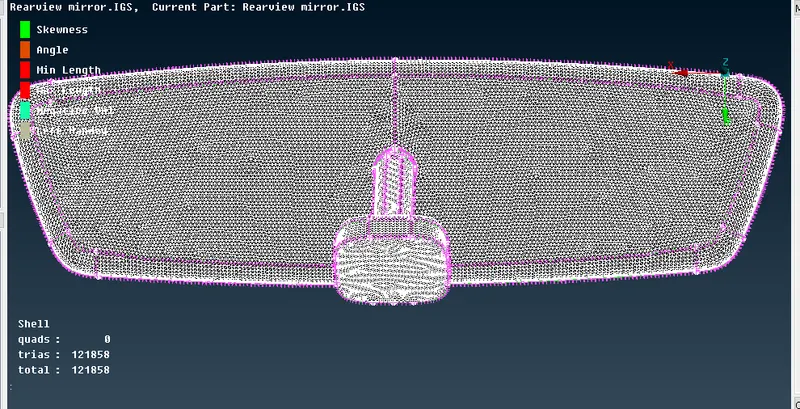
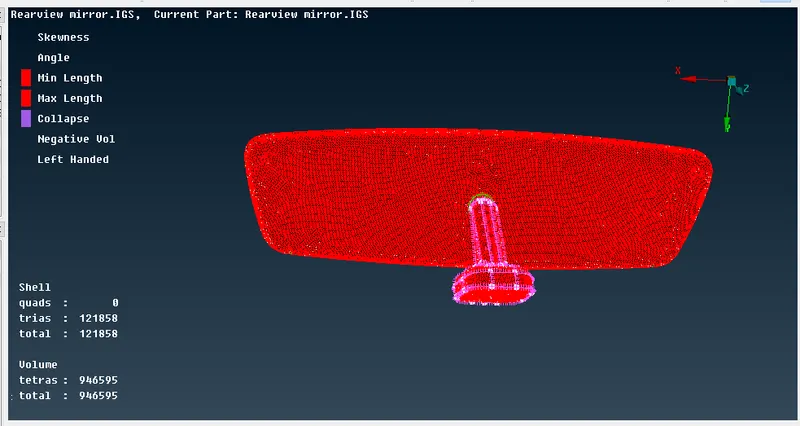
8. Go for Volume mesh.
Define>manual>auto
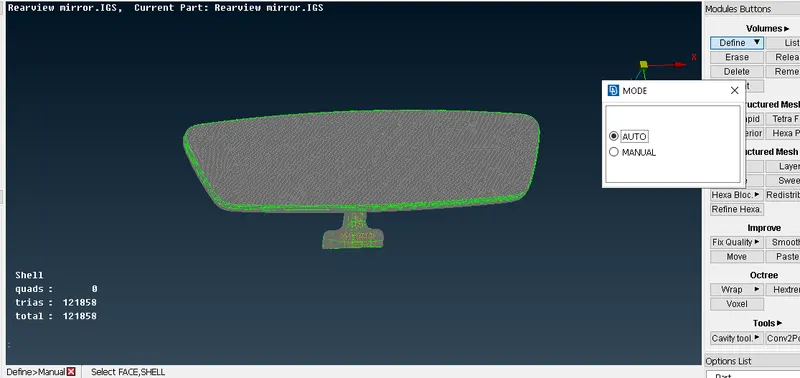
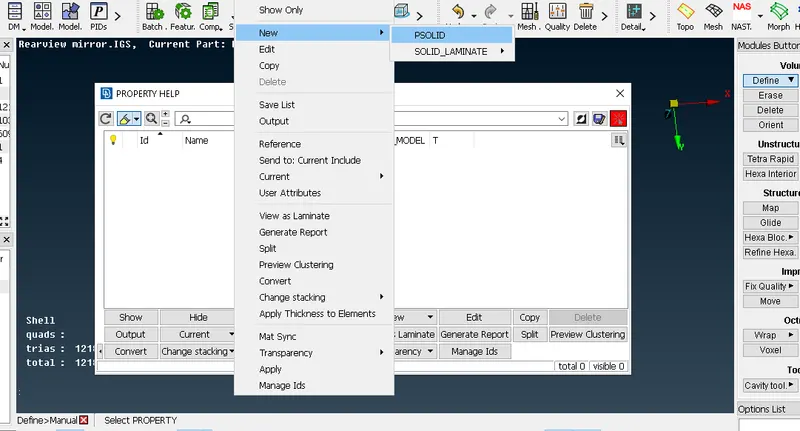
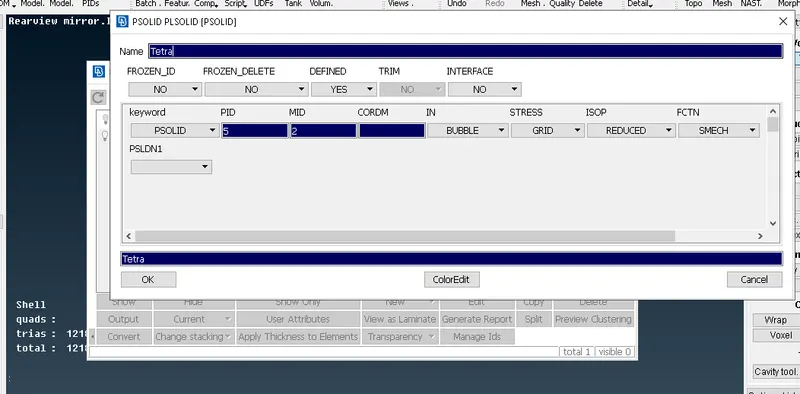
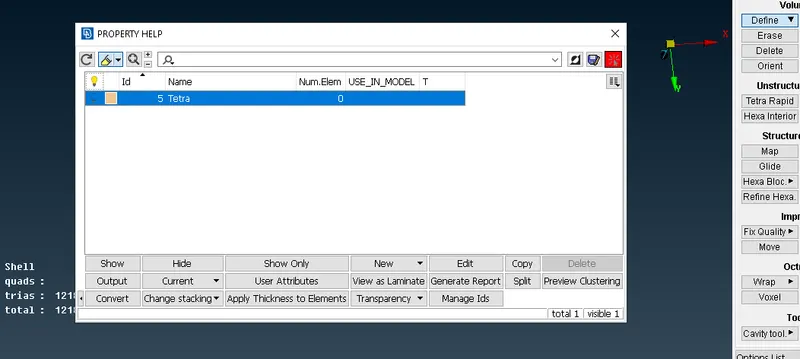
list>remesh
Select Tetra FEM.
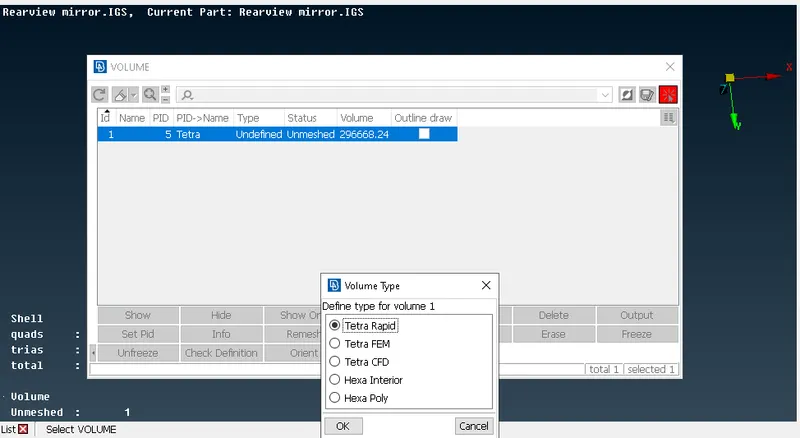
Set the quality parameter
Conclusion:
1. We successfully generate the 2D mesh and clear all quality criteria.
2. We successfully generate the volume mesh.