Week- 5 - Solid meshing
AIM:
To create a tetra mesh for the rearview mirror according to given quality criteria.
WORKING PROCEDURE:
Importing the CAD MODEL into the Ansa.
Before working on the model we need to check whether the model has any geometrical errors.
Do the geometry check up for the parent geometry and measure the distance of each property using Utilities and Measure.
After clicking on the check geometry the geometrical errors will display.The geometrical errors can be fixed manually or automatically.
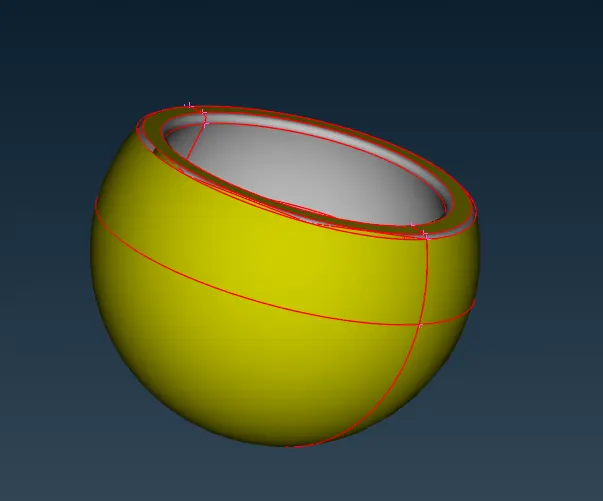
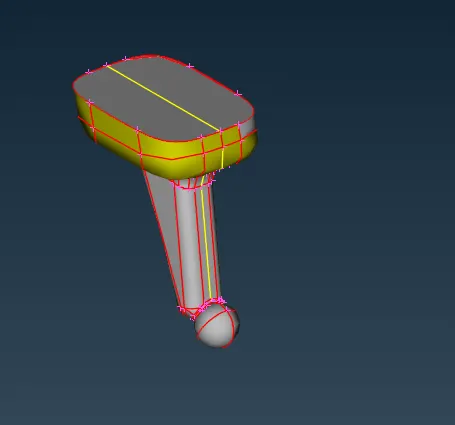
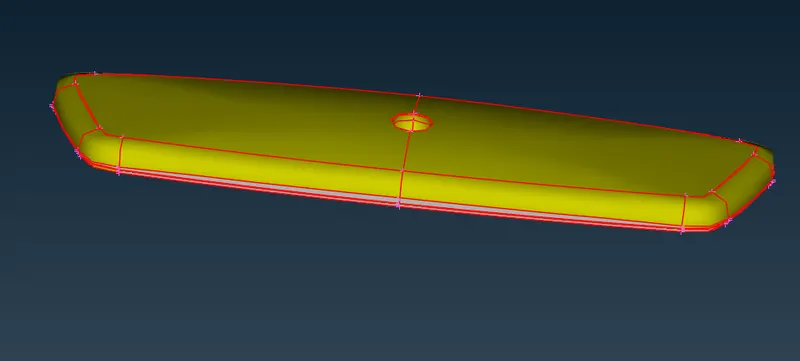
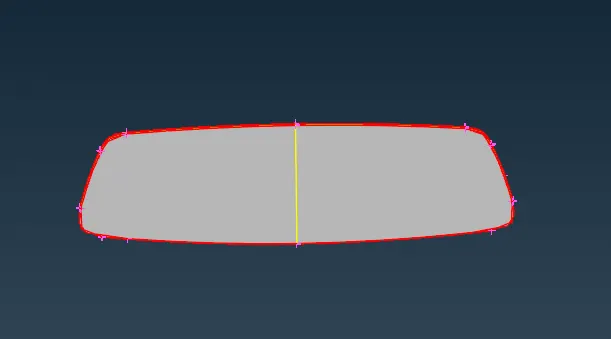
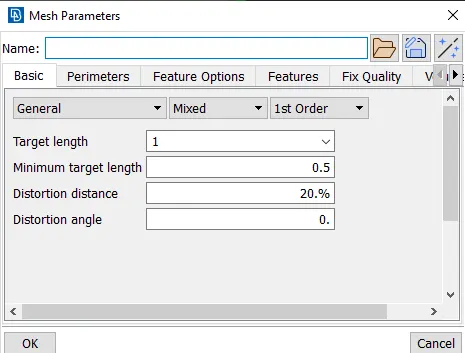
Then the values of mesh parameters are entered.For that go to mesh parameter tool that is available in the tool bar of ANSA.
Check for the minimum and maximum element lenght and look for geomentry corrections to be made
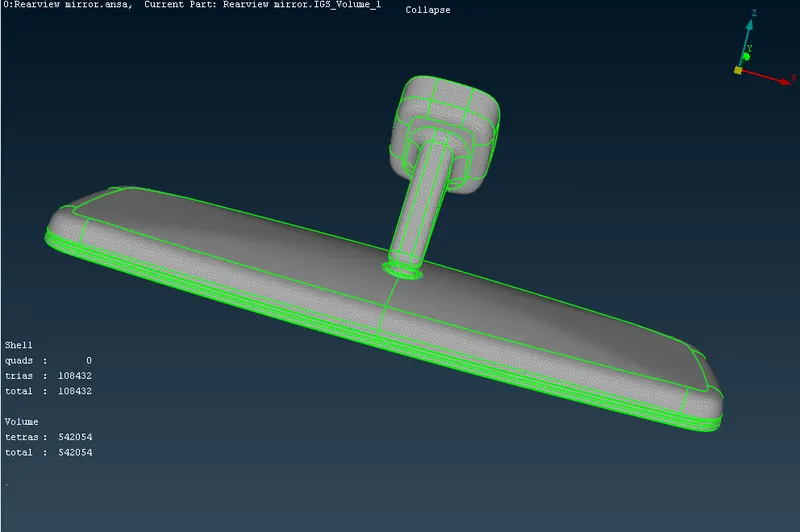
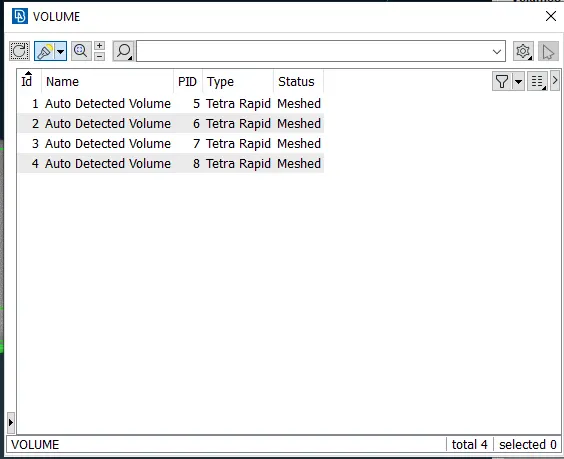
Then go for volume meshing or tetra mesting for that,first we have to define the volume and do volume mesh.
For defining the volume select the elements and add them to the volume list.
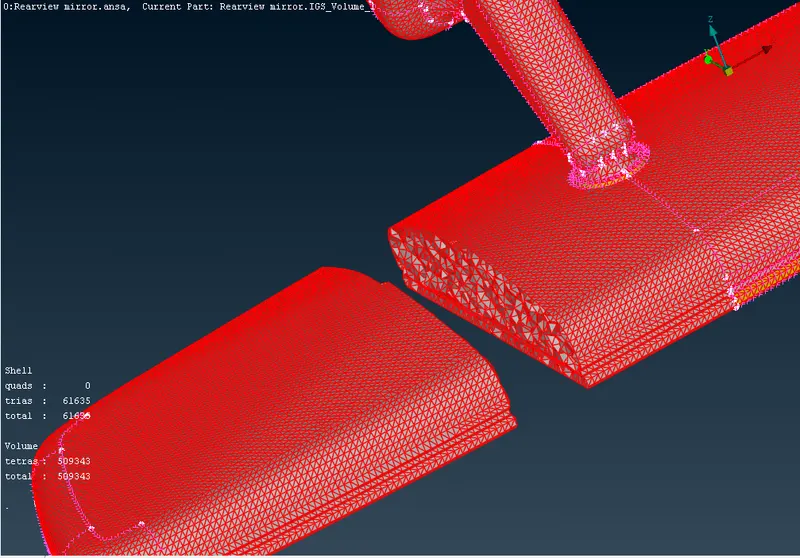
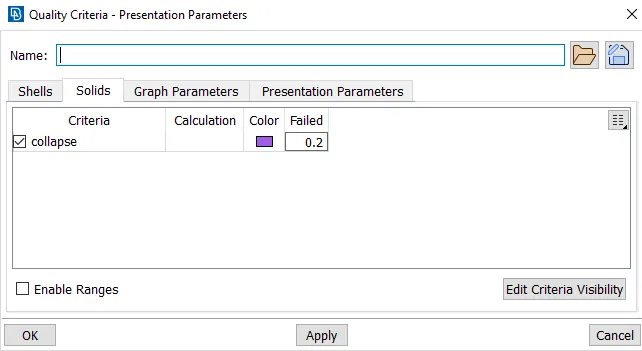
And then check for the tet collapse and try to clear them.
For this geomentry their is no tet collapse.
LEARNING OUTCOMES:
Learned how to mesh the given component using tria and ortho tria elements.
Learned how to define the volume and apply volume meshing.
Learned how to clear errors such as kink, dip and tet collapse elements.
CONCLUSION:
Geometry cleanup, 2D meshing and volume meshing for the given Rearview mirror model was successfully done.