Week- 5 - Solid meshing
Aim : To mesh the surfaces with 2D elements without any off elements according to criteria. Define a volume mesh using tetra elements for the given model.
Procedure:
1. Import the model
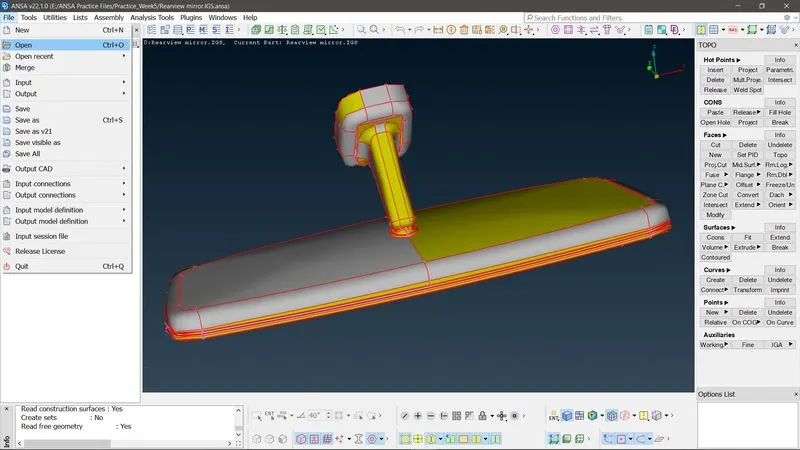
2. Isolate & keep visible only single geomteries for ease of cleanup(Ex- Ball Joint)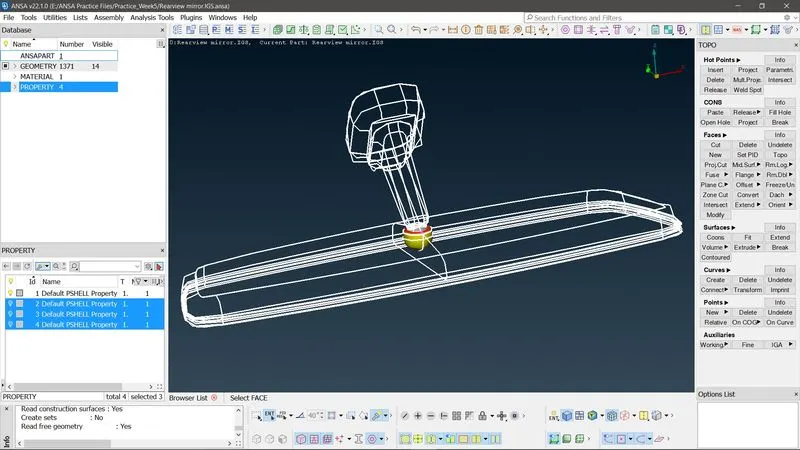
- Cons Resolution - Resolve the geometry by Mesh>Perimeteres>Length
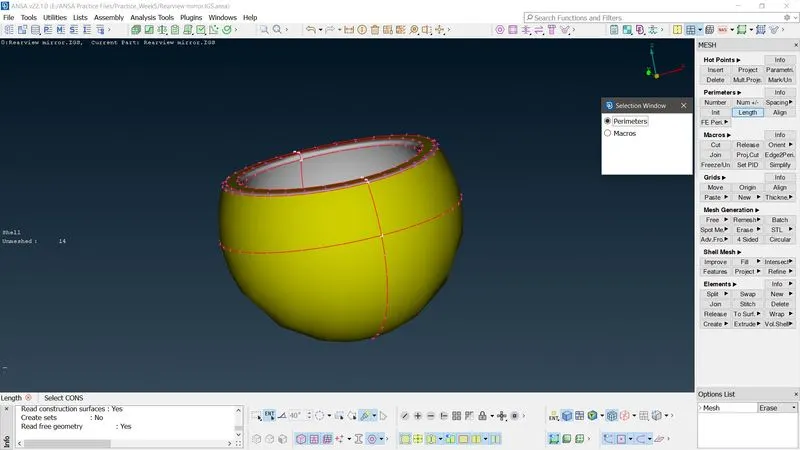
- Ready the model for 2D meshing by performing Topo > Orientation > Geometry Check wherever required.
- Establish Mesh & Quality Criteria
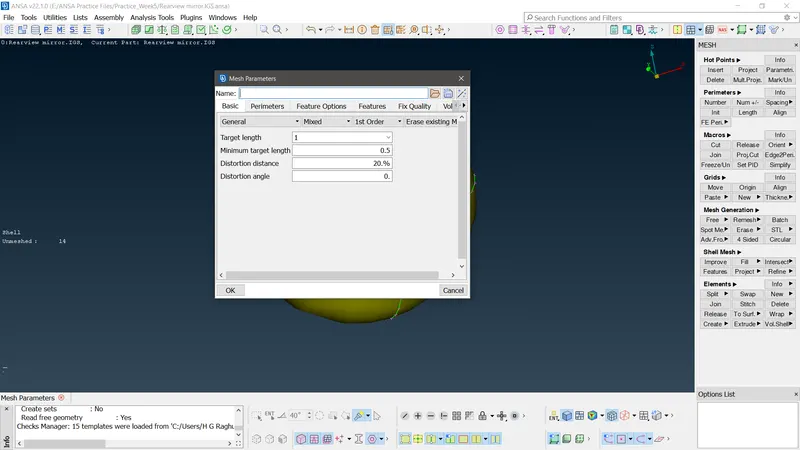
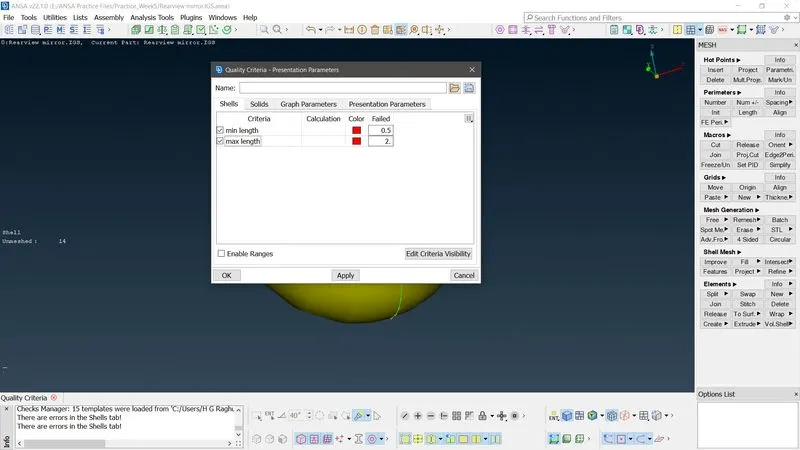
- Meshing -
- 2D - Mesh the flat surfaces with tria elements & curved surfaces with ortho tria elements.
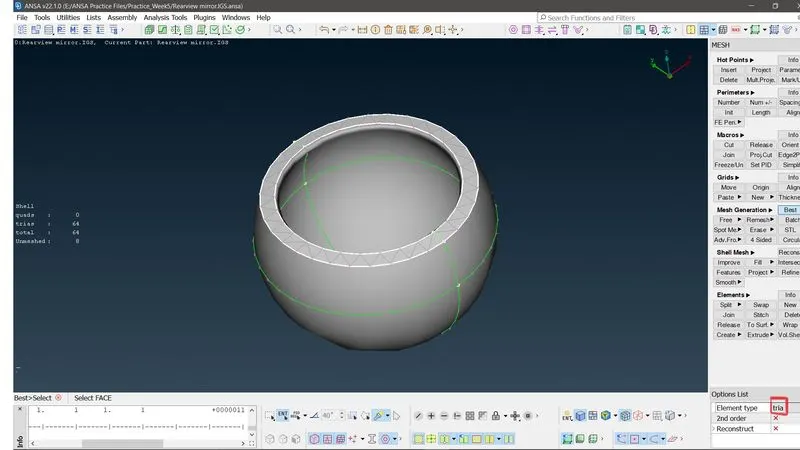
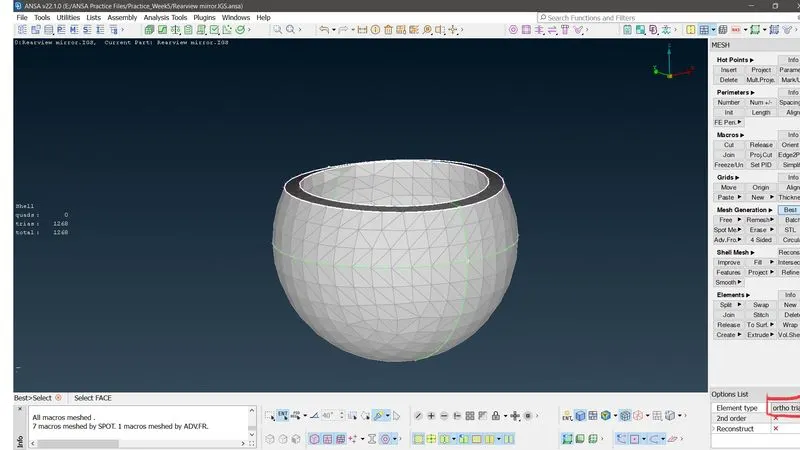
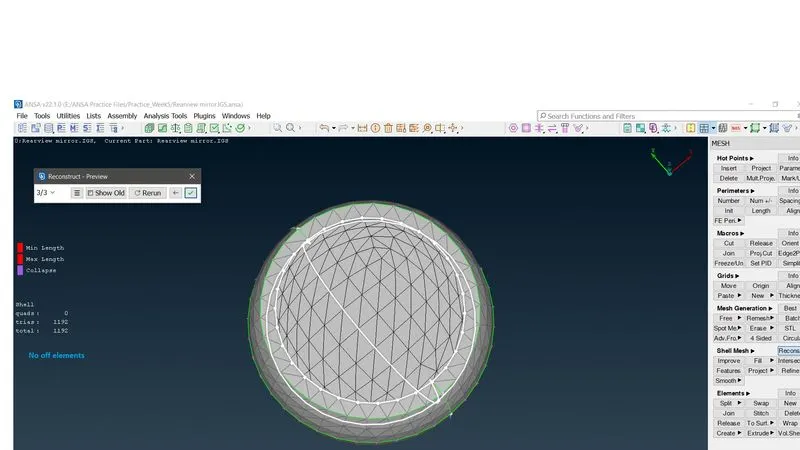
- Reconstruct / Smooth - Mesh>Shell Mesh>Reconstruct to get rid of failed elements.
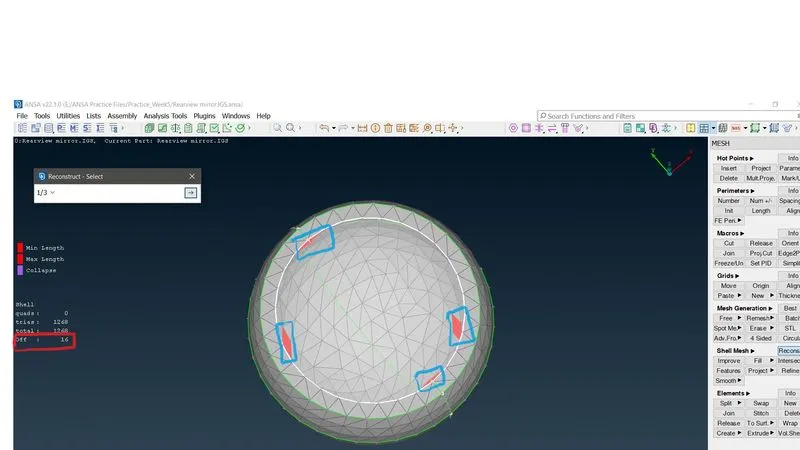
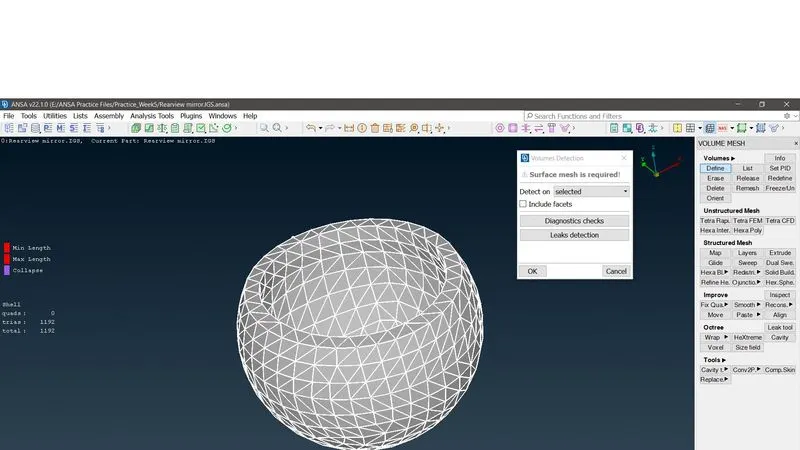
- 3d mesh by defining volume. Volume Mesh>Volumes>Define>Selected/Visible>OK
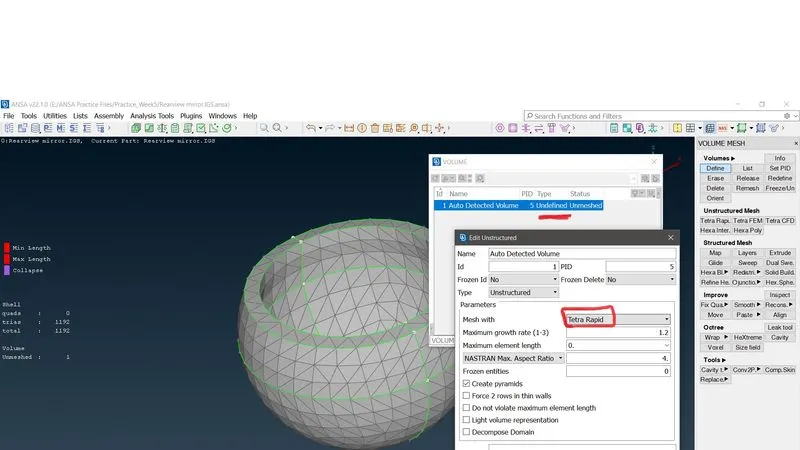
- Define Mesh type as Tetra Rapid and remesh.
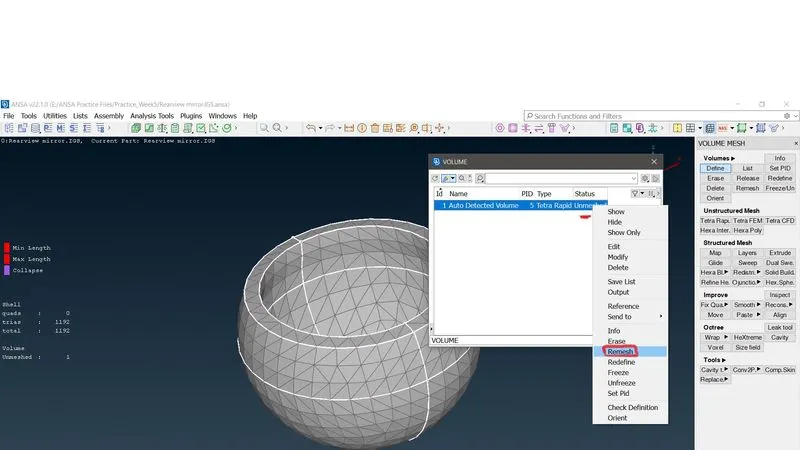
- Check for any off elements(Tet Collapse criteria) and Fix quality if any. Volume Mesh>Improve>Fix Quality
Repeat the steps for the remaining geometries. To arrive @ this type of 3d Mesh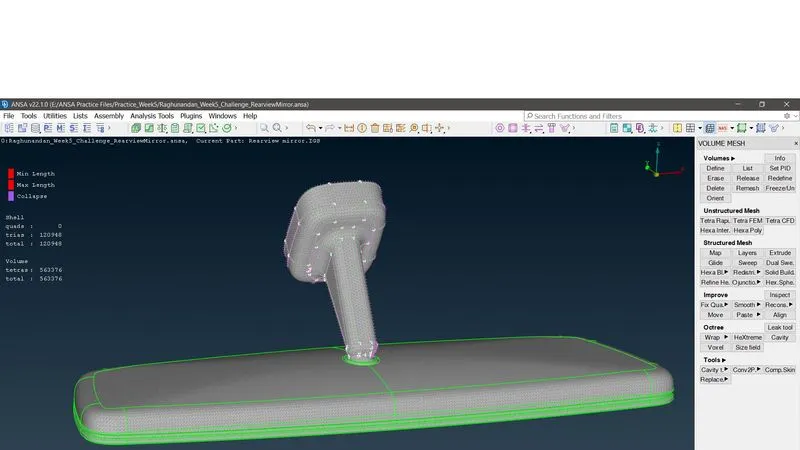
Proof of 3d Mesh. 3d elements visible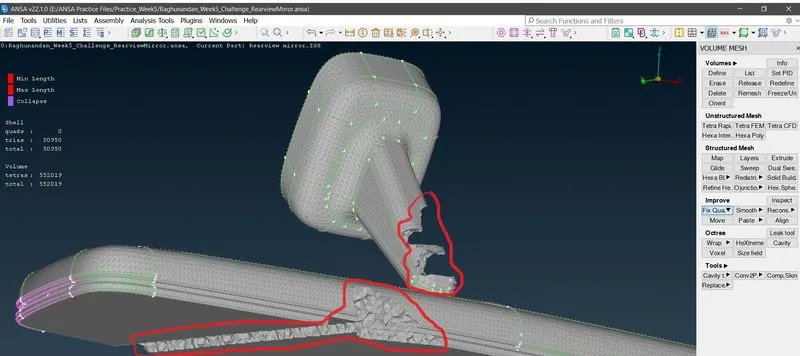
Learning Outcomes - Creating volume mesh from Volume Mesh module, Improving the 3d mesh quality (cleaning tet collapse in elements).
Conclusion - The model is free of element failures and ready for further steps in preprocessing