Week 3 - 2D meshing for sheet metal
Aim - To create a 2d mesh for the given hood component.
Procedure - Set the Quality Parameters & Meshing parameters as specified.
- Latch -
- Isolate the latch model
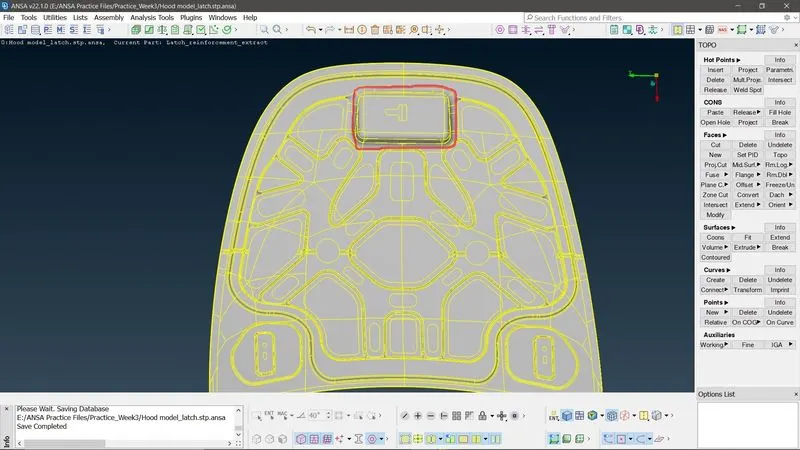
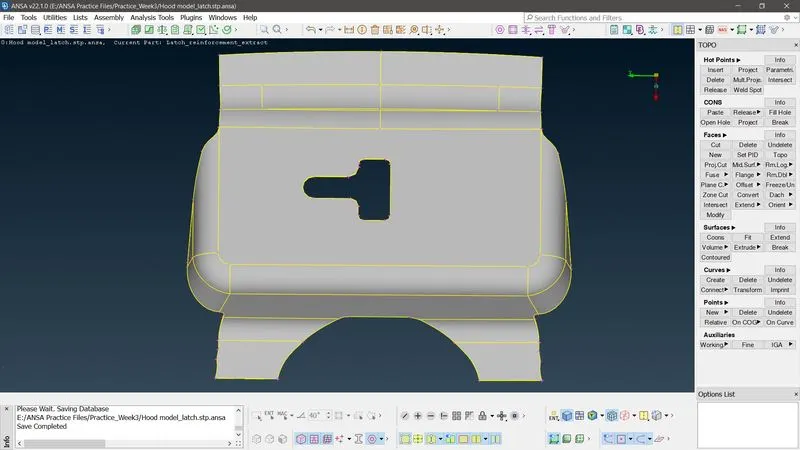
- Do geometry cleanup, topo & ready the model for creating midsurf
- Create a midsurf. Topo>Faces>Offset>Select the faces(PID selection)>Thickness>OK
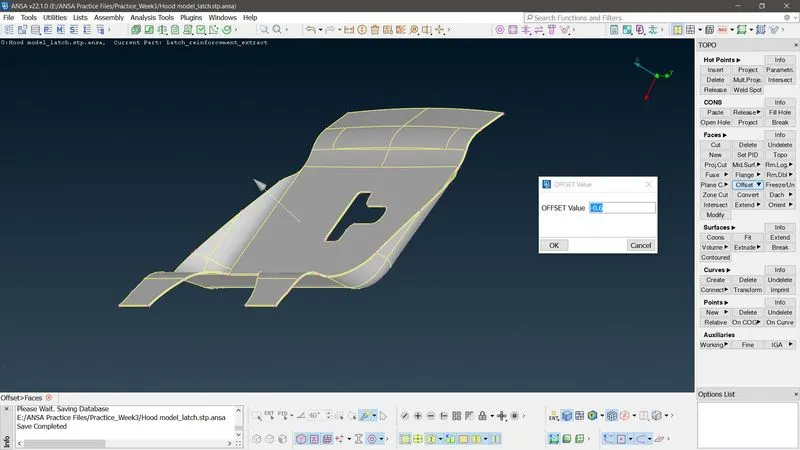
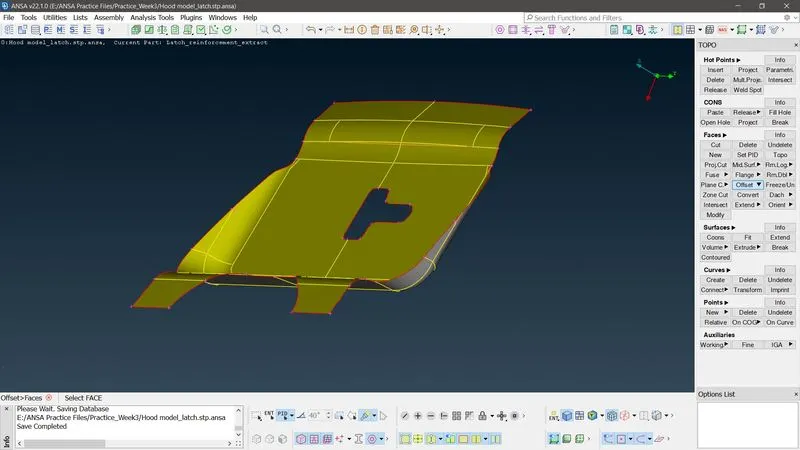
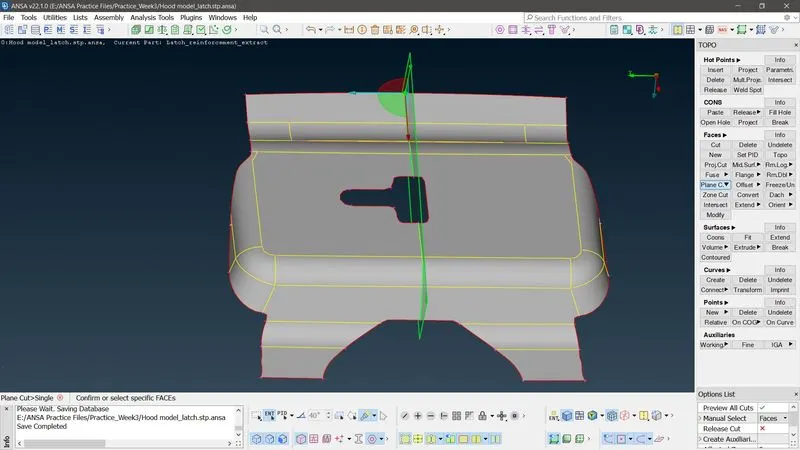
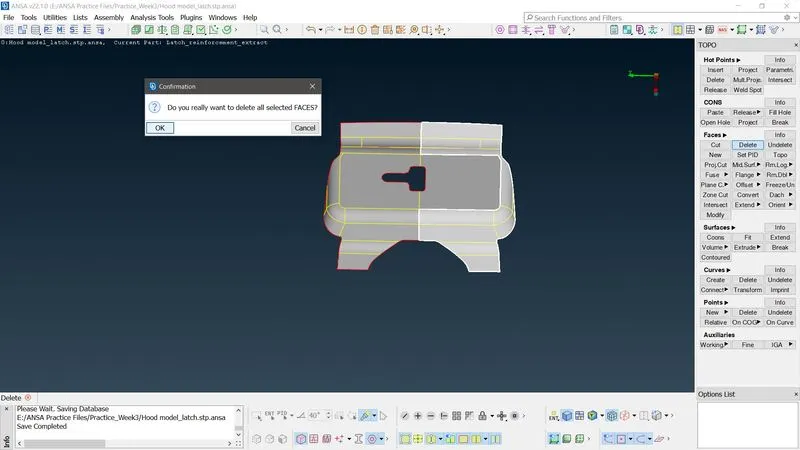
- Since the model seems to be symmteric @ major areas, delete half of the surfaces. Topo>Faces>Plane Cut>Select plane using 3 different points>OK. Topo>Faces>Delete>Select faces>OK.
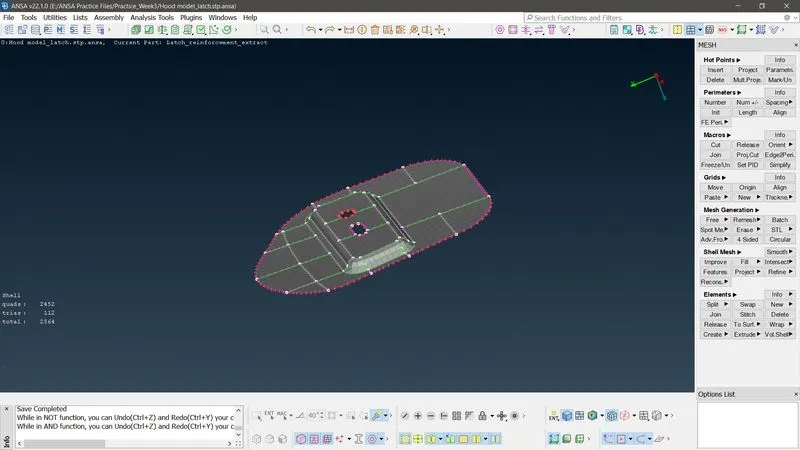
- Meshing - Mesh the surfaces shown in fig, w/o any failed elements & with tria elements as minimum as possible. Classic Mesh module>Mesh generation>Best>Select the macro area. Reconstruct any failed elements. Mesh Module>Shell Mesh>Reconstruct/Smooth>Select macro area>OK.
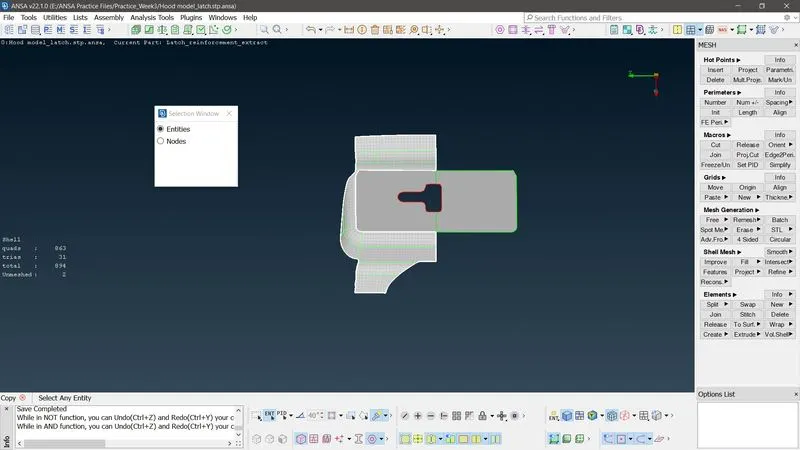
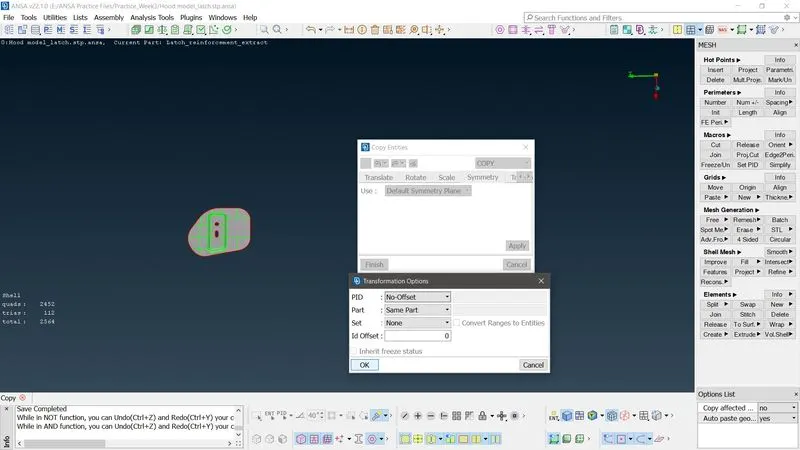
- Copy the elements using symmetry option. Transform>Copy>Select the elements>Symmetry>Default working plane>Apply>OK
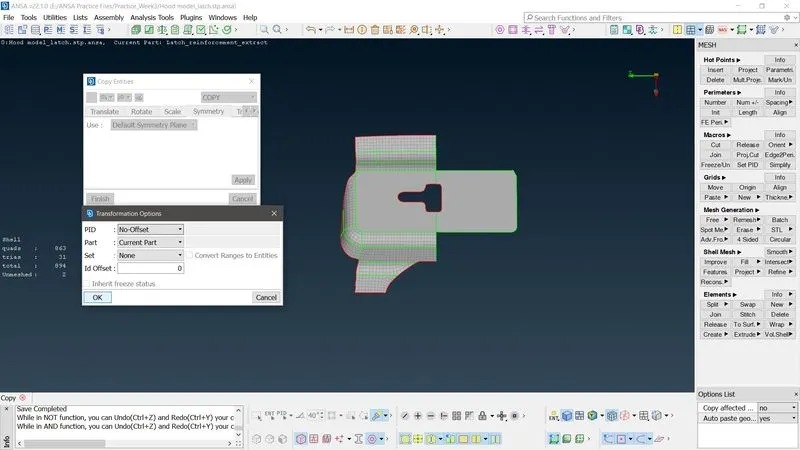
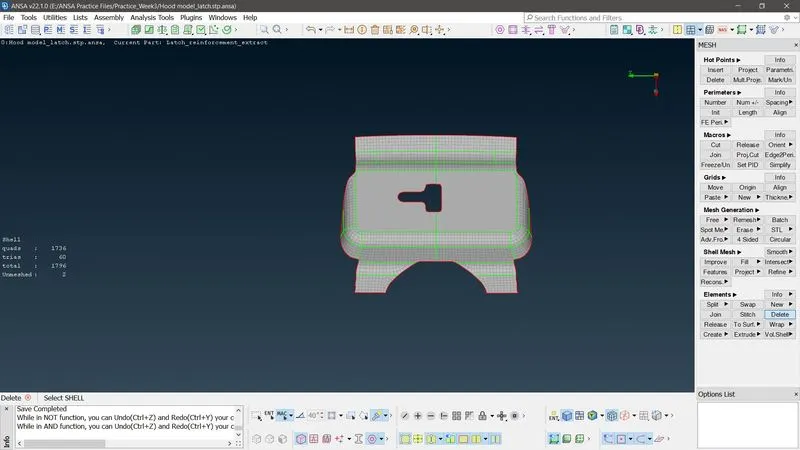
- Mesh the remaining area according to mesh & quality parameters.
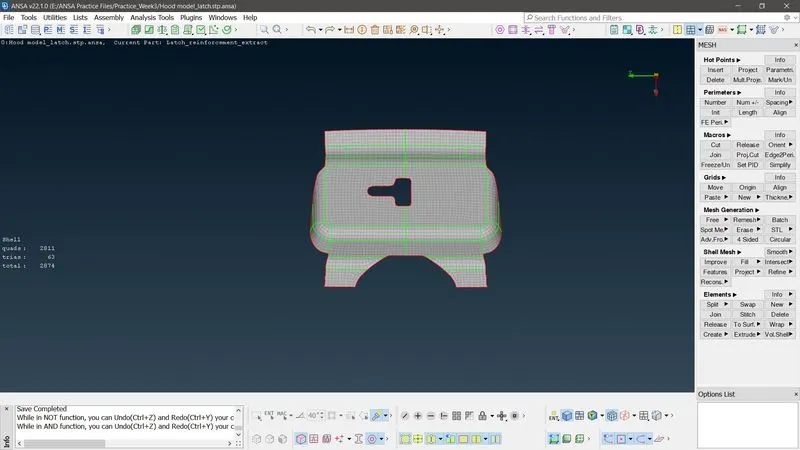
- Hinge -
- Isolate the model, perform geometry & topology cleanup. Create midsurf similar to above procedure & ready the model for 2d meshing
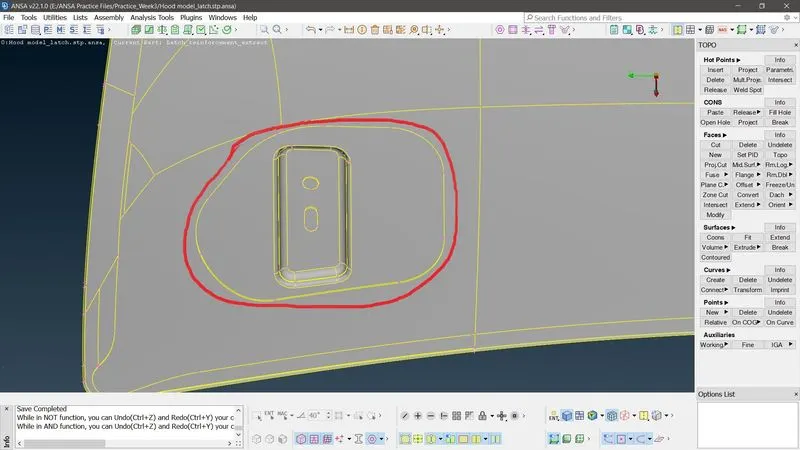
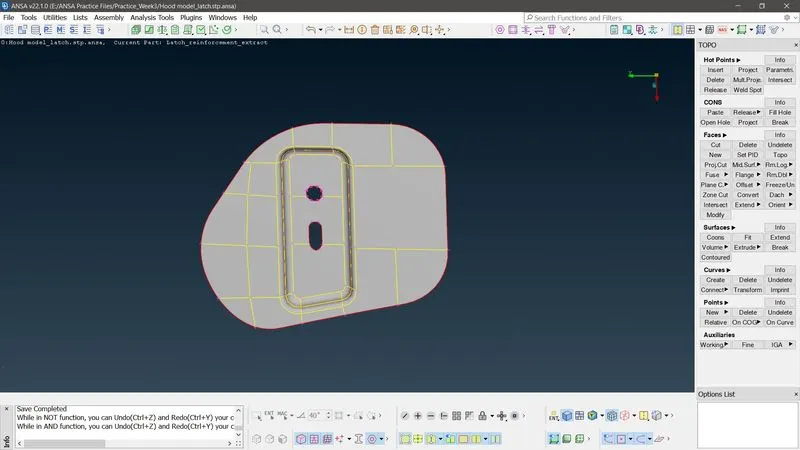
- Meshing - Mesh module>Mesh generation>Best>Select the macro areas>OK. Make sure to resolve the failing elements.
- Since the hinges are symmetrical, copy the same elements for the other side, suing symmetry option.
- Other parts - Repeat the above procedures accordingly for the remaining parts to obtain a decent 2d mesh w/o failed elements
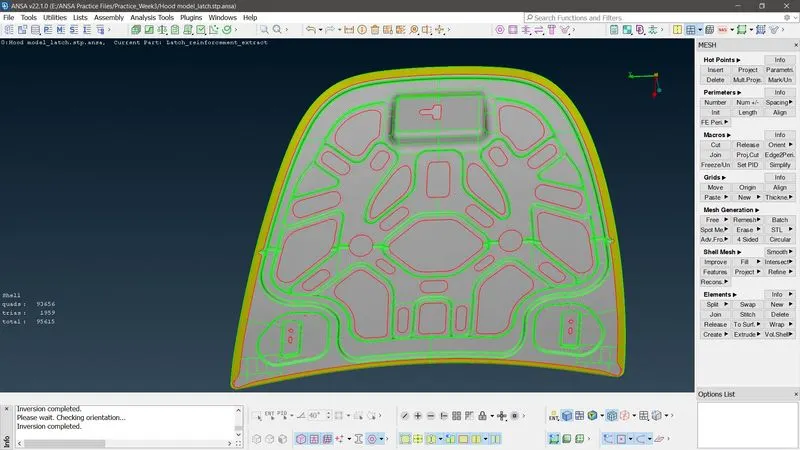
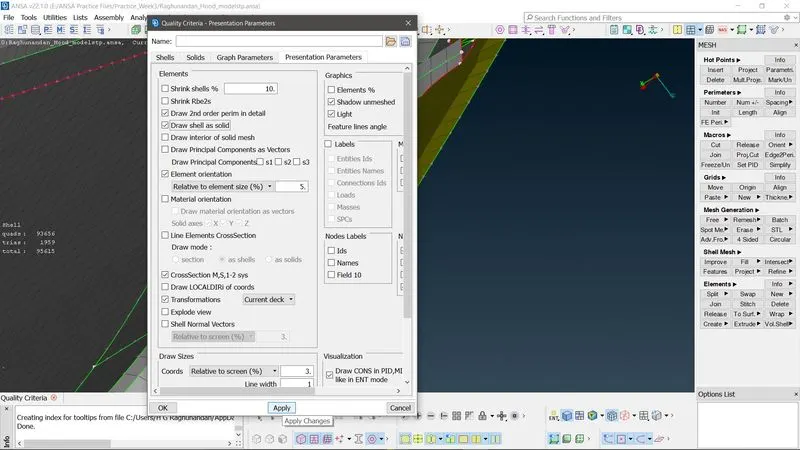
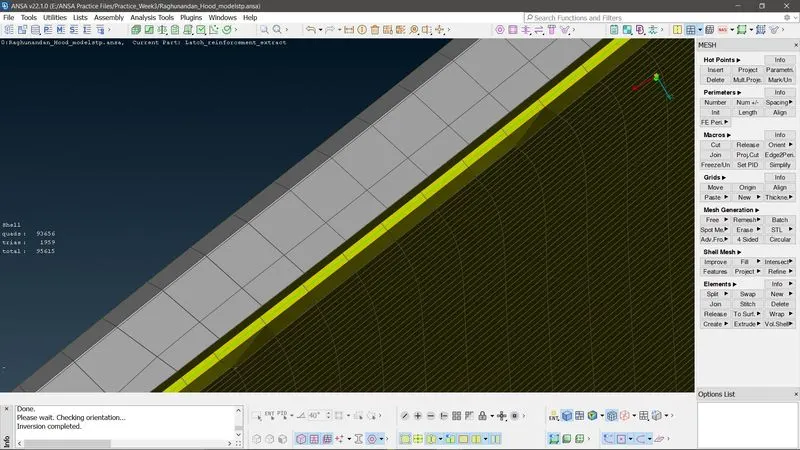
- Draw shell as solid -Since the model is 3d and we performed mesing on 2d surfaces, we need to present the mesh as solid. So draw a solid shell mesh. Mesh parameters>Presentation Parameters>Check the "Draw shell as a solid" criteria>OK