Week - 8 - Morphing
Aim - To practice & learn the morphing technique in ANSA.
Procedure -
- SM Practice Model -
- Import the model & perform the necessary checks, topo cleanup, orientation & geromtery checks & ready the model to perform morphing.
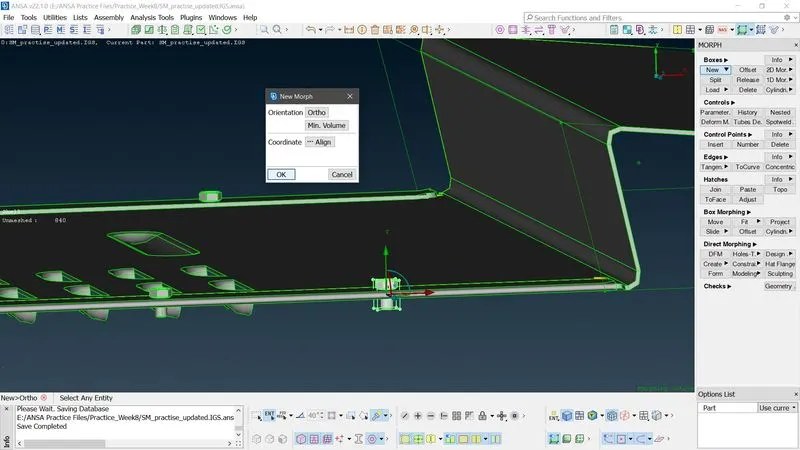
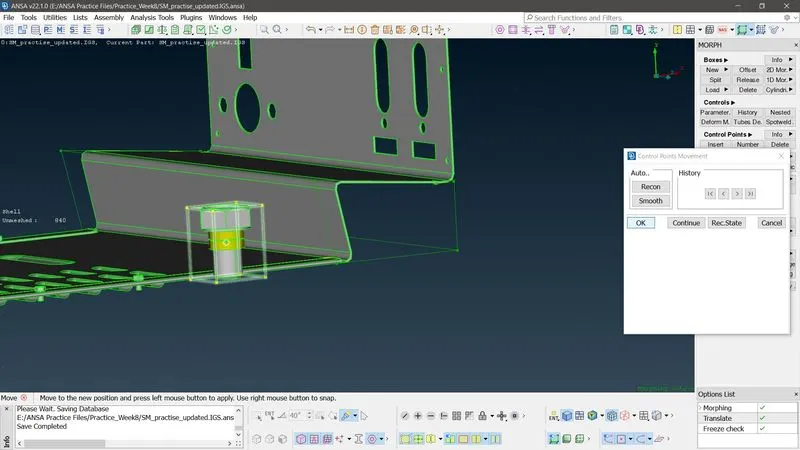
- Creating Morph box - Morph module>New>Select the entitites/geomteries>Align(Coordinate system according to requirement)>OK
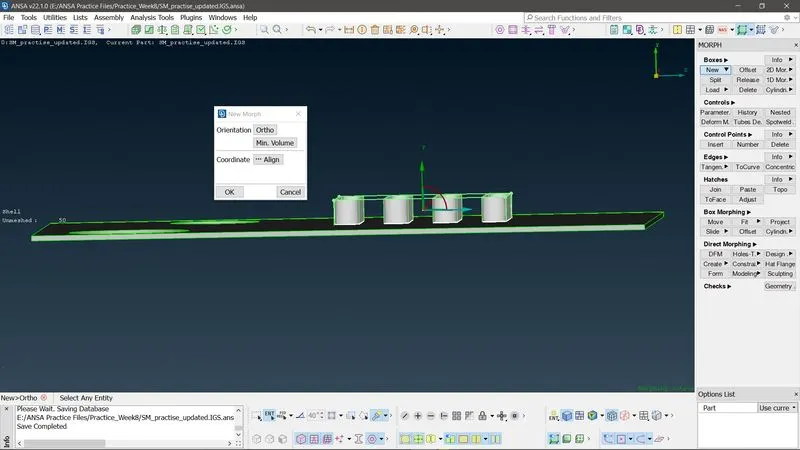
- Morphing(Mvfree) - Morph module>Box morphing>Select the nodes>Enter>GEO_CHECK>Next>Finish>OK. Increase the dimensions accroding to requirement. Accept by clicking OK.
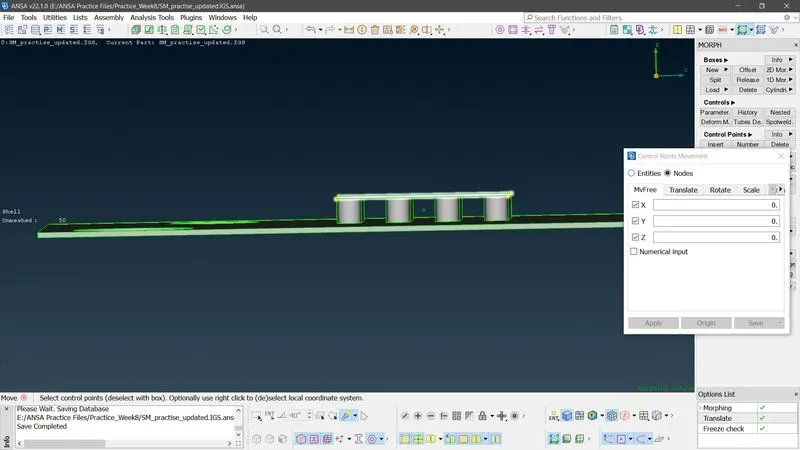
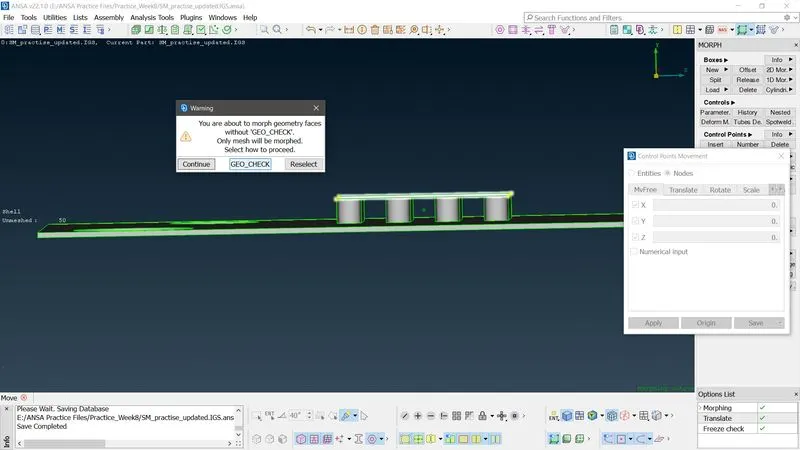
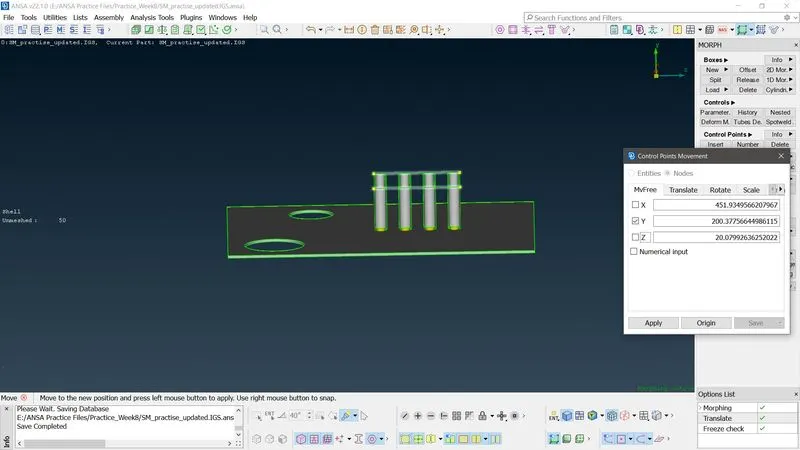 Repeat the procedure wherever required.
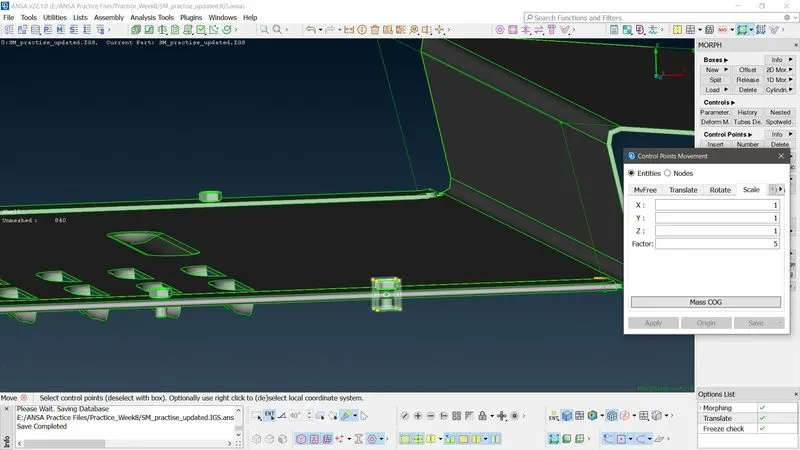
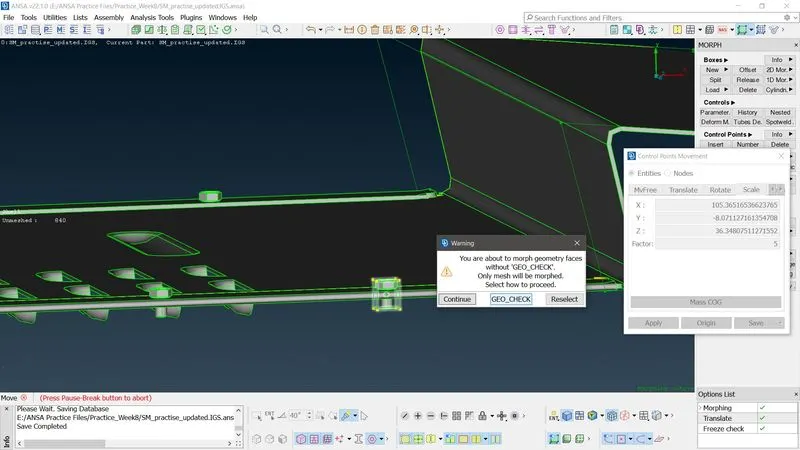
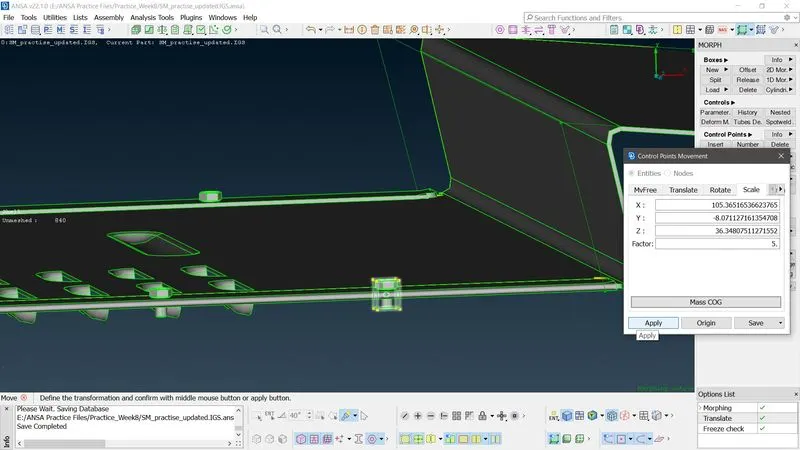
 - Morphing(Scale) - Isolate the entites required to scale & draw a morph box. Scale up the geometry as shown Morph module>Box morphing>Move>Scale>Select the nodes>Enter the X, Y, Z & Scale Factors>OK>GEO_CHECK>Next>Finish>
2. Hand Rest Morphing -
Aim - To increase the height of the dog house ribs using morphing technique.
Procedure -
- Import the model. File>Open>{File path}>Open.
- Perofrom the necessary geometry & topology cleanup, orient the faces, run the geometry checks manager and ready the model for reuired task.
- Isolate the required entites.
- Morphing (Height increasing)-
- Morph Box - Morph Module>Boxes>New>{Align the axis system according to requirement}>OK
- Box morphing - Morph Module>Box morphing>Move>MvFree>Select the appropriate nodes/entitites>Enter>GEO_CHECK>Next>Finish>Increase the height>Enter>OK>OK.
Learning Outcomes - Changing the geometry dimesnions minutely wherever required.
Conclusion - Any small design changes can be included in the ANSA tool itself, rather than editing in CAD tool , then import & perform Pre processing task. This will save the time (Exchange of idea & files between CAD Engr & Analysis Engr) and enable the Analysis Engr to carry out the task quickly