Week- 5 - Solid meshing
Aim: Create 3D tetra mesh to the given rear view mirror component.
Objective: The given rear view mirror are 4 parts which was cleared off the geometrical errors and cleanup was done, which was meshed with 2D tria elements and the 3D tetra elements are created with good mesh and no kink or raised edges with clean good surface finish.
The quality criteria followed:
For 2D Mesh Quality:
- Target/Average length: 1
- Minimum length: 0.5
- Maximum length: 2
For 3D Mesh Quality:
- Collapse: 0.2
Procedure:
- Download the given file which was in “IGS” format. Open in ANSA software, save it in “. ansa” format.
- The geometry is refined using the “length” option in mesh module, perimeter and macros are set to 1.
- The model is set for grey orientation using the orient option in the Topo module.
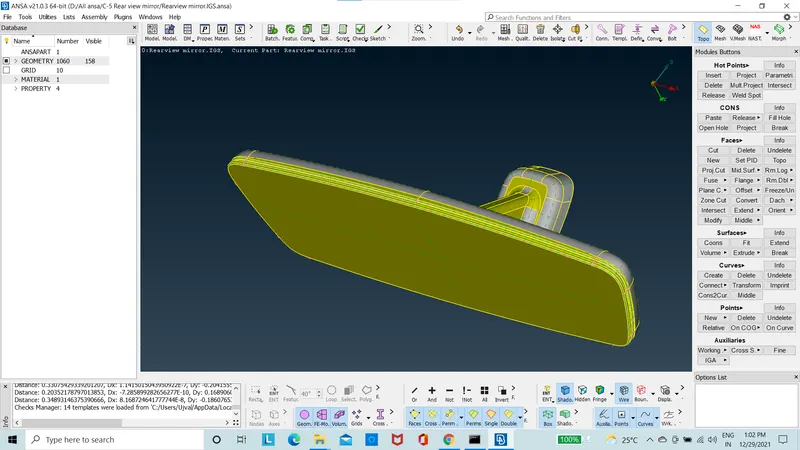
Figure 1: Before orientation
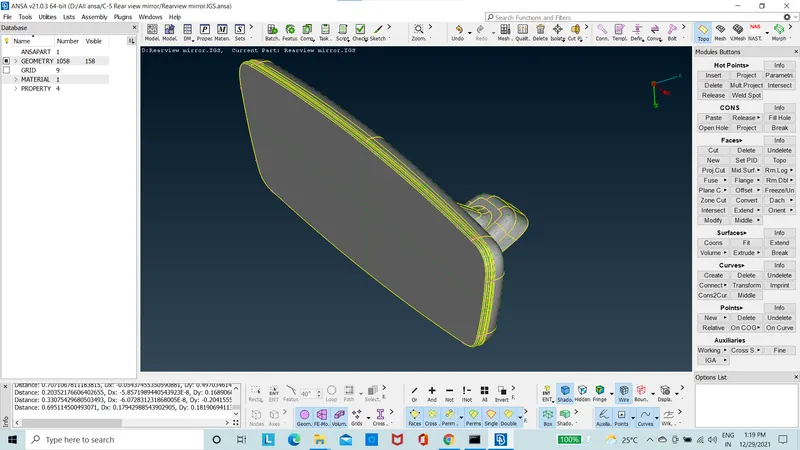
Figure 2: After orientation
- The geometry is cleaned up and topo option is used.
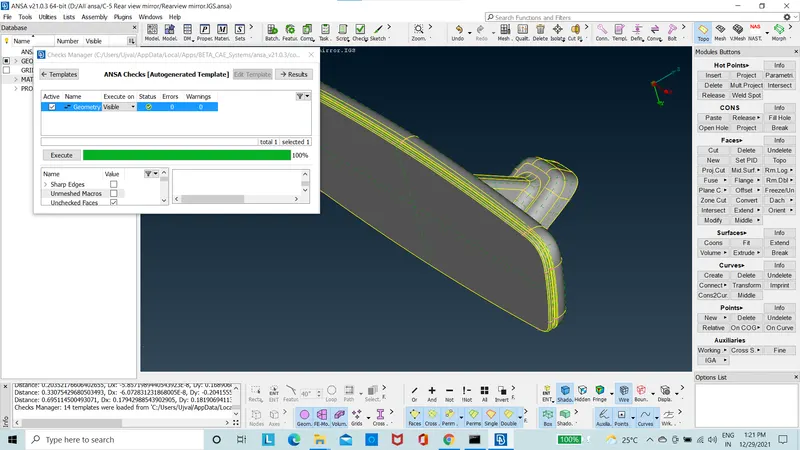
Figure 3: after topo
- The curved area is meshed with “ortho tria” using the spot mesh using the mesh module.
- The remaining flat areas are mesh using the “tria” in the spot mesh in the mesh module.
- The model is checked for “OFF” elements and cleared for maximum and minimum length using the “reconstruct” option in the shell mesh option.
- The model is now with each part individually meshed with 2D tria elements.
- With volume is defined using the “Define” option manual, in the volume mesh module.
- Since there are four parts, four volumes are created.
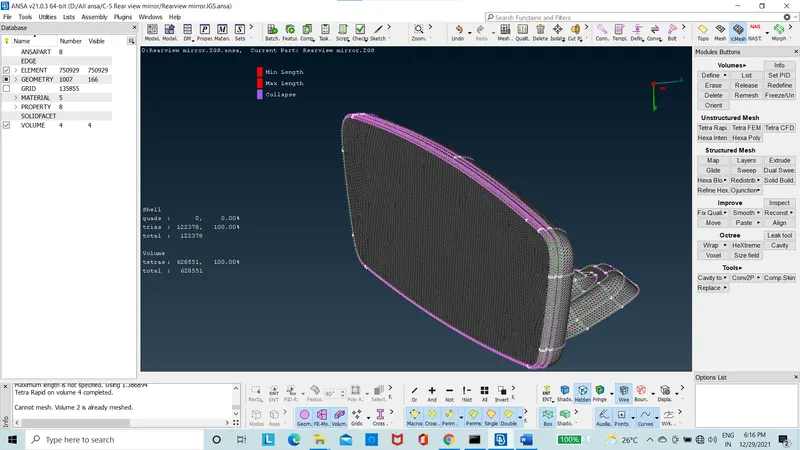
Figure 5: The Meshed model
- Using the “list” option in the volume mesh module, the volume is meshed using the unstructured mesh of “tetra rapid”.
- The model is checked for “collapse” quality criteria and “OFF” elements are zero.
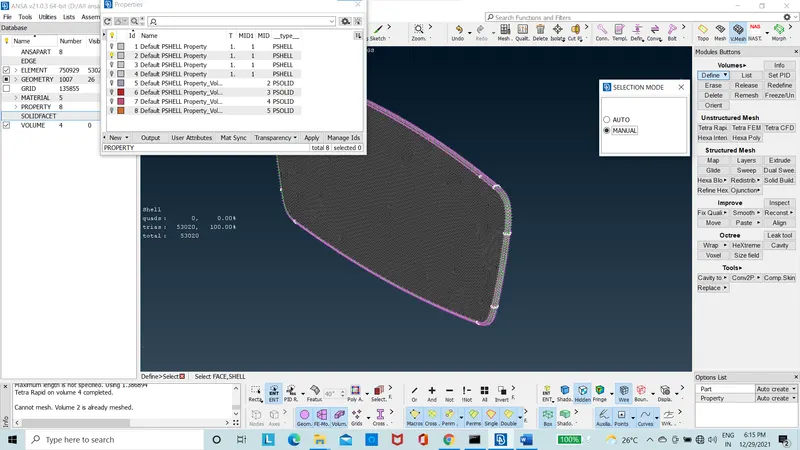
Figure 6: Model with Tetra Mesh
- The 3D tetra elements are then released from the volume by using the “release option in the volume mesh module.
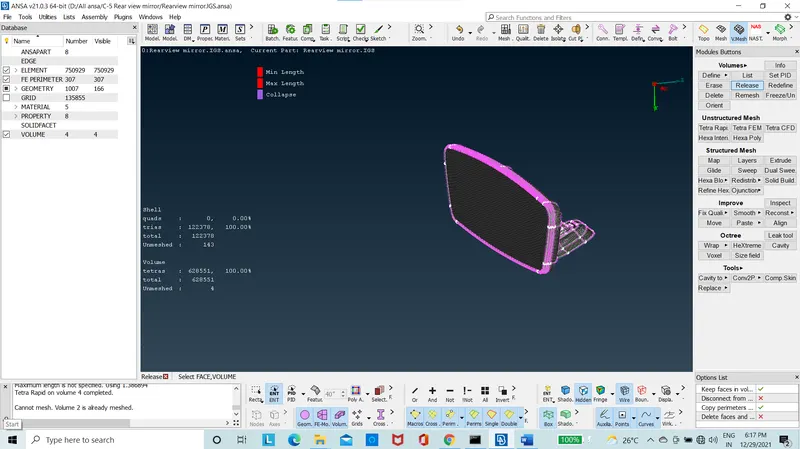
Figure 7: Meshed released from volume
Conclusion:
In this project, the given model was cleaned for any geometric errors and meshed with good mesh flow without the kinks or the raised edges with good surface finish. Where, given quality creteria is followed for both the 2D and 3D elements. The model was worked on ANSA 21.0.3. There were zero "OFF" elements found in the model.
New things Learnt:
- Create volume using the volume mesh module.
- Create tetra rapid or tetra FEM mesh.
- Tet collapse use in Tetra mesh modeling.