Week - 4 - 2D meshing for Plastic components
Aim: To create the mid surface and mesh of the bottle cap model as plastic component.
Objective: The mid surface of given bottle cap model was extracted, the respective properties was assigned to the varied thickness of the model and mid surface was meshed with 2D elements for the given quality criteria and good mesh flow was followed.
The quality criteria followed:
- Target/Average length: 1
- Minimum length: 0.5
- Maximum length: 3
- Aspect: 3
- Warpage: 15
- Skewness: 45
- Jacobian: 0.7
- Minimum quad angle: 45
- Maximum quad angle: 135
- Minimum tria angle: 30
- Maximum tria angle: 120
- Tria percentage: 15
Procedure:
- Download the given model which is the “.ansa” format, Open it in ANSA software using “open” option in file.
- Using the “length” option in mesh module, parametric and macro length are set to 1.
- The model is checked for orientation using “orient” option in topo module.
- The model is checked for errors, “geometry” option in the checks manager and fixed.
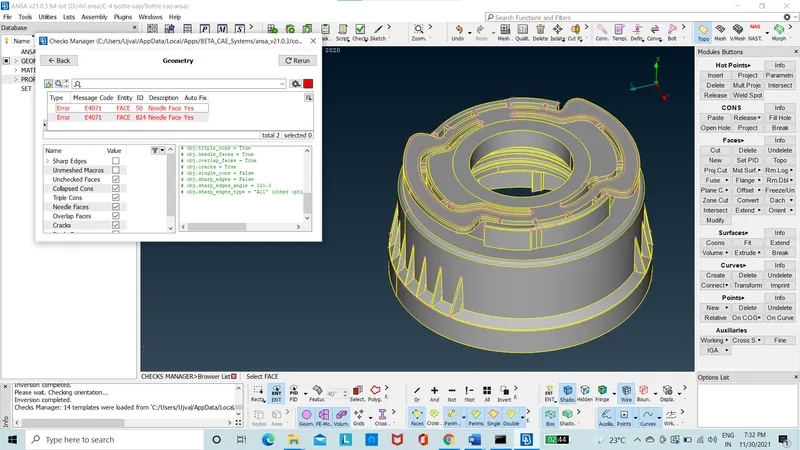
Figure 1: Before Clean up.
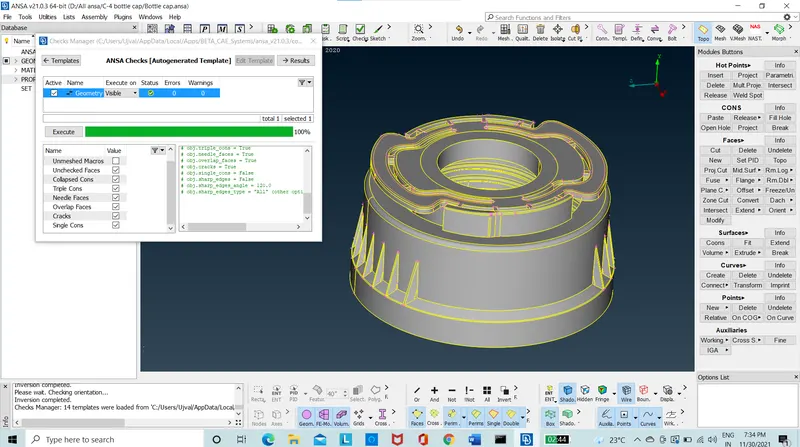
Figure 2: After Clean up.
- The model is stitched with topo option, errors are cleared.
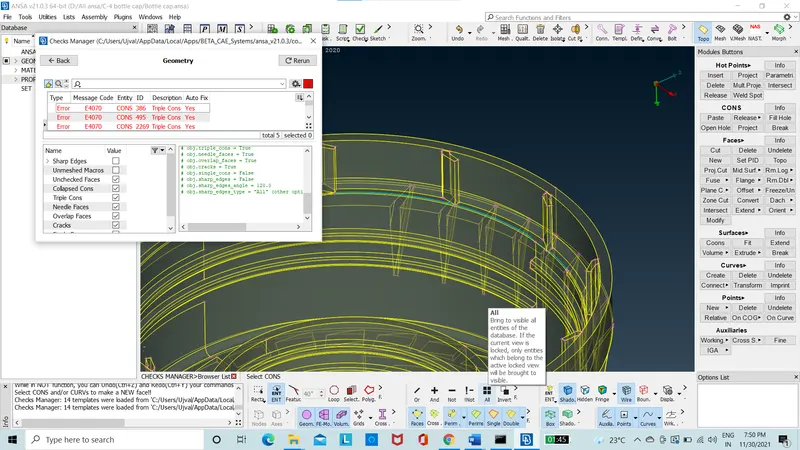
Figure 3: After topo.
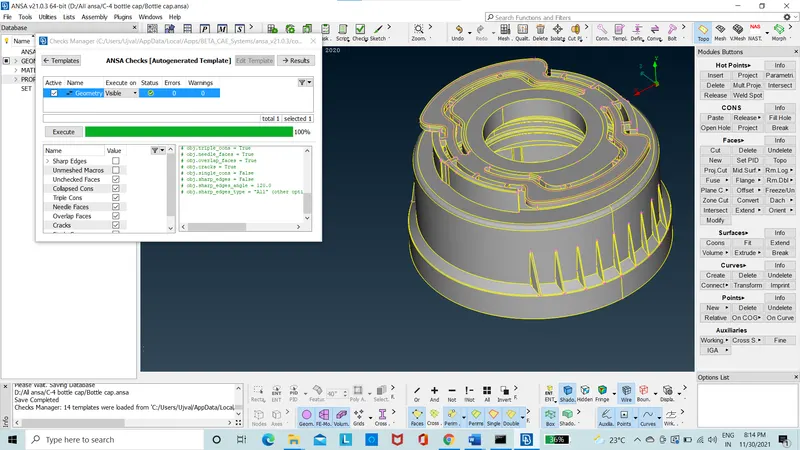
Figure 4: After topo correction.
- The model is checked again for any errors in checks manager in geometry option.
- Using the measure option, the thickness in the various parts of the model is mapped.
- Then, the mid surface of each part is extracted.
- The mid surface is extended and all parts are stitched together.
- The mid surface is checked to any geometry errors using the checks geometry.
- The mid surface is meshed.
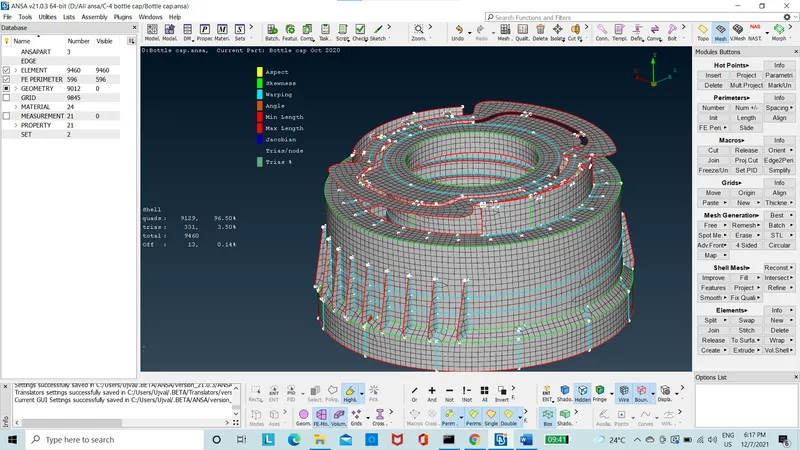
Figure 5: Meshed Mid-surface
- The mesh is now released from the geometry using the “release” option in “elements” option in mesh module.
- The mesh elements are now assigned with their respective thickness by assigning the new property to each of the parts by using the “set PID” option in “macros option” in mesh module.
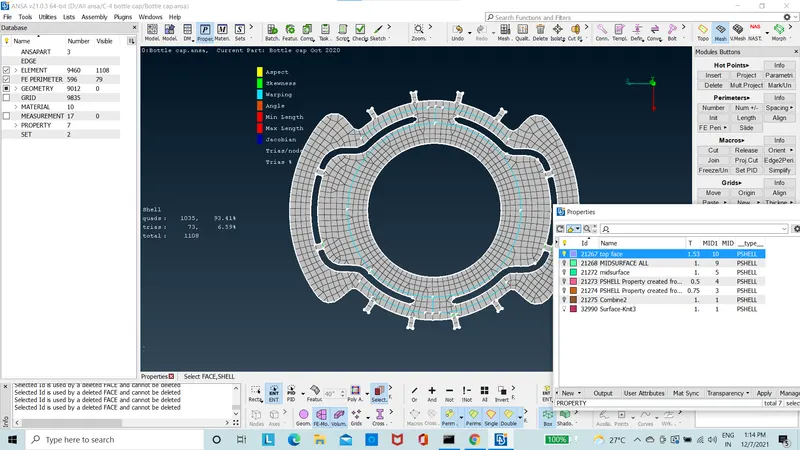
Figure 6: Top face
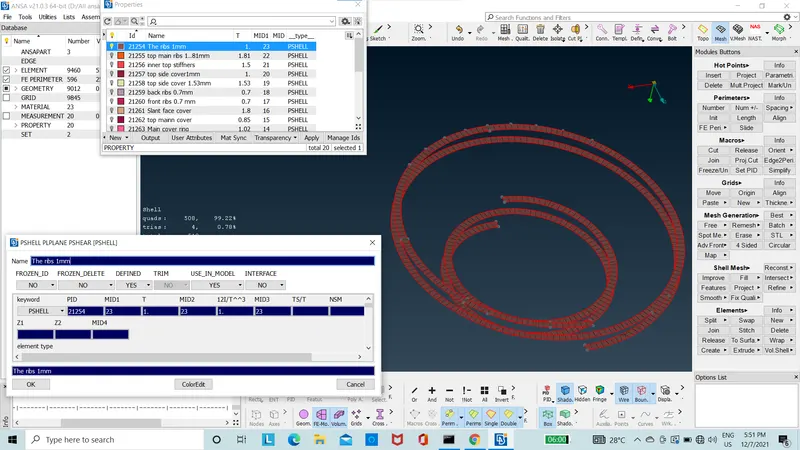
Figure 7: The ribs
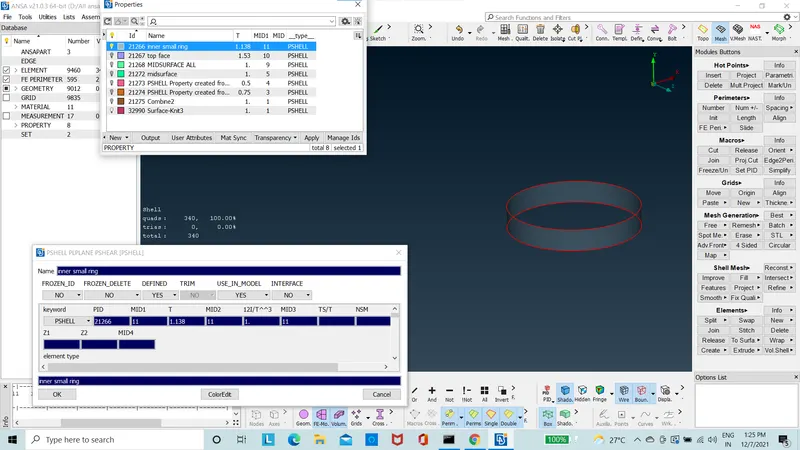
Figure 8: Inner ring
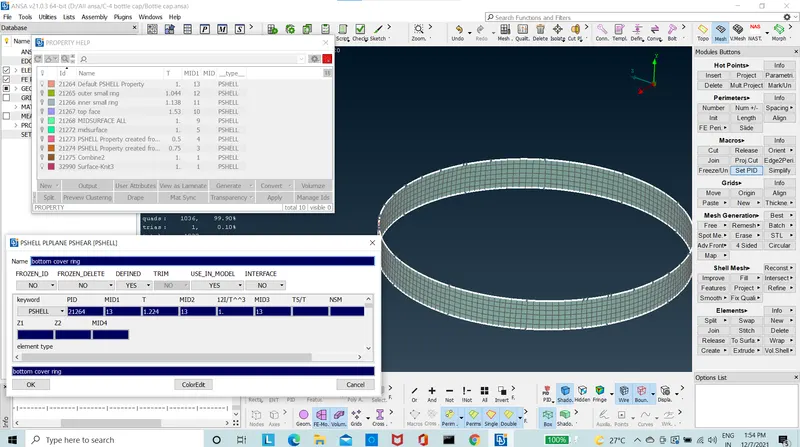
Figure 9: Bottom main ring
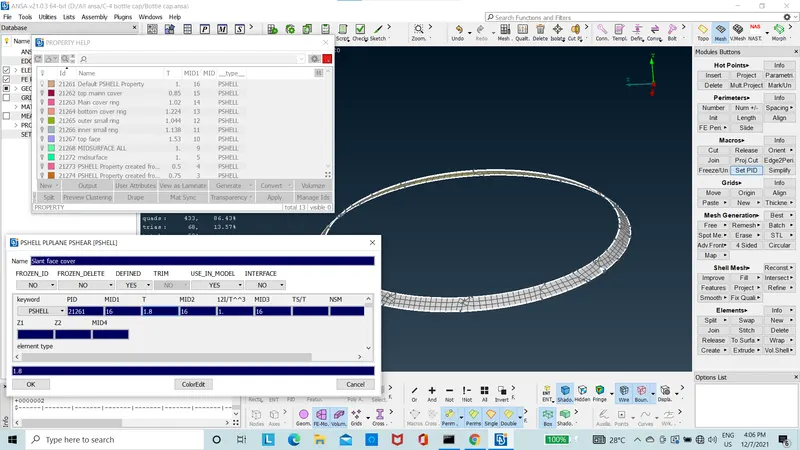
Figure 10: Slant face
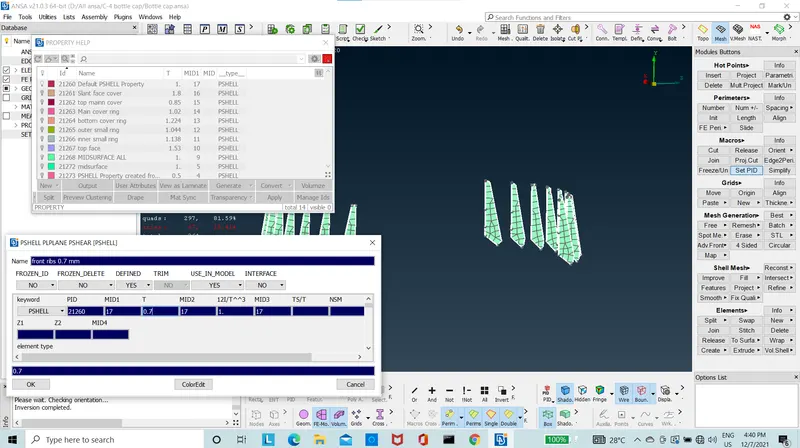
Figure 11: Front ribs
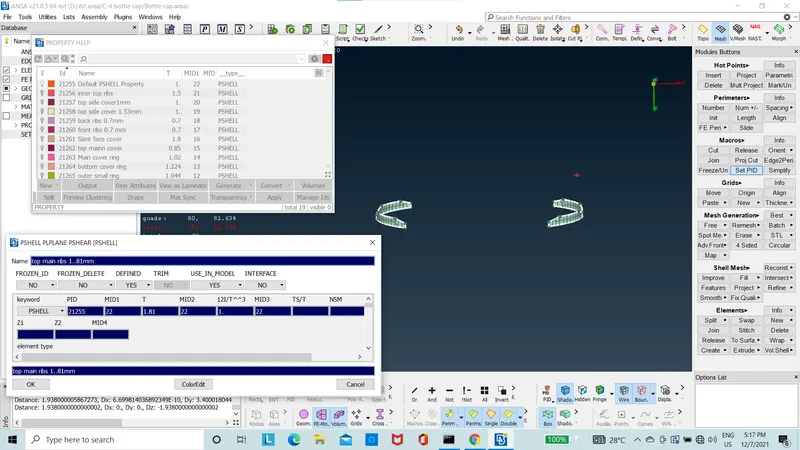
Figure 12: Side ribs
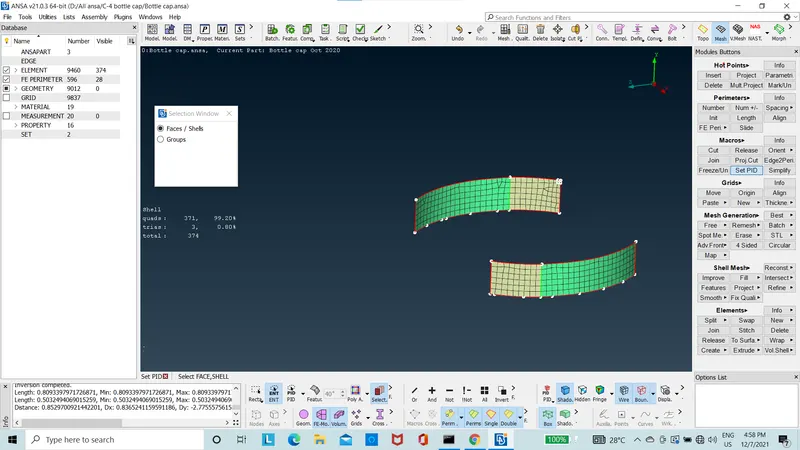
Figure 13: Side Connecting cover
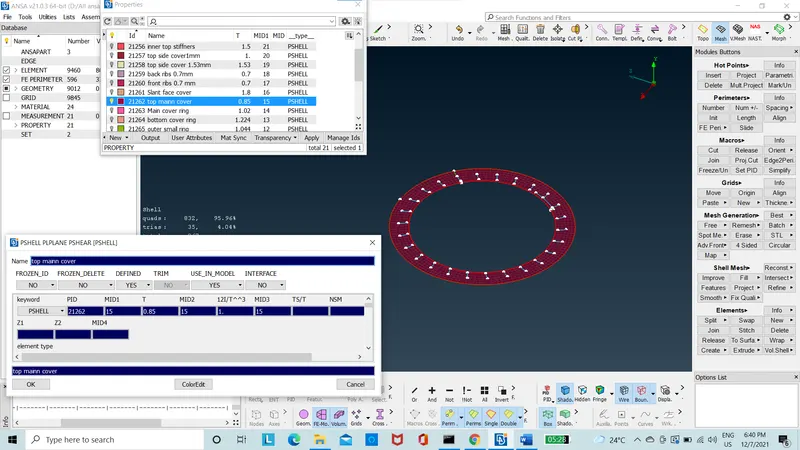
Figure 14: Top cover
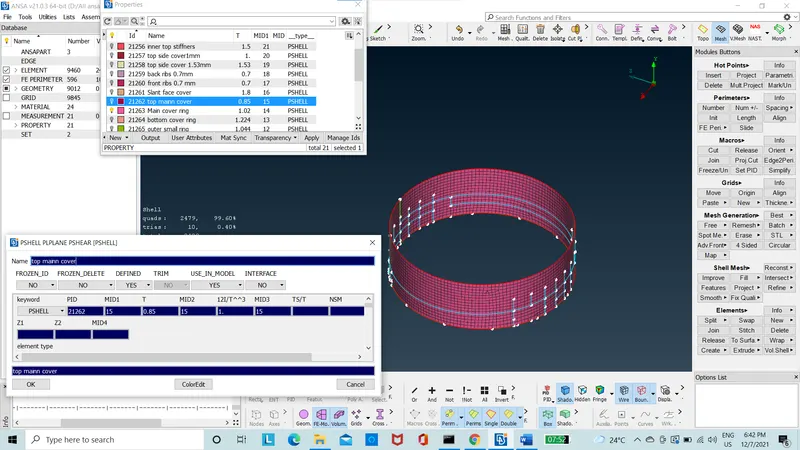
Figure 15: Main cover
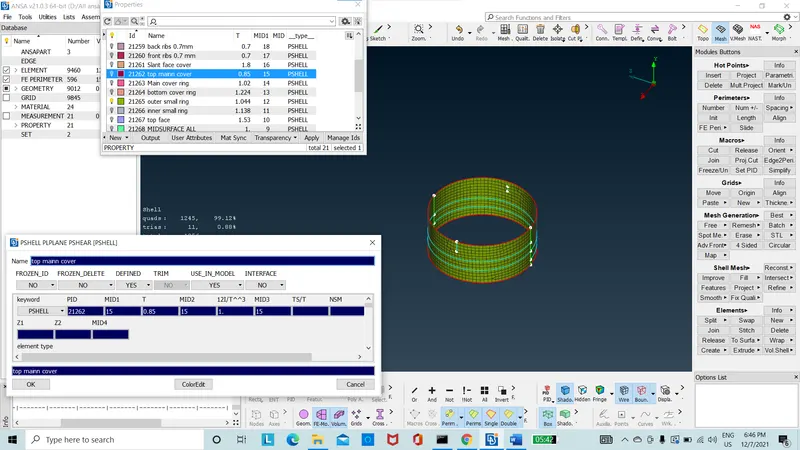
Figure 16: Outer ring
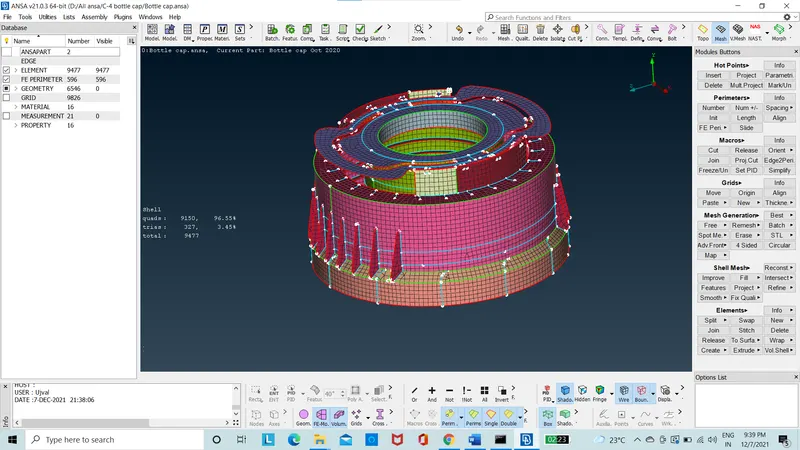
Figure 17: Meshed mid surface Component
- The mesh is now in the quality criteria in presentation parameter is “Draw shell as solid”.
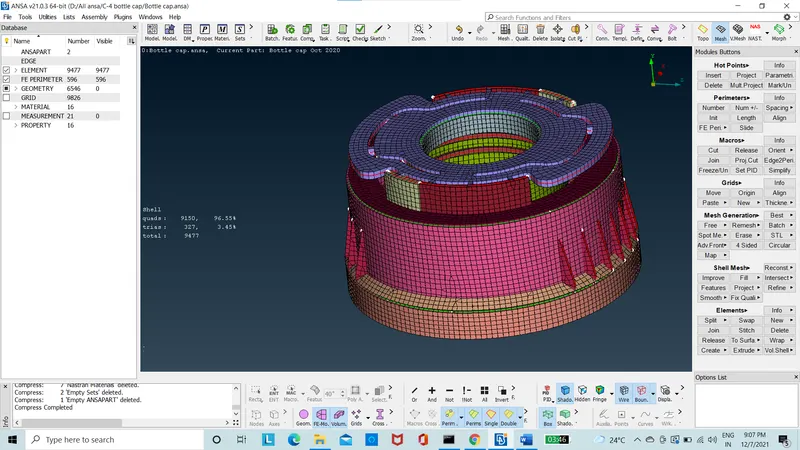
Figure 18: Mesh model with thickness
Conclusion:
In this project, the bottle cap was meshed for given quality criteria, avoided opposite trias and rotating quads. The 2D elements were created with good mesh flow and quality. The model was worked on ANSA 21.0.3. Clean up of geometry and offset of geometry was perfromed so as to extract the mid surface and mesh as 2D elements to reduce the computational time. Mesh with 9477 elements were created.
New things learnt(learing outcome):
- To analyze the complex geometry with various parts.
- To get the proper mid surface.
- To edit and improve mesh quality by slightly modifying the geometry without any major changes.
- To release the mesh from geometry and assigning the thickness.