Week- 5 - Solid meshing
REAR VIEW MIRROR
AIM: To generate solid meshing on rear view mirror component.
PROCEDURE: 1) Open rear view mirror component in ANSA.
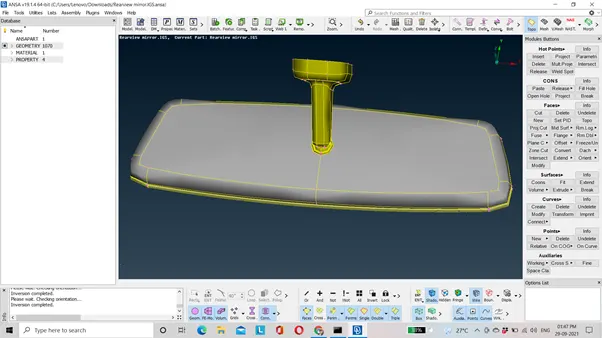
2) Check for the geometry.
CHECK→GEOEMETRY→EXECUTE.
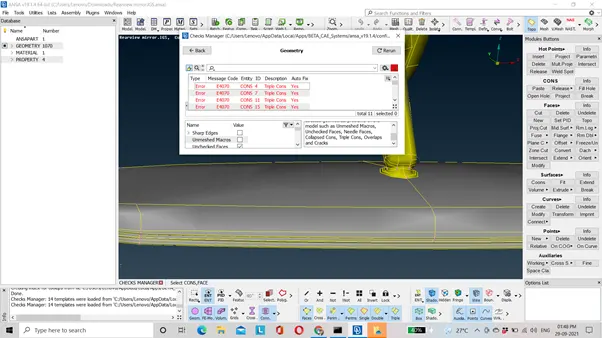
3) Fix this error by auto fix.
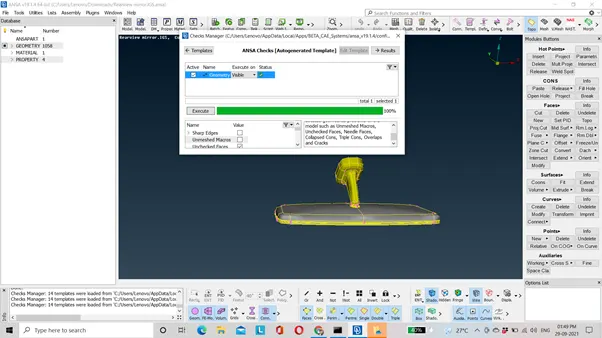
4) Now specify the perimeter and macro length as 1.
MESH→PERIMETER→LENGTH→MACRO/PERIMETER→SELECT THE ENTIRE MODEL→ENTER THE LENGTH AS 1.
5) Solid meshing is done if the component has thickness more than 5. In solid meshing we don’t generate mid-surface. So, after geometry cleanup the next step is meshing.
6) Assign the quality parameters. Press f11.
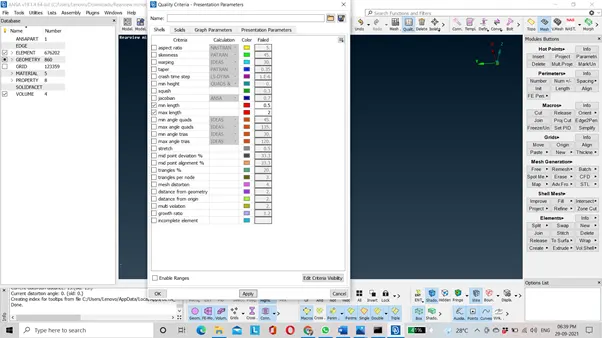
7) Assign the mesh parameters.
MESH PARAMETERS →SPECIFY TARGET, MAX AND MIN LENGTH→OK.
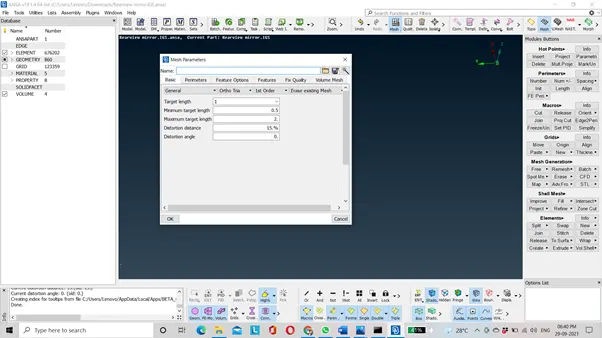
NOTE: SELECT THE ELEMENT TYPE OF MESH AS ORTHO TRIA.
8) Now, mesh the four parts of the rear view mirror separately. Mesh the curvy areas by ortho tria and flat regions with tria elements. Ortho tria elements give better mesh flow compare to tria but the computational time increases as a result we use combination of both to mesh the component.
9) Once meshing is complete, we will proceed further for volume mesh. Before that check whether the component is closed volume or not. Now assign volume PID to all the four parts.
VOL MESH→DEFINE→AUTO→SELECT COMPONENT→NEW→PSOLID→OK.
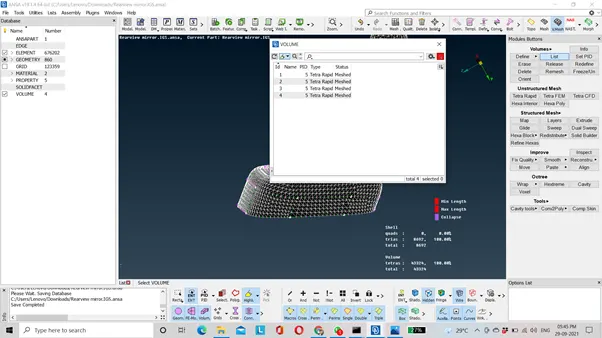
Now, we will do volume mesh. It can be done by two ways:
1)Hexa mesh
2) Tetra mesh.
Hexa mesh is structured mesh whereas tetra mesh is an unstructured mesh. On rear view model we will do tetra mesh. It can be done by tetra rapid or tetra FEM based on our requirements.
Difference between Tetra rapid and tetra FEM is:
1)Tetra rapid option meshes the volume with tetra elements whereas tetra FEM option creates a tetrahedral mesh inside selected volumes, initially with pyramid elements if the starting surface mesh contains quad elements. It is to be used mainly for structural applications.
2) In the tetra FEM, the generation of the tetra elements are greater than tetra rapid option. Hence the computational time will increase.
10) We check only for one quality parameter in tetra mesh which is tet collapse. Assign the tet collapse quality parameter. Press f11.
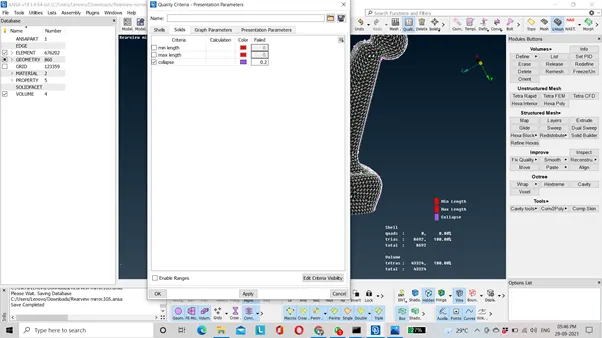
11) Now, check if the elements are failing for tet collapse if it is failing try to fix by fix quality visible option.
VOL MESH→IMPROVE→FIX QUALITY→VISIBLE.
We can even resolve it manually by using move free option.
NOTE: THERE SHOULD NOT BE ANY RAISED EDGES AND KINK.
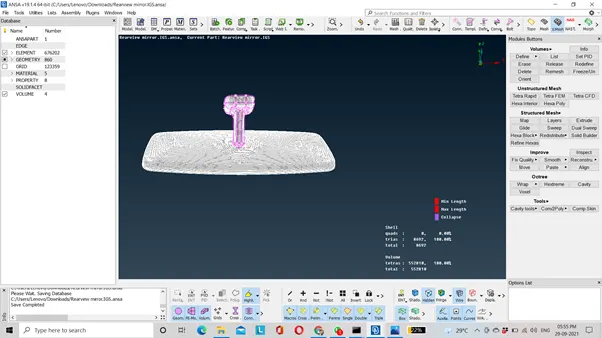
12) Hence, volume mesh is created.
LEARNING OUTCOMES: 1) To create volume mesh on the model.
2) To resolve tet collapse issue.
3) Difference between tetra rapid and tetra FEM.
CONCLUSION: Hence volume mesh is generated on rear view mirror model.
TO DOWNLOAD THE MODEL PLEASE CLICK THE LINK GIVEN BELOW:
https://drive.google.com/file/d/1NPy0d_e37uBZA-QakhveH6q7PLiyYc0s/view?usp=sharing