Week - 5 - Modelling Spotwelds
AIM:
To create a spot weld and check the material and section behavior of both the beam element and solid element spot weld.
PROCEDURE:
CASE:1: SPOT WELD USING THE BEAM ELEMENT:
1. The First step is to create the material and section for the sheet metal.
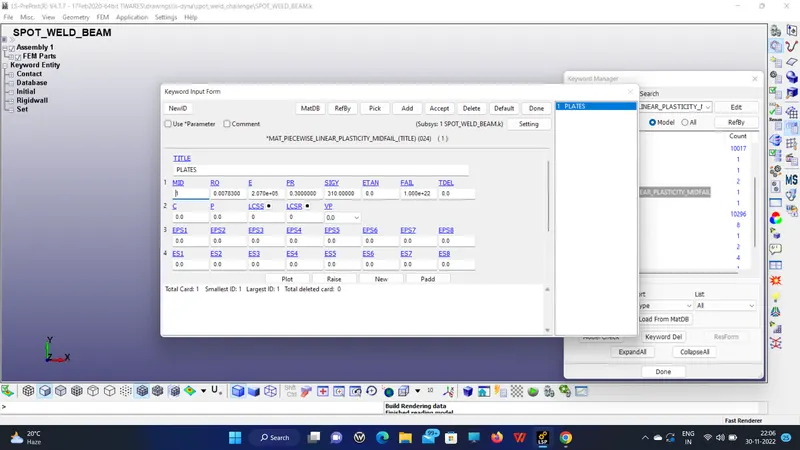
2. Next is to create the section shell for the sheet metal,
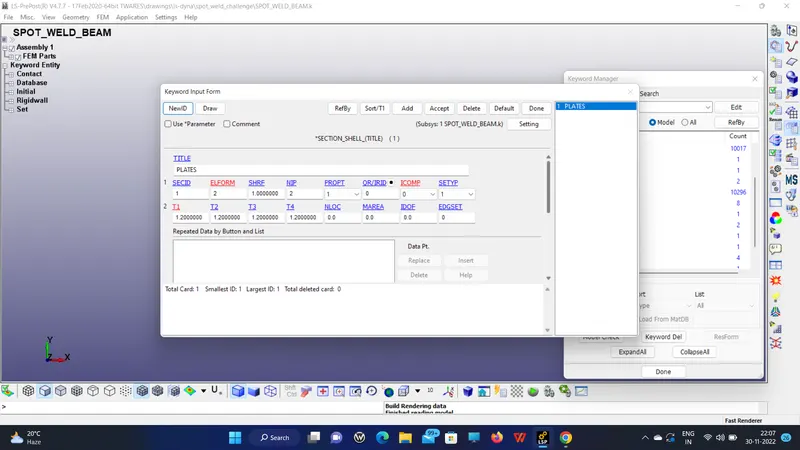
3. Check for the joints or weld or contact
here the joint and contact are needed,
For welding the beam element needs to be created, So I created 6 beam elements,
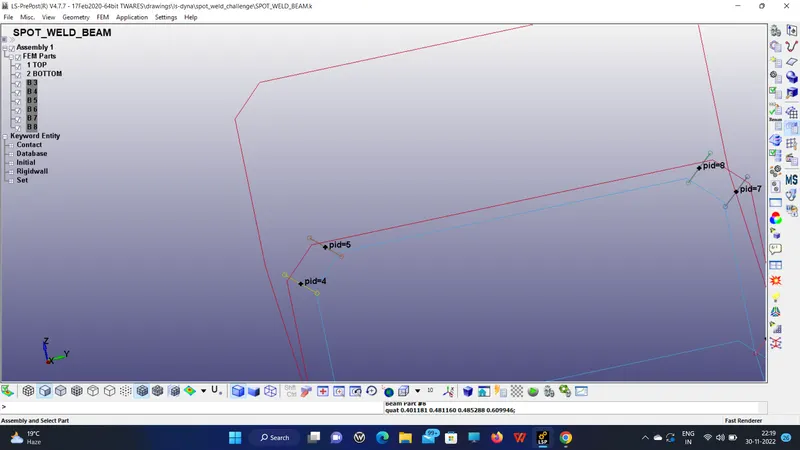
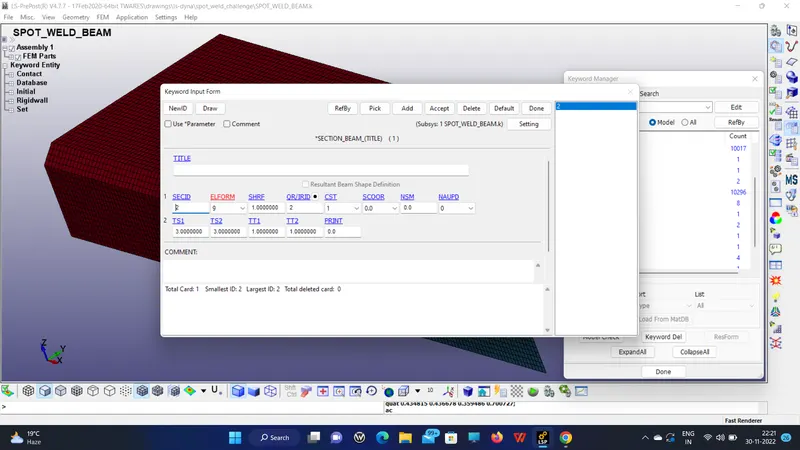
5. Then assign the material and section for the beam,
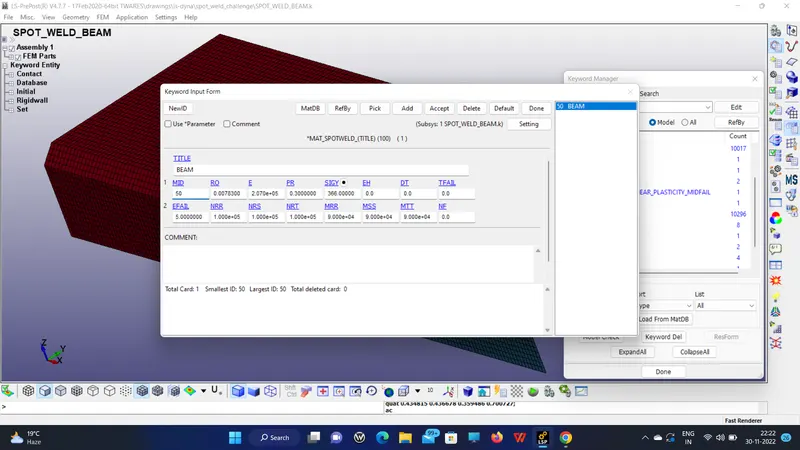
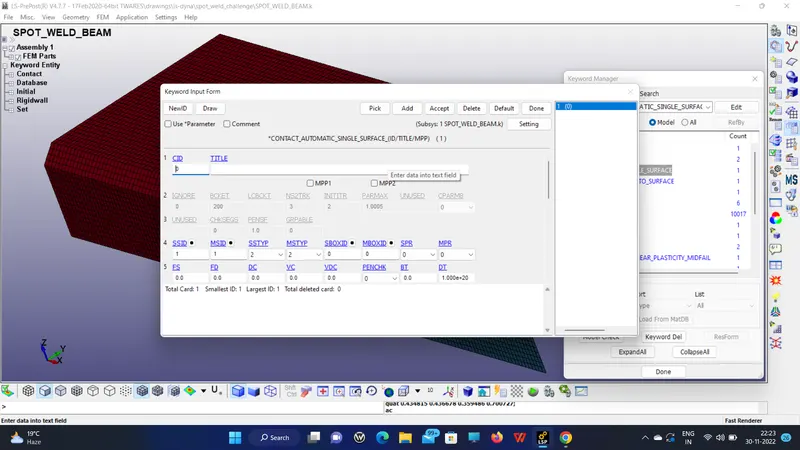
SINGLE SURFACE CONTACT
CONTACT_TIE_SHELL_EDGE_TO_SURFACE
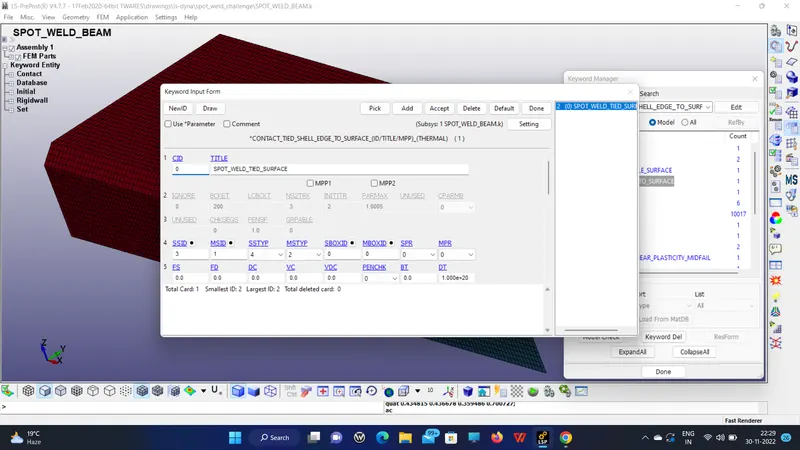
This contact helps the beam element to tie with the two metal surfaces.
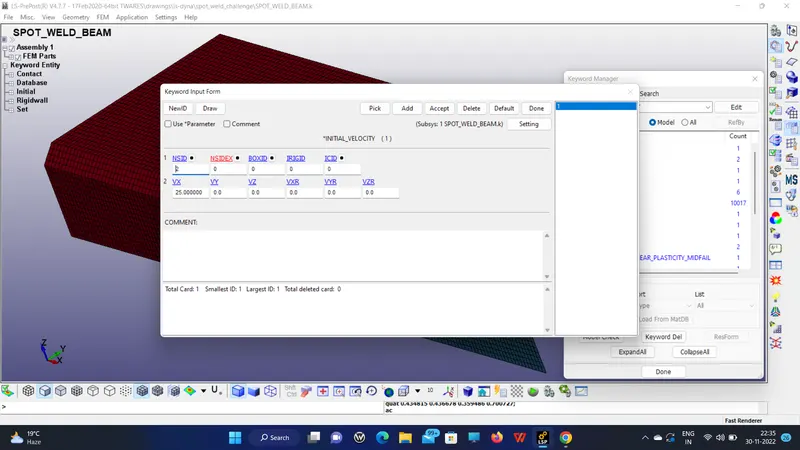
6. The boundary condition like velocity is given as initial velocity.
7. Control termination is set to 10.
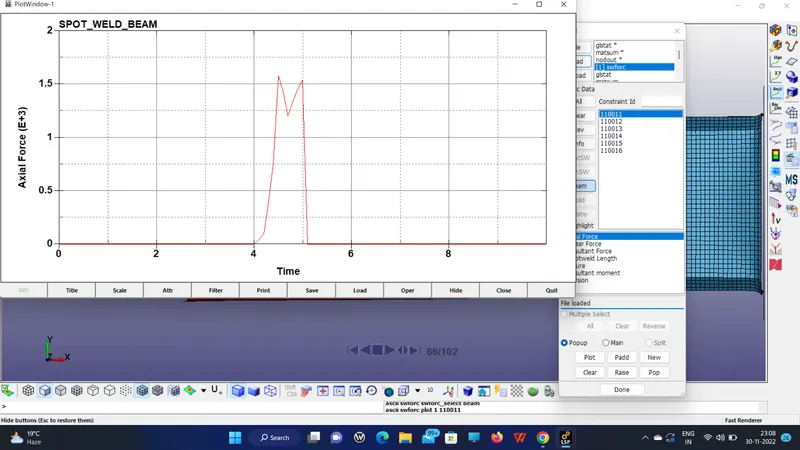
REPORT of the axial force of the beam element,
CASE:2: SPOT WELD USING SOLID ELEMENT:
It came as followed except for the section keyword, here we have to create the solid Hexa element to represent the weld.
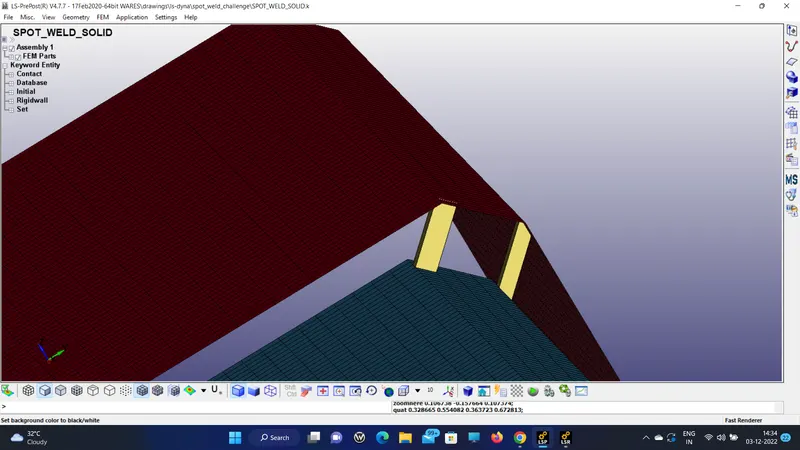
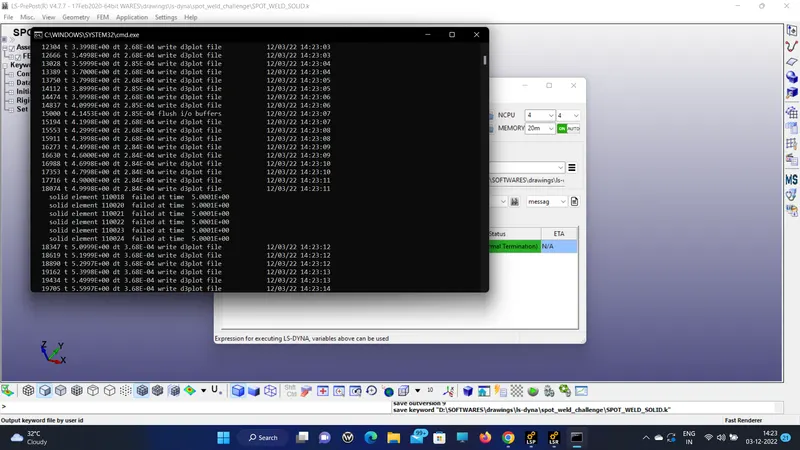
This is the solid element failure that happened in the mid of the simulation time as mentioned in the challenge.
So, the axial force on the solid weld is plotted,
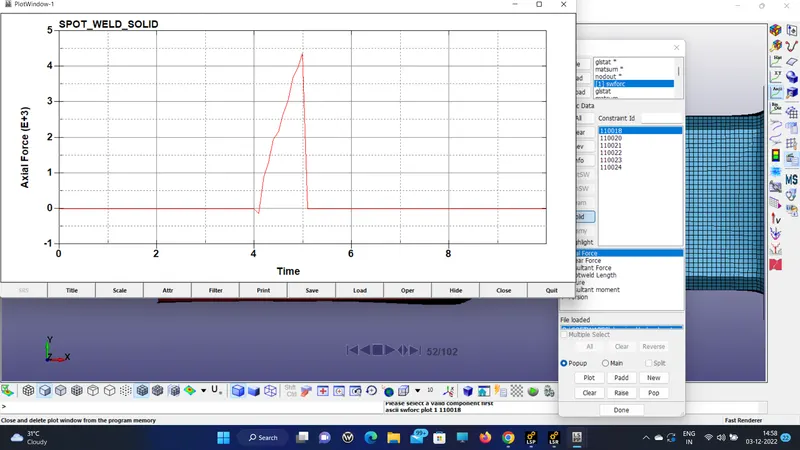
hereby, we conclude that the solid weld is having more axial force.
RESULT:
LEARNING OUTCOMES:
A detailed understanding of creating a spot weld in ls-Dyna and to check the results from the nodes by using the ASCII option.
THE FILE SIZE IS BIGGER AND EVEN COMPRESSED SO I AM ATTACHING THE OPEN LINK
https://drive.google.com/file/d/1ti5ER1vZQ9FtlEaw54mKt3Gs_d6bKvCm/view?usp=sharing