Week 5 Challenge : Surface wrap on Automotive Assembly
AIM:- To perform Surface wrap on Automotive Assembly.
OBJECTIVE:- For the given models, check for the geometrical errors and delete surfaces which are unwanted for Surface wrap. After clearing geometry, Merge all 3 models and perform surface wrap.
Target length for Wrap = 3 mm
INTRODUCTION:-
Surface Wrapping: Surface wrapping is the advanced Meshing technique in which we used to mesh only external surface for External flow studies. in which we avoid the internal parts for meshing by using this technique we can save Computational time. so we avoid the Volume Meshing.
PROCEDURE:-
- IMPORT GEOMETRY IN ANSA:-
We have 3 Seperate parts like Engine, Transmission and Gear box. so first of all we starts from Engine Part.
ENGINE:-
Open > Select Directory > Select Model > Ok
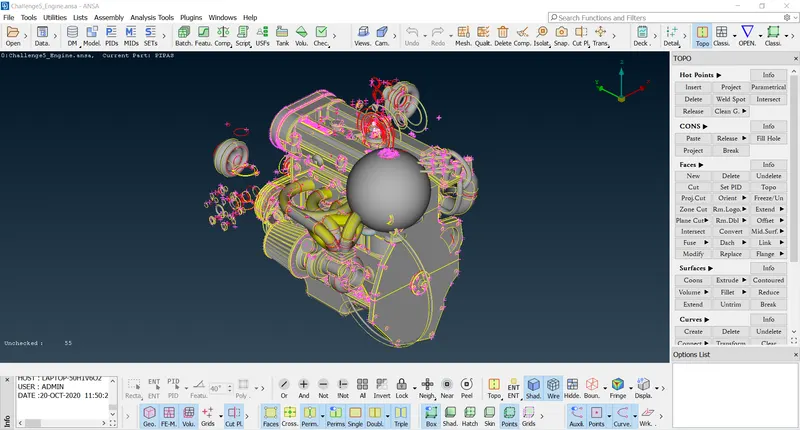
- TOPOLOGY CLEAN-UP:-
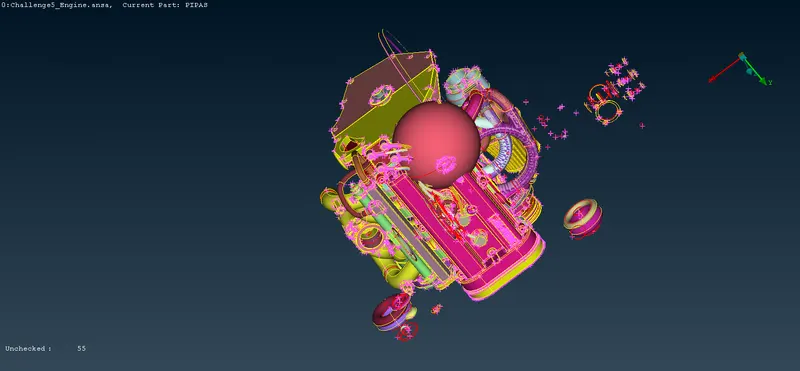
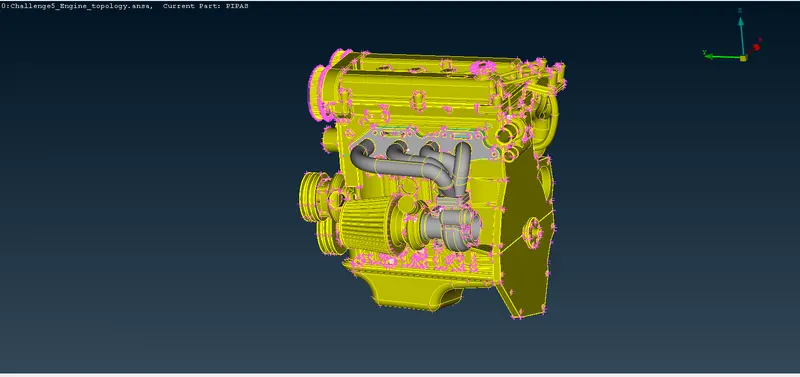
As we can see in above fig Unwanted stuffs( Dougnut like structure, Unchecked Surfaces and points) are present over(outside and inside the geometry). so we have to clear all these stuffs by using Universal Delete option. First of all we have to Hide The Engine parts by using not option and then making all Selection we can delete the stuffs.
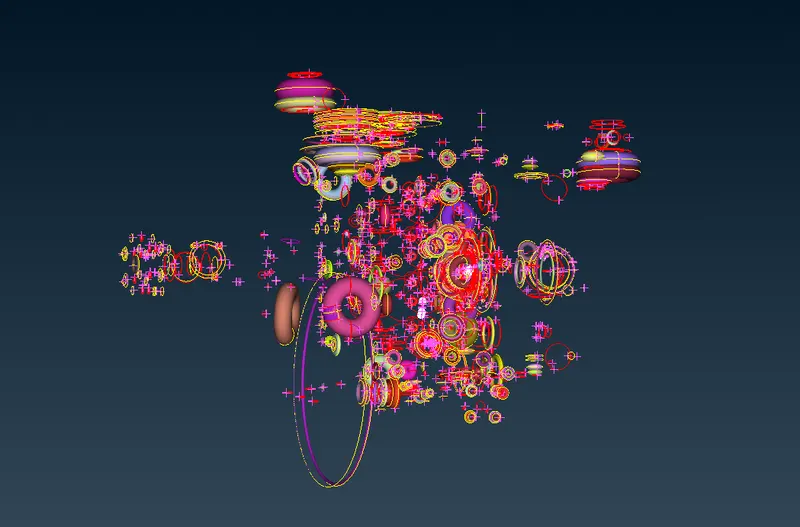
After Deleting Above shown Stuffs We can get the engine part as below fig , but still some un wanted surfaces are present over there we have to ressolve this by using Toplology Tools.
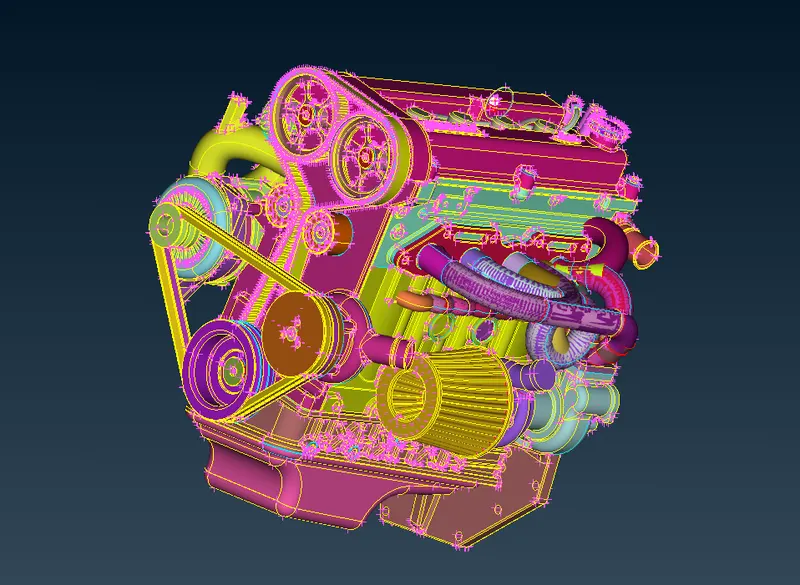
Engine After Topology clean-up :-
Here no need to do geometry checks because we have to focus only on Outer Surface of the Engine.
Now import Transmission:-
Open > Select Directory > Select Model > Ok
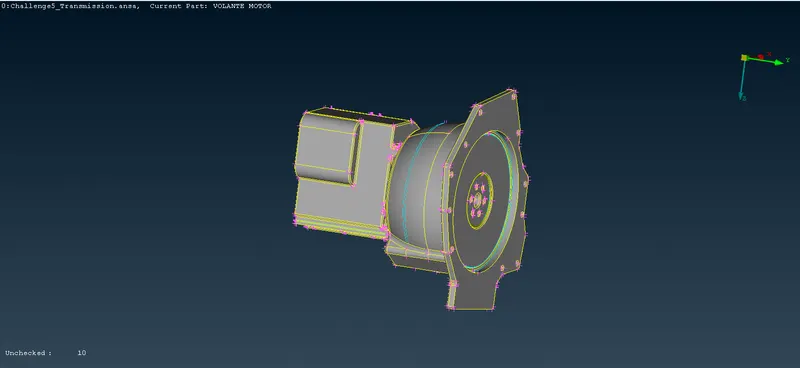
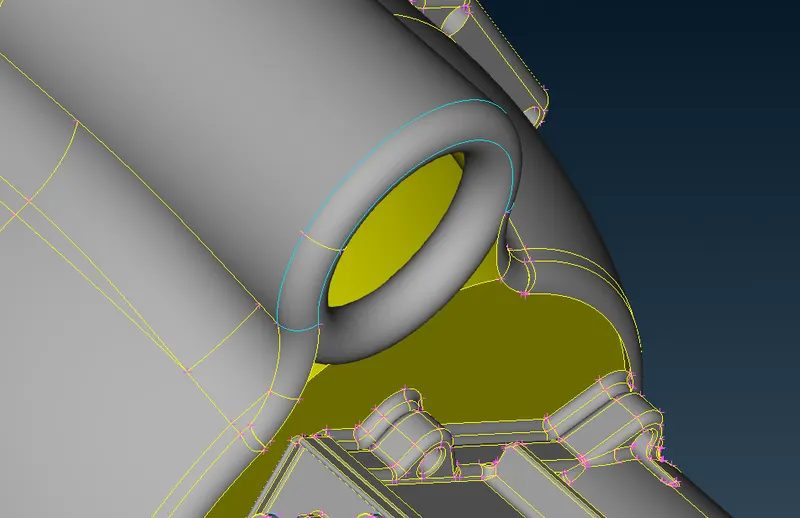
As we can see in above fig Doughnut like Structure are present in geometry, so we have to Delete that by using Universal Delete Tool, by using Triple cons we can eaisily find the Unwanted Surfaces.
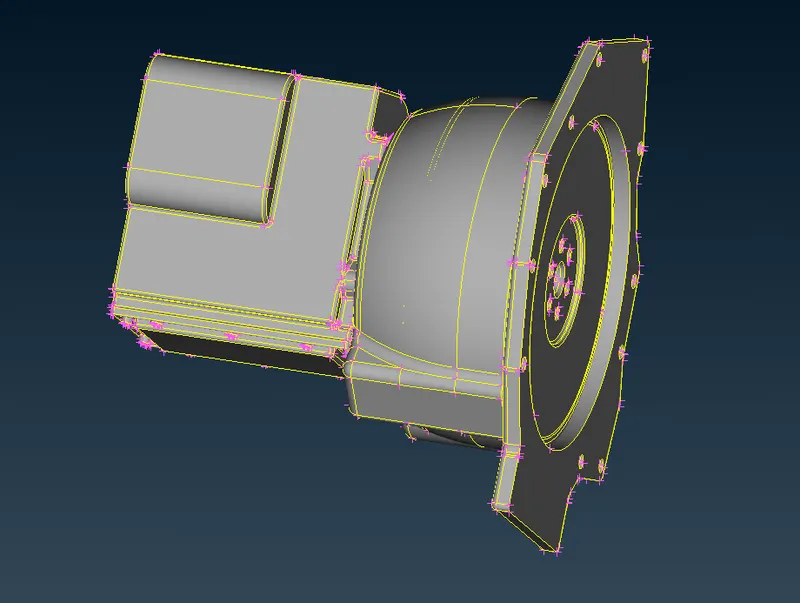
Transmission After Topology clean-up:-
Here no need to do geometry checks because we have to focus only on Outer Surface of the Transmission.
Import Gear box:-
Open > Select Directory > Select Model > Ok
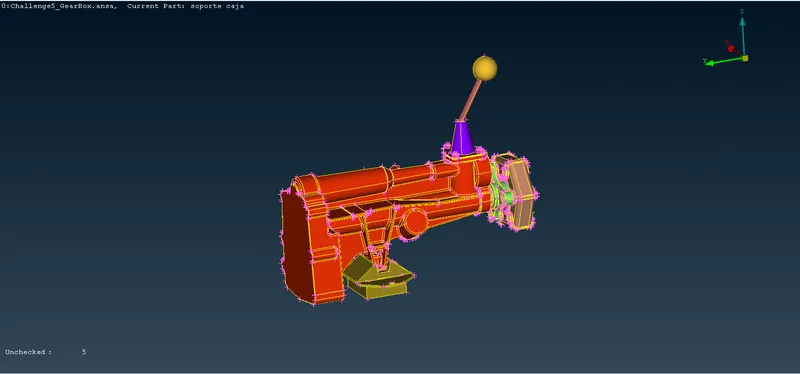
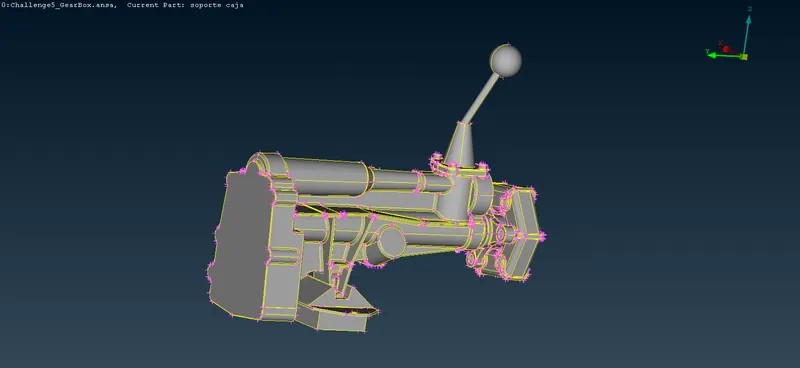
Gear box After Topology clean-up:-
Here no need to do geometry checks because we have to focus only on Outer Surface of the Gear box.
MERG:-
After finishing Toplogy Clean-up of all three Models, now we have to Merg three models in One File, so here we are Using Merg option. like File > Merge > select Files from Directory > Ok (Merg parameter) > Ok (Warning) > File Merge Analytics (Close). then we can have Three models(Assembly) in one file.
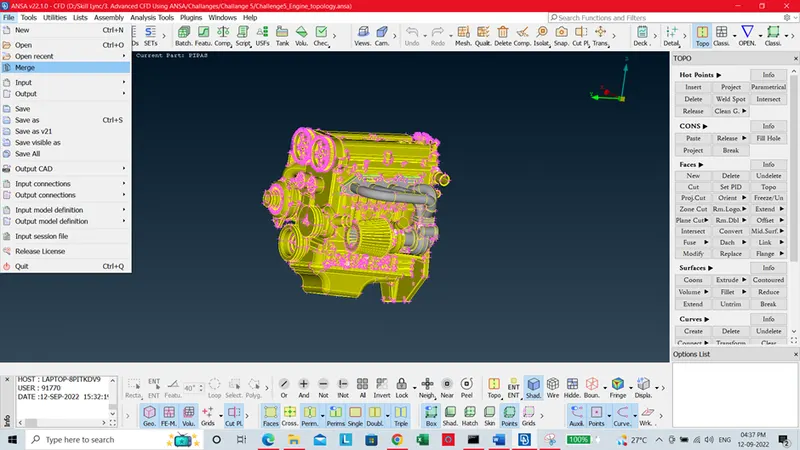
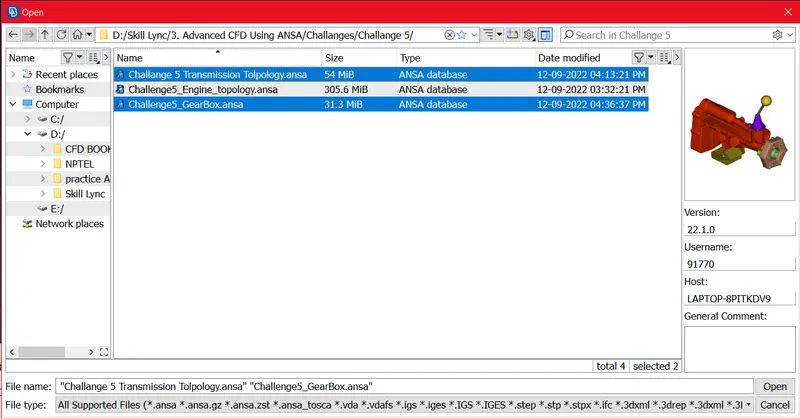
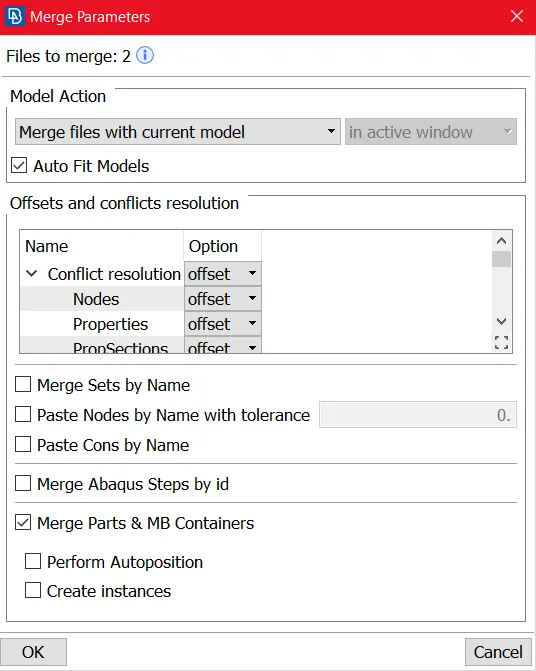
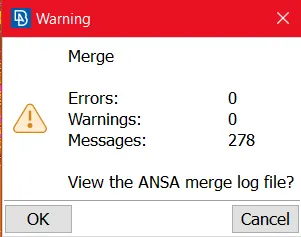
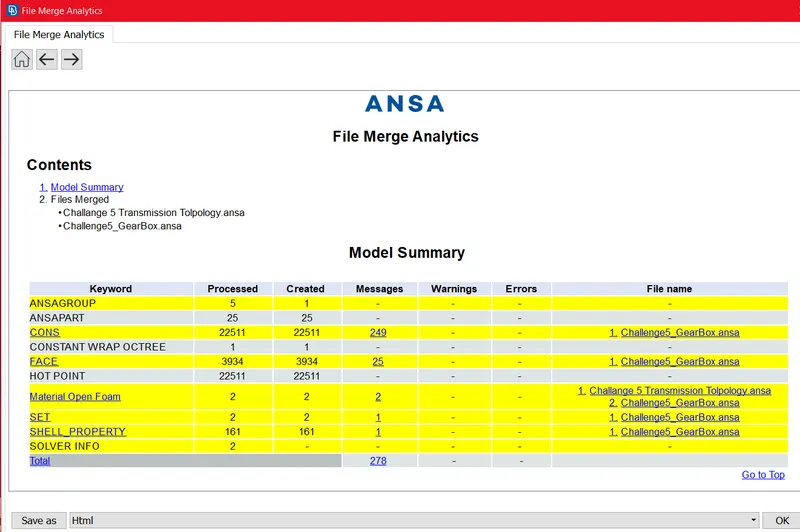
Now we can have the Merged All three Models in one File as below fig.
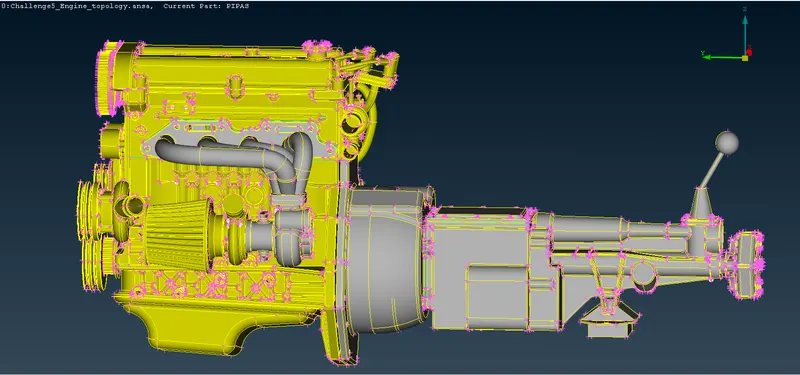
Then we have to close all opening/ Holes By using Topology Tools. After closing our geometry look like as below,so by using this we can avoid unwanted wrapping in inside the body.
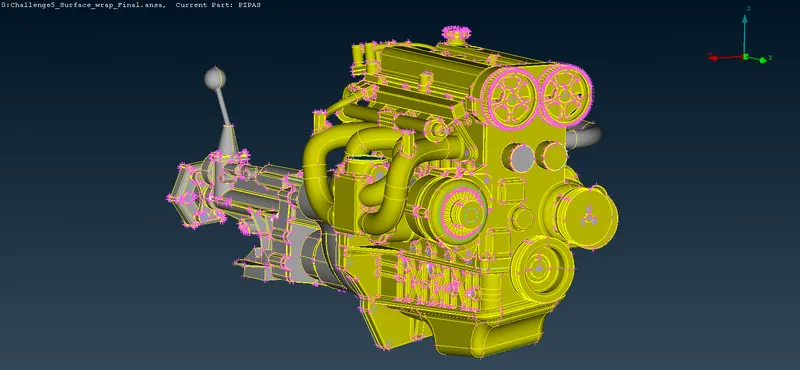
Then we have to perform the Surface Wrap
SURFACE WRAP:-
Target length for Wrap = 3 mm
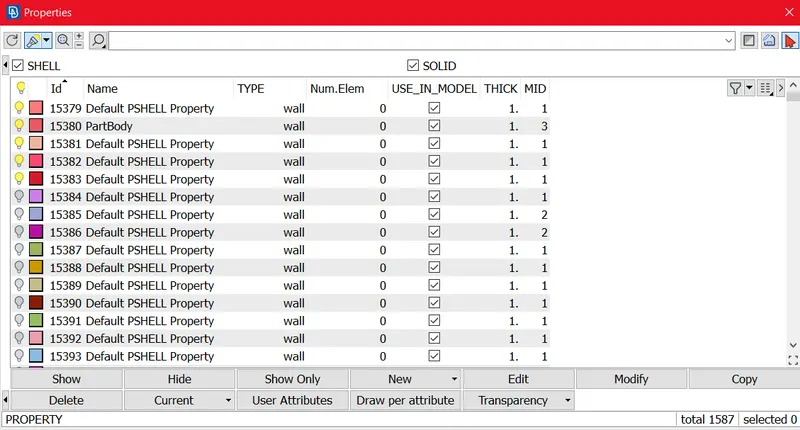
Before Surface wrap we have to delete the unwanted PID's( total 1587 PID's) by using Compress Tool.
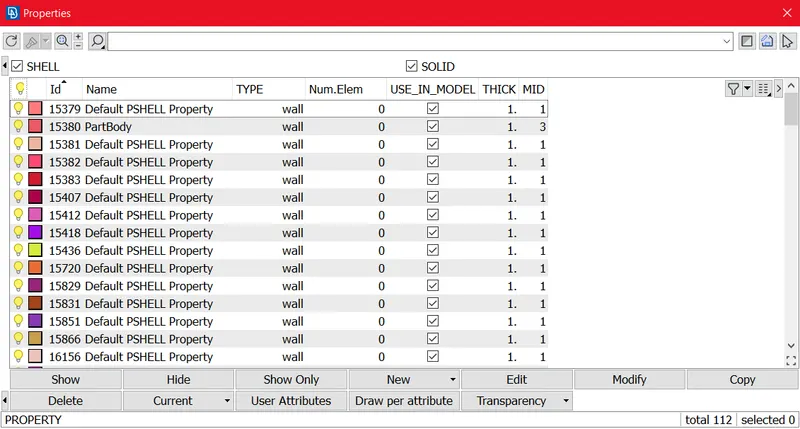
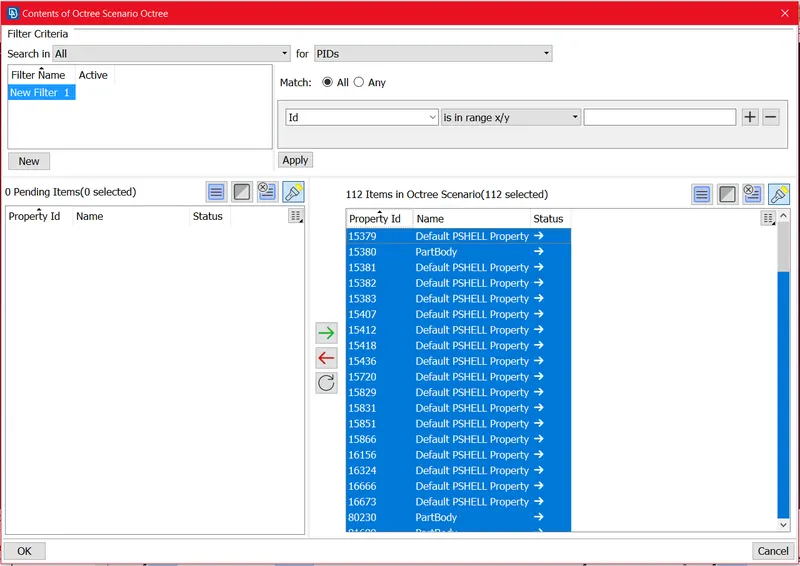
After deleting PID's we can get 112 PID's as we can see in below fig.
Now we have to go for Surface Wrap, by using Shell Mesh > Octree > constant Wrap octree > Target length 3 mm.
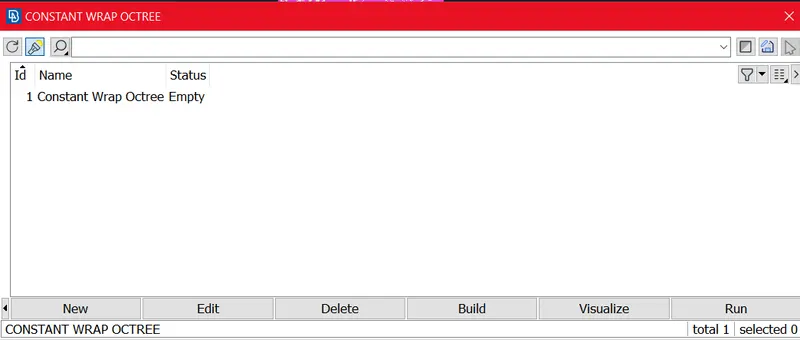
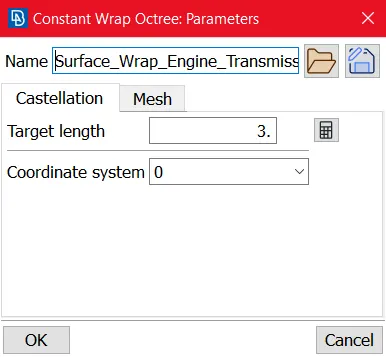
After setting Target wrap we have to Select all PID's and get in to octree scenario
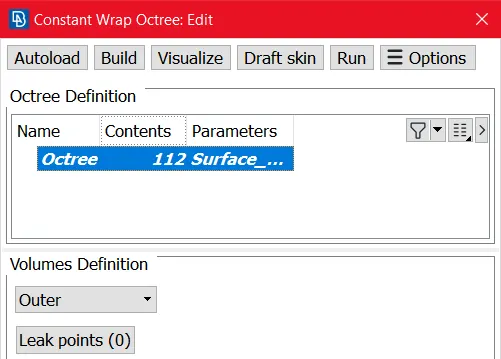
then we have to Perform Surface Wrap by using Run tab, After 5 to 10 mins Surface wrap will be done.
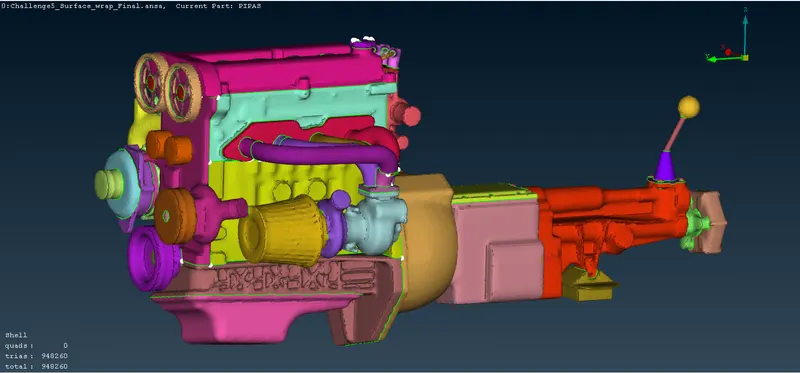
RESULT:-
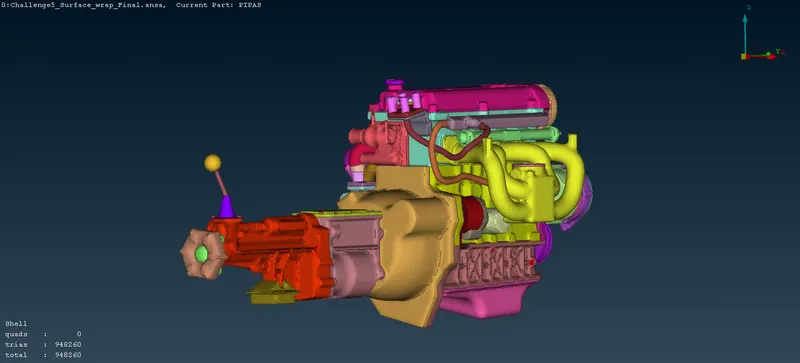
Now we can see the Surface wrapping to the whole assembly as shown in below fig. we are getting 948260 Tria elements.
CONCLUSION:-
- Topology clean-up was done Successfuly and Merged File for Assembly of Engine,Transmission and Gear Box.
- Surface Wrapping was run successfully on the given geometry( Assembly of Engine,Transmission and Gear Box) for a given Target Wrap length of 3mm.
- Surface wrap is effective for outside flow simulations where the volume between the body and the wind tunnel is required for External flow simulations.
GOOGLE DRIVE LINK:-
https://drive.google.com/file/d/1dlg0ok7ESQrOWwnUhfDie4UNKR6Qeof-/view?usp=sharing