Week 5 Challenge : Surface wrap on Automotive Assembly
Aim - to perform surface wrap on the given models
objectives-
For the given models ,we have to check for the geometrical errors and delete surfaces which are unwanted for surface wrap .
After clearing geometry we have to merge all givenmodels .
Then finally we have to perform surface wrap for the merged model.
Surface wrap :- used for preserving outer forms of a surface and meshing the outer surface of a model
Procedure-
Imprt the cad models in ansa and start the topo clean up since we are noy concernrd with the inside we only need to delete the unnesessary surface outside of our model and make sure there are no opening in our cad model
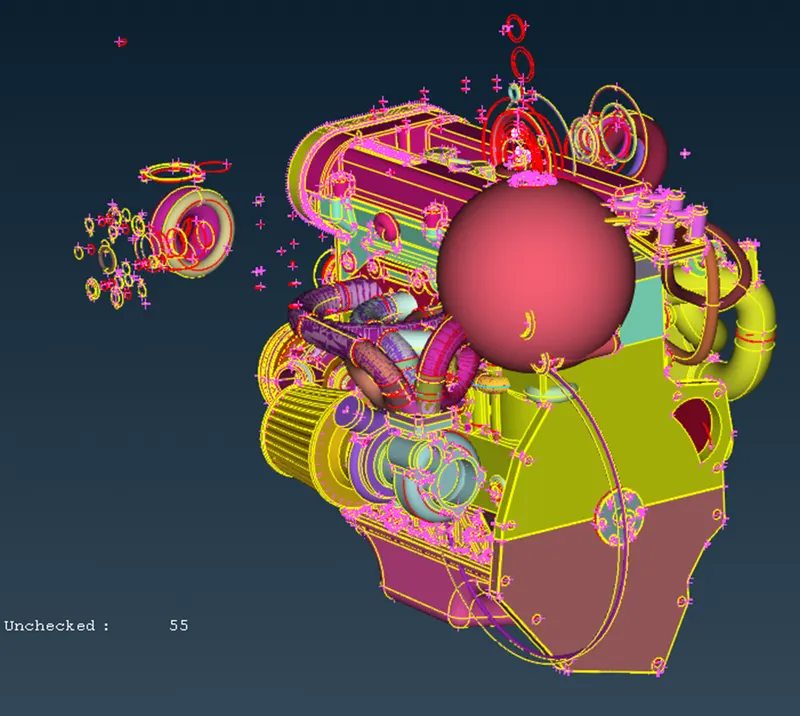
delete all the ring and unimportant features of the modelAfter deleting and closing all the open holes, closing all the holes is important as in wrap meshing the outer surface will be selected and if the opening and it will mesh it from inside which we don’t need so we need to close all the open holes
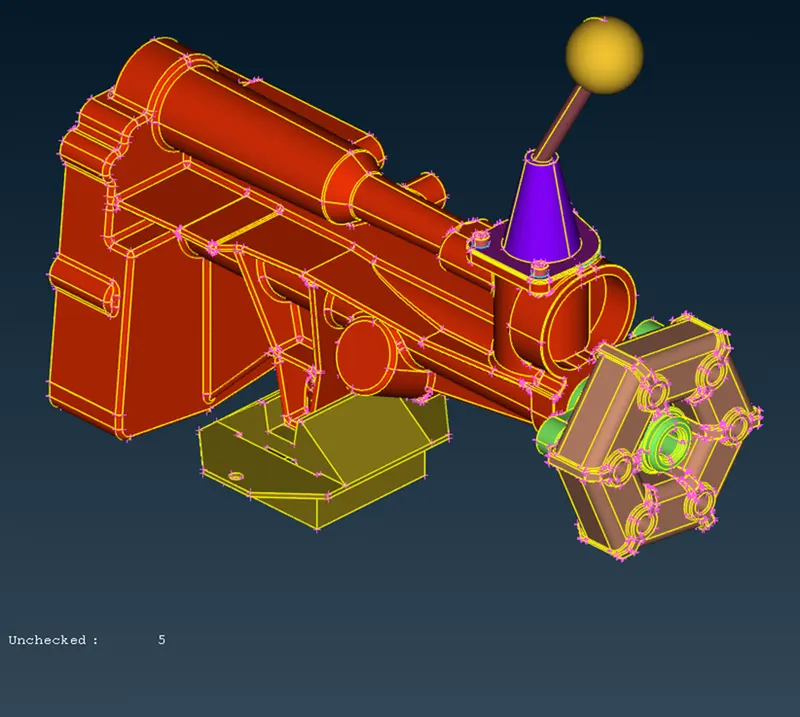
for the transimmison model there are no un nessary surface so its fine
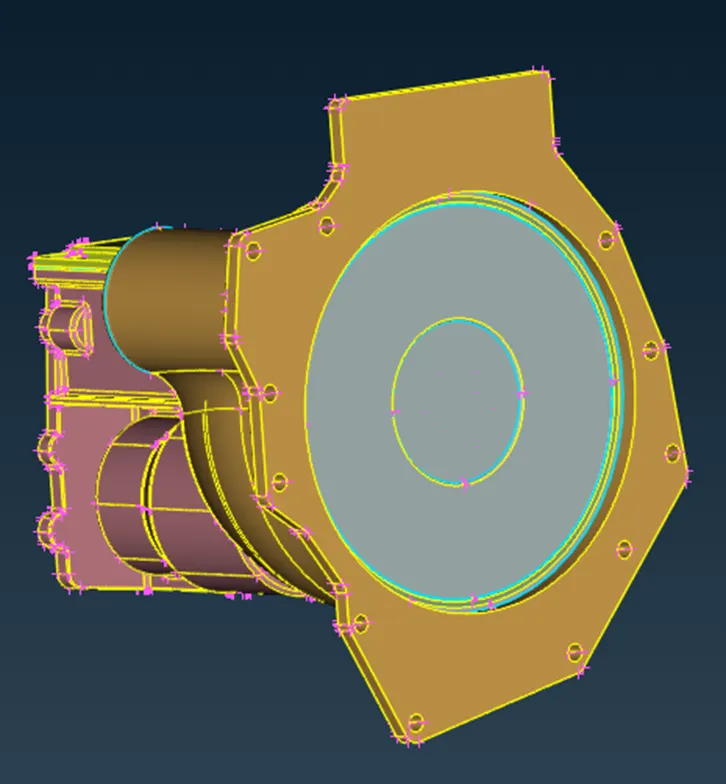
gear box model has opening that needed to be closed
2)-After cleaning all the models, we can merge them wo create an assembly, For merge we can go to FILE-> MERGE
a pop up will open where we can select the files we want to merge
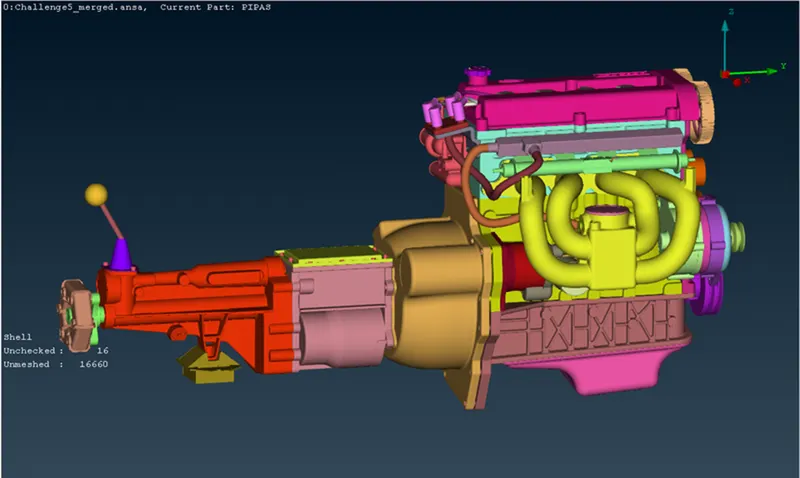
3)surface wrap- switch to mesh deck we can find wrap option in element click on wrap const length apopo up will appear
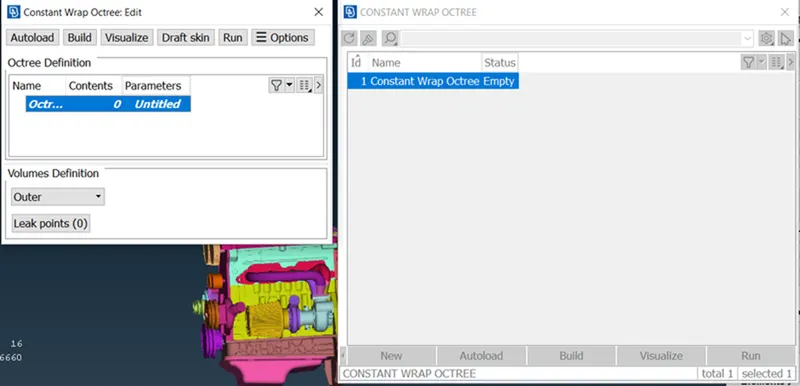
double click on parameter here we can define target length tafter giving target length double click on contents here we can define which PID to inherit from base model
click on run model is now wrapped
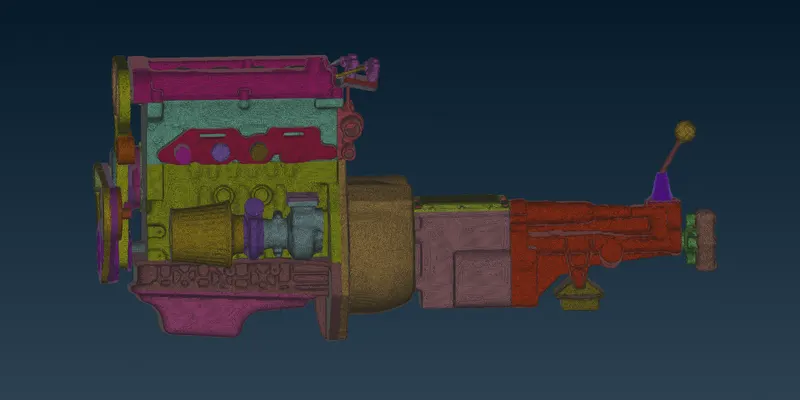
result- model has been sucessfully surface wrapped