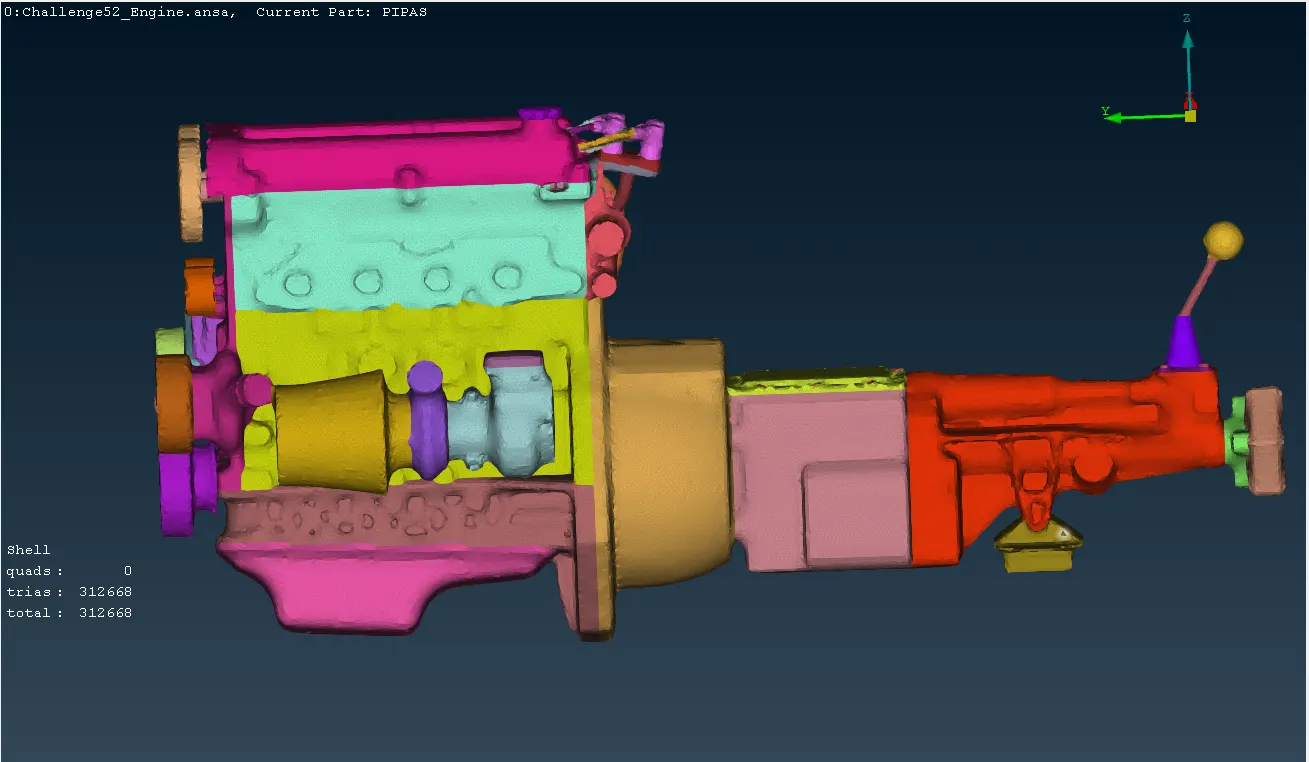
Week 5 Challenge : Surface wrap on Automotive Assembly
AIM: The aim of the project is to check for the geometrical errors, delete unwanted surfaces, assemble the models for surface wrap.
OBJECTIVES:
1. Check for geometrical errors.
2. Delete unwanted surfaces for doing surface wrap.
3, Merge all the three parts and perform surface wrap.
PROCEDURE:
Step 1: Geometry cleanup
- Import the model into ANSA using the 'Import' option.
- Identify and delete unwanted surfaces such as rings, sphere balls, belts, and any surfaces not connected to the main model.
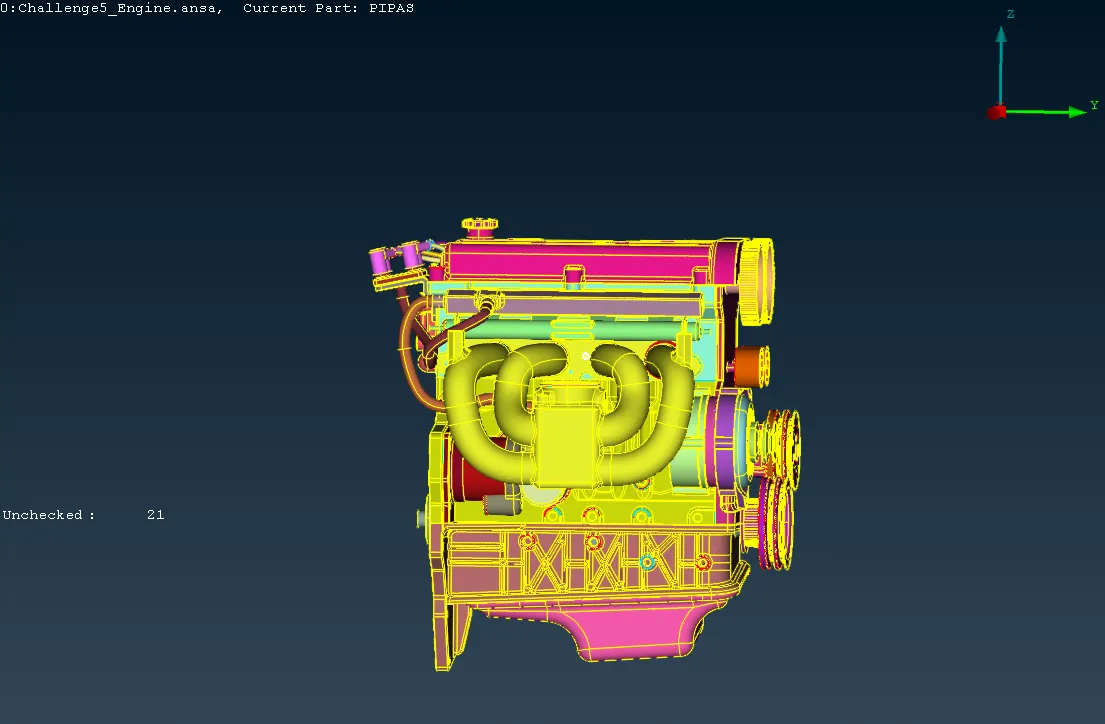
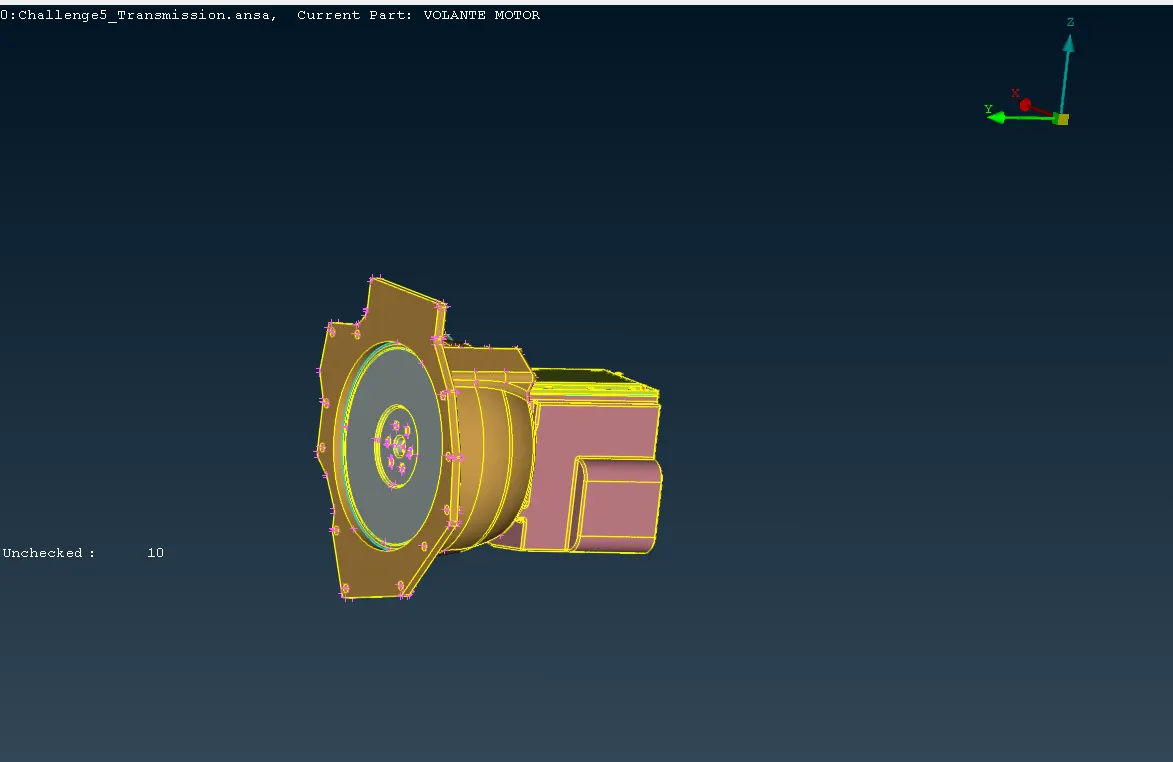
Step 2: Unwanted PIDs
- After deleting surfaces, remove any unwanted PIDs (Part Identification Numbers) using the 'compress' option. PIDs may still contain references to deleted surfaces.
Step 3: Merging
- Once the geometry is cleaned up, merge the individual parts of the model using the 'merge' option.
- Fill any remaining holes in the geometry using the 'new' option to ensure a continuous surface.
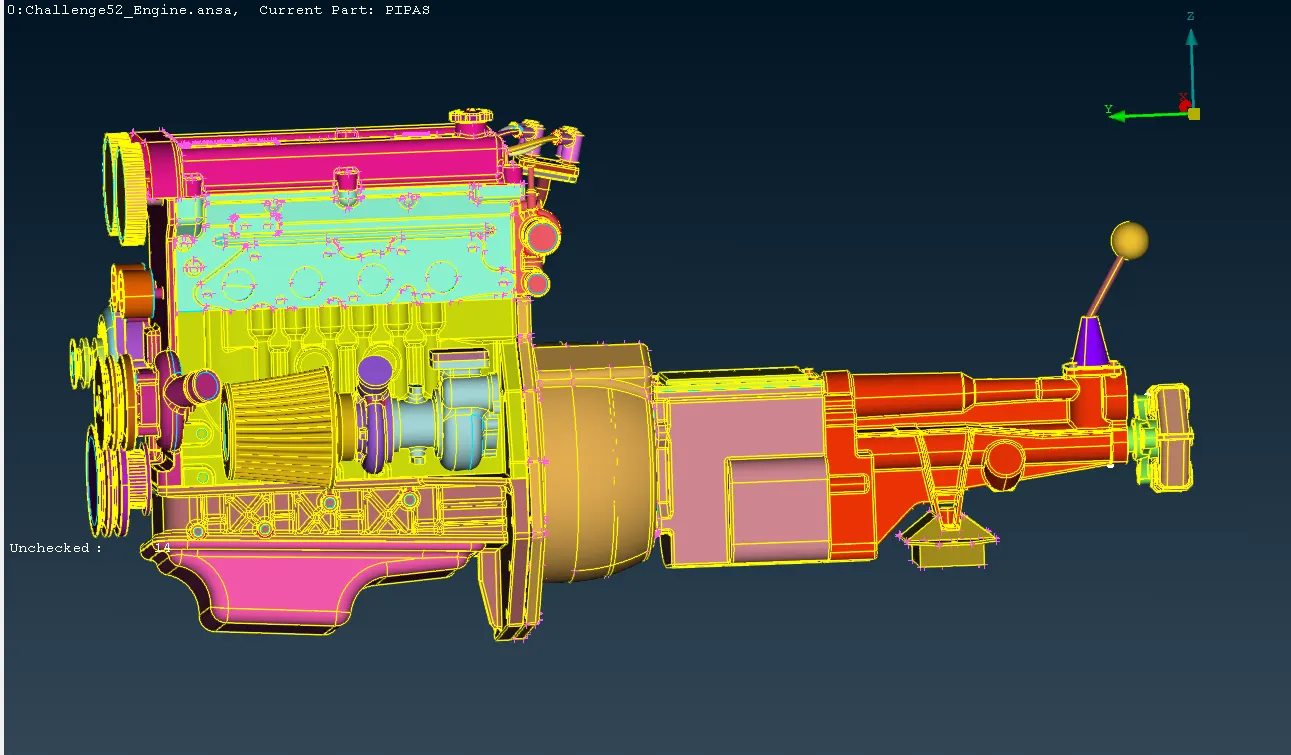
Step 4: Surface wrap
- Navigate to the mesh deck in ANSA.
- Choose the 'wrap' option under the elements tab.
- Specify the element target lengths for different parts of the model (e.g., 8mm for the engine, 5mm for transmission, and gearbox).
- Set the smooth factor to control the smoothness of the resulting surface.
- Perform the surface wrapping process.
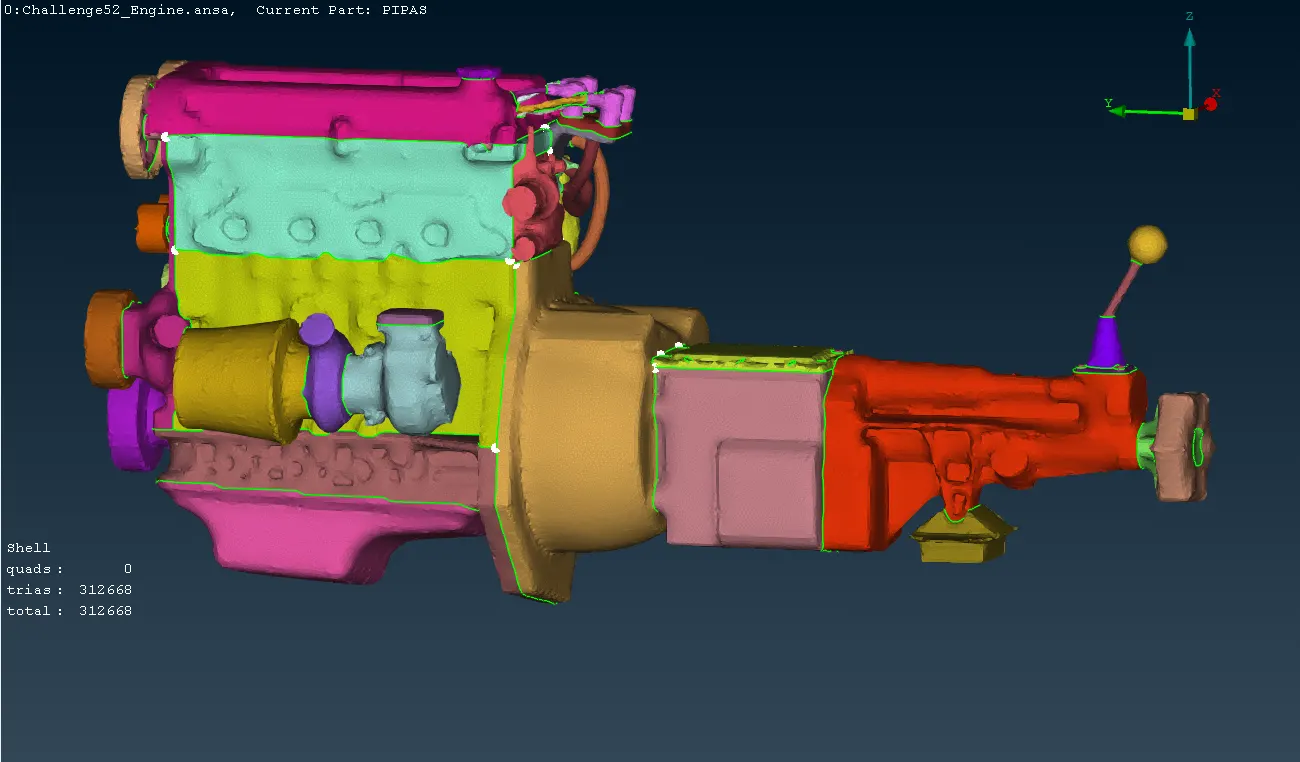
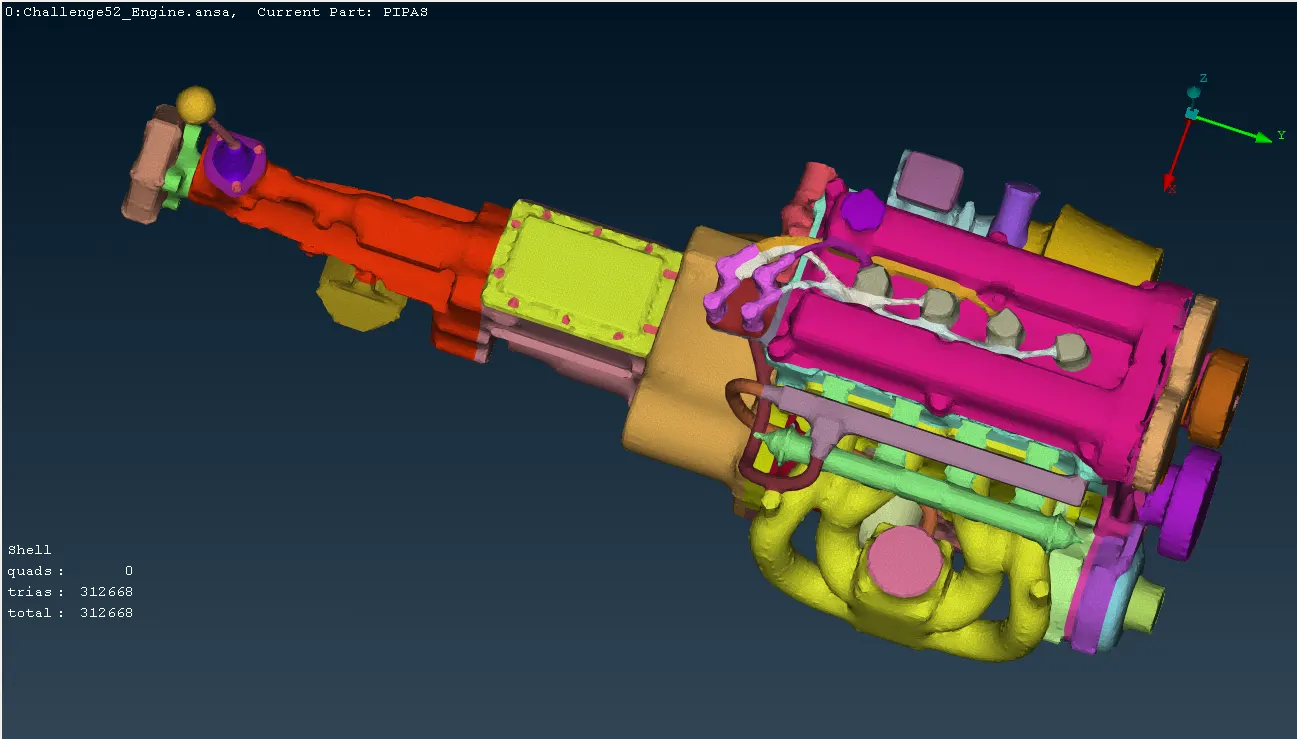
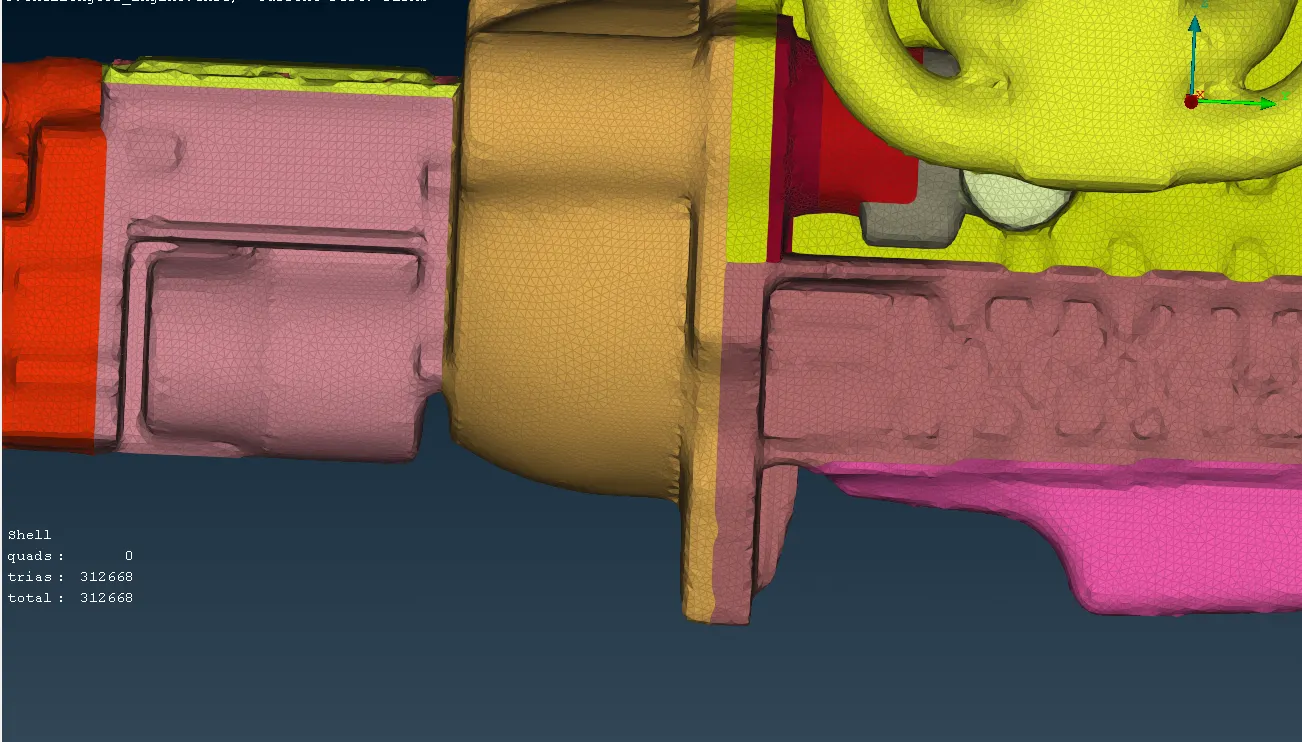
From the below picture, we can see the background by hiding the front surface and vice versa.
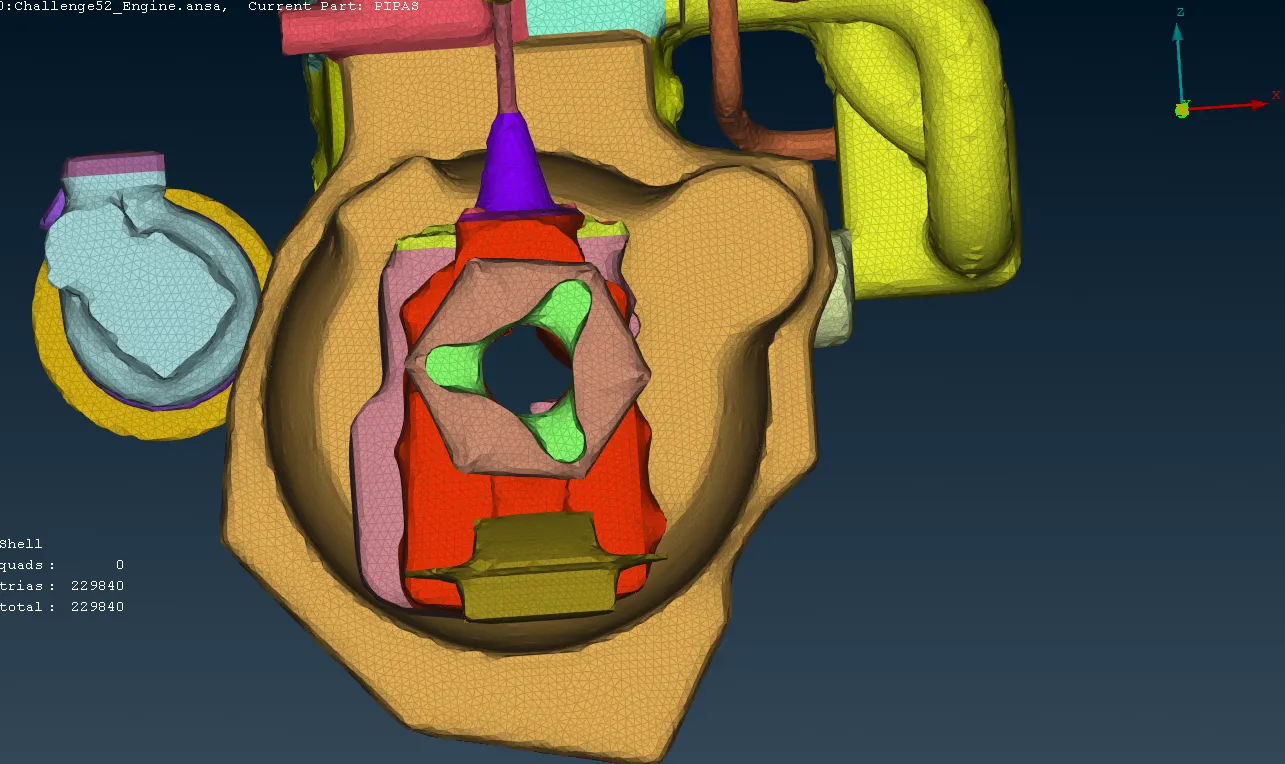
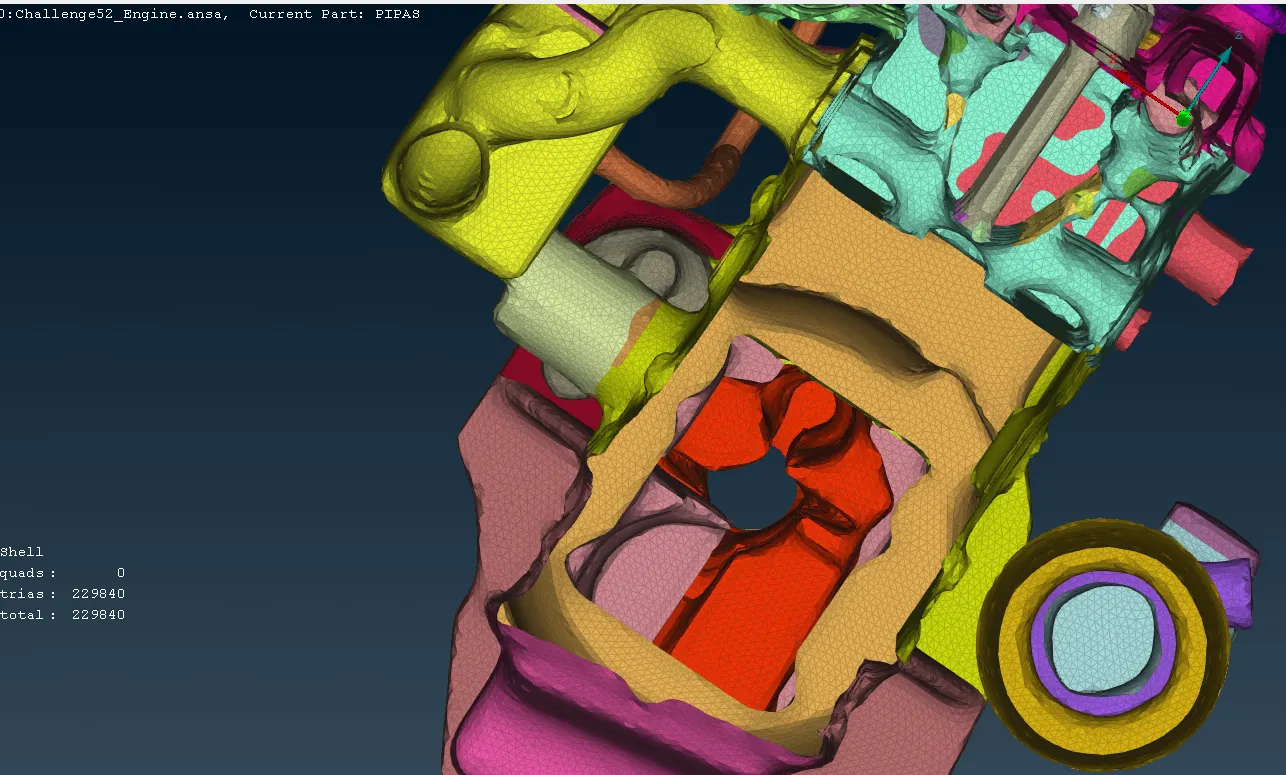
Using 'not' option to hide the half of the model and can see the inner side of the model.
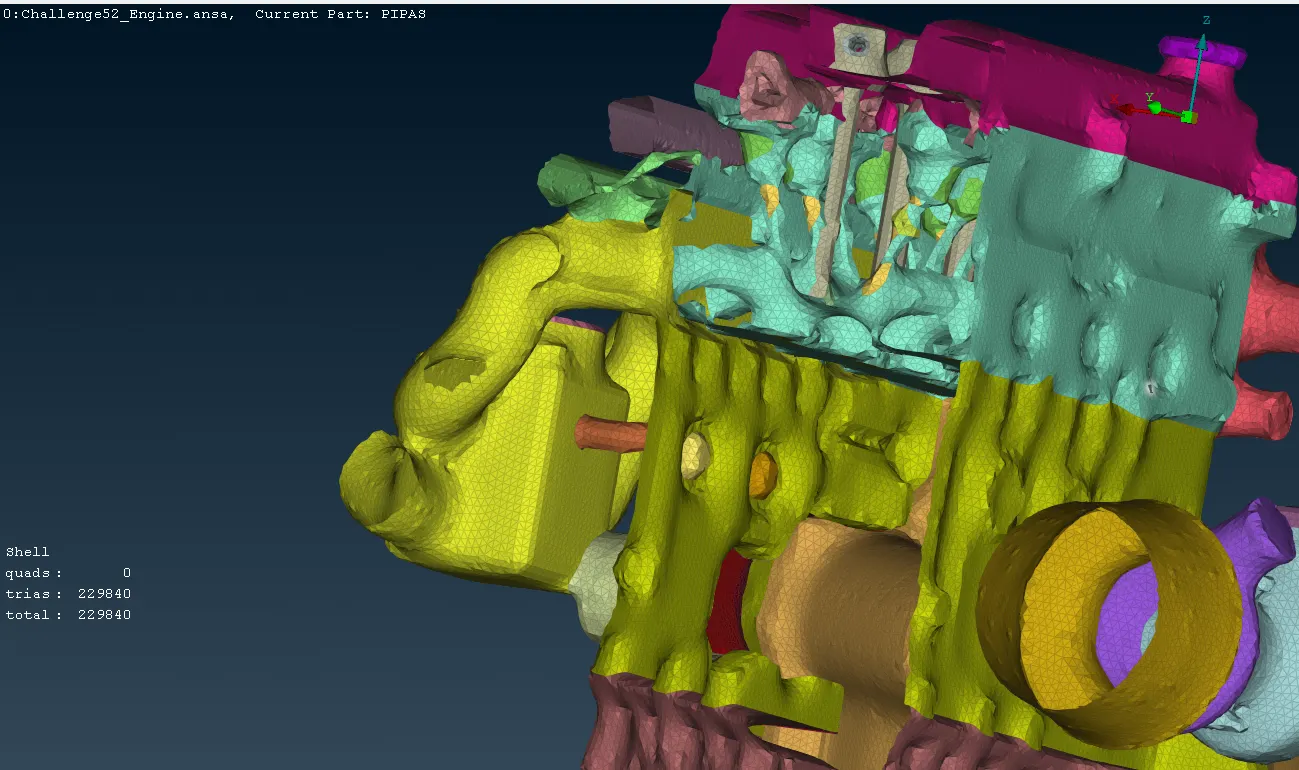
RESULTS:
After completing geometry cleanup and merging parts, surface wrapping was performed in ANSA with element target lengths set to 8mm, 5mm, and 5mm for the engine, transmission, and gearbox, respectively. The smooth factor was set to 0.5 to ensure a smooth surface representation suitable for analysis and simulation purposes. Thus, the resulting model exhibited a continuous and accurately wrapped surface, ready for further analysis and simulation tasks.