Week 5 Challenge : Surface wrap on Automotive Assembly
AIM:-
Create the surface wrap over assembled parts (Engine,Transmission and gear box).
Target length for wrap = 3mm.
OBJECTIVE:-
- To check the geroetrical error and delete unwanted surface.
- Perform the surface wrap for Engine, Transmission and Gearbox model.
PROCEDURE:-
- First of all insert the model from the file to the ANSA.
- Check the unwanted surface.
- Delete the unwanted surface without damage the other parts surface.
- Check single and triple cones and resolve it.
- After the cleanup geometry from the unwanted the model is ready for the surface wrapping.
MODEL:-
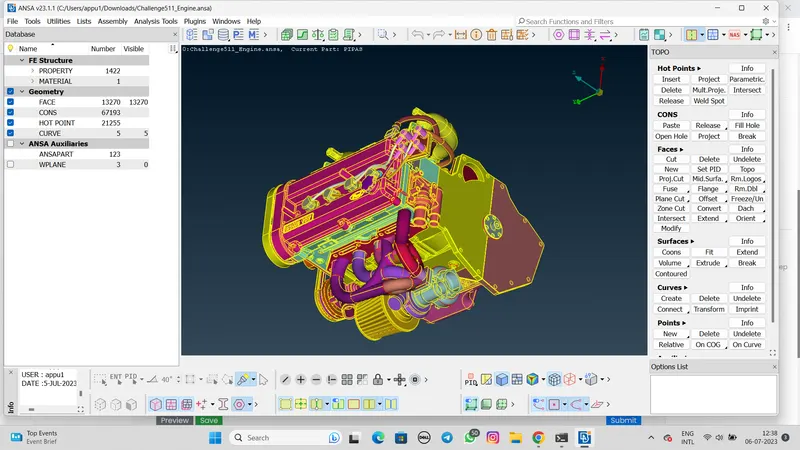
1:- ENGINE
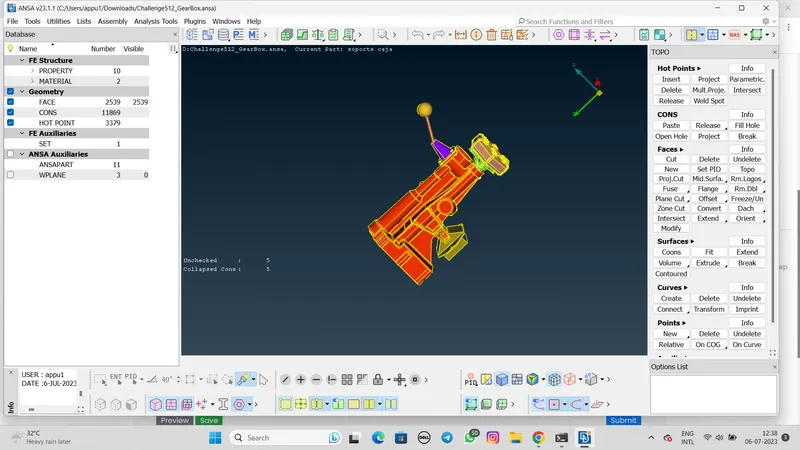
2:- GEARBOX
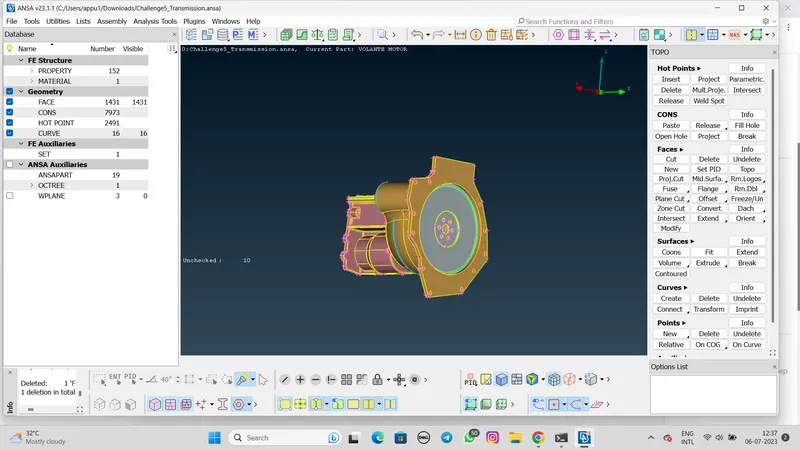
3:- TRANSMISSION
MERGE THE MODEL:-
- Before the surface wrap make sure that the all model are merge or not
- For the merge model click on the merge option then select the model and click on open.
SURFACE WRAP:-
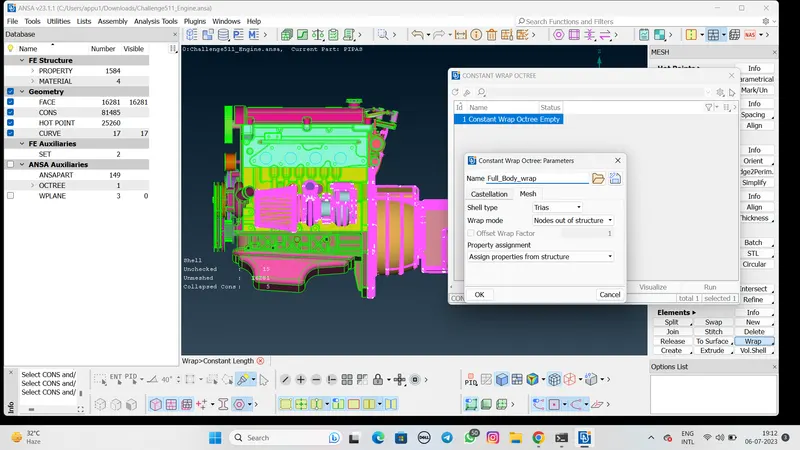
- For the wrap procedure, Click mesh>Wrap>Constant length.
- Click on the constant length octree, Click on empty option.
- Then click on perameters, Enter the length value is 3mm.
- Check the all box are selected or not.
- Then provide the name 'Full_Body_wrap'. Then click on ok.
- After that click on properties then check there are so many PID surfaces which we are deleted earlier.
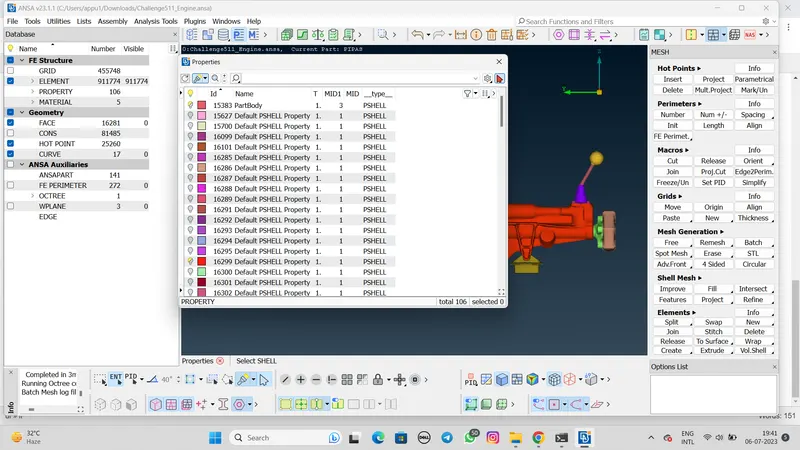
- Then select the compress command and delete the earlier unwanted surfaces.
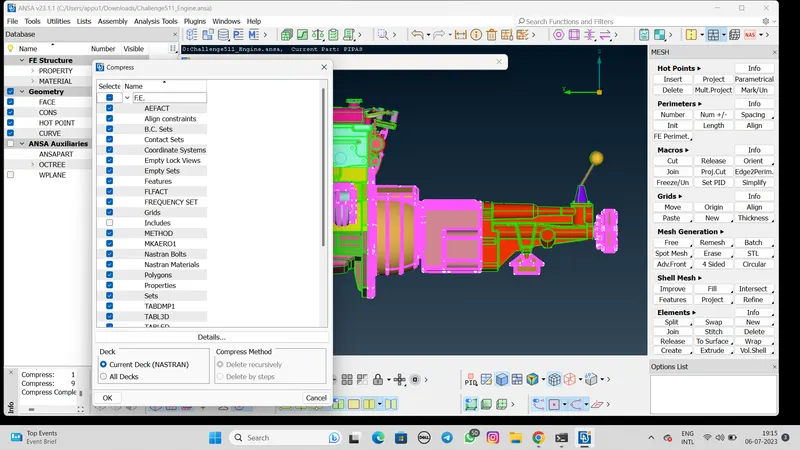
- After the delete the unwanted surface click on wrap>constant length Click on the Run button.
- Wait for the few minutes to complate the surface wrapping.
RESULTS:-
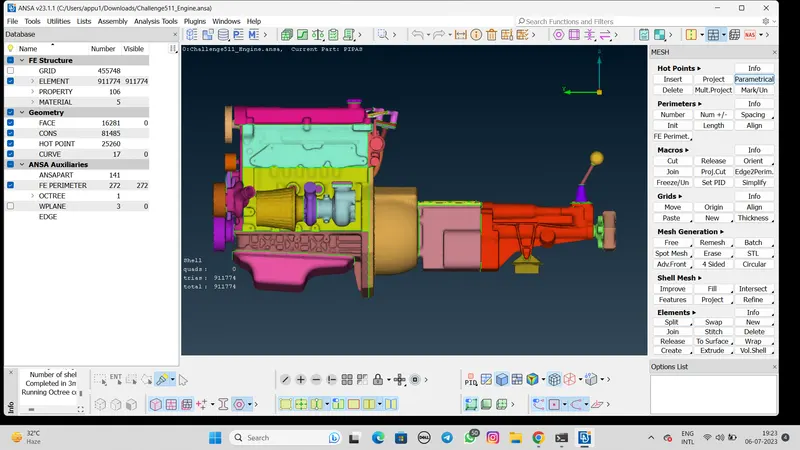
In the results we can see the model surface wrapping.
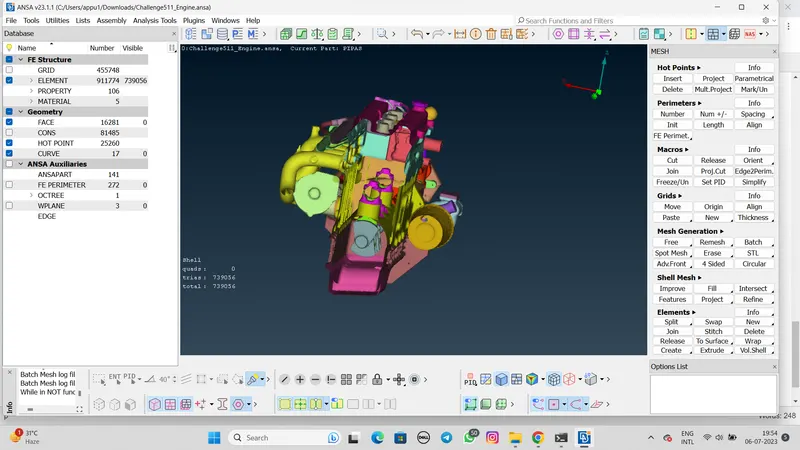
LEARNING OUTCOMES:-
- Geometry cleanup
- Geometry merging
- Surface wrapping
NOTE:-
Before the surface wrapping procedure we have to check there is no any hole which is properly fill or not.
Because it can create an error.
CONCLUSION:-
- Surface wrapping was run successfully on the given parts and length size is 3mm.
- Also we can change the length and perfome the wrap, But there is a specific result outcame at less length.