Week 5 Challenge : Surface wrap on Automotive Assembly
Aim: To merge all three models and perform Surface wrap on Automotive Assembly
Procedue:
- surface wrap is the analysis on the outer surface only. So, first clear the geometry – delete all extra surfaces.
- Remove all unchecked surfaces which are smaller than mesh length and needs to be removed, isolate those and remove one by one.
- delete all extra surfaces which are not required
- remove all thinner parts from the geometry for surface wrap
- fill all major holes in the model
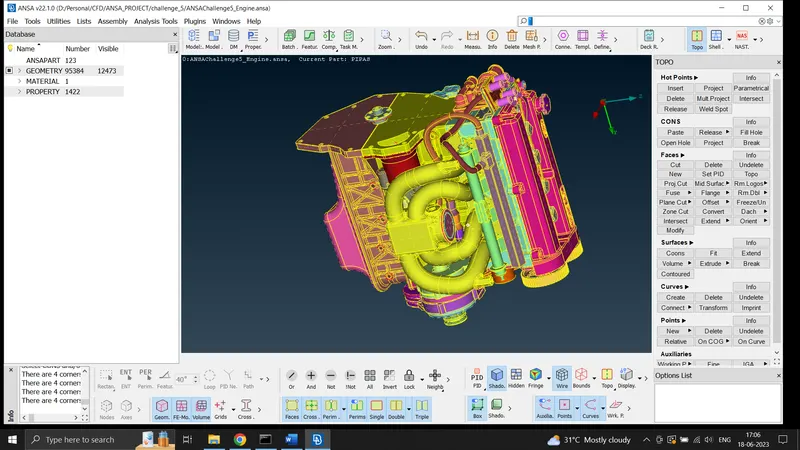
- similarly check for discrepancies in transmission and gear box models also
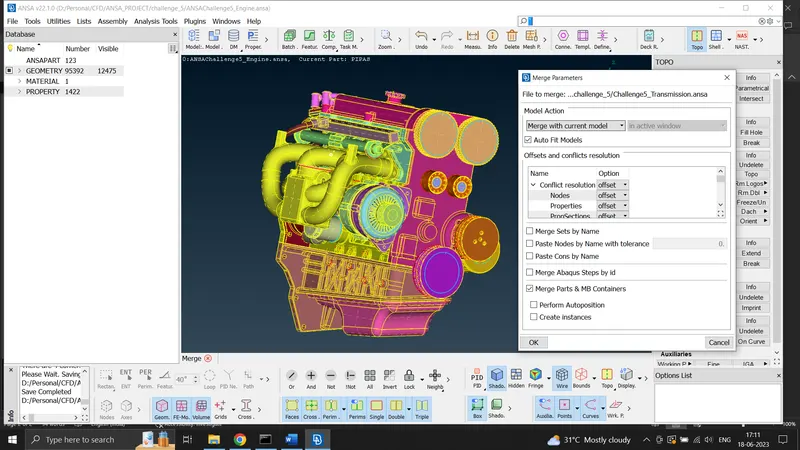
- now merge all models for checking errors. Use FILE—MERGE option. ensure MERGE MODEL WITH CURRENT MODEL is selected and MERGE MODEL option is checked in
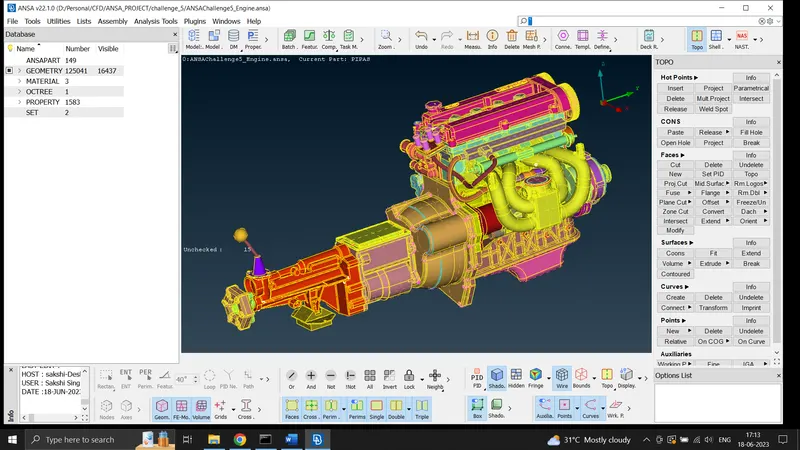
- now we have filled all major holes. we can go to MESH mode for surface meshing
- delete unwanted PIDs using COMPRESS option (PIDS reduced from 1583 to 114)
- click on WRAP option in ELEMENTS tag of MESH mode
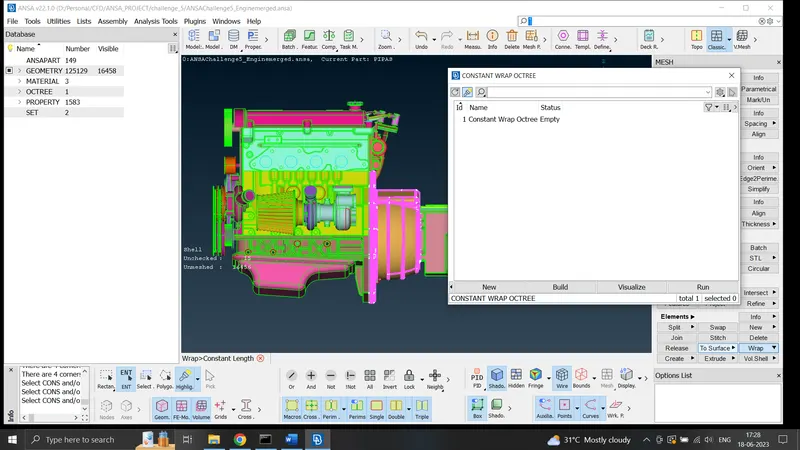
- set mesh length as 3 mm in PARAMETERS
- now contents and parameters are defined then click on RUN
- surface wrap is completed
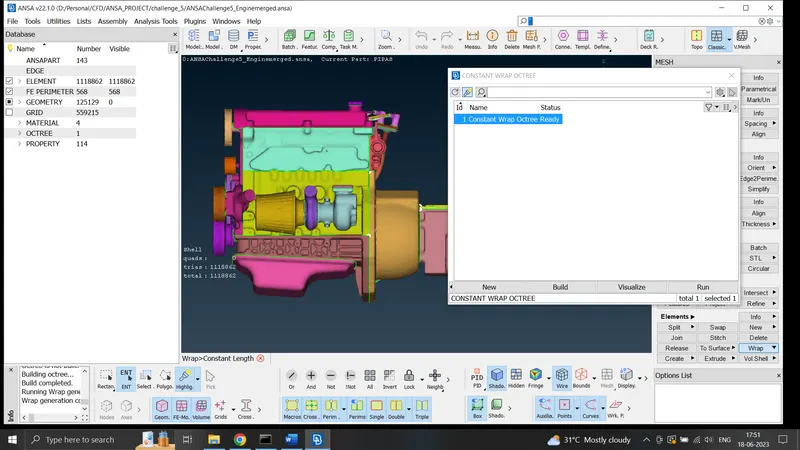
- merged model file attached