Project 1 : CFD Meshing for Tesla Cyber Truck
Aim: CFD Meshing for Tesla Cyber Truck
Procedure:
-
First check if model is having single cons, select entire model and apply TOPO from FACES option on it to convert single cons to double/ triple cons, as and where possible
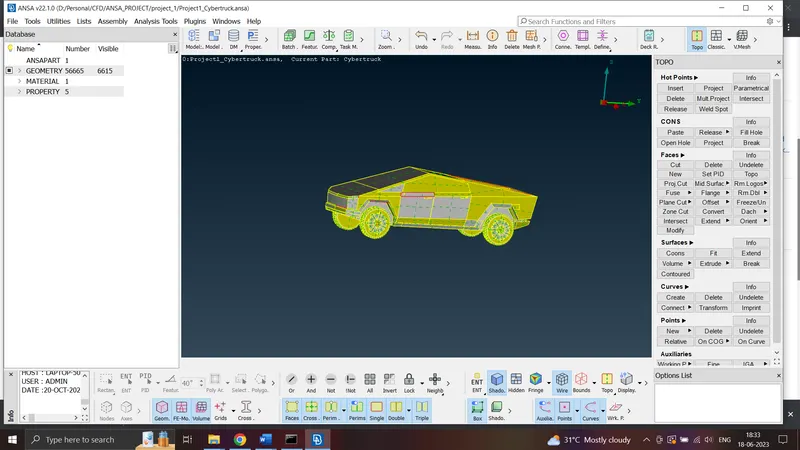
- check for cons resolution. set length for perimeter and macros as 1 mm by selecting entire model for obtaining smooth surface
- We will use symmetry option so delete half part of the model and keep only components which are not symmetric. for that, first make cut on the symmetric line for diviiding the model in equal halves
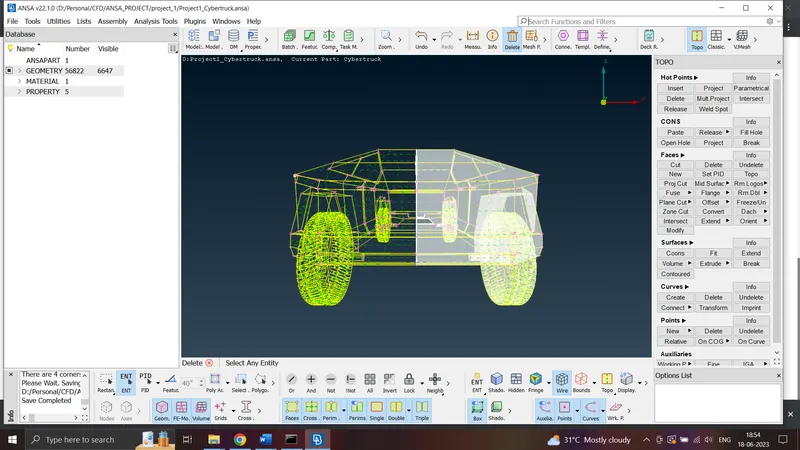
-
We need to make the model topology clean to ensure only one volume is remaining that is the volume between wind tunnel and truck exterior features. Remove all single and triple cons on the truck inside part by part
-
All errors are resolved, now create and assign PIDs. Remove all unwanted PIDs using COMPRESS option
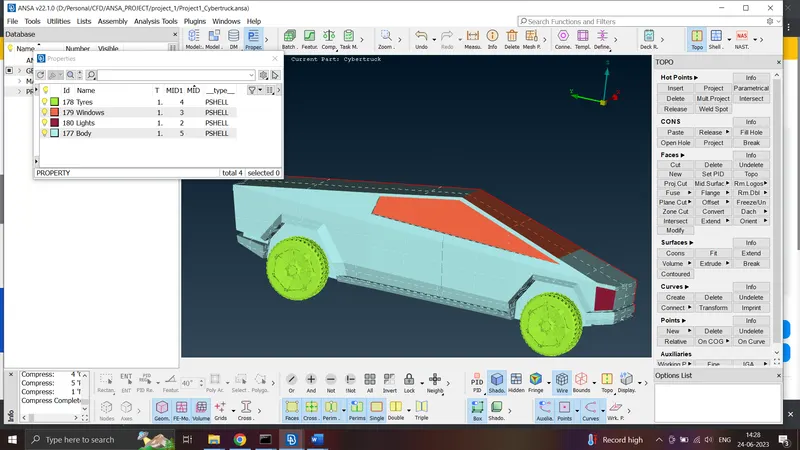
-
Measure distances in all PIDs for checking any distance less than minimum length and store the values
-
Now start surface meshing by selecting each PID, define quality criteria- min length = 1, max length = 3 and target length as 2 for windows PID
-
Now set same values in mesh parameters
-
Now select PERMITER and MACROS length as 2 in MESH MODE and then do spot mesh for visible area
-
Go to HIDDEN drawing style in ENT mode to check for success of quality criteria
-
Use RECONSTRUCT option from SHELL MESH on visible area to try to reduce number of off elements
-
Topo clean up to be done for off elements In TOPO mode and then again do spot mesh and reconstruct option and check for number of off elements. If it turns out to be zero, mesh is complete
-
Similarly do it for all PIDs. Finally it should like this after full surface meshing
- use target length as 4 mm for lights PID, 2 mm for tyre and for body 3 mm
-
Now go to TRANFORM – COPY option in TOP VIEW Mode, shift and left drag mouse click to select entire model and right click on LOGO PID to deselect it. Now do middle click and choose SYMMETRY option with MIRROR 3 POINTS PLANE
-
We got the entire model, now use PASTE option to get rid of single cons present at the line of symmetry
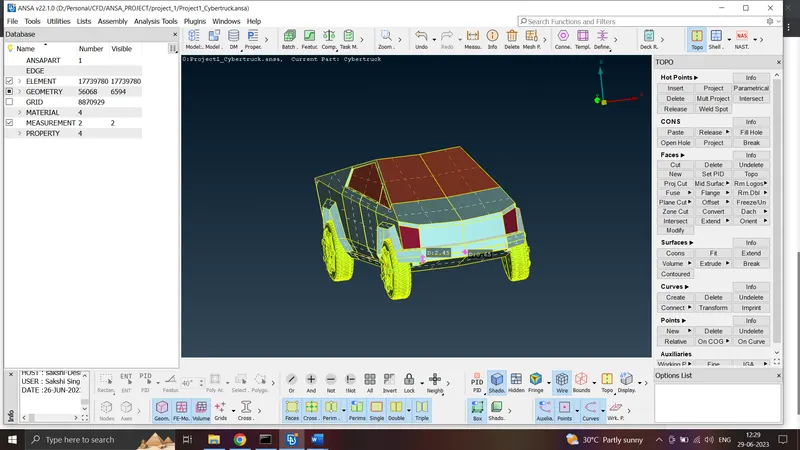
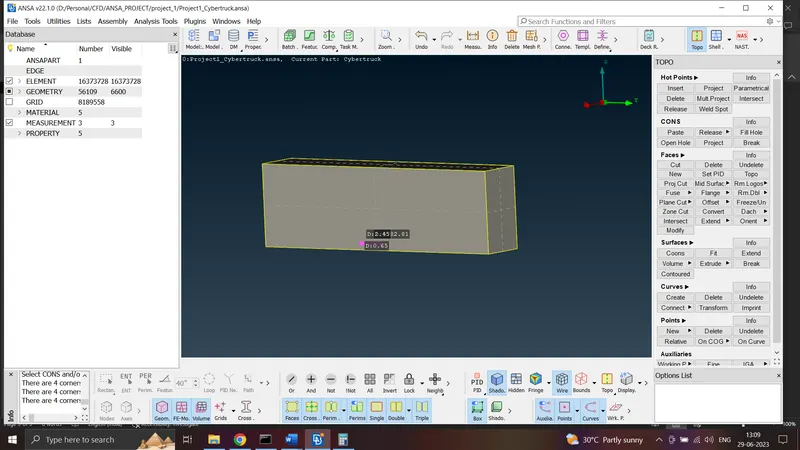
- For creating wind tunnel select RLEATIVE option from POINTS in TOPO mode and set top part distance as 3X from top surface, 4X from front surface, 6 X from back side surface and X mm each on either side and some roughly close distance to bottom surface where X is the approx. length of model
-
Now close the wind tunnel by using NEW COONS option and assign PIDs to all surfaces of the tunnel
-
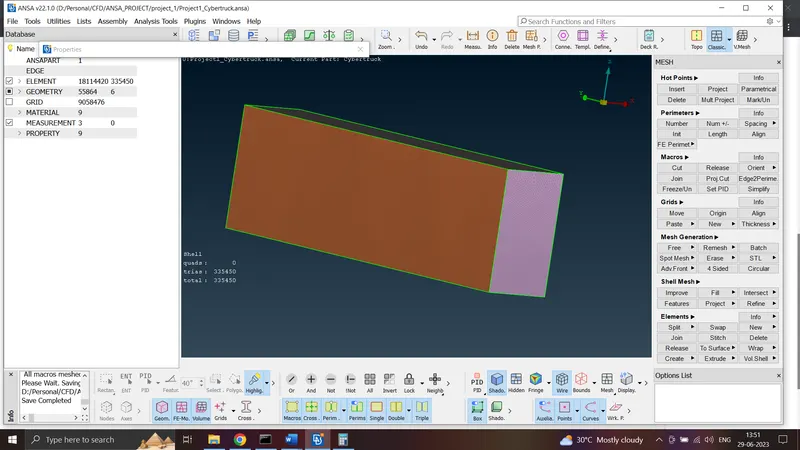
Complete surface mesh on wind tunnel
-
Go to volumetric mesh, select AUTO DETECT in DEFINE WHOLE DB option. delete all other volumes other than the one between car and wind tunnel
- apply volumetric mesh
NOTE: file size is beyond 200 MB. tried compressing also but not reaching near to 200 hence model file not uploaded