Week 5 Challenge : Surface wrap on Automotive Assembly
SURFACE WRAP ON AUTOMOTIVE ASSEMBLY
AIM:
To create surface wrap on automotive assembly (Engine,Transmission and Gear box) by eliminating the geometrical errors and merging the model.
PROCEDURE:
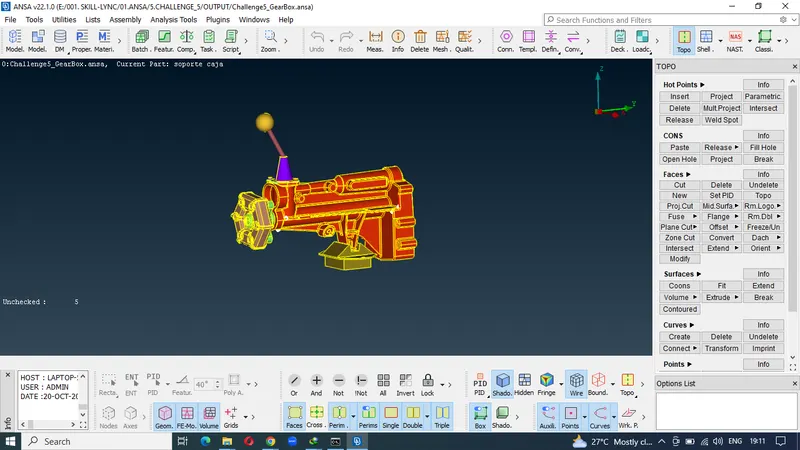
- Importing the file 1(Gear Box).
2.Deleting the Overlap surfaces.
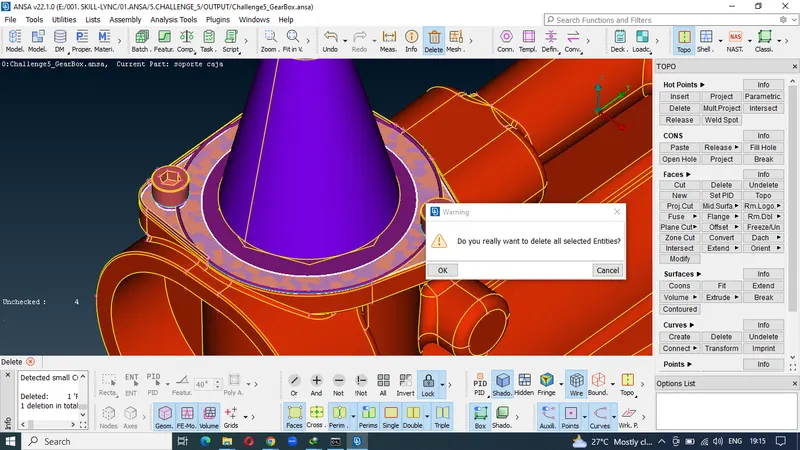
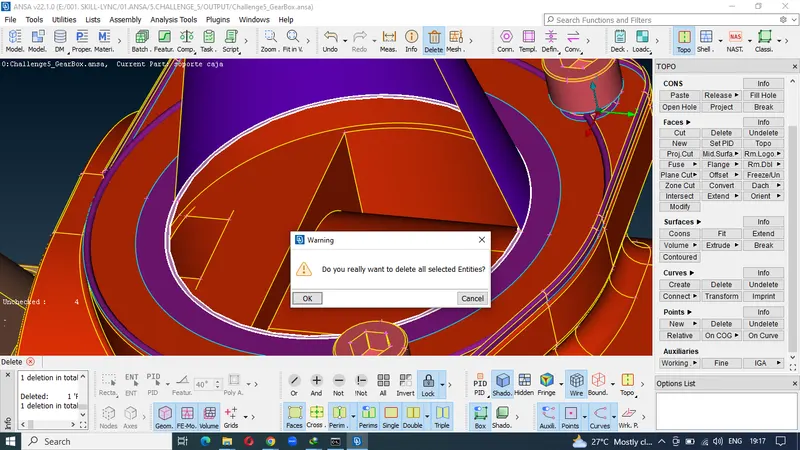
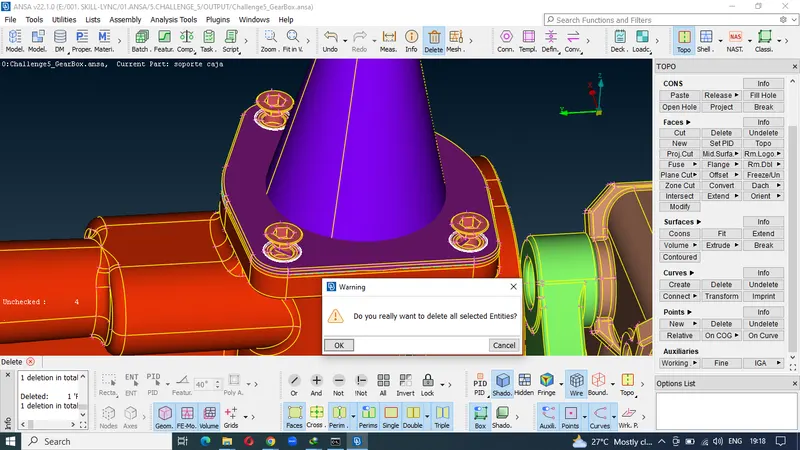
3.closing the surfaces to create a common Volume.
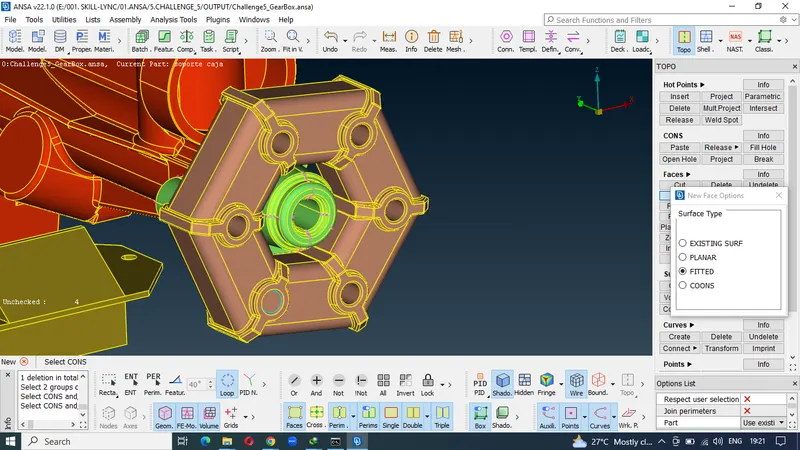
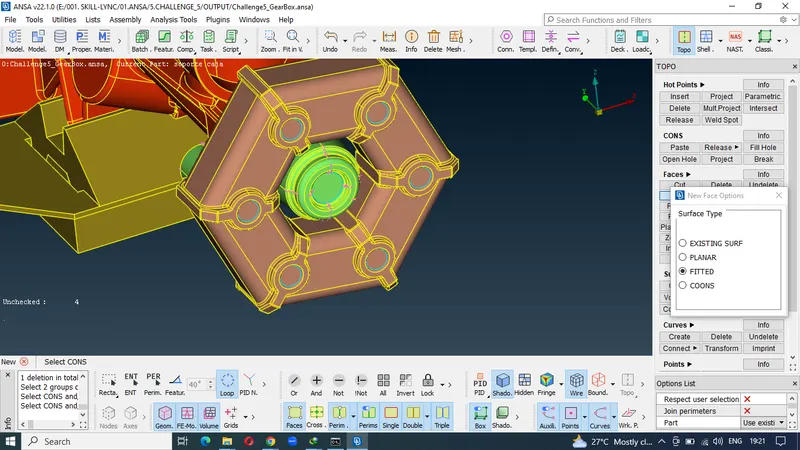
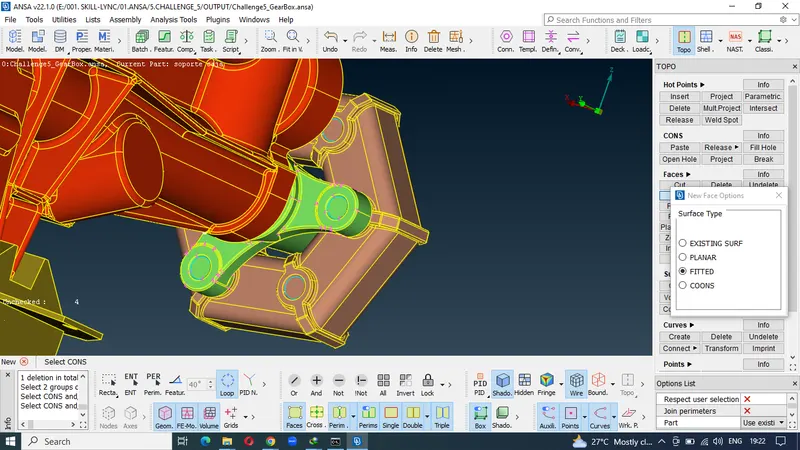
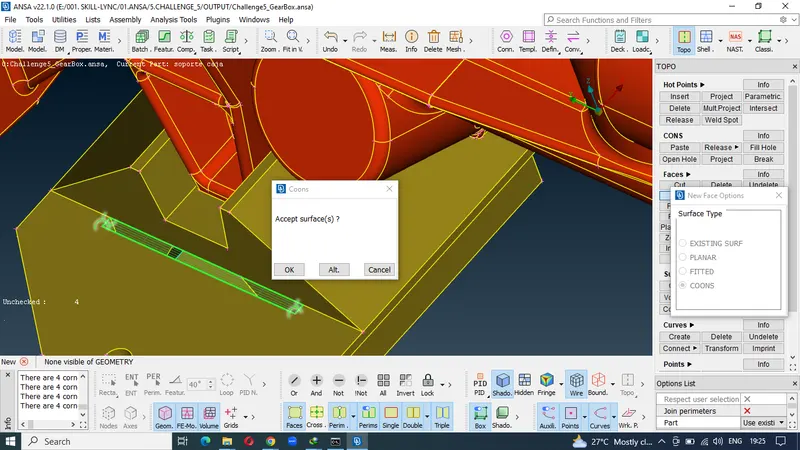
4.Geometrical errors solved model.
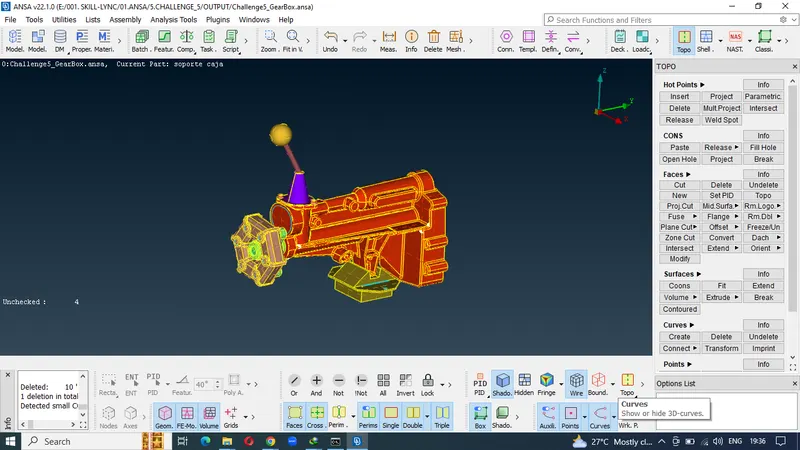
5.Importing the file 2(Transmission model).
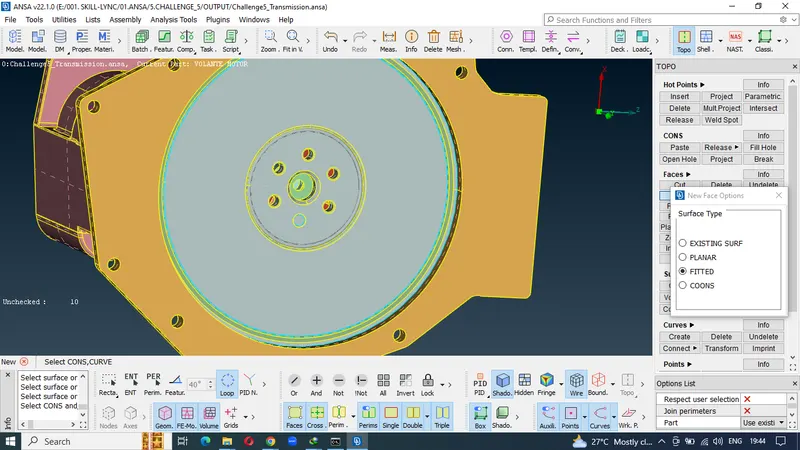
6.Deleting overlap surfaces and creating new surfaces.
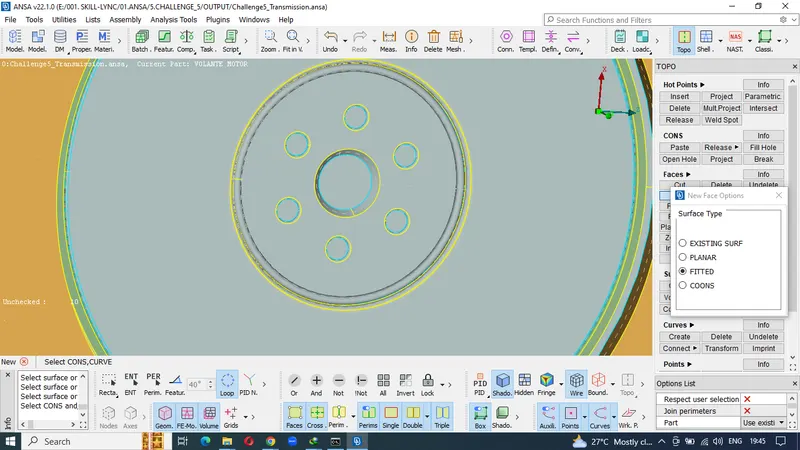
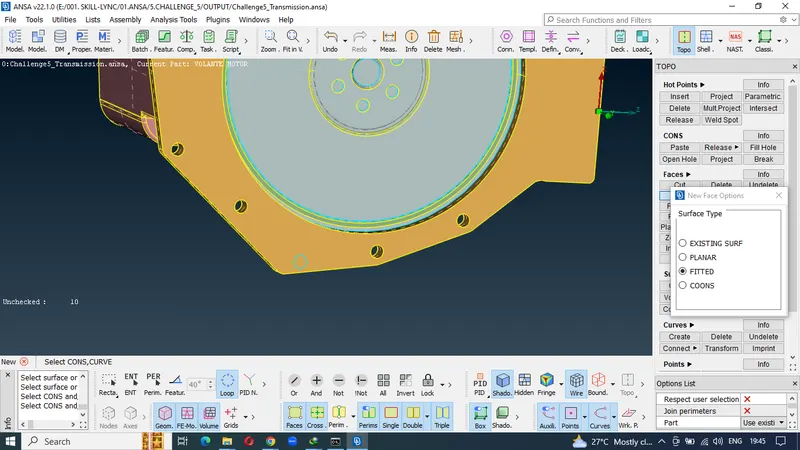
7.Geometrical errors solved model.
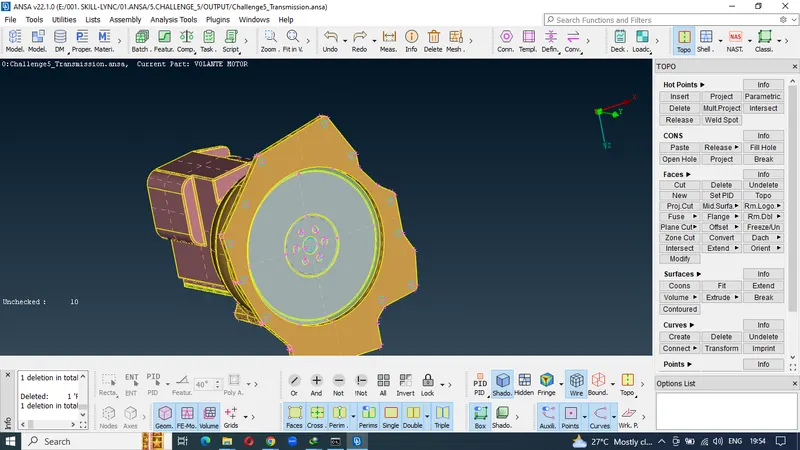
8.Importing the file 3(Engine model)
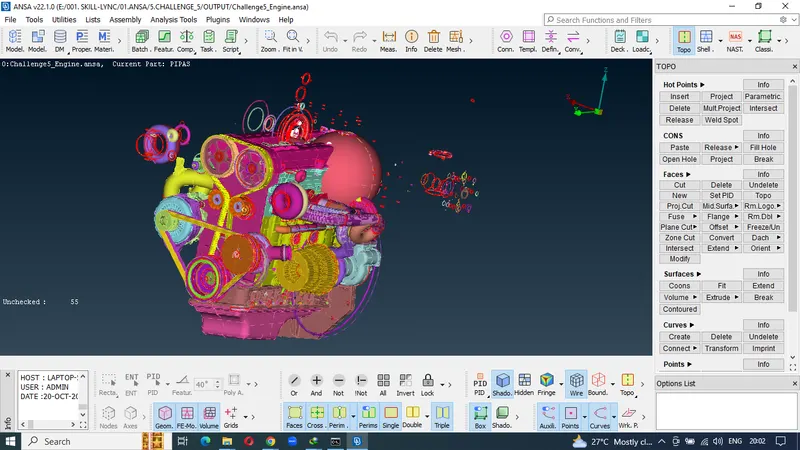
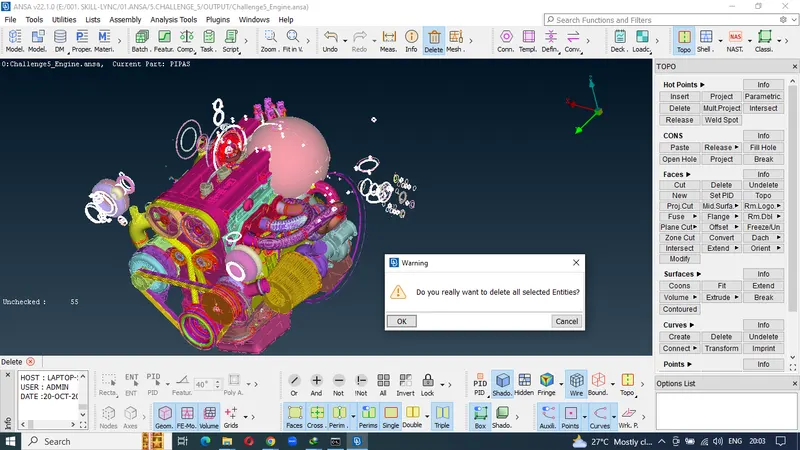
9.Deleting the Overlap surfaces.
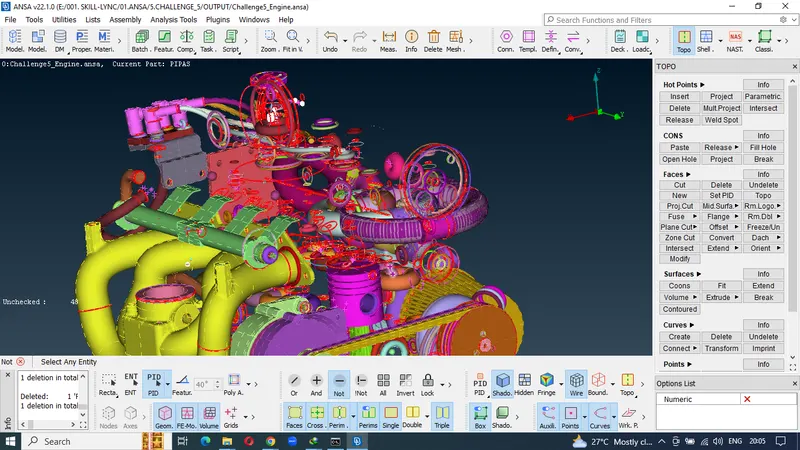
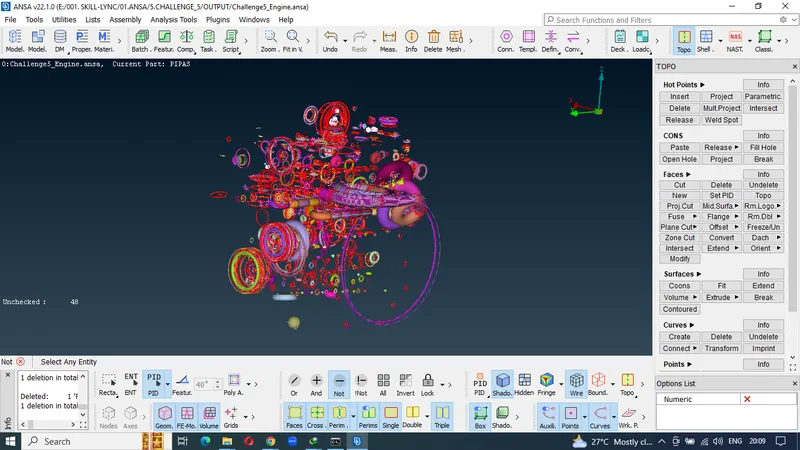
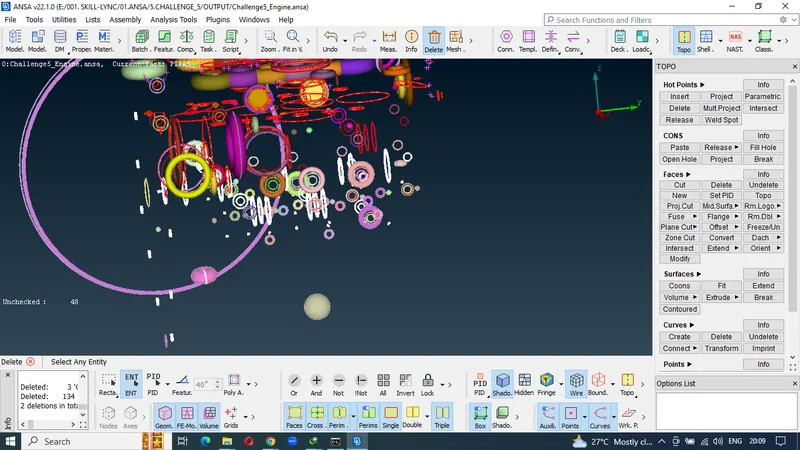
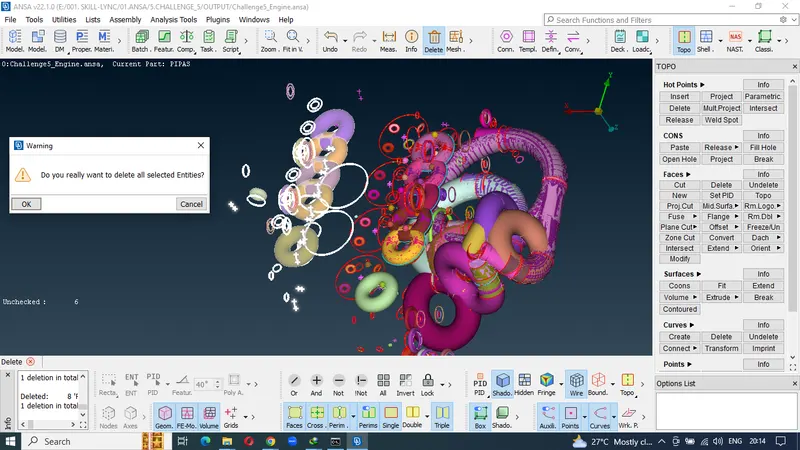
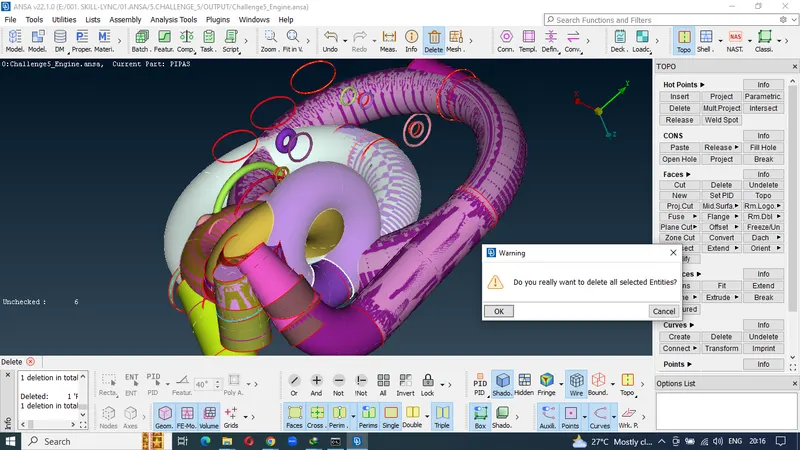
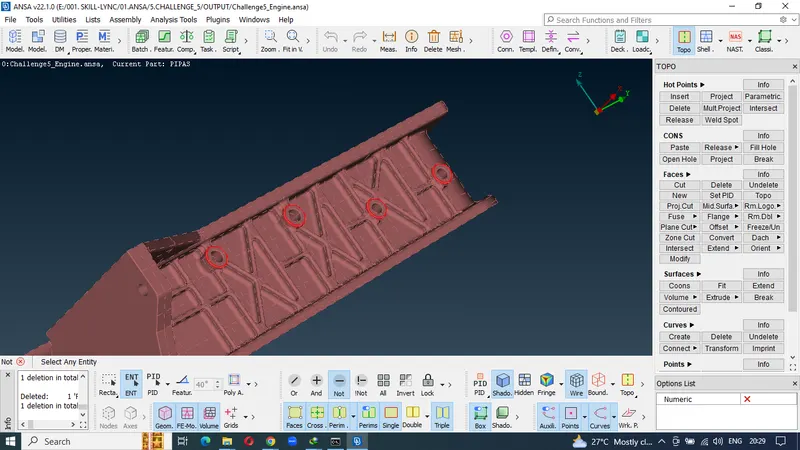
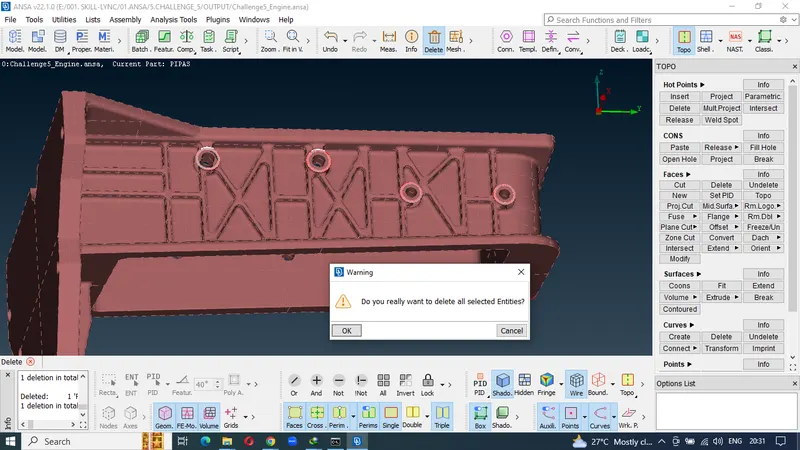
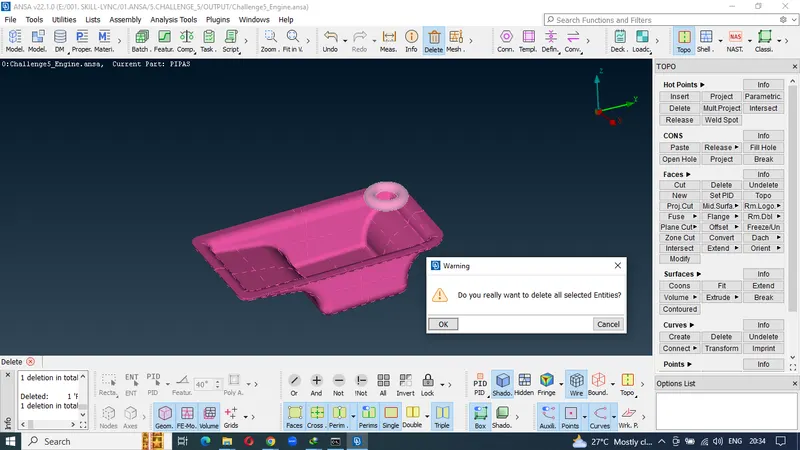
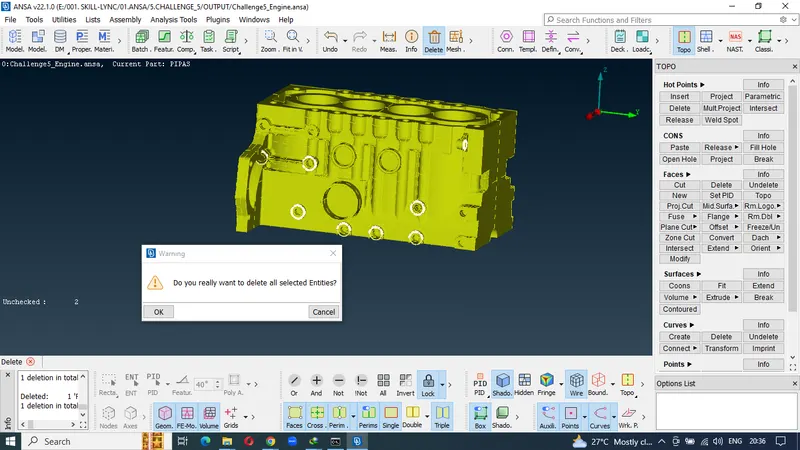
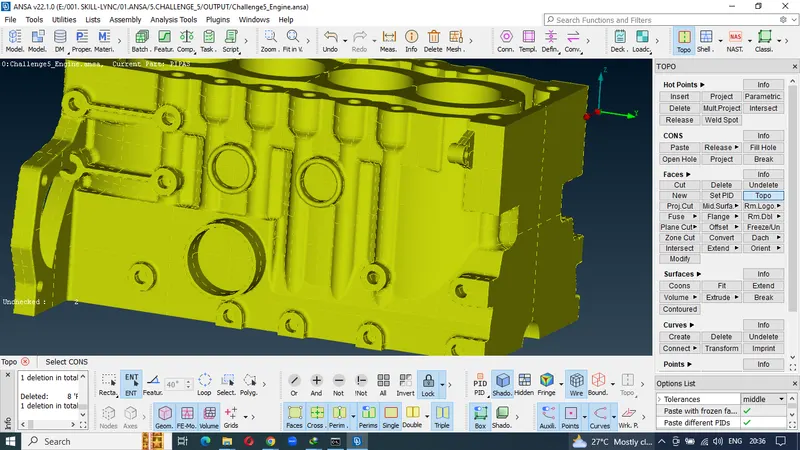
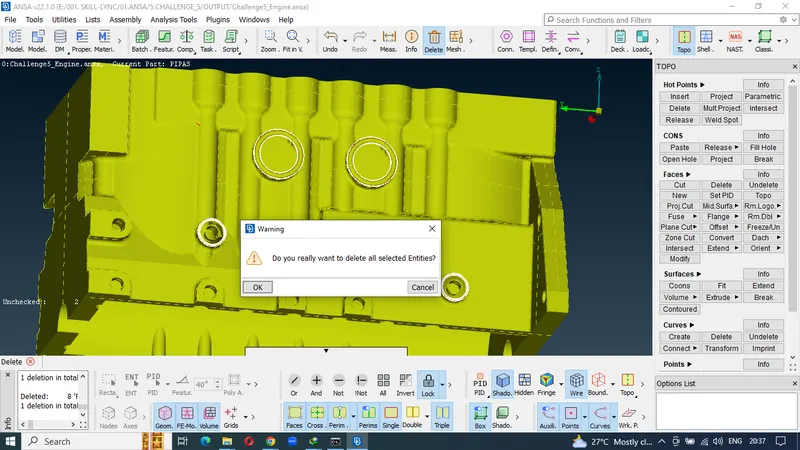
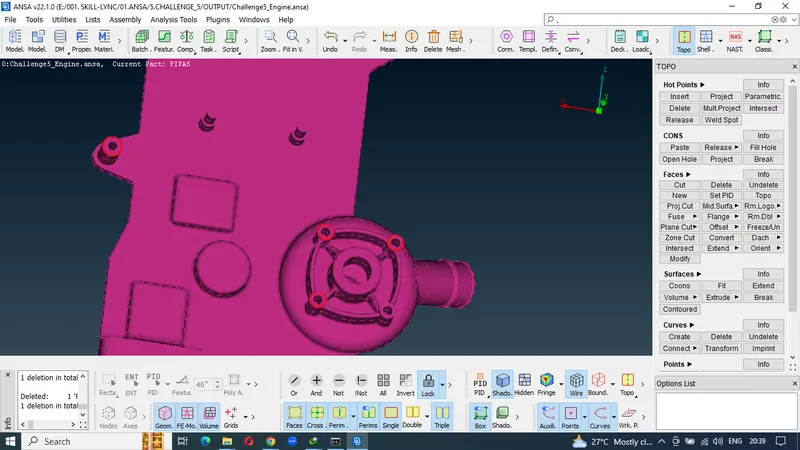
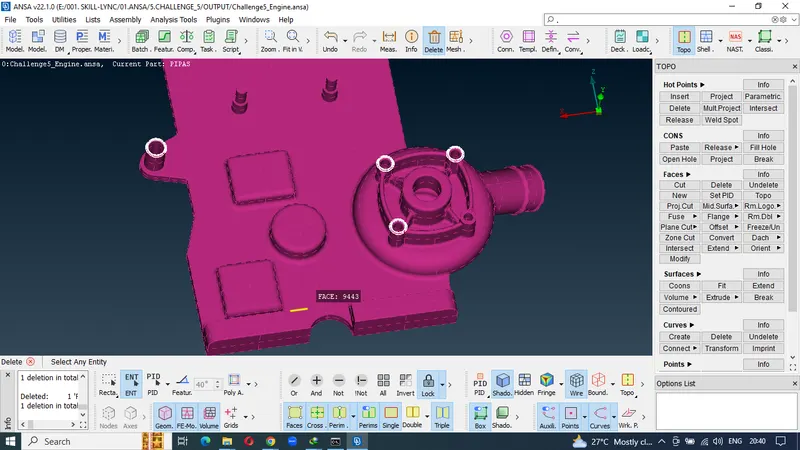
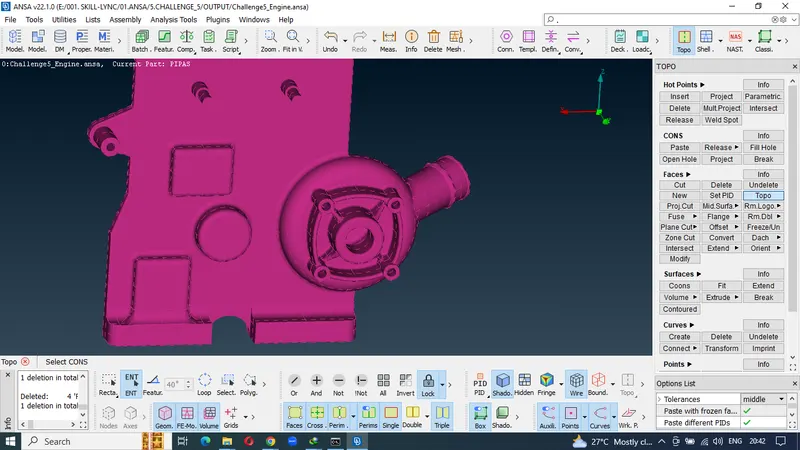
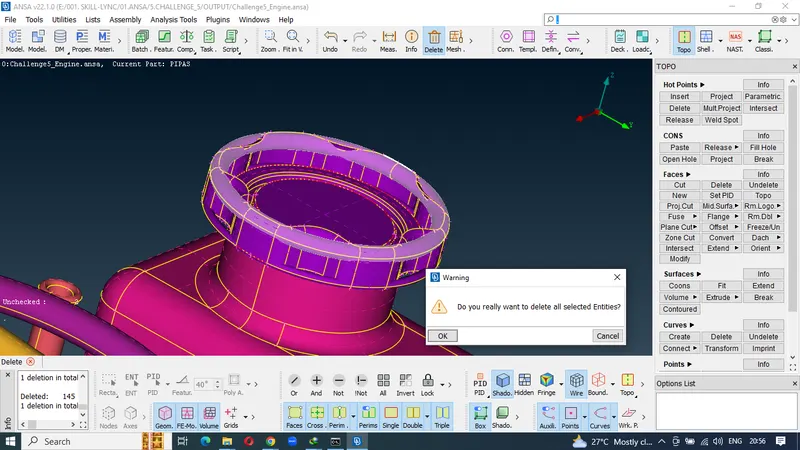
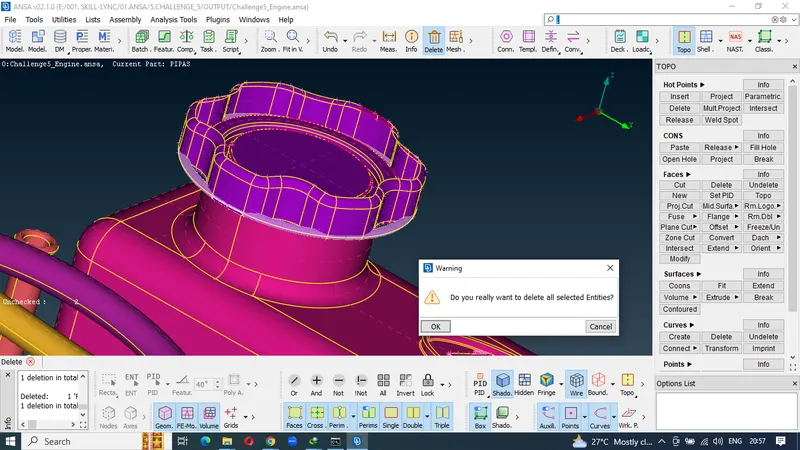
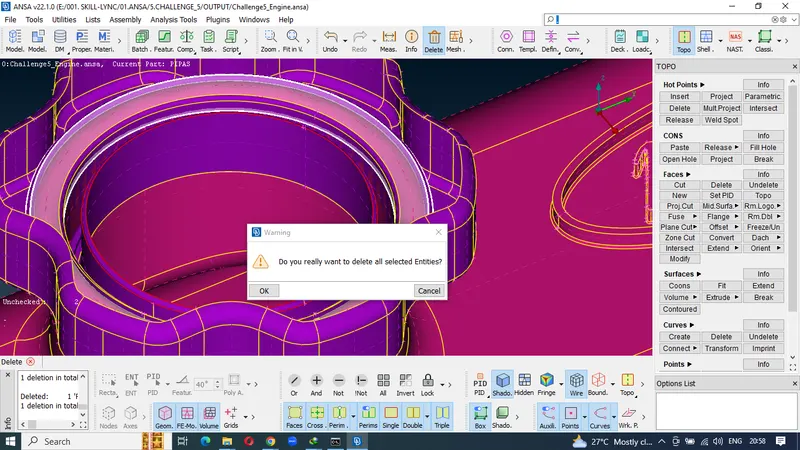
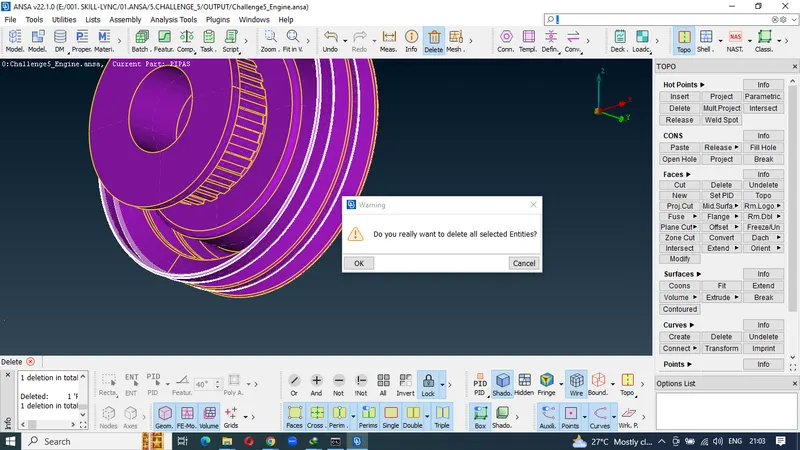
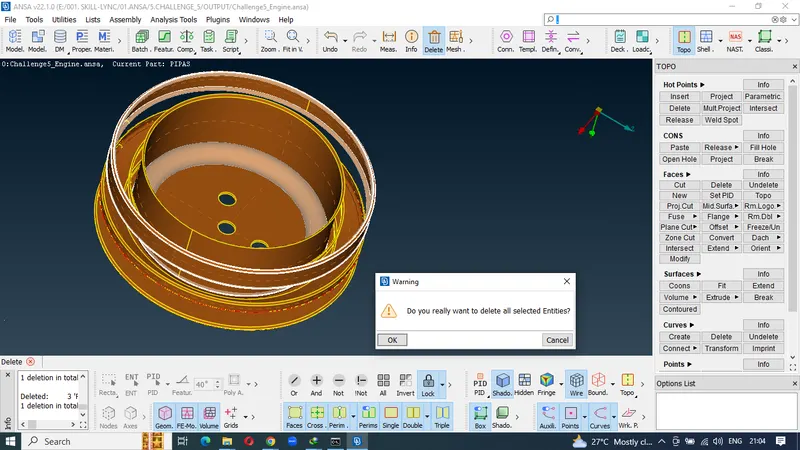
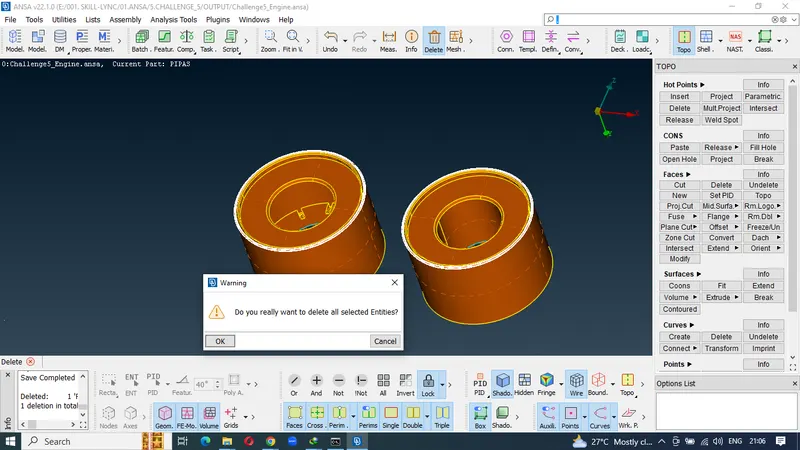
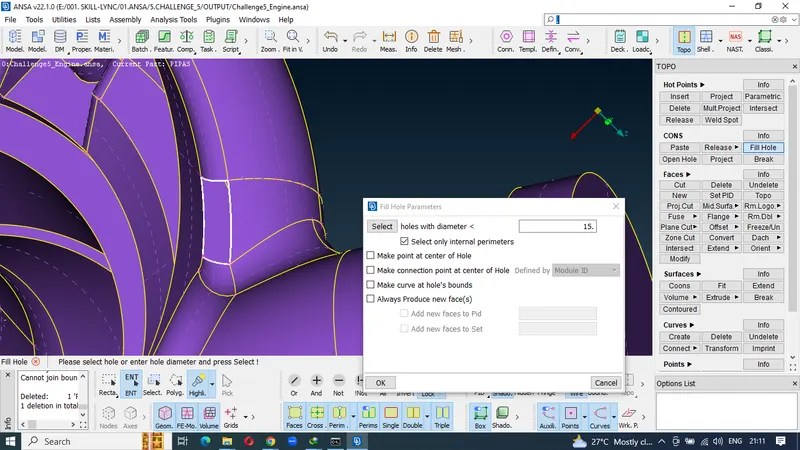
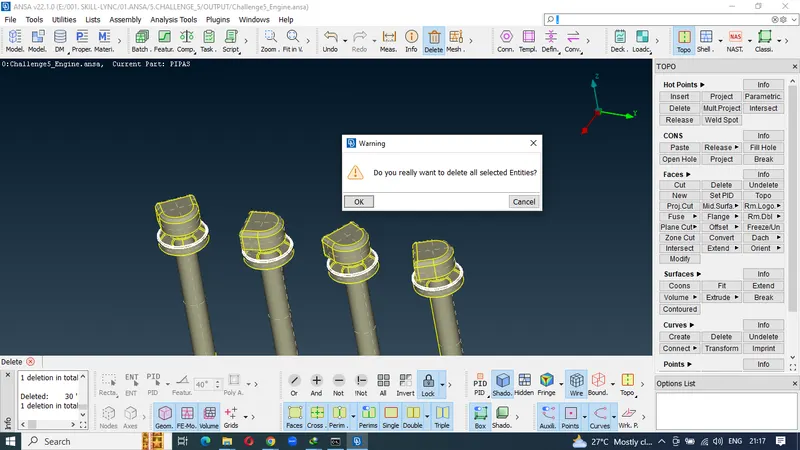
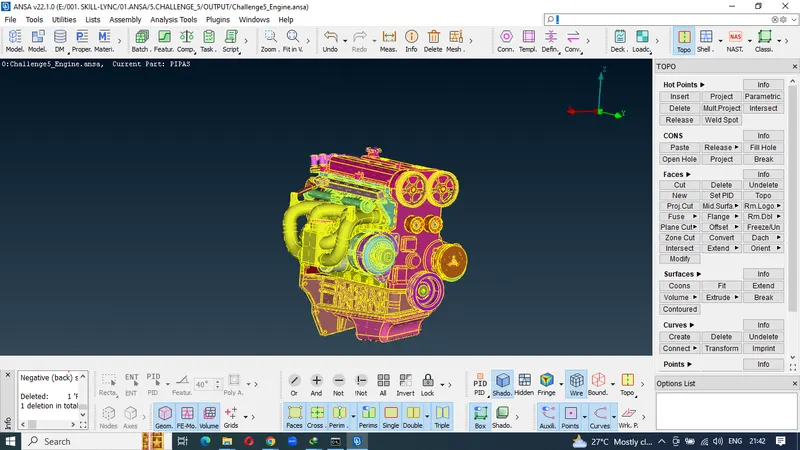
10.closing the surfaces to create a common volume
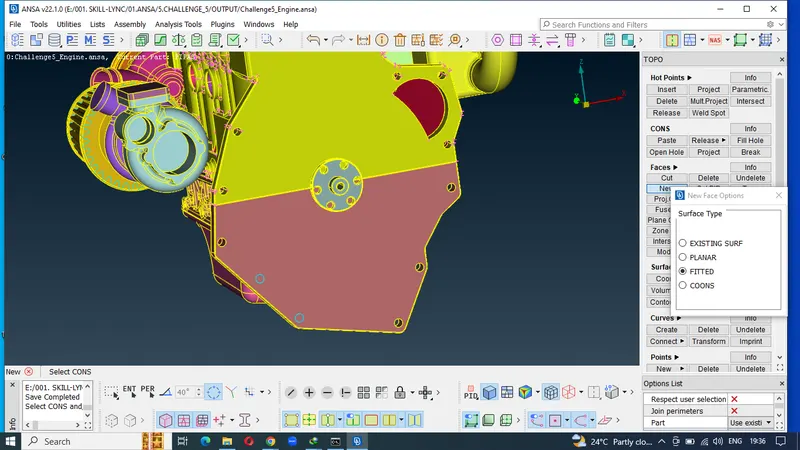
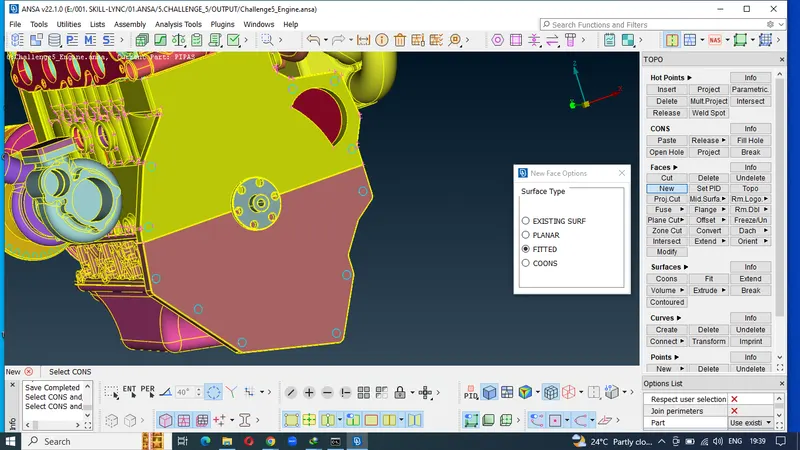
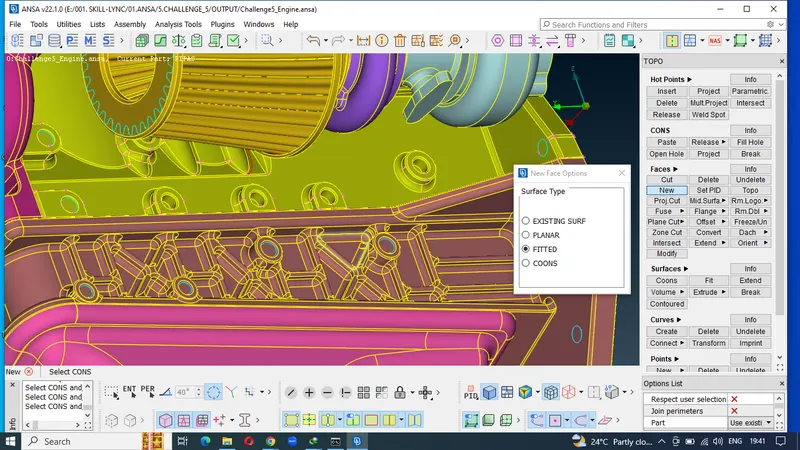
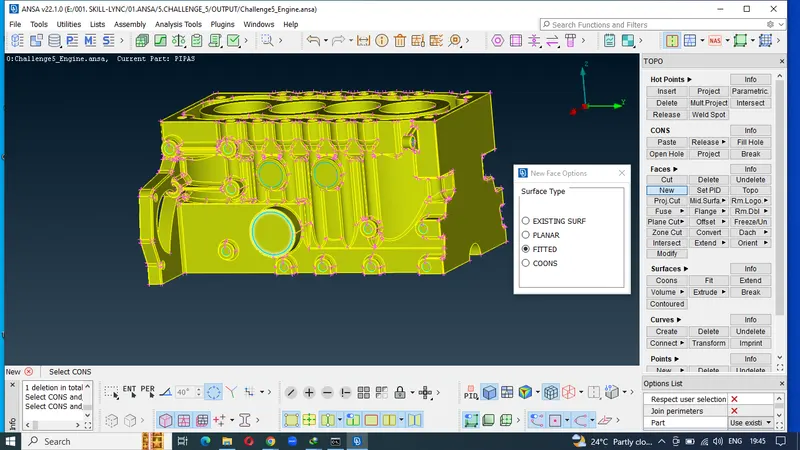
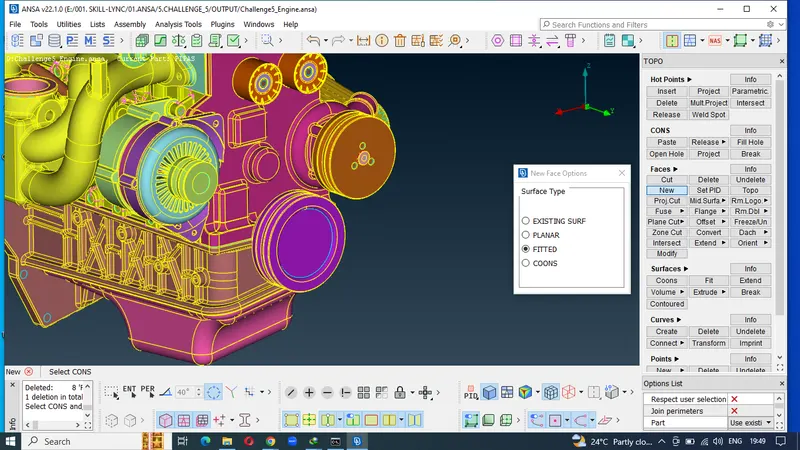
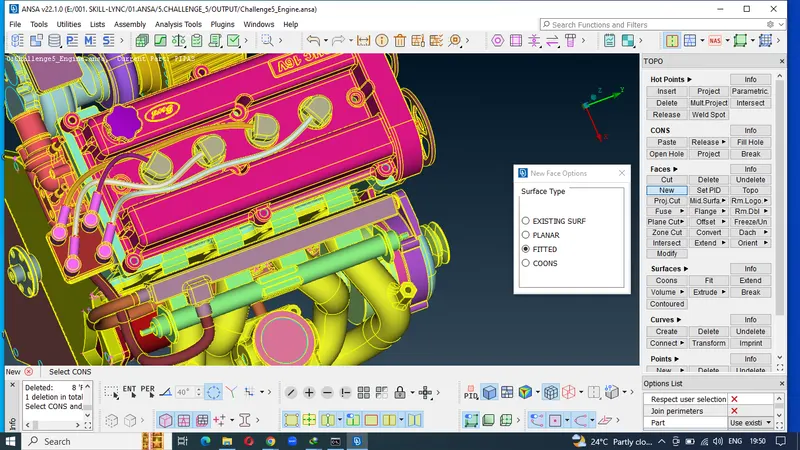
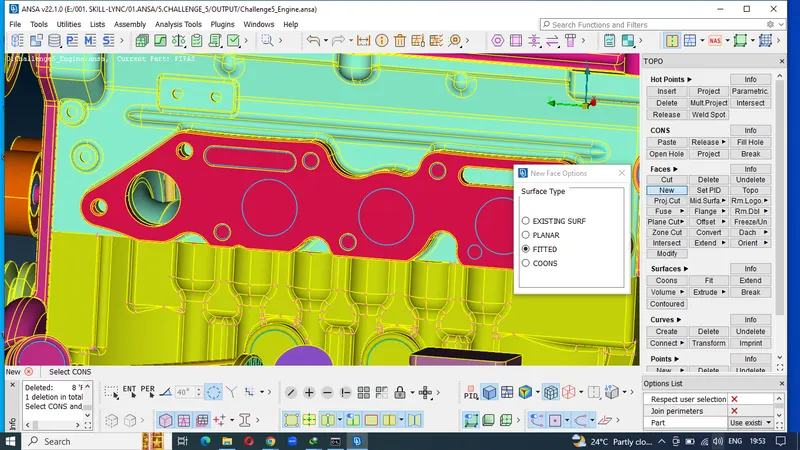
12.Geometruical errors solved model and ready for surface operation.
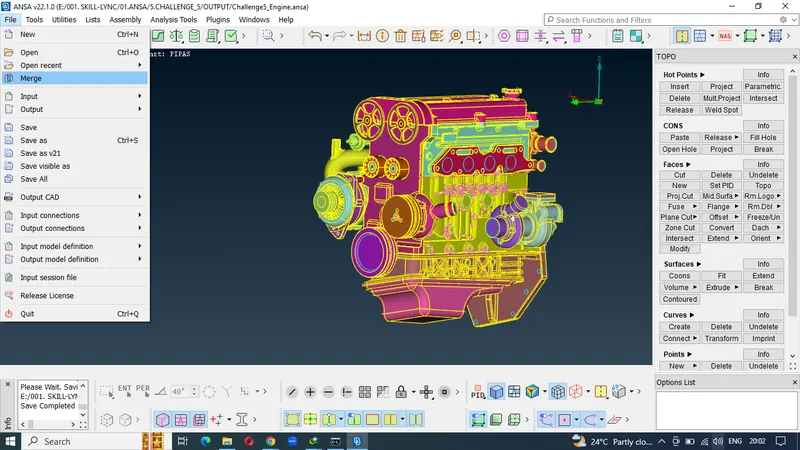
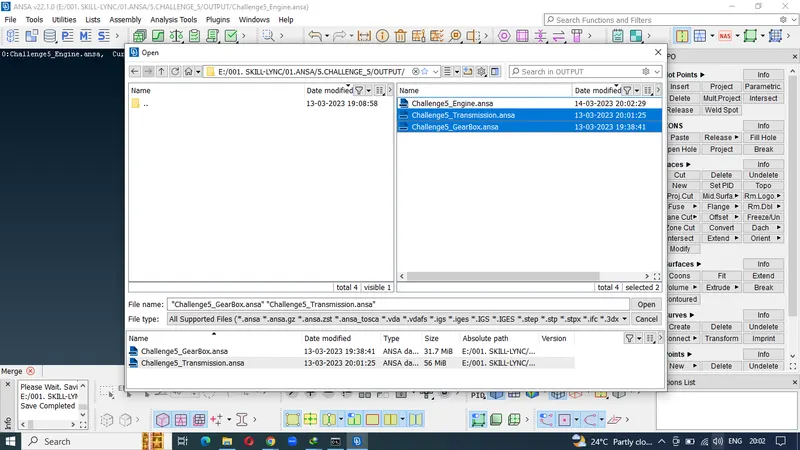
13. Merged model
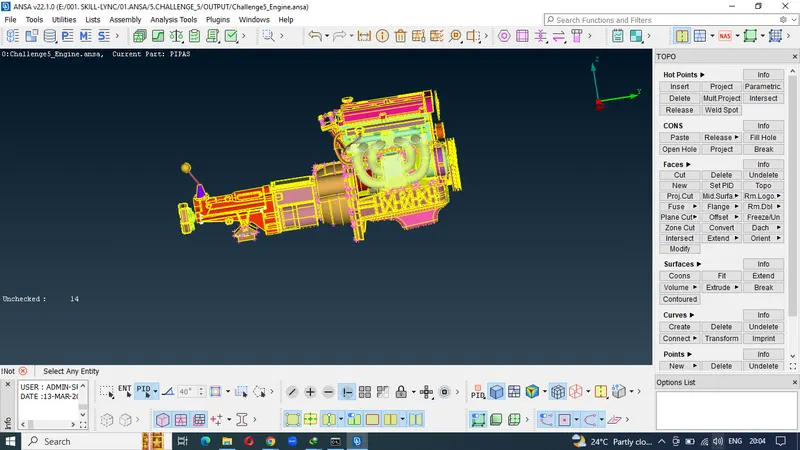
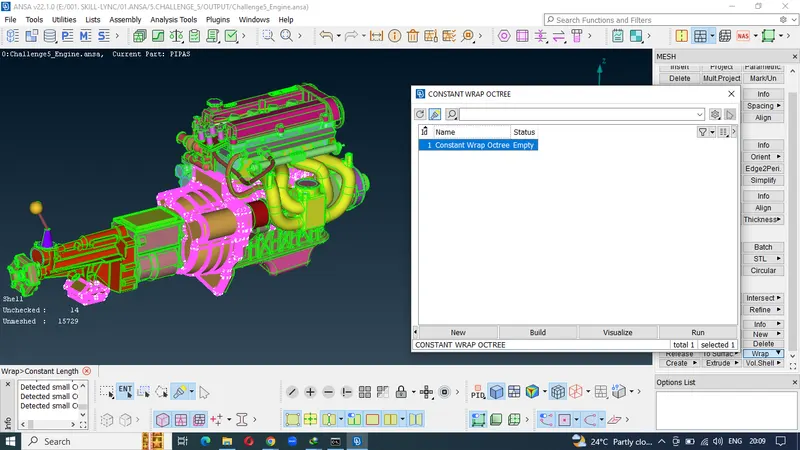
14.Performing surface wrap operation.
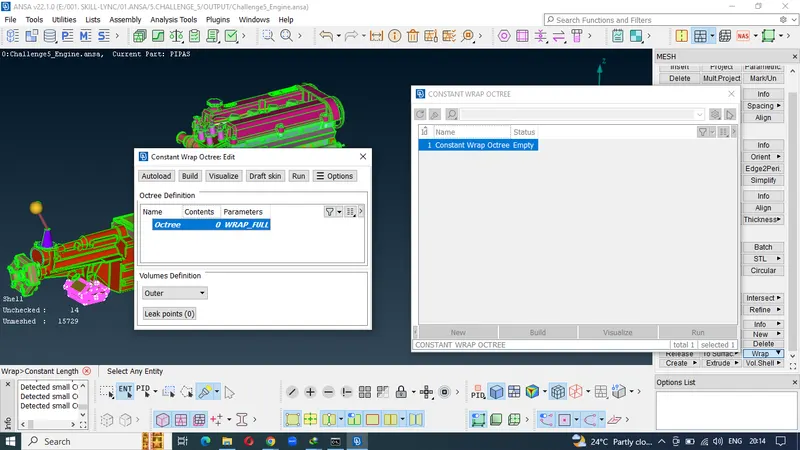
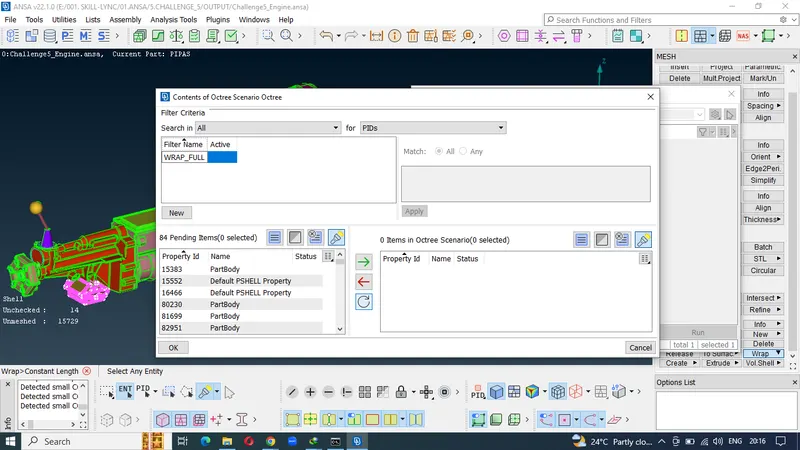
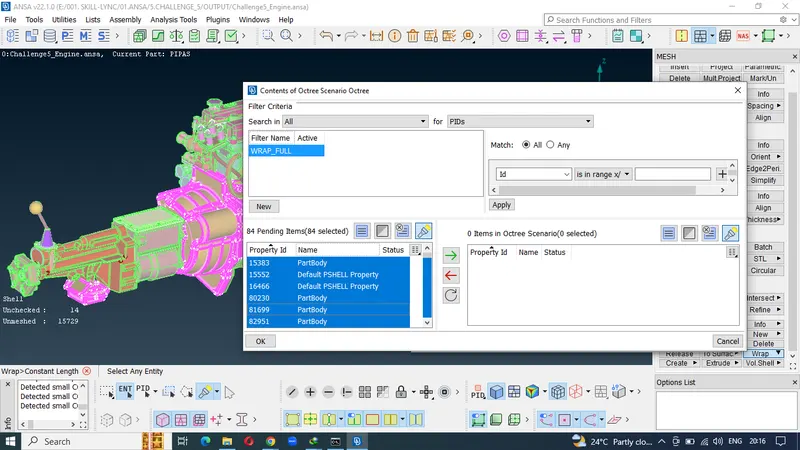
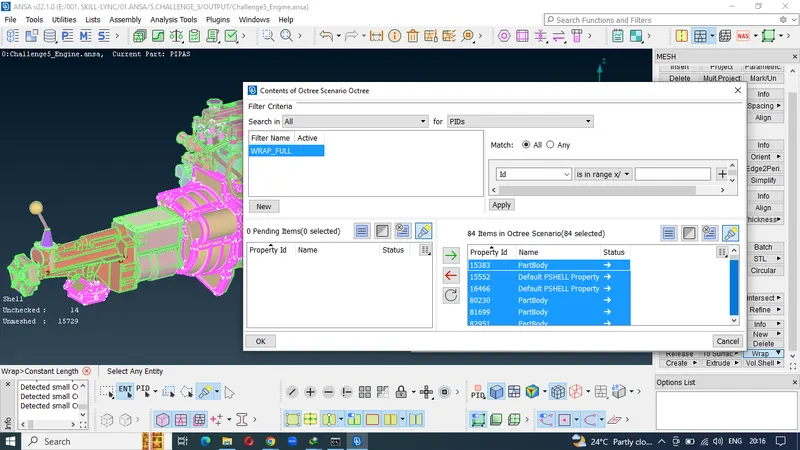
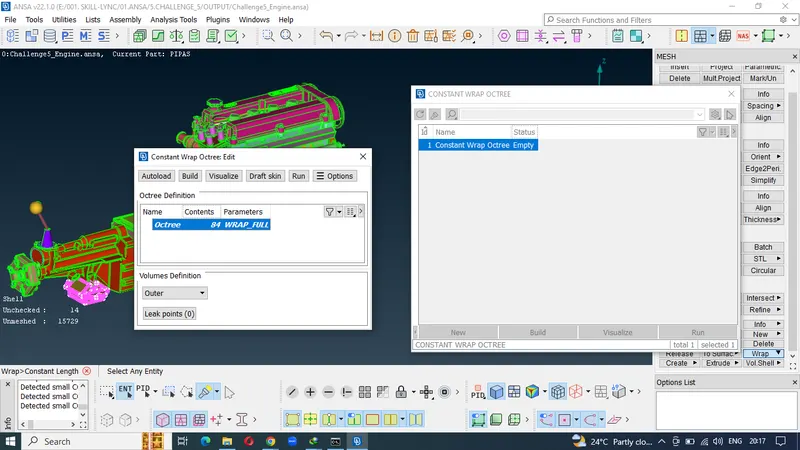
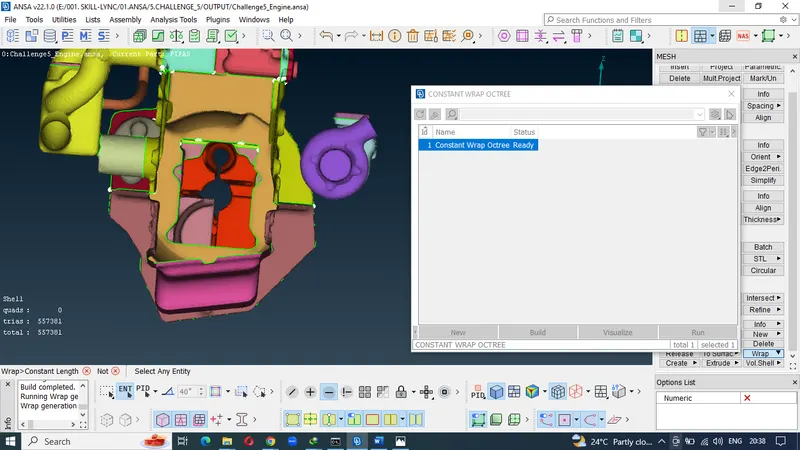
15.Meshing the model with 3mm target length
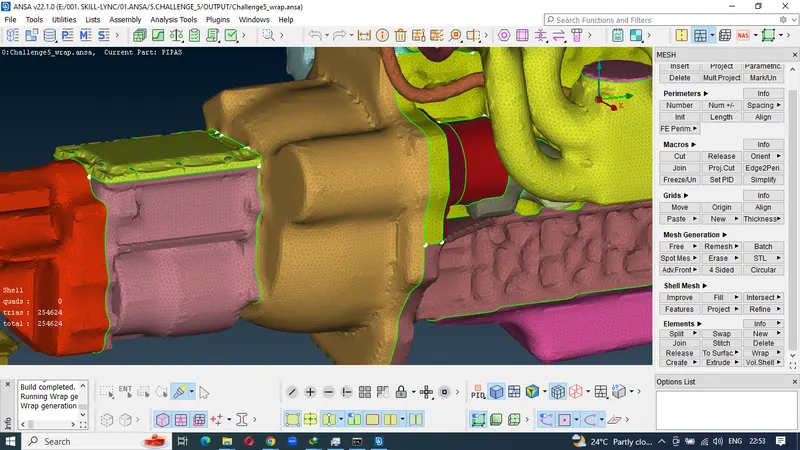
16.final meshed model
LEARNING OUTCOME:
I learnt to create the surface wrap for the automotive assembly (engine,transmission and gearbox) which includes solving the geometrical errors and removing the overlapping surfaces and merge the model into one GUI to perform wrap operation. Also meshed the geometry with uniform 3 mm target length.
RESULT:
Surface wrap for the automotive assembly is performed by merging the 3 models into one model with a uniform mesh lengths.
CONCLUSON:
The main theme of this challenge is to perform the surface wrap by solving the geometrical errors with a target length of 3 mm which is having a total of 254024 elements.
https://drive.google.com/file/d/1vTLzIsvQzzAkSV-DiFjndMhZV2CjX52Z/view?usp=share_link