Week 5 Challenge : Surface wrap on Automotive Assembly
OBJECTIVE
- To check for the geometrical errors and delete surfaces which are unwanted for Surface wrap. After clearing geometry, merge all 3 models and perform surface wrap.Target length for Wrap = 3 mm
PROCEDURE
- Launch the ANSA programme and select the geometry. Remove any unnecessary faces and pieces from the geometry to clean up the surface. Since surface wrapping is typically done to examine the flow across a surface, the outside surface should be given a greater importance than the internal components and surface.
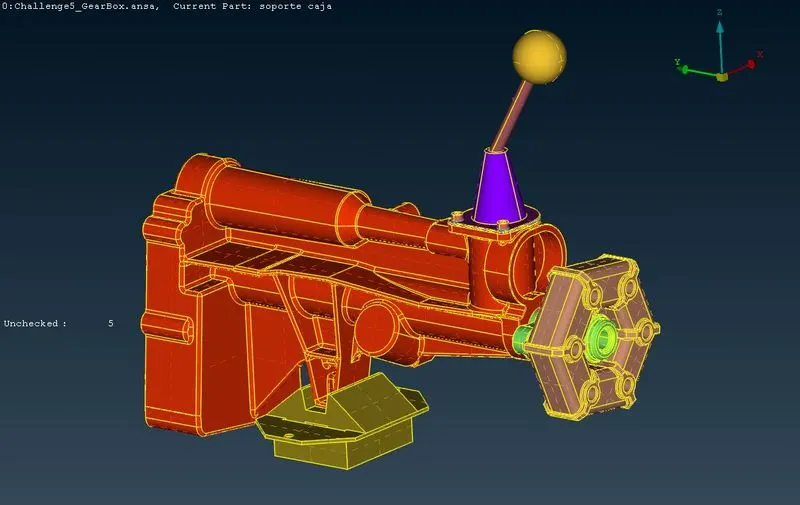
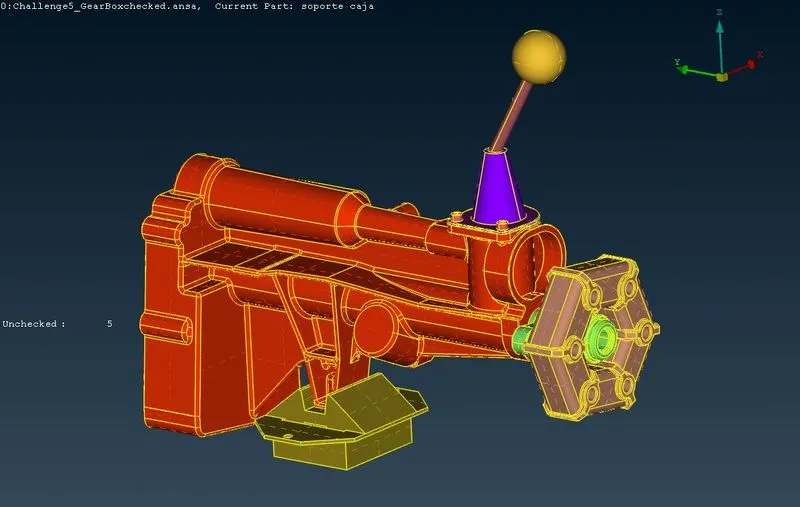
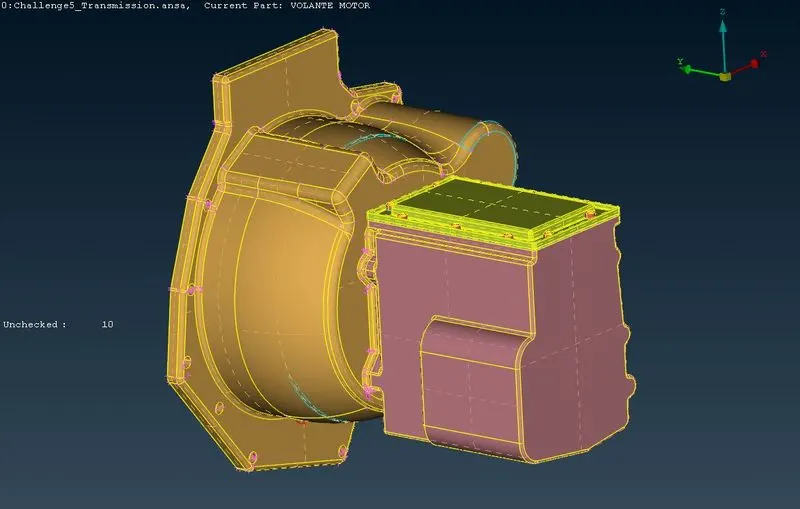
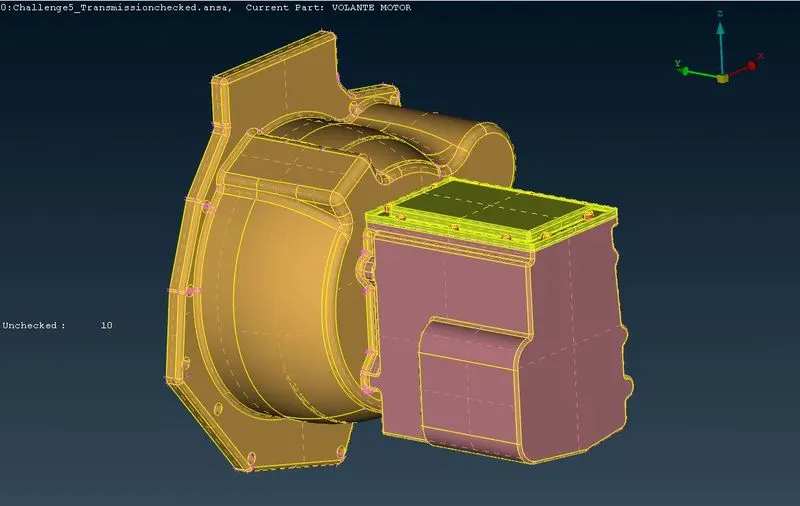
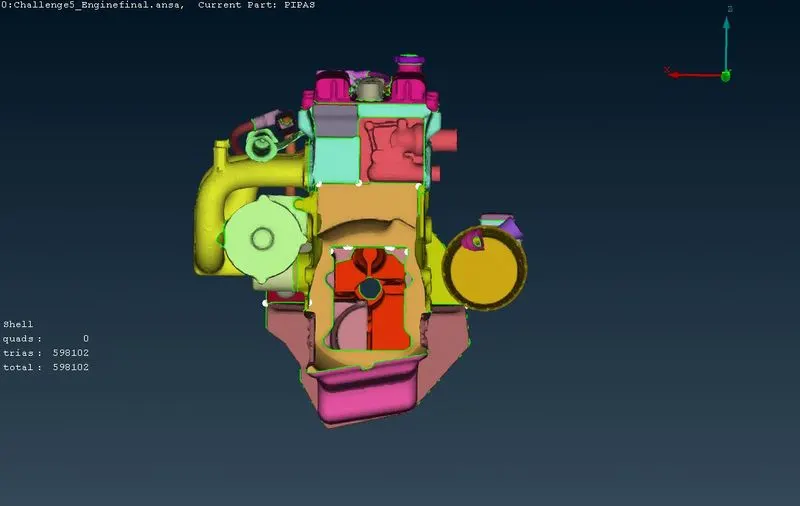
- If there are any gaps in the geometry, fill them in such that there are no holes during wrapping. Below figures shows the before and after the removal of unwanted surfaces.
1. Engine
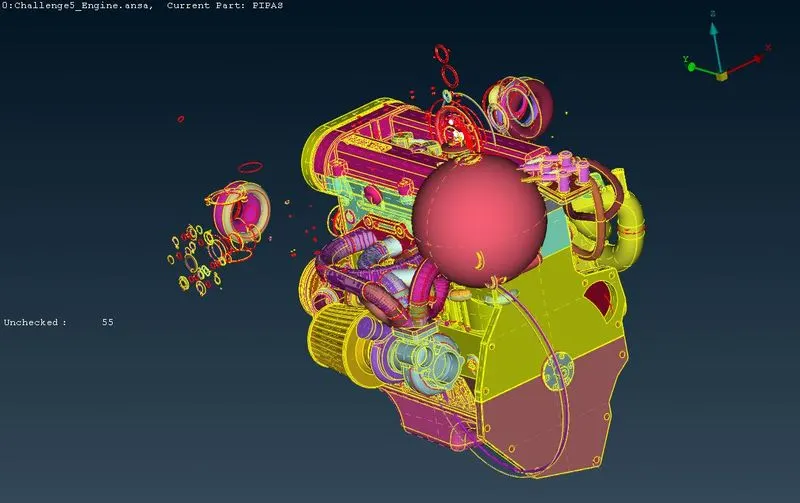
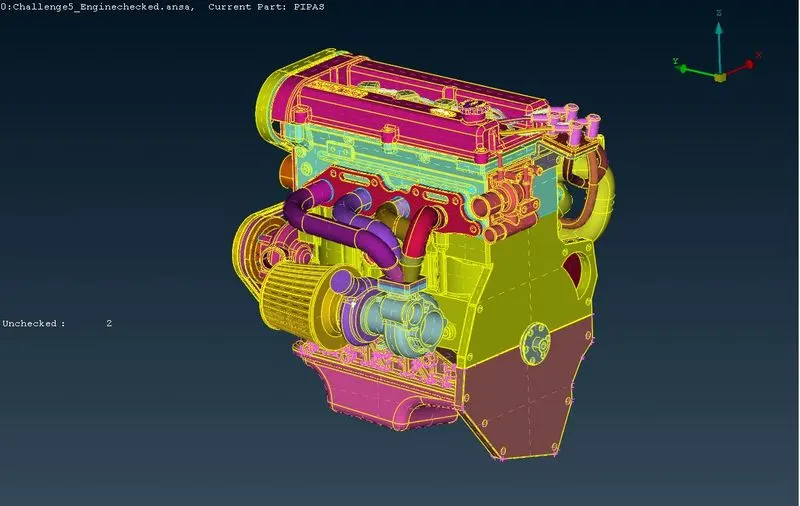
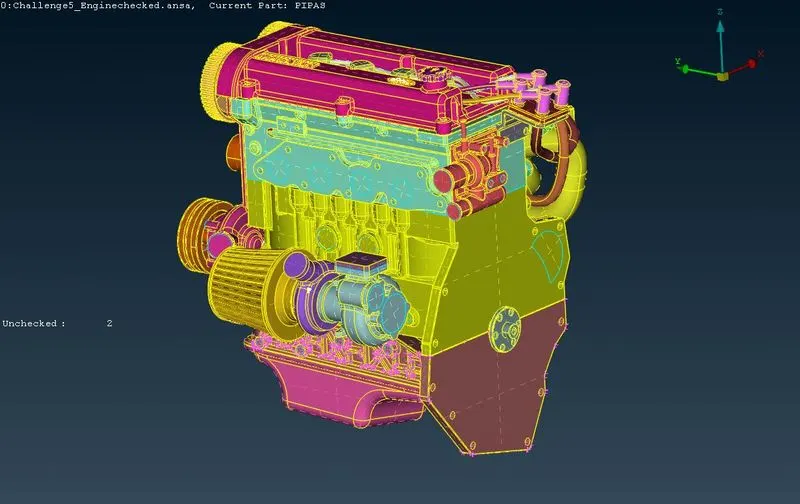
2. Gearbox
3. Transmission
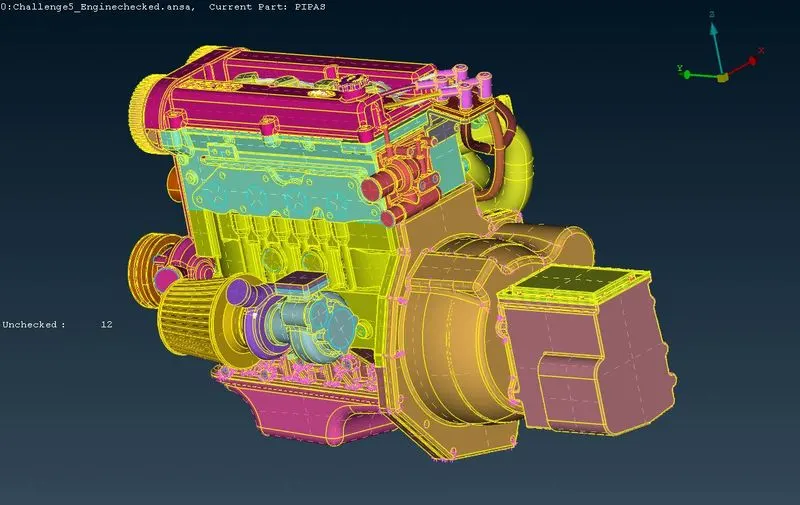
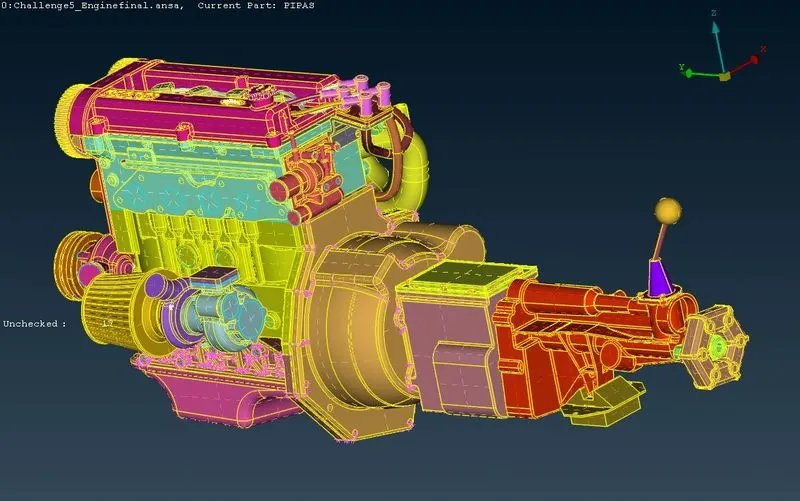
- Choose Merge from the file tab, then choose another geometric file and click OK. As a result, an assembly of several parts is created. Below figures shows the merged parts.
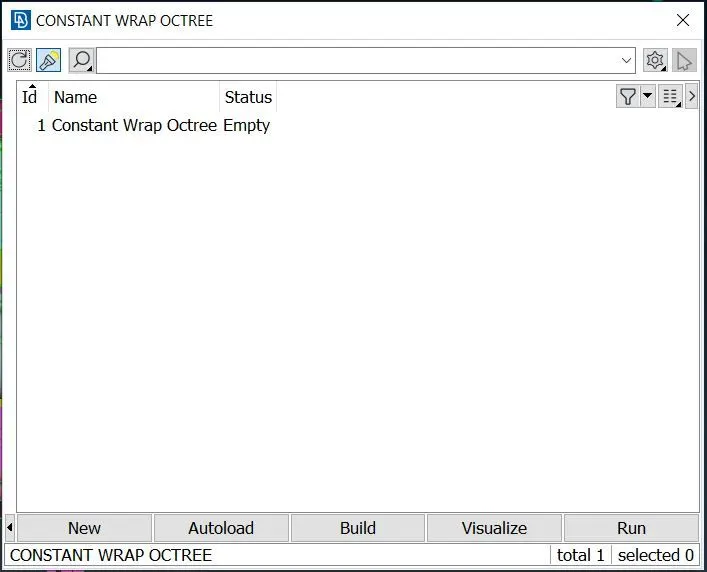
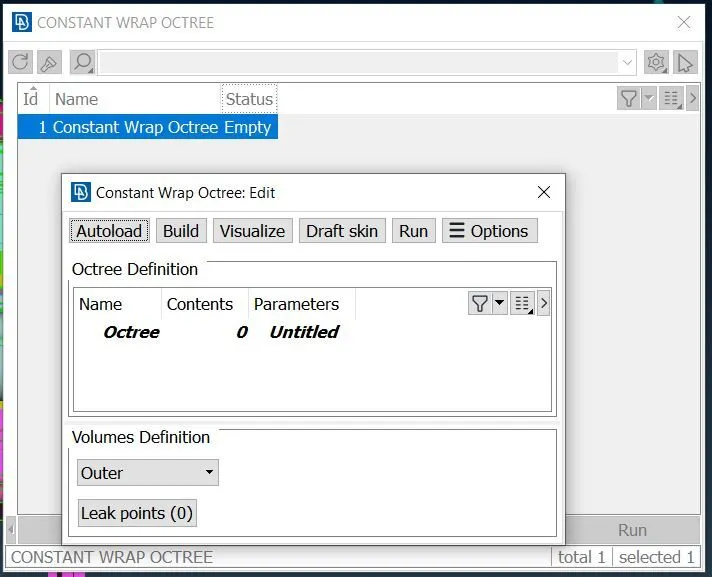
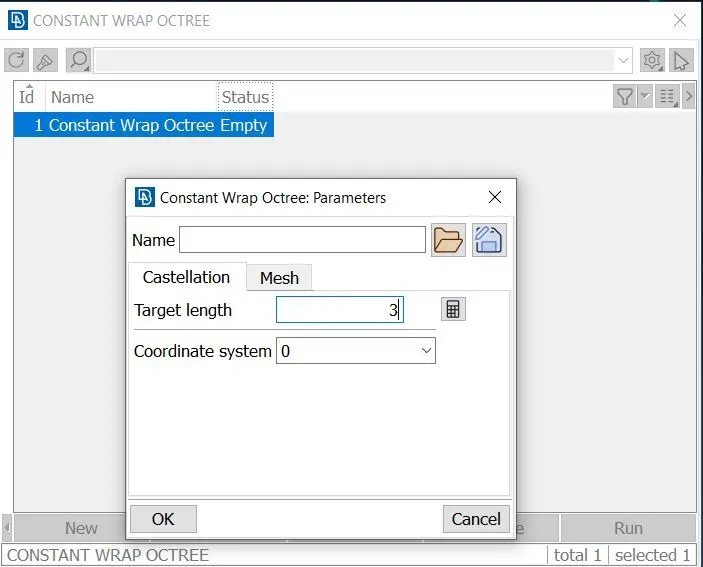
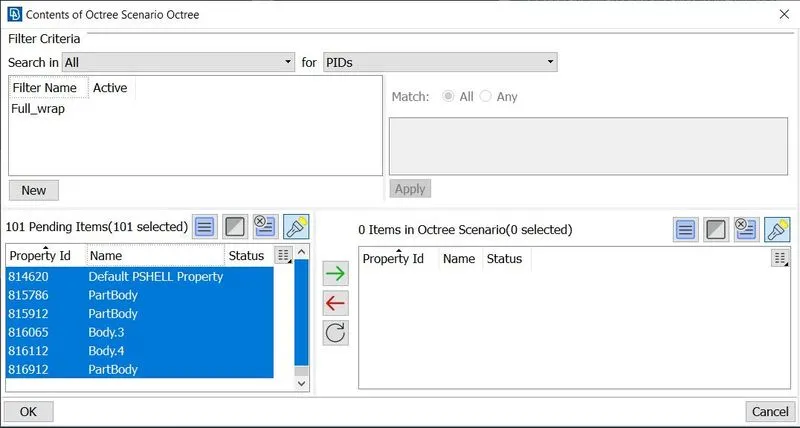
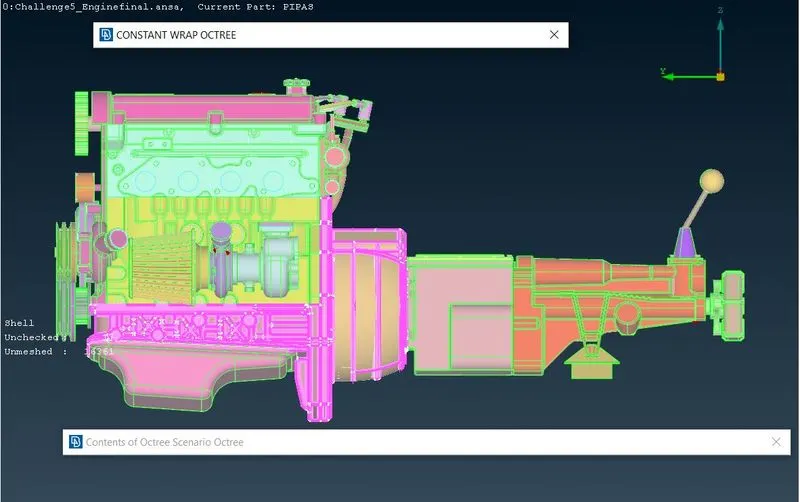
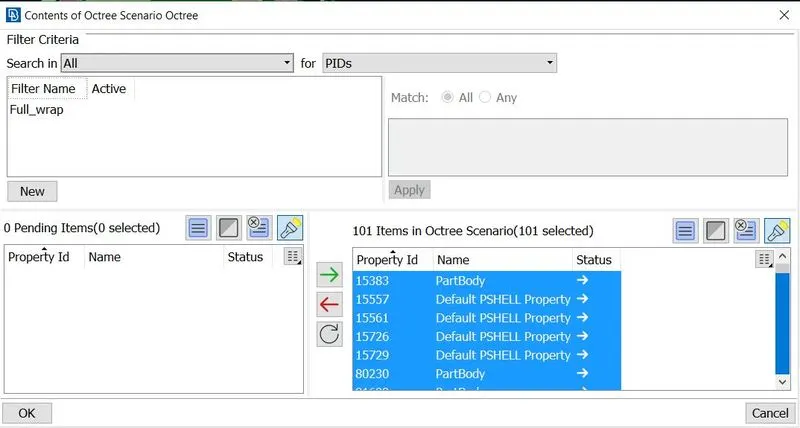
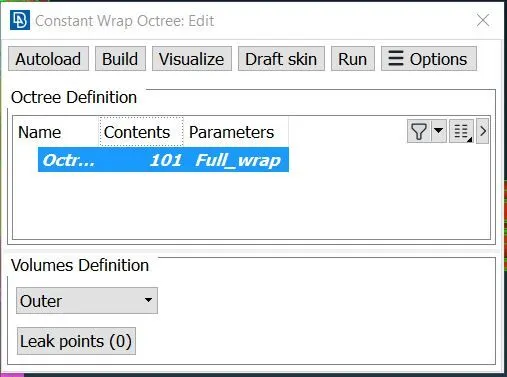
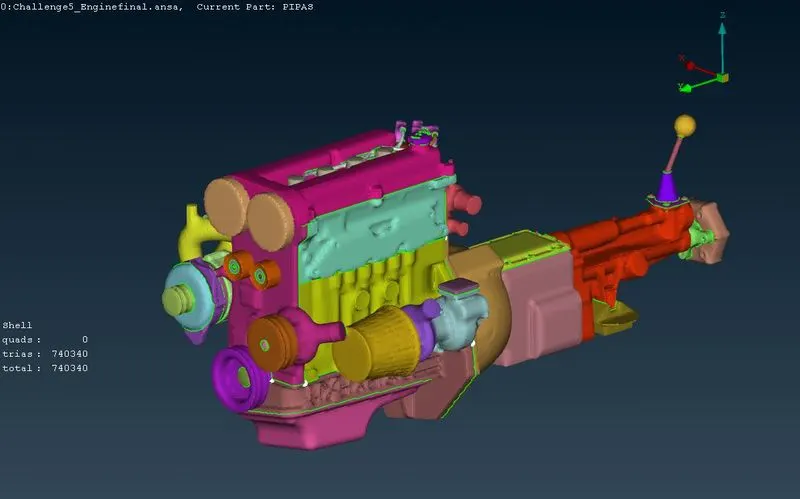
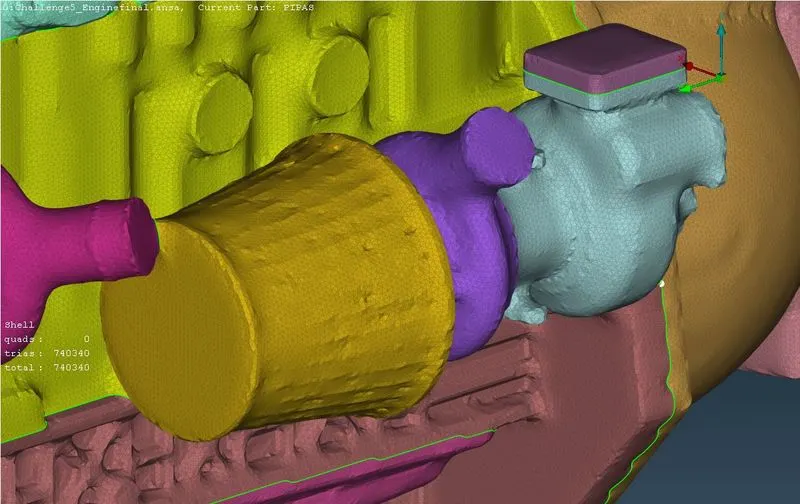
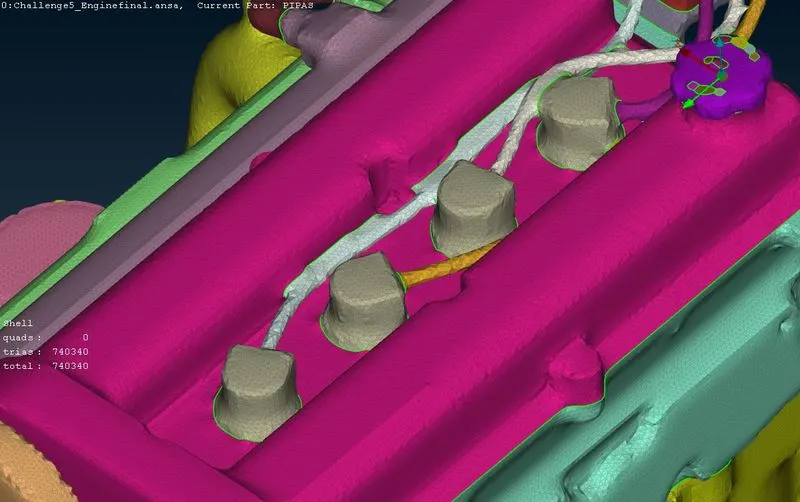
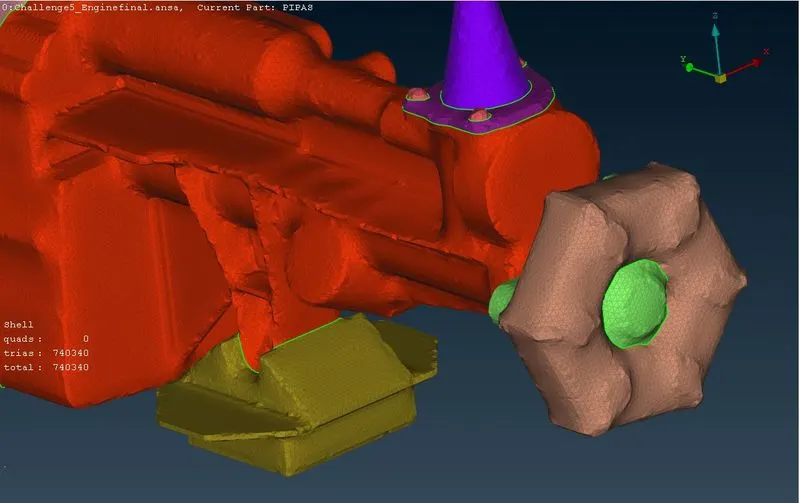
- Go to the mesh deck now and choose the Wrap element from the drop-down menu. As this is a consistent length surface wrapping, choose constant length while wrapping (Mesh>Elements>Wrap>Constant lengths).Give a smooth factor of 0.5 and a target length of 3. Although it could take some time, smaller goal lengths aid in creating more accurate wrapping. as shown in the figures below.
RESULT
- Surface wrap for the automotive assembly has been performed assigning the target length as 3 mm as shown in the figures below.
CONCLUSION
- Surface wrap is achieved for the given components of target length = 3mm. Surface wrap is effective for outside flow simulations where the volume between the body and wind tunnel is required for flow over the body simulations.