Week 5 Challenge : Surface wrap on Automotive Assembly
Objective:
For the given models, check for the geometrical errors and delete surfaces which are unwanted for Surface wrap as shown in the videos. After clearing geometry, Merge all 3 models and perform surface wrap.
Target length for Wrap = 3 mm
Write a detailed report on steps followed to finish this challenge.
What is mean by surface wrap
Surface wrap is nothing but a type of mesh. In surface wrap we are doing meshing over the surface only in external part. We are not worrying about internal parts,errors.This will be done only for external flow analysis.The surface wrap means it do meshing by taking shape of geometry and look like we have wrapped a mesh over the surface. for that we are clearing only external errors and not worrying about internal parts.
Procedure:
First we will import engine assembly,it looks as below
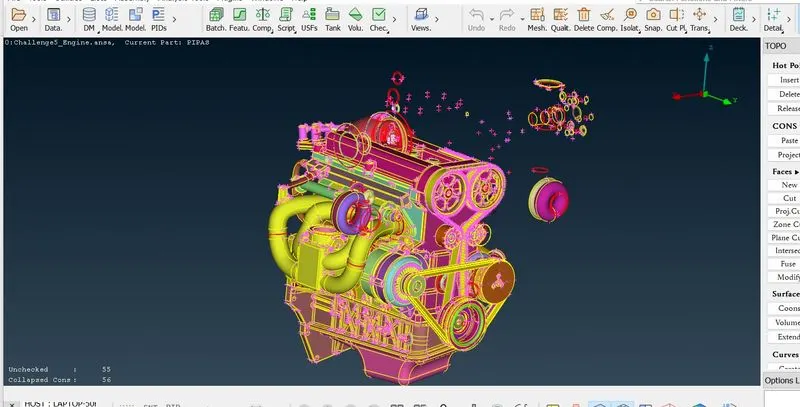
Now directly go for universal delete option to delete an unwanted faces.
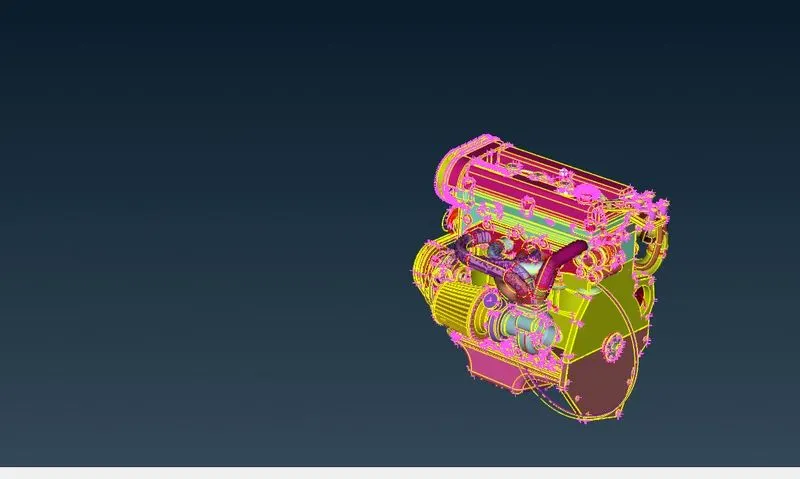
Similarly we will delete unnecessary tubes by using universal delete option
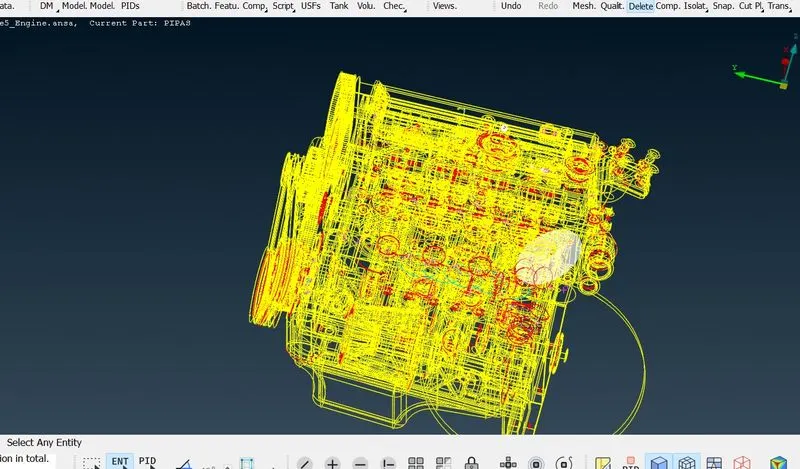
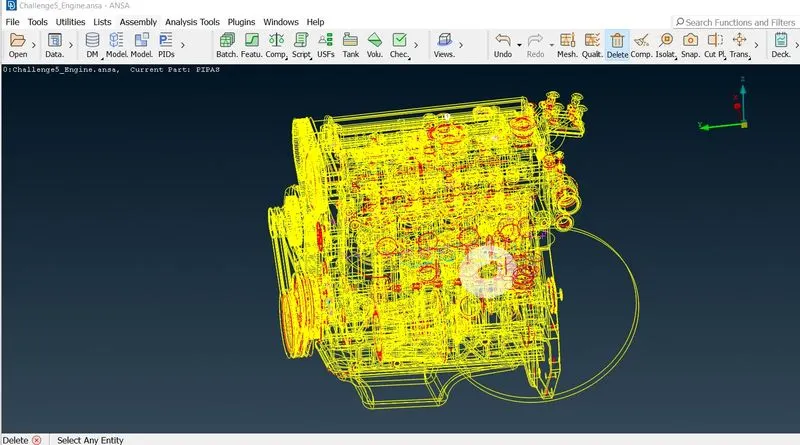
After deleting tubes and overlapping surfaces,the surface becomes
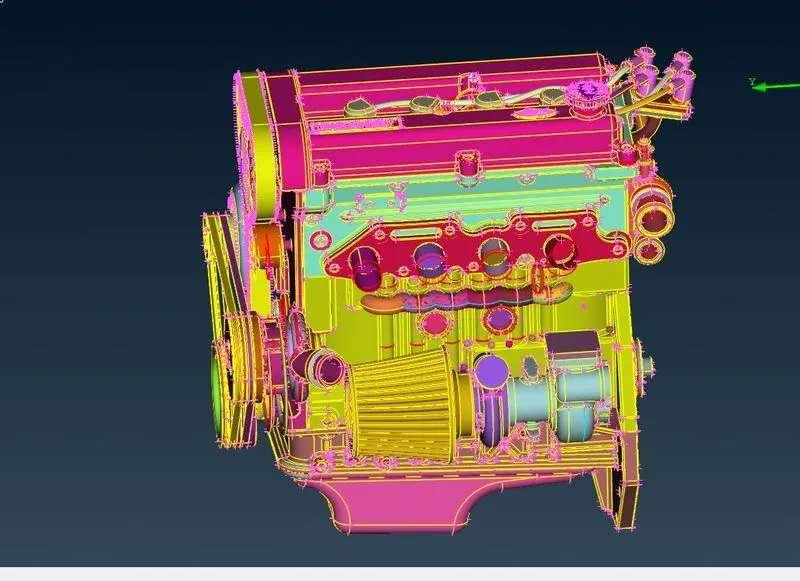
We have deleted the tubes which are possible. There is a huge amount of tubes and components inside the engine and are also connected which are not usable so we are trying to delete this together. for that we are hiding the important parts of engaging by choosing not tool and pid mode of selection.
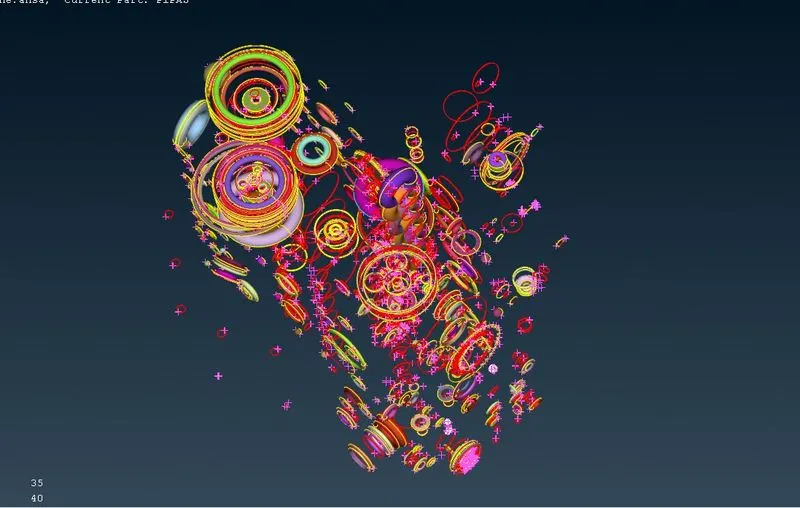
Then it looks like below after deleting above all stuff
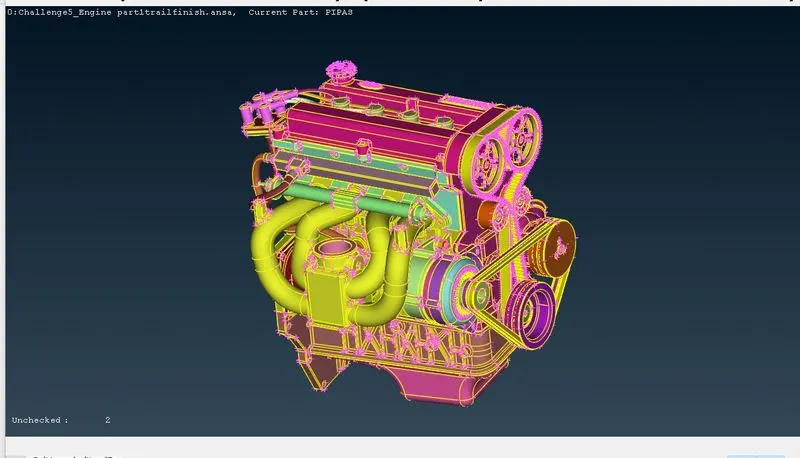
we will remove all triple cons and alsowe remove belts also
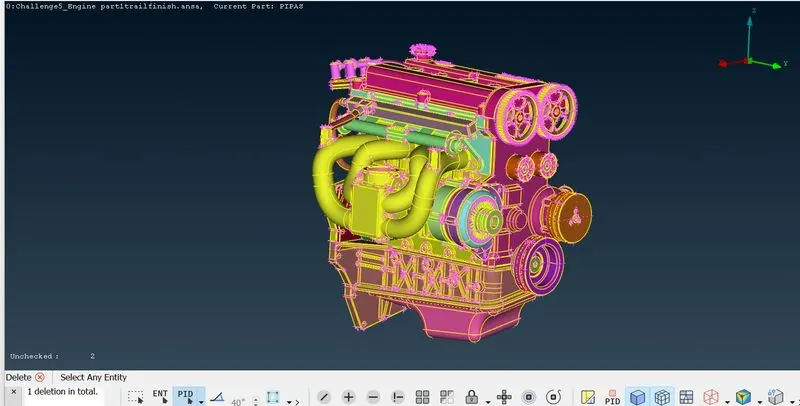
Now will import Transmisson model,it looks like below
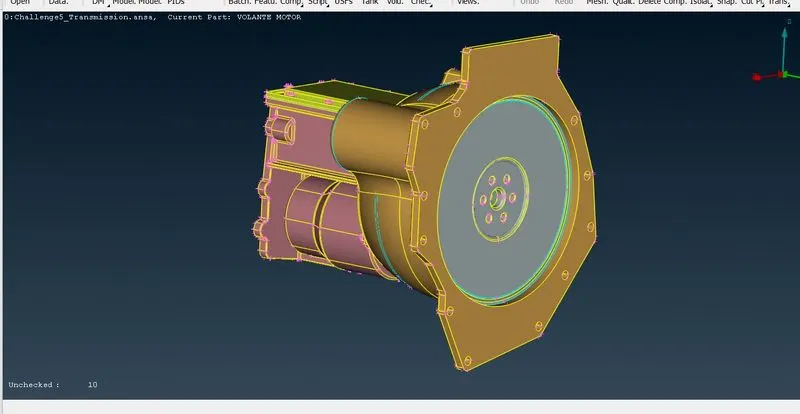
After deleting single cons and triple cons,it becomes like this
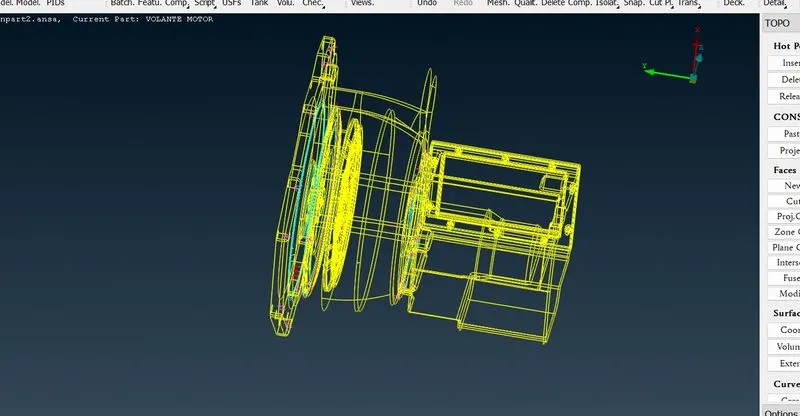
Now we will import Gear box model
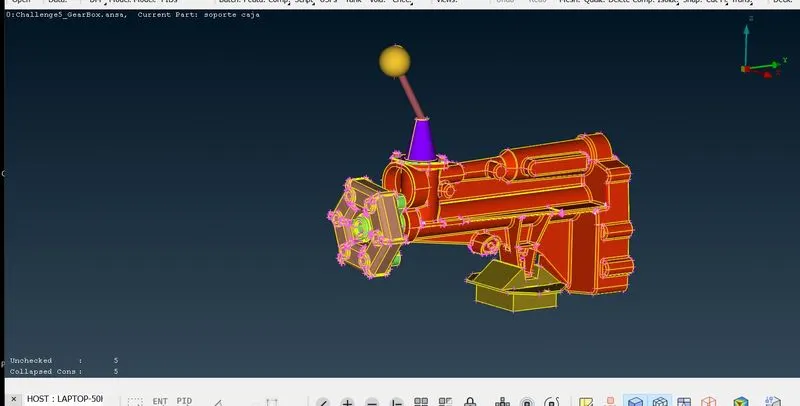
After deleting single cons and triple cons it looks like this
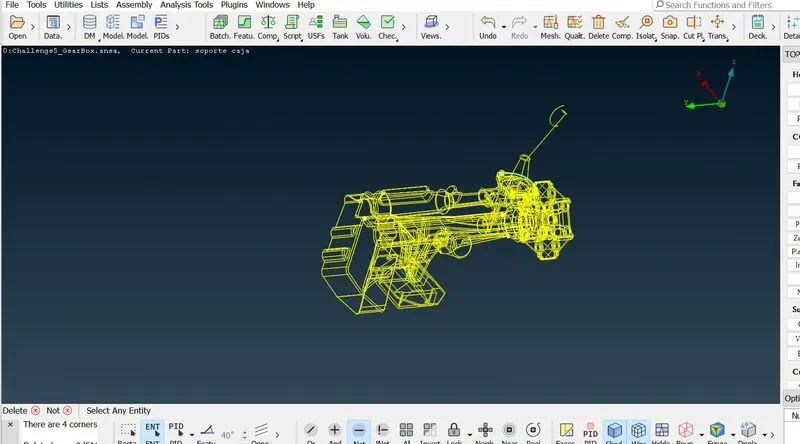
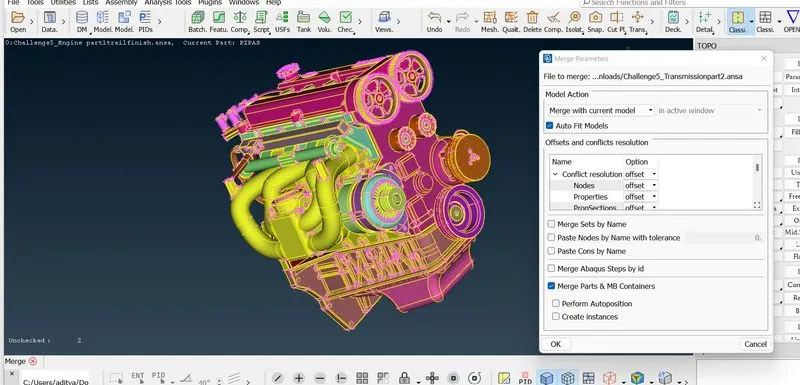
Now we will merge,First open the engine model,go to files-> merge,Then a new popup opens,Now select the files which we want to merge and click on open again a new popup opens,then select the ‘Merge with current model and click on check box to on auto fit models’ then click on ok. And wait.
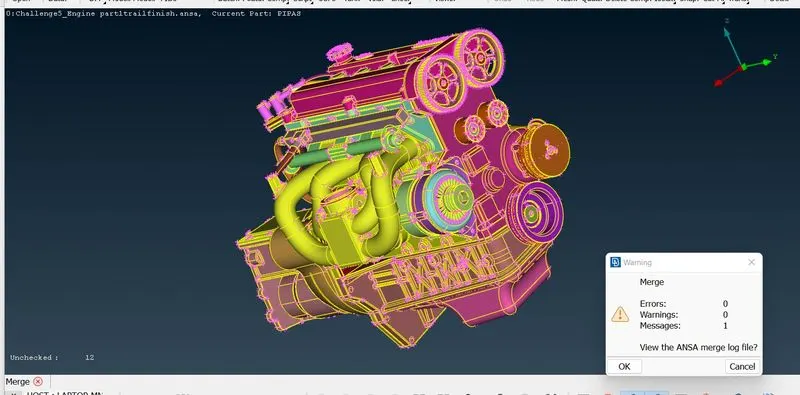
Now it has been merge. Make sure that there are no warnings while merging. then close this tab.
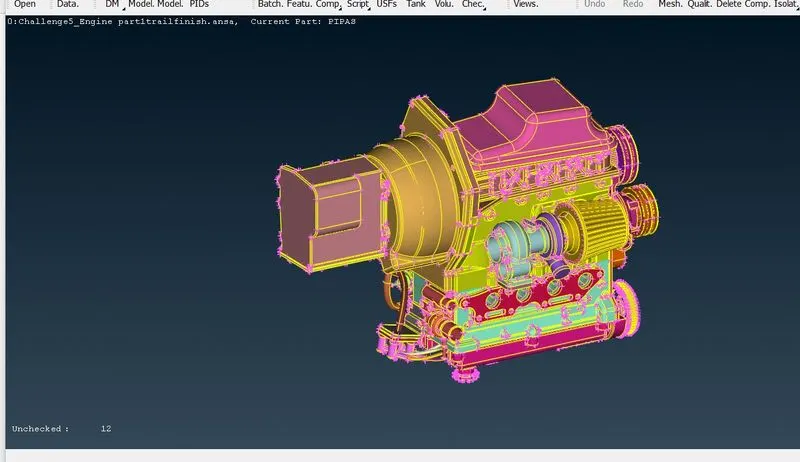
similarly we are merging the gearbox file,It will look like below
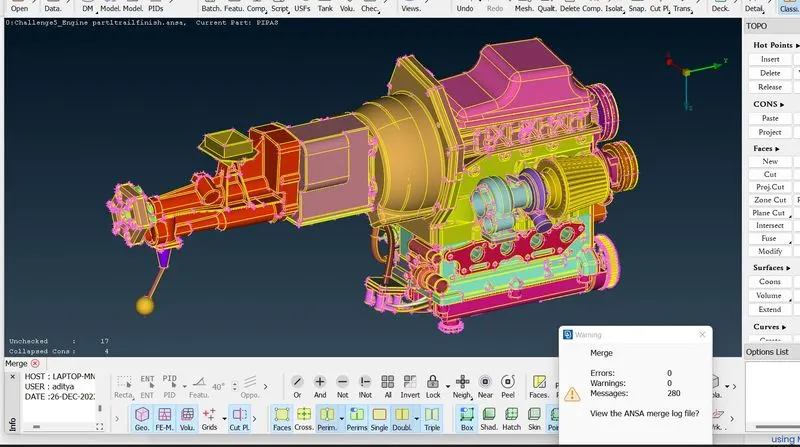
here the task is that close all the openings to get water tight mesh i.e. surface wrap. For that goto faces-> new-> and create a face by using various options like coons and fitted and loop/entity mode section.
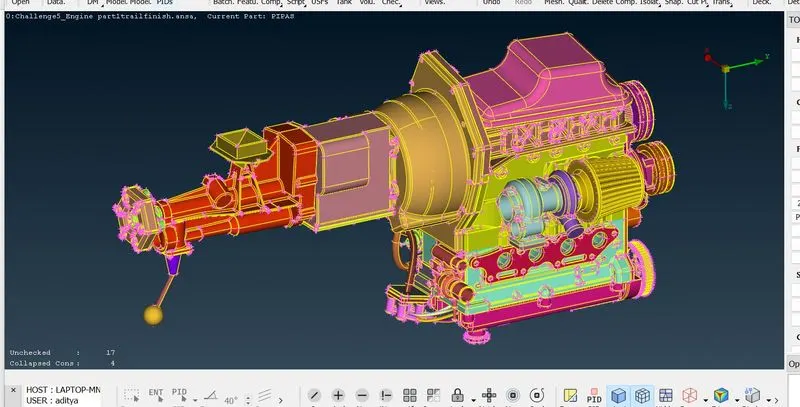
After closing all openings,it looks like below
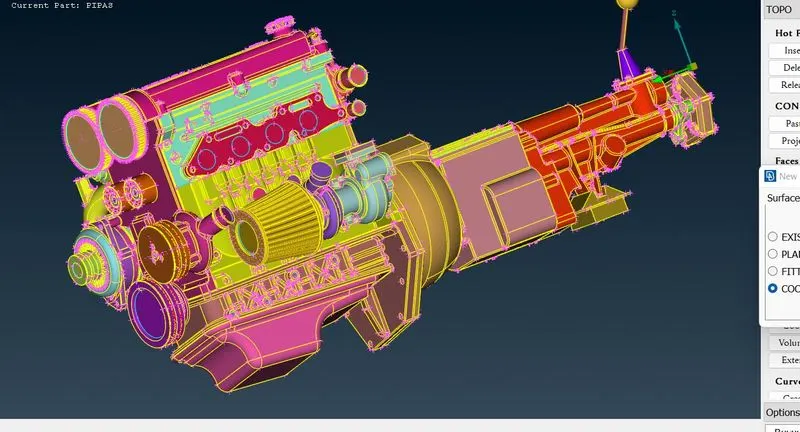
Surface wrap Go to classic mesh model,
Here Target length for wrap = 5 mm
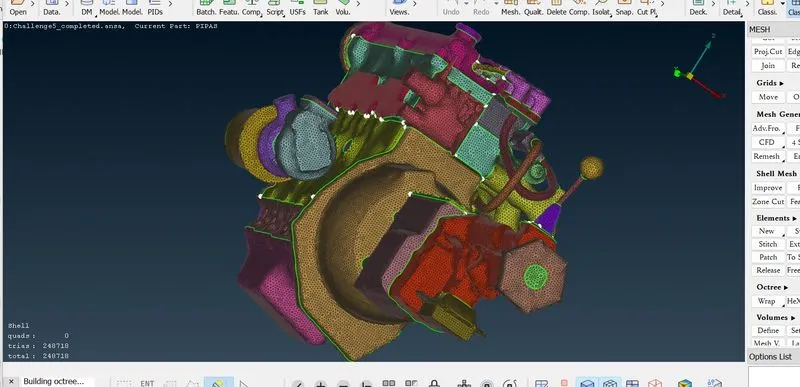
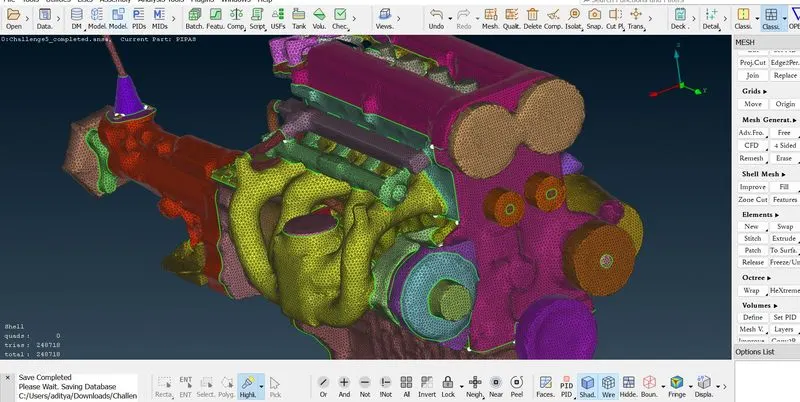
Now we are going for surface wrap, goto octree-> wrap -> constant length (or) elements -> wrap -> constant length
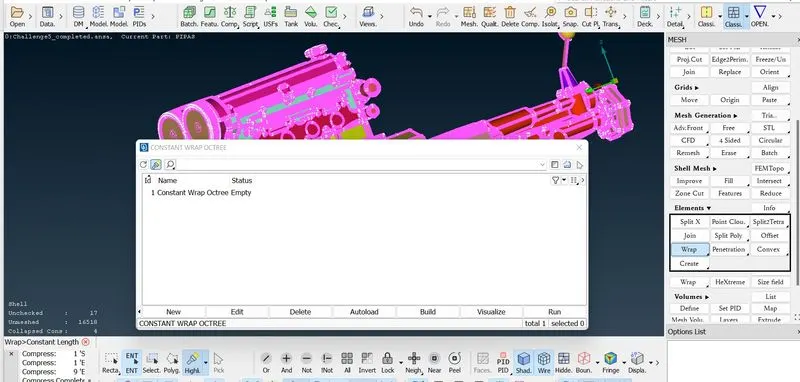
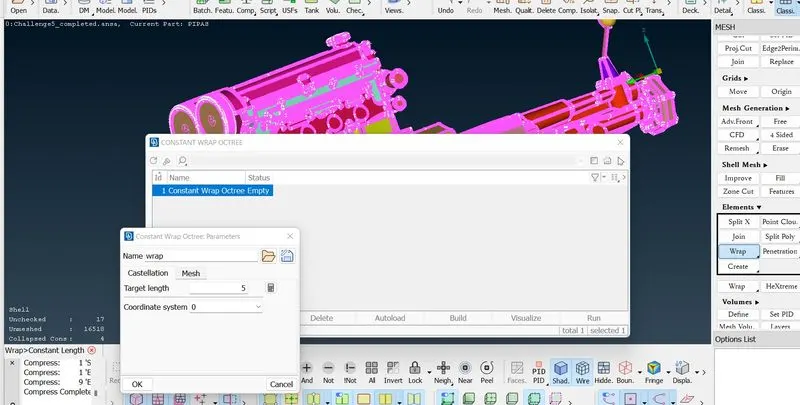
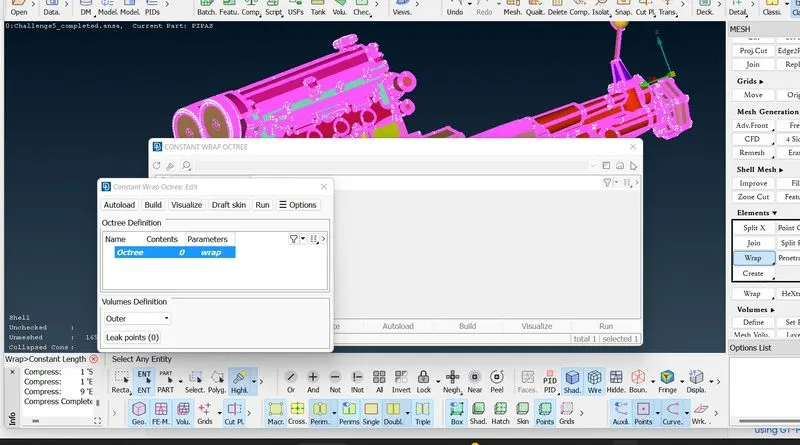
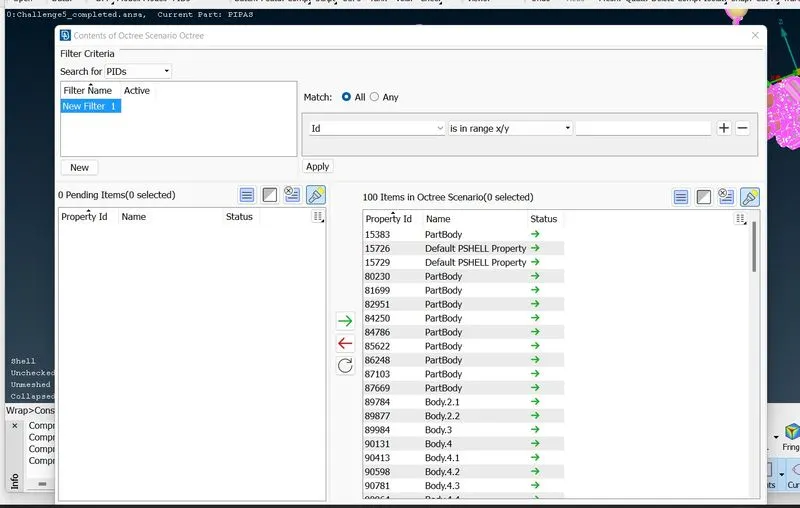
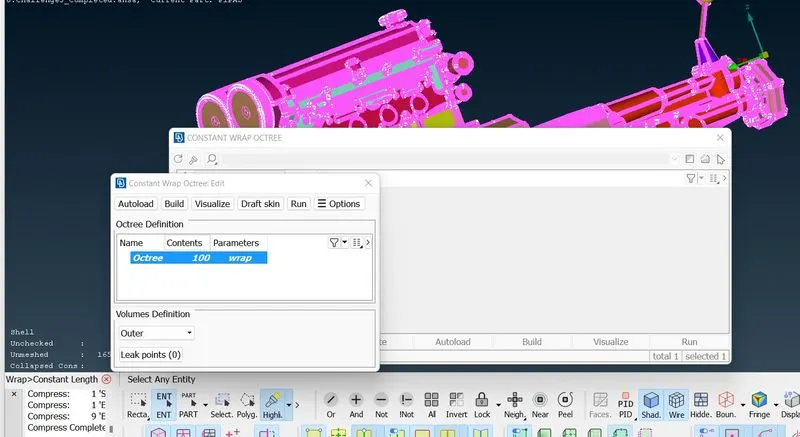
Now its done the surface wrapping. It just like a wrapping a paper on pen, etc. with this I am concluded.
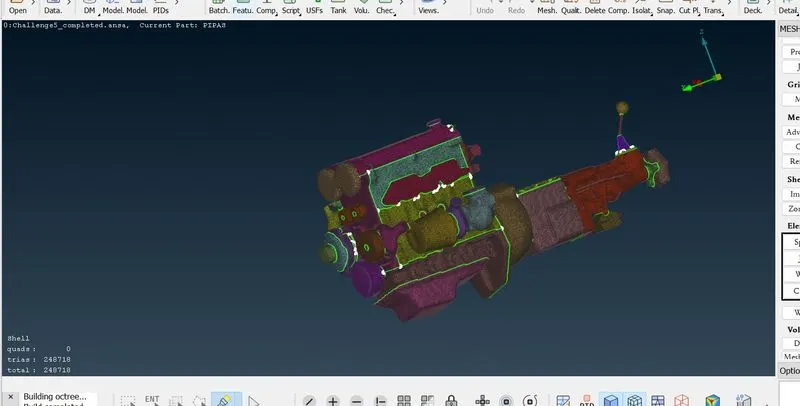
Conclusions
1.I have learned what is mean by surface wrap
2.I have also learned where the surface wrap we are doing and how its done in ansa.
Output files:
surface wrap of an automotive assembly
https://drive.google.com/file/d/1q5GD5KTbsA71WNEImL779dJ9LTVyq-Fy/view?usp=share_link