Week 5 Challenge : Surface wrap on Automotive Assembly
-
For the given models, check for the geometrical errors and delete surfaces which are unwanted for Surface wrap as shown in the videos. After clearing geometry, Merge all 3 models and perform surface wrap.
Target length for Wrap = 3 mm
Write a detailed report on steps followed to finish this challenge. - Objective - To check the geometrical errors and delete the unwanted surfaces for the given models. Also perform the surface wrap for engine model, gearbox model and transmission model. For performing the surface wrap the target length for wrap should be 3mm.
- Surface wrap is used for meshing the component from outside.
- Surface wrap is used to study the outside flow simulation /analysis.
- Analysis which do not require inner components which requires only outer components.
- Surface wrap is used for wraping the components.
- Procedure
- Cad geometry
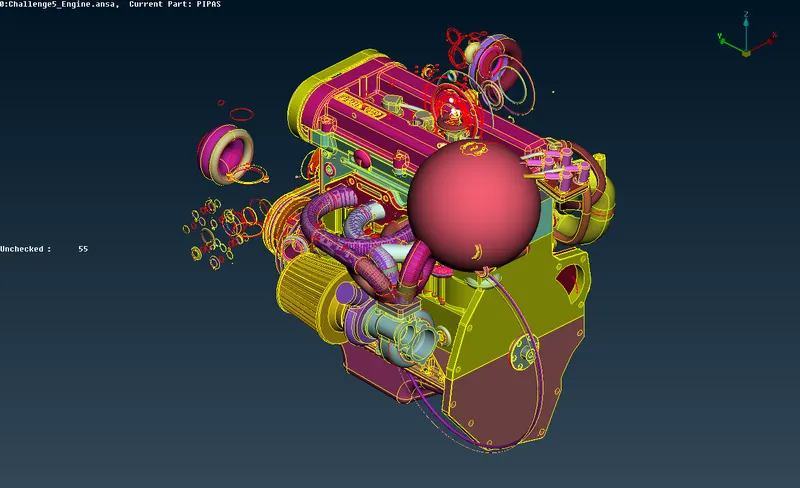
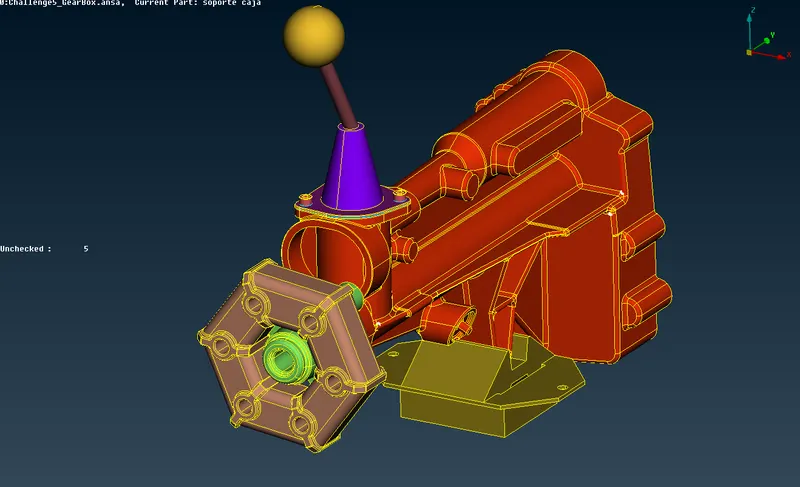
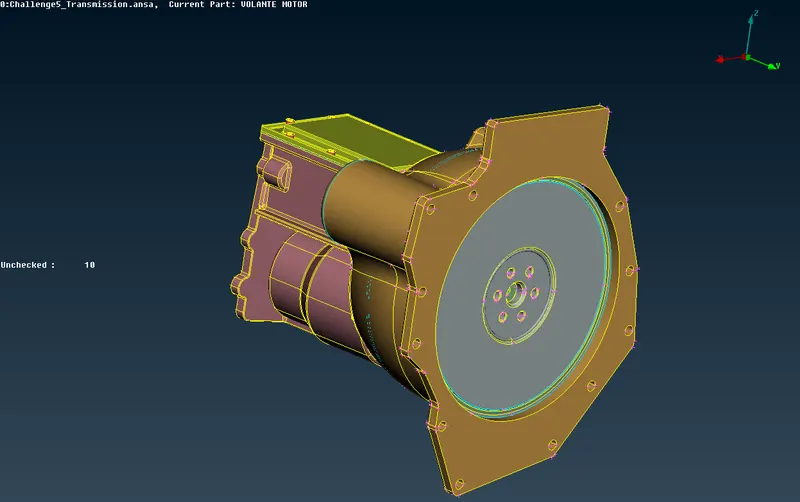
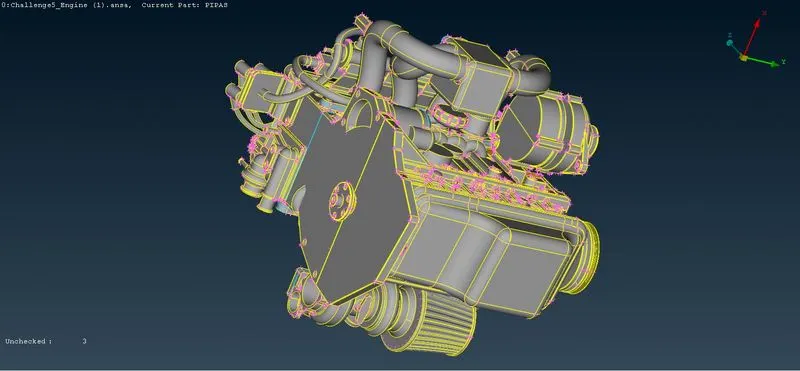
- Topo cleanup
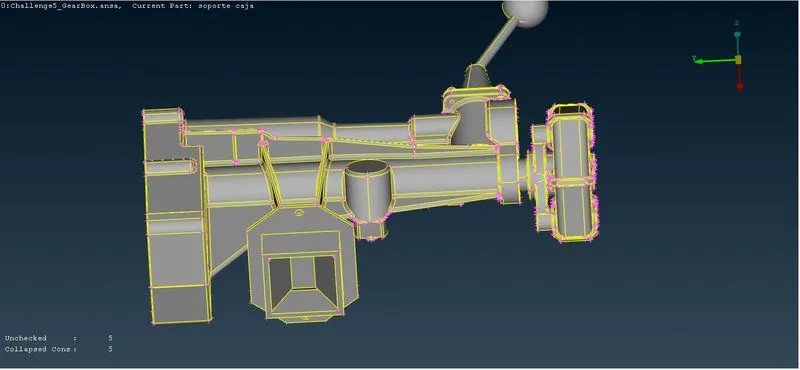
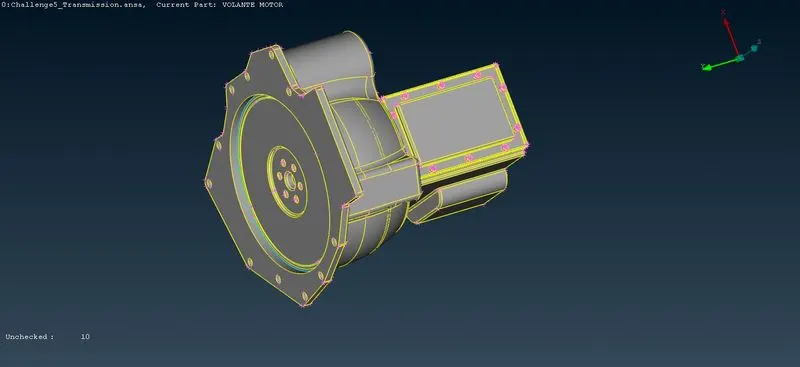
- Merge engine model and tranmission model
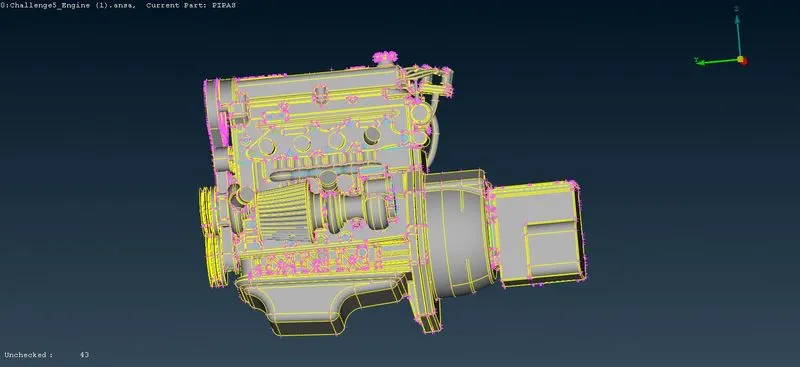
- Merge engine ,gearbox and transmission model
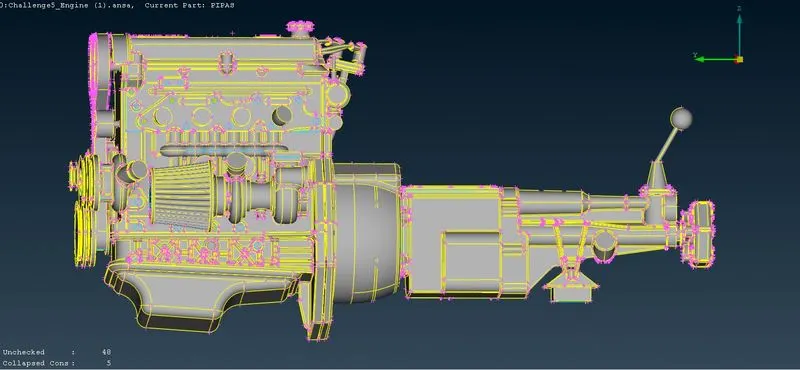
- Surface wrap for 5 mm target length
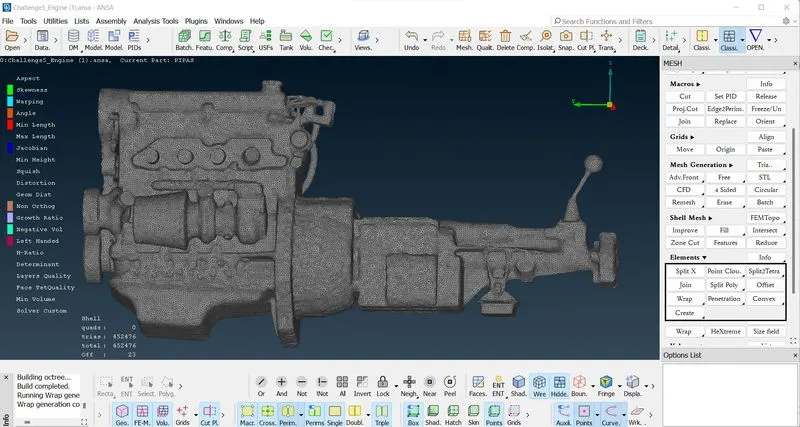
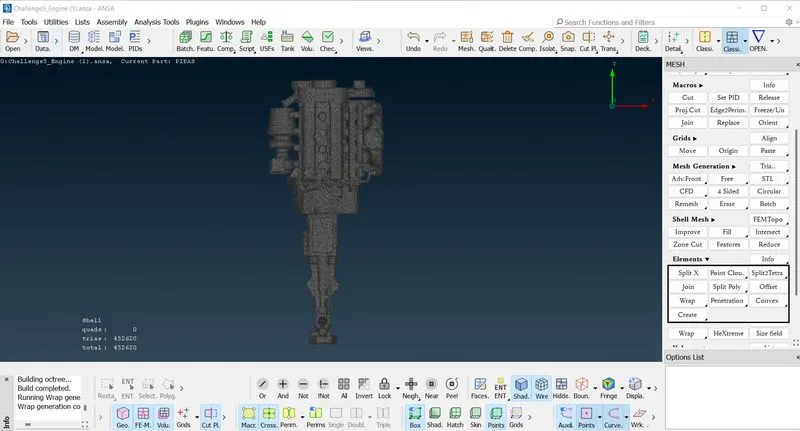
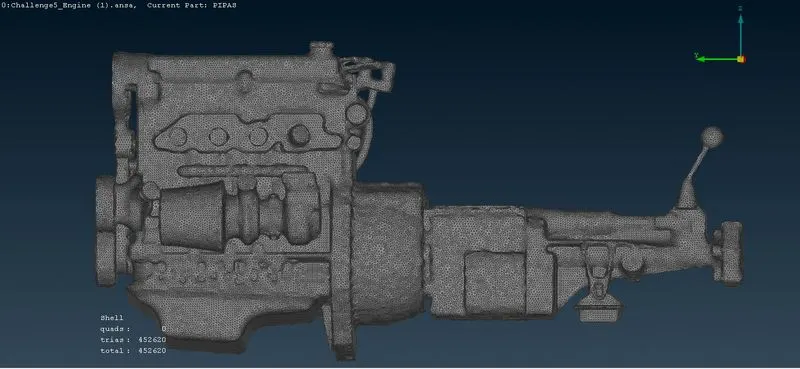
- Result
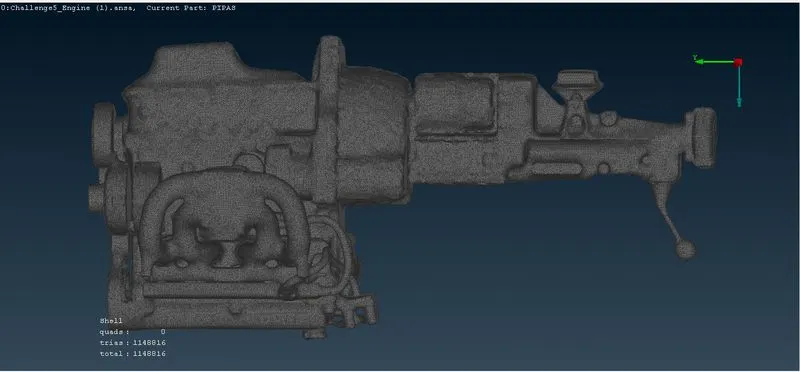
- Surface wrap for 3mm target length
- Stepwise Explaination
- Upload the ANSA engine file to ANSA, first we will do a topo-clean on the engine.
- The engine file has many redundant parts that are not necessary for finishing. In PID mode, we can select the main important parts and hide them.
- Now we see most of the excess rings and tubes that are not needed. We can delete them by selecting the field in the delete tool.
- After deletion, we will also remove some unwanted components such as fuel hoses and belts. Next, we fill all the holes, since we are only interested in the surface packaging.
- Save the updated file and open the gearbox and gearbox individually.
- Now we need to perform a topo-clean for the gearbox and gearbox, similar to the engine topo-clean.
- Remove triple cons and discontinuous surfaces like rings and other features that don't play a role in the single volume we need to achieve.
- After topo-clean, we need to join the 3 parts together to create one volume so that the surface mesh can be perfectly achieved.
- A merge can be done by selecting the merge option under the file and selecting the gearbox, gearbox files and doing the merge.
- After the merge is done, we can now do the area mesh. But first we need to remove the excess PIDs created and this can be done by compressing and keeping only the required PIDs.
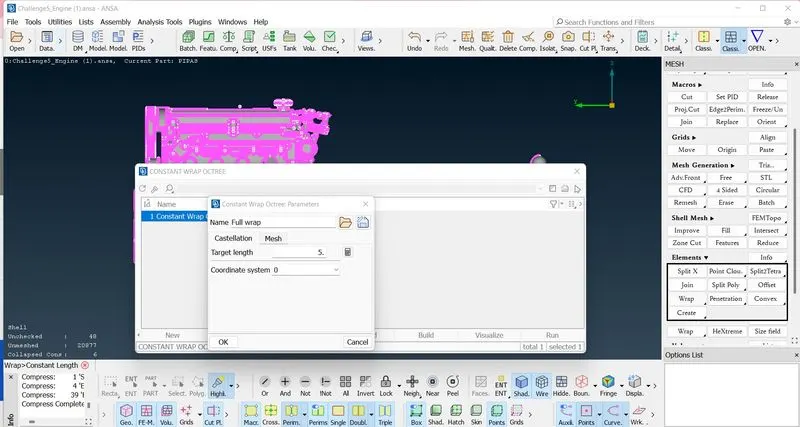
- Go to mesh, Select the wrapper under mesh generation. Click and hold on the cover and a drop-down menu will appear. Choose a constant length.
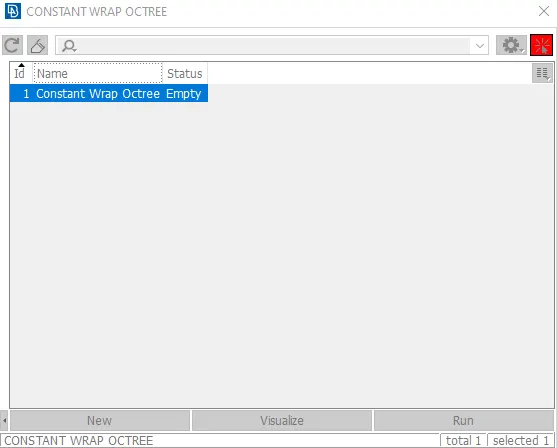
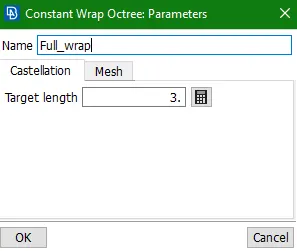
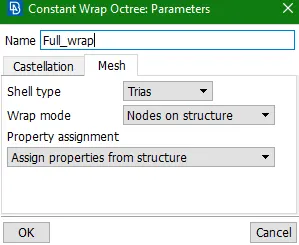
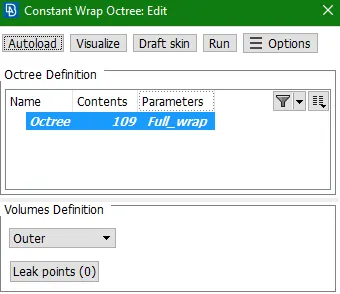
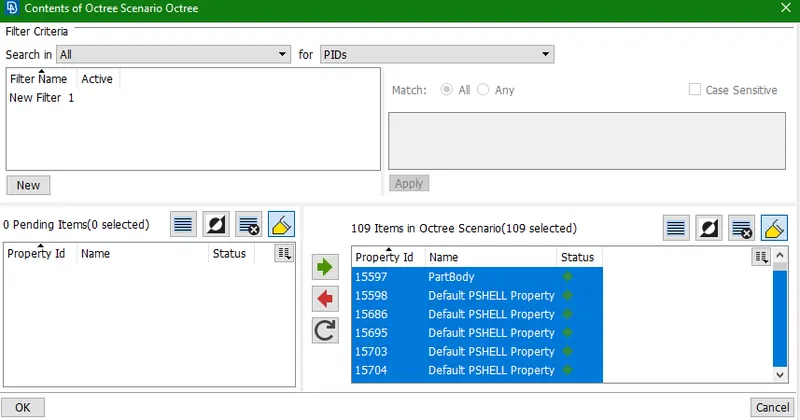
- Click Contents and select all PIDs to mesh and wrap the surface.
- Click RUN to wrap the selected PIDs.
- Achieves Surface wrap.
- Conclusion
- A surface wrap is achieved for a specific powertrain component with a total of 1148816 elements.
- Finishing is easier to do because you don't care about the physics inside the body, so you don't depend on the quality of the cladding of any material.
- The effective surface area range is achieved for a specific body with a specific mesh length of 3 mm.